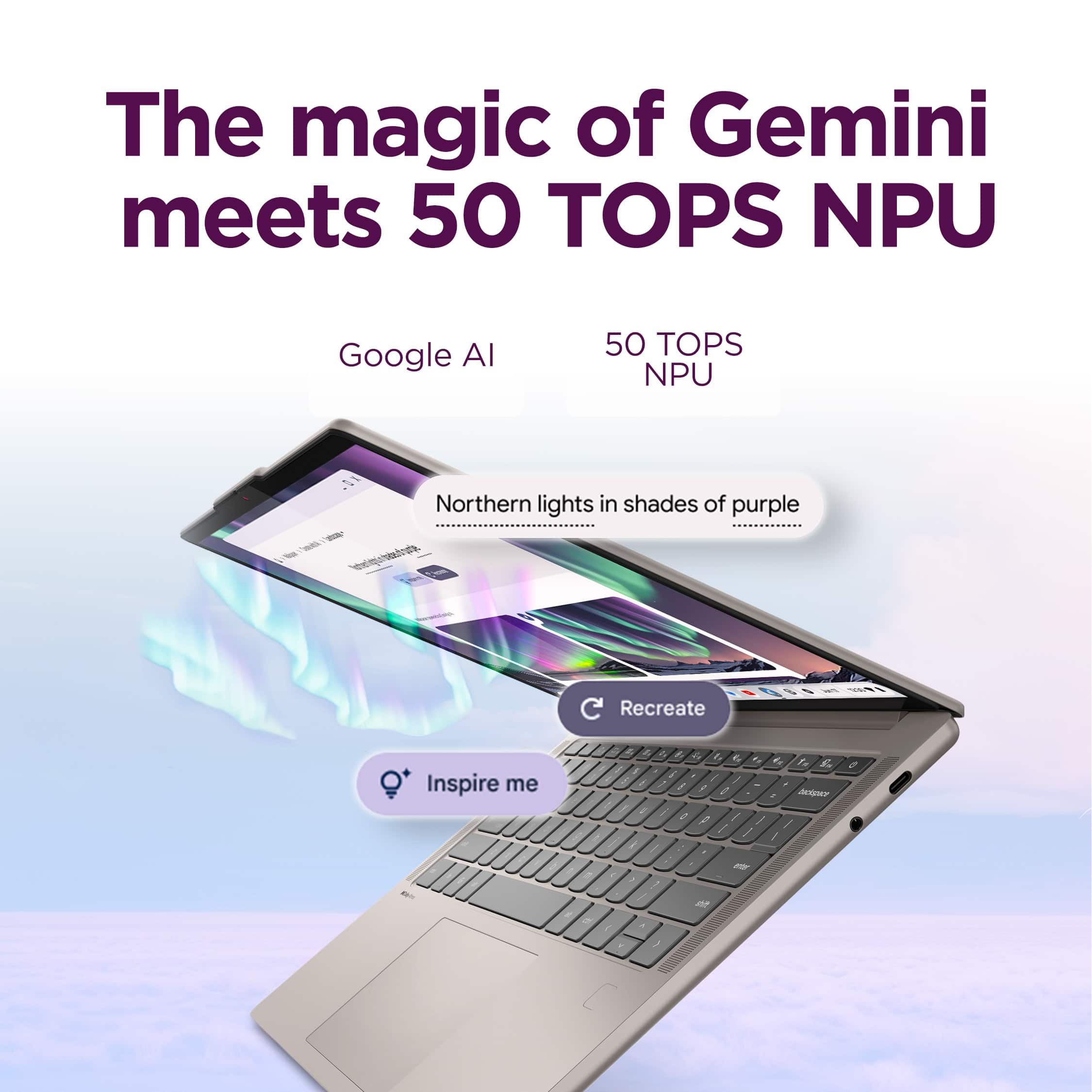
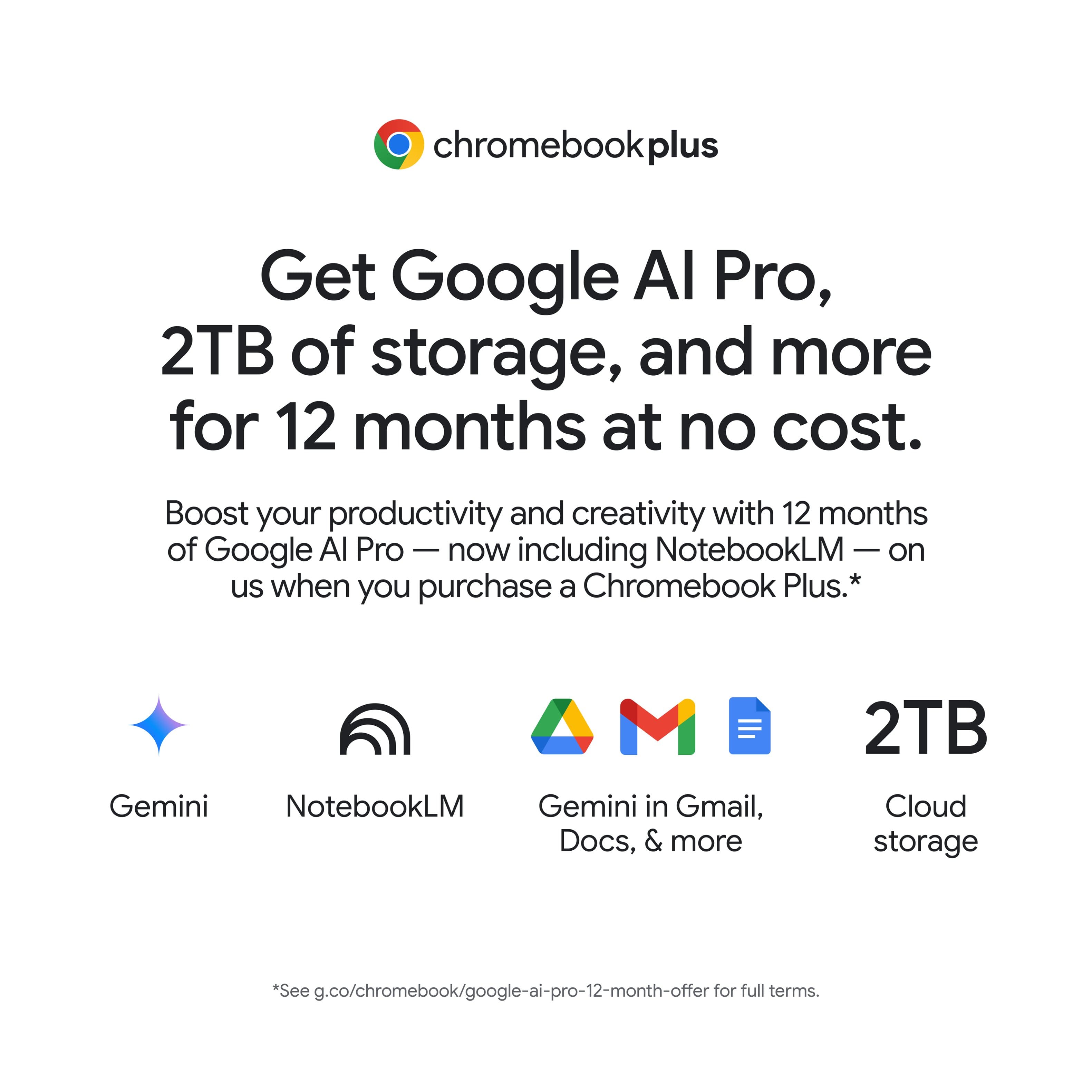
A:AnswerI was not able to obtain the 12 month Google AI offer and when I opened up a ticket with Google on the matter they communicated that this model was not eligible (it also failed the automated eligibility process as part of my attempt to obtain this "perk").
A:AnswerHi Moose,
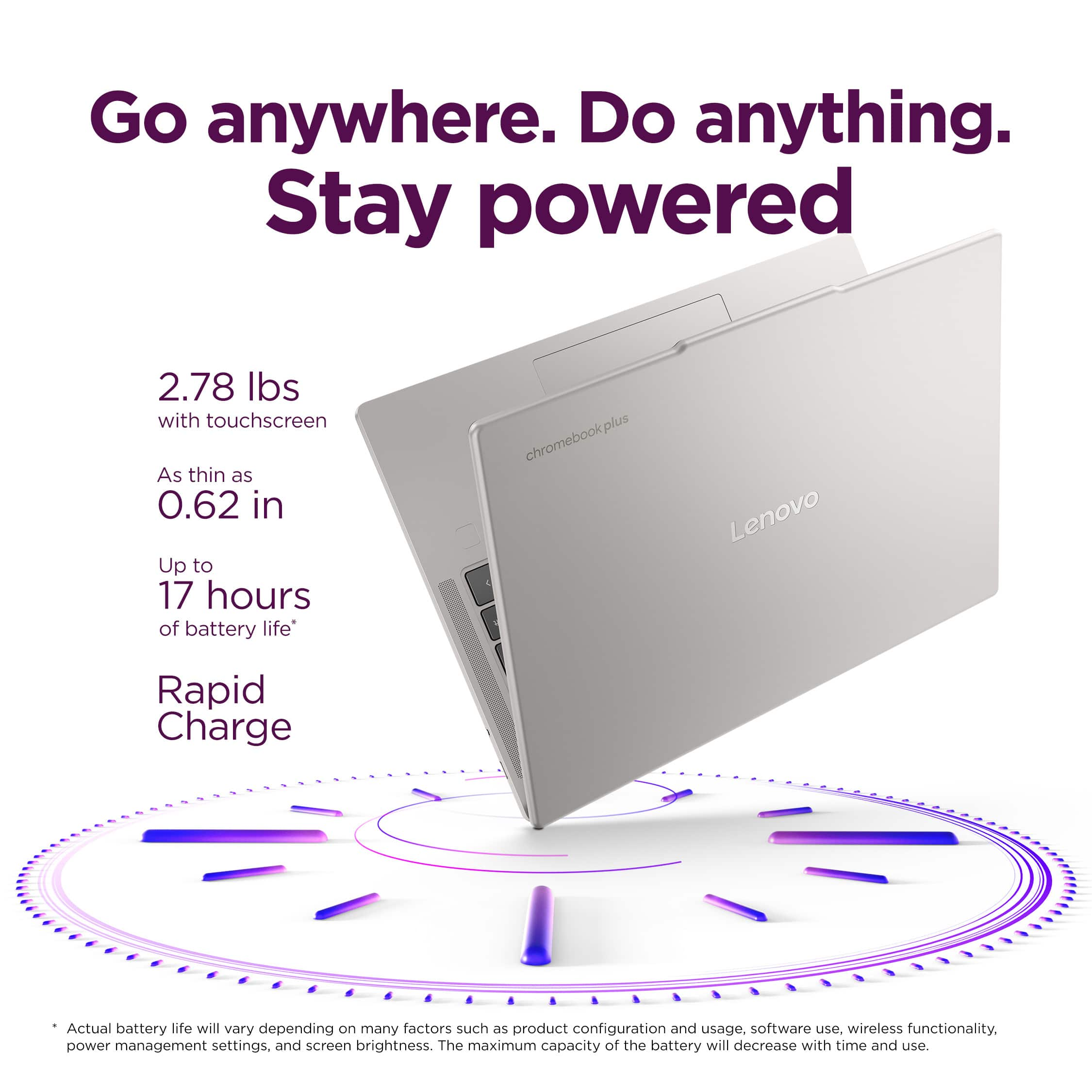
The Chromebook Plus 14 is currently expected to receive automatic updates until June 2035.
Please feel free to reach out to us with any other questions!
A:AnswerBased on the information provided by Lenovo, no to both:
The RAM chips are soldered down, not RAM modules/sticks.
The storage is Universal Flash Storage (UFS 4.0) similar to what is used in flagship cell phones.
A:AnswerHi, thanks for your question. This Lenovo Chromebook Plus does not support stylus input. If you are looking for a device that offers stylus input, then we would be happy to work with you to find the right device for your needs. Please feel free to reach out to us if you have any further questions or need any assistance.
A:AnswerHi Lulu, thanks for your question. This Lenovo Chromebook Plus 14" will receive automatic updates from Google until June 2035. Please feel free to reach out to us if you have any further questions.
A:AnswerTo a certain extent, but you're working on Gemini and if you have Gemini pro it works a little bit easier than having the free version as your capabilities are limited pretty significantly. In terms of AI capabilities, at this moment the only thing I've been able to play around with is the same Google Gemini pro that I have from my pixel that I got last year. I think I had the same expectations that normal people would have expecting Google to have really integrated Gemini with a button that launches the assistant or having pre-installed Gemini/google apps like the home app or Google maps that will seamlessly integrate with the laptop. However, that is not the case here. I had to download all of this stuff on my own and then when it popped up I had to update the just installed apps from the Play store. Also, be aware that you can download an app from the Play store or you can download it from Google Chrome and then be confused as to why there's two different versions of the same app with similar but not the same app designs.
A:AnswerHey there,
There are no key differences between the two models you're referencing.
Please feel free to reach out to us with any other questions!
A:AnswerHey Dz,
Chromebook devices are generally easy to navigate, even for novices, and you should have a smooth experience using spreadsheets, including on platforms like Google Sheets and Microsoft Excel (via web browser or app in the Google Play Store).
Please feel free to reach out to us with any other questions!
A:AnswerHey Shellz,
It depends on which Adobe program you're after, but a majority of Adobe software applications can be found in app form via the Google Play Store or used via the cloud / browser. Regarding Word, you can get the Word app from the Play Store, along with accessing it via the web as well.
Please feel free to reach out to us with any other questions!
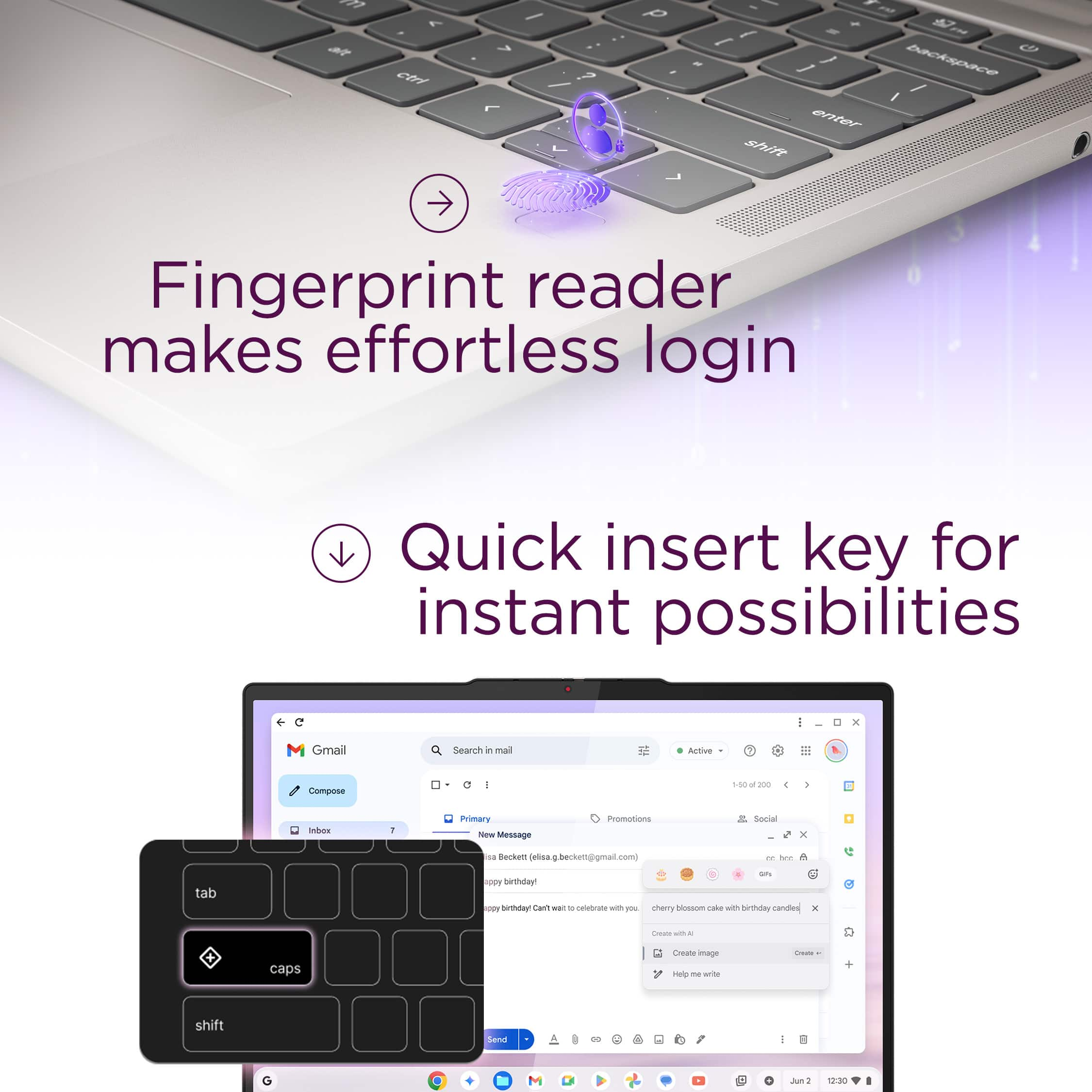
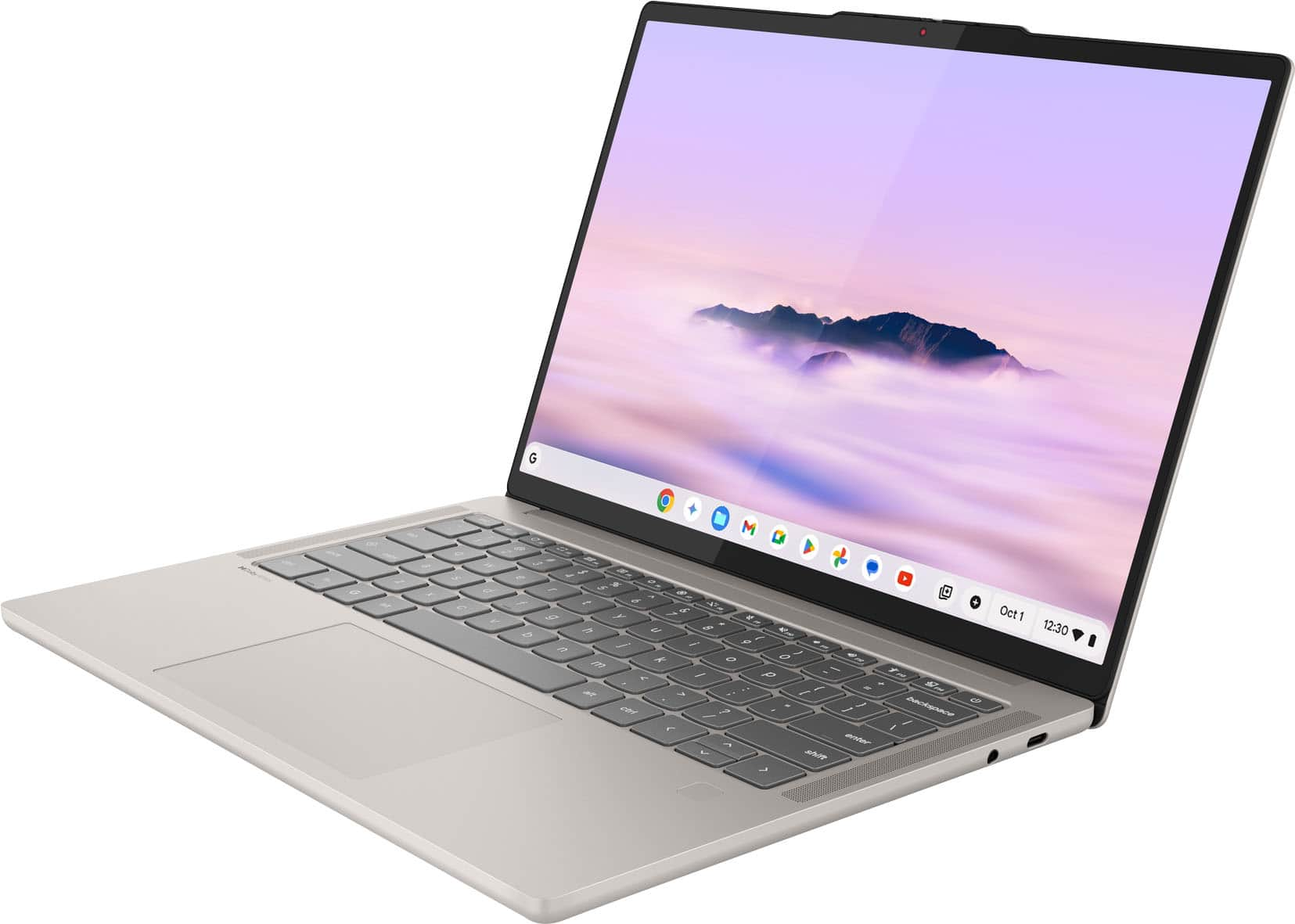
A:AnswerYes it does. That said, there are versions of this unit that shipped without the fingerprint reader, so double check with your retailer.
The unit Best Buy is selling has the fingerprint scanner.
A:AnswerHey StephenD,
Please take a look at the response that we've posted to your review so that we can speak precisely to all that you've shared.
Feel free to reach out to us with any other questions!
A:AnswerGoogle maintains a web site with brands and models tested to be compatible. Personally I have 3 printers which all work with ChromeOS. HP Color Laser jet Pro, Brother monochrome laser ML-L2370, and a Brother label printer QL-810W. All print wirelessly more reliably than when I use my Windows desktop.
A:AnswerHey P111,
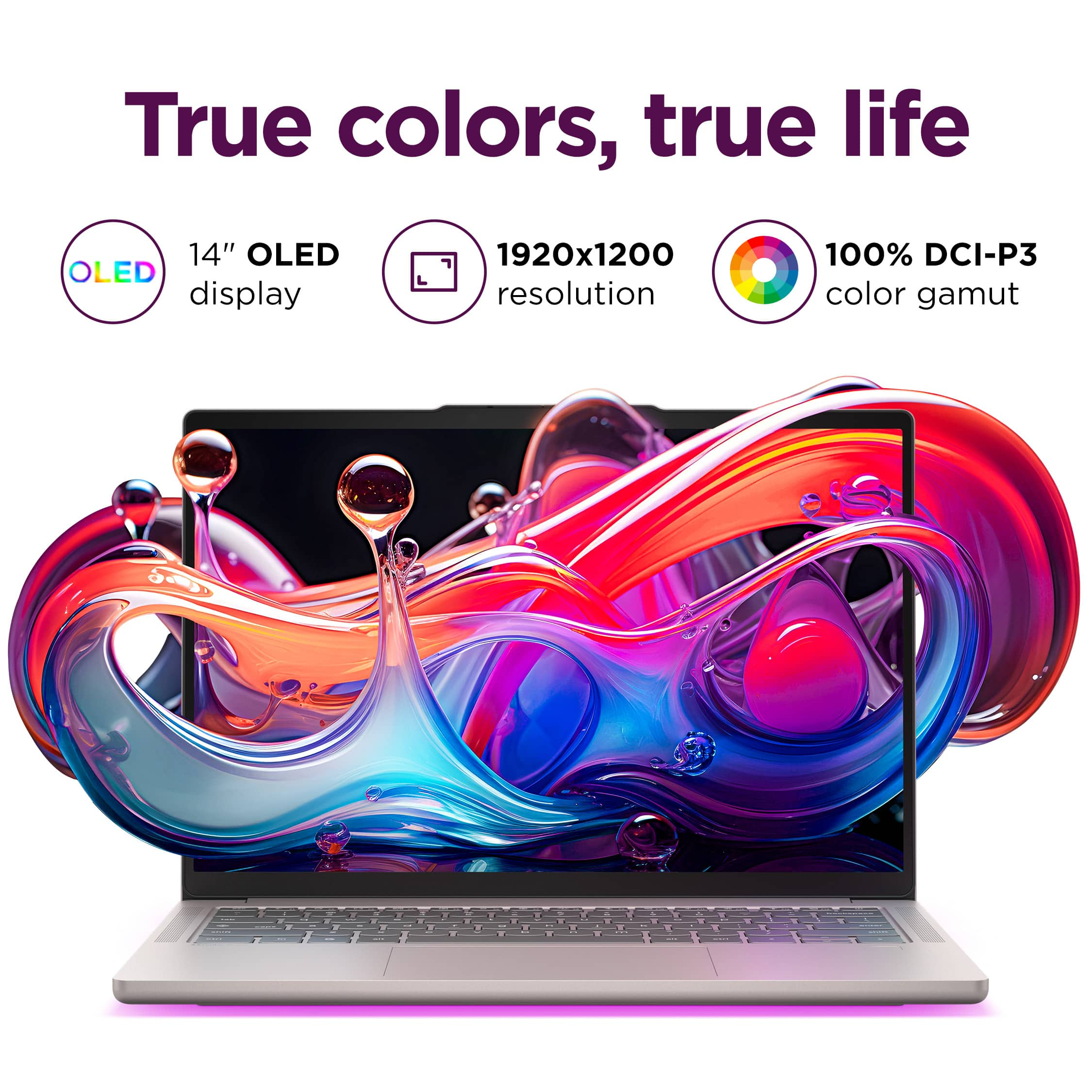
The Chromebook Plus features technologies and safeguards in place to protect and prevent eye strain. The system is SGS Eye Care Display Certified, along with TÜV Rheinland Low Blue Light Certification. Also, within system display settings, you can adjust the display color temperature your preference to help with your wellbeing as well.
Please feel free to reach out to us with any other questions!