A:AnswerHi zcrayfish,
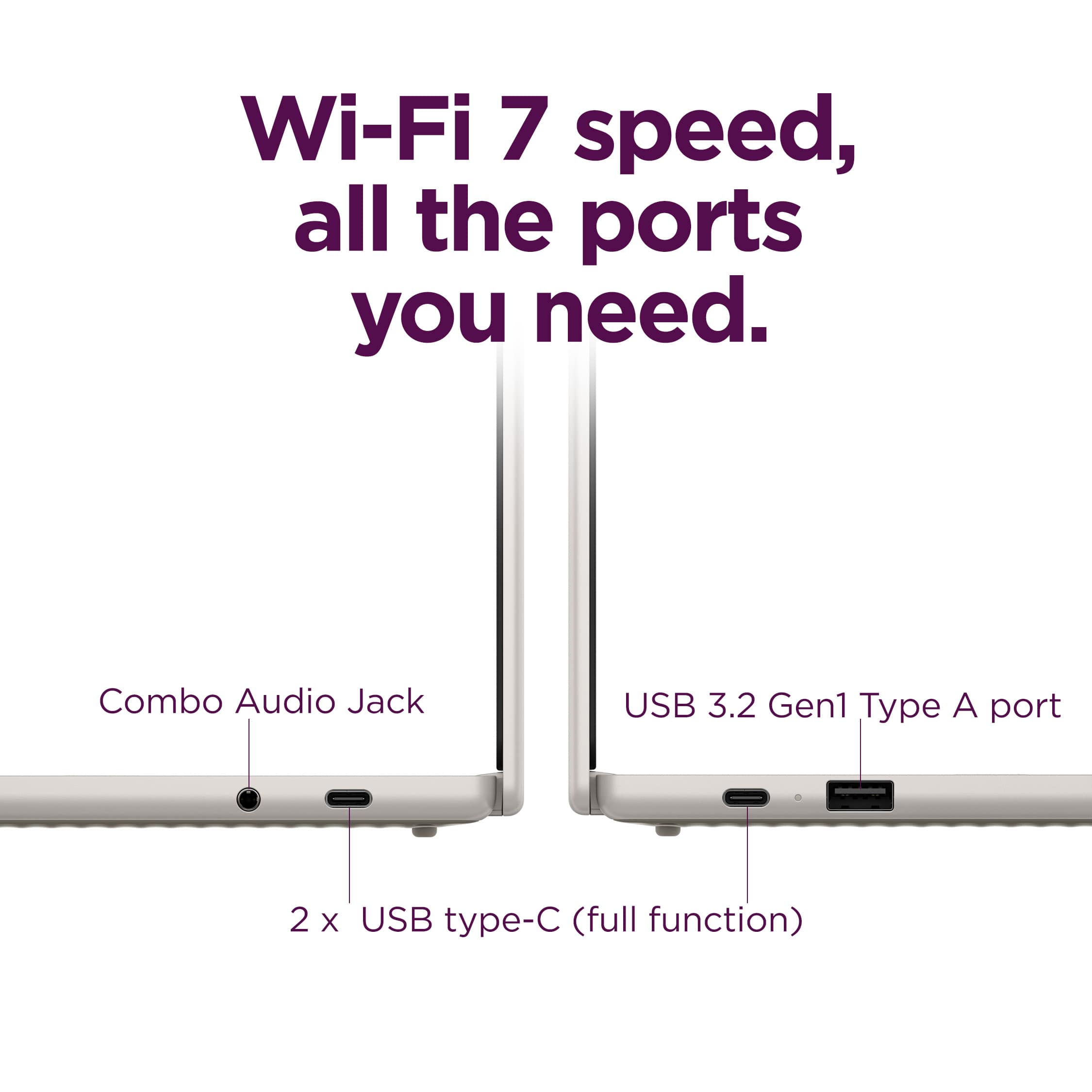
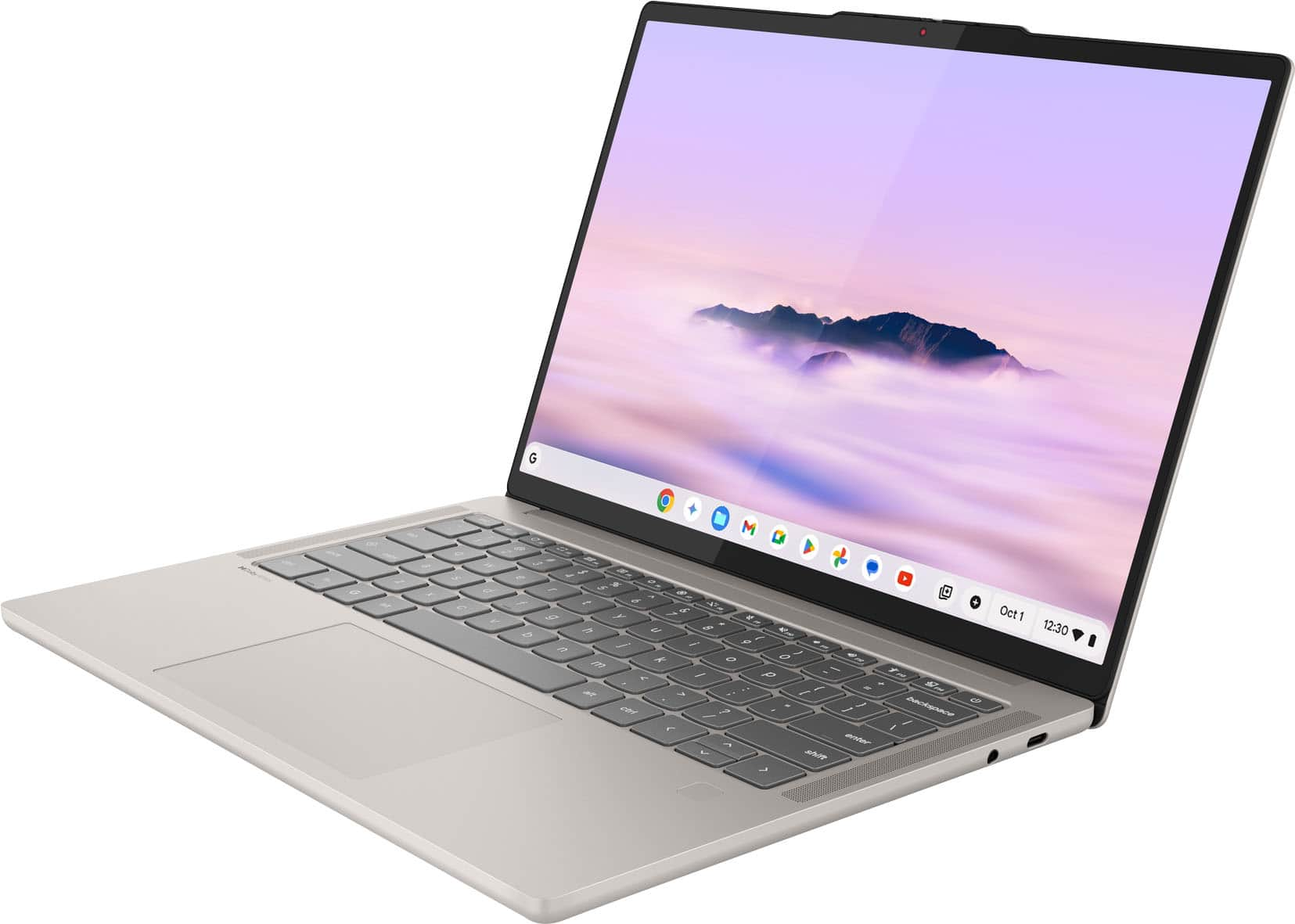
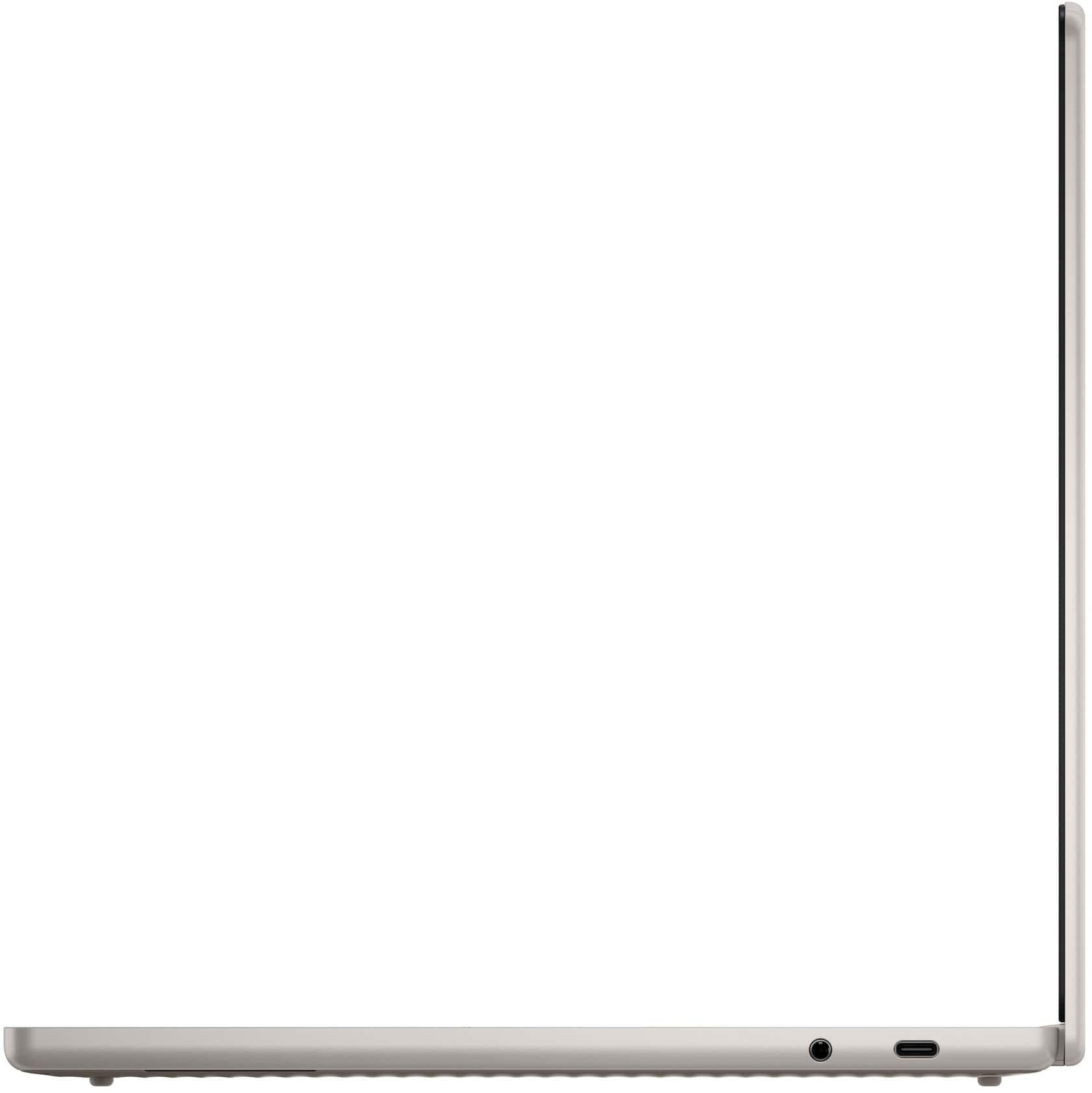
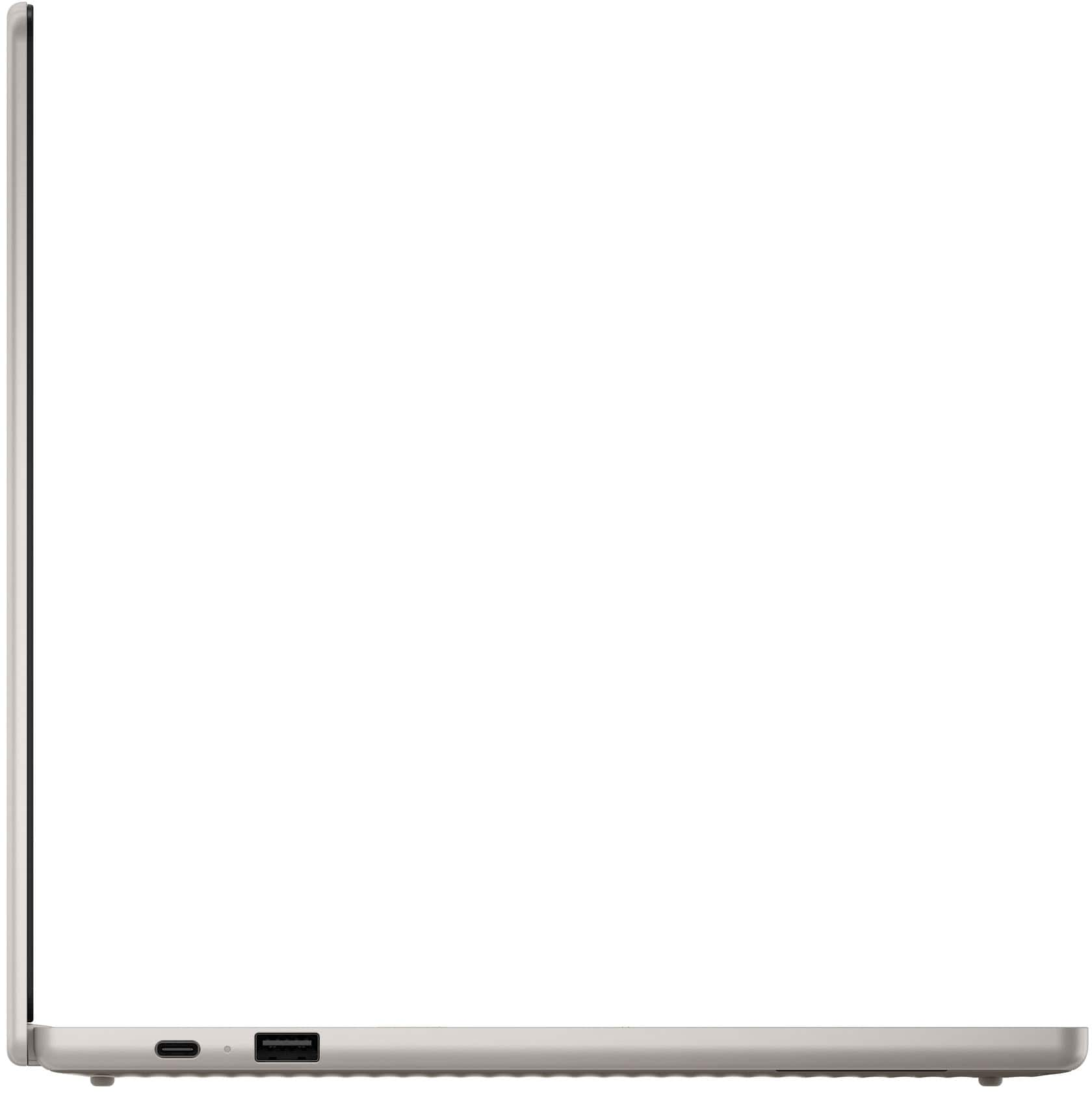
There are various Lenovo USB-C hubs and docking stations for sale that will work with the system, featuring power passthrough, 2-3 USB ports, and an HDMI output, but they are currently not offered at Best Buy.
Please feel free to reach out to us with any other questions!
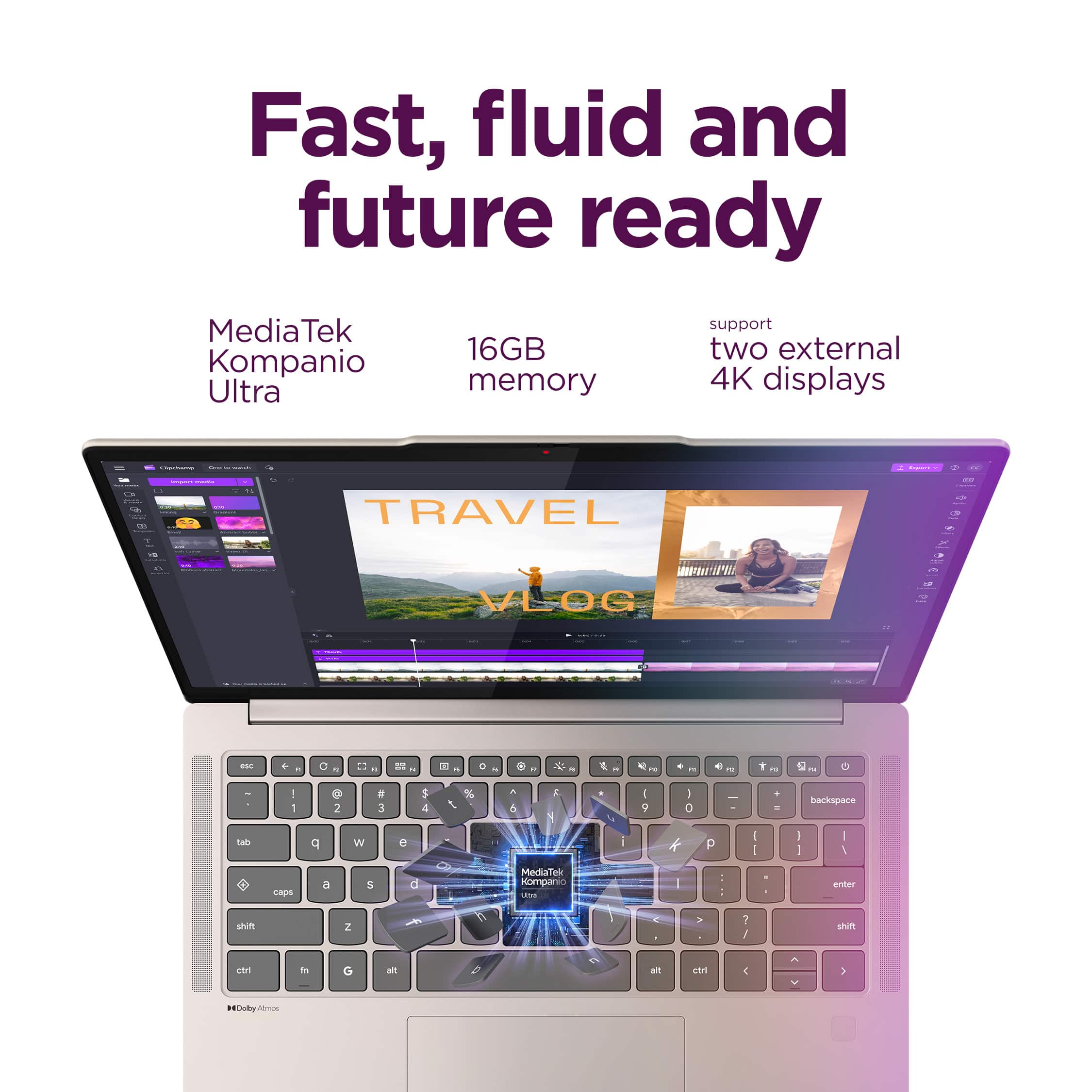
A:AnswerYes, the Lenovo Chromebook Plus 14 can drive 2 monitors, but only the right-side USB-C port can push 4K at 60 Hz. The one on the left only achieves 4K at 30 Hz. If you're using more than 1 display, the maximum resolution and frequency will not be 4K at 60 Hz. I think it can push 60 Hz for both external monitors if the resolution is 1080 or 1440, but I can't confirm.
A:AnswerYes, like any other laptop, you can plug in external hard drives, SSD drives, SD Cards thru an adapter etc. and access them with the FILES program provided, or other File Manager programs you choose to install from the Play Store,
Might have to play around a bit if you want to use an external drive formatted with the Linux .ext4 file system connected to the Crostini Linux container,