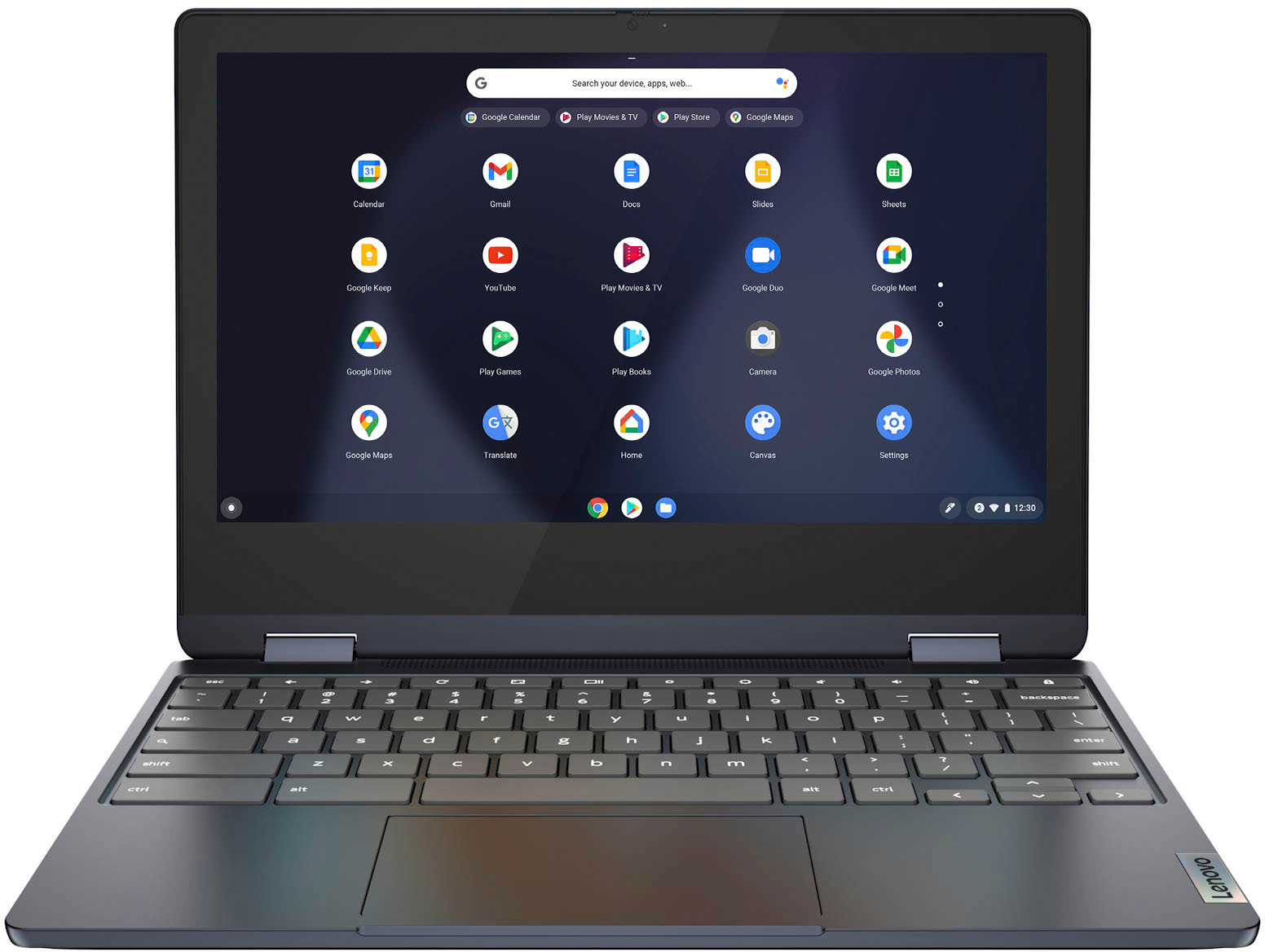
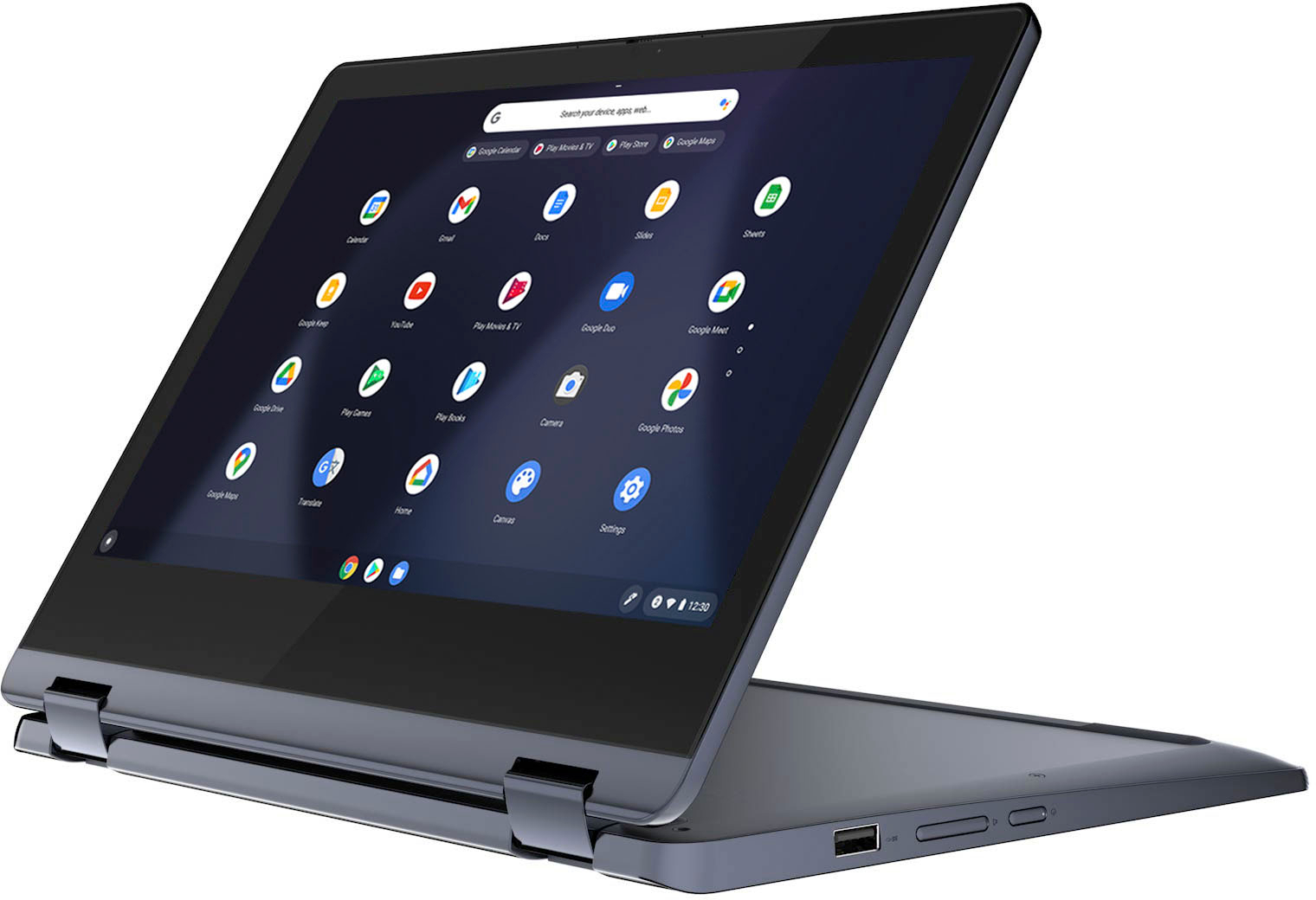
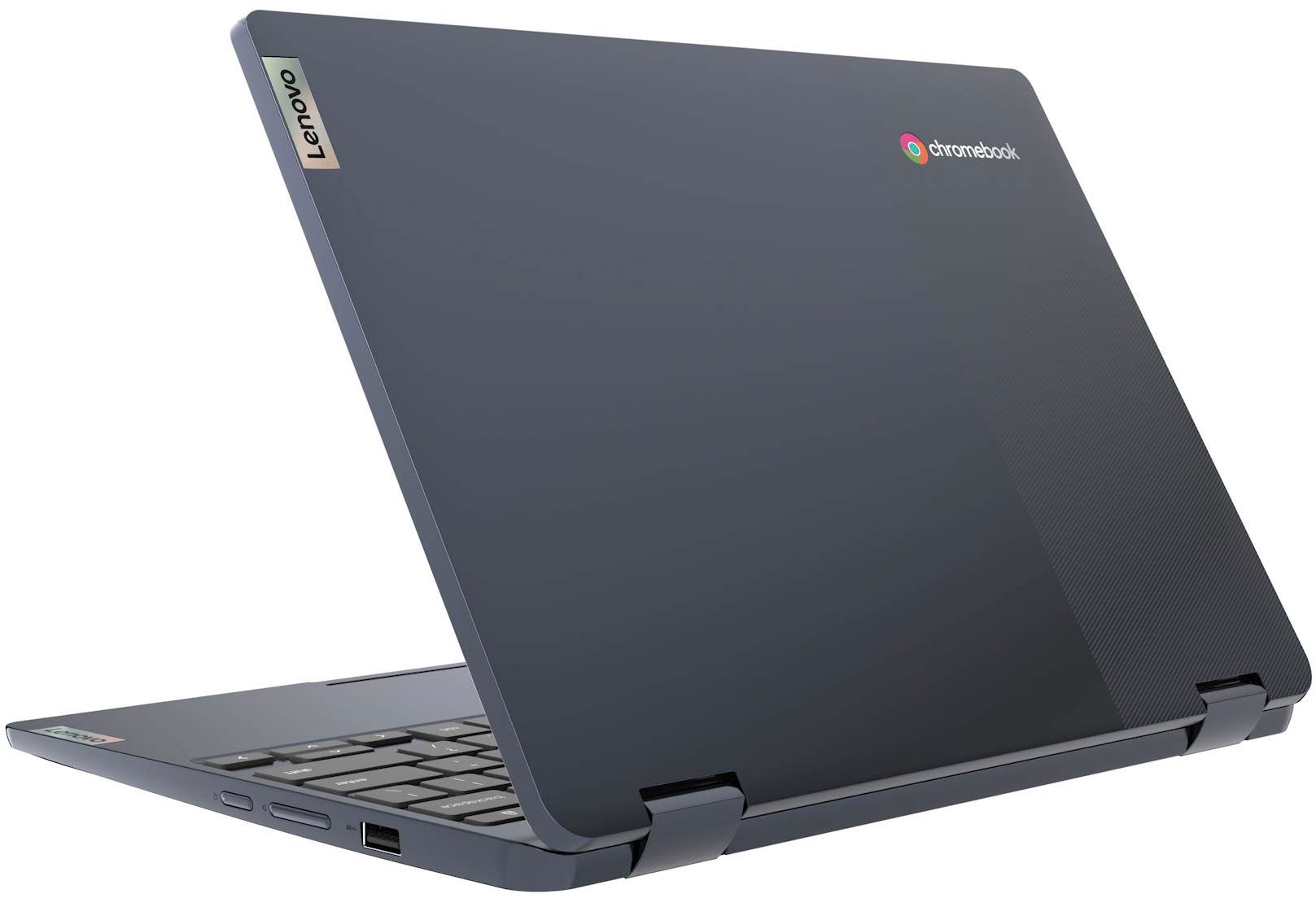
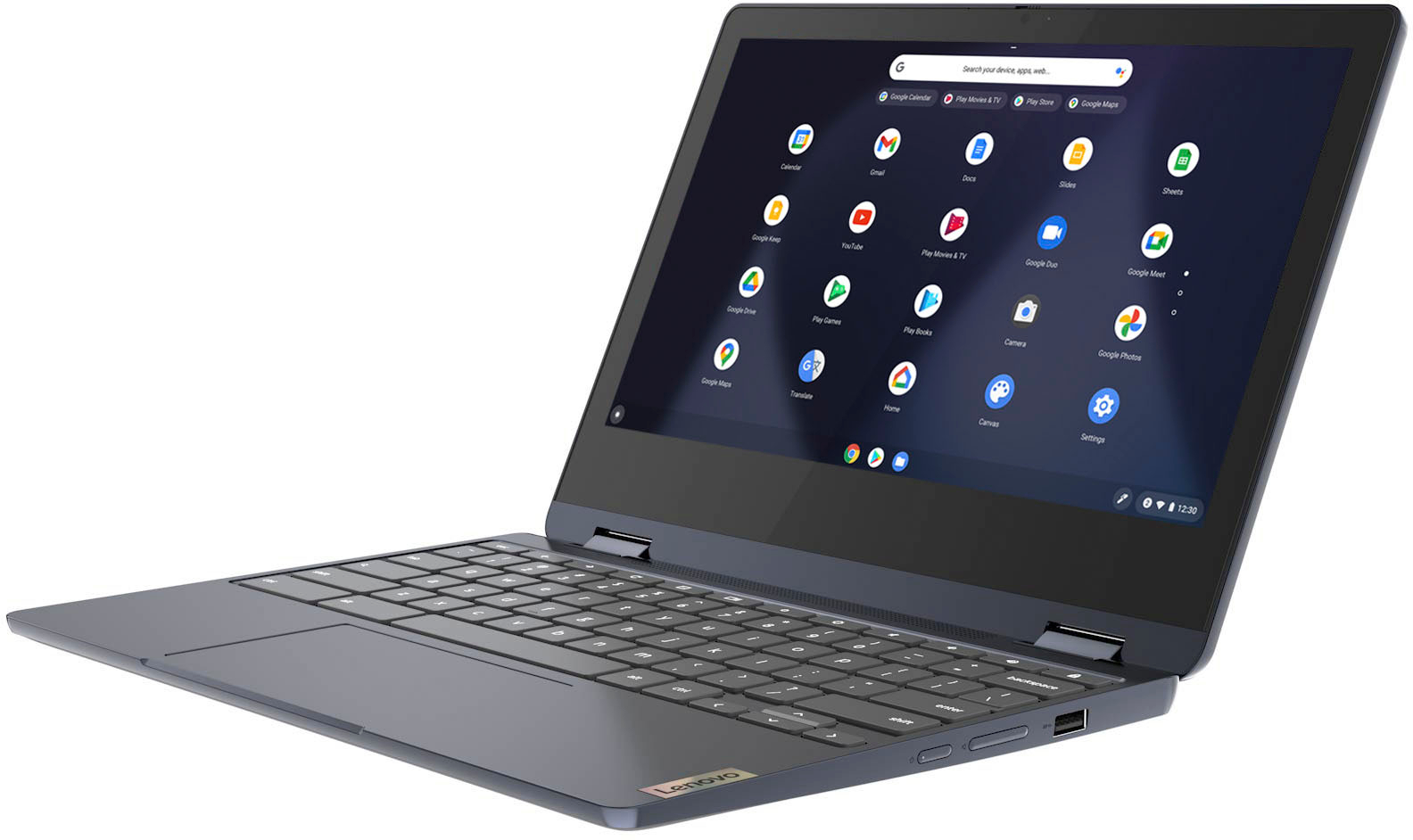
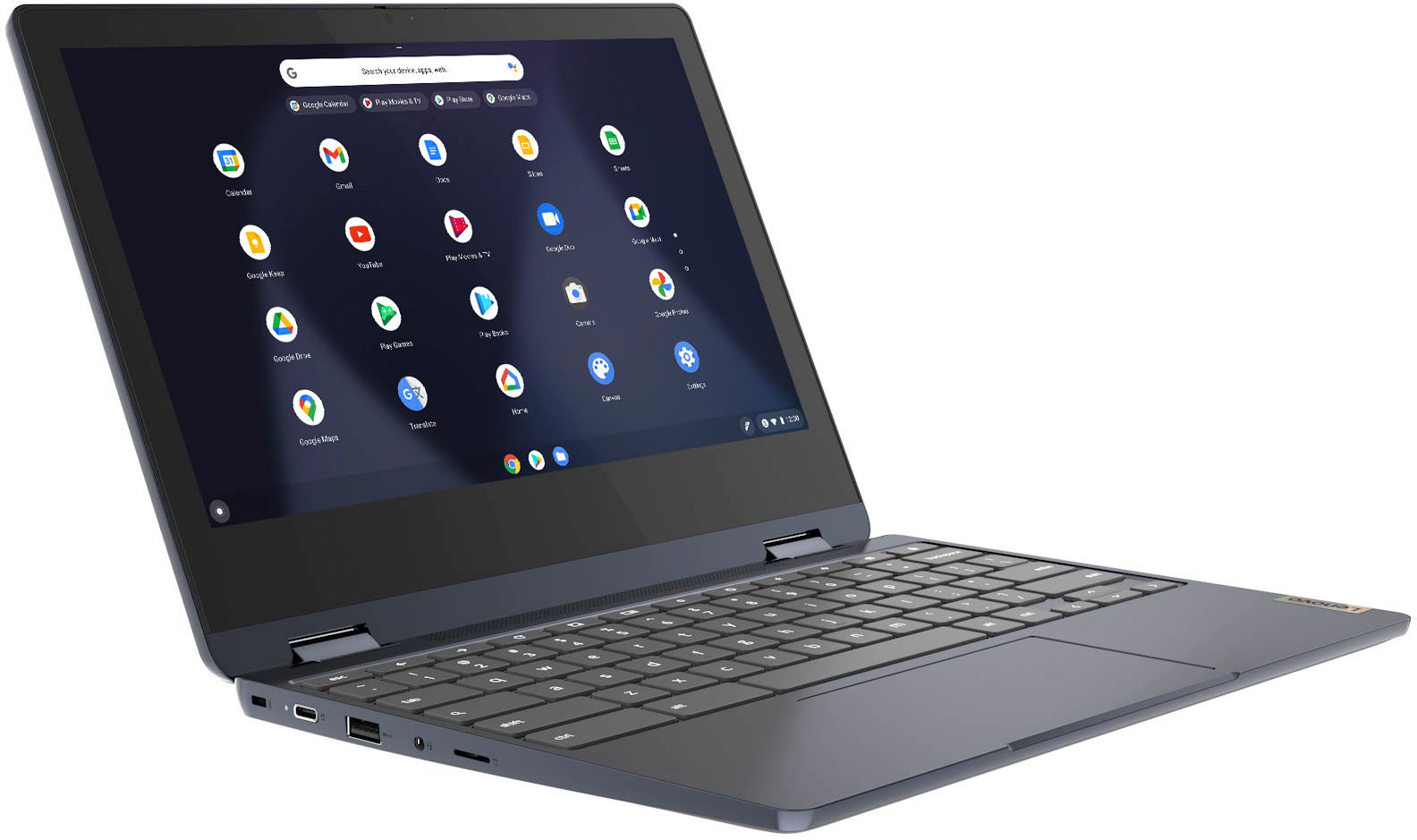
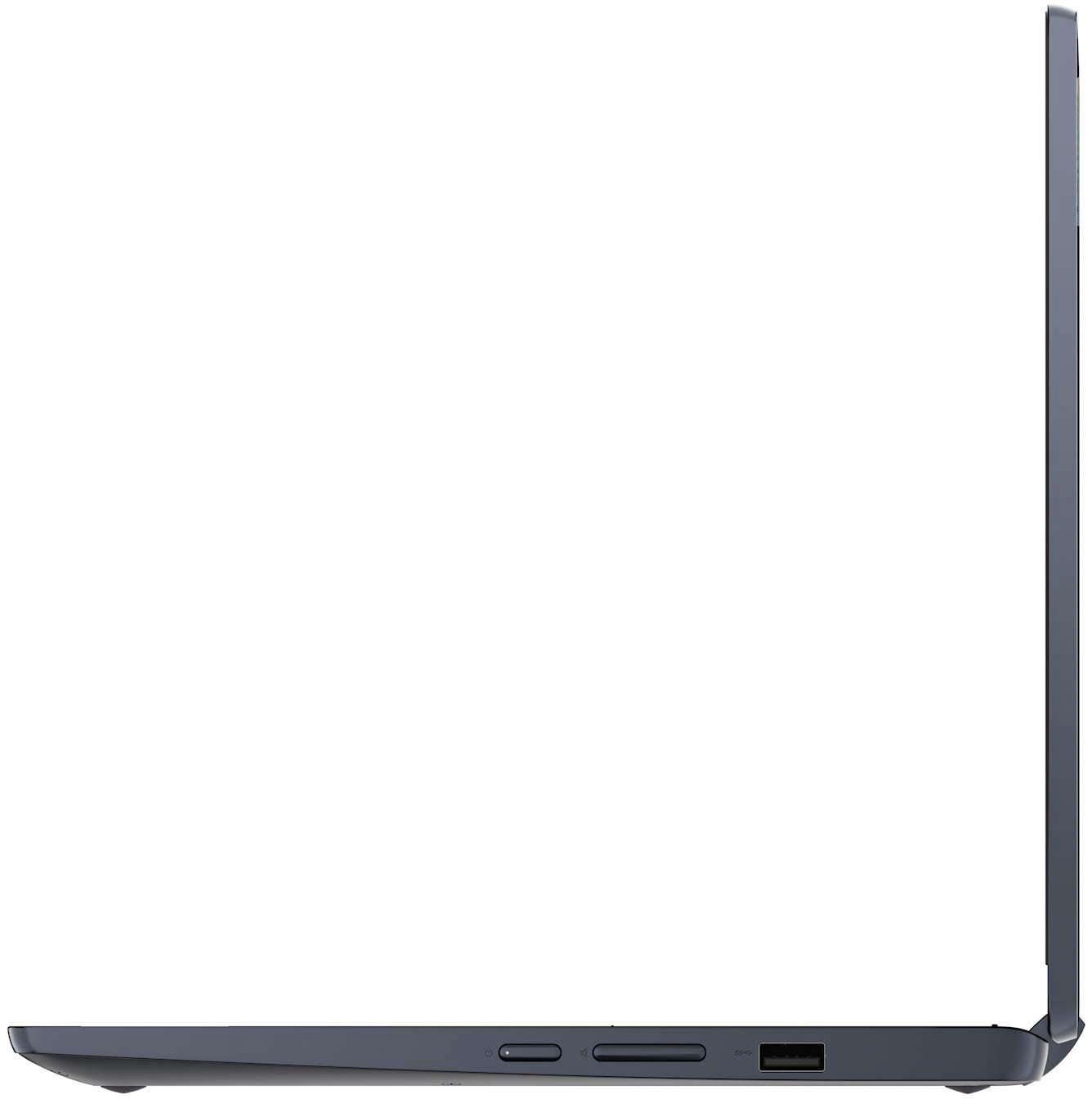
A:AnswerThis Lenovo Flex 3 11 Chromebook, model number 82KM0003US, ships with a MicroSD Card Reader slot built in and can use any size MicroSD Card that is compatible with the Chrome Operating System.
A:AnswerYes. This Lenovo Flex 3 11 Chromebook, model number 82KM0003US has accessibility features like voice to text. Here is a link to more information: https://support.google.com/chromebook/answer/177893?hl=en
A:AnswerThis Lenovo Flex 3 11 Chromebook uses Google Docs for office type programs. Google Docs is completely compatible with Microsoft Office Programs and this is a free service through the Google Server. If you currently have a Microsoft Office 365 Account, you can access that existing account through a Chromebook. Here is a link to more information: https://support.microsoft.com/en-gb/office/how-to-access-microsoft-office-on-a-chromebook-32f14a23-2c1a-4579-b973-d4b1d78561ad#:~:text=Open%20the%20browser%20on%20your,with%20your%20Microsoft%20365%20subscription.
A:AnswerThis Lenovo Flex 3 11 Chromebook, model number 82KM0003US, ships with 2x2 802.11ac frequency WiFi capability built in, which is used in many European Countries. Here is a link to more information about WiFi compatibility Internationally: https://alittledriftless.com/2017/05/09/world-wide-wifi-a-practical-guide-to-remote-work-in-western-europe/
A:AnswerThis Lenovo Flex 3 11 Chromebook ships with and uses the Chrome Operating System rather than Windows. This Flex 3 11 Chromebook is compatible with Google Play Store APPs. Not all Google Play Store APPs are optimized for the Chrome OS. We recommend you check with the specific APPs software publisher's web site, of the specific APP you want to use, for their compatibility with the Chrome operating system and the minimum/recommended hardware requirements (Is a Graphics card required, the processor speed and the minimum required system RAM and the minimum available hard drive space) to run their program, then compare those requirements to this Chromebook's configuration.
A:AnswerHere is a link to information about using an external CD/DVD drive with a Chromebook: https://www.winxdvd.com/dvd-play/external-dvd-drive-for-chromebook.htm#:~:text=Chromebook%20supports%20USB%2Dpowered%20CD,and%20then%20the%20Files%20app.
A:AnswerThat will depend on the requirements and compatibility of the specific games you want to play. This Lenovo Flex 3 11 Chromebook ships with the Chrome Operating System installed and is compatible with Google Play Store APPs. Not all Google Play Store APPs are optimized for the Chrome OS. We recommend you check with the specific version of the game's software publisher's web sites, of the specific games you want to play, for their compatibility with the Chrome operating system and the minimum/recommended hardware requirements (Is a Graphics card required, the processor speed and the minimum required system RAM and the minimum available hard drive space) to run their program, then compare those requirements to this Chromebook's configuration.
A:AnswerThis Lenovo Flex 3 11 Chromebook ships with the Chrome Operating System installed and is compatible with Google Play Store APPs. Not all Google Play Store APPs are otimized for the Chrome OS. We recommend you check with the game's software publisher's web site for their compatibility with Windows 10 Home 64-bit operating system and the minimum/recommended hardware requirements (Is a Graphics card required, the processor speed and the minimum required system RAM and the minimum available hard drive space) to run their program, then compare those requirements to this system's configuration. As far as connecting other devices to this Chromebook, check with the device manufacturer's web site for the device requirements and compatibility with the Chrome OS.
A:AnswerThe Google Play Store APP is already installed on this Lenovo Flex 3 11 Chromebook. Once you are connected to the internet with your Flex 3 11 Chromebook, just click on the Google Play Store icon to go to the Google play Store web site.
A:AnswerThis Lenovo Flex 3 11 Chromebook uses Google Docs for office type programs. Google Docs is completely compatible with Microsoft Office Programs and this is a free service through the Google Server. If you currently have a Microsoft Office 365 Account, you can access that existing account through a Chromebook. Here is a link to more information: https://support.microsoft.com/en-gb/office/how-to-access-microsoft-office-on-a-chromebook-32f14a23-2c1a-4579-b973-d4b1d78561ad#:~:text=Open%20the%20browser%20on%20your,with%20your%20Microsoft%20365%20subscription.
A:AnswerThat will depend on the requirements and compatibility of the software APPs you will be using. This Lenovo Flex 3 11 Chromebook, model number 82KM0003US, ships with the Chrome Operating System installed and is compatible with Google Play Store APPs. Not all Google Play Store APPs are optimized for the Chrome OS. We recommend you check with the specific APPs software publisher's web sites, of the specific APPs you will need to use, for their compatibility with the Chrome operating system and the minimum/recommended hardware requirements (Is a Graphics card required, the processor speed and the minimum required system RAM and the minimum available hard drive space) to run their program, then compare those requirements to this Chromebook's configuration.
A:AnswerYou can connect this Lenovo IdeaPad Flex 3 11 Chromebook, model number to a network ethernet cable by using a USB to ethernet adapter like this one: https://www.bestbuy.com/site/insignia-usb-to-ethernet-adapter-white/6418345.p?skuId=6418345. Your WiFi-6 router is backward compatible with 802.11/a/b/g/n/ac frequency WiFi and can support the 802.11ac frequency WiFi capability of the IdeaPad Flex 3 11 Chromebook, wired or wirelessly.
A:AnswerThis Lenovo Flex 3 11 Chromebook, model number 82KM0003US, ships with a Integrated 42Wh, Lithium-Polymer Battery and will charge from ZERO to 100 Percent battery capacity, in approximately 3-hours.
A:AnswerI hope so! I just ordered mine and assumed I couldn’t use zoom based on this specification-
Built-in HD webcam with microphone
Makes it easy to video chat with family and friends or teleconference with colleagues over Skype or other popular applications.