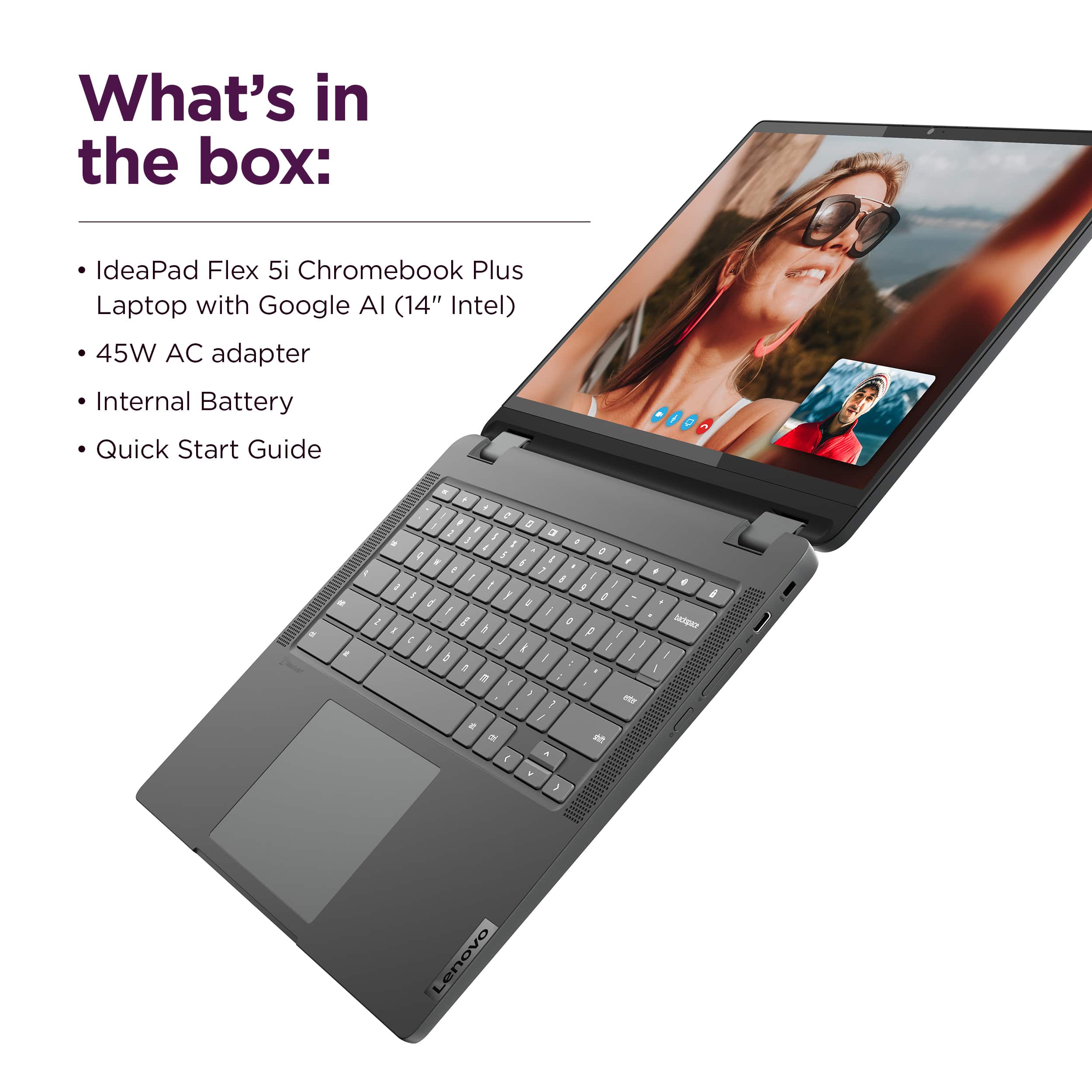
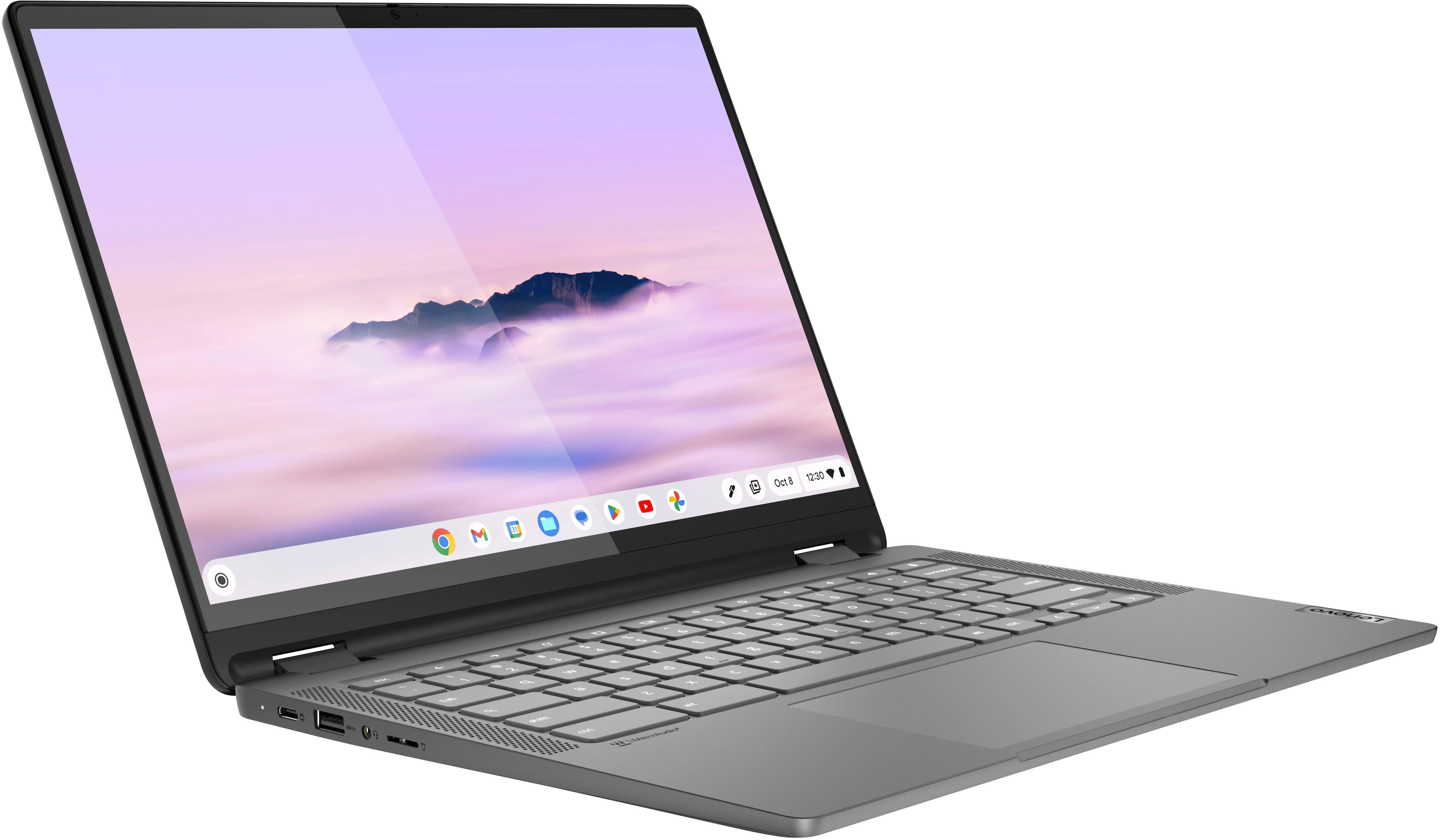
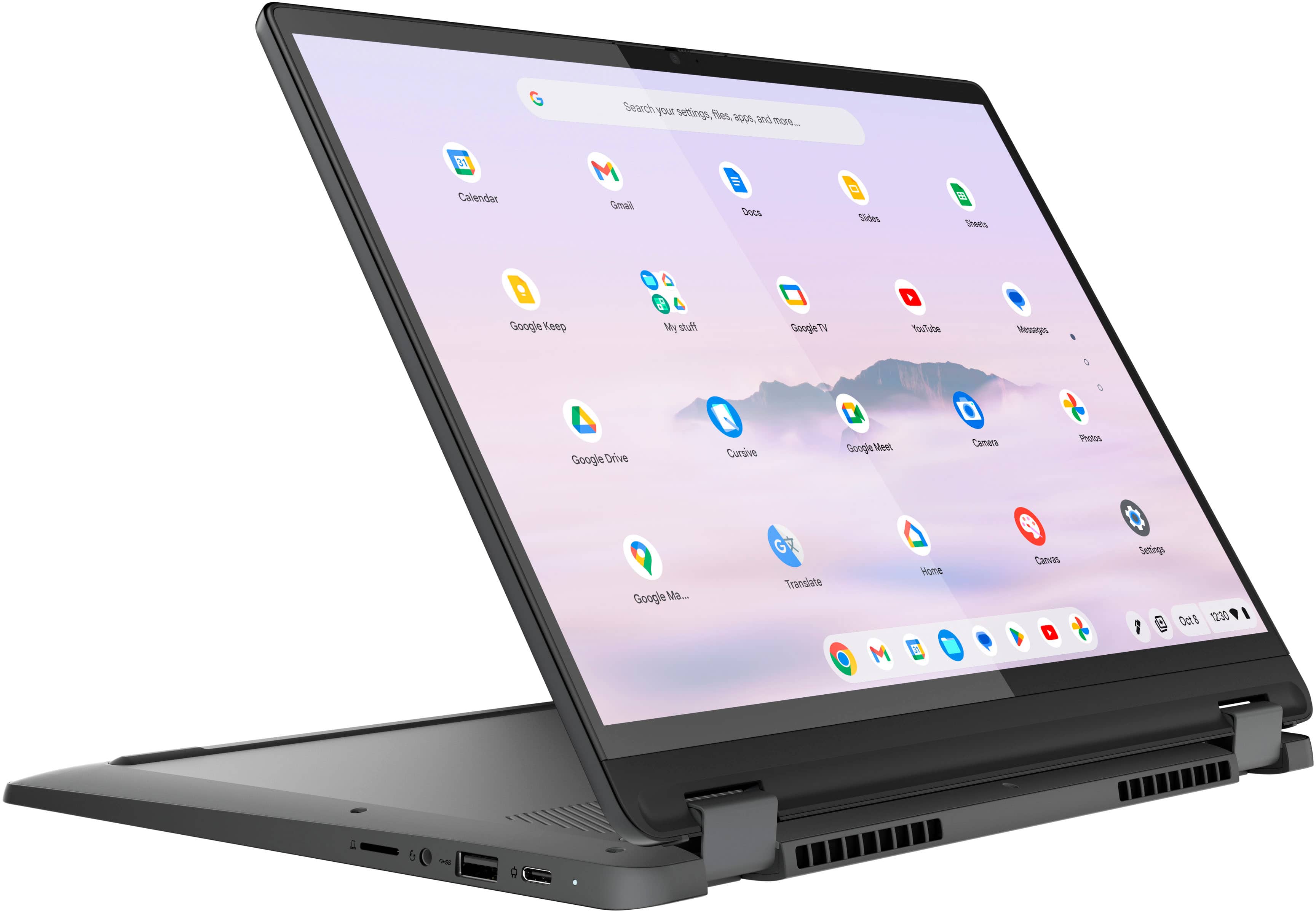
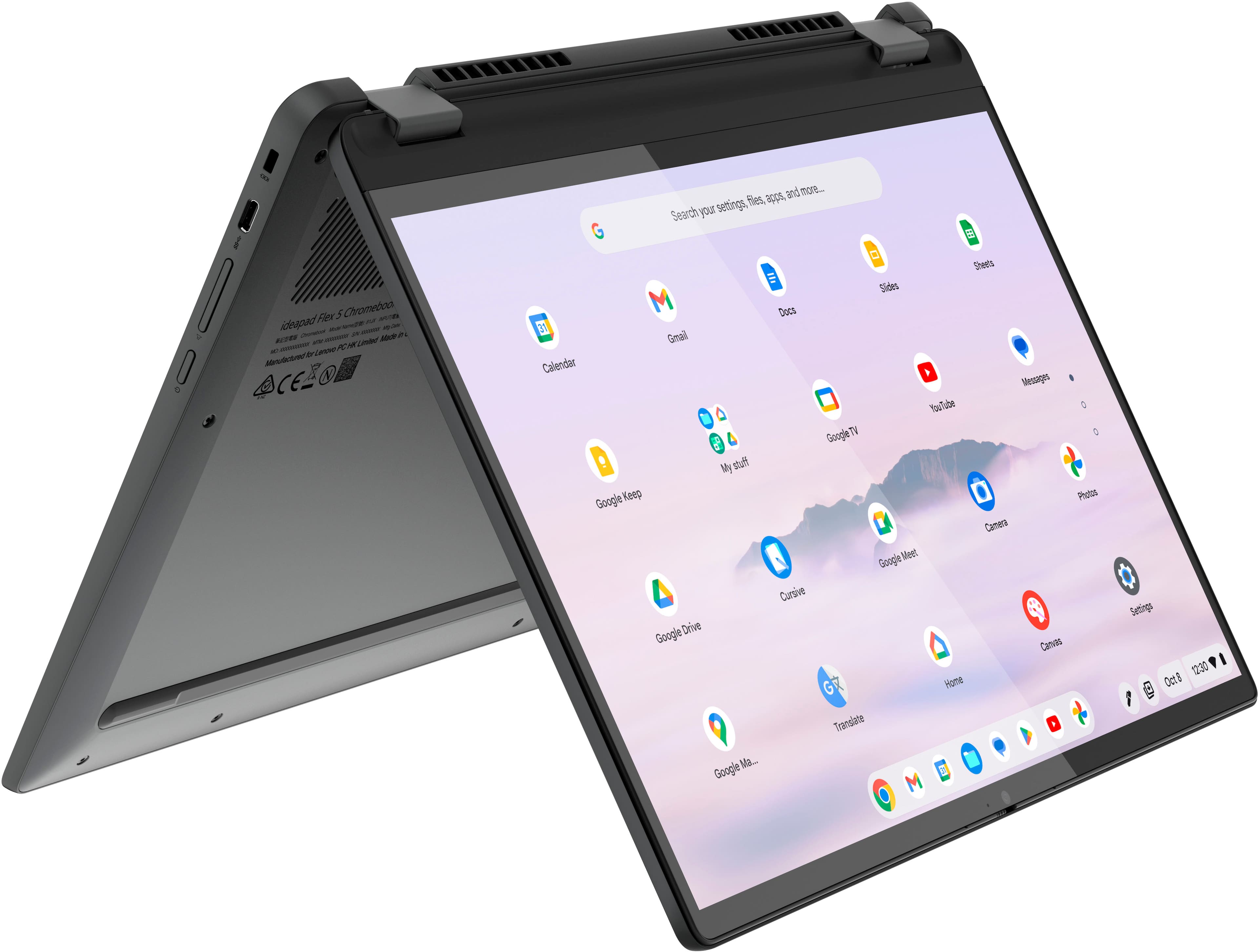
A:AnswerSince it is a chromebook, it is limited on software it can run. Anything you are curious about, google if that software/application can be used on a chromebook. If is only available on Mac or PC/Windows, you'll want to get one of those instead. It does warm up after a few hours if on a surface that doesn't allow ventilation like a pillow or your lap, but I haven't noticed it heat up if on a table or desk. It does come with a charger. It runs relatively quickly but starts to slow down if you have a lot of working tabs open. May not be the best for gaming.
A:AnswerThe AI stuff is optional. You don't need to delete or disable anything, just don't use the AI features of any app, including the Chrome browser.
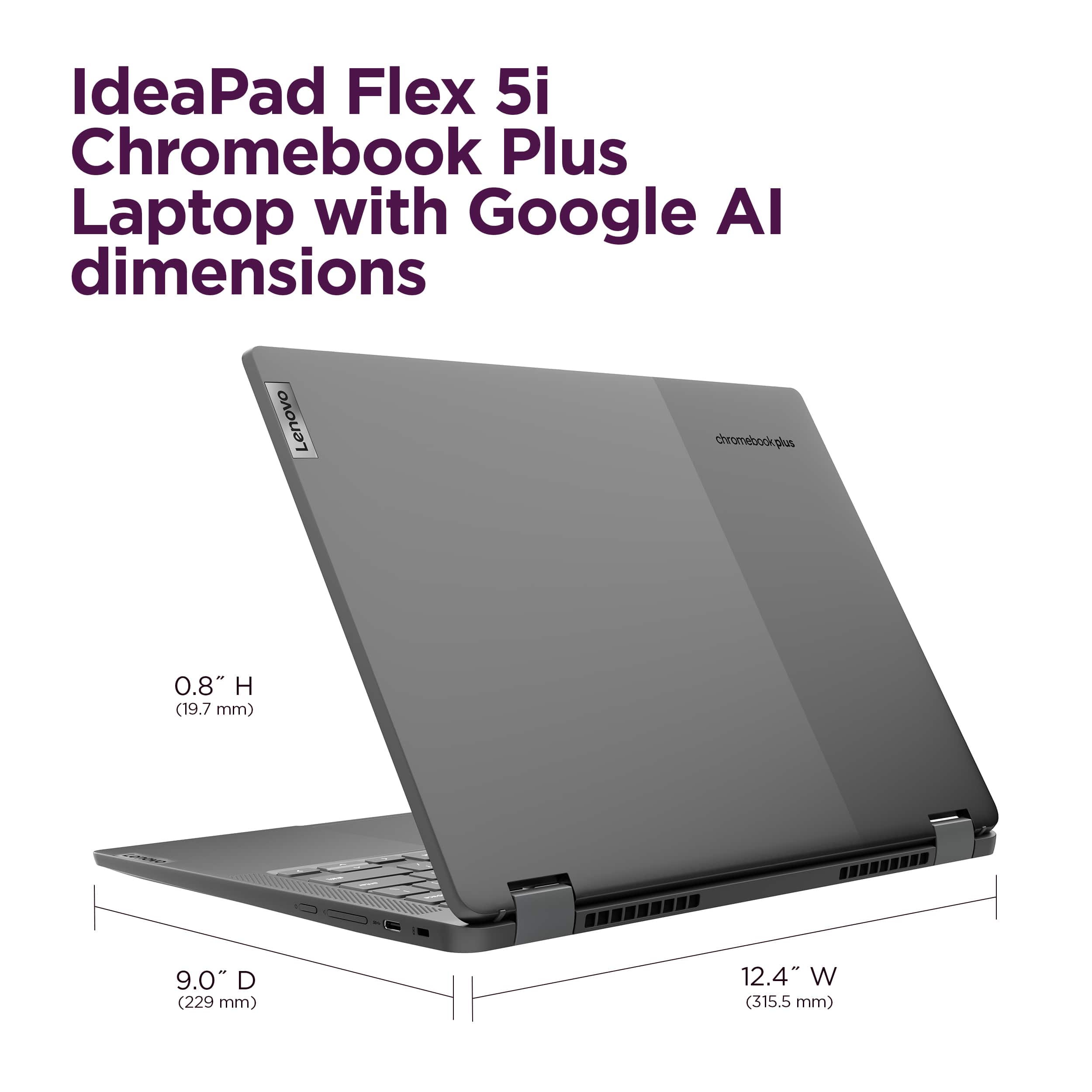
A:AnswerLots of companies make nice "messenger" bags or backpacks that would hold &n protect a 14" laptop. I got one that is branded a Lenovo because it was a good price and just right. If you order a bag or case be sure it says it will work with 14" or larger. To be safe get one that says it fits a 15". I carry a mouse, mouse pad, stylus and the charging power supply in my case along with the laptop.
A:AnswerHi Cheo,
Storage could be upgraded if you remove the preinstalled storage and add a 1TB M.2 2242 SSD.
Please feel free to reach out to us with any other questions!
A:AnswerHey KG, we're sorry to hear that you ran into this issue with your Chromebook. To try to resolve this, try doing a hardware reset (visit the following link to learn how to do so: https://support.google.com/chromebook/answer/3227606?hl=en&sjid=11168473644130281663-NA), which reboots the embedded controller that manages your touchpad. If this doesn't resolve your issue, you may need to factory reset your Chromebook, which you can learn more about towards the bottom of the webpage tied to the previously embedded link.
A:AnswerHey, Ed. In short, no. The Chromebook devices use USI pens, and the current selection of Lenovo USI pens are strictly powered by AAAA batteries.
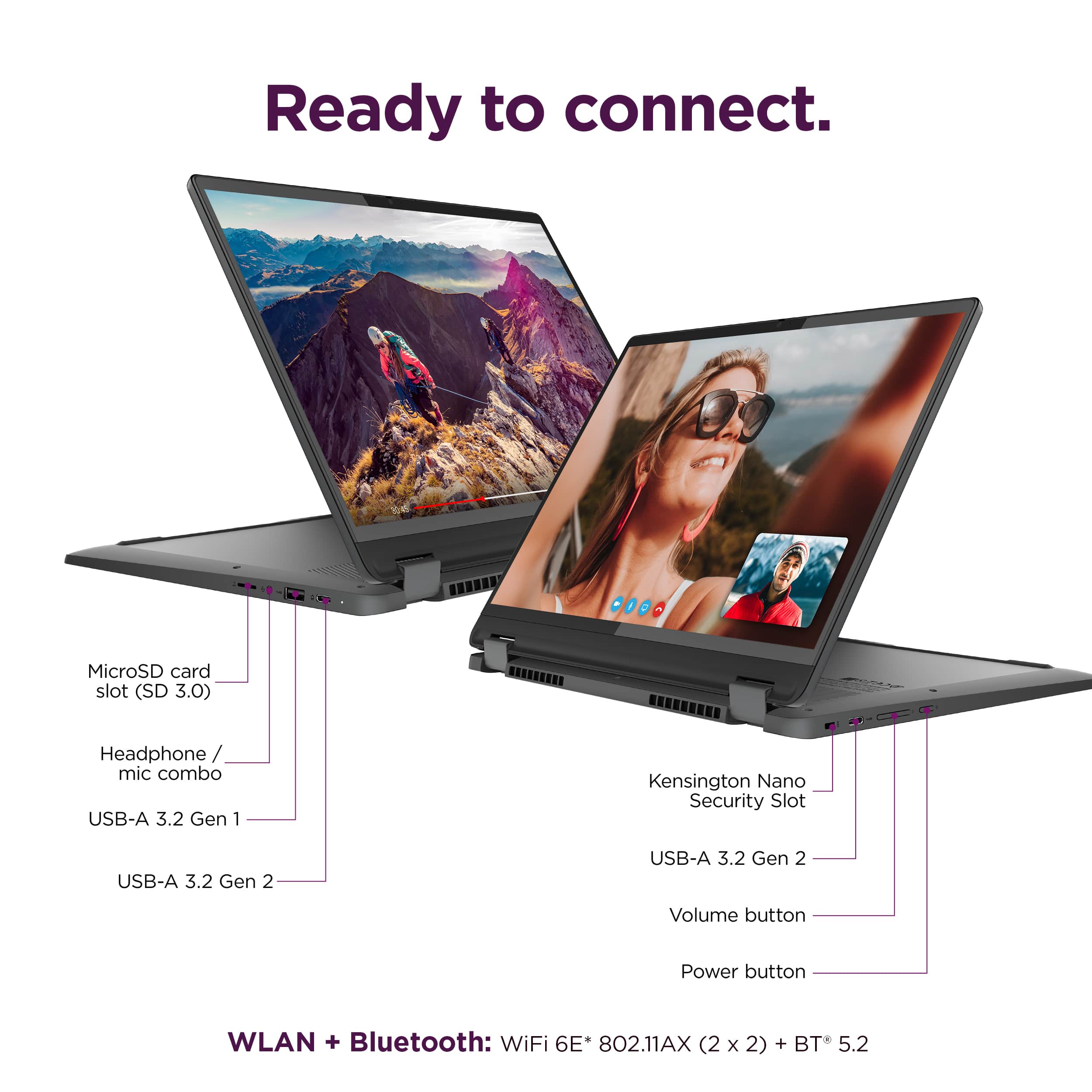
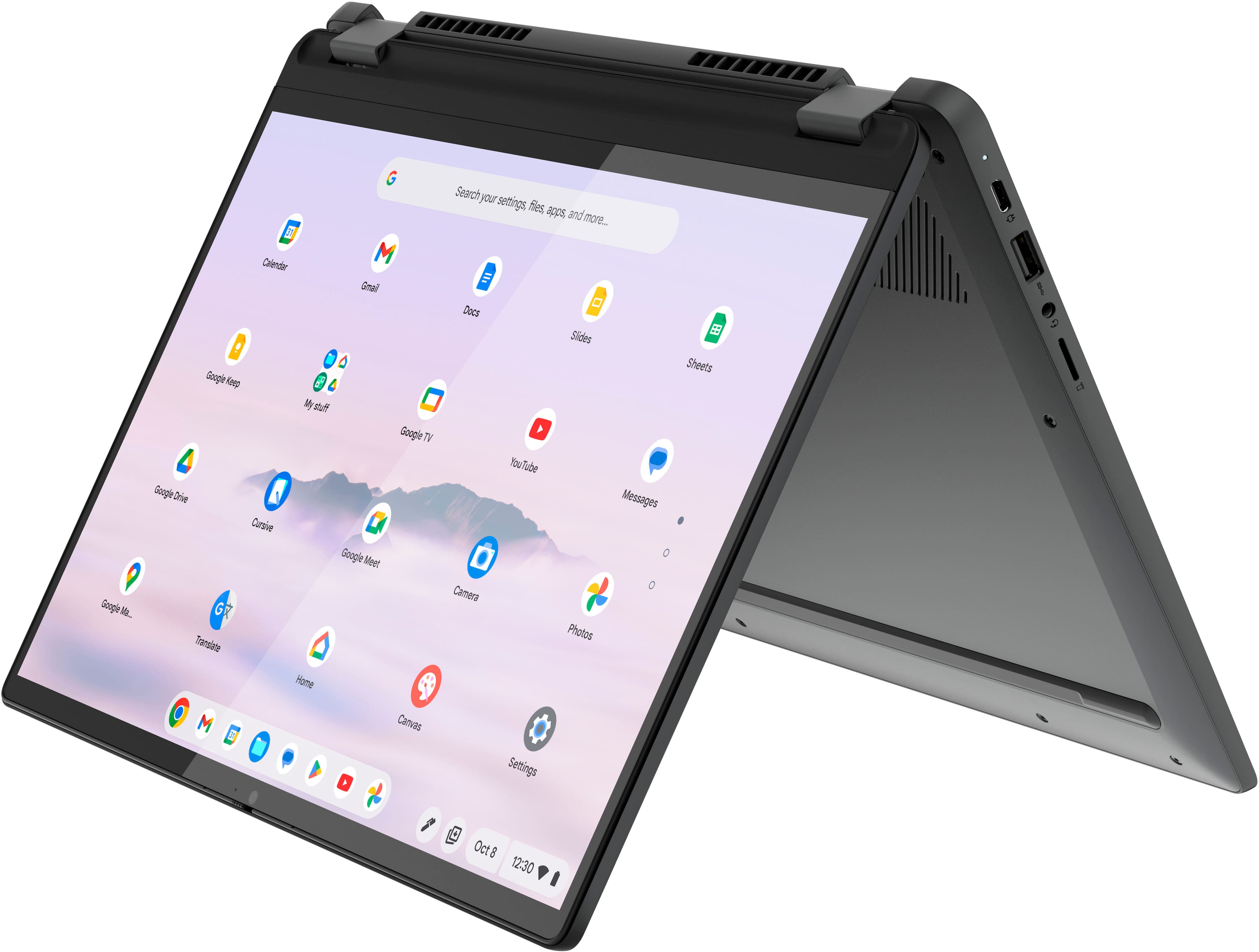
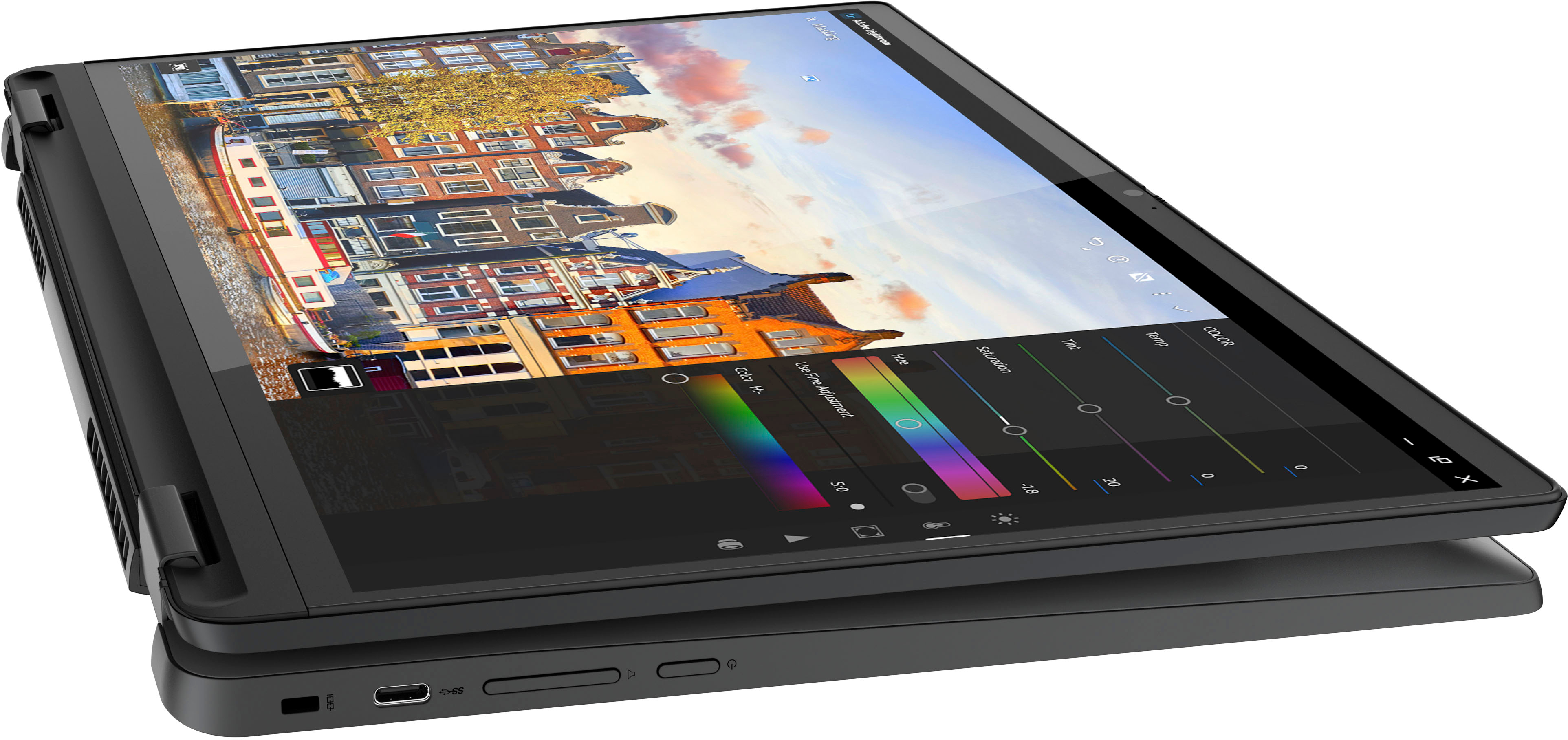
A:AnswerHey, theRoO. We are sorry to hear that you are having trouble finding a solution for your needs. The Flex 5i Chromebook Plus does feature two USB-C ports that support DP 1.4 and power delivery. We recommend referencing this Google Chromebook webpage (https://www.google.com/chromebook/workswithchromebook/) that shares resources for finding accessories that are "Works With Chromebook" certified which should help you find a dock or hub that can connect via USB-C to your Chromebook and support power delivery for charging and output to two external monitors through one port.