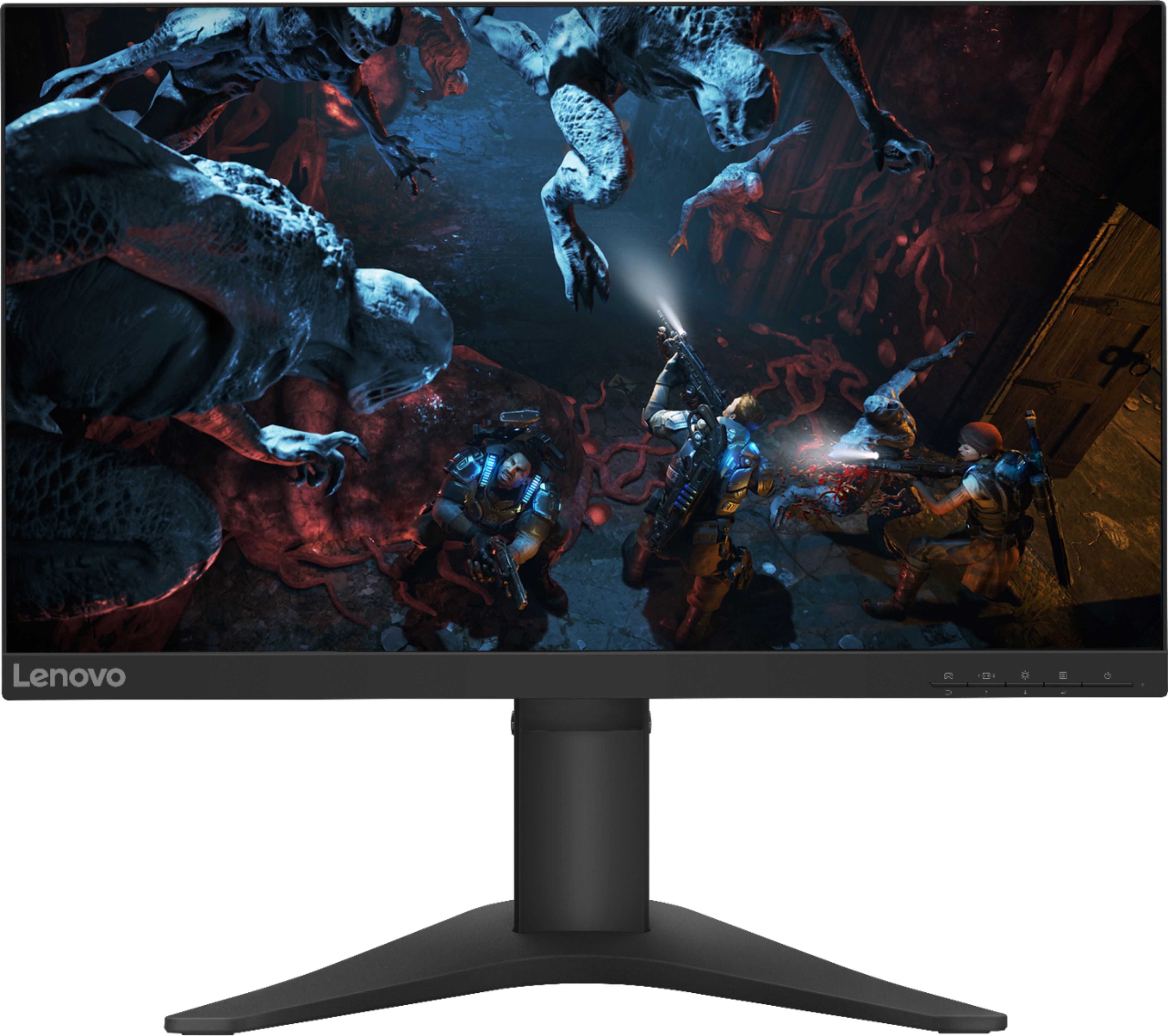
A:AnswerThat will depend on the specific gaming console requirements and compatibility. The Lenovo G25-10 Monitor, model number 65FEGCC2US, has a refresh rate of 144Hz through either HDMI 1.4 version or DisplayPort 1.2 version when connected to a compatible video source, like a computer or game console. We recommend you check with the specific gaming console manufacturer's web site for their compatibility with the video the video connections available on this monitor.
A:AnswerYes, when used with a compatible video source like a computer or gaming console, the Lenovo G25-10 Monitor delivers a refresh rate of 144Hz through either HDMI 1.4 version or DisplayPort 1.2 version video connection. We recommend you check your computer or gaming console manufacturer's website for requirements and compatibility.
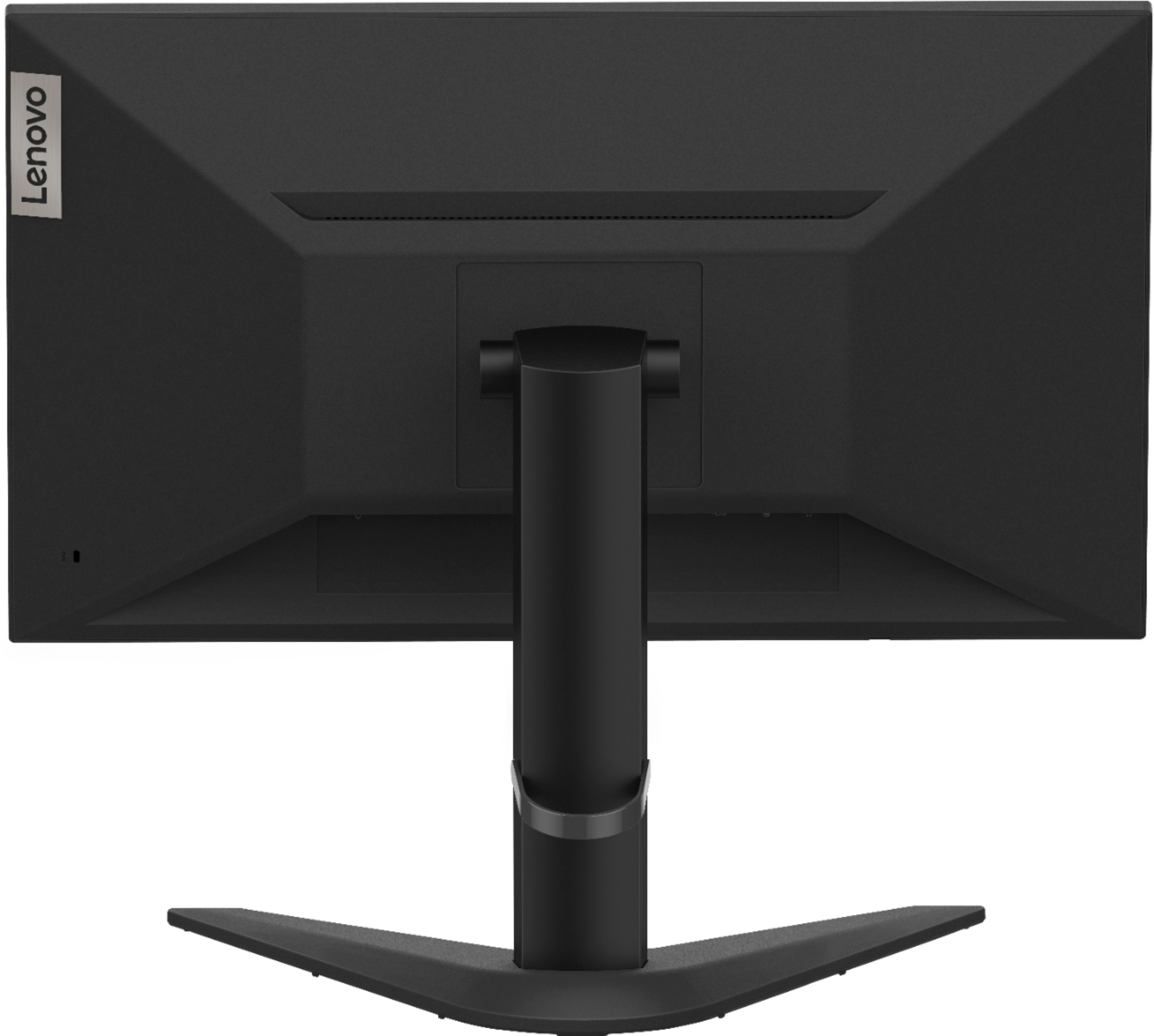
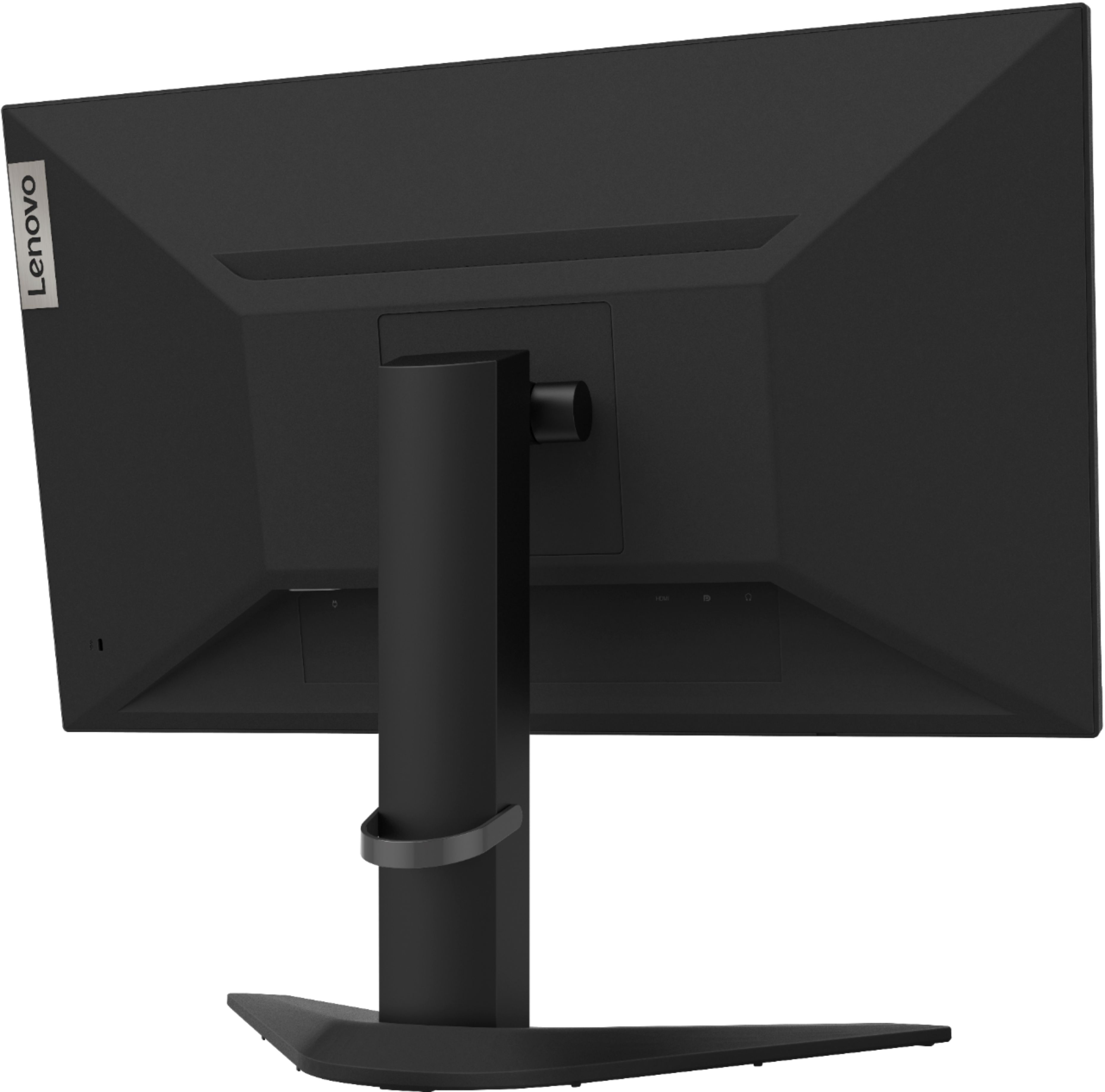
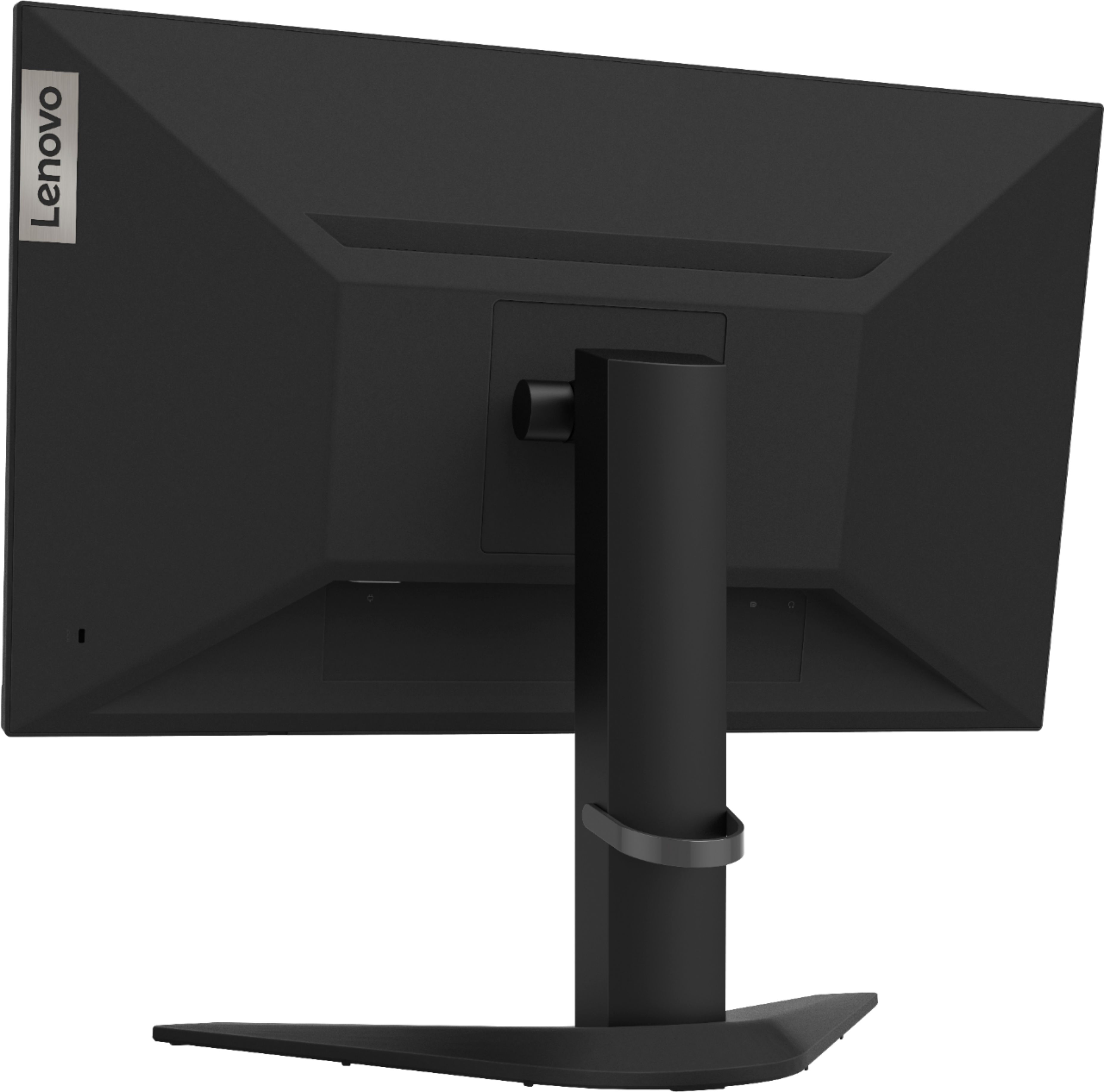
A:AnswerCheck the requirements of your gaming console. The Lenovo G25-10 Monitor ships with one HDMI 1.4 version port and one DisplayPort 1.2 version port. There is a HDMI 1.4 version cable included with the monitor. We recommend you check the requirements and compatibility of your gaming console with the manufacturer.
A:AnswerBe sure the device you are connecting to is compatible with this monitor. The Lenovo G25-10 Monitor ships with an HDMI 1.4 version port and a DisplayPort 1.2 version port for connecting a video source, like a computer or gaming console. Be sure the device you are connecting is compatible. We recommend you check the requirements and compatibility of the device you are connecting for maximum performance. Check your settings in the Onscreen Settings Menu. Here is a link to the User Guide for this model with illustrations of the Onscreen Settings Menu: https://files.bbystatic.com/UwlSj8CqmlCJ6RWZYBJFMw%3D%3D/64424200-070E-422A-ADB0-D6AE174D137A.pdf. If the issue continues, we recommend you contact Lenovo Tech Support for Monitors at: 866-426-0911.
A:AnswerNo. The Lenovo G25-10 Monitor ships with one HDMI 1.4 version port and one DisplayPort 1.2 version for connecting a video source like a computer or gaming console.
A:AnswerThat will depend on the video connections your PC uses, The Lenovo G25-10 model 65FEGCC2US features Hdmi 1.4 and Display Port 1.2. We recommend checking the available video connections on your PC to determine if it is compatible with this monitor.
A:AnswerNo. The Lenovo G25-10 Monitor ships with one HDMI 1.4 version port and one DisplayPort 1.2 version port for connection to a video source such as a computer or gaming console.
A:AnswerThe Lenovo G25-10 monitor model # 65FEGCC2US features HDMI 1.4 and Display Port 1.2. For Console refresh rate compatibility we recommend checking the requirements from the console manufacturers website and then comparing them with the specifications of this monitor. We always recommend you check compatibility with your console before purchasing a monitor to ensure you get the desired refresh rate between your console and monitor.
A:AnswerThe Lenovo G25-10 Monitor, model number 65FEGCC2US, ships with one HDMI 1.4 version port and one DisplayPort 1.2 version port for connecting a video source like a gaming console or computer. We recommend you check with your gaming console manufacturer for requirements and compatibility of the specific gaming console model.
A:AnswerHello, thanks for your question. This appears to be a setting on your consol. Here is a link with instructions to get high refresh rate on the PS5 https://gamertweak.com/ps5-how-enable-120hz-video/.
If you need further assistance please don't hesitate to reach out to Lenovo Tech Support at 866-426-0911
A:AnswerHello, thanks for your question. This is a setting on your console. Here is a link explaining how to get the maximum refresh rate for your console. https://www.windowscentral.com/xbox-one-120hz . If you need further assistance please don't hesitate to reach out to Lenovo Tech Support at 866-426-0911
A:AnswerThe Lenovo G25-10 Monitor, model number 65FEGCC2US, ships with one HDMI 1.4 version and one DisplayPort 1.2 version ports for connecting a video source to this monitor.