A:AnswerHey Ed,
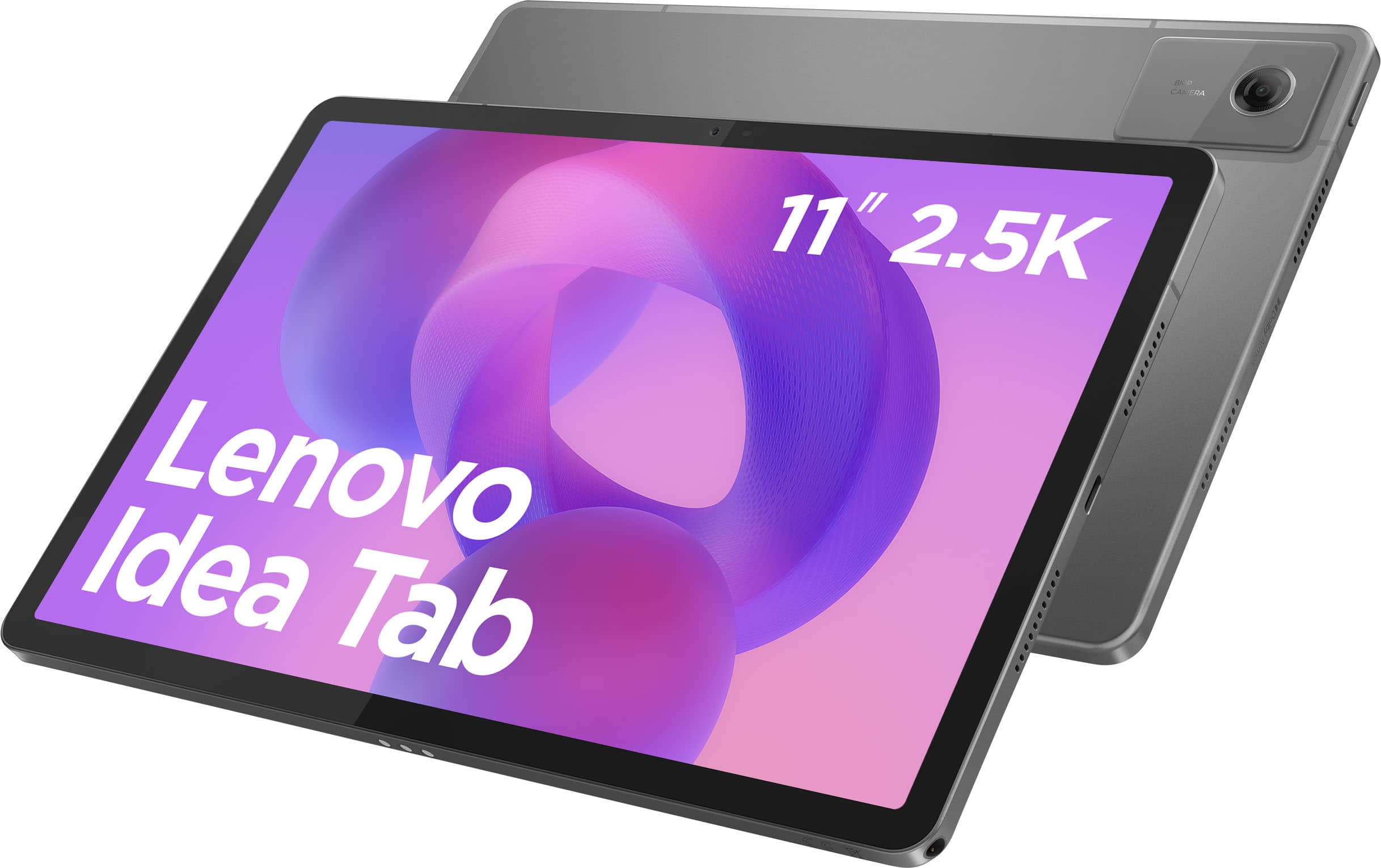
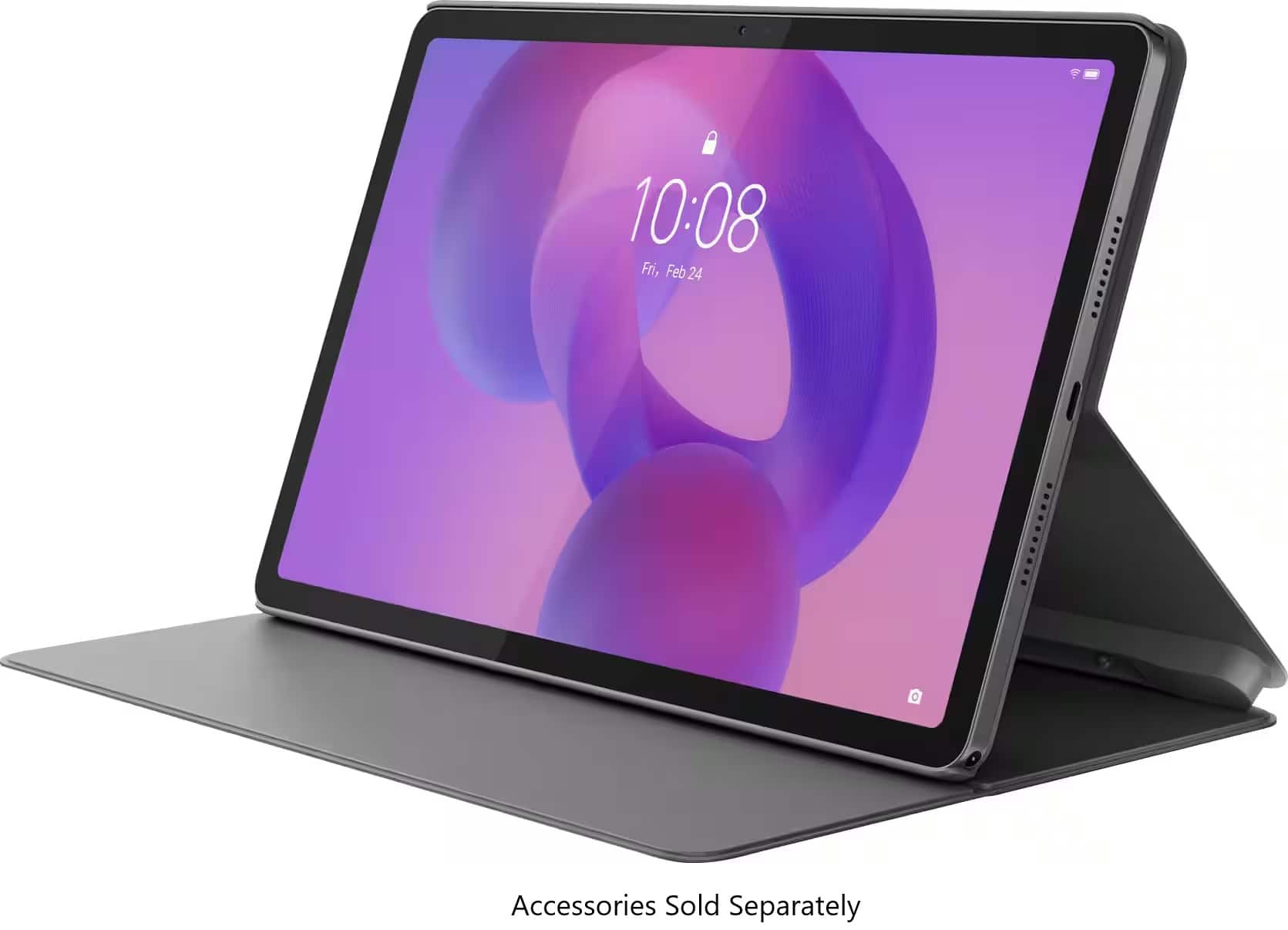
This Idea Tab is the first of its kind, the first gen of the Idea Tab series.
Please feel free to reach out to us with any other questions!
A:AnswerHey,
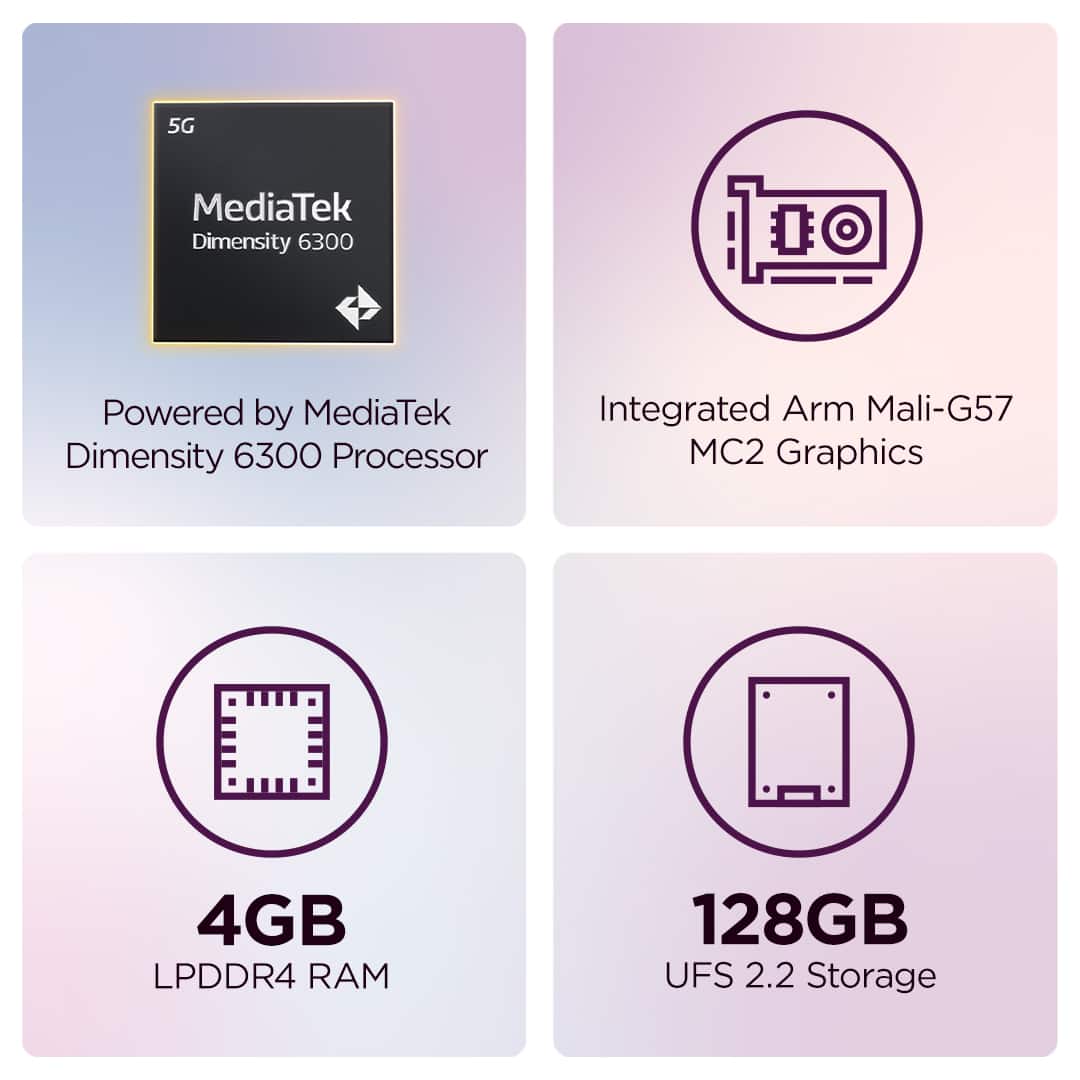
Memory cannot be expanded with Lenovo tablets. If you're interested in a tablet with 12GB of memory, please consider the Lenovo Yoga Tab at Best Buy, which can be viewed online at this web address: https://www.bestbuy.com/product/lenovo-yoga-tab-11-1-3-2k-tablet-12gb-ram-256gb-ufs-with-keyboard-pen-luna-grey/JJGH393LFC |
Please feel free to reach out to us with any other questions!
A:AnswerHey June,
You can download the Excel and Word apps to the Idea Tab via the Google Play Store.
Please feel free to reach out to us with any other questions!
A:AnswerHey Oscar,
You can use the Lenovo keyboard pack for the Idea Tab, which is offered by Lenovo directly, or you can use the Lenovo Wireless Keyboard offered by Best Buy currently, which can be viewed here: https://www.bestbuy.com/product/lenovo-multi-device-wireless-keyboard-luna-gray/JJGYCC4RHW/sku/6605230 |
Please feel free to reach out to us with any other questions!
A:AnswerHey Naseem,
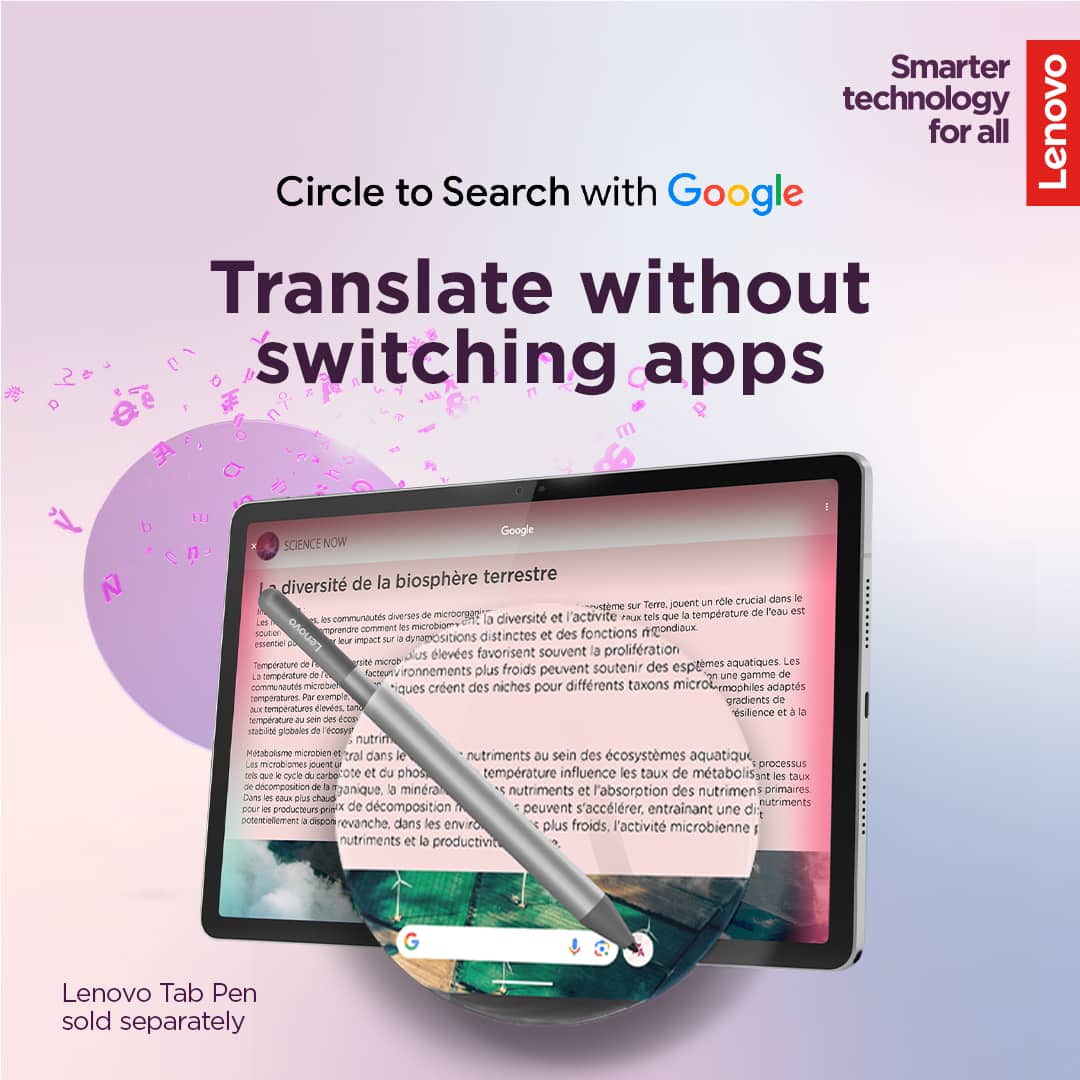
You can use the Idea Tab in many countries. What will vary is the services and applications that you can use depending on the region.
Please feel free to reach out to us with any other questions!
A:AnswerHey,
Yes, you can disable these features or opt-in to not use them by activating/waking the features.
Please feel free to reach out to us with any other questions!
A:AnswerHey Iceman,
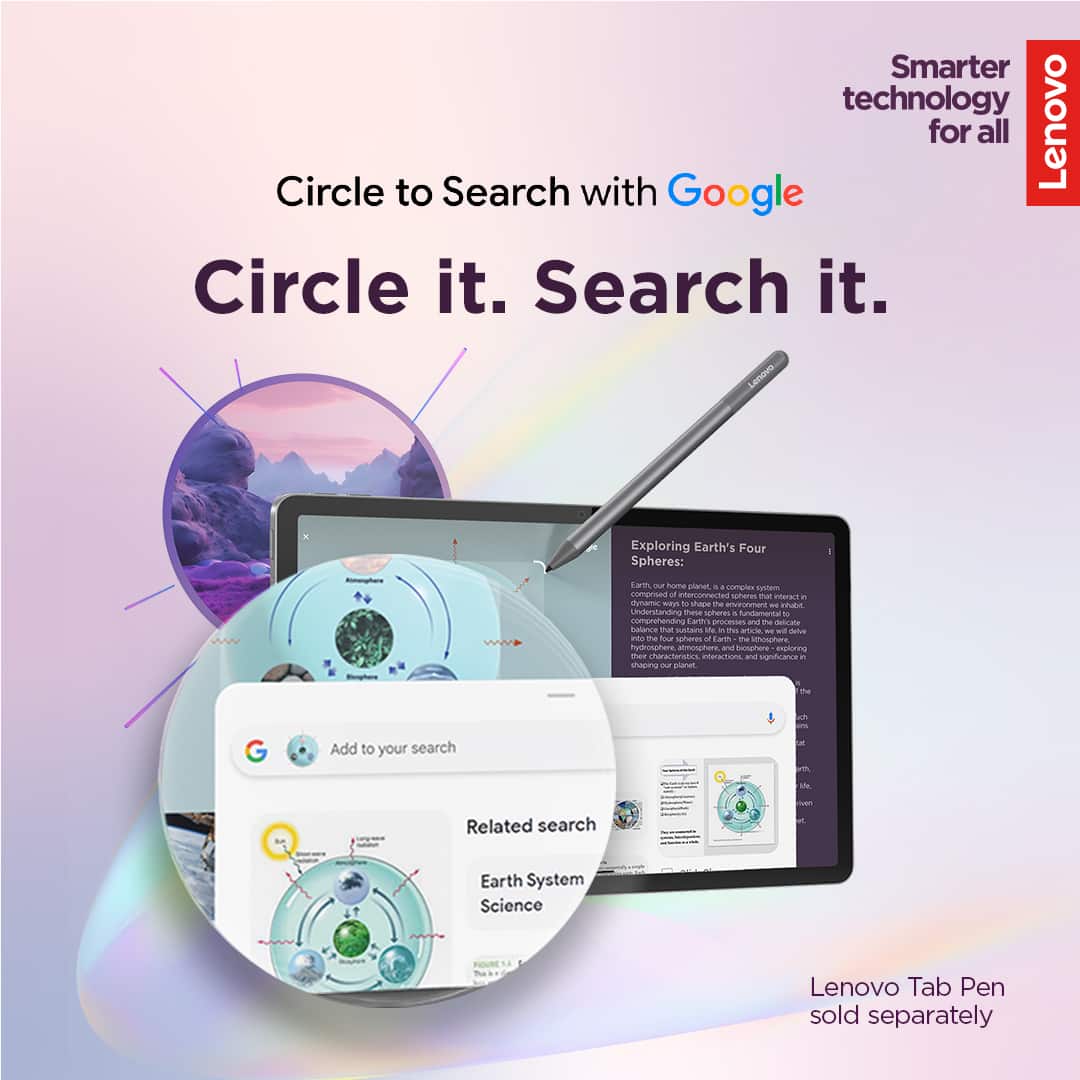
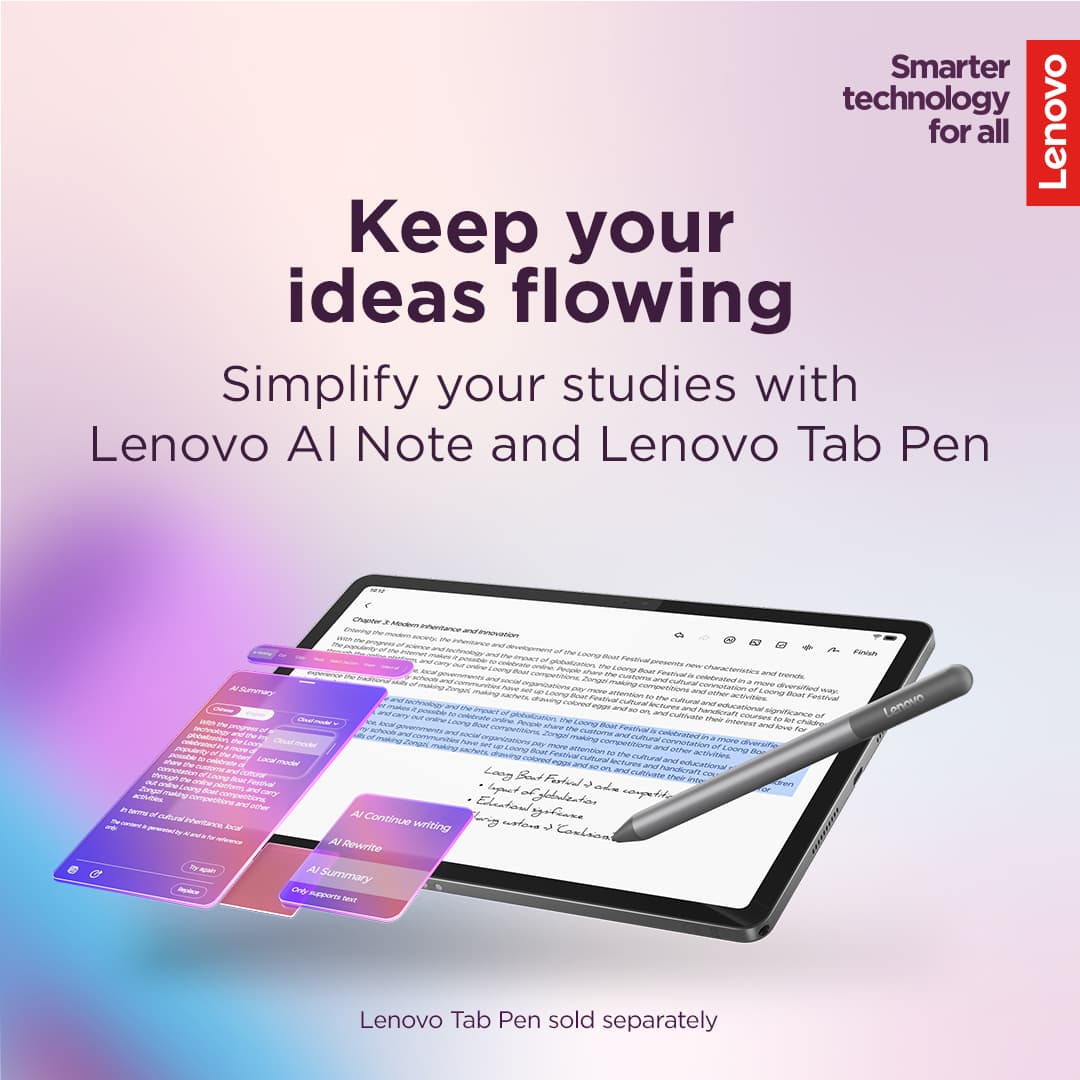
You can use the Lenovo Idea Tab with a supported pen, like the Lenovo Tab Pen Plus (currently sold by Best Buy and can be viewed here: https://www.bestbuy.com/product/lenovo-tab-pen-plus-gray/JJGYC75SK8), to draw and sketch in various apps.
Please feel free to reach out to us with any other questions!
A:AnswerHey Marian,
Functionally, you can use this Idea Tab in other countries like Mexico, but to note, access to certain apps and services can vary by region.
Please feel free to reach out to us with any other questions!
A:AnswerHi Aunt,
Yes, Google offers a service called Family Link that enables parents to establish boundaries online, monitor app activity and permissions, along with managing and securing your child’s account. To learn more about the platform, please visit this Google webpage for details: https://safety.google/families/parental-supervision/, also the Kids Space software is preinstalled. You can visit the following Google site for details on this kid safe platform as well: https://families.google/kidsspace/ |
Please feel free to reach out to us with any other questions!
A:AnswerHey Phillip,
The Idea Tab does not feature any preinstalled security software, but by purchasing this Idea Tab with Best Buy, you get a free 6 Month Subscription to Norton 360 (3 Device) with LifeLock Identity Advisor (1 Adult) Internet Security + Scam Protection + VPN. You can add various security software options via their respective apps in the Google Play Store, like Norton, should you opt-in to the subscription offer.
Please feel free to reach out to us with any other questions!
A:AnswerHey TEK,
This Idea Tab does feature GPS + GLONASS + Galileo location service support.
Please feel free to reach out to us with any other questions!
A:AnswerHey lp617,
You cannot natively output video using the Idea Tab's USB-C port, as it supports data transfer and charging only.
Please feel free to reach out to us with any other questions!
A:AnswerHey Ip617,
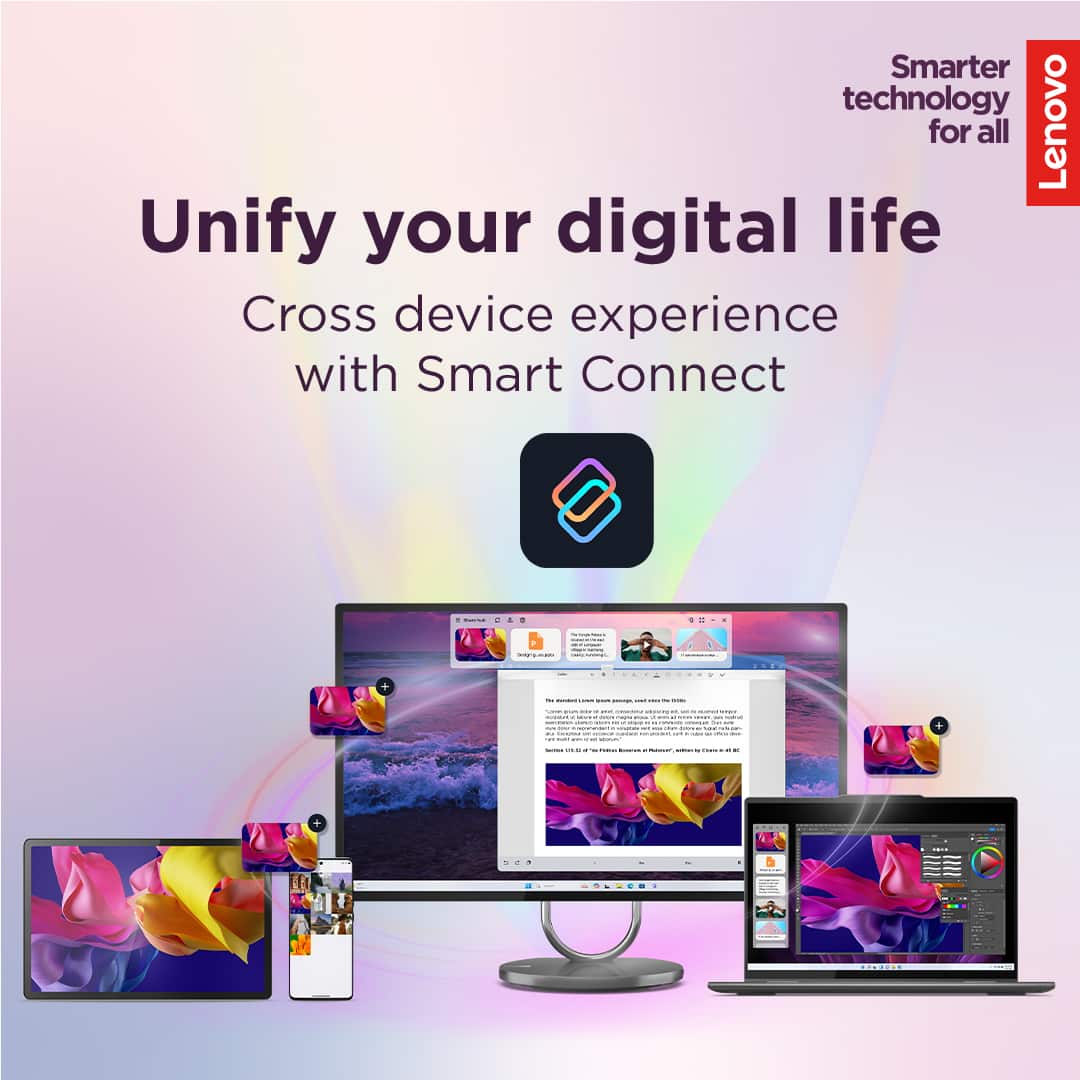
In a way, with the supported technologies, it is possible. With Smart Connect, one connected, you can control your TV with your phone or tablet using trackpad mode and more. You can stream or cast videos, launch apps, or present content, and access the Experience Hub to select actions directly from your TV. To learn about the possibilities with Smart Connect, please visit the webpage tied to this web address: https://www.lenovo.com/us/en/software/smart-connect/?srsltid=AfmBOorRUN0J0sp1RYf6oDHR-_5kKO4n4zYe4WHNRNJKA7aF7cVvVu7J
Please feel free to reach out to us with any other questions!