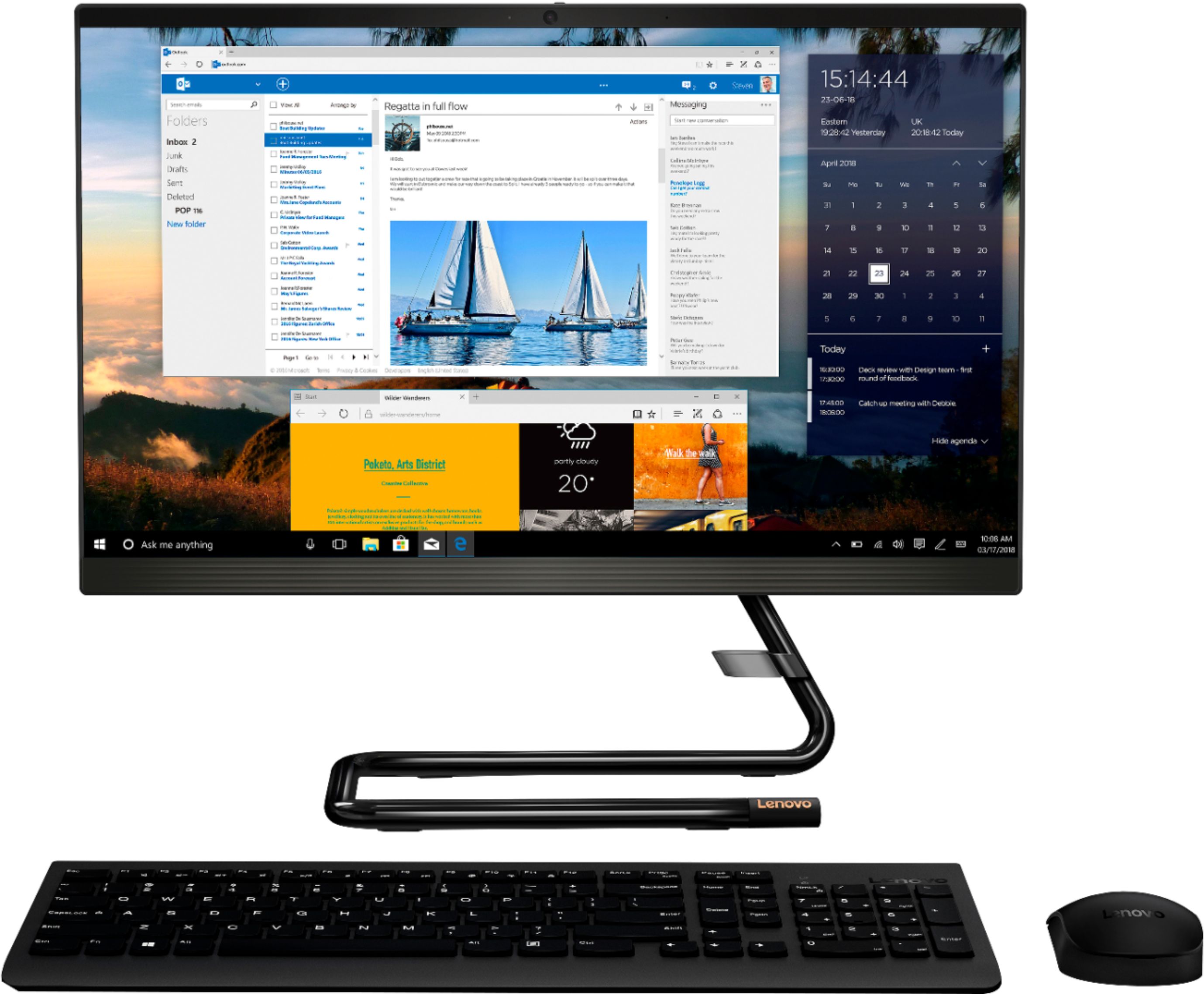
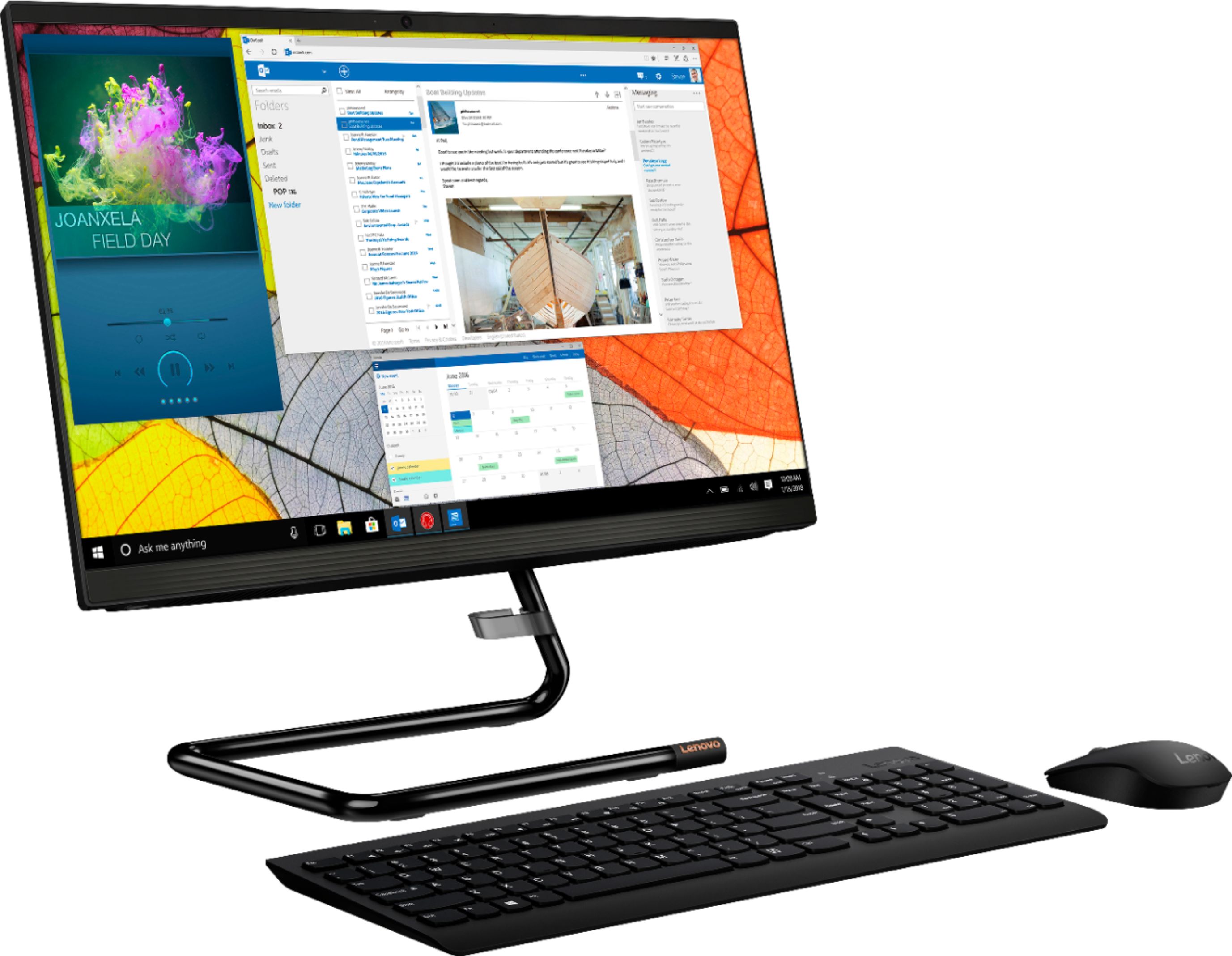
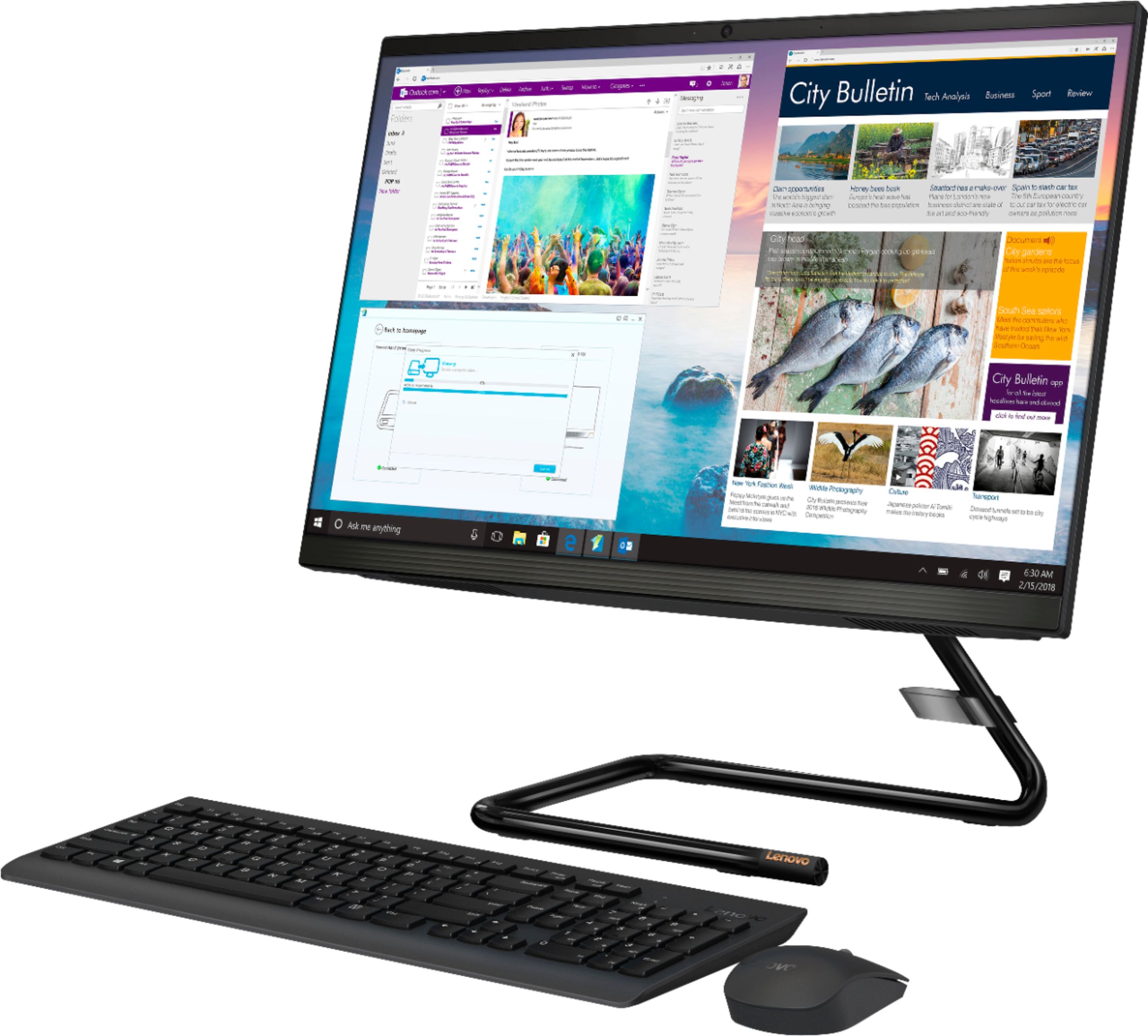
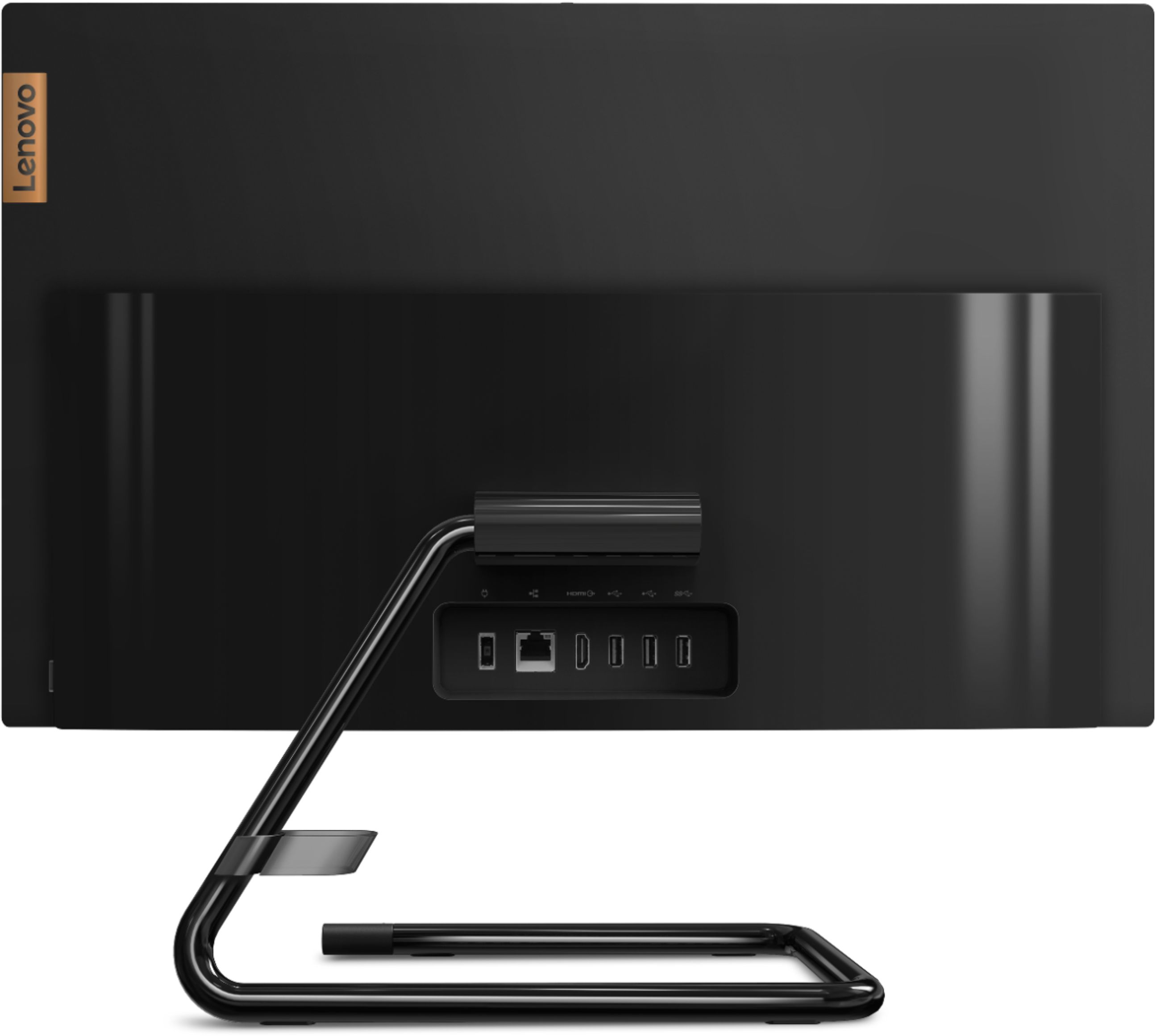
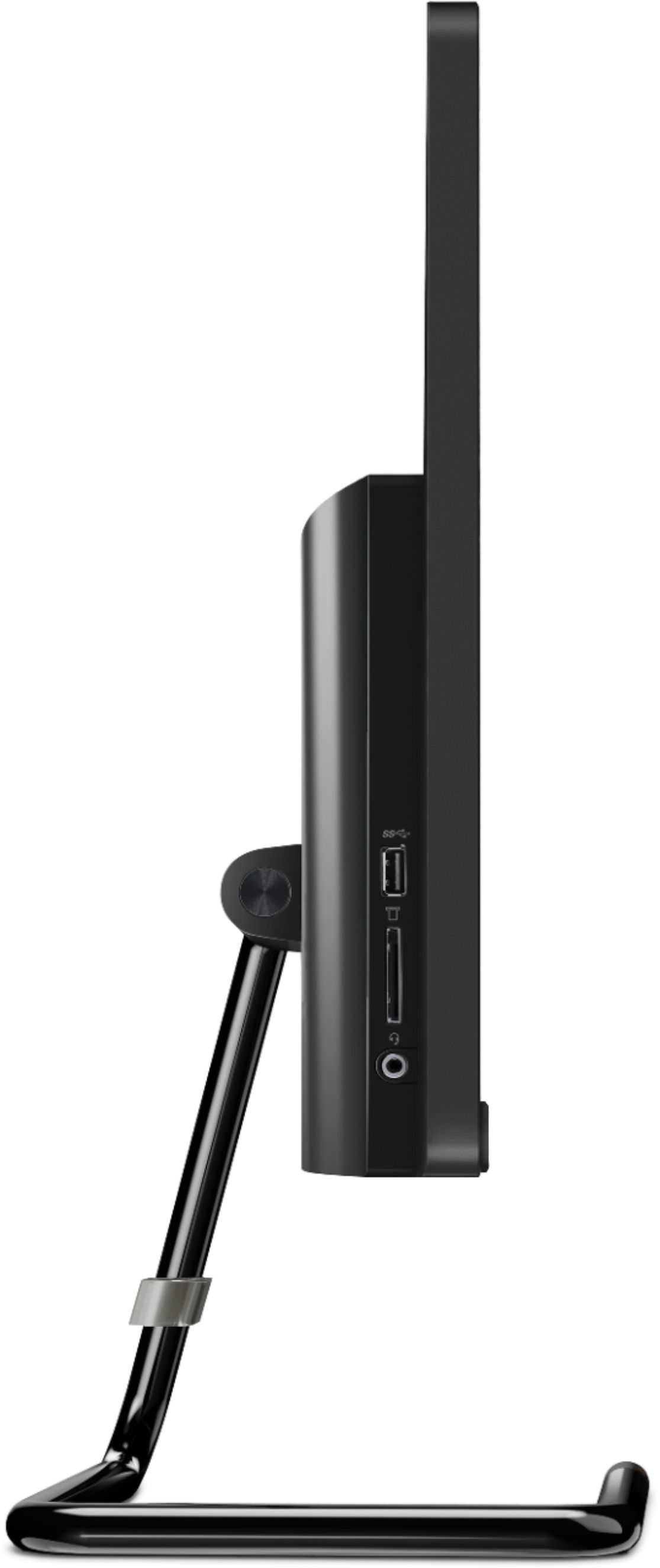
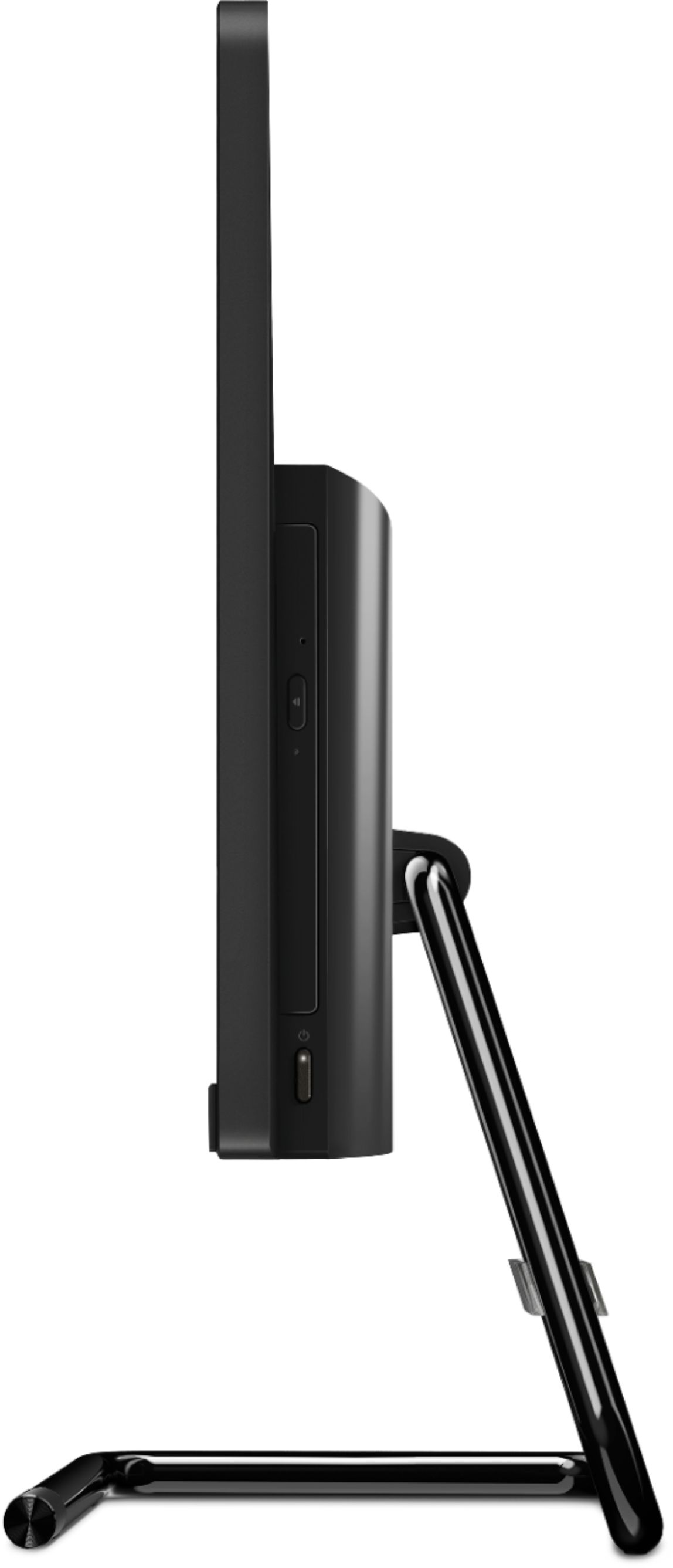
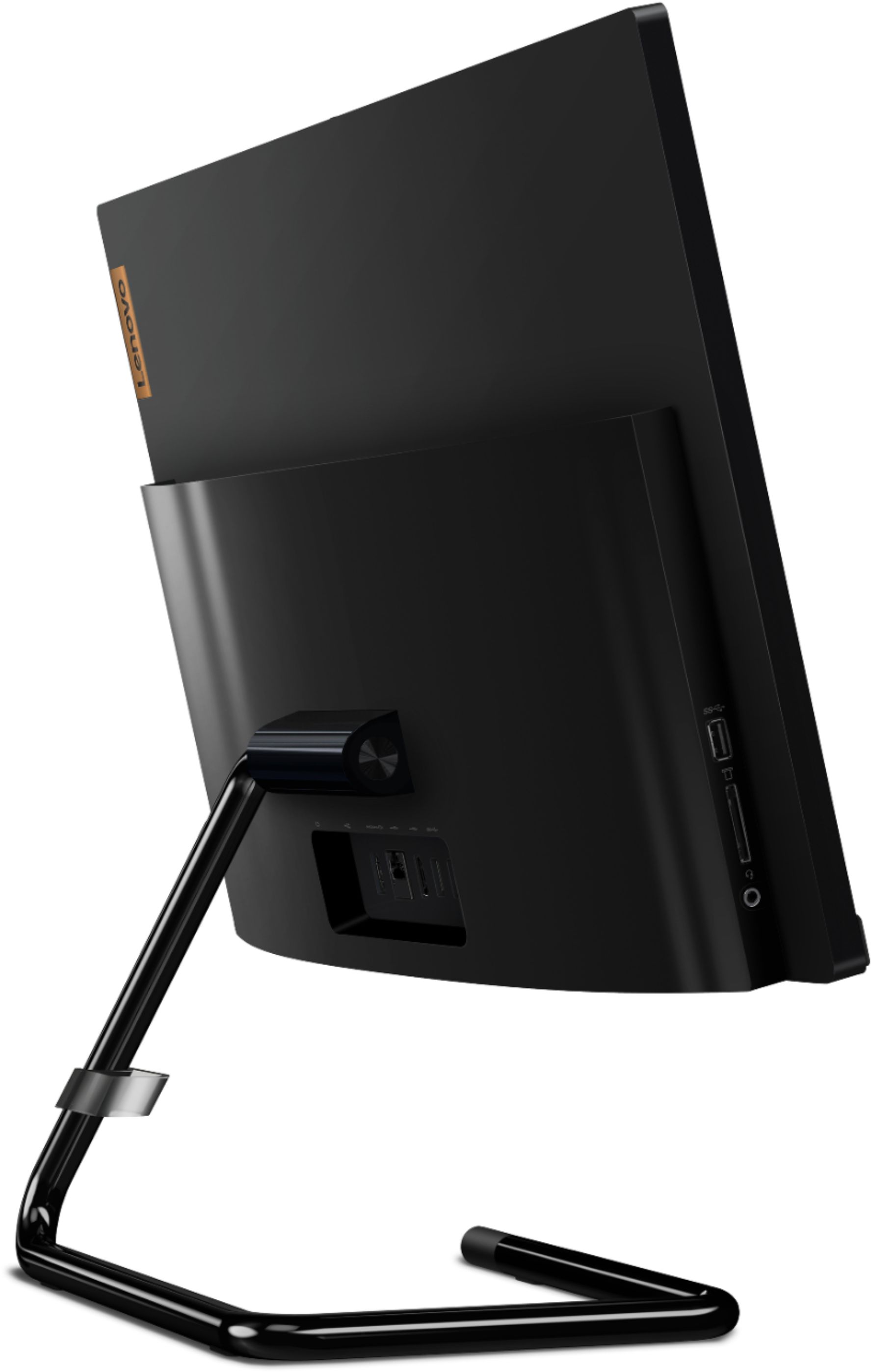
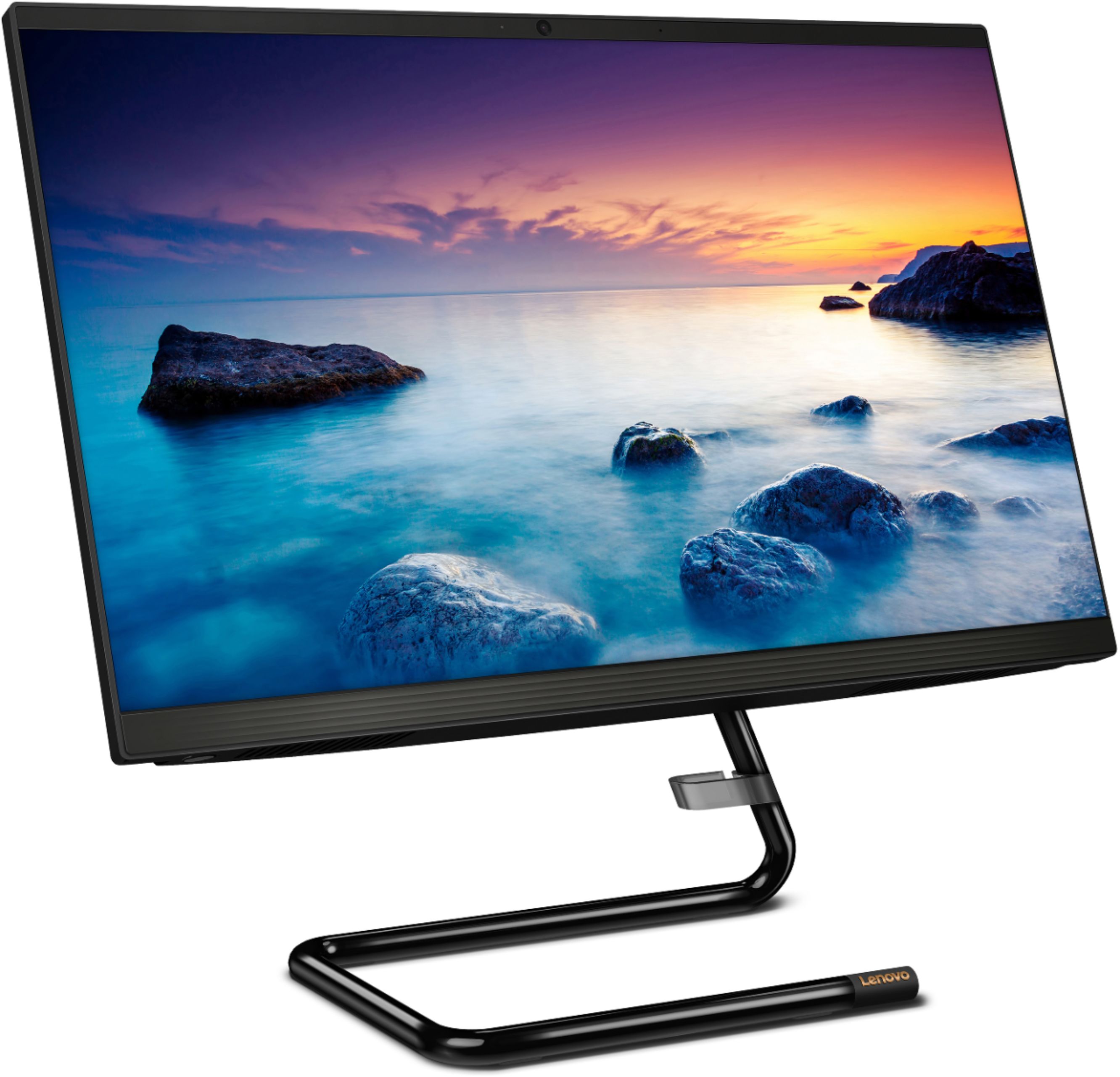
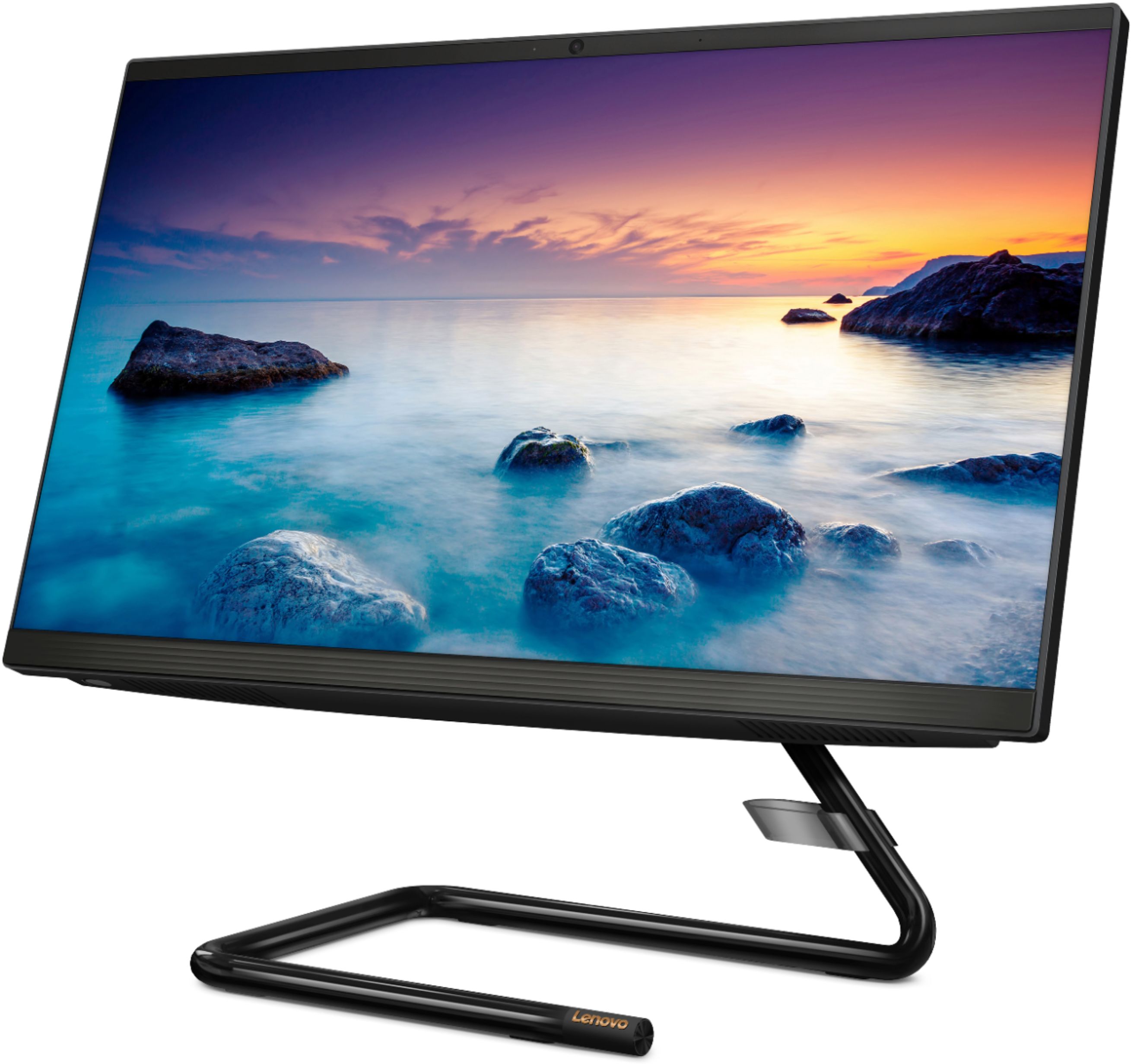
A:AnswerYou can add one external monitor via HDMI_out from the Lenovo IdeaCentre A340-22 All-In-One system, that can be used in conjunction with the system screen for a total of two screens.
A:AnswerTo connect additional monitors to your all-in-one you just need available ports such as HDMI DisplayPort or VGA. If you have none of these available or if the port is intended for input only you can use a USB display adapter to connect multiple additional monitors.
On display settings look for "multiple monitors" and select "span" and then "identify monitors" then set the display on screen to match your physical configuration of your screens.
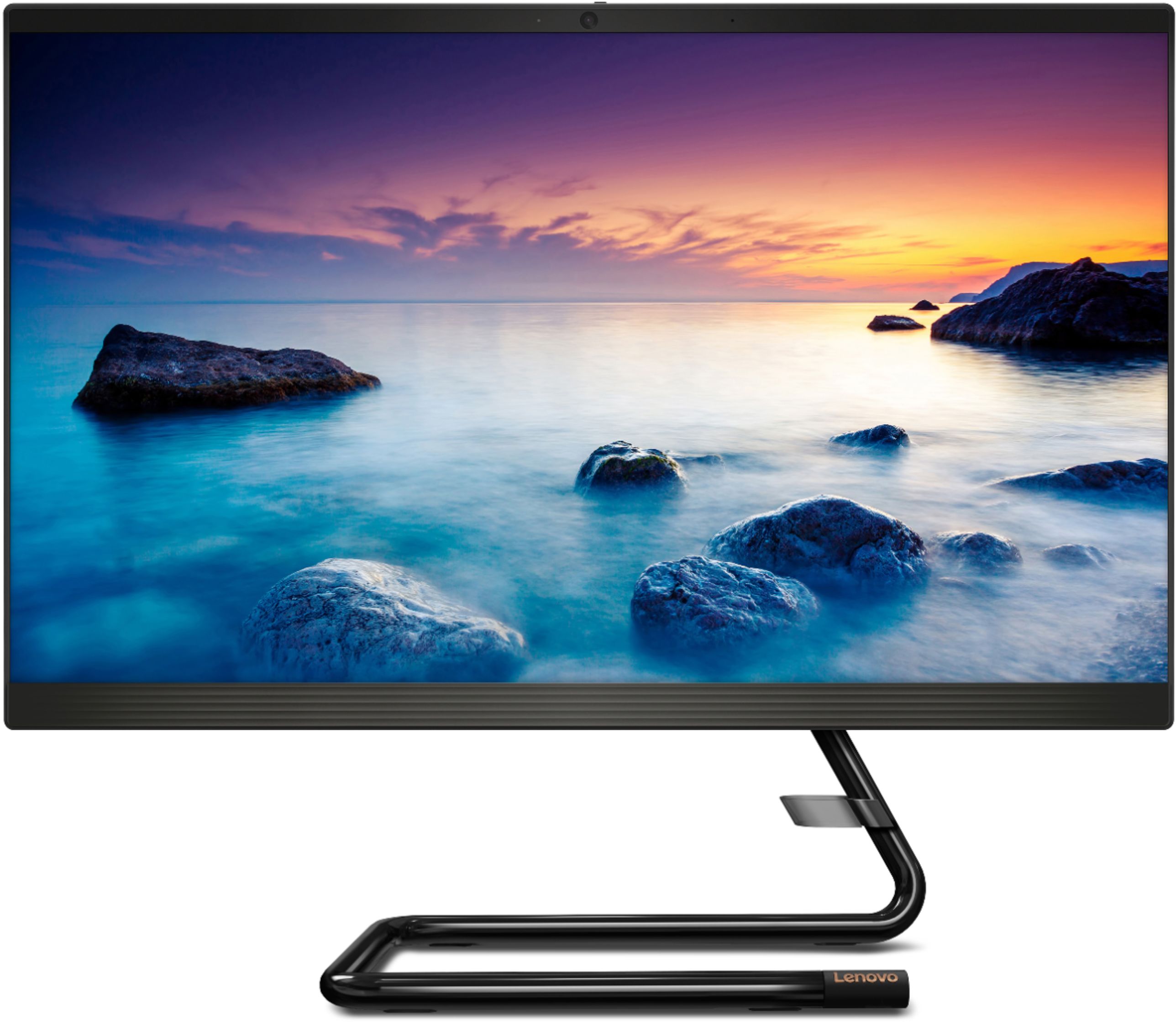
A:AnswerYes. The Lenovo IdeaCentre A340-22 All-In-One system, model number F0EA003RUS, ships with a 21.5-Inch (screen size measured diagonally) IPS Anti-Glare screen, with a resolution of 1920x1080 (FHD) and a brightness level of 250 nits.
A:AnswerNo. This model, the Lenovo IdeaCentre A340-22 All-In-One System, model number F0EA003RUS, ships with a standard 1TB mechanical 5400RPM hard drive.
A:AnswerYou can purchase the Windows 10 Pro upgrade and install it on this computer. The Windows 10 Pro upgrade is $99.99: https://www.bestbuy.com/site/windows-10-pro-upgrade-english-windows-digital/6383106.p?skuId=6383106
A:AnswerYes. The Lenovo IdeaCentre A340-22 All-in-One system, model number F0EA003RUS, ships with an IPS Anti-Glare screen, with a resolution of 1920x1080 (FHD) and a brightness level of 250 nits.