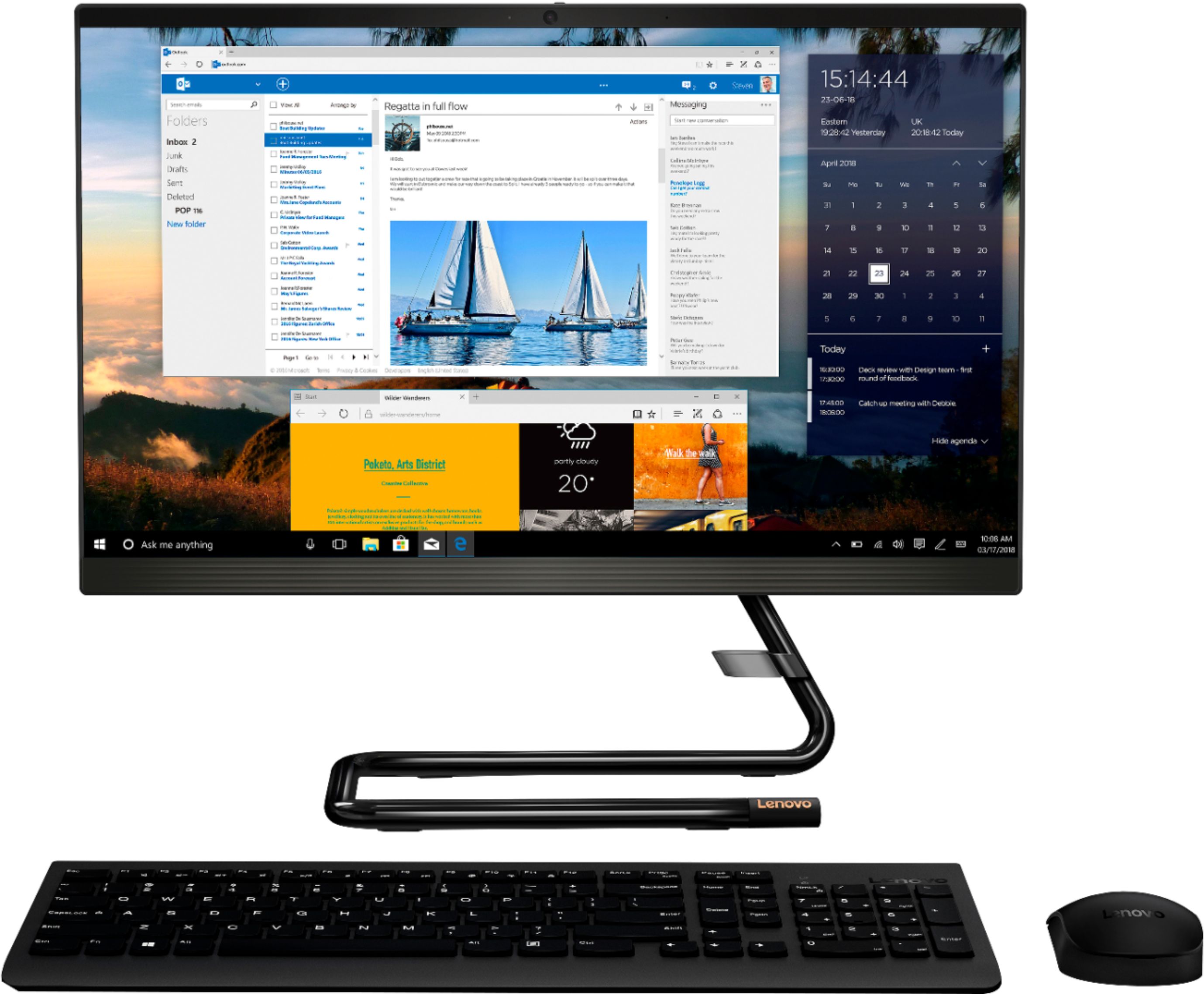
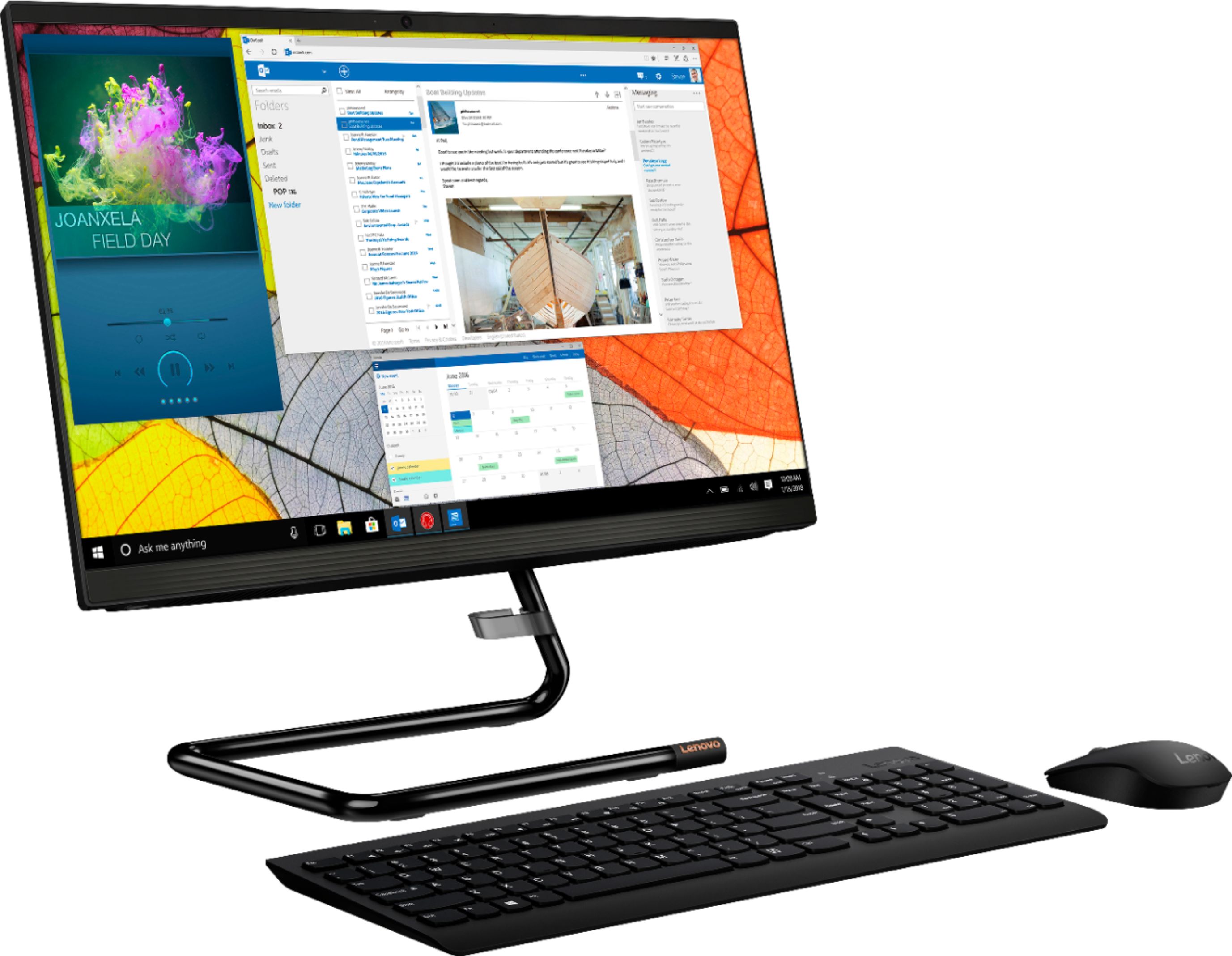
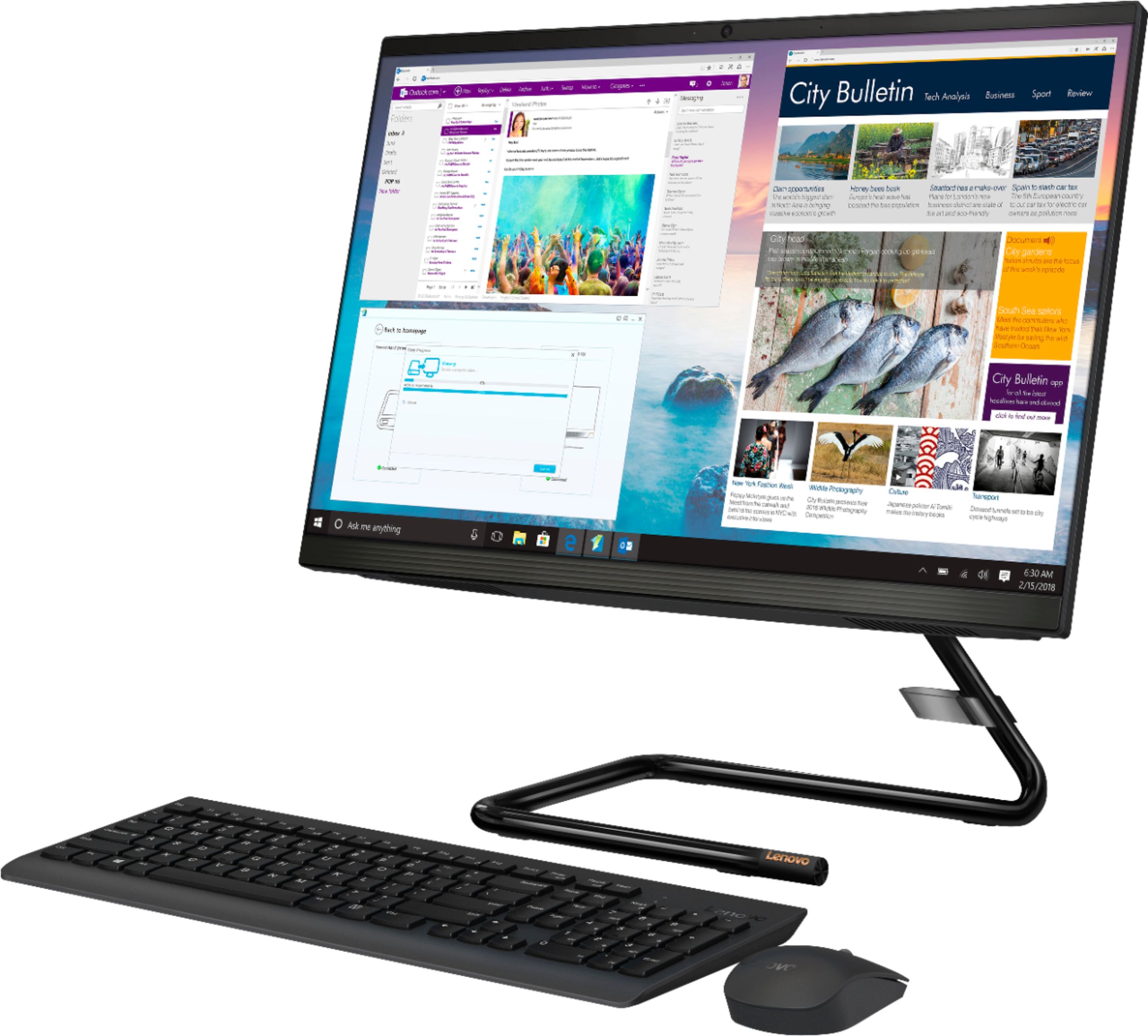
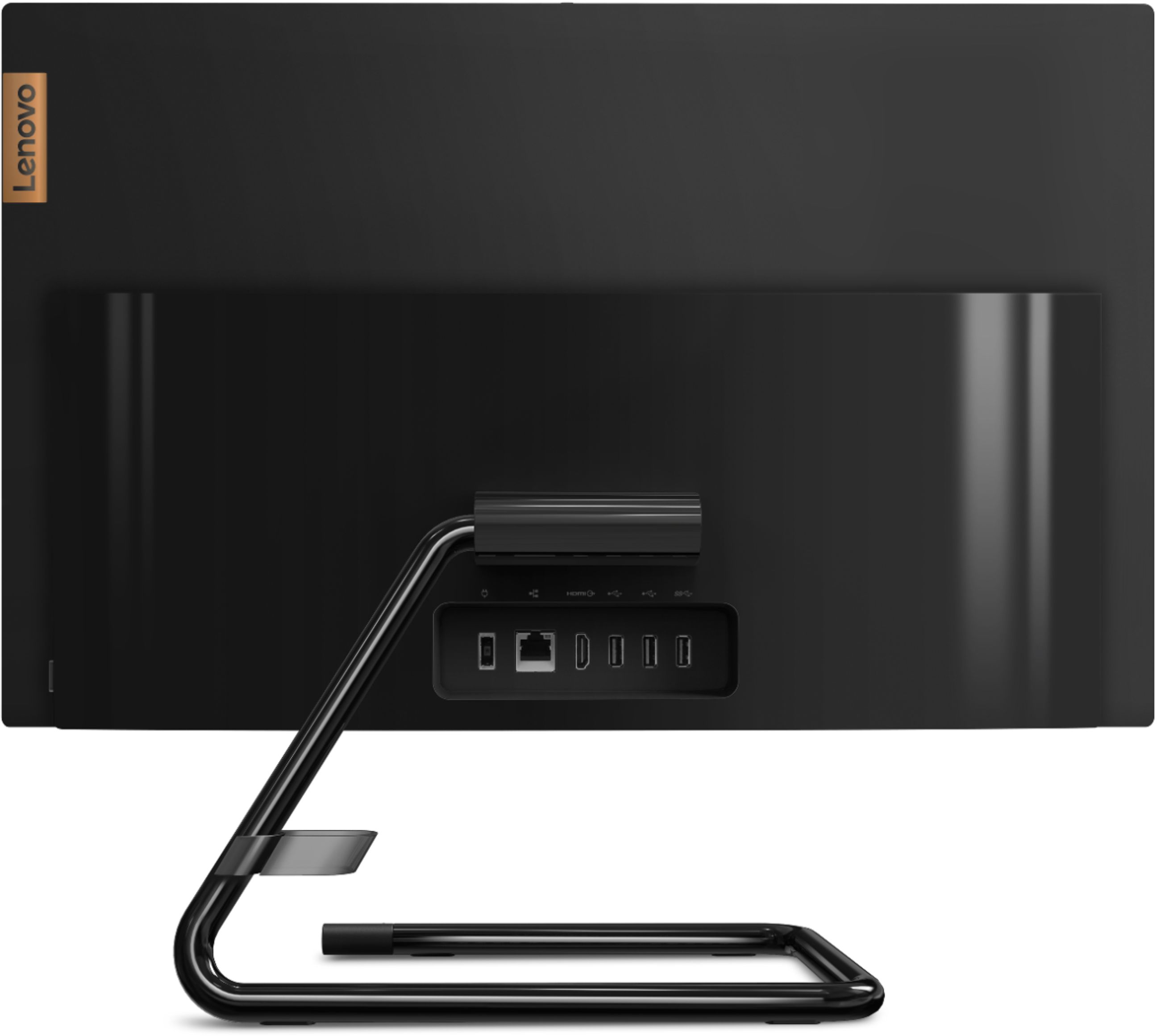
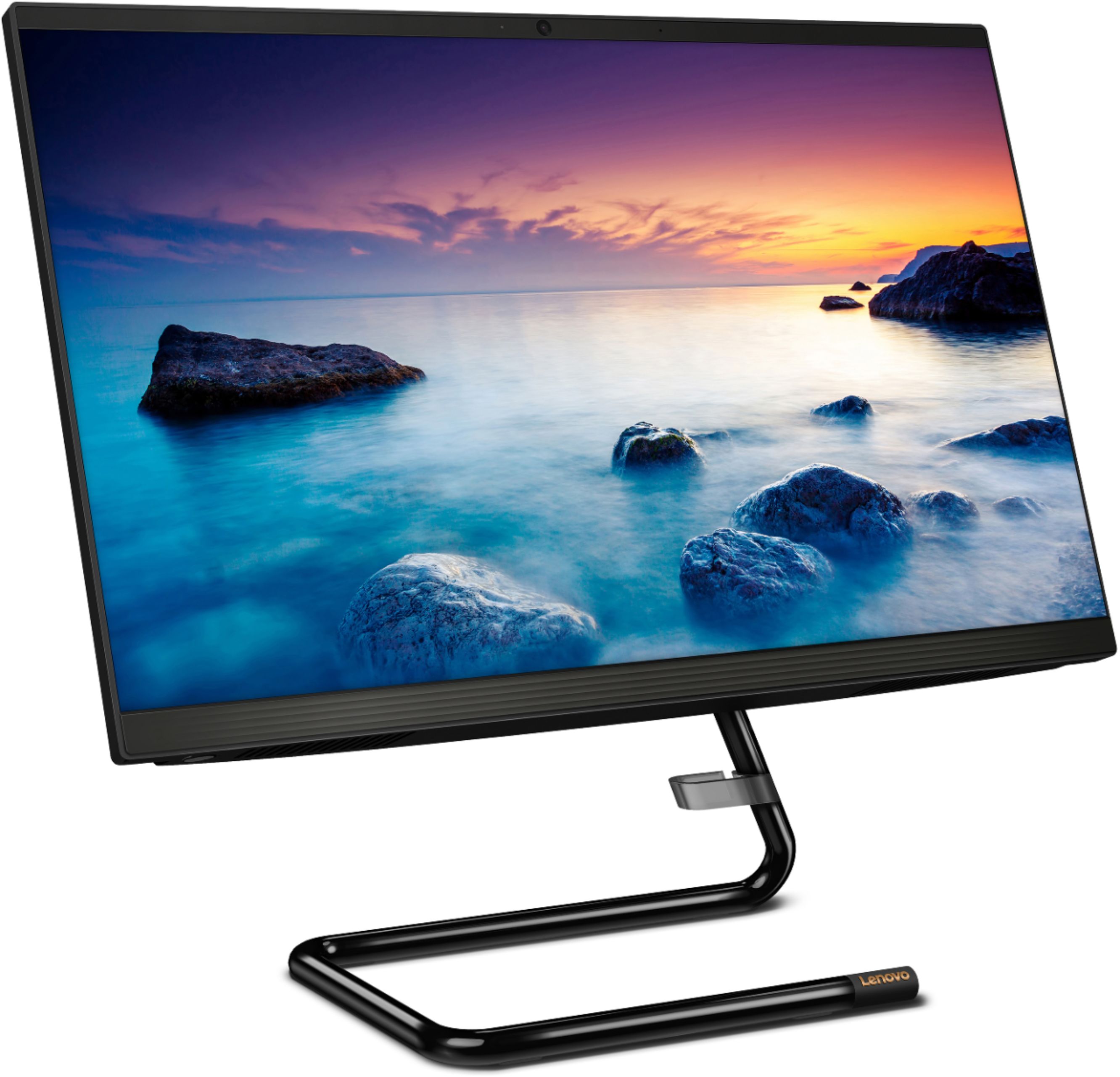
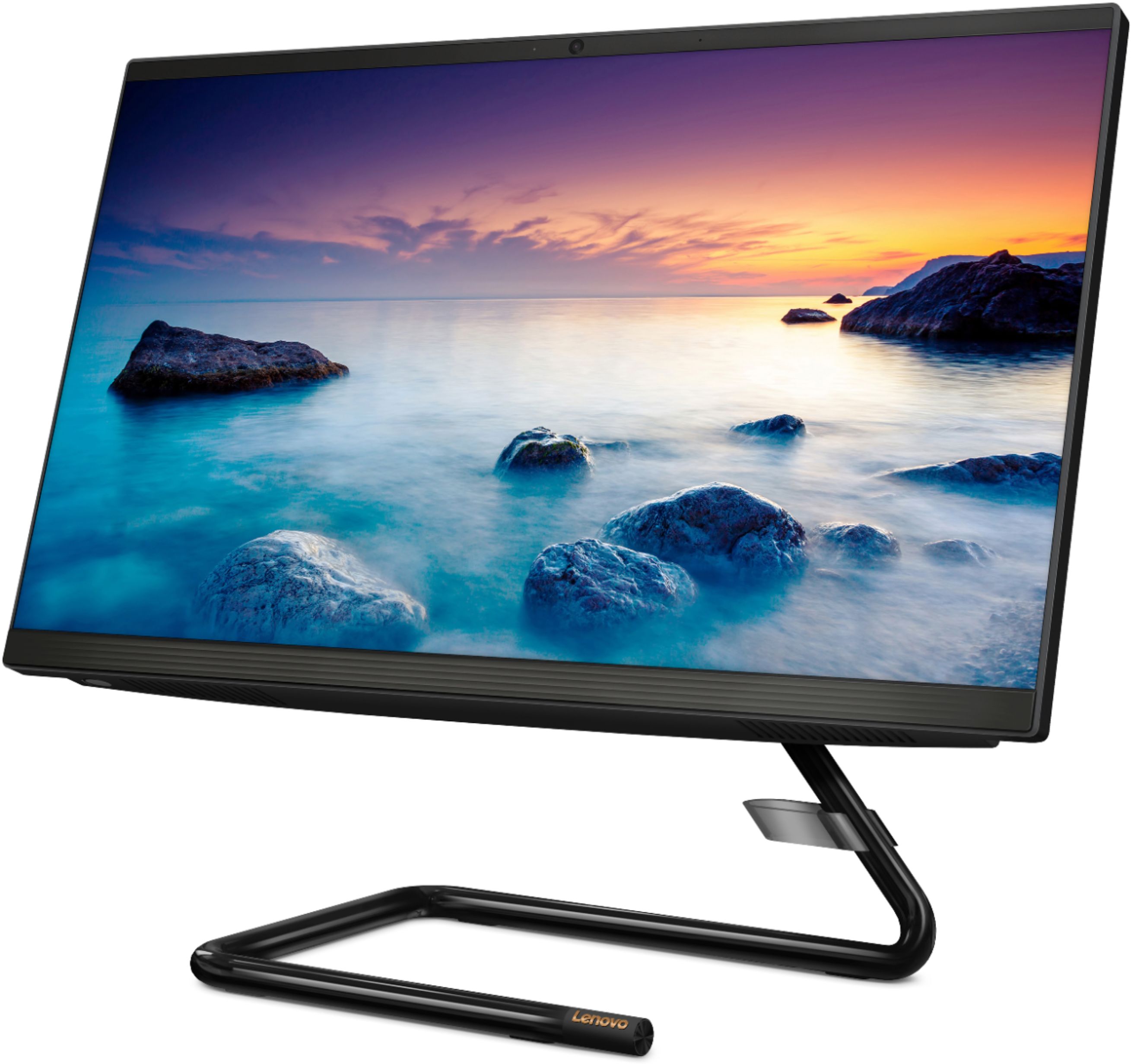
A:AnswerI had this computer hooked up to an Epson printer (cheaper model) and it worked just fine. Unfortunately the Epson wasn't that great in the quality of picture department so I replaced it with a Cannon G6020 and again, have had no problems. Both printers have the tank you fill with ink. Much cheaper, less hassle. I would not recommend an Epson from my own personal experience. If you choose a tank printer, be sure to use their ink when you refill the tank. (Speaking from experience.)
A:AnswerThere is a 30-day trial of Microsoft Office 365 included as part of the Windows 10 operating system. In order to keep the program active after the trial period, you will need to purchase a product key. You will not need to download any additional software.
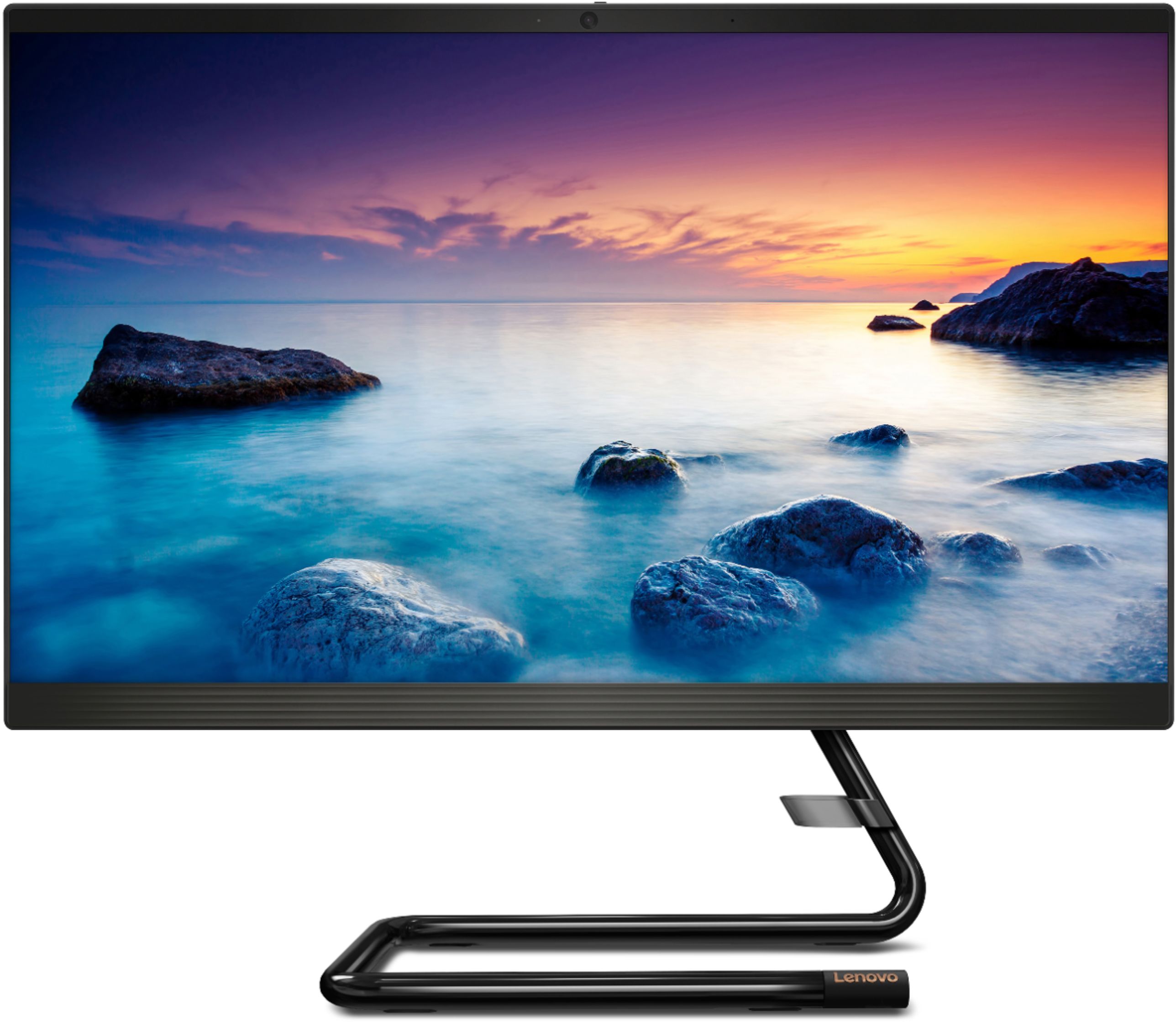
A:AnswerHello, thanks for your question. No additional purchase necessary. The Lenovo IdeaCentre A340 AIO model # F0EA003RUS ships with included webcam and microphone. You can use Voice to Text or "Dictation" for free With Windows 10. Here is a link with more information/. https://www.techrepublic.com/article/how-to-turn-on-speech-recognition-and-dictation-in-windows-10/#:~:text=To%20activate%20speech%2Dto%2Dtext,can%20see%20in%20Figure%20C. If you need further assistance please don't hesitate to reach out to Lenovo Tech Support at 866-426-6686
A:AnswerThat will depend on the requirements and compatibility of the specific programs you want to use. We recommend you check with the specific software publisher's web sites for their compatibility with Windows 10 Home 64-bit operating system and the minimum/recommended hardware requirements (Is a Graphics card required, the processor speed and the minimum required system RAM and the minimum available hard drive space) to run their program, then compare those requirements to this system's configuration.
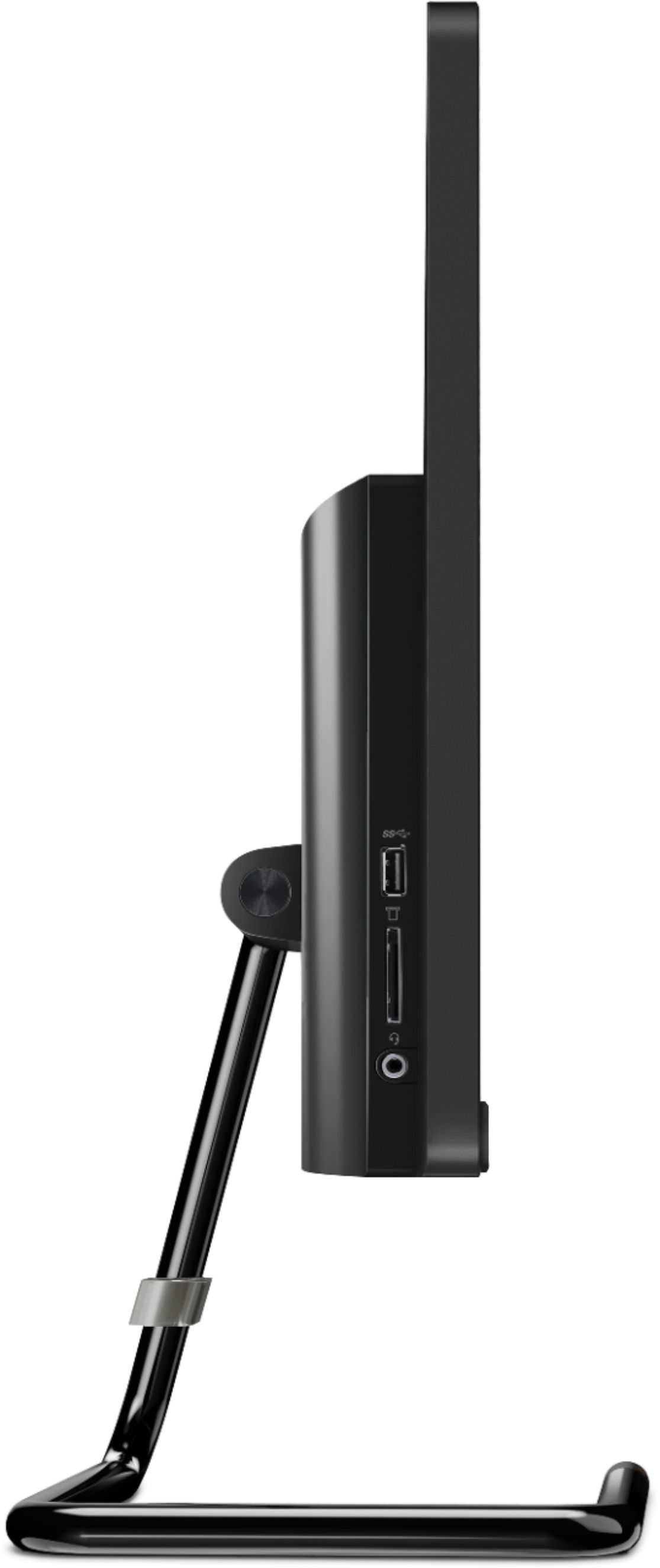
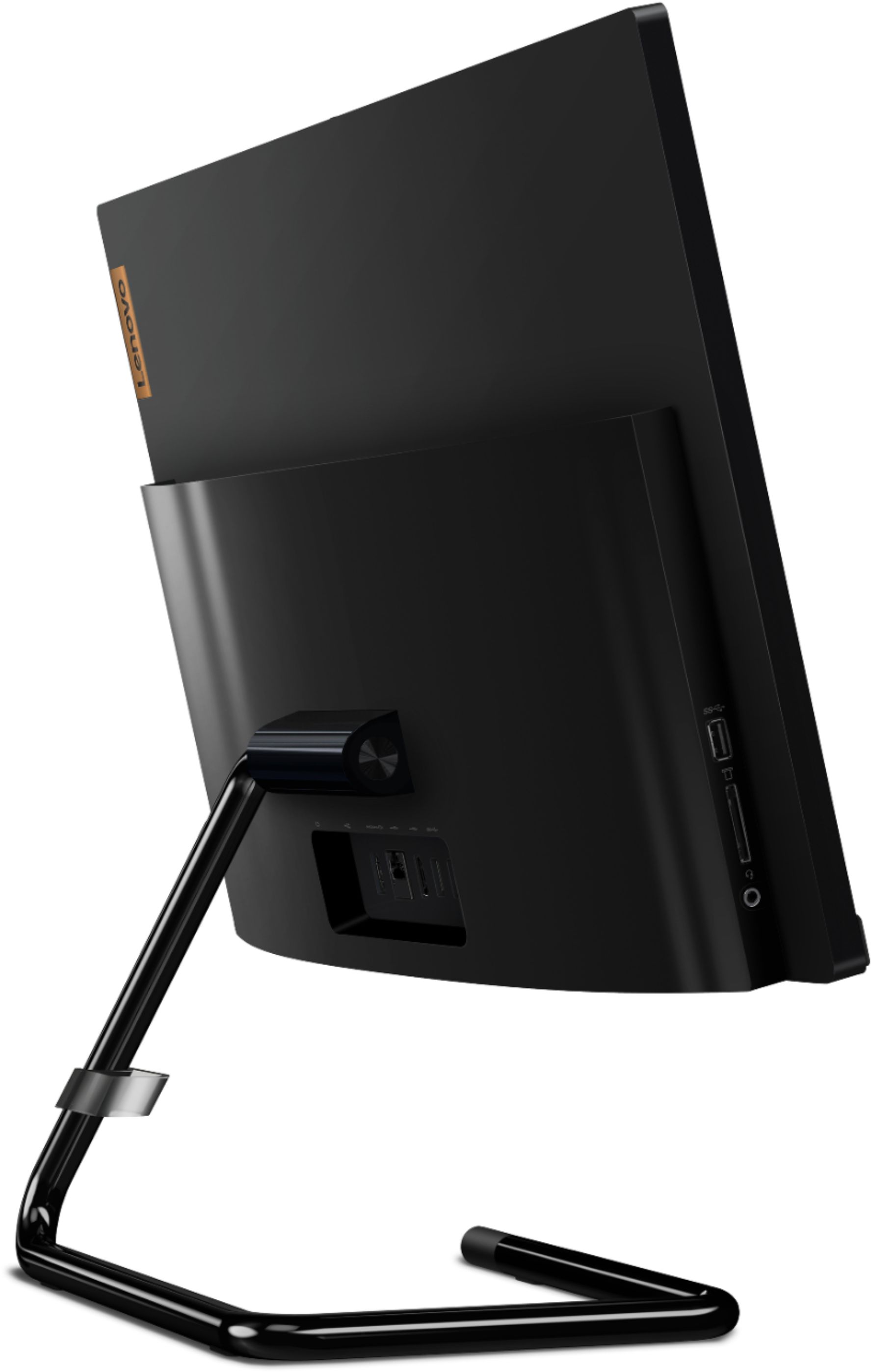
A:AnswerThe Lenovo IdeaCentre A340-22 All-in-One system model number F0EA003RUS, has one HDMI-Out port for connecting one external monitor that can be used with the system screen for two total screens.
A:AnswerThat will depend on the requirements and the compatibility of the device you want to use with the Lenovo IdeaCentre A340-22 All-in-On system. We recommend you check with the device manufacturer's web site for their compatibility with Windows 10 Home 64-bit operating system and the minimum/recommended hardware requirements (Is a Graphics card required, the processor speed and the minimum required system RAM and the minimum available hard drive space) to run their program, then compare those requirements to this system's configuration.
A:AnswerThat really will depend on the requirements and compatibility of the specific software you want to run. We recommend you check with the specific software publisher's web site for their compatibility with Windows 10 Home 64-bit operating system and the minimum/recommended hardware requirements (Is a Graphics card required, the processor speed and the minimum required system RAM and the minimum available hard drive space) to run their program, then compare those requirements to this system's configuration.
A:AnswerYes. The Lenovo IdeaCentre A340-22 All-In-One System, model number F0EA003RUS, ships with stereo, 3W High Definition (HD) Audio. Here is a link to more information about this model: https://psref.lenovo.com/Detail/IdeaCentre/ideacentre_A34022IGM?M=F0EA003RUS