A:AnswerA word of caution here. This an ATX12VO (ATX 3.0 standard) PSU, make 200% sure you get the right cable pinout for the connector to the MB. Also be aware of additional heat in the system. I understand you might be looking at upgrading the GPU?
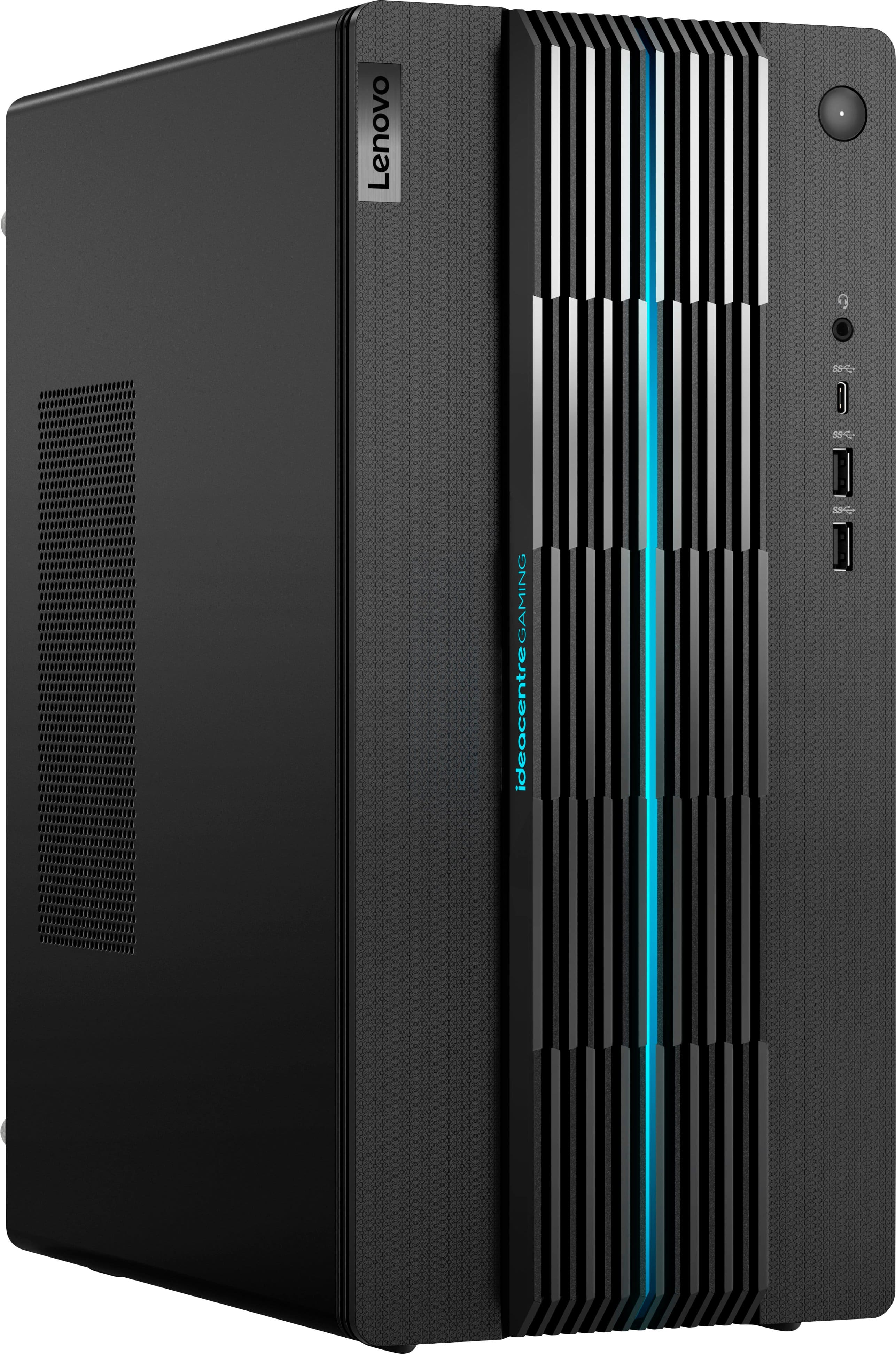
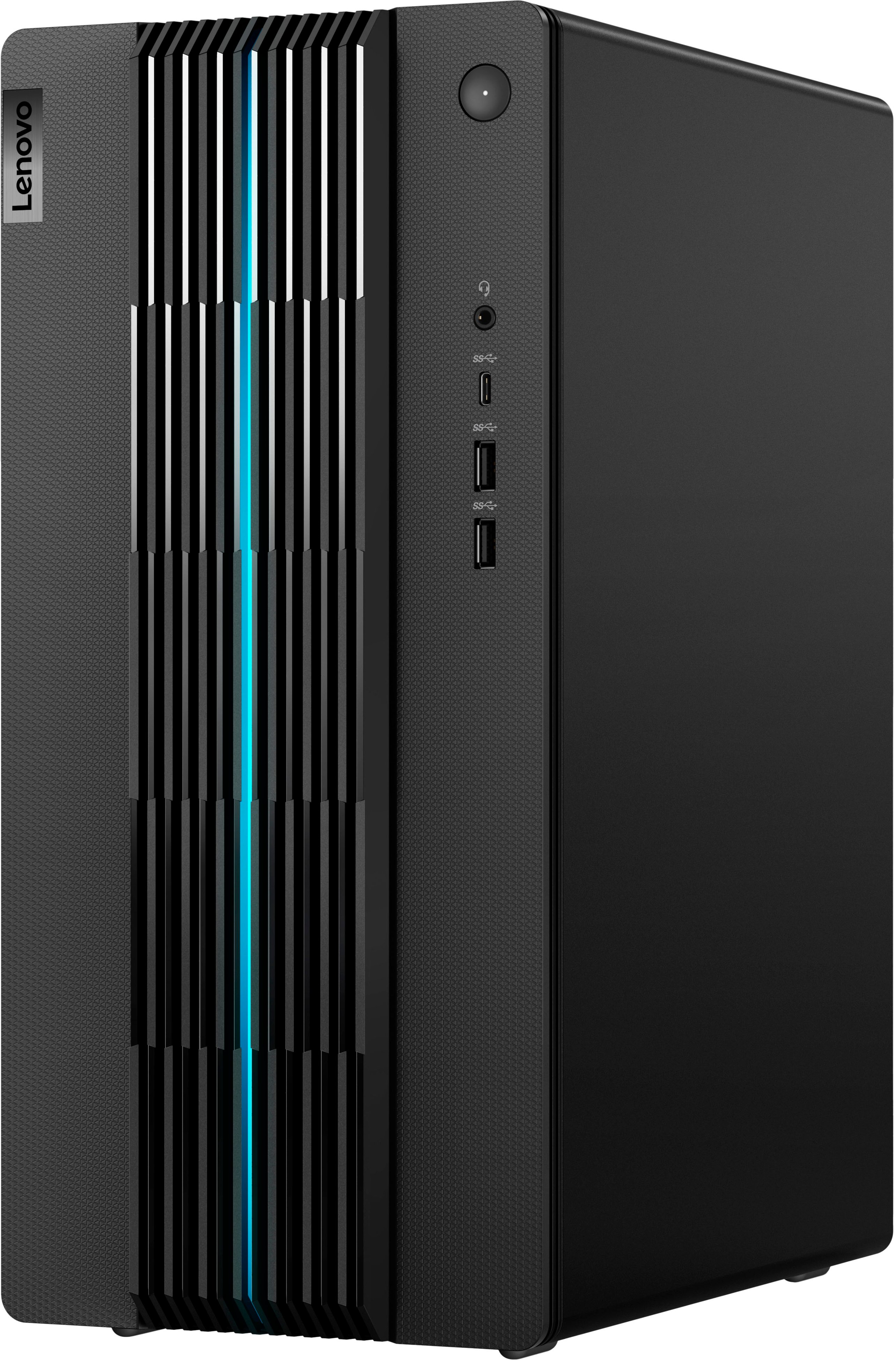
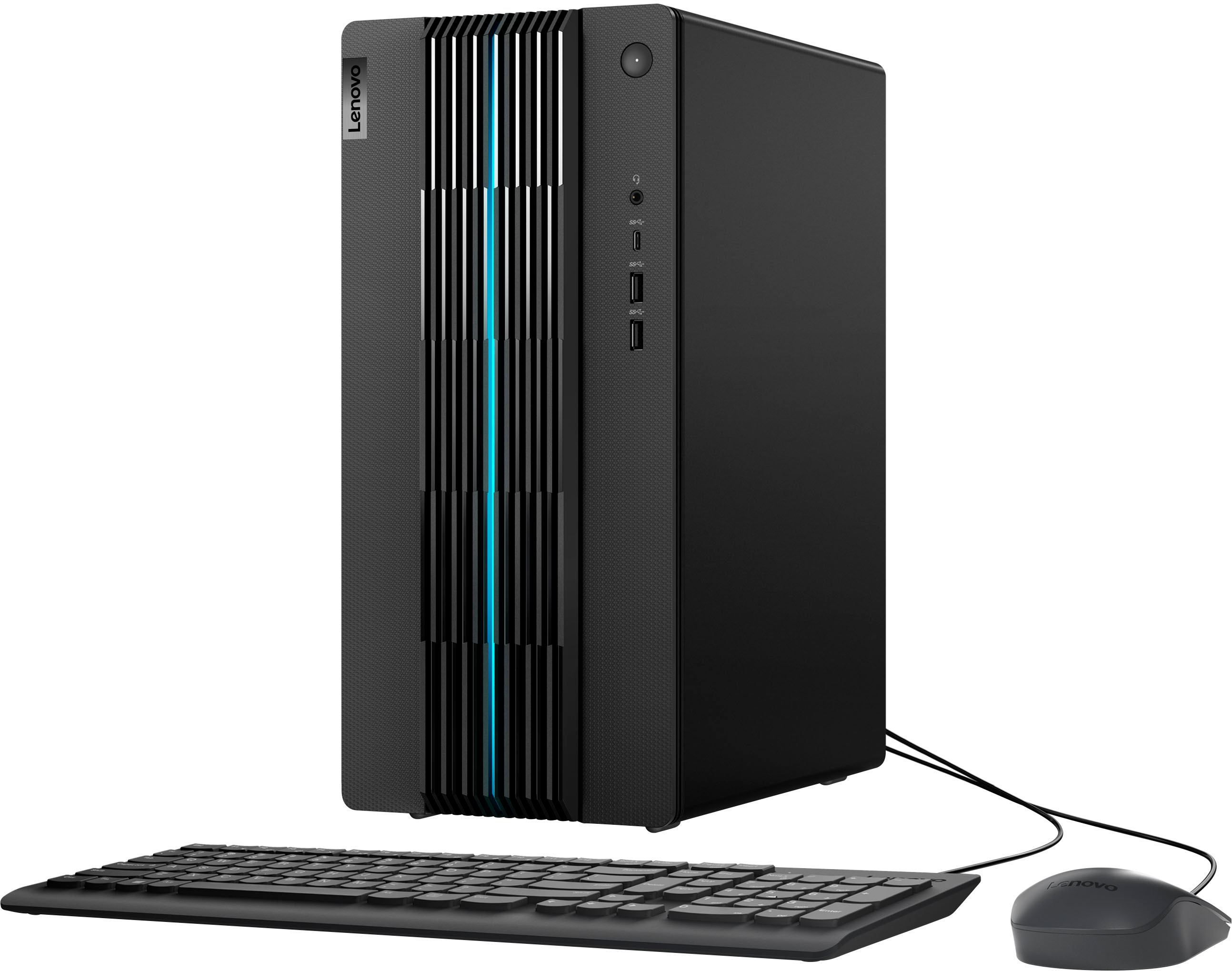
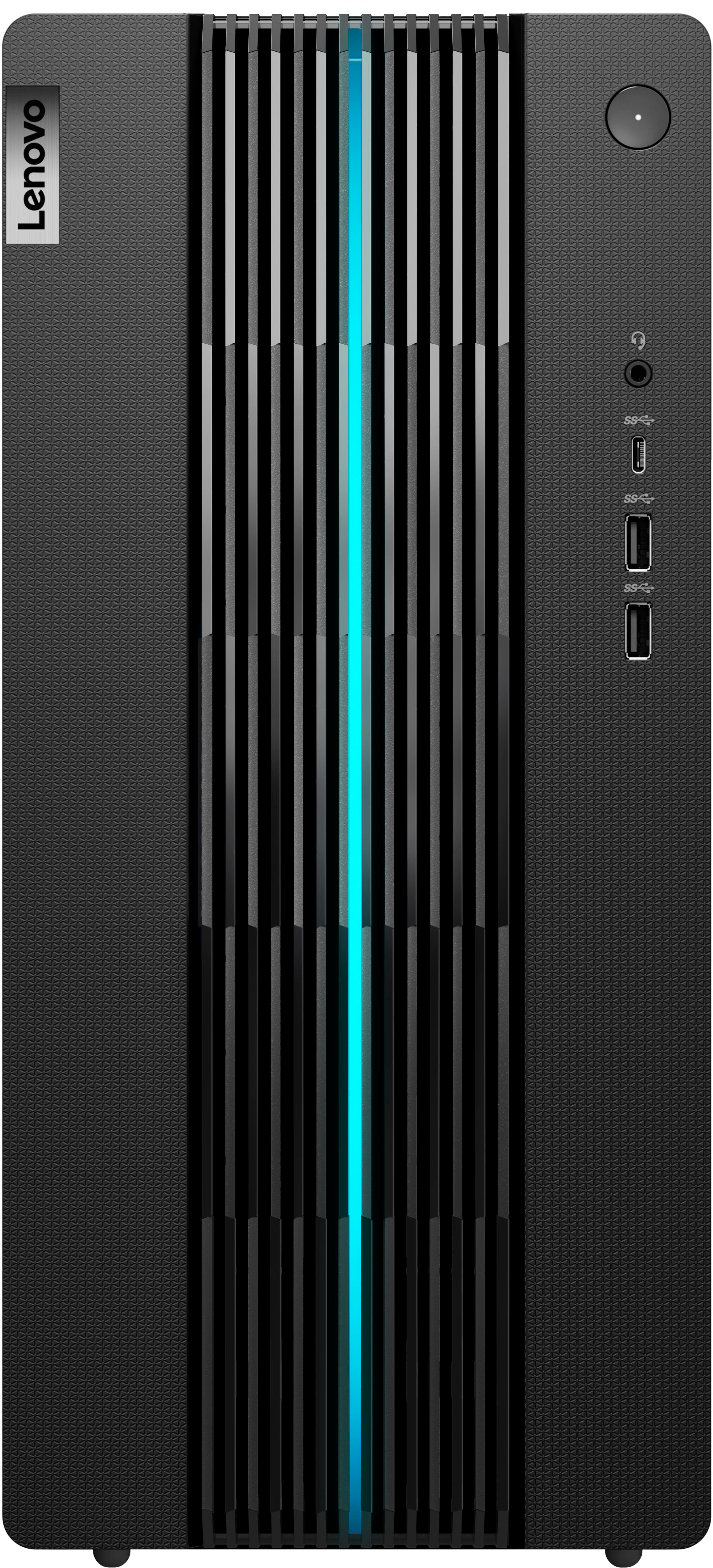
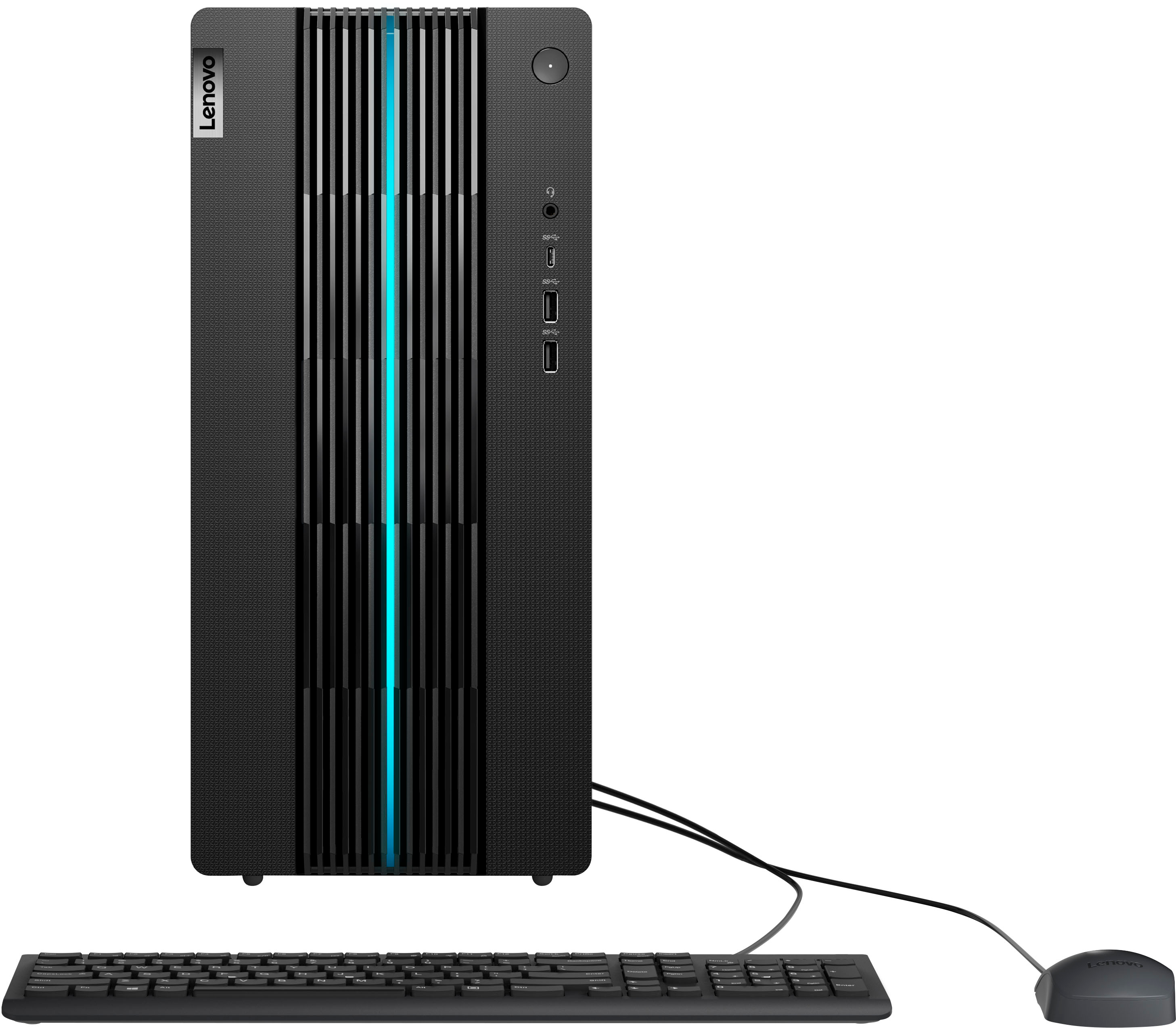
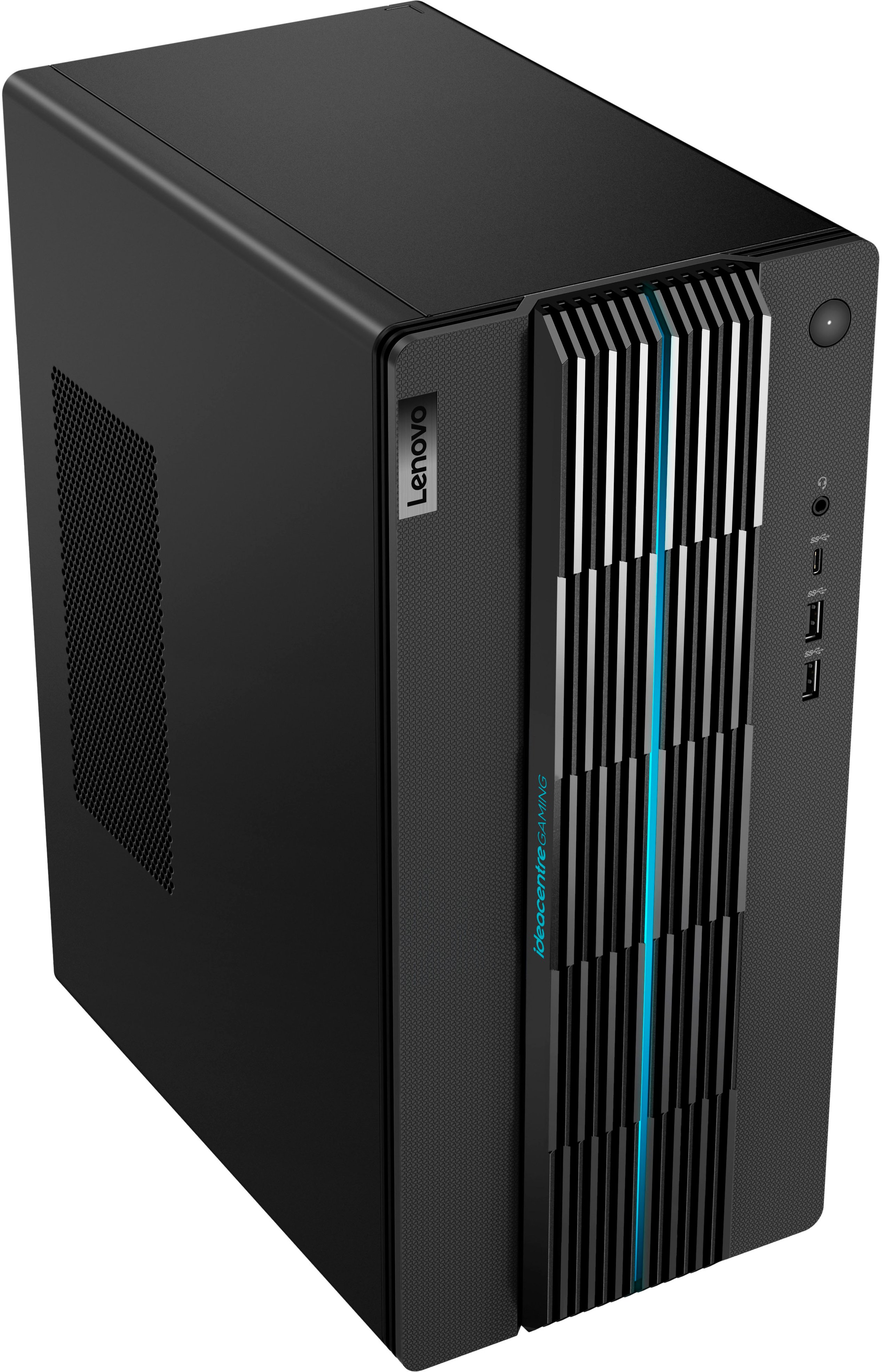
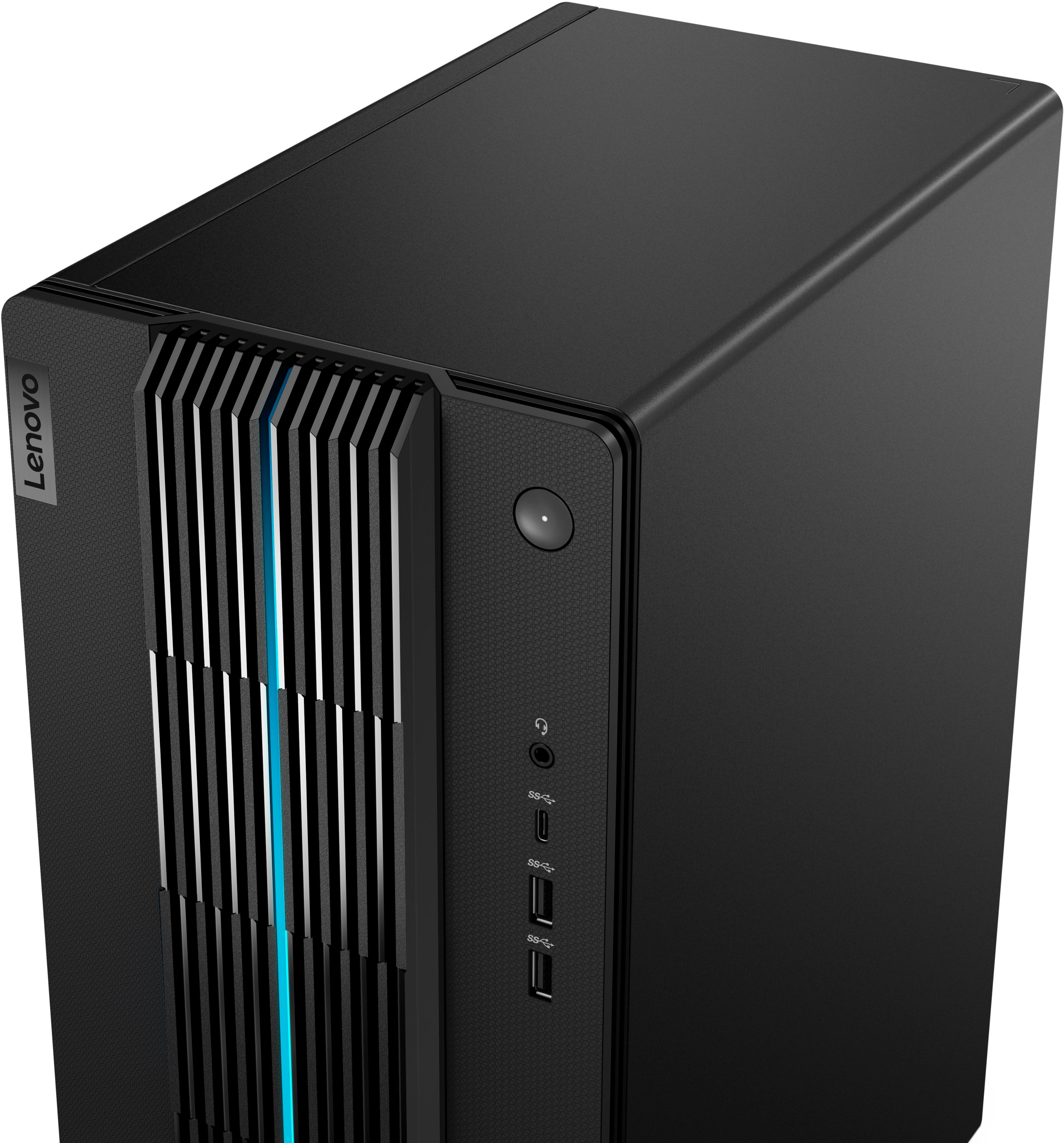
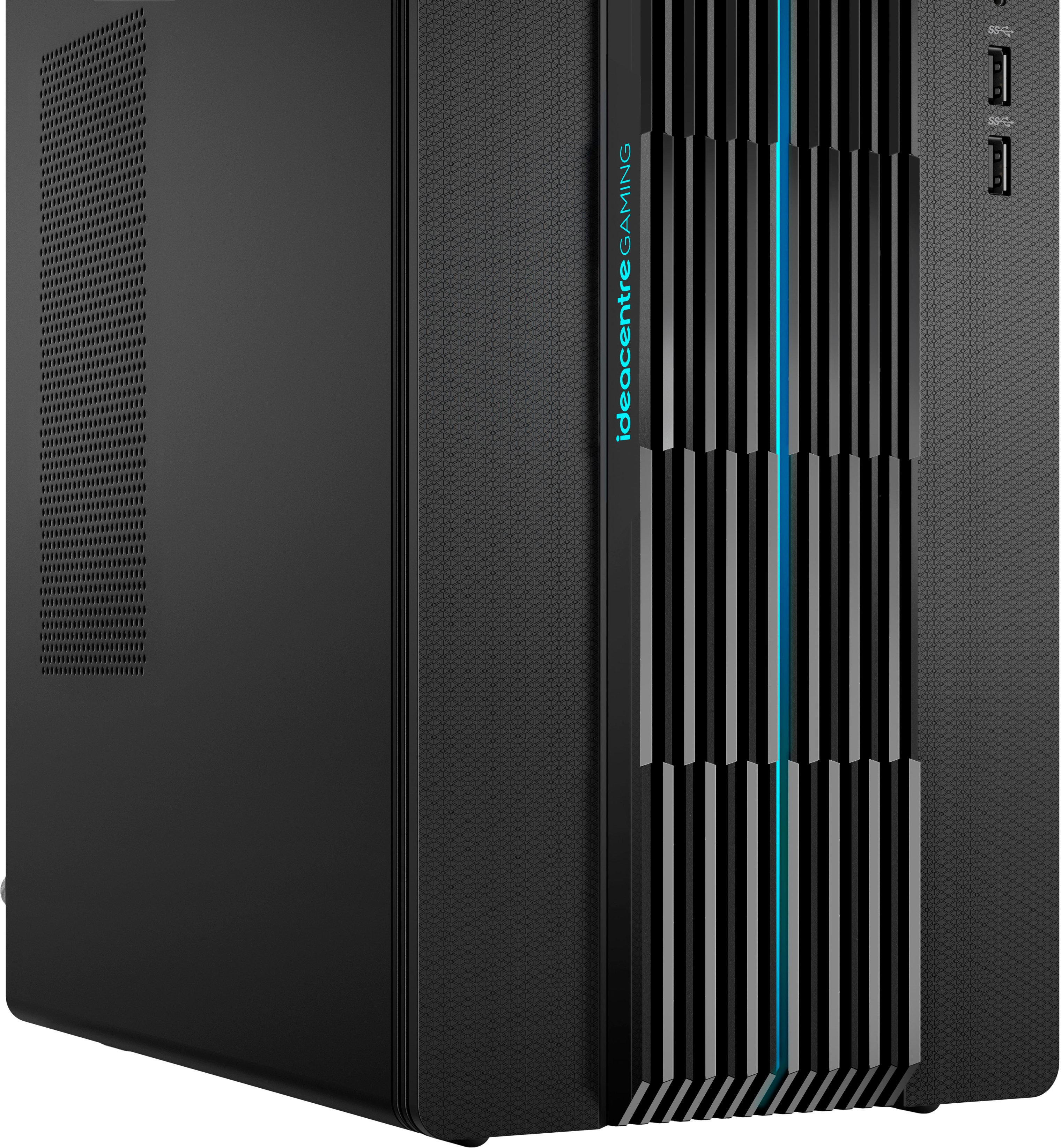
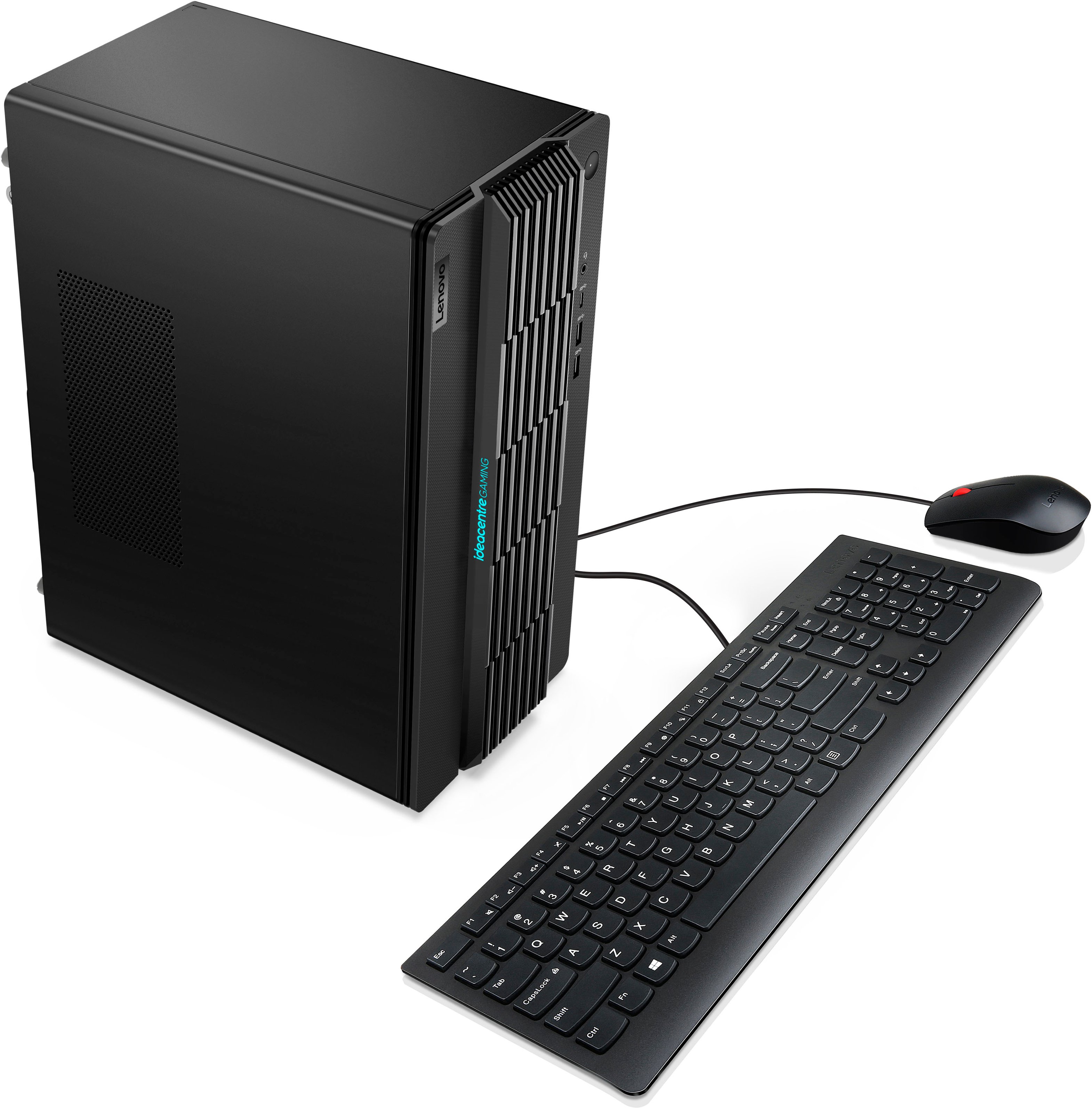
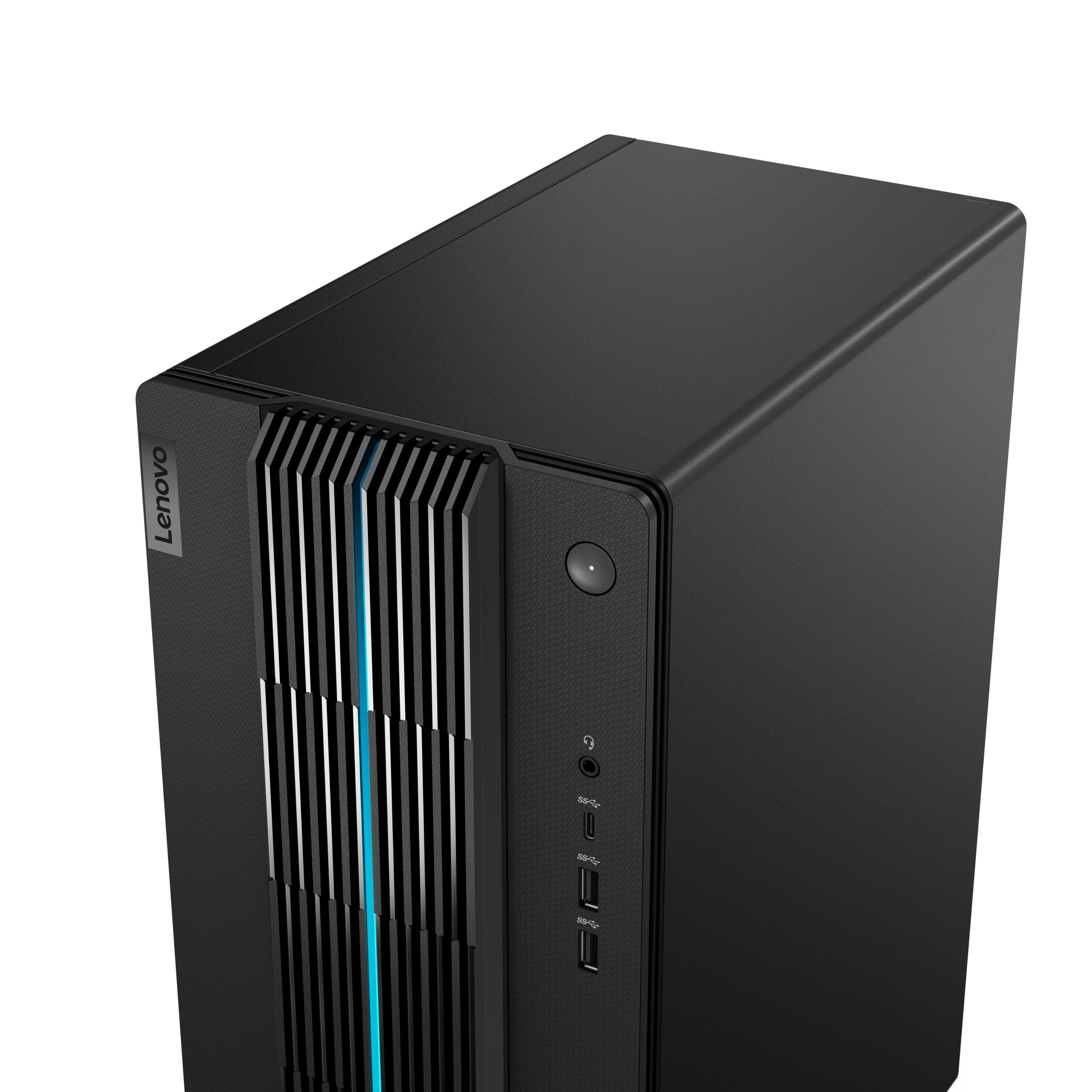
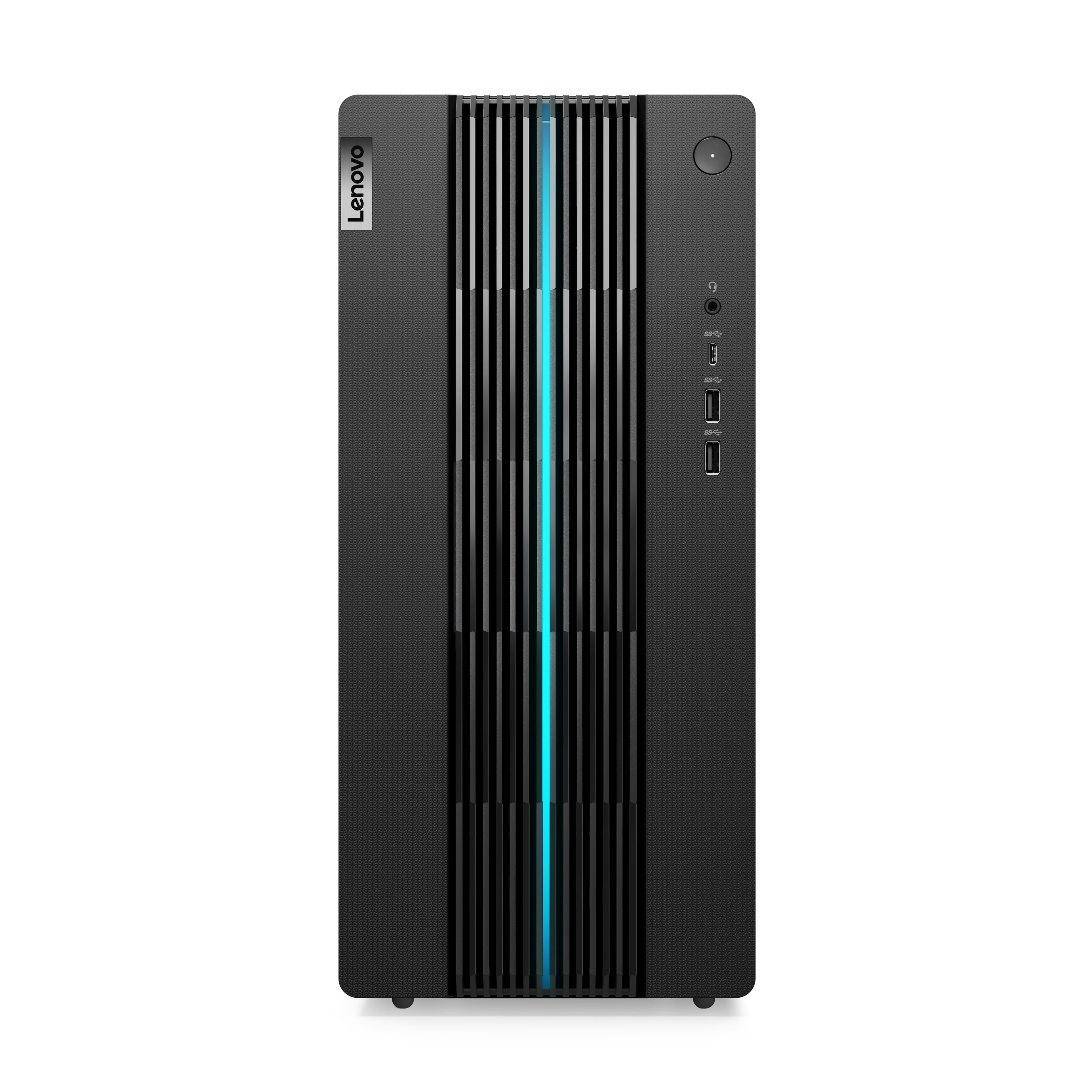
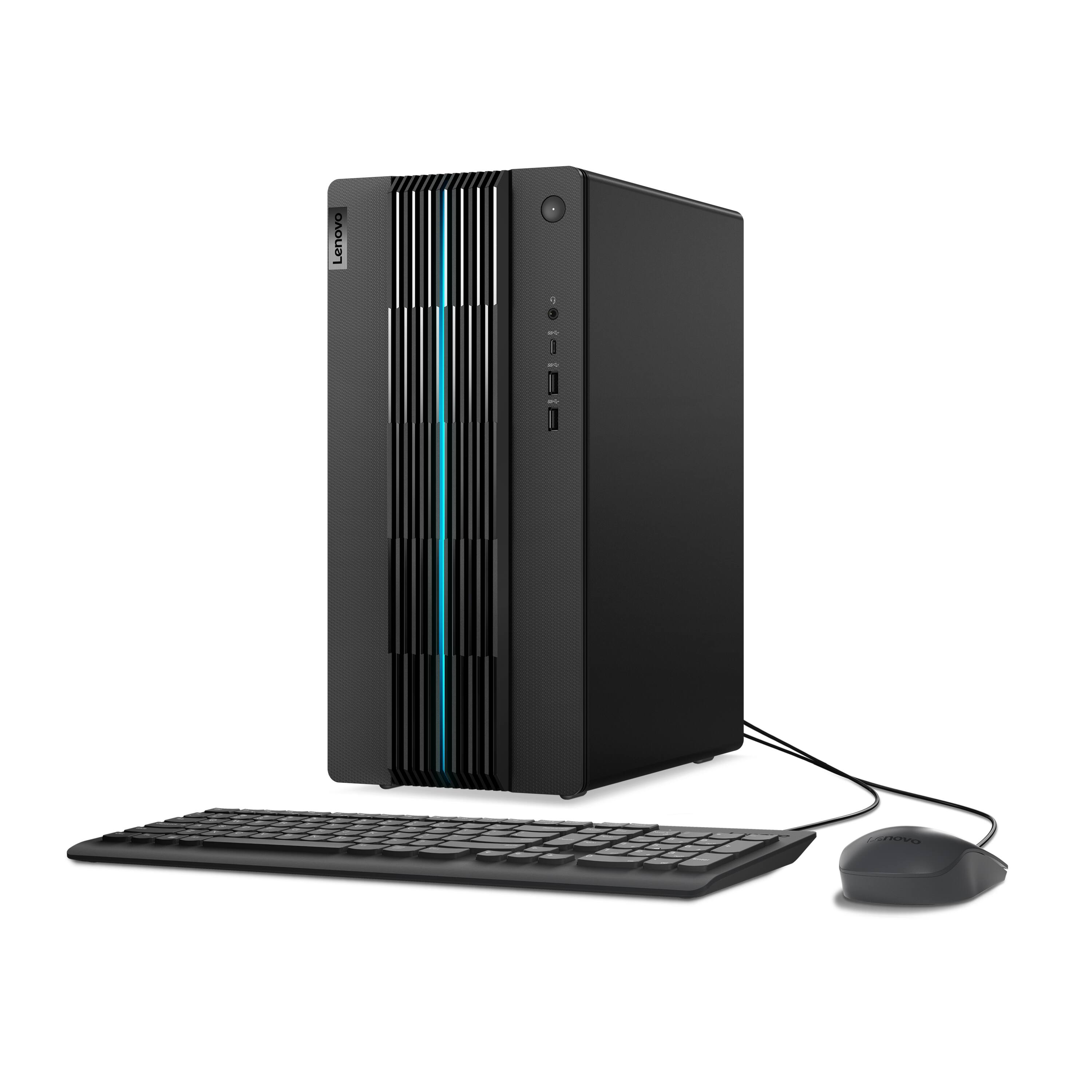
A:AnswerThis Lenovo IdeaCentre 5i, model number 90T00007US, ships with a 17L chassis accented by blue lighting along the bezels and 2D/3D painted striped patterns across the front. The lighting can be controlled within the Vantage Dashboard Software installed within this model.
A:AnswerThis Lenovo IdeaCentre Gaming 5i, model number 90T00007US, ships with 512GB SSD M.2 2280 PCIe® 3.0x4 NVMe® and supports Up to three drives, 2x 3.5" HDD + 1x M.2 SSD (3.5" HDD up to 2TB; M.2 SSD up to 1TB). We recommend you consult your certified technician for any storage upgrade options.
A:AnswerI’m in the process of changing the case, I wouldn’t recommend. It’s really a big headache and no point in changing out the case unless you’re going to be adding more usb slots and want a cleaner looking case.
A:AnswerThis Lenovo IdeaCentre Gaming 5i, model number 90T00007US, ships with the Intel® Core™ i7-12700 CPU, with 12 Cores (8P + 4E) / 20 Threads, P-core 2.1GHz Base clock / 4.8GHz Turbo clock, E-core 1.6 / 3.6GHz. When handling hardware threads marked for high performance, Intel® Turbo Boost Technology increases the clock speed up to the Max Turbo Frequency.
A:AnswerDue to variations in hardware configurations, it is difficult to predict the details of what performance you would experience. That will depend on the requirements of Minecraft and any additional content installed. We recommend you check the game publisher’s website for their minimum and recommended requirements to run their software, then compare those requirements to this system's configuration to determine compatibility.
A:AnswerHello, aidan, and yes, this graphics card is removable, however, we recommend consulting a Lenovo certified technician or speaking with a representative from Lenovo Tech Support at this phone number to discuss your upgrade options: 877-453-6686.
A:AnswerHello, thank you for your question. Here is a link to a Lenovo Support webpage that shares some tips on how to clean your device: https://support.lenovo.com/us/en/solutions/ht035676-keeping-your-computer-clean-notebooks-all-in-one-desktops-tiny-in-one-and-monitors