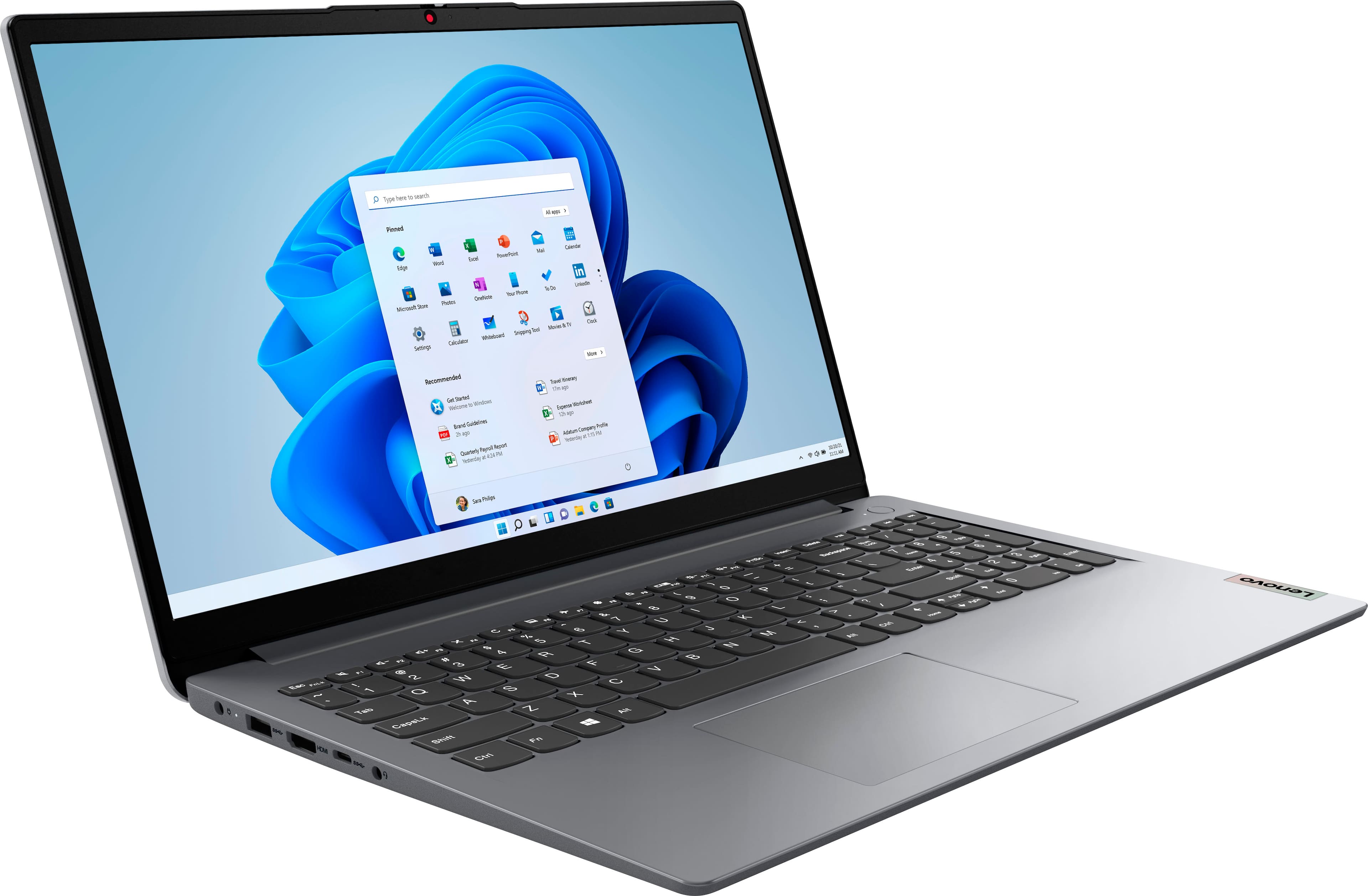
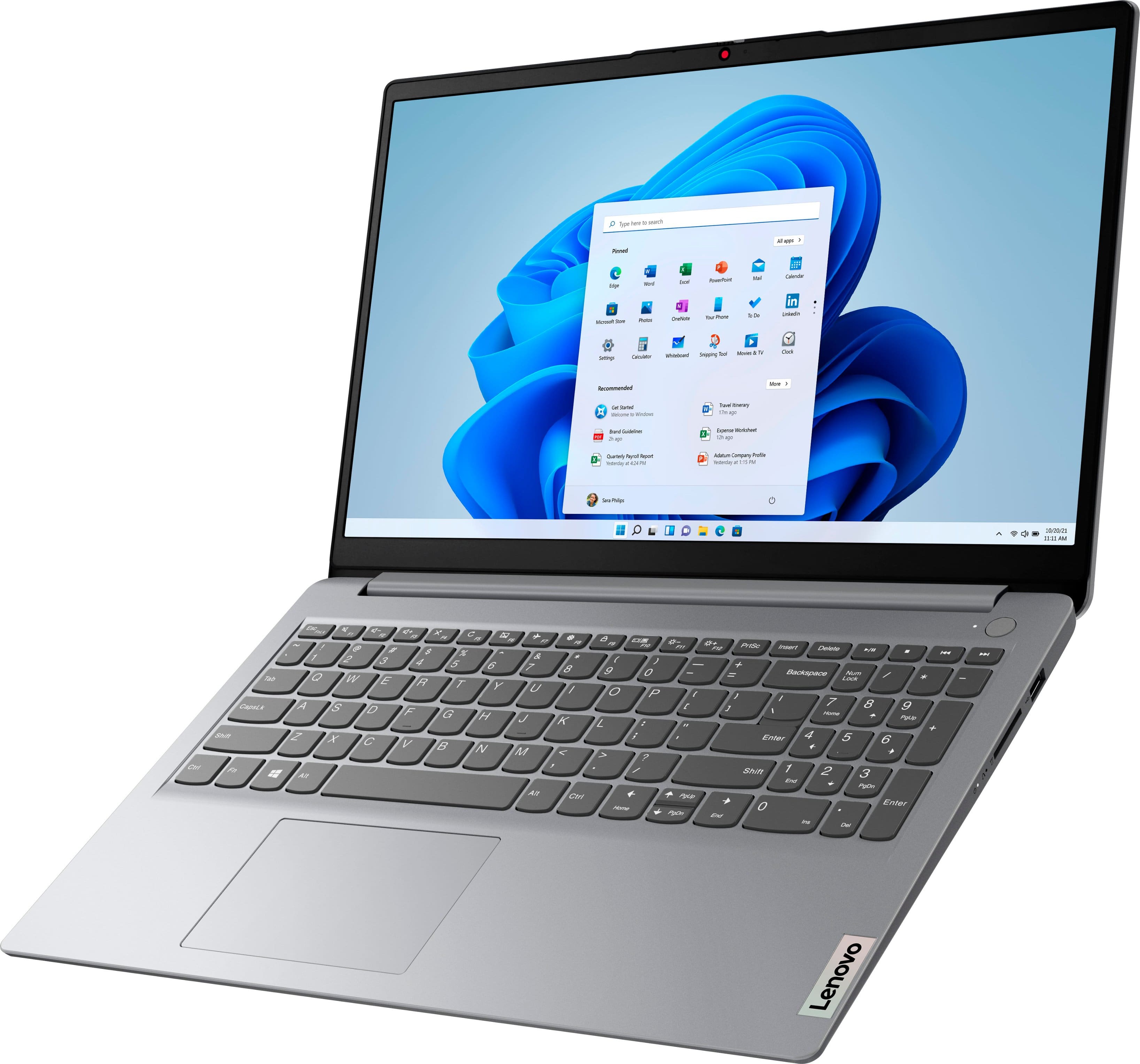
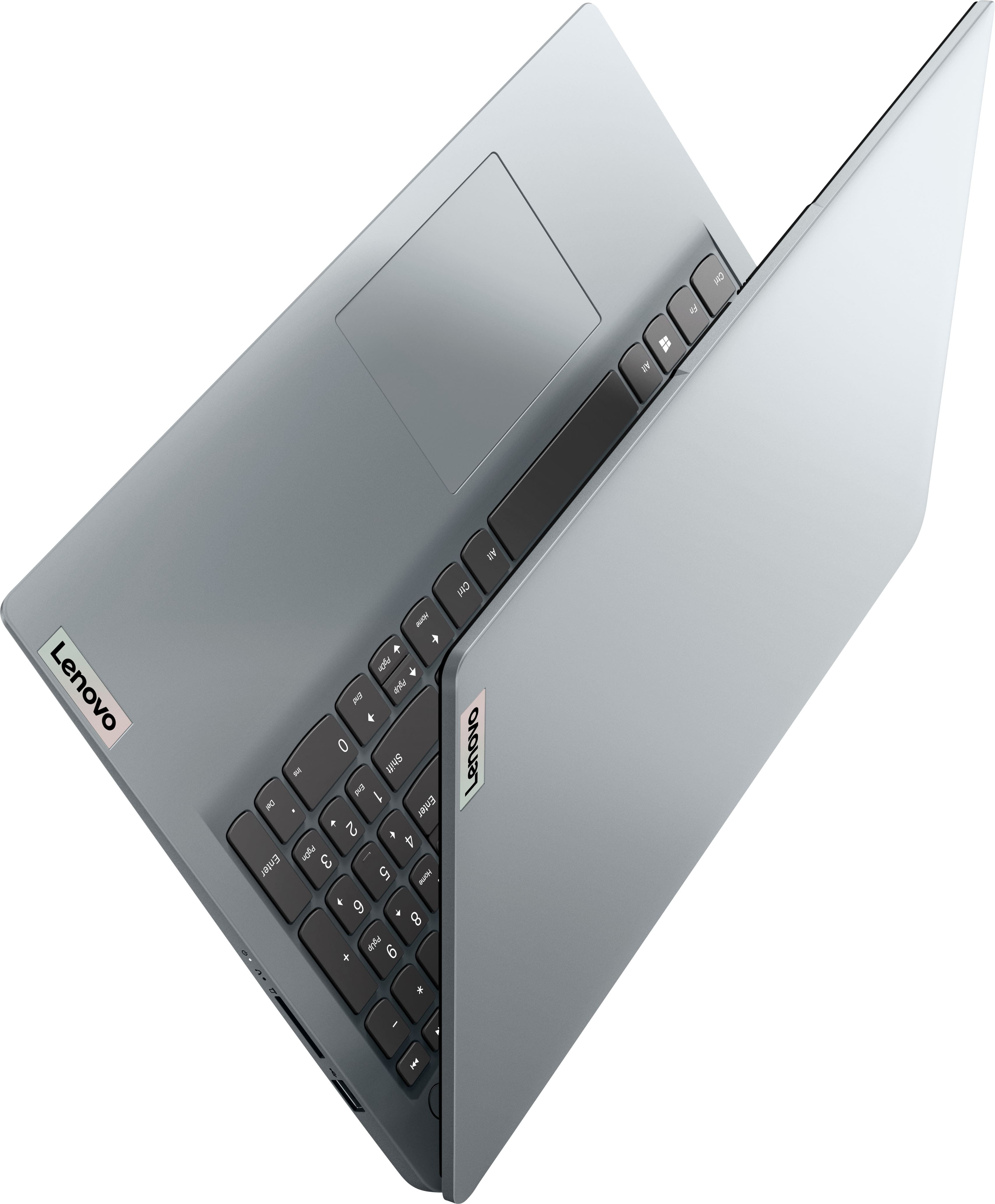
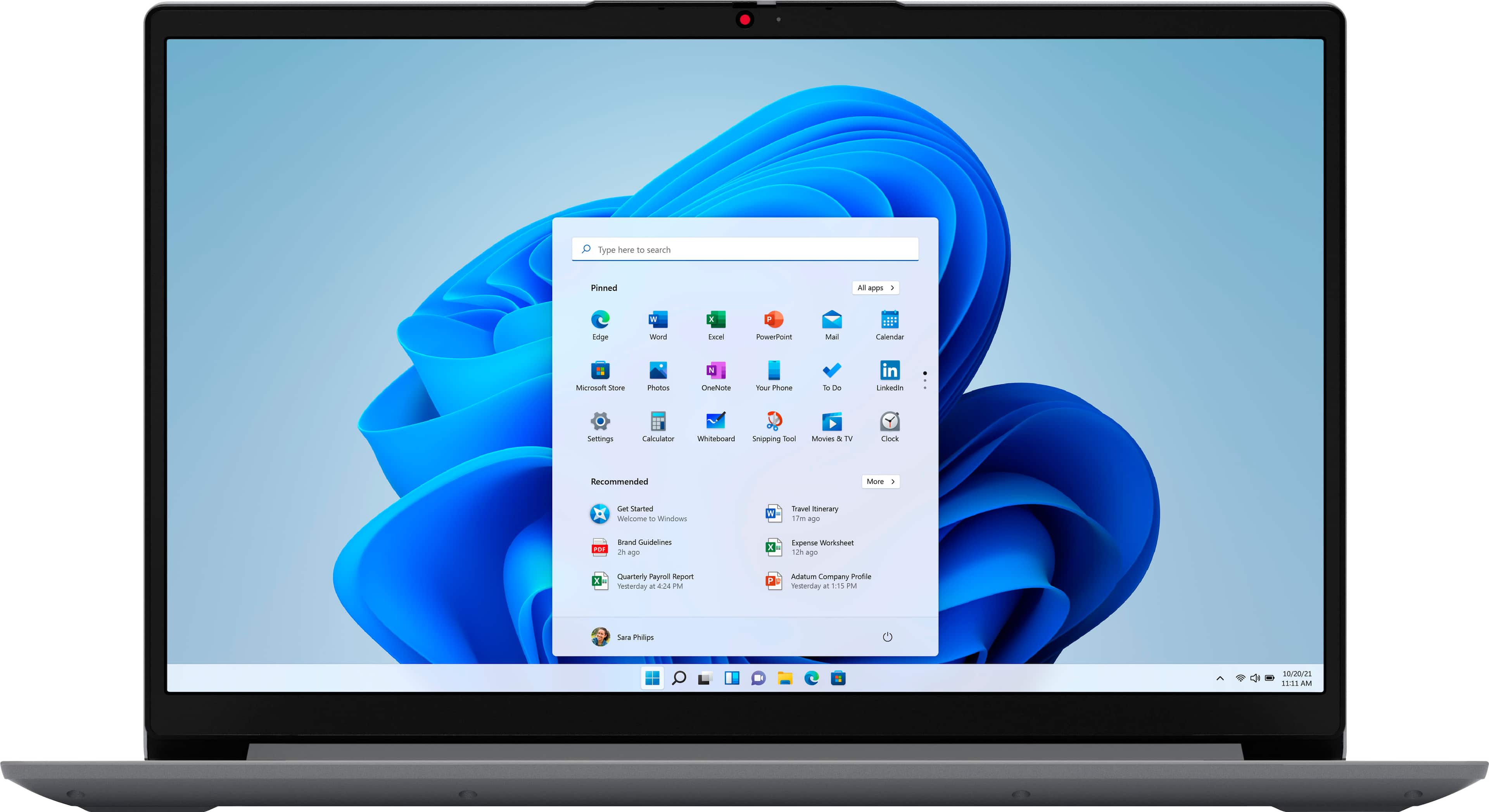
A:AnswerThat will depend on the requirements and compatibility of the specific software you plan to use. This Lenovo IdeaPad 1 15, model number 82R1006VUS, ships with Windows 11 S-Mode, 64-bit Operating System installed. Windows 11 S-Mode provides added security by only allowing APPs available (and therefore certified by Microsoft) at the Microsoft Store. If you don't need the added security or need to install APPs not available at the Microsoft Store, you can switch to standard Windows 11 Home 64-bit Operating System, at no additional cost. We recommend you check with the software creator’s web site for their compatibility with Windows 11 S-Mode 64-bit operating system and the minimum/recommended hardware requirements to run their program, then compare those requirements to this system's configuration.
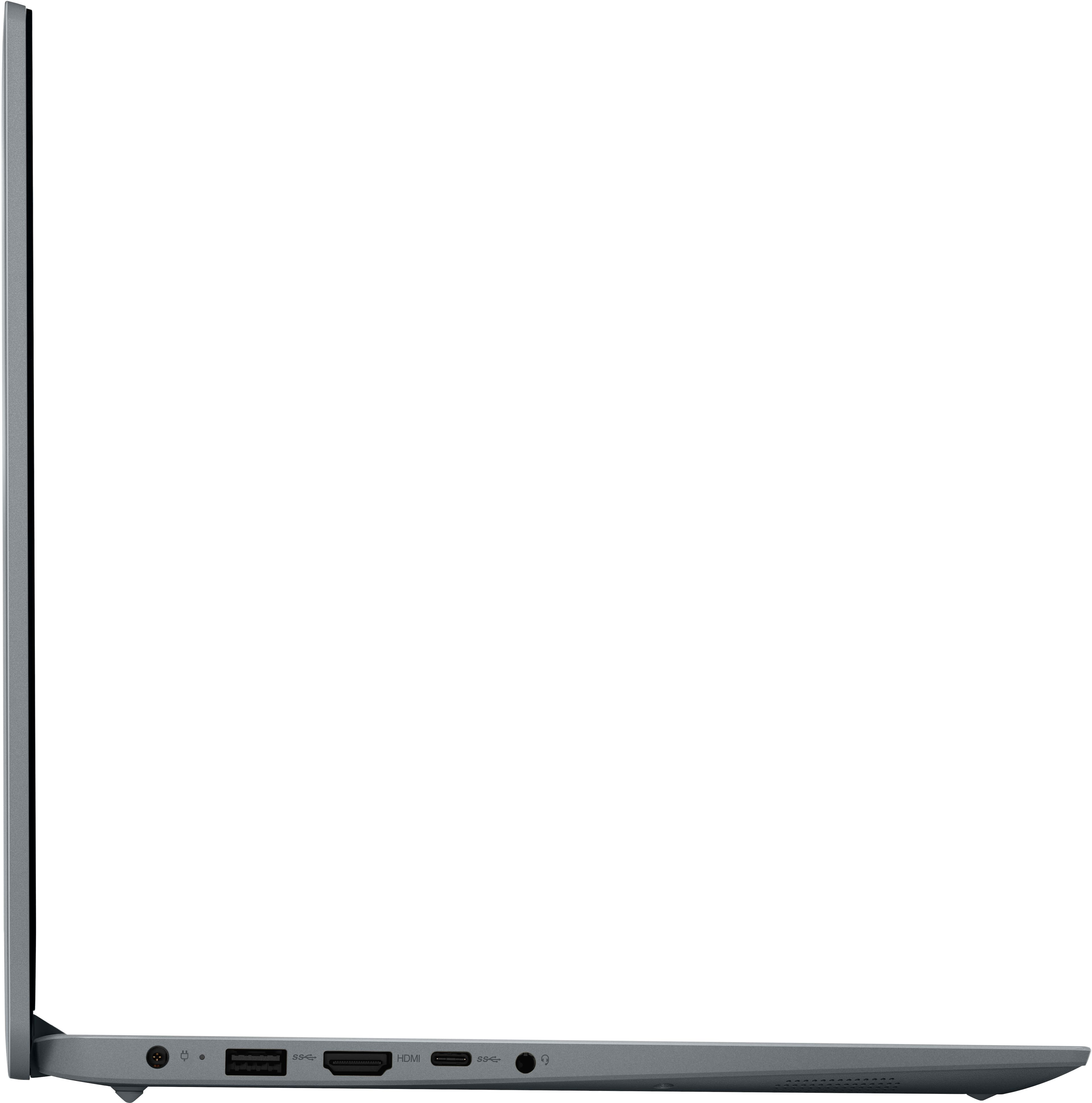
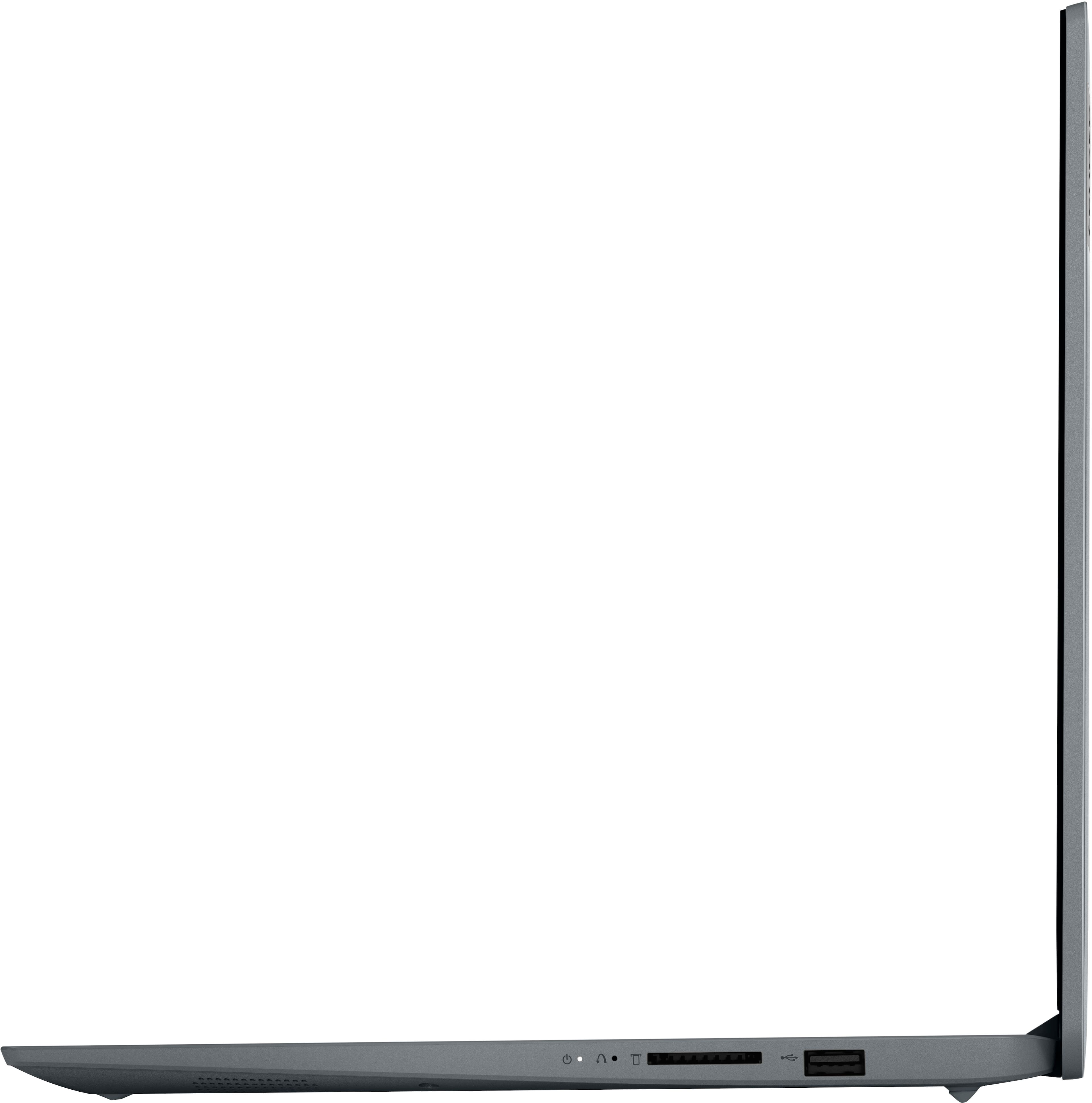
A:AnswerIf you mean a numeric keypad for 10-key type input, it will need to be plug & play and have a cable to connect to USAB-A, USB-C, or wirelessly by Bluetooth -- then yes.
If you mean a full keyboard for actual typing, same yes answer.
A:AnswerThis is not a Gaming Laptop, It is fine for Surfing the Internet and Using Office Apps. I would not suggest playing Games on this Laptop with its limited Memory and Storage Space.
A:AnswerNo. Under Specifications it says in Key Specs the display is not a touchscreen. It says it again in the Display section of Specifications. No. Not a touchscreen.
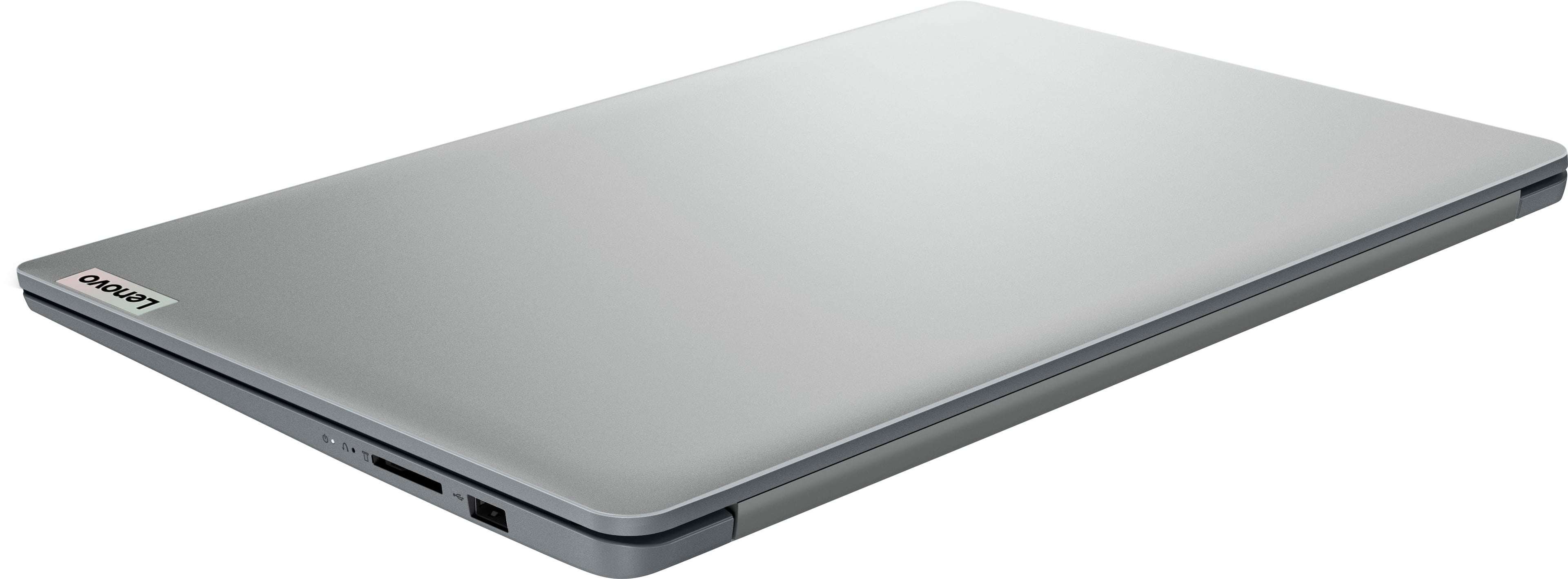
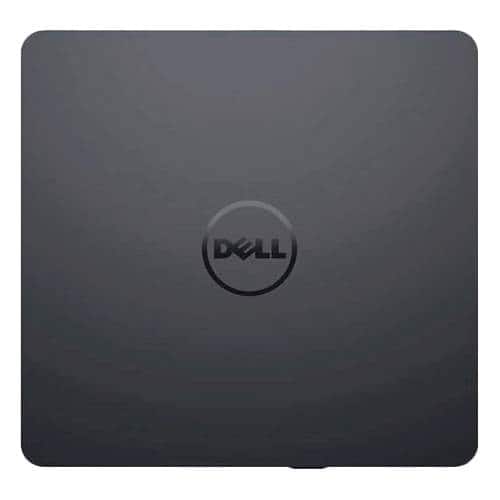
A:AnswerNo, it has no optical drive of any sort (CD, DVD, or Blu-ray). This type of PC is basically what was called a netbook, years ago. It is sort of an "Internet appliance," designed and expected to be used for & with the Internet. You can buy external drives for it, of course. See Best Buy, Target, Temu, Micro Center, many other retailers. Make sure it can connect (USB-A, USB-C, or what?).
A:AnswerThis particular computer comes with Windows 11 Home; Version 22H2.
Windows 11 is the most recent operating system for windows based home computers and it was released in October 2021.
A:AnswerSorry, but there is no disk drive on this laptop, however purchase a cheap USB external drive and plug it right into one of the USB ports on the laptop. Very few laptops come with built in CD/DVD drives anymore. Good luck