A:AnswerI'm not sure how in-depth of an answer you are looking for, but the short answer is to connect the printer using either the USB port or via Bluetooth. After you connect and turn the printer on, the windows software should auto detect the printer and provide the correct driver or you will have to manually download the driver from the net. The instructions with the printer will clearly show you how to do this.
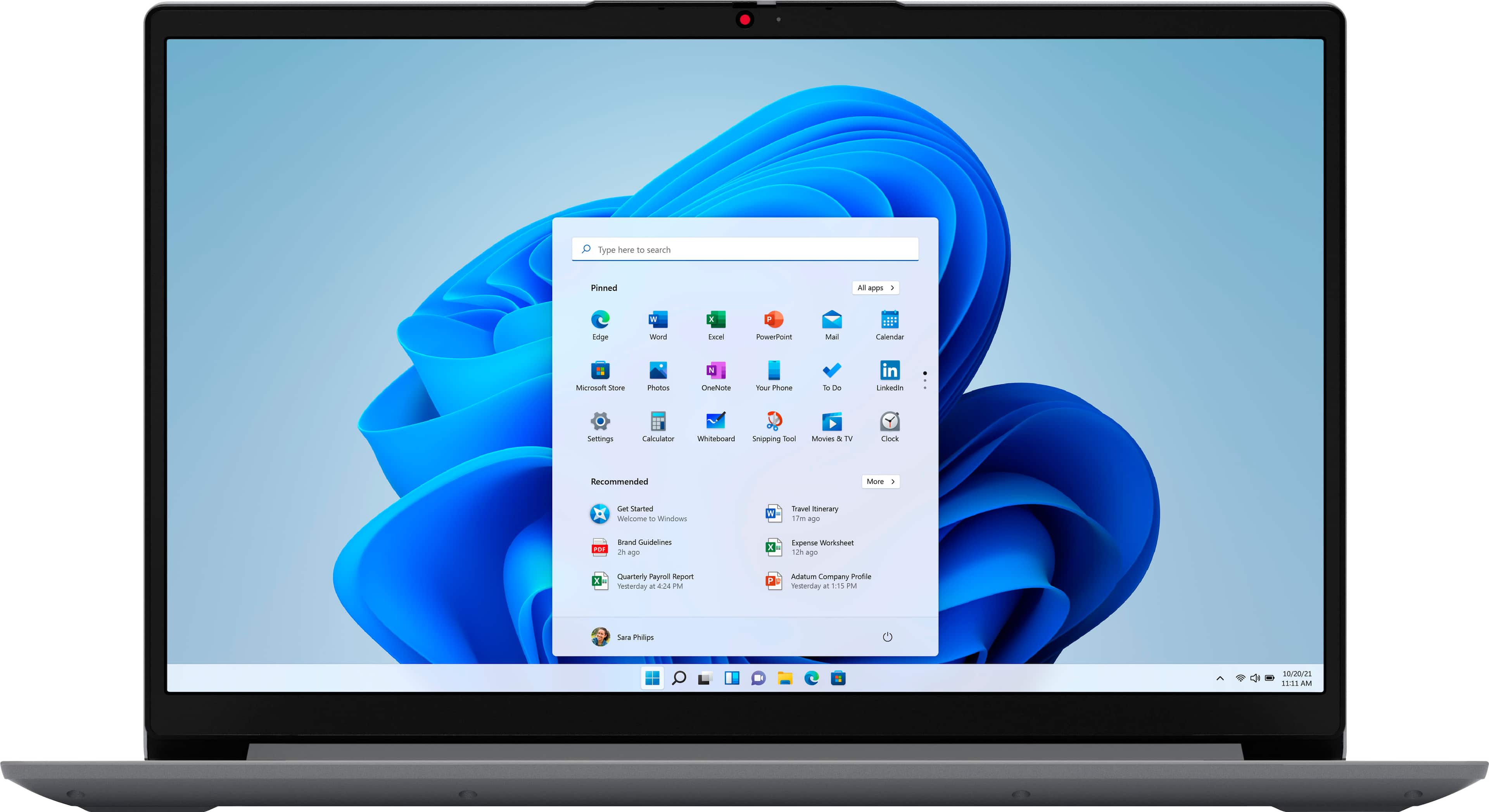
A:AnswerThat really will depend on your software requirements and your specific workload. This entry-level, Lenovo IdeaPad 1 15 Laptop ships with Windows 11 S-Mode, 64-bit Operating System installed. Windows 11 S-Mode provides added security by only allowing APPs available ( and therefore certified by Microsoft) at the Microsoft Store. If you don't need the added security or you need to install APPs not available at the Microsoft Store, you can switch to standard Windows 11 Home 64-bit Operating System, at no additional cost. We always recommend you check the requirements and compatibility of any software you will be installing on your new computer, before you invest in any computer. Be sure your new computer can support the software you will need to use and your workload.
A:AnswerThis IdeaPad 1 15 Laptop is an entry-level configuration. It is good with a light workload. It ships with Windows 11 S-Mode, 64-bit Operating System installed. Windows 11 S-Mode provides added security by only allowing APPs available ( and therefore certified by Microsoft) at the Microsoft Store. If you don't need the added security or you need to install APPs not available at the Microsoft Store, you can switch to standard Windows 11 Home 64-bit Operating System, at no additional cost. We always recommend you check the requirements and compatibility of any software you will be installing on your new computer, before you invest in any computer. Be sure your new computer can support the software you will need to use and your workload.
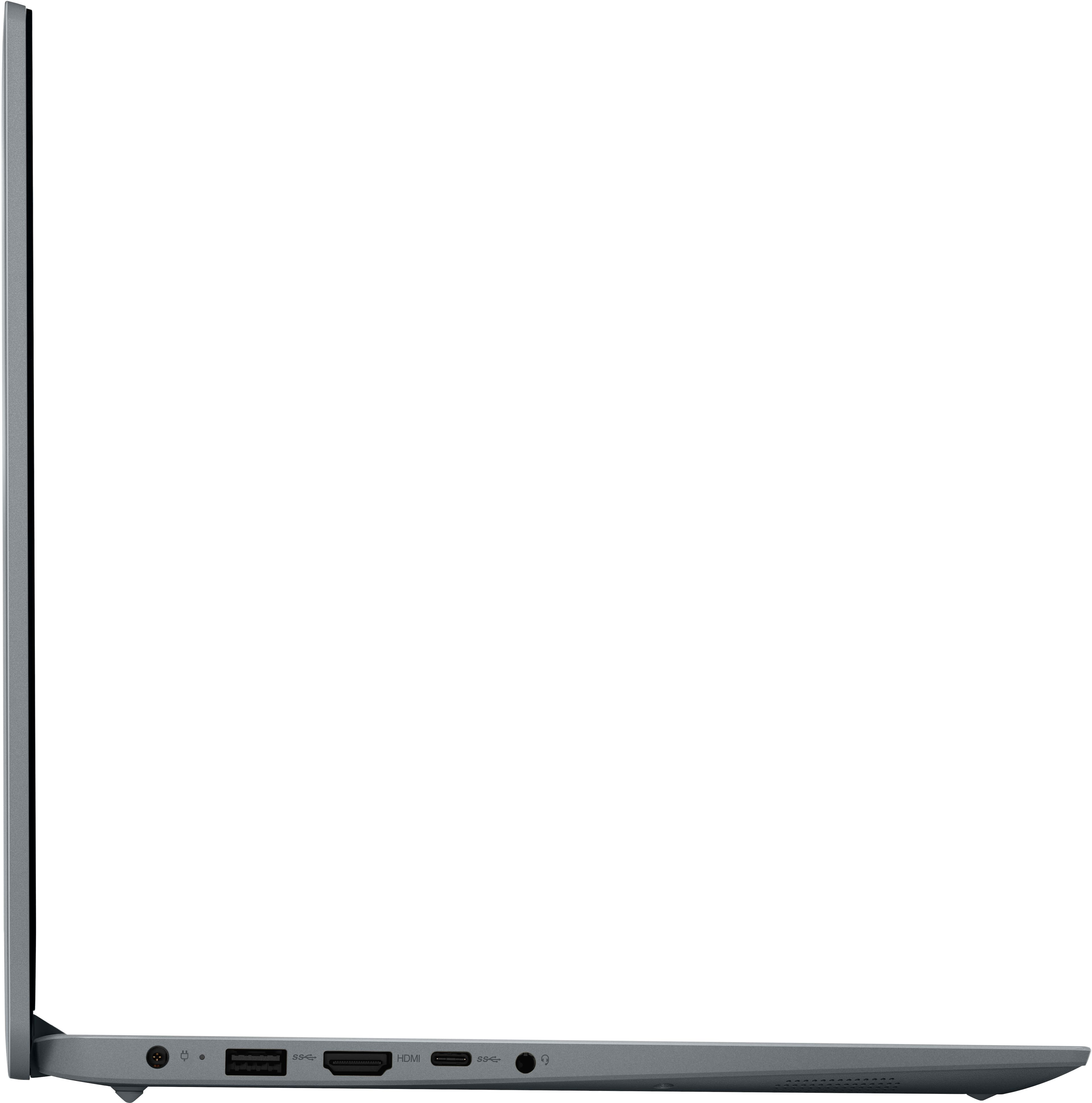
A:AnswerYes. This entry-level, Lenovo IdeaPad 1 15 laptop, model number 82R1006VUS, supports up to 2 independent displays (native display and 1 external monitor via HDMI). HDMI supports up to 4K@30Hz.
A:AnswerNo. This entry-level, Lenovo IdeaPad 1 15 Laptop, model number 82R1006VUS, is not on the compatibility list for the Lenovo Thinkpad Ultra docking station, model number 40AJ0135US.
A:AnswerThis entry level, Lenovo IdeaPad 1 15 Laptop, model number 82R1006VUS, ships with 1x USB-C 3.2 Gen 1 (support data transfer only) port which has no video capability. Check the requirements of the ethernet connection you are using as this port will not carry video.
A:AnswerThis entry-level, Lenovo IdeaPad 1 15 laptop, model number 82R1006VUS, ships with the entry-level, 2-Core AMD Athlon Silver 3050U Processor, with a base speed of 2.3GHz and a boost speed of up to 3.2GHz, supported by 4GB DDR4-2400MHz RAM.
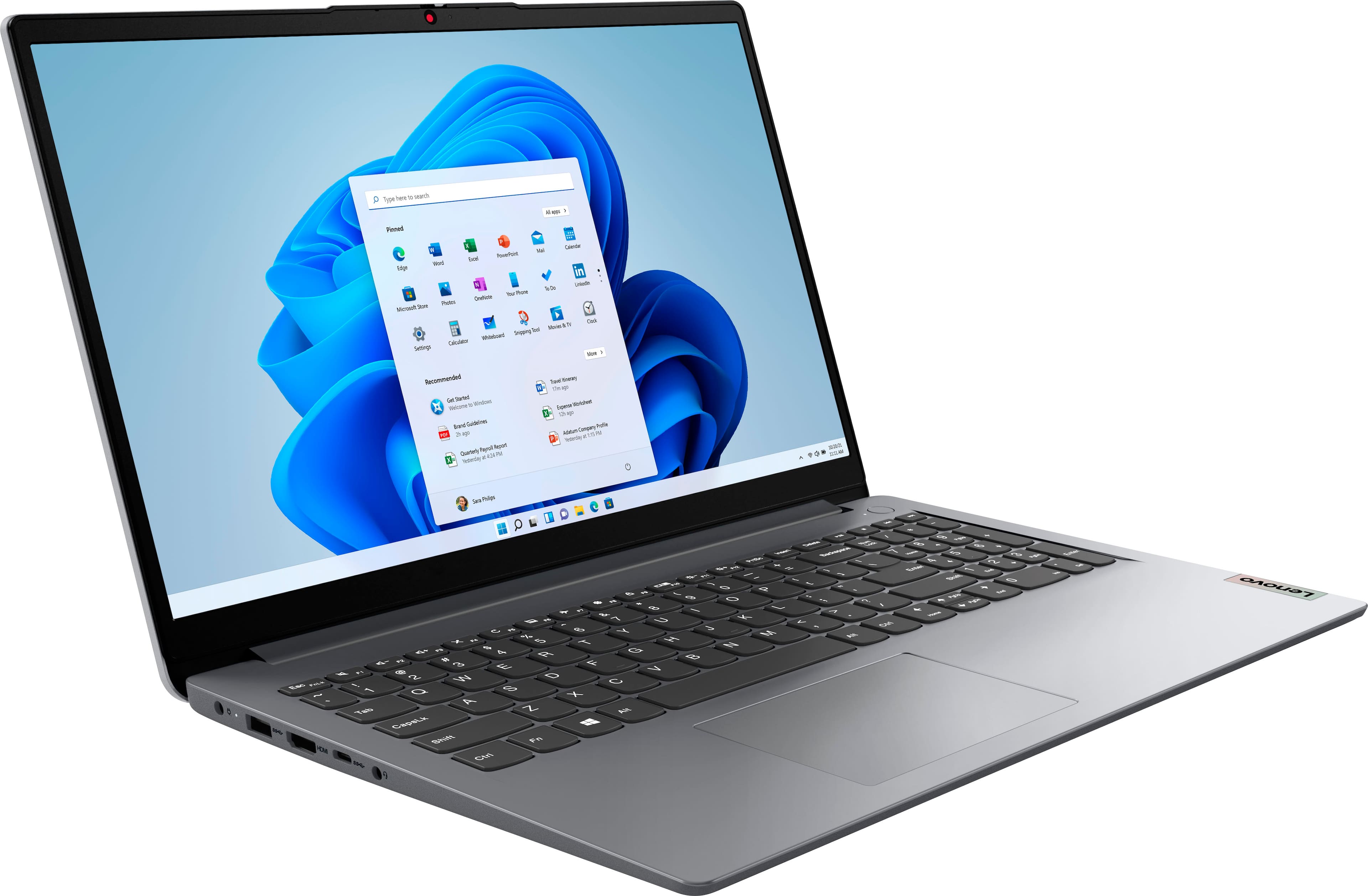
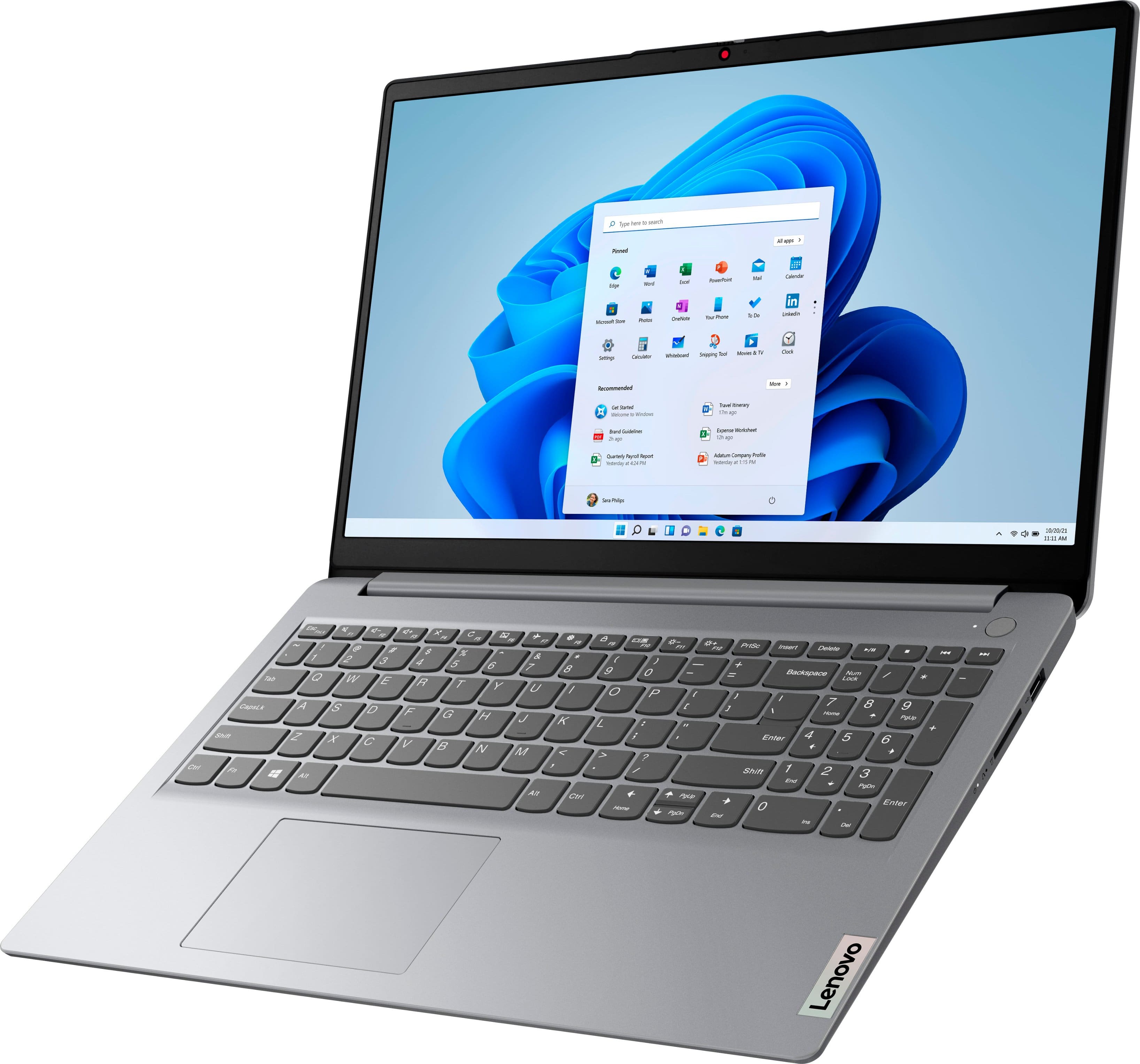
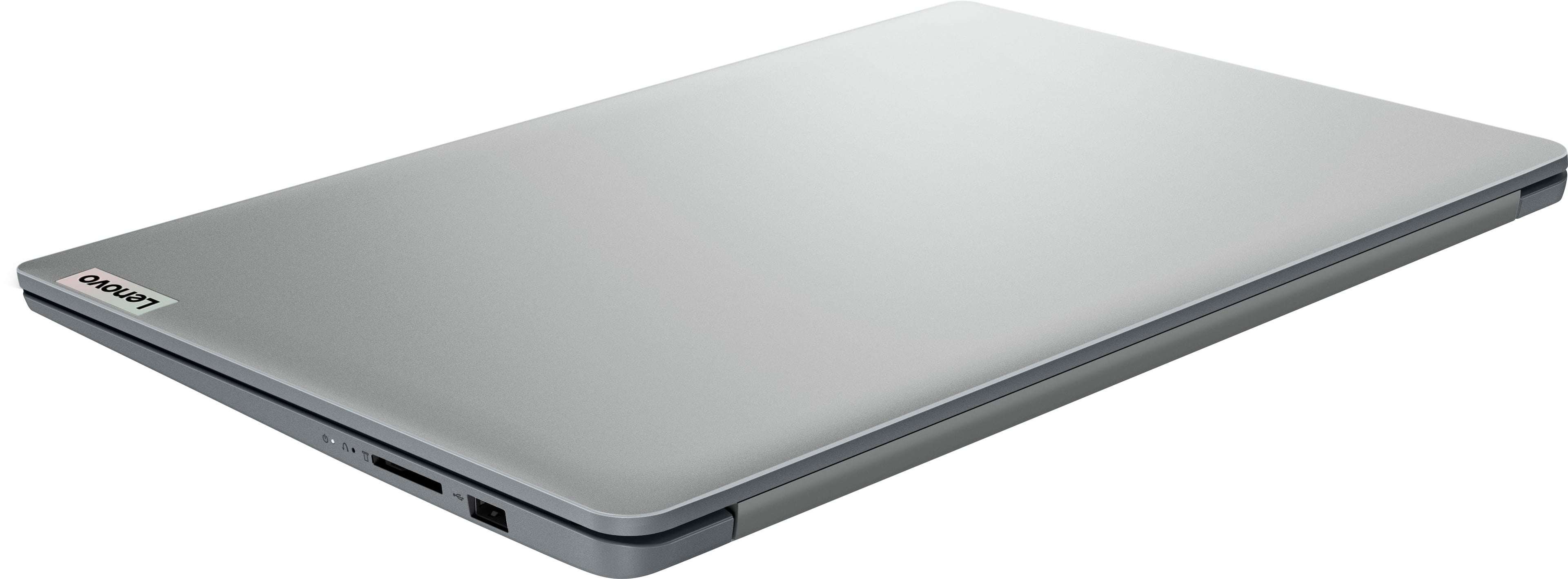
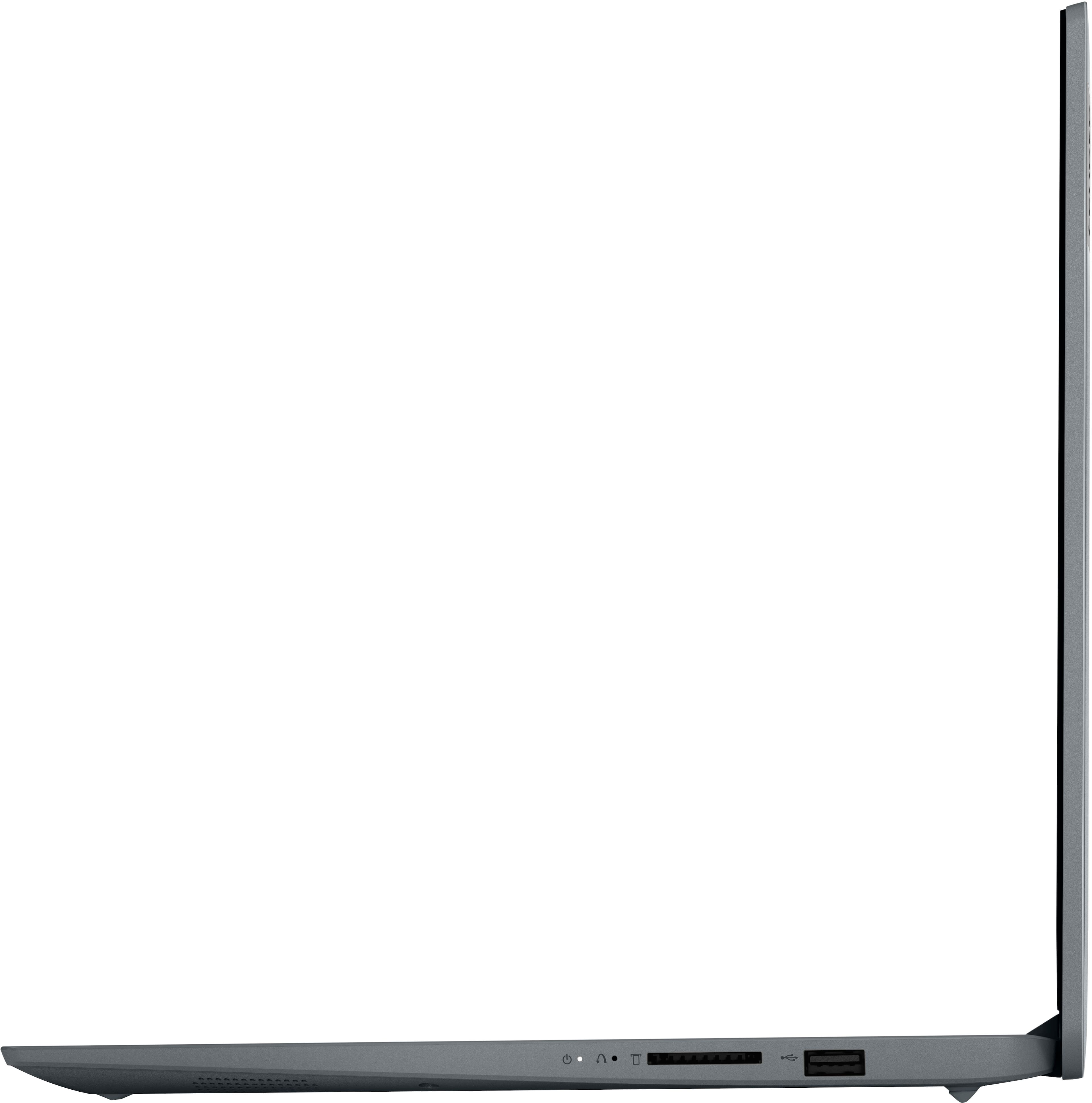
A:AnswerThis entry-level, Lenovo IdeaPad 1 15 Laptop, model number 82R1006VUS, ships with these ports: 1x USB 2.0, 1x USB 3.2 Gen 1, 1x USB-C 3.2 Gen 1 (support data transfer only), 1x HDMI 1.4b, 1x Card reader, 1x Headphone / microphone combo jack (3.5mm), 1x Power connector. The entry-level, IdeaPad 1 15 Laptop is a light workload configuration, that ships with Windows 11 S-Mode, 64-bit Operating System installed. Windows 11 S-Mode provides added security by only allowing APPs available ( and therefore certified by Microsoft) at the Microsoft Store. If you don't need the added security or you need to install APPs not available at the Microsoft Store, you can switch to standard Windows 11 Home 64-bit Operating System, at no additional cost. We always recommend you check the requirements and compatibility of any software you will be installing on your new computer, before you invest in any computer. Be sure your new computer can support the software you will need to use and your workload.
A:AnswerThis entry-level, Lenovo IdeaPad 1 15 laptop, model number 82R1006VUS, does not have a RJ-45 Jack for a network/ethernet cable connection, built in. You can still connect this entry-level IdeaPad 1 15 Laptop to a network/ethernet cable by using a USB to ethernet adapter, like this one: https://www.bestbuy.com/site/insignia-usb-to-ethernet-adapter-black/6483535.p?skuId=6483535. Yu can use a USB-based, wired mouse with this entry-level, Lenovo IdeaPad 1 15 Laptop, as long as the mouse is compatible with Windows 11. We recommend you check the web site of the mouse manufacturer you want to use with this entry-level Ideapad 1 15 laptop for compatibility.
A:AnswerThis entry-level, Lenovo IdeaPad 1 15 laptop, model number 82R1006VUS, ships with Stereo system speakers, (1.5W x2), with Dolby Audio sound enhancement. For the best audio experience from this entry-level, Ideapad 1 15 Laptop, be sure to adjust the Dolby Audio feature to your personal preferences. We always recommend you check the requirements and compatibility of any software you will be installing on your new computer, before you invest in any computer. Be sure your new computer can support the software you will need to use and your workload and specific audio needs.
A:AnswerI used it for YouTube videos yesterday and it worked great! You can always add an external USB CD/DVD drive (they are not too expensive, and come in handy once in a while).
A:AnswerI say get a laptop with a little more storage capacity . Unless you have patience . Also if you plan on adding mods into your game , get a external
Hard drive