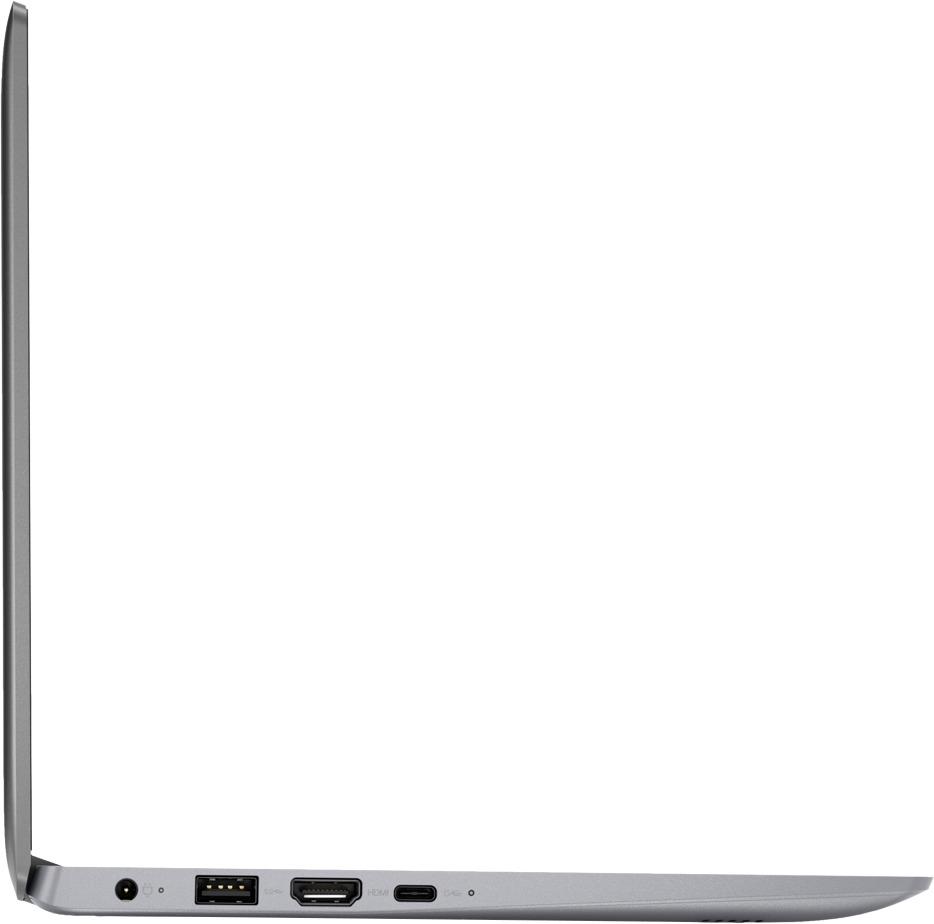
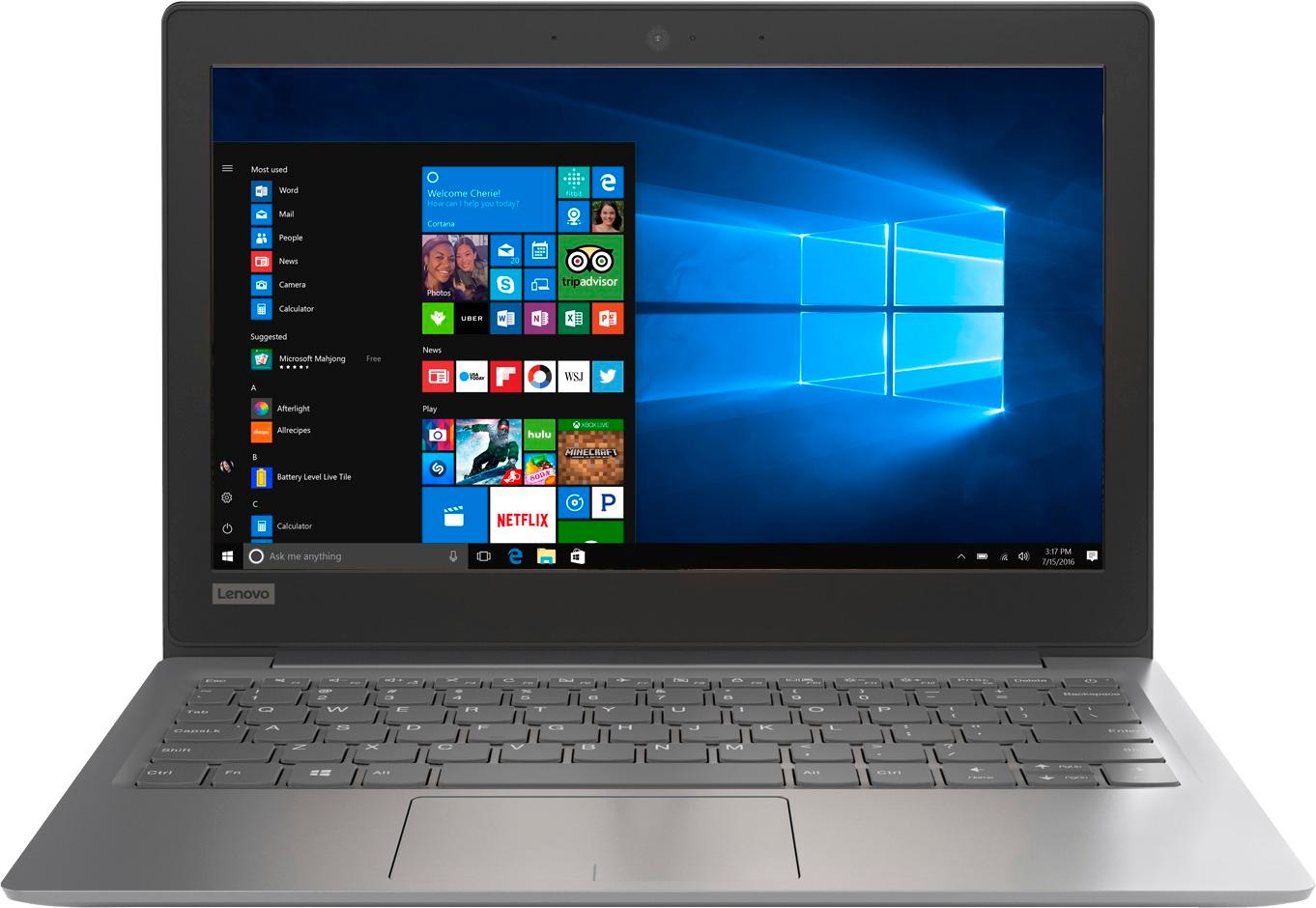
A:AnswerNo, there is no CD/DVD drive within this computer. You can use an external CD/DVD drive with this computer by just plugging in to a USB port on the computer.
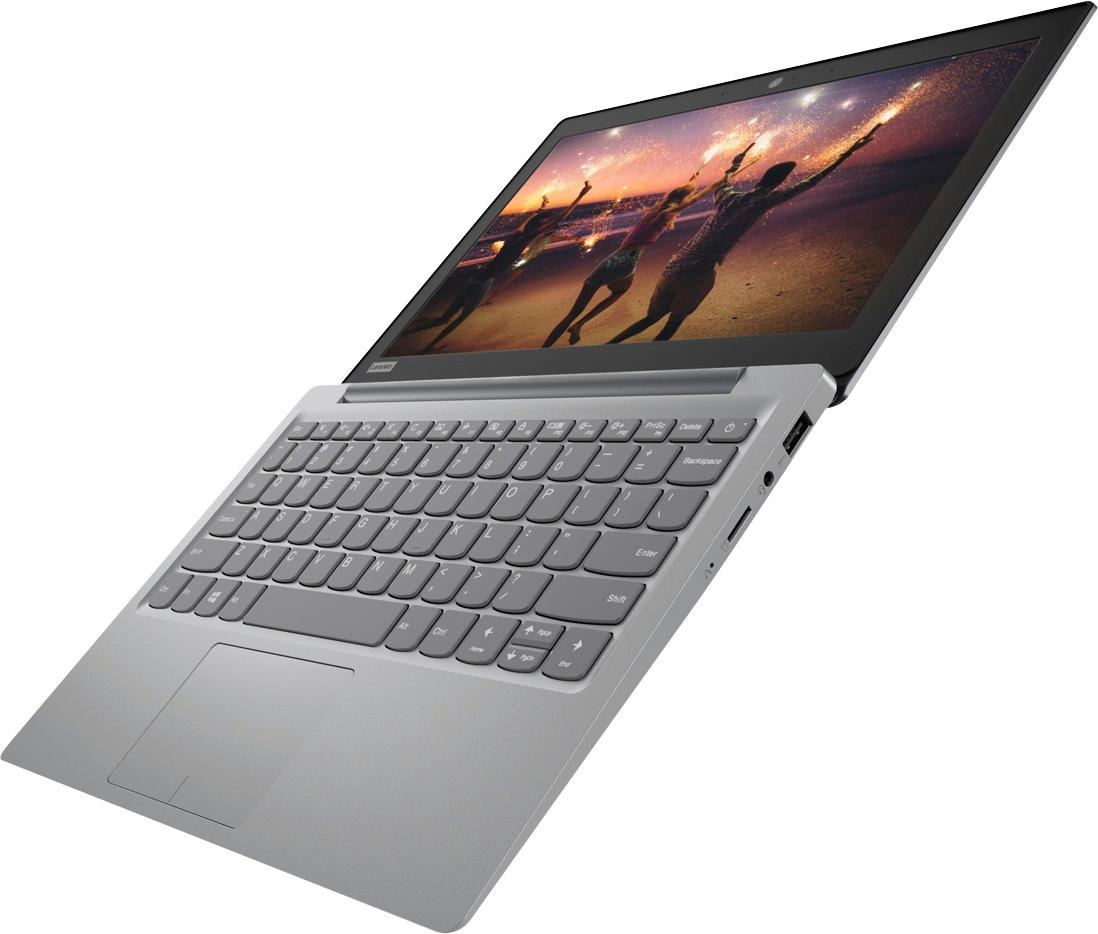
A:AnswerThat i recall this only has a micro sd slot but do not be fooled by that expansion of memory for storage because Windows alone does not have enough memory on the hard drive to exist and cant complete its updates. So here is the scenario, you get home and set it up and after one or two at most windows updates you are out of memory and out of luck. Then you are unloading and Apps that you can find and running disc clean up constantly but still getting unable to update due to lack of drive space notices. If that is what you want than proceed, otherwise keep looking.
A:AnswerThere is a 1-year limited manufacturer's warranty that covers OEM issues. We recommend you call Lenovo Tech Support for directions concerning warranty service. The number is: 877-453-6686.
A:AnswerI think that this computer will be a great option for your 12 year old. The computer can seem a bit slow at times, but that depends on how much you are downloading.I I use google chrome all the time. Perfect for surfing or doing school work. Great budget option!
A:AnswerThere is no built in CD/DVD drive on this model but you can use an external CD/DVD drive that is compatible with Windows 10 and connects via USB cable.
A:AnswerIt was just a black Friday deal so probably not, I jumped on it Thursday when it started....deals like this don't last too long. This great brand was sold at a lower price than the brand sold at the lowest quilty store where people wear pj's
A:AnswerNo. I had problems trying to get it to support Microsoft applications. I could never get the device to update because there is never enough room even with a 250 GB micro SD card inserted. According to the Geek Squad employee Lenovo and Microsoft know about this problem.
Also I had a problem after I didn't renew the McAfee security software.