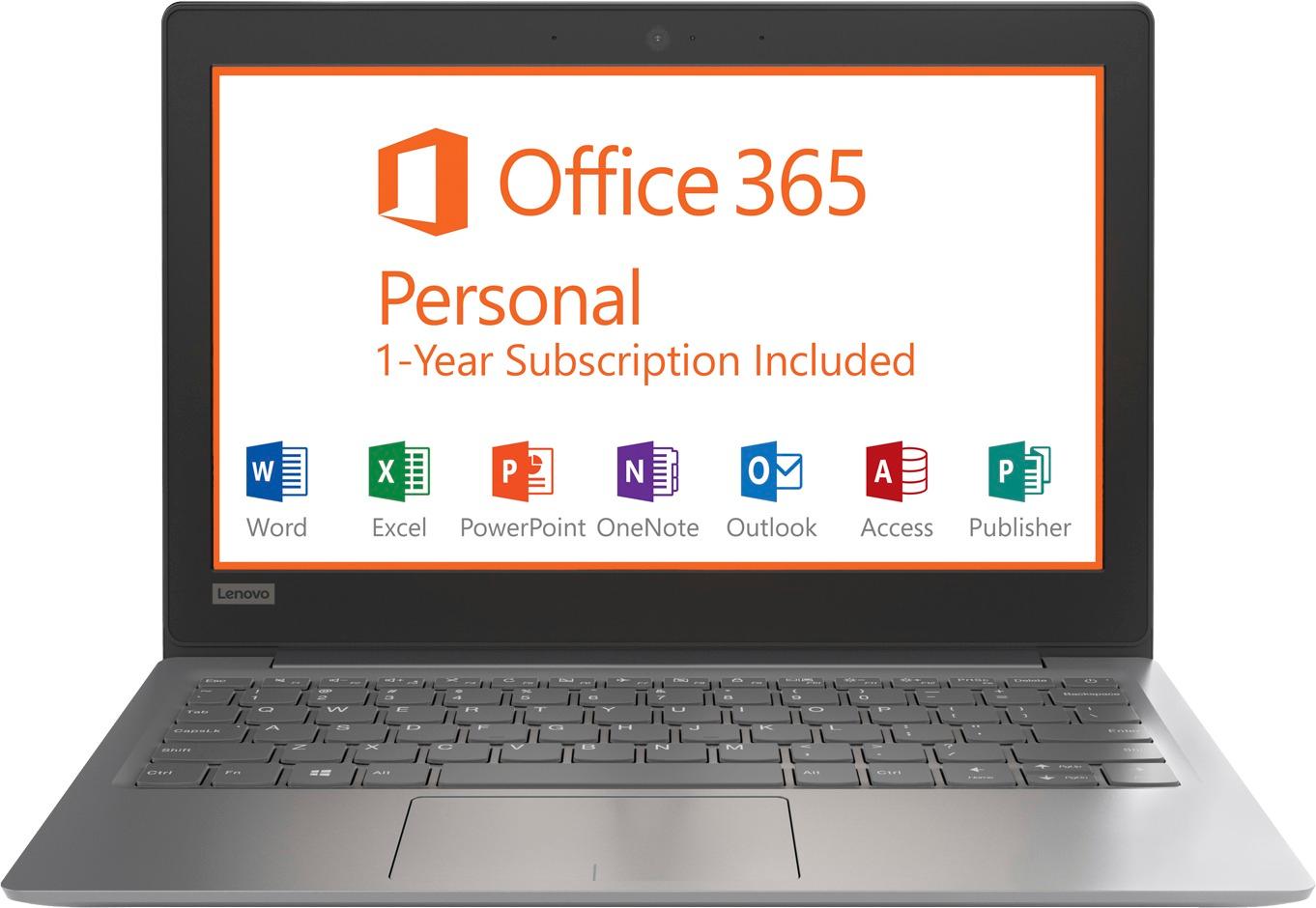
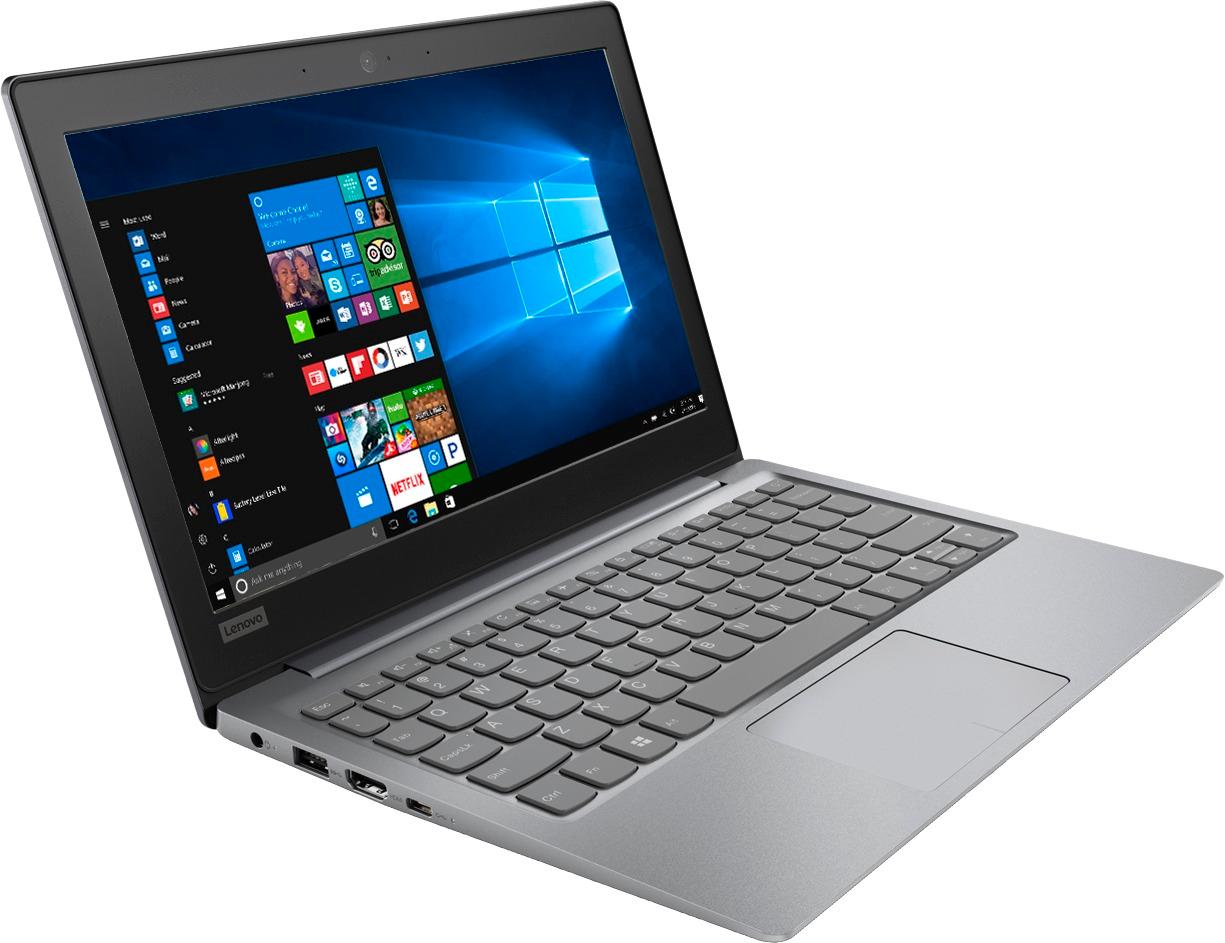
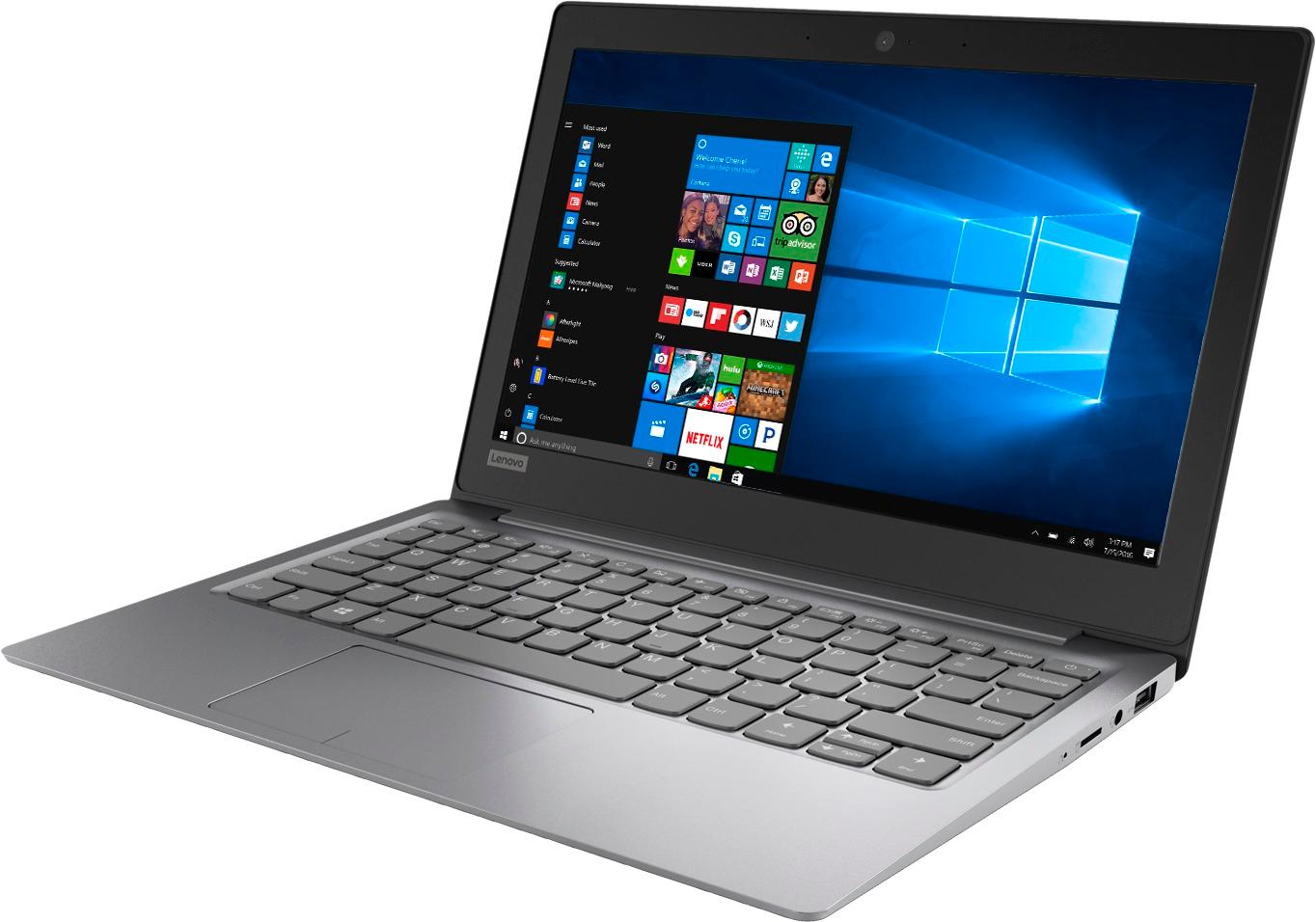
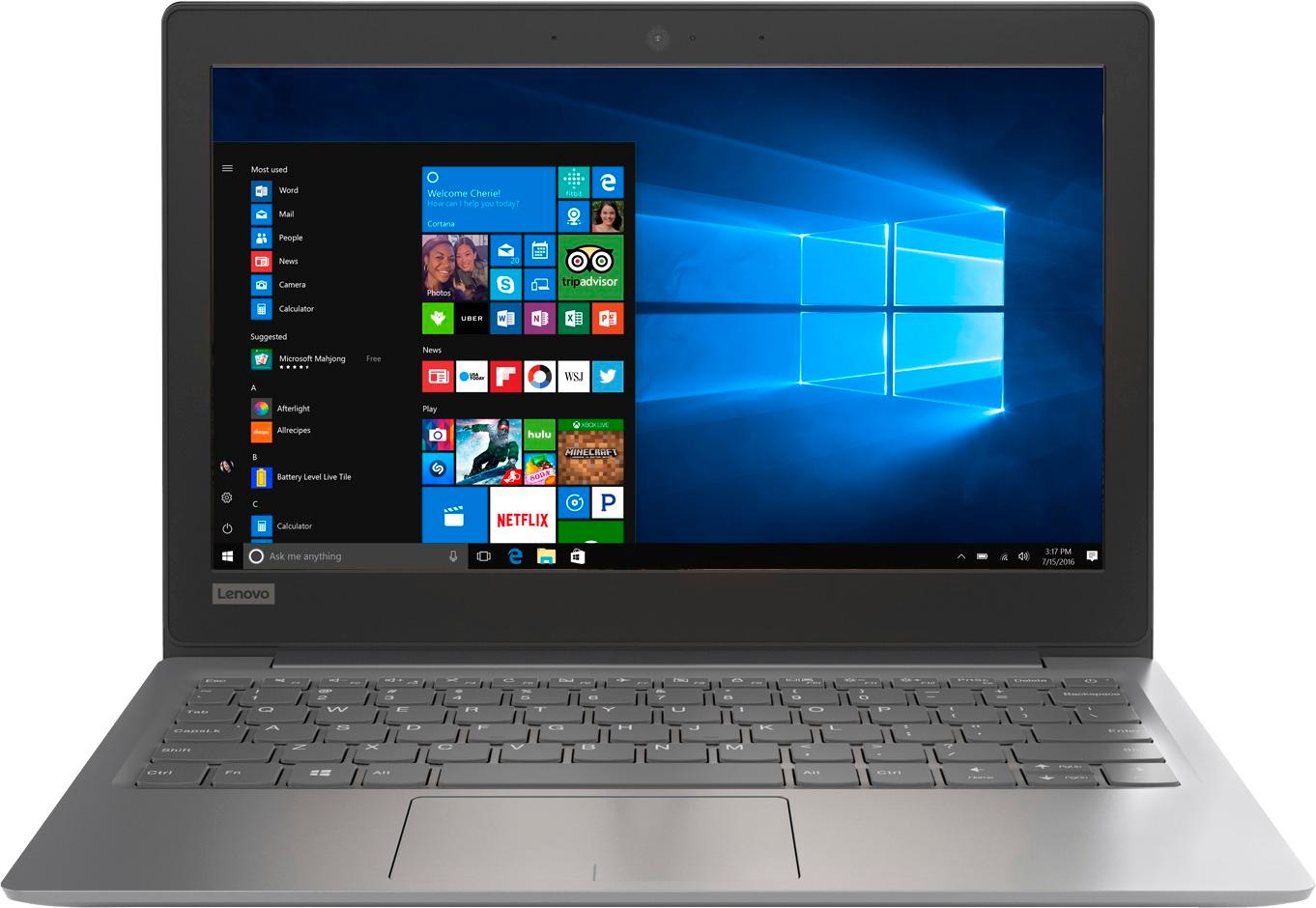
A:AnswerThis is an entry level, light use computer system. It uses Windows 10 Home 64-Bit as its operating system, which requires less than 2GB of RAM to run. There is a 32GB solid state hard drive on this device for fast boot up and file recall. This device has the latest WiFi capability, with 802.11AC connectivity. There is a free 1-year subscription to Microsoft Office 365, a $69.00 value on this device. If your requirements fit this profile, this device is a good choice.
A:AnswerYou can Skype with this device. For using any other video conferencing software, we recommend you check with the video software publisher's web site for their compatibility with Windows 10 Home 64-bit operating system and the minimum/recommended hardware requirements (Is a Graphics card required, the processor speed and the minimum required system RAM and the minimum available hard drive space) to run their program, then compare those requirements to this system's configuration.
A:AnswerThe only concern I would have for you is the amount of memory on this laptop is very small that you would not be able to store much on it and the RAM makes it go pretty slow unless you are just web surfing.
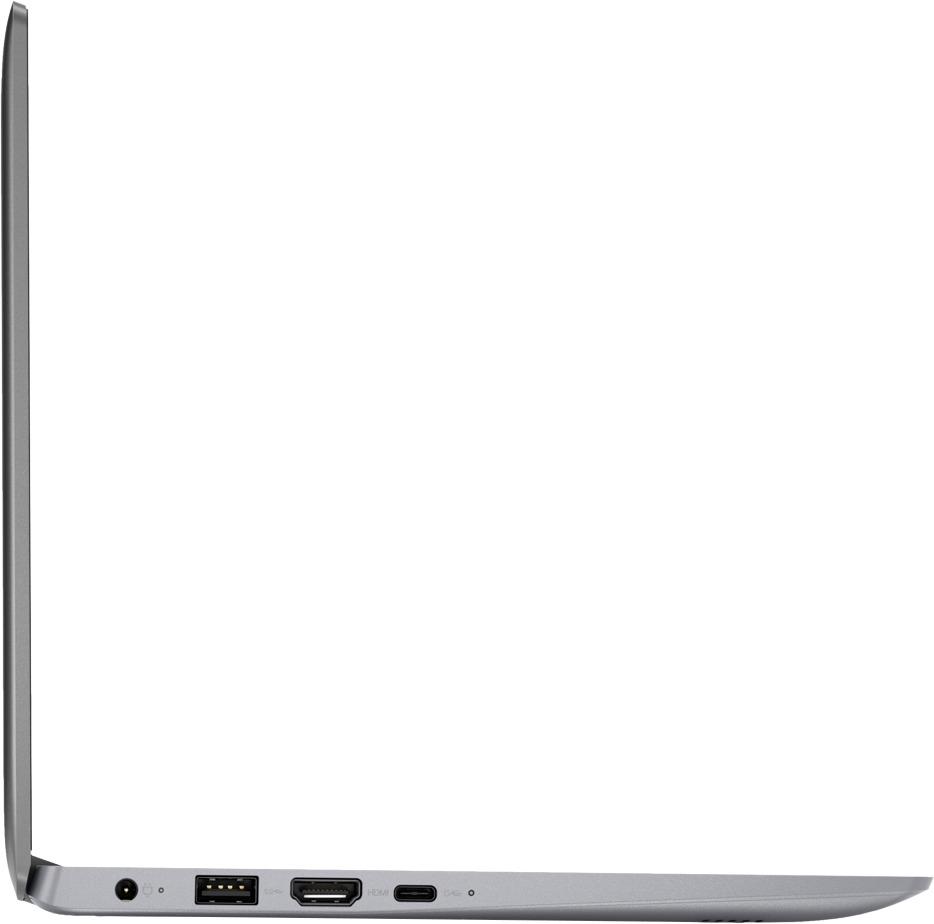
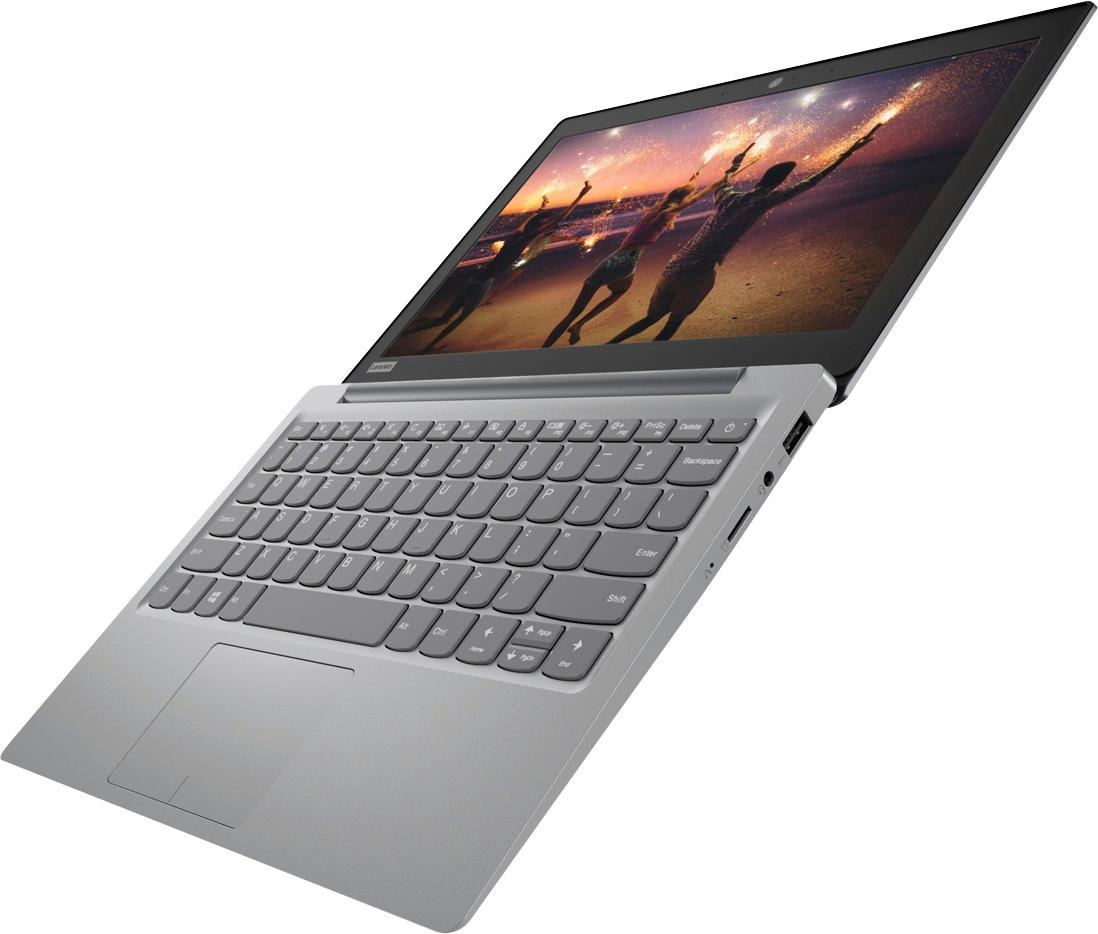
A:AnswerThis system is equipped with OneKey Recovery System. There is a very small pin hole on the right side of the device, right near the micro-SD card slot on the device. You will need a pin to push this reset button. Plug the device in. Let the battery charge for about 15 minutes. Push the reset button. The system should boot to a choice screen where you can choose "Restore To Factory Default". Select this. It will delete everything from the hard drive except the original factory install of the operating system. You will need to reinstall all programs and files after the reset. If you don't have copies of the files, try to make one before you restore by selecting "Boot to desktop" and trying to back up your files. If the problem persists after the factory reset, we recommend you contact Lenovo Tech Support at: 877-453-6686.
A:AnswerThere is no CD/DVD drive. There is a USB port to connect a Flash Drive or an external CD/DVD drive to. This device has 802.11AC WiFi capability built in. It can connect to a compatible printer wirelessly. With regard to specific software, it will depend on the requirements and compatibility of the specific software. We recommend you check with the specific software publisher's web site for their compatibility with Windows 10 Home 64-bit operating system and the minimum/recommended hardware requirements (Is a Graphics card required, the processor speed and the minimum required system RAM and the minimum available hard drive space) to run their program, then compare those requirements to this system's configuration.
A:AnswerIt’s only 2gb I would recommend a 4 gig So I would have to say no not for gameing not this particular laptop . But this brand yes it would be wonderful for gaming jus not this model
A:AnswerThat will depend on the requirements and compatibility of the software/hardware. This device is not upgradable. We recommend you check with the hardware/software manufacturer's-publisher's web site for their compatibility with Windows 10 Home 64-bit operating system and the minimum/recommended hardware requirements (Is a Graphics card required, the processor speed and the minimum required system RAM and the minimum available hard drive space) to run their program, then compare those requirements to this system's configuration.