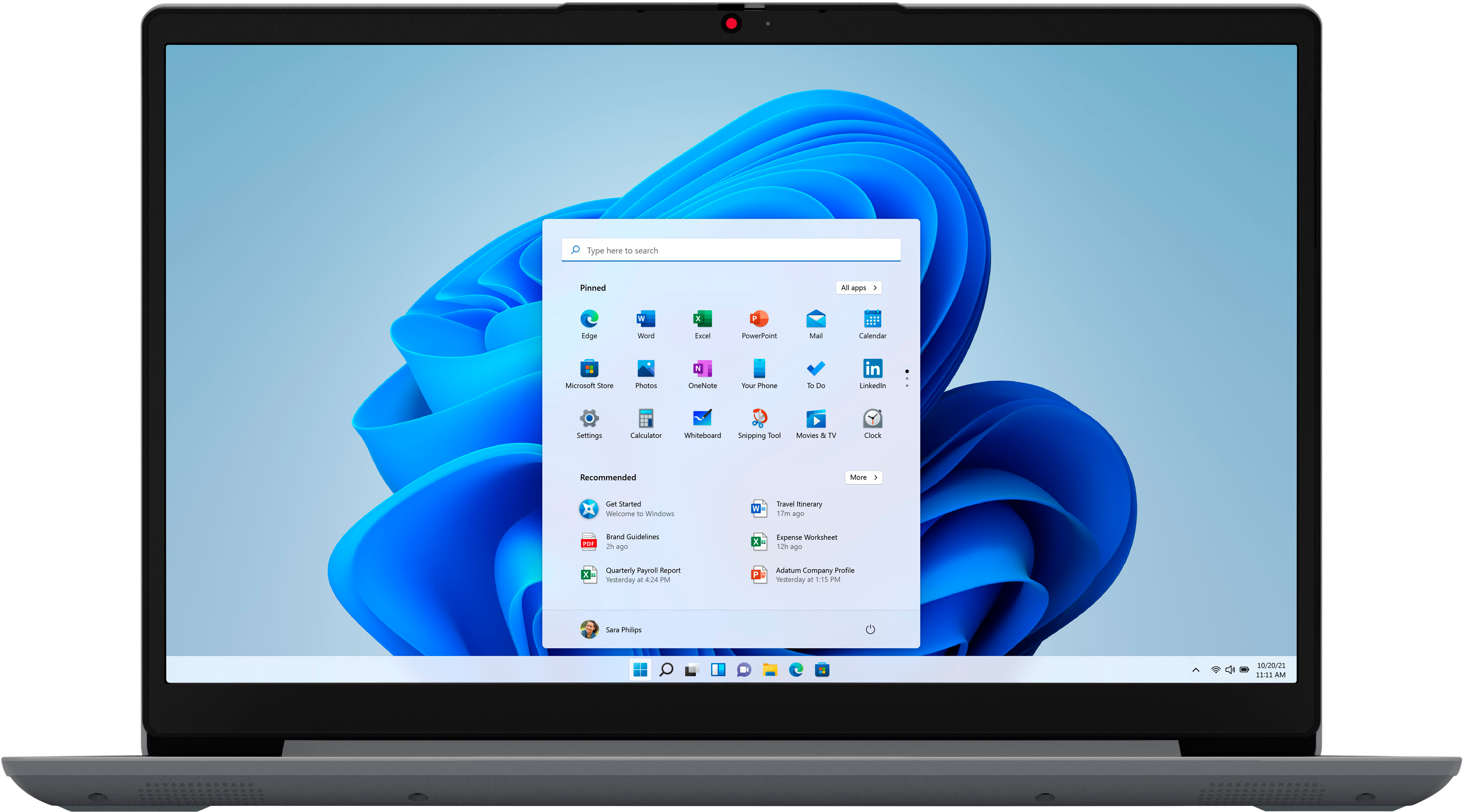
A:AnswerThis entry-level IdeaPad 1i 14 Laptop, model number 82V6S00000, is a 110V device. It does ship with a Dual Voltage, 45W round tip, device side (3-pin, USA compatible, wall side plug) AC adapter/charger, 100-240V, 50-60Hz, included. To use the IdeaPad 1i 14 outside the USA, you will need to add a compatible wall side plug adapter, compatible with the Country where the computer will be used. This wall side adapter is sold separately.
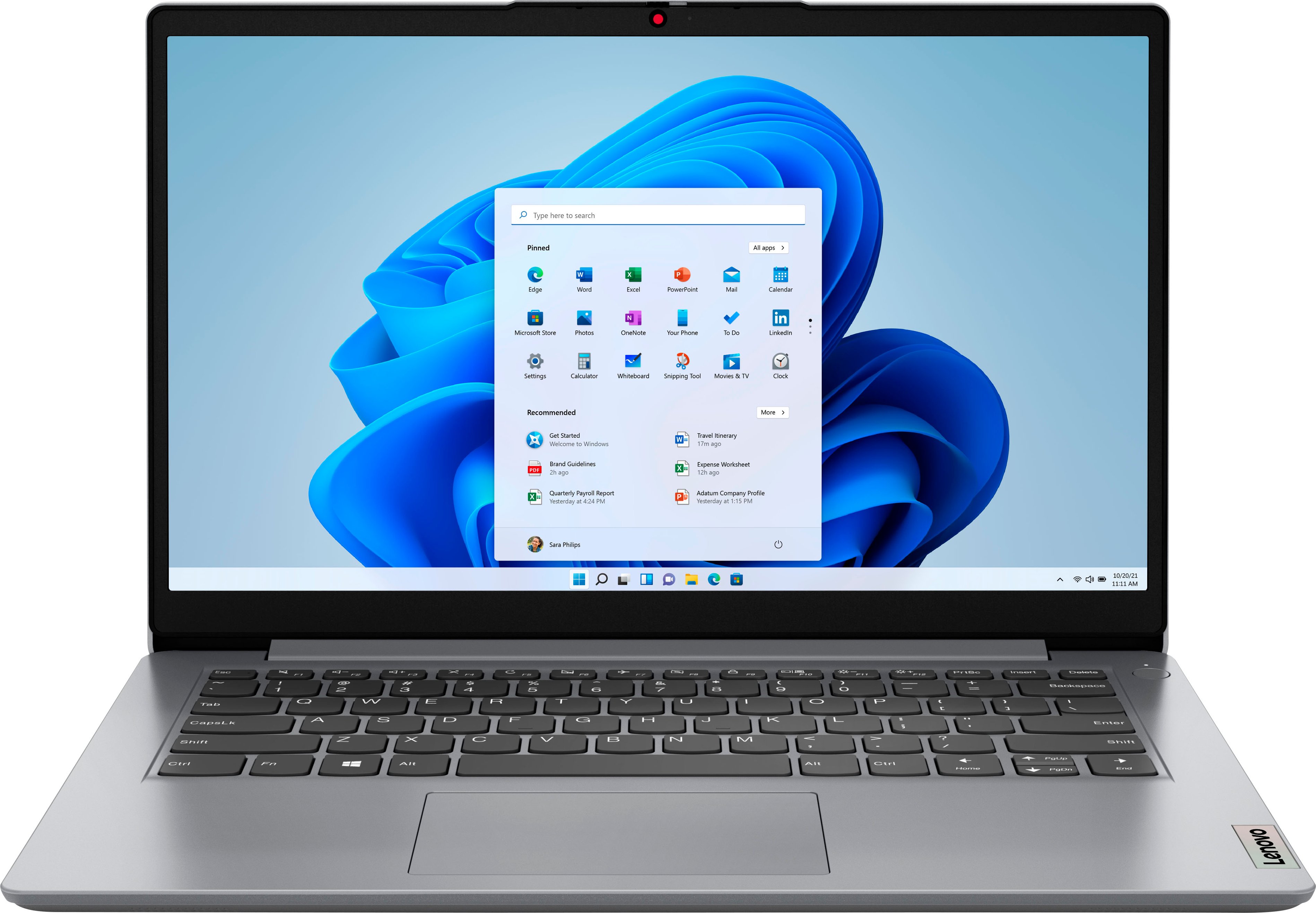
A:AnswerThis entry-level, Lenovo IdeaPad 1i 14 Laptop, model number 82V6S00000, ships with Windows 11 S-Mode, 64-bit Operating System installed. Windows 11 S-Mode provides added security by only allowing APPs available ( and therefore certified by Microsoft) at the Microsoft Store. If you don't need the added security or you need to install APPs not available at the Microsoft Store, you can switch to standard Windows 11 Home 64-bit Operating System, at no additional cost. If you choose to switch out of S-Mode for Windows 11 Home: Here is a link to instructions for switching from Windows 11 S-Mode to Windows 11 Home: https://support.microsoft.com/en-us/windows/switching-out-of-s-mode-in-windows-4f56d9be-99ec-6983-119f-031bfb28a307#WindowsVersion=Windows_11
A:AnswerThat will depend on the requirements and compatibility of the APP you want to use. This entry-level, Lenovo IdeaPad 1i 14 Laptop ships with Windows 11 S-Mode, 64-bit Operating System installed. Windows 11 S-Mode provides added security by only allowing APPs available ( and therefore certified by Microsoft) at the Microsoft Store. If you don't need the added security or you need to install APPs not available at the Microsoft Store, you can switch to standard Windows 11 Home 64-bit Operating System, at no additional cost. We recommend you check with the specific APP's software publisher's web site, of the specific APP version you want to use, for their compatibility with Windows 11 S-Mode 64-bit operating system and the minimum/recommended hardware requirements (Is a Graphics card required, the processor speed and the minimum required system RAM and the minimum available hard drive space) to run their program, then compare those requirements to this system's configuration. We always recommend you check the requirements and compatibility of any software you will be installing on your new computer, before you invest in any computer. Be sure your new computer can support the software you will need to use and your workload.
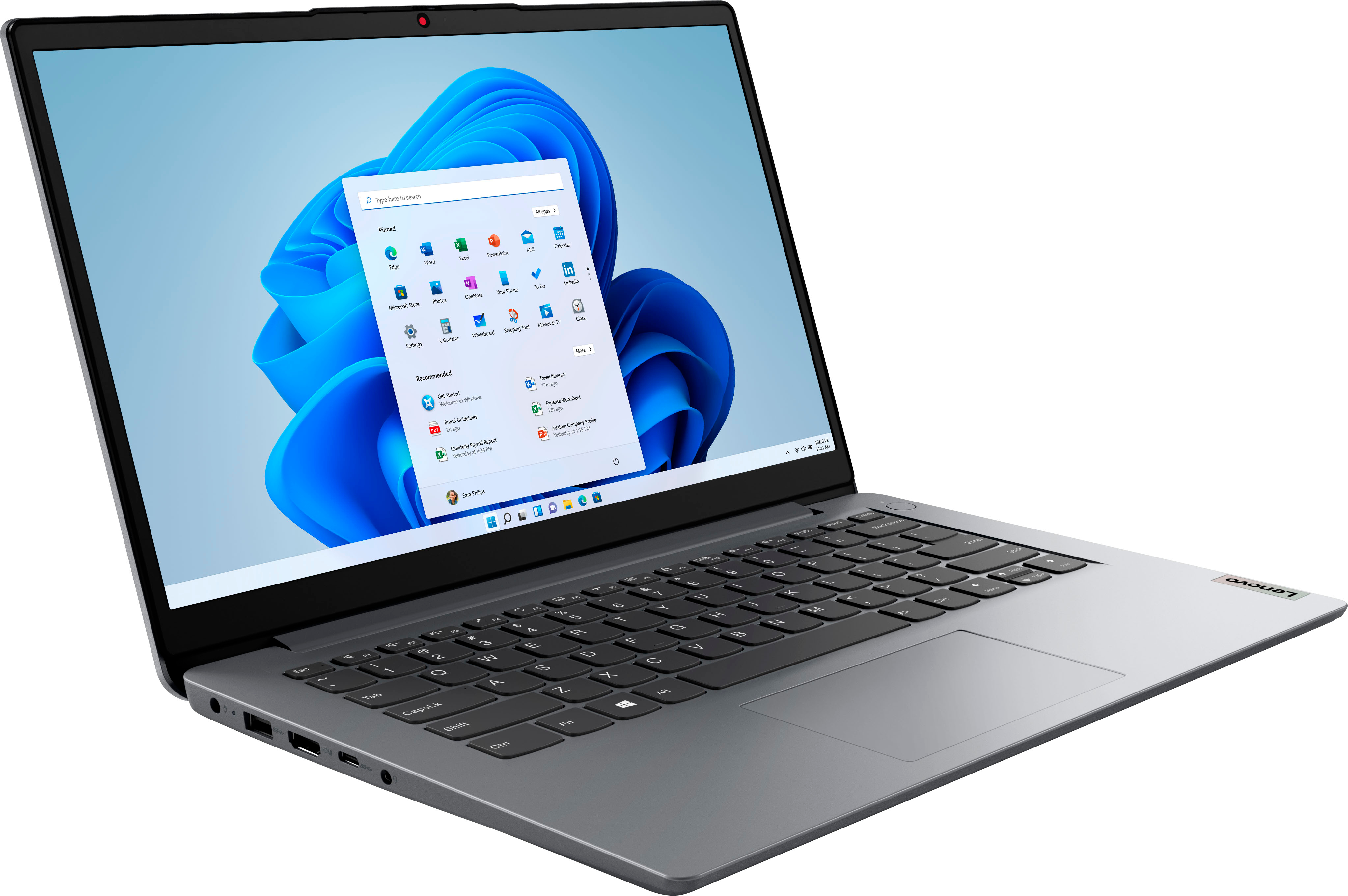
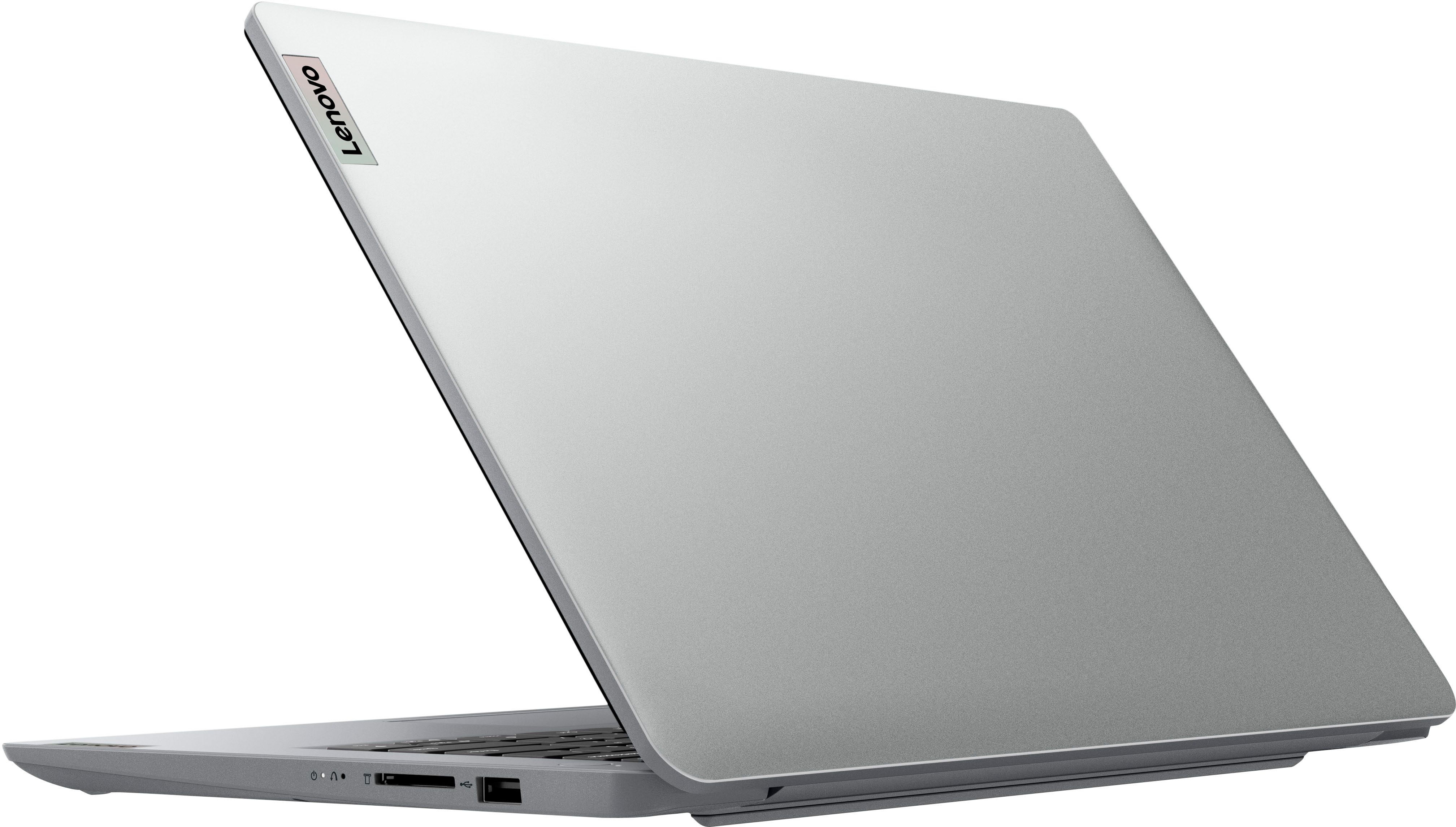
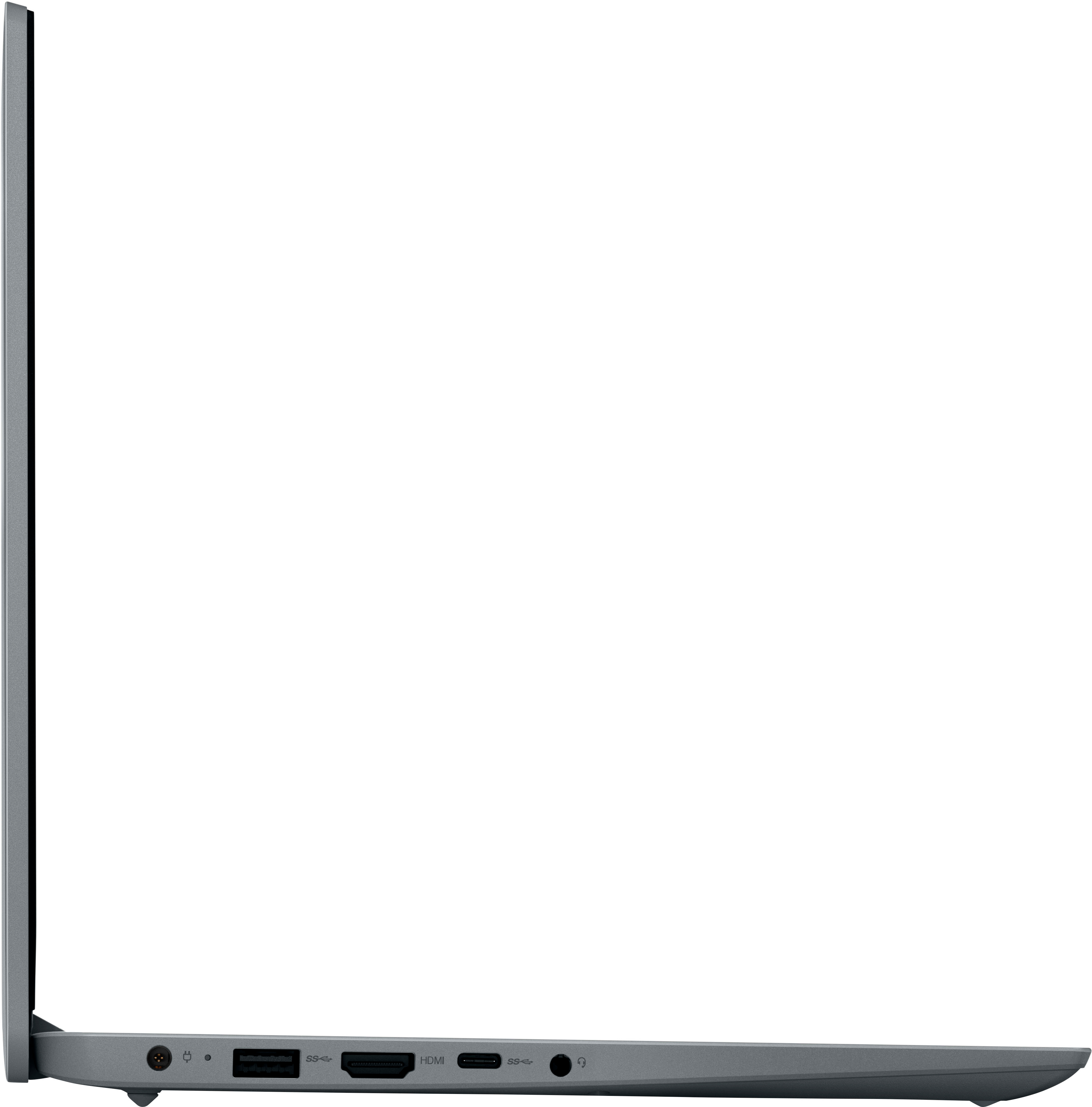
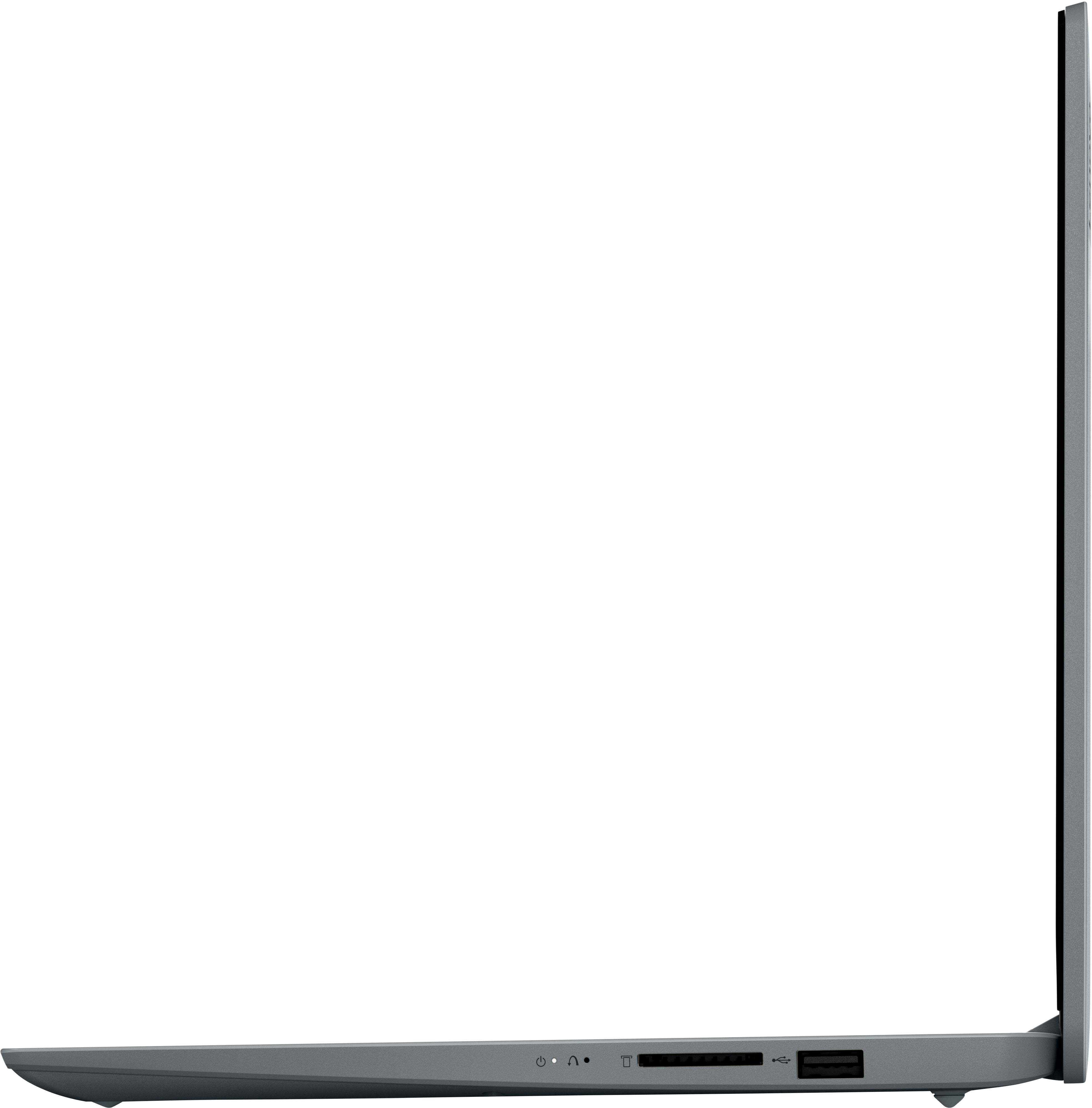
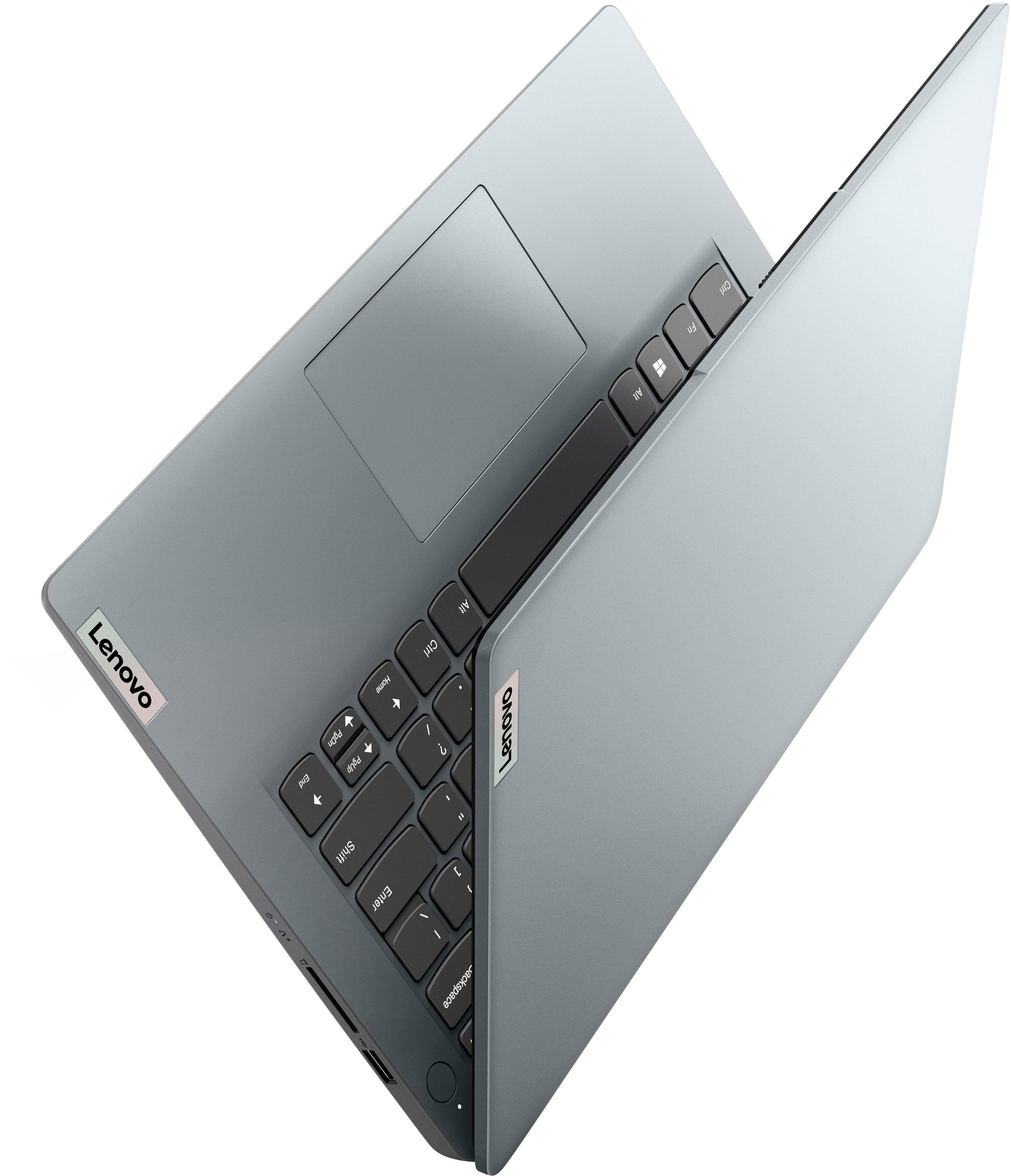
A:AnswerThis entry-level, IdeaPad 1i 14 laptop, ships with these ports: 1x USB 2.0, 1x USB 3.2 Gen 1, 1x USB-C 3.2 Gen 1 (support data transfer only), 1x HDMI 1.4b, 1x Card reader, 1x Headphone / microphone combo jack (3.5mm), 1x Power connector. The USB 2.0 port is on the right side of the laptop.
A:AnswerThis entry-level Lenovo IdeaPad 1i 14 laptop, model number 82V6S00000, ships with an SD Card Slot built in with a maximum capacity of any SD format Smart Card that is compatible with Windows 11. The SD card is sold separately.