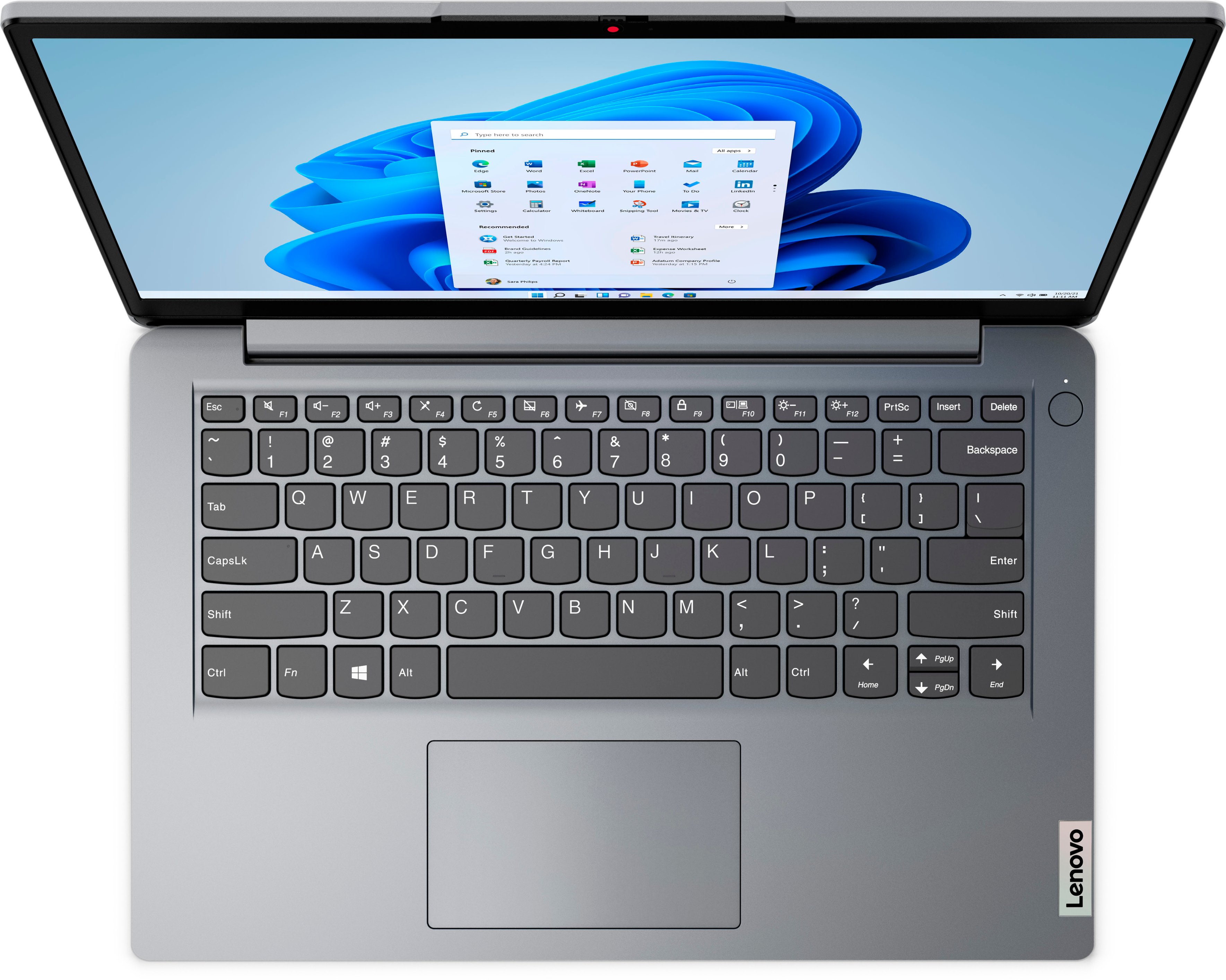
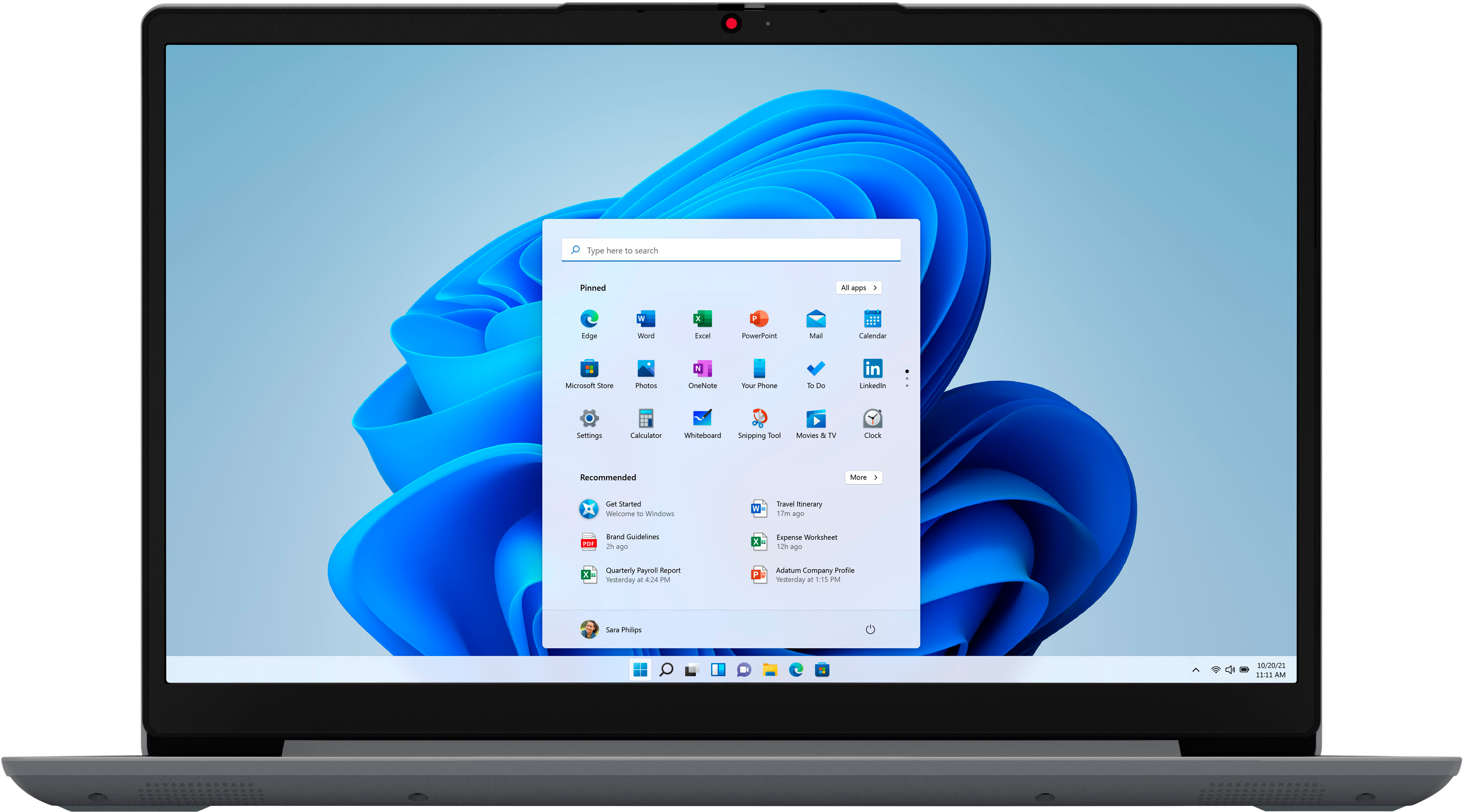
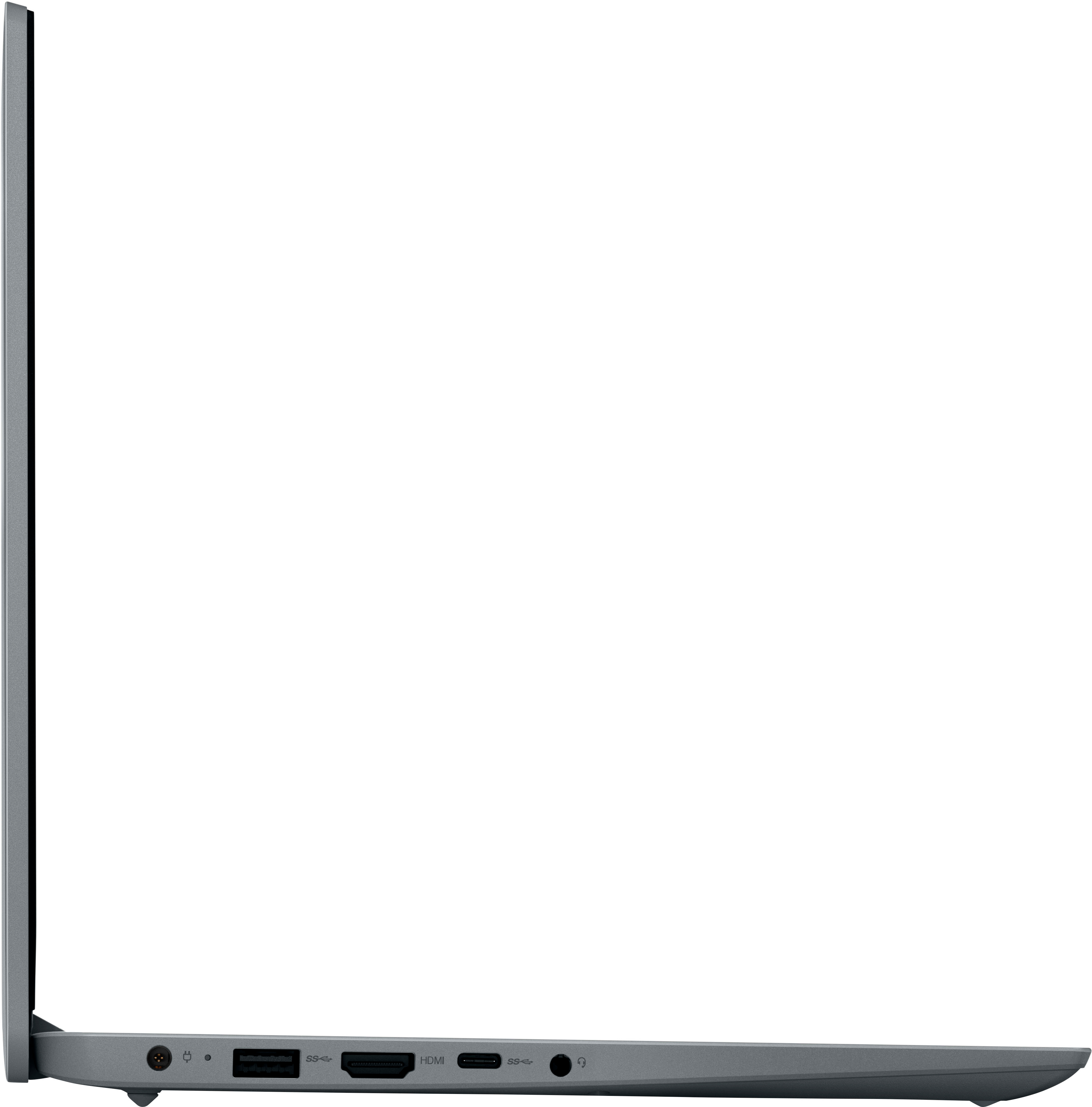
A:AnswerThis entry-level, Lenovo IdeaPad 1i 14 Laptop, model number 82V6S00000, ships with the Windows 11 S-Mode, 64-bit Operating System installed. Portuguese is one of the languages take can be displayed by Windows 11 S-Mode. Here is a link to more information: https://learn.microsoft.com/en-us/windows-hardware/manufacture/desktop/available-language-packs-for-windows?view=windows-11. If you have additional questions about the Windows 11 S-Mode Operating System we recommend you contact Microsoft Software Support directly here: https://support.microsoft.com/
A:AnswerThat will depend on the requirements and compatibility of the specific version of the software you want to run. This entry-level, Lenovo IdeaPad 1i 14 Laptop, model number 82V6S00000, ships with the Windows 11 S-Mode, 64-bit Operating System installed. Windows 11 S-Mode provides added security by only allowing APPs available ( and therefore certified by Microsoft) at the Microsoft Store. If you don't need the added security or you need to install APPs not available at the Microsoft Store, you can switch to standard Windows 11 Home 64-bit Operating System, at no additional cost. We recommend you check with the specific software publisher's web site, of the specific version of the software you want to use, for their compatibility with Windows 11 S-Mode 64-bit operating system and the minimum/recommended hardware requirements (Is a Graphics card required, the processor speed and the minimum required system RAM and the minimum available hard drive space) to run their program, then compare those requirements to this system's configuration. If you choose to switch out of S-Mode for Windows 11 Home: Here is a link to instructions for switching from Windows 11 S-Mode to Windows 11 Home: https://support.microsoft.com/en-us/windows/switching-out-of-s-mode-in-windows-4f56d9be-99ec-6983-119f-031bfb28a307#WindowsVersion=Windows_11
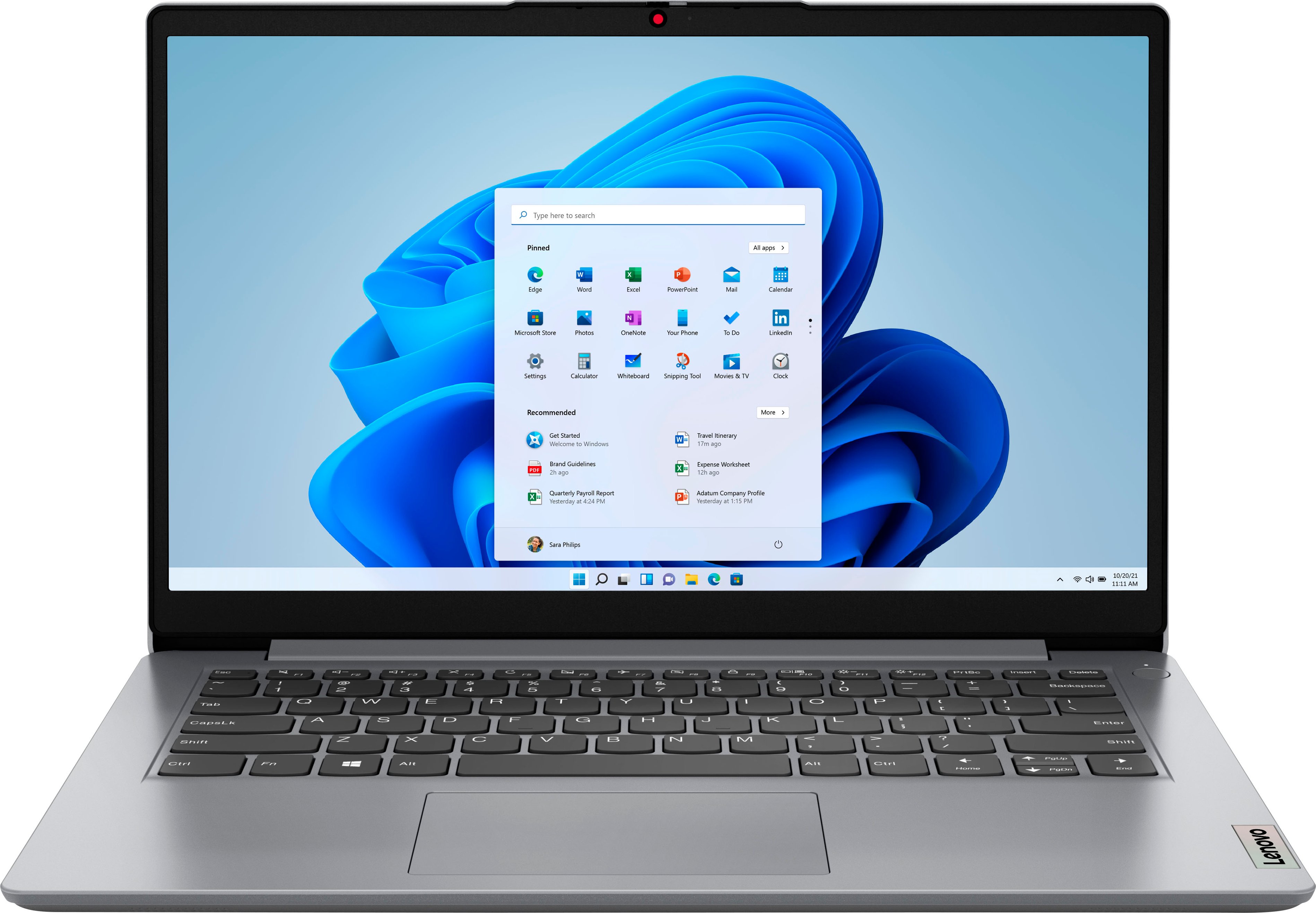
A:AnswerNo. This entry-level, Lenovo IdeaPad 1i 14 laptop, model number 82V6S00000, ships with 4GB Soldered DDR4-2400MHz RAM Memory soldered to systemboard, no slots and is not upgradeable.
A:AnswerMay not be the only answer, but I installed Linux Mint Cinnamon on it and it runs smooth and fast. Or, I believe I read where another owner put Windows 10 on this machine after running into the same issue with Windows 11.
A:AnswerThis entry-level, Lenovo IdeaPad 1i 14 Laptop, model number 82V6S00000, ships with Windows 11 S-Mode, 64-bit Operating System installed. Windows 11 S-Mode provides added security by only allowing APPs available ( and therefore certified by Microsoft) at the Microsoft Store. If you don't need the added security or you need to install APPs not available at the Microsoft Store, you can switch to standard Windows 11 Home 64-bit Operating System, at no additional cost.
A:AnswerThat will depend on the requirements and compatibility of the specific APP you want to use. This entry-level, Lenovo IdeaPad 1i 14 Laptop, model number 82V6S00000, ships with Windows 11 S-Mode, 64-bit Operating System installed. Windows 11 S-Mode provides added security by only allowing APPs available ( and therefore certified by Microsoft) at the Microsoft Store. If you don't need the added security or you need to install APPs not available at the Microsoft Store, you can switch to standard Windows 11 Home 64-bit Operating System, at no additional cost. We recommend you check with the specific APPs software publisher's web site, of the specific APP you want to use, for their compatibility with Windows 11 S-Mode 64-bit operating system and the minimum/recommended hardware requirements (Is a Graphics card required, the processor speed and the minimum required system RAM and the minimum available hard drive space) to run their program, then compare those requirements to this system's configuration. If you choose to switch out of S-Mode for Windows 11 Home: Here is a link to instructions for switching from Windows 11 S-Mode to Windows 11 Home: https://support.microsoft.com/en-us/windows/switching-out-of-s-mode-in-windows-4f56d9be-99ec-6983-119f-031bfb28a307#WindowsVersion=Windows_11
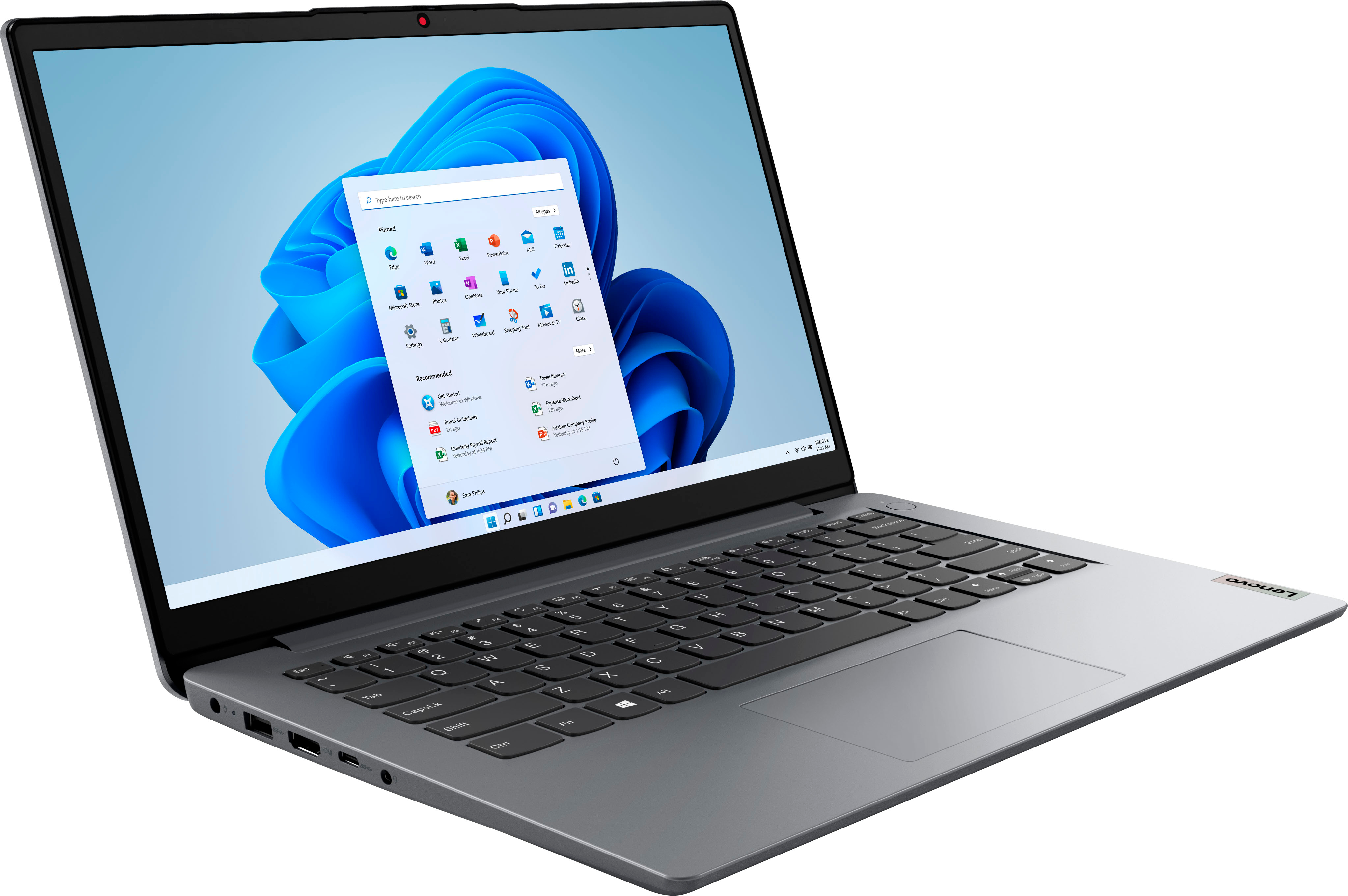
A:AnswerThant will depend on the requirements and compatibility of the device you want to connect. This entry-level, Lenovo IdeaPad 1i 14 Laptop, model number 82V6S00000, ships with Windows 11 S-Mode, 64-bit Operating System installed. Windows 11 S-Mode provides added security by only allowing APPs available ( and therefore certified by Microsoft) at the Microsoft Store. If you don't need the added security or you need to install APPs not available at the Microsoft Store, you can switch to standard Windows 11 Home 64-bit Operating System, at no additional cost. We recommend you check with the device manufacturer's web site for their compatibility with Windows 11 S-Mode 64-bit operating system and the minimum/recommended hardware requirements (Is a Graphics card required, the processor speed and the minimum required system RAM and the minimum available hard drive space) to run their program, then compare those requirements to this system's configuration. If you choose to switch out of S-Mode for Windows 11 Home: Here is a link to instructions for switching from Windows 11 S-Mode to Windows 11 Home: https://support.microsoft.com/en-us/windows/switching-out-of-s-mode-in-windows-4f56d9be-99ec-6983-119f-031bfb28a307#WindowsVersion=Windows_11
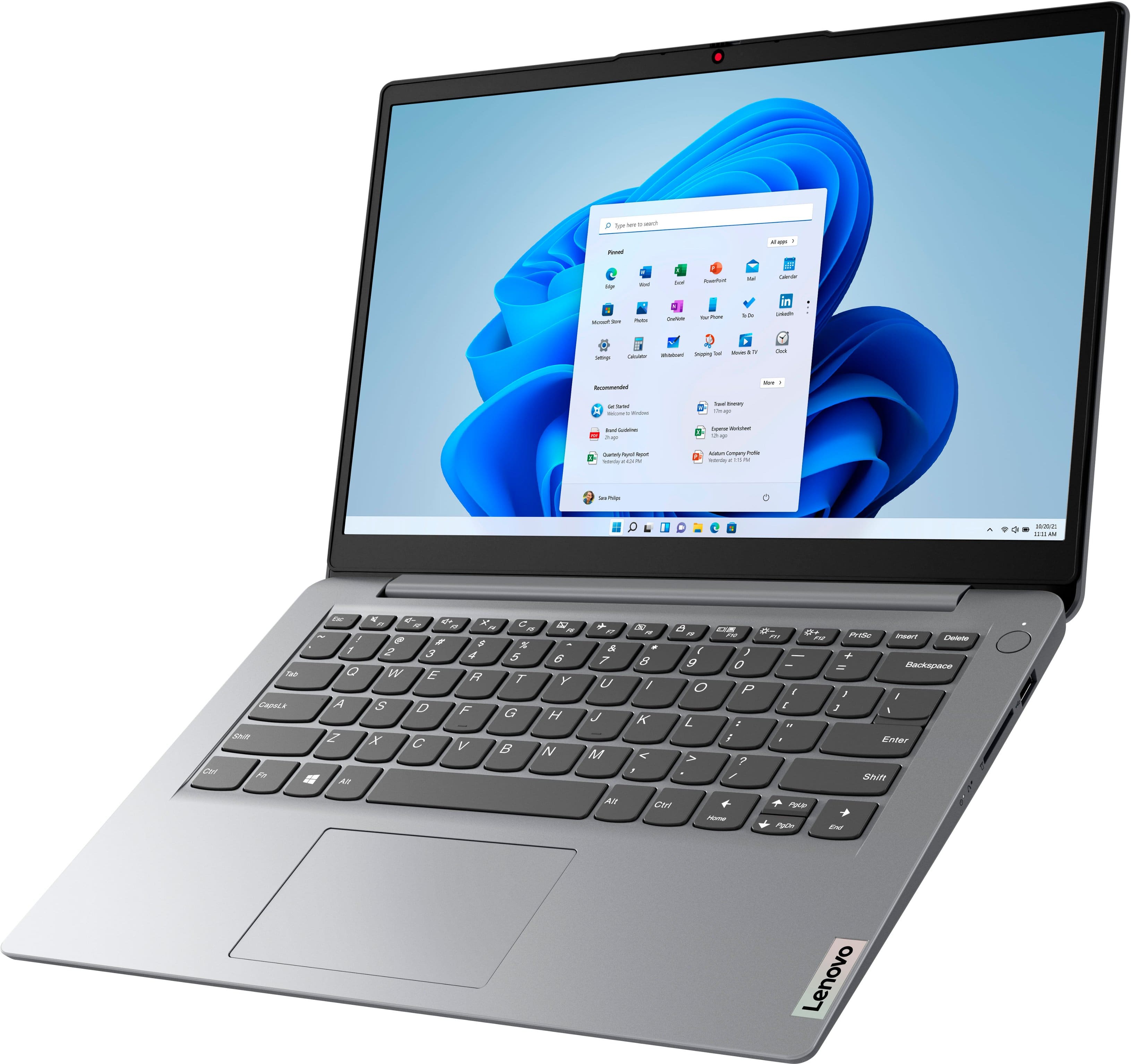
A:AnswerThat will depend on the requirements and compatibility of the specific version of the game you want to play. This entry-level, Lenovo IdeaPad 1i 14 Laptop, model number 82V6S00000, ships with Windows 11 S-Mode, 64-bit Operating System installed. Windows 11 S-Mode provides added security by only allowing APPs available ( and therefore certified by Microsoft) at the Microsoft Store. If you don't need the added security or you need to install APPs not available at the Microsoft Store, you can switch to standard Windows 11 Home 64-bit Operating System, at no additional cost. We recommend you check with the game's software publisher's web site, of the specific version of the game you want to play, for their compatibility with Windows 11 S-Mode 64-bit operating system and the minimum/recommended hardware requirements (Is a Graphics card required, the processor speed and the minimum required system RAM and the minimum available hard drive space) to run their program, then compare those requirements to this system's configuration. If you choose to switch out of S-Mode for Windows 11 Home: Here is a link to instructions for switching from Windows 11 S-Mode to Windows 11 Home: https://support.microsoft.com/en-us/windows/switching-out-of-s-mode-in-windows-4f56d9be-99ec-6983-119f-031bfb28a307#WindowsVersion=Windows_11
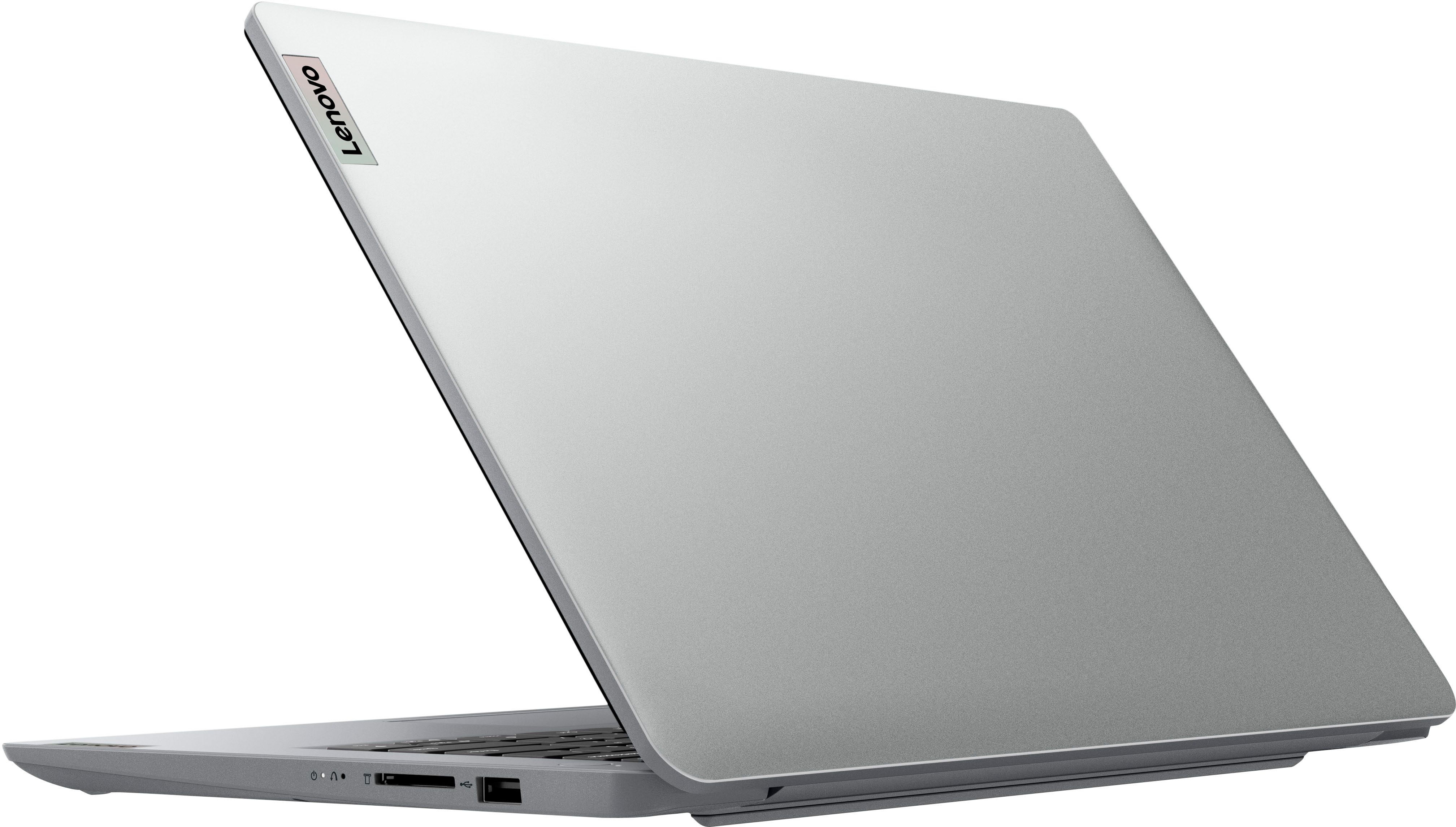
A:AnswerThis entry-level Lenovo IdeaPad 1i 14 Laptop, model number 82V6S00000, ships with a 30-day trial of Microsoft Office 365 included as part of the Windows 11 S-Mode operating system. To keep the program active after the trial period, you will need to purchase a product key. You will not need to download any additional software.
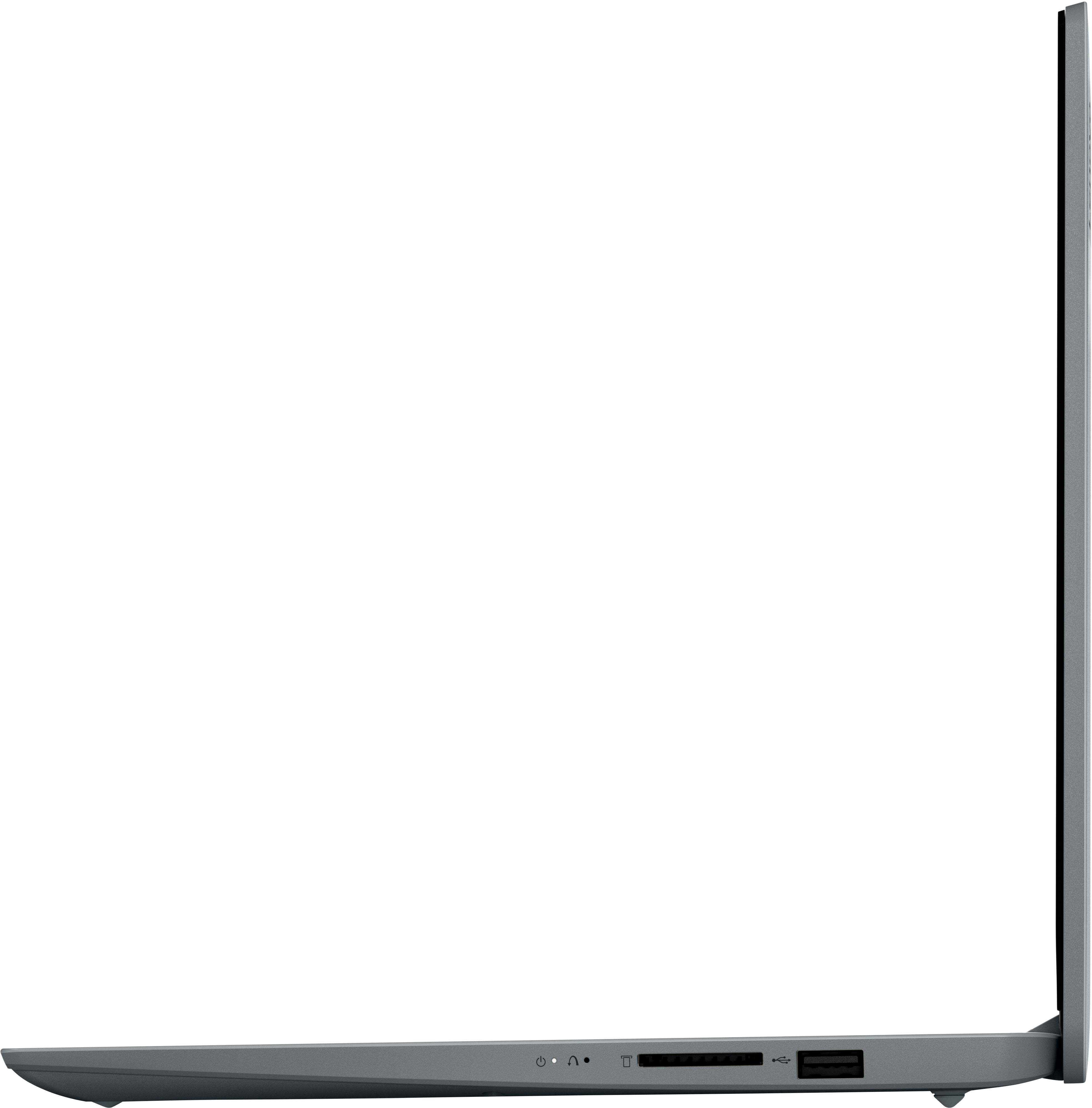
A:AnswerThis entry-level, Lenovo IdeaPad 1i 14 Laptop, model number 82V6S00000, ships with a 64GB eMMC solid state hard drive that is soldered to the motherboard and is not upgradeable. You can expand your storage capacity by using the SD card Slot within this IdeaPad 1i 14. The SD Memory Card is sold separately. You can also use any external, USB-based Windows compatible storage drive or a Cloud Based Storage Service.
A:AnswerNo. This entry-level, Lenovo IdeaPad 1i 14 Laptop, model number 82V6S00000, ships with a 64GB eMMC solid state hard drive soldered to the motherboard and is not upgradeable. You can extend your storage space by using external storage, such as the SD card Slot on this IdeaPad 1i 14, the SD Memory Card is sold separately. You can also use any USB-based Windows compatible external hard drive or a Cloud-based Storage Service with this IdeaPad 1i 14.