A:AnswerHi SDG92,
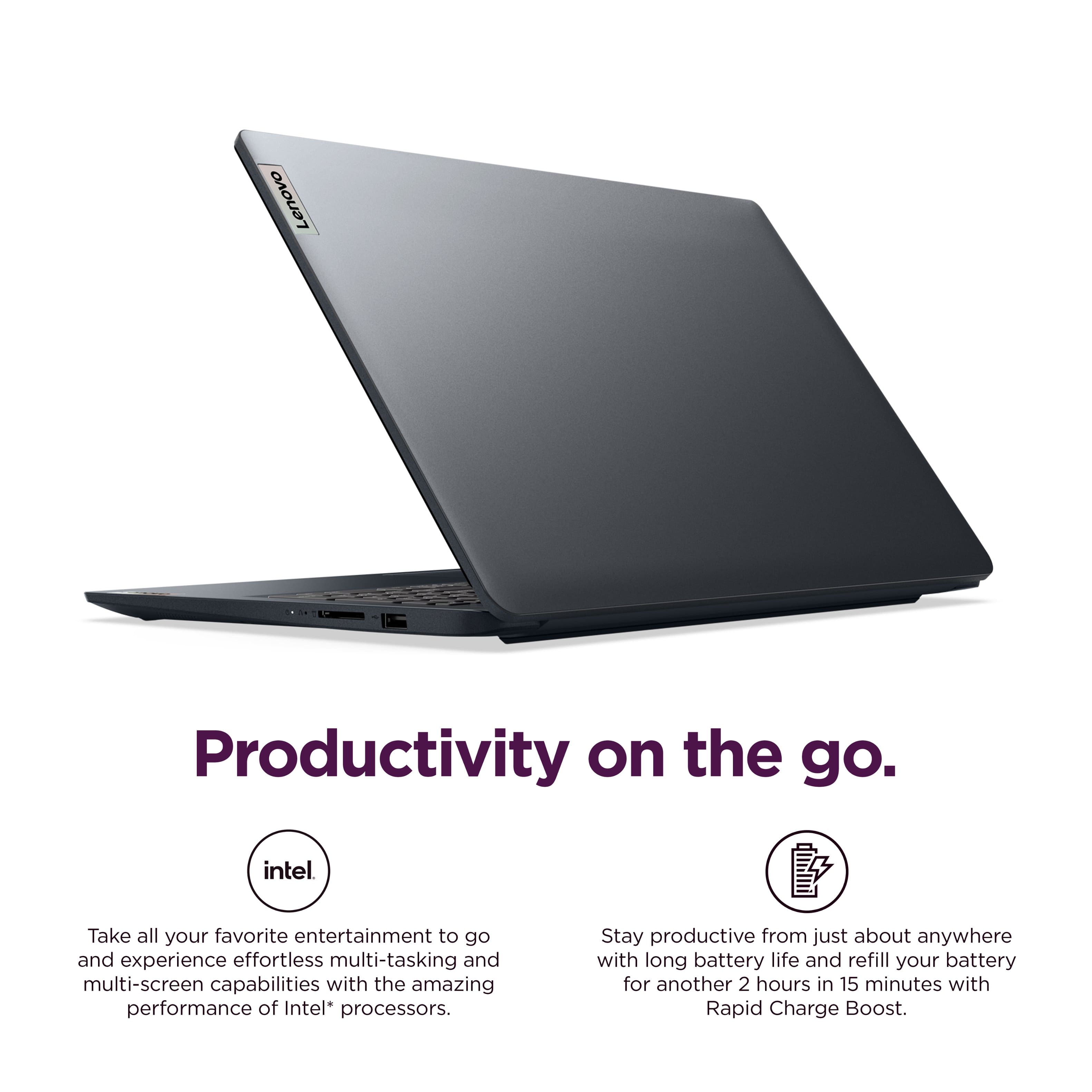
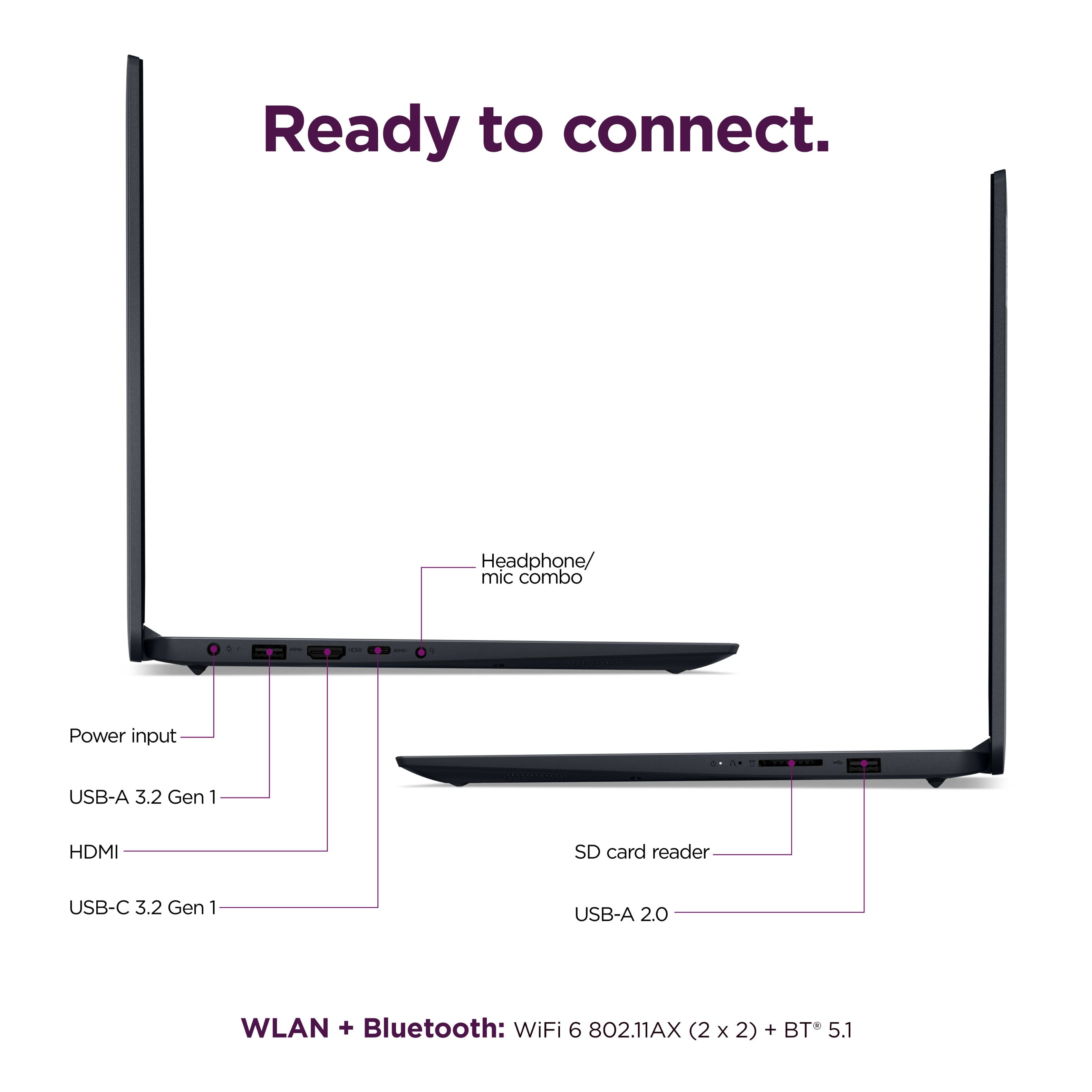
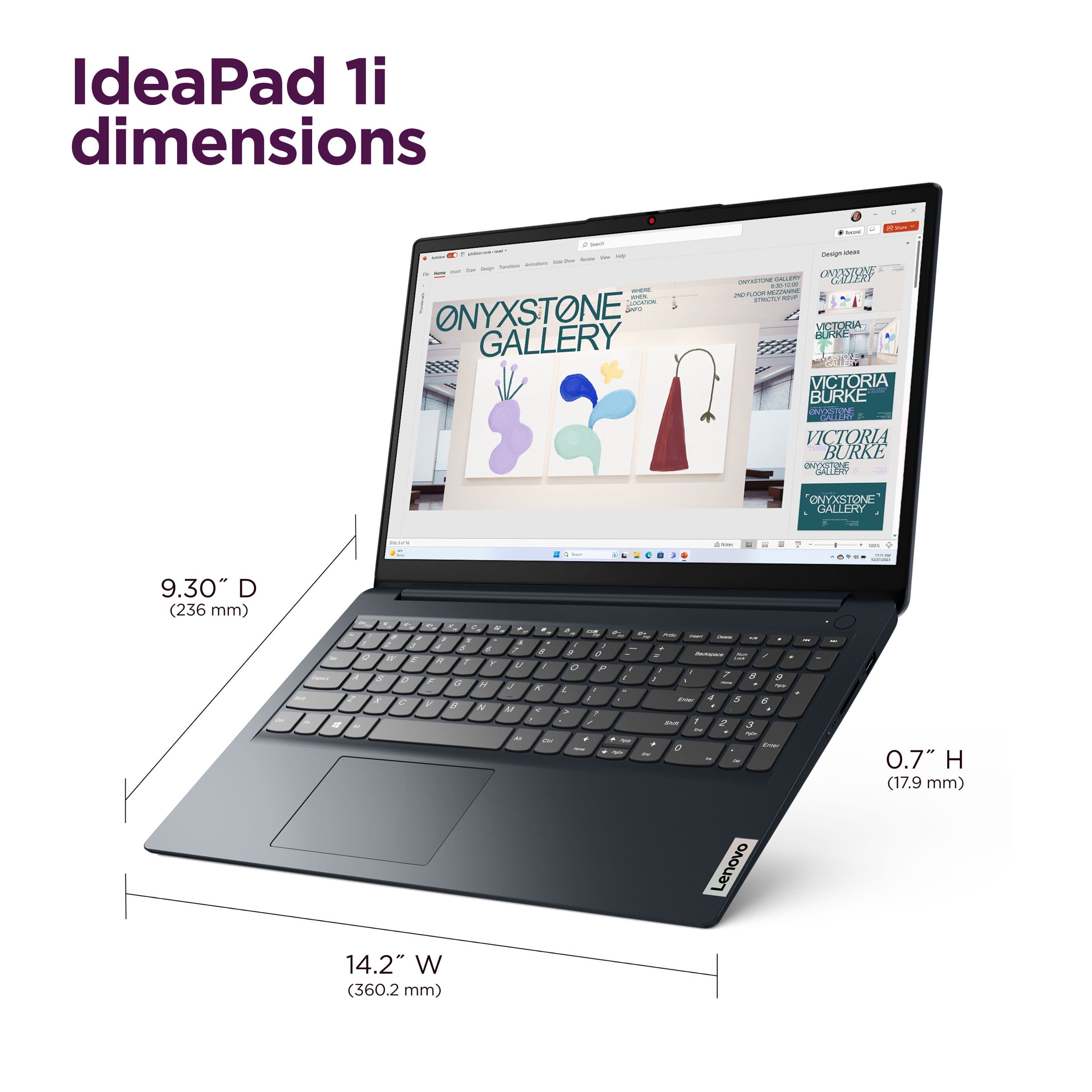
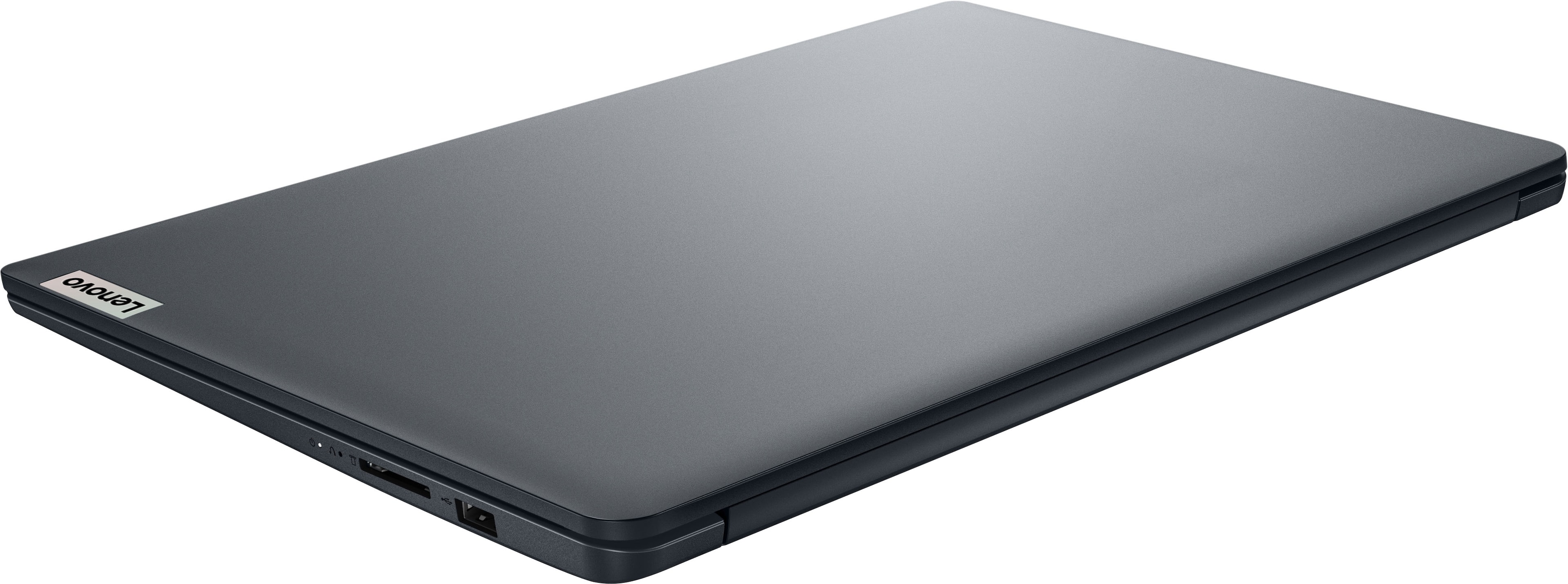
This IdeaPad 1i weighs about 3.5 pounds and features two USB-A ports (1x USB 2.0, 1x USB 3.2 Gen 1) and one USB-C port (supports data transfer only).
Please feel free to reach out to us with any other questions!
A:AnswerHey Anon,
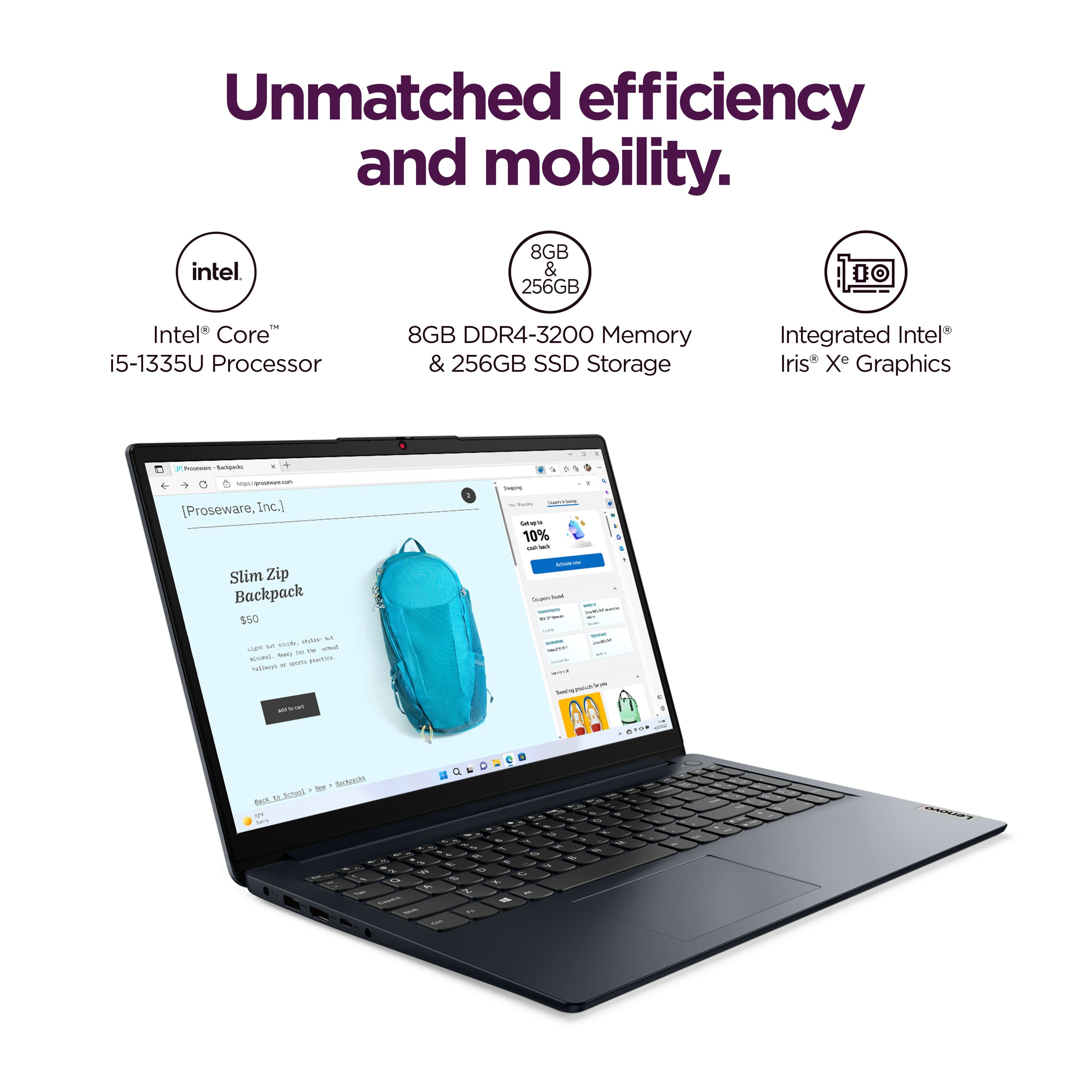
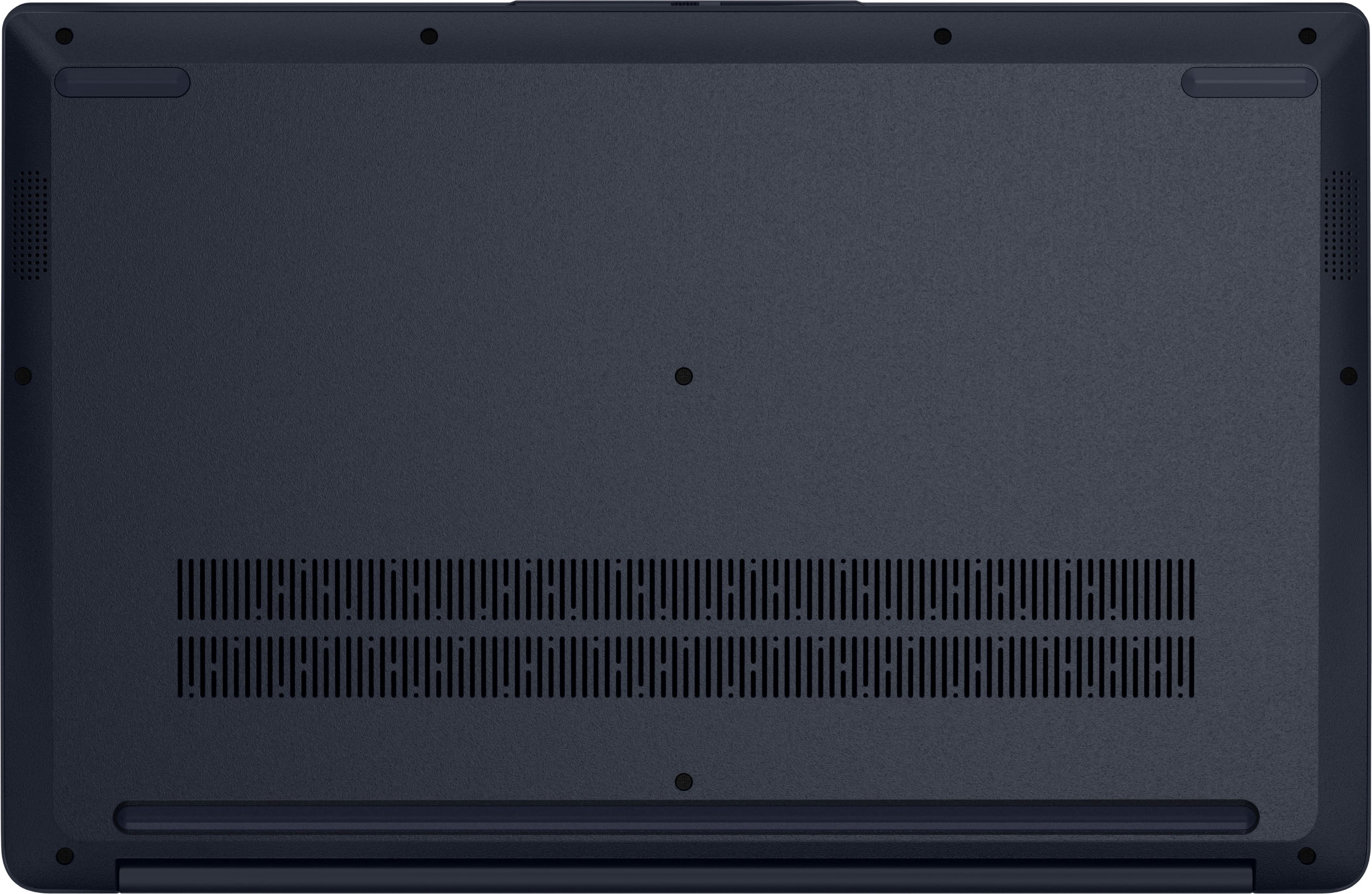
The 8GB of memory this IdeaPad 1i comes equipped with is soldered to the systemboard, but there is one DDR4 SO-DIMM slot for memory upgrades. Also, there is one M.2 PCIe® 4.0 x4 slot that is currently occupied by the preinstalled 256GB drive, so if you wish to expand storage, you will have to swap it out for a higher capacity SSD.
Please feel free to reach out to us with any other questions!
A:AnswerHey Joe,
The USB-C port featured with this IdeaPad 1i only supports data transfer.
Please feel free to reach out to us with any other questions!
A:AnswerHey again luislast,
We appreciate your concern. We wish to provide as much information as possible and be transparent with our responses. We will phrase this messaging differently in hopes to provide understanding for you. Generally, Lenovo does not test the maximum memory supported for each model. When sharing memory upgradability capabilities, we try to disclose if this specification point is based on test results with available Lenovo memory offerings (meaning since Lenovo offers a configuration of the computer in question with more memory, it has therefore been tested to support this memory capacity) or if the results are based on tests for product readiness. There are users who state in reviews if they were able to upgrade the memory and to what capacity, and we try to share this in responses as well with the disclosure that since this has not been tested by Lenovo, we cannot verify the claim's validity.
For example, this model IdeaPad 1 has a max memory listed of 16GB total, with it featuring one memory soldered to systemboard, the 8GB preinstalled, and you could add 8GB SO-DIMM DDR4-3200 to the open DDR4 SO-DIMM slot. Since this model's documented disclosure for max memory is that "The max memory is based on the test results with current Lenovo memory offerings.", we know that Lenovo offers a 16GB configuration of this IdeaPad 1i series. In user reviews, some state that they added 16GB DDR4 in the open slot instead of 8 and were satisfied with the results, but this does not align with Lenovo's documented memory maximum, so we cannot endorse this.
We hope that this helps, and please feel free to reach out to us with any other questions!
A:AnswerHey TonyCano84,
The memory is upgradable with the included 8GB being soldered to the systemboard, and one DDR4 SO-DIMM slot open (dual-channel capable). Also, the included storage is a 256GB M.2 2242 SSD installed in the single M.2 PCIe 4.0 x4 slot. Our records indicate this model has a maximum storage offering of 1TB, so we can verify that you can expand storage to this size. Although, it's likely what you can use 2TB+ M.2 2242 drives without issue.
Please feel free to reach out to us with any other questions!
A:AnswerHey,
We are sorry to hear that you were dissatisfied with this resource embedded in the product page. If there is anything in particular you are looking for regarding this IdeaPad 1i, please let us know and we'd be happy to assist you more precisely.
A:AnswerHey Grinner,
The memory is upgradable with the included 8GB being soldered to the systemboard, and one DDR4 SO-DIMM slot open (dual-channel capable) for more DDR4 3200 memory.
Please feel free to reach out to us with any other questions!
A:AnswerHey mnvikings11,
The memory is upgradable with the included 8GB being soldered to the systemboard, and one DDR4 SO-DIMM slot open (dual-channel capable). Also, the included storage is a 256GB M.2 2242 SSD installed in the single M.2 PCIe 4.0 x4 slot. Our records indicate this model has a maximum storage offering of 1TB, so we can verify that you can expand storage to this size. Although, it's likely what you can use 2TB+ M.2 2242 drives without issue.
Please feel free to reach out to us with any other questions!
A:AnswerHey Poel,
Based on the system requirements for the software, this IdeaPad 1i should run the software.
Please feel free to reach out to us with any other questions!
A:AnswerHey Shane,
Yes, you can add on Geek Squad warranty coverage, along with Best Buy and Geek Squad Support options as well. You can learn details at your local Best Buy store and by contacting Geek Squad online or over the phone.
Please feel free to reach out to us with any other questions!
A:AnswerHey Nan,
Preinstalled you'll find McAfee security (30-day trial based initial offering) along with the most common Office apps; however, without purchasing a long-term Office solution, such as Microsoft 365, only a 30-day trial can be activated out of the box. Also, you'll notice Windows offered software and utility applications like Lenovo Vantage for PC support, maintaining device health, and more.
Please feel free to reach out to us with any other questions!
A:AnswerHey there,
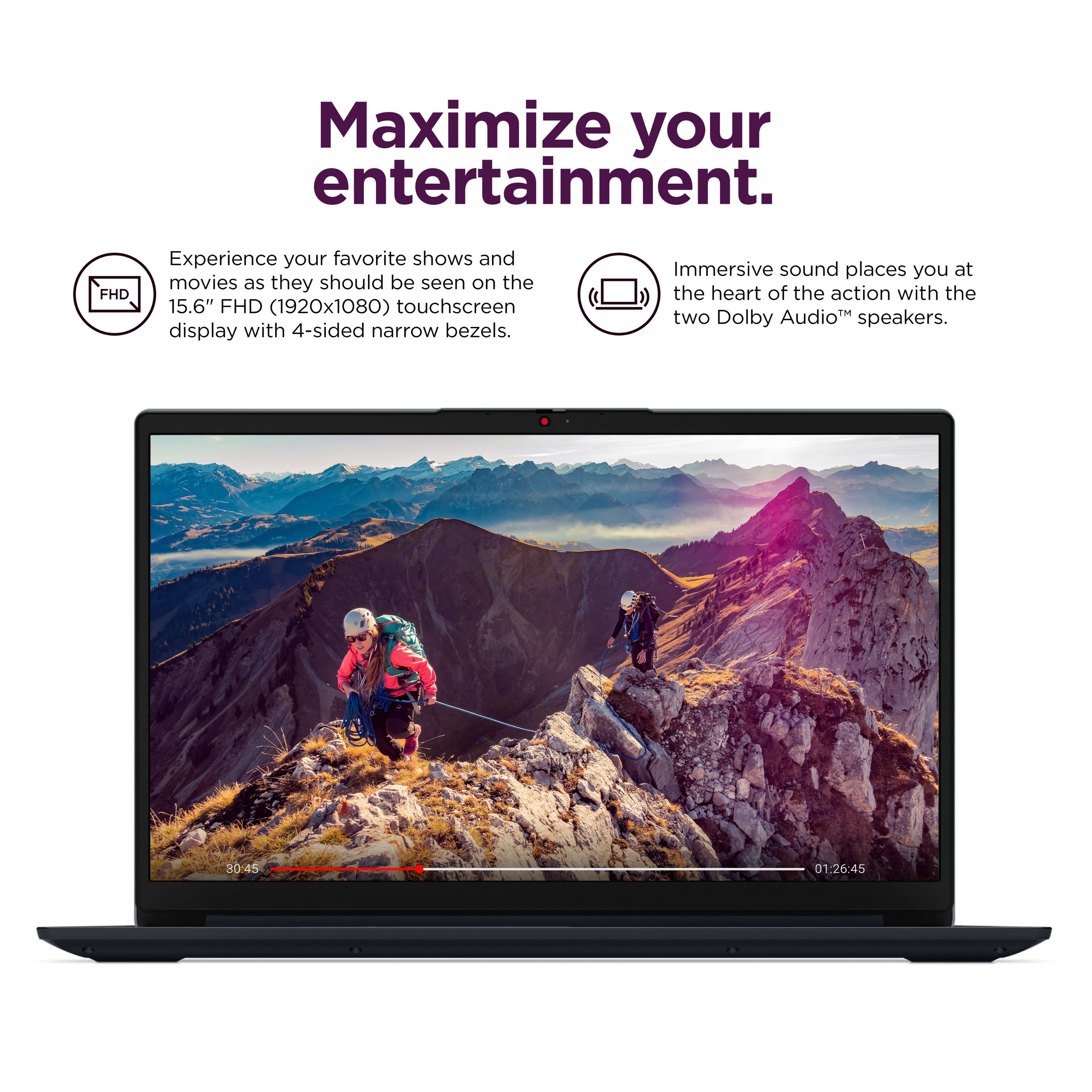
Your system will operate quite similarly to a non-touchscreen laptop. The main difference is that you have the liberty to select any item on your screen by touch instead of using the laptop's touchpad or a mouse. The system won't be unresponsive to the touchpad or mouse if you touch the screen, as your system can seamlessly select items by switching inputs automatically.
Please feel free to reach out to us with any other questions!
A:AnswerHey TechWolf,
Since this can depend on the model of device and its price point, we cannot share dollar amounts here, but we can share that if you purchase a Lenovo system where Accidental Damage Protection (ADP) is applicable, you can visit the following Lenovo Support webpage to view your warranty upgrade and service options: https://support.lenovo.com/us/en/warranty-upgrade-and-services/
Please feel free to reach out to us with any other questions!