A:AnswerThe answer is a careful "Yes." Once you upgrade to Win 11, you only have two weeks to switch back to Win 10. Also, upgrading and downgrading always run a (slight) risk of loss of information or problem with software compatibility, so you should perform a backup whenever you go from one to another.
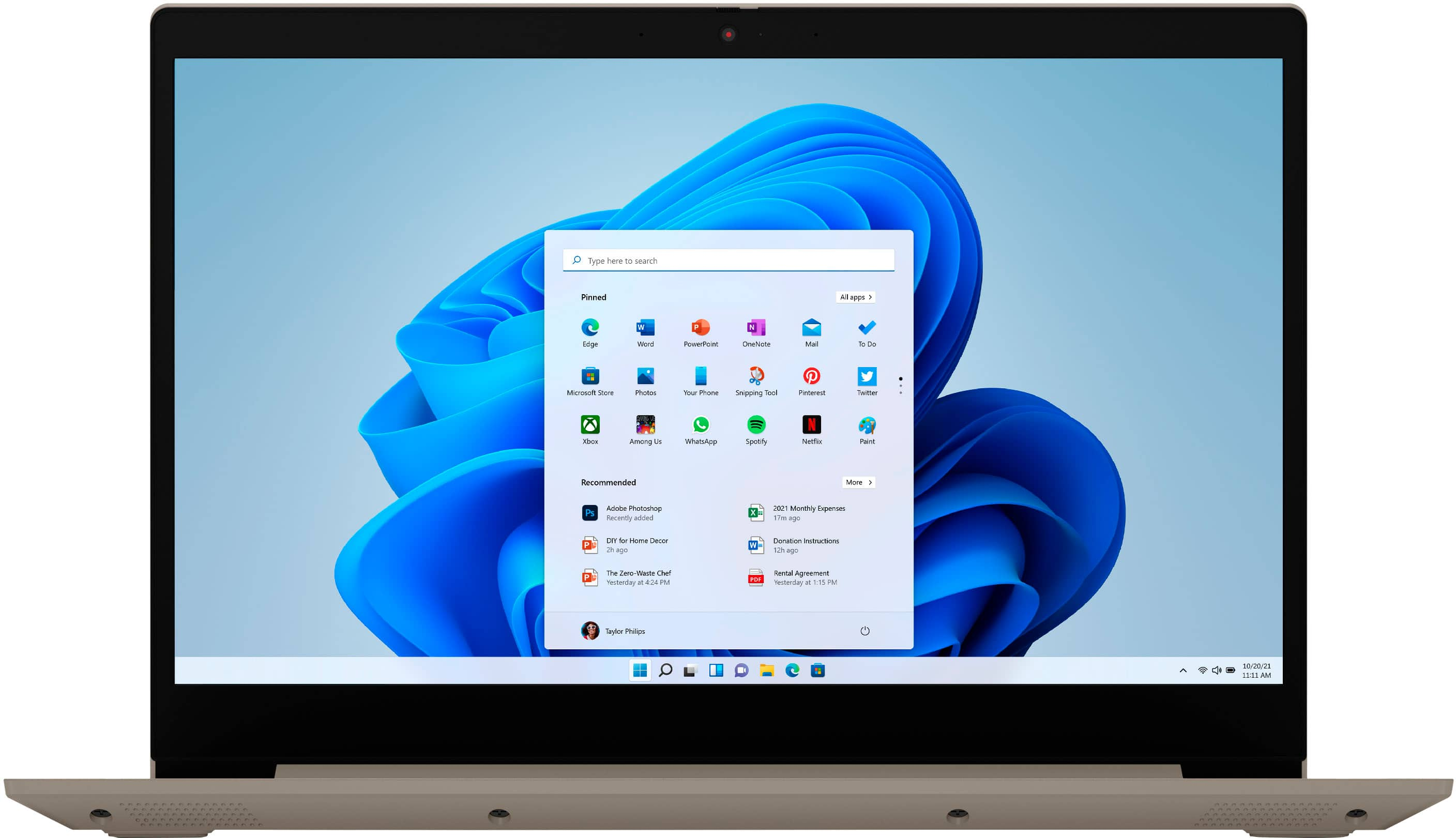
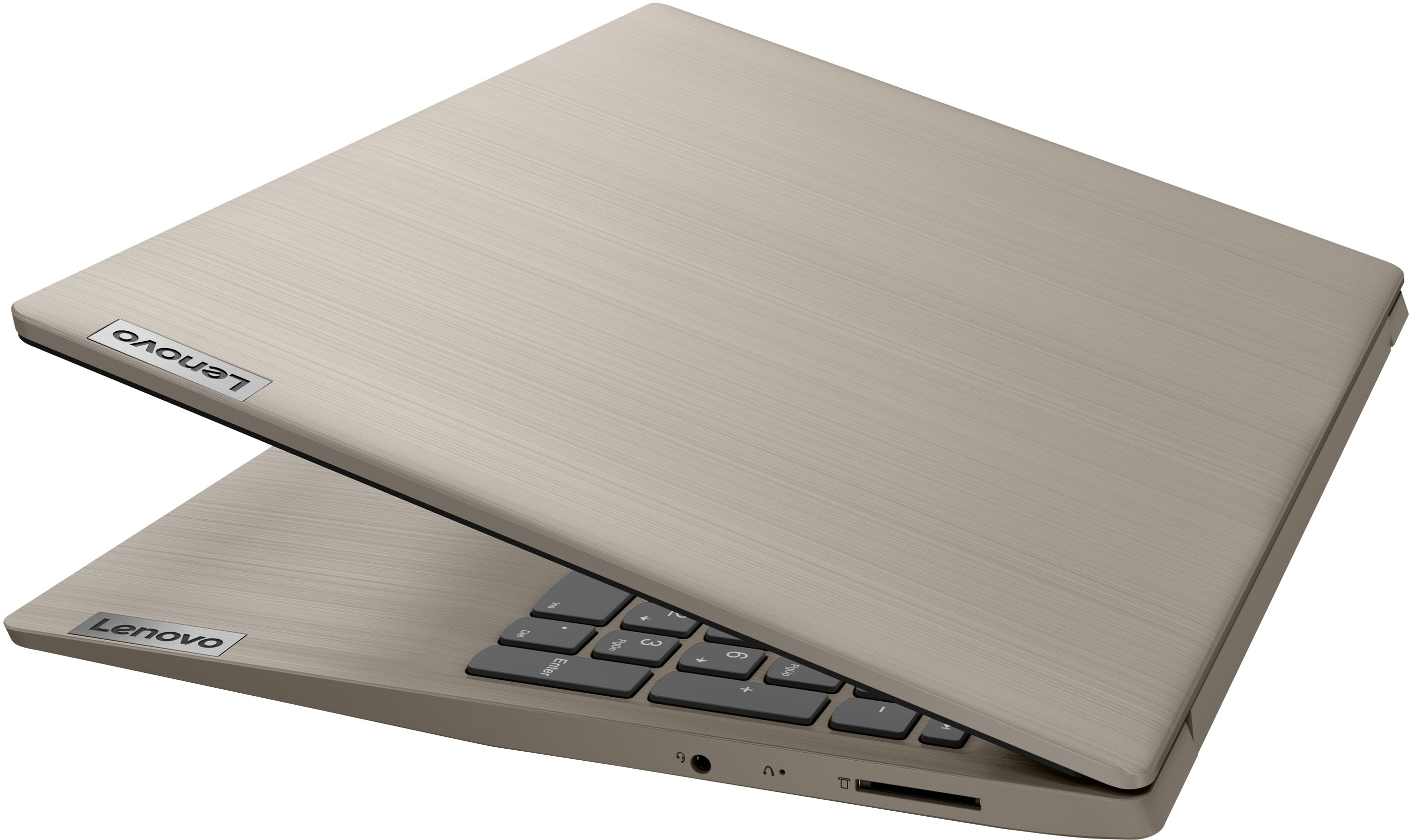
A:AnswerThat really will depend on the requirements and compatibility of the specific APP feature you want to use. This Lenovo IdeaPad 3 15 Laptop, model number 81X800ENUS, ships with Windows 11 S-Mode 64-bit Operating System installed. Windows 10 S-Mode provides added security by only allowing APPs available ( and therefore certified by Microsoft) at the Microsoft Store. If you don't need the added security or you need to install APPs not available at the Microsoft Store, you can switch to standard Windows 10 Home 64-bit Operating System, at no additional cost. We recommend you check with the specific APPs software publisher's web site and check the specific requirements needed to use the feature you need and for their compatibility with Windows 11 S-Mode 64-bit operating system and the minimum/recommended hardware requirements (Is a Graphics card required, the processor speed and the minimum required system RAM and the minimum available hard drive space) to run their program, then compare those requirements to this system's configuration. If you choose to switch out of S-Mode for Windows 11 Home: Here is a link to instructions for switching from Windows 11 S-Mode to Windows 11 Home: https://support.microsoft.com/en-us/help/4456067/windows-10-switch-out-of-s-mode
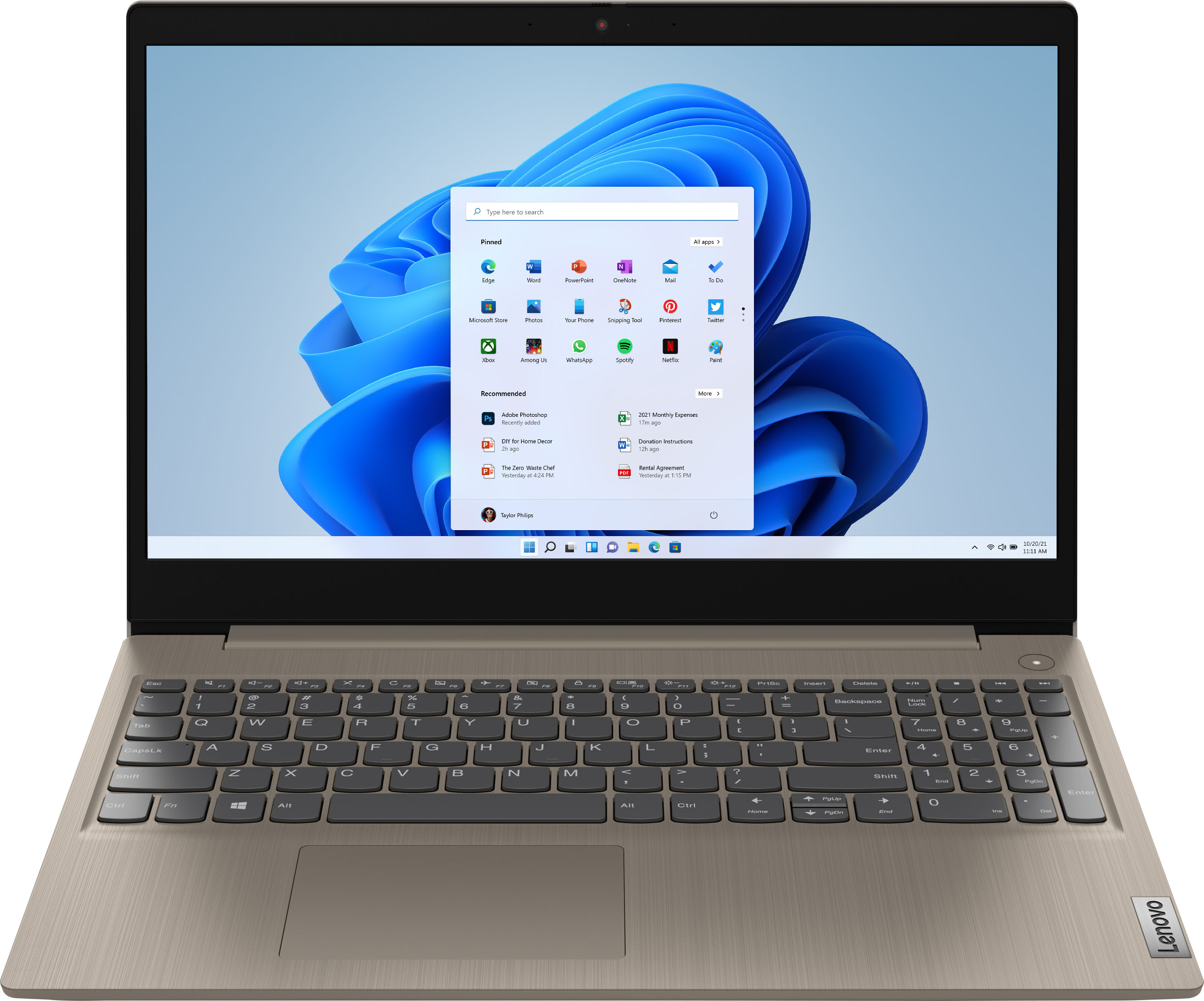
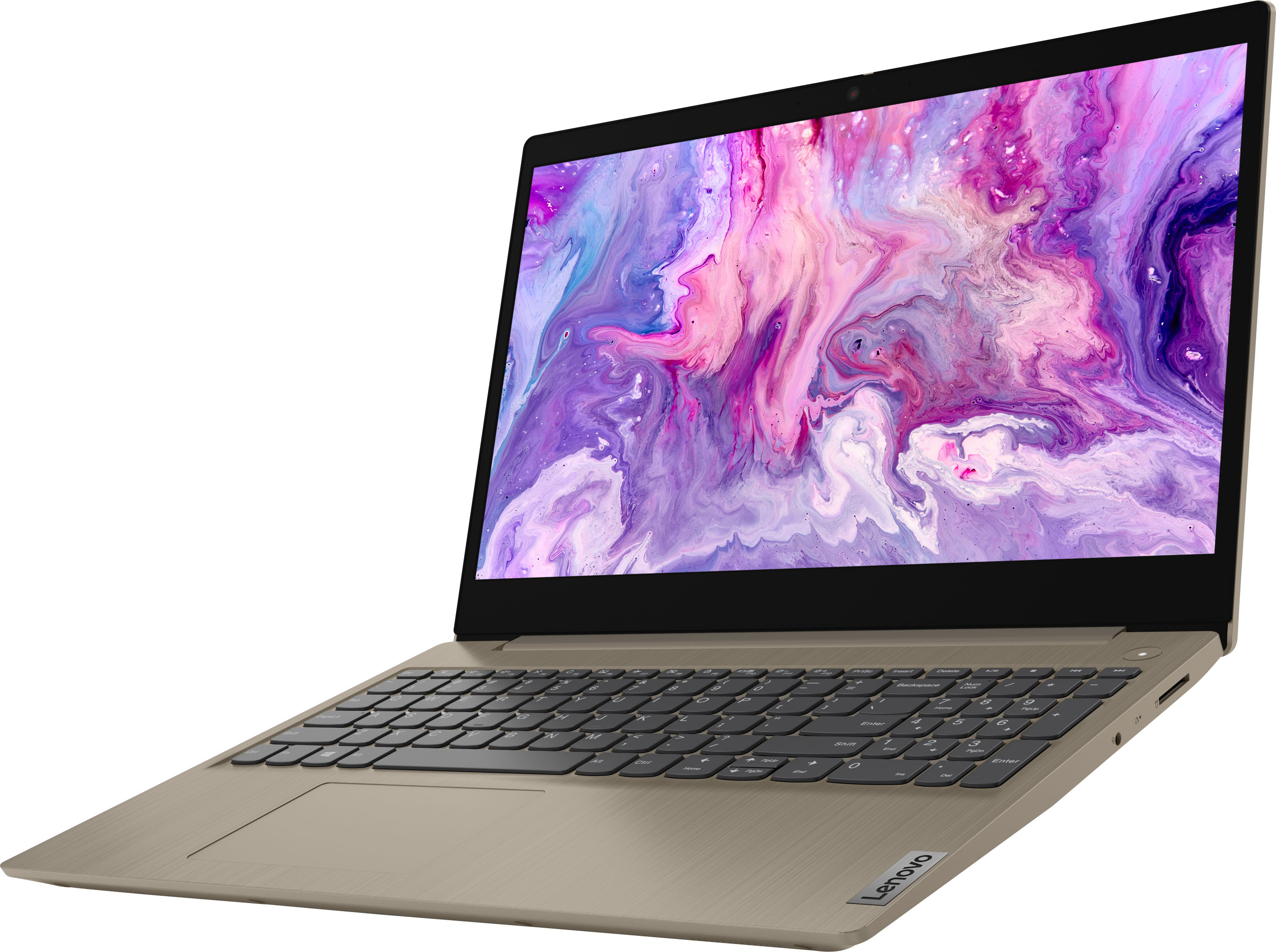
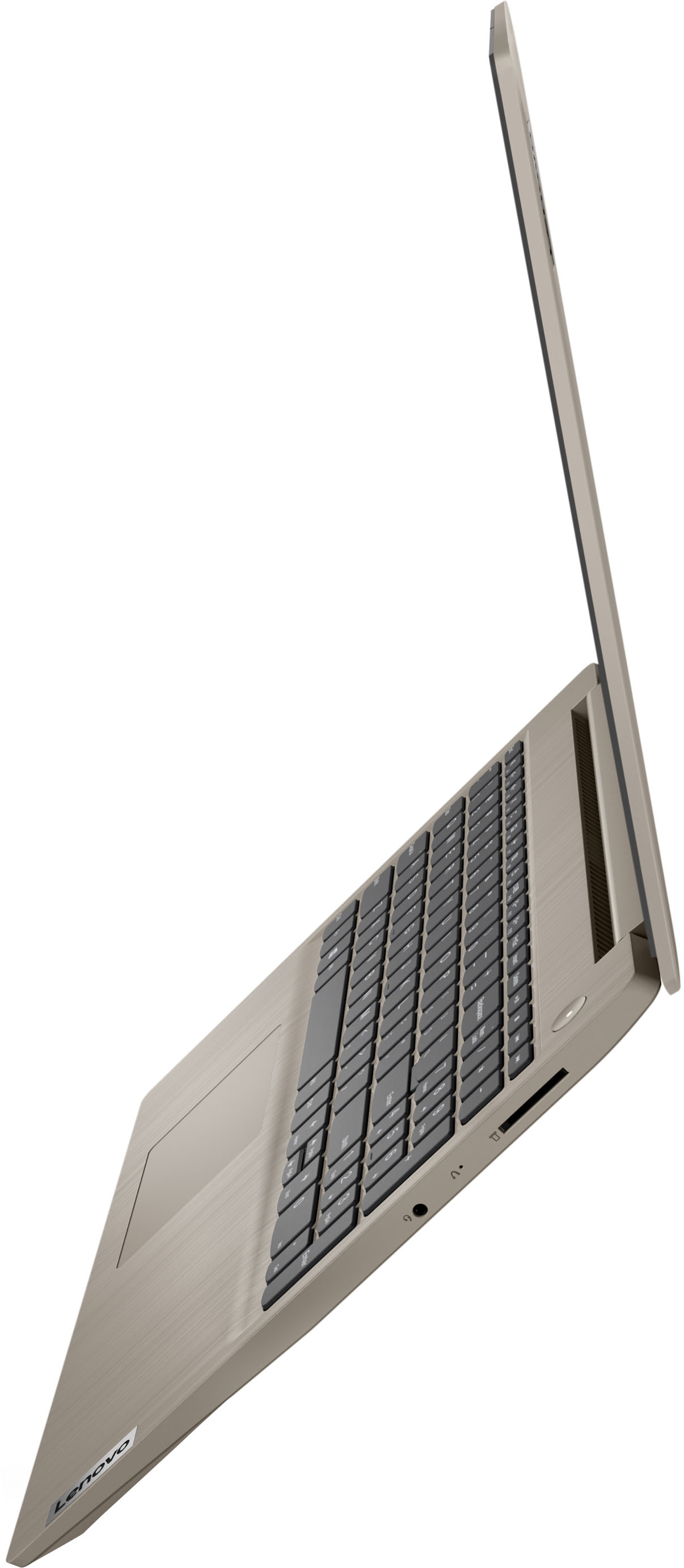
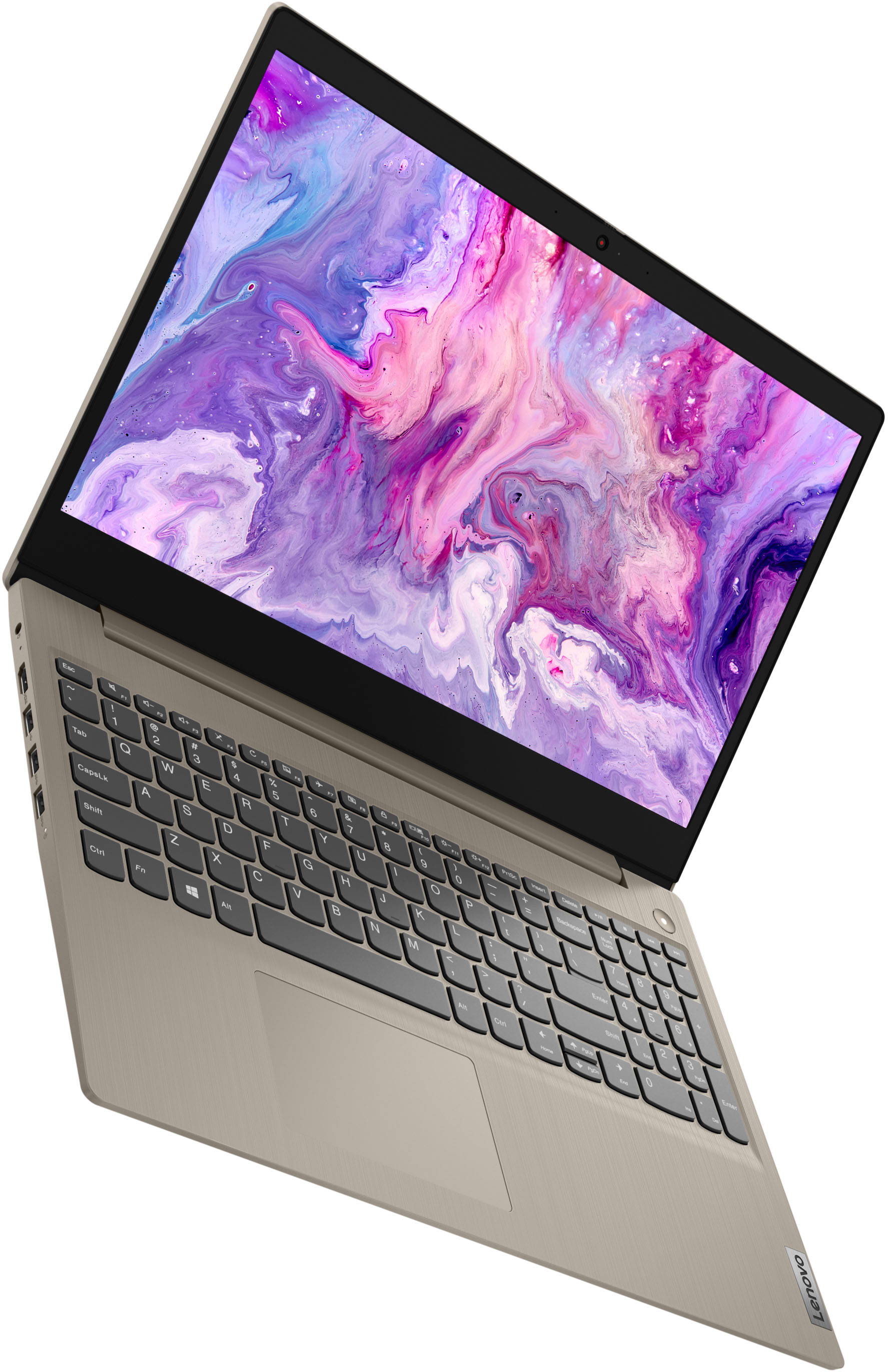
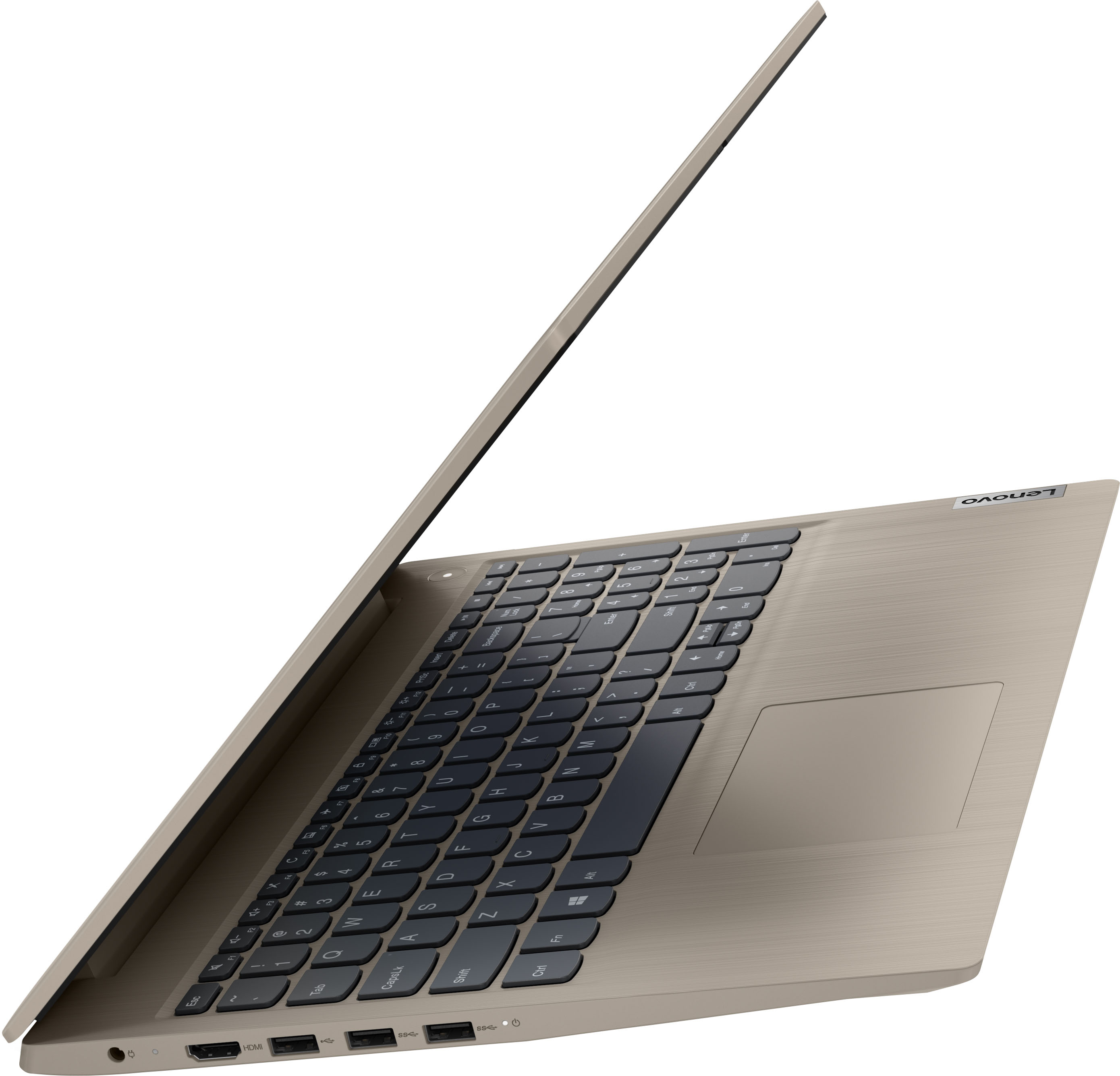
A:AnswerNo. The Lenovo IdeaPad 3 15 Laptop, model number 81X800ENUS, can not be used as a tablet. It has standard laptop hinges on the screen/keyboard.
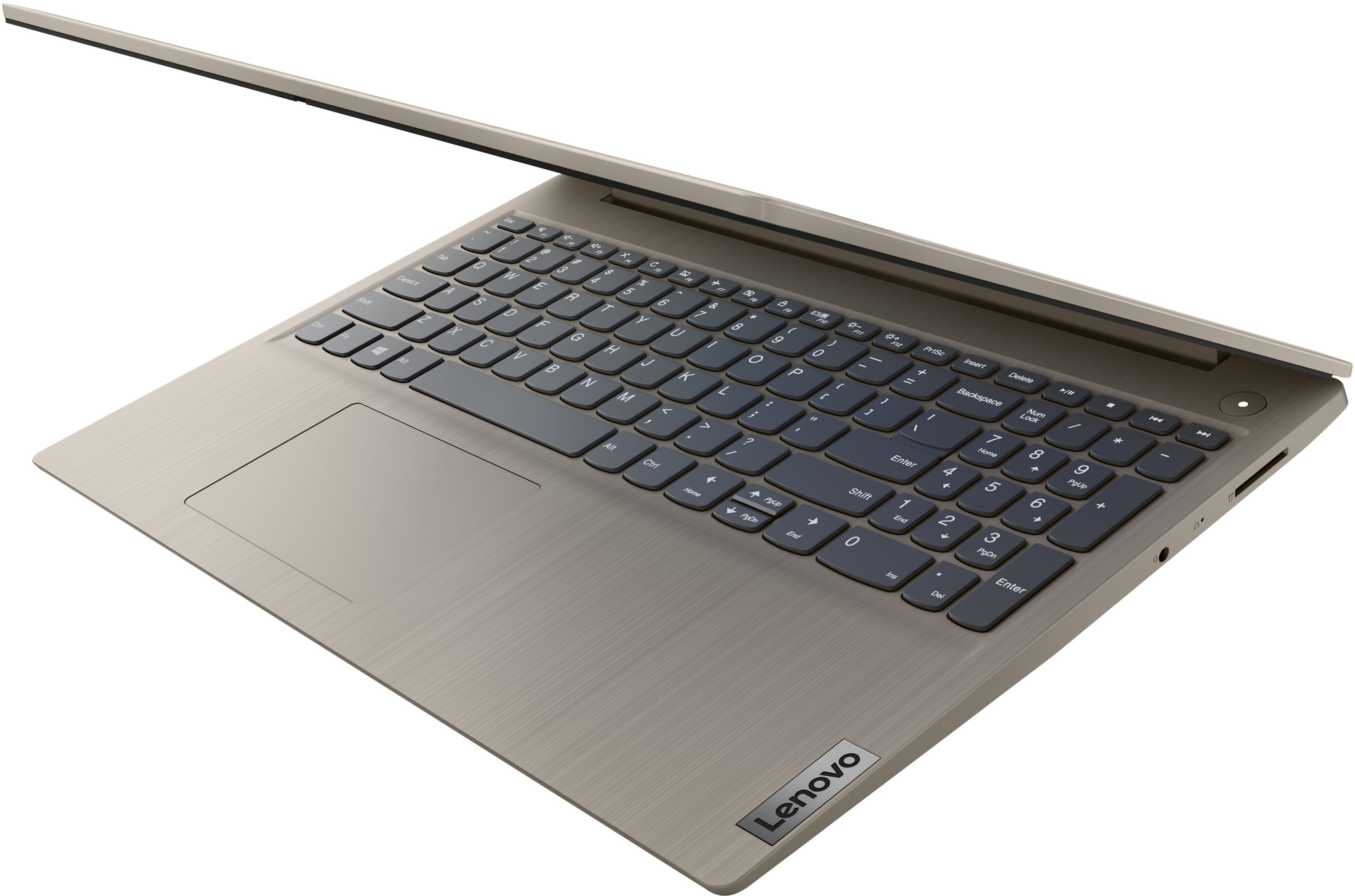
A:AnswerNo. This Lenovo IdeaPad 3 15 Laptop, model number 81X800KLUS, ships with a Non-backlit, English Version, standard QWERTY keyboard, with 10-Key Numeric Pad included.
A:AnswerThe Lenovo IdeaPad 3 15 Laptop, model number 81X800KLUS, uses 2x2 802.11ax frequency WiFi only for connecting to the internet. It has no cellular/broadband capability built.
A:AnswerThis Lenovo IdeaPad 3 15 Laptop, model number 81X800KLUS, ships with 8GB DDr4-2666MHz RAM installed (4GB Soldered DDR4-2666 + 4GB SO-DIMM DDR4-2666MHz RAM). One memory soldered to systemboard, one DDR4 SO-DIMM slot, dual-channel capable. The maximum RAM that this model configuration can support is: Up to 12GB (4GB soldered + 8GB SO-DIMM) DDR4-2666MHz RAM. We recommend you consult with your certified technician about your RAM upgrade options.
A:AnswerI have used this laptop with Zoom, but there was a deep hidden setting locking the camera off, not part of the regular camera or privacy controls. I had to use audio only.
It took me about an hour or more of serious poking around to unlock the camera, and sorry, I don't remember where I found the unlock. But I'm finally ready for the next time.
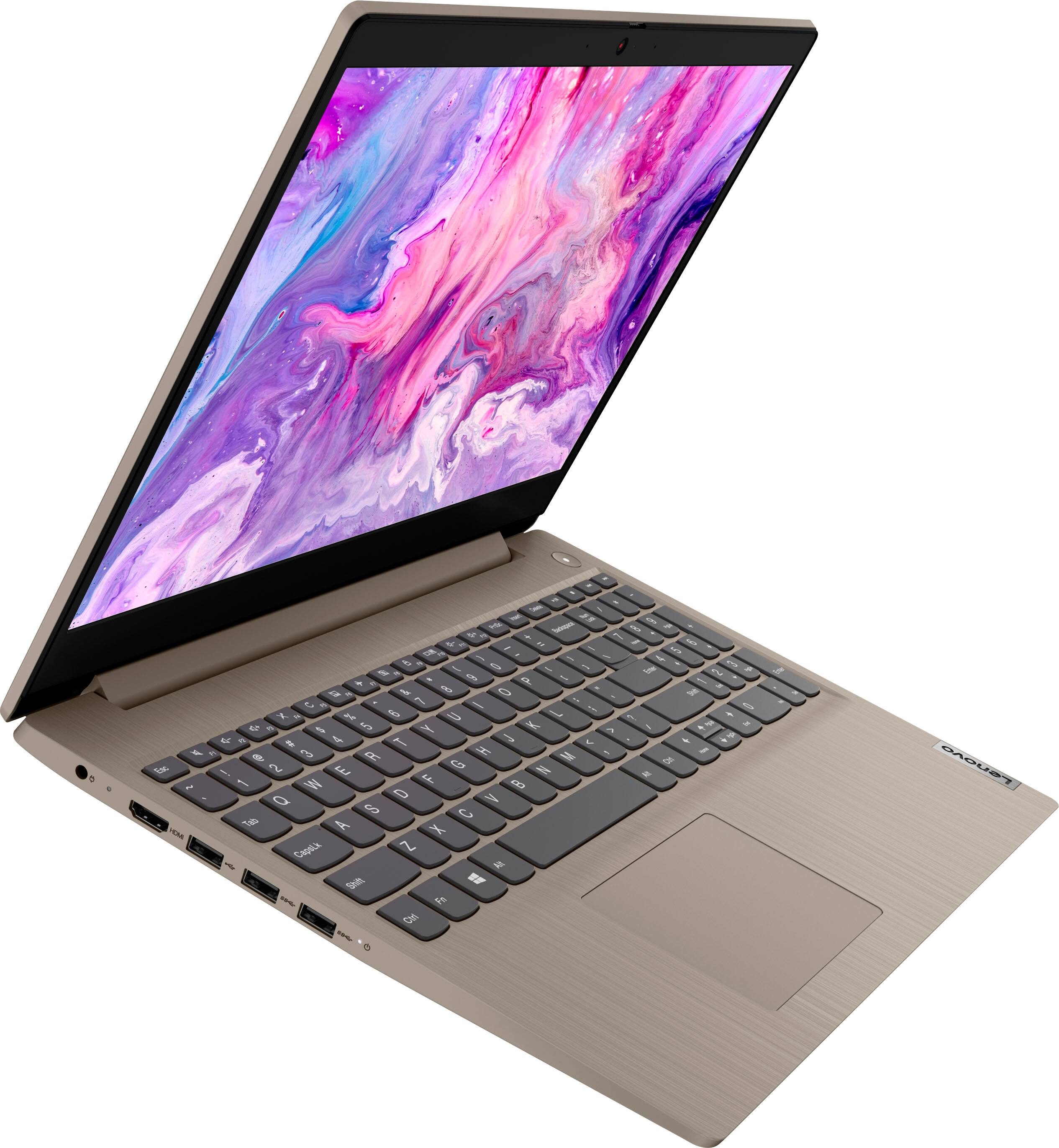
A:AnswerThe images and specs on this do not show USB-C. While there may be some USB2x-3 video adapters out there, it’s not likely they’ll support 3 monitors or work very well. You be better to find a laptop with a USB-C port. That said, if you wanted to use the laptop screen and 2 other monitors, you could use the laptop, the HDMI out, and probably find one USB extension monitor
A:AnswerMy daughter used it for school and to post videos to social media channels. It seems to be sufficient to do that. If you plan on editing really large HD videos, I would suggest adding more Ram and getting a bigger hard drive.