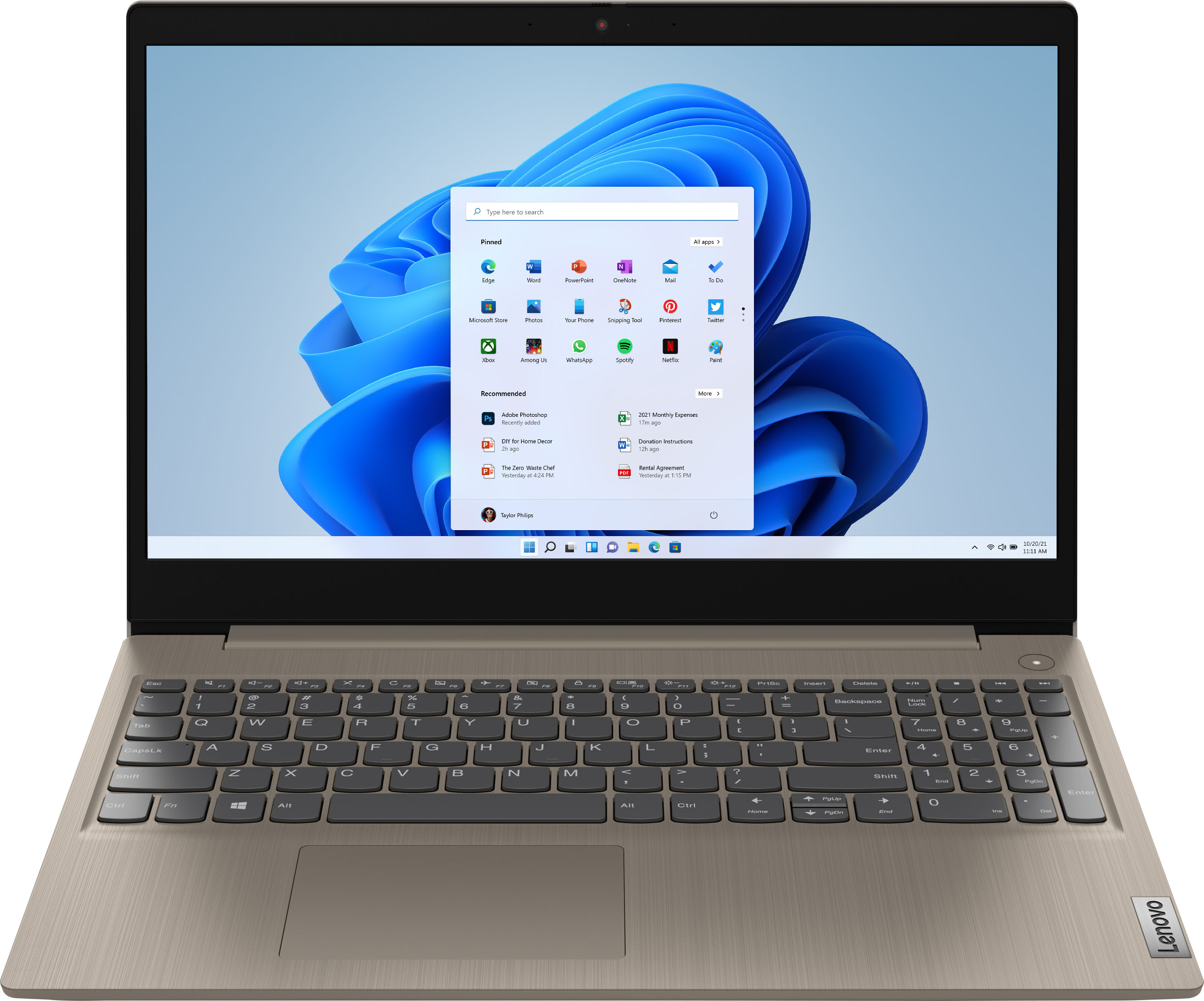
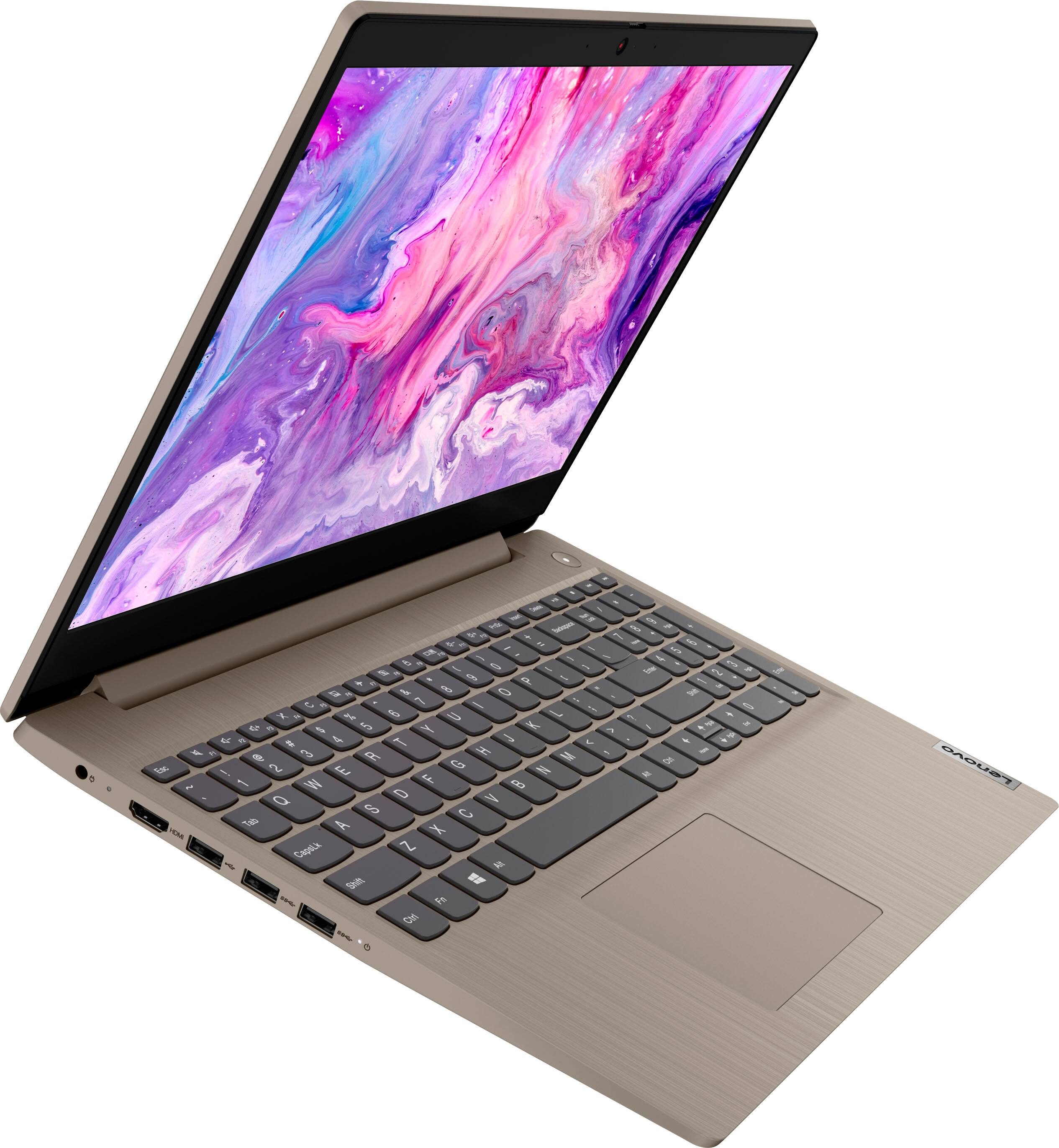
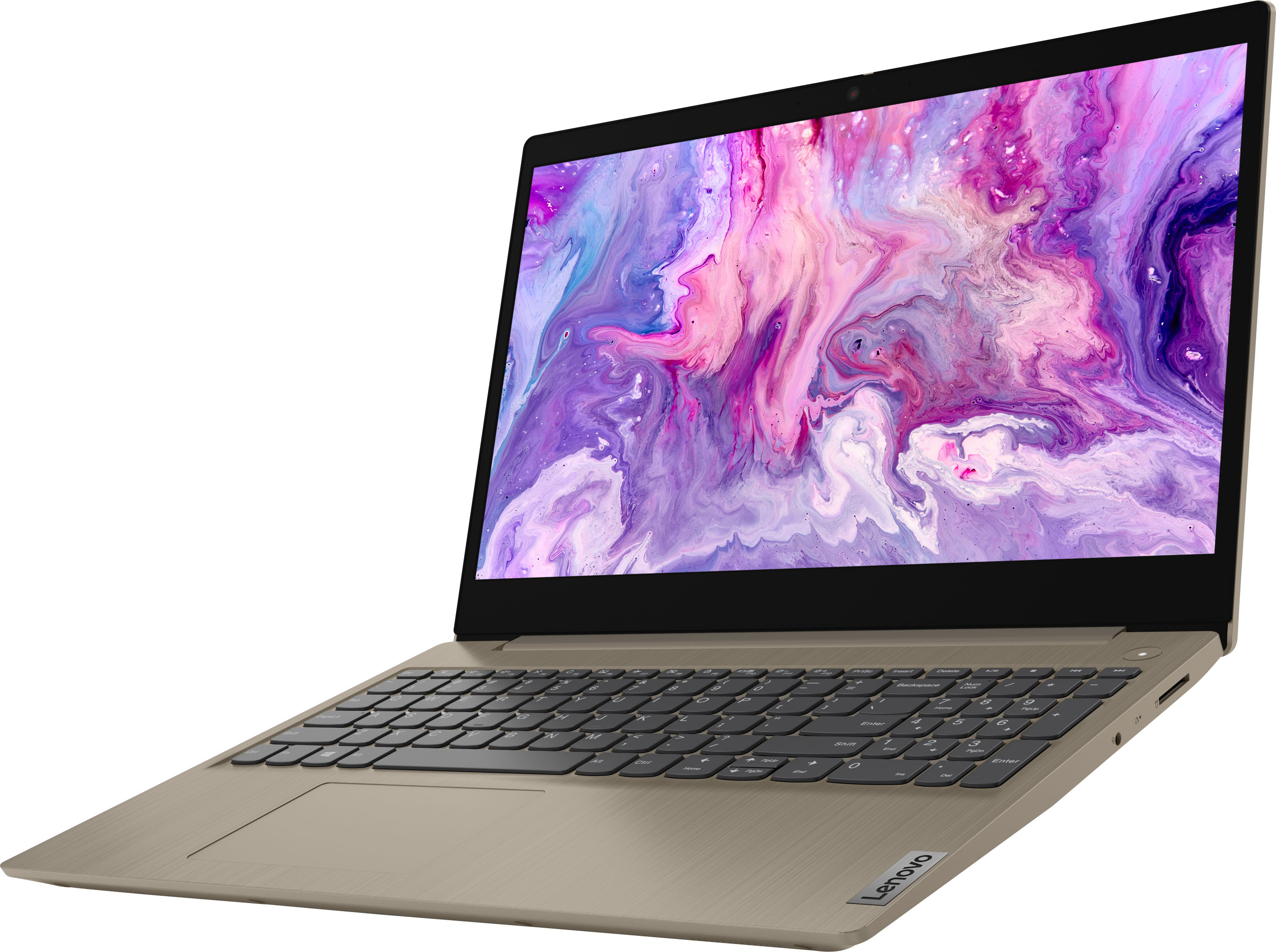
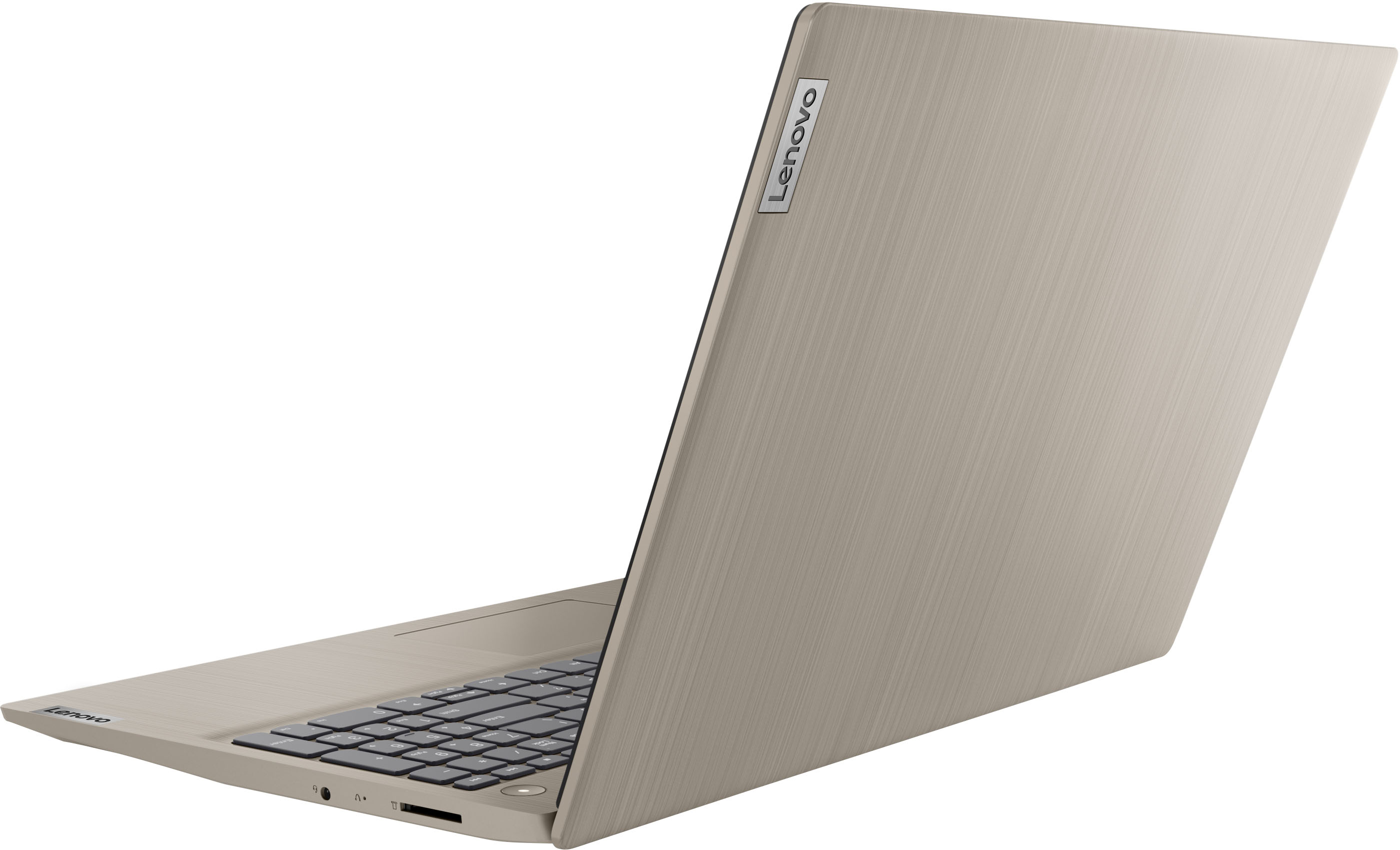
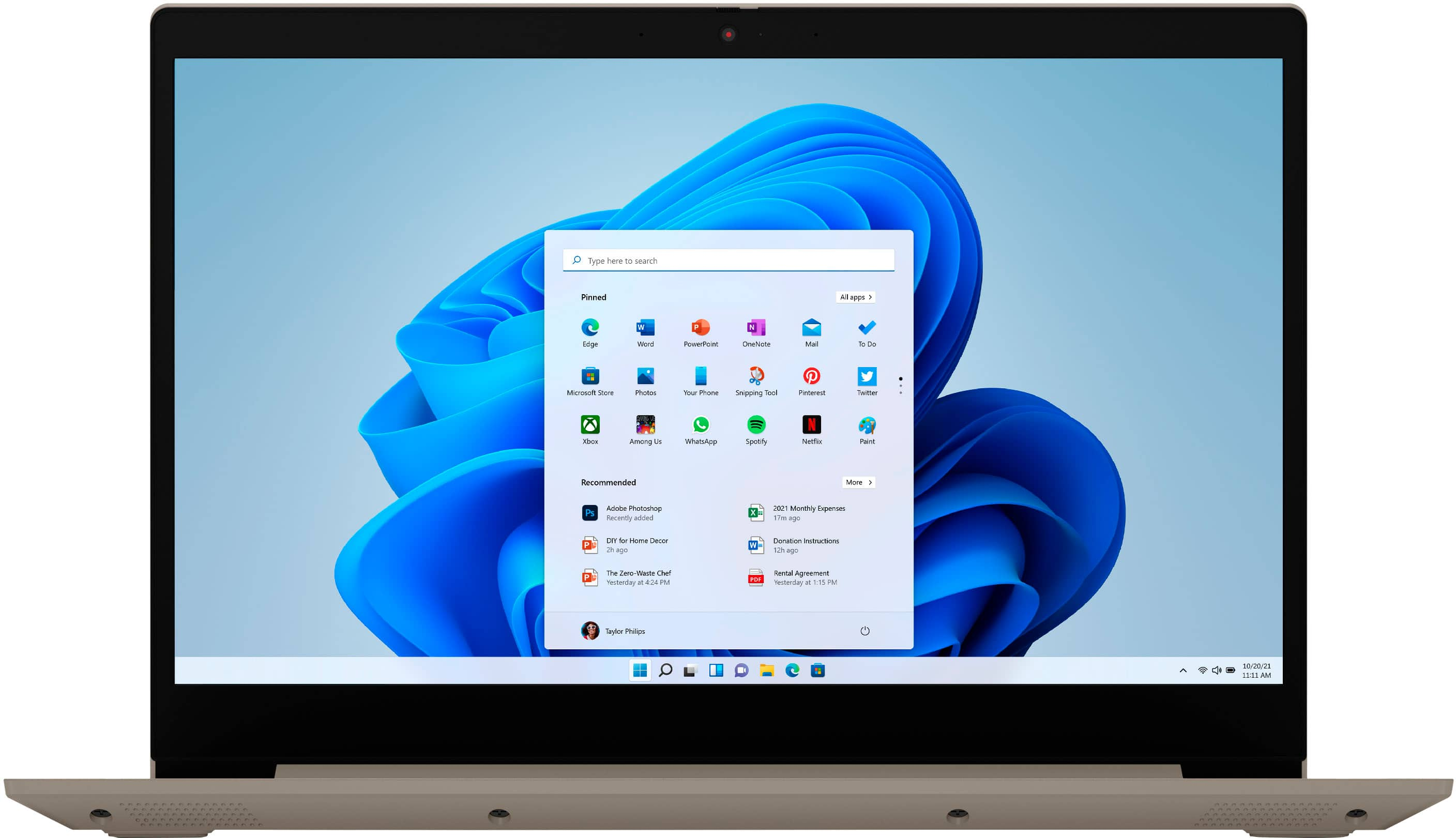
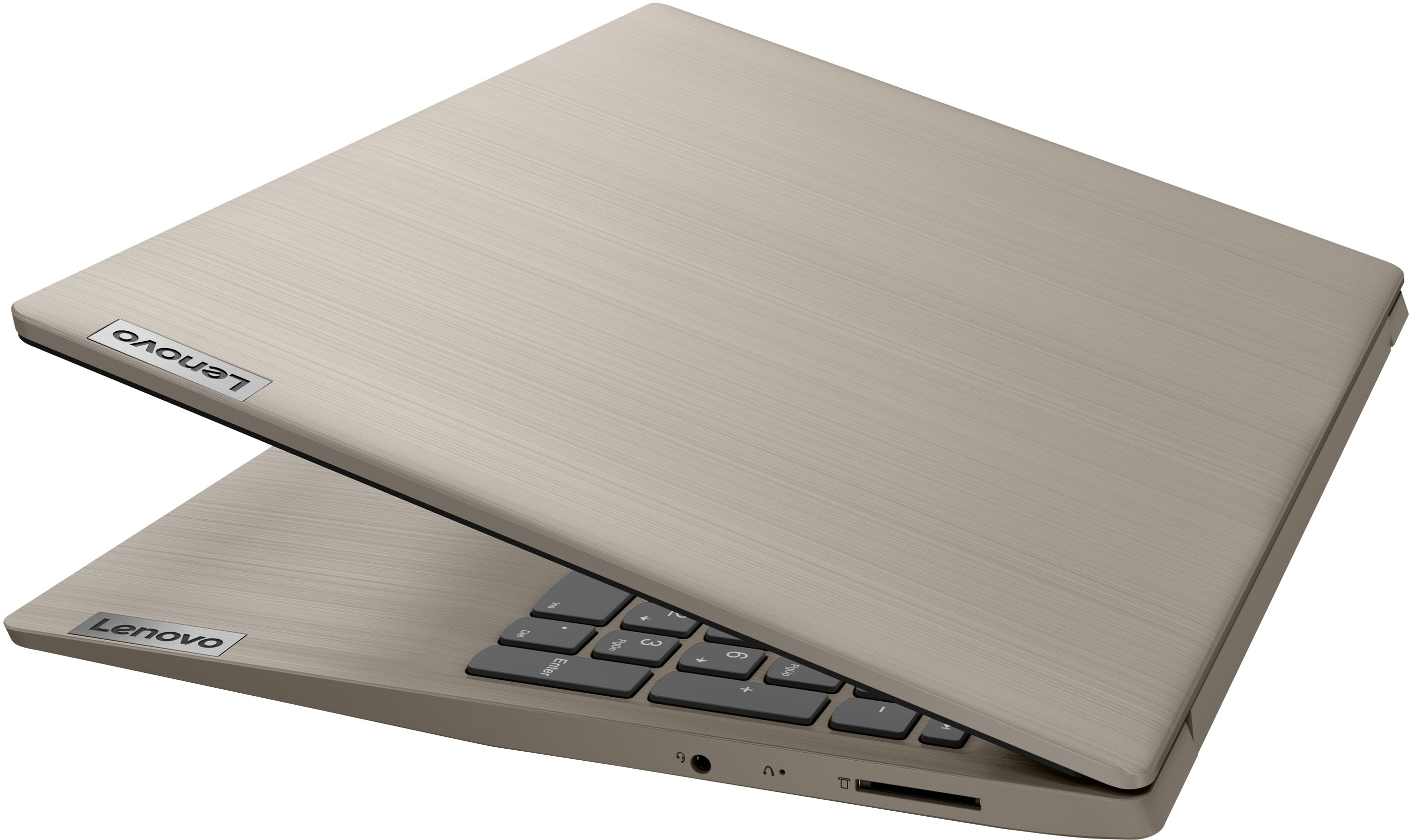
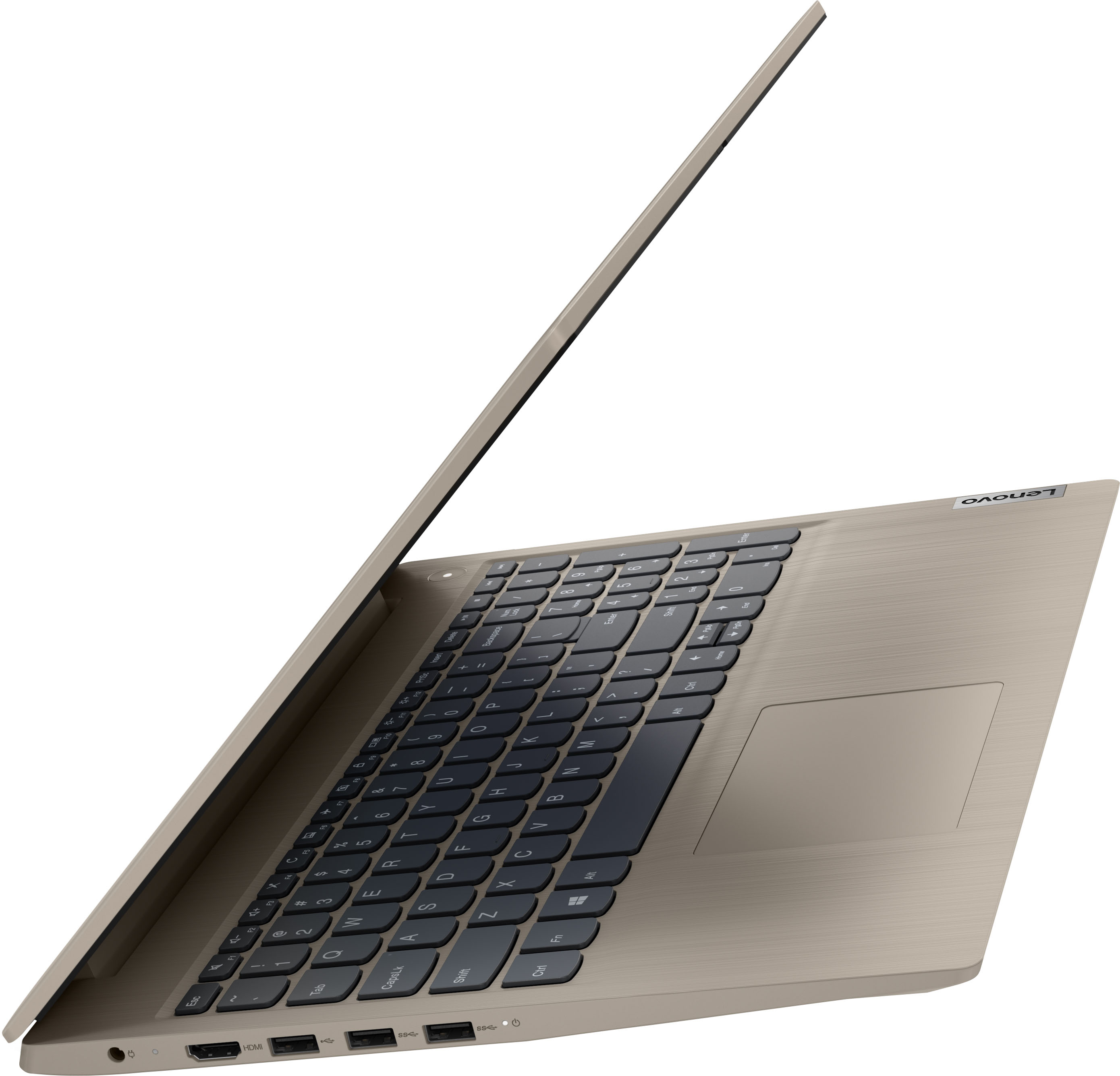
A:AnswerThis Lenovo IdeaPad 3 115 laptop, model number 81X800ENUS, ships with Windows 11 S-Mode 64-bit Operating System installed. Windows 10 S-Mode provides added security by only allowing APPs available ( and therefore certified by Microsoft) at the Microsoft Store. If you don't need the added security or you need to install APPs not available at the Microsoft Store, you can switch to standard Windows 10 Home 64-bit Operating System, at no additional cost. This laptop can connect to any printer that is compatible with Windows 11 S-Mode. We recommend you check with your printer manufacturer's web site for the compatibility of your specific printer model. It may be necessary to switch out of S-Mode to Windows 11 Home 64-bit Operating System to connect your printer. Here is a link to instructions for switching from Windows 11 S-Mode to Windows 11 Home: https://support.microsoft.com/en-us/help/4456067/windows-10-switch-out-of-s-mode
A:AnswerNP. Also, you could probably just leave the files on the thumb drive, as long as it has a fast enough speed for the video files (you didn't say how high a resolution you were interested in using).
A:AnswerThis Lenovo IdeaPad 3 15 laptop, model number 81X800KLUS, ships with 8GB DDR4-2666MHz RAM installed (4GB Soldered DDR4-2666 + 4GB SO-DIMM DDR4-2666MHz RAM). One memory soldered to systemboard, one DDR4 SO-DIMM slot, dual-channel capable. The maximum RAM that this model configuration can support is: Up to 12GB (4GB soldered + 8GB SO-DIMM) DDR4-2666MHz RAM. There is also a 256GB M.2 2242 PCIe 3.0x4 NVMe solid state hard drive installed. The maximum storage capacity that this model configuration can support is: up to two drives, 1x 2.5 Inch HDD + 1x M.2 SSD: • 2.5 Inch HDD up to 1TB plus • M.2 2242 SSD up to 512GB or • M.2 2280 SSD up to 1TB. We recommend you consult with your certified technician about your upgrade options.