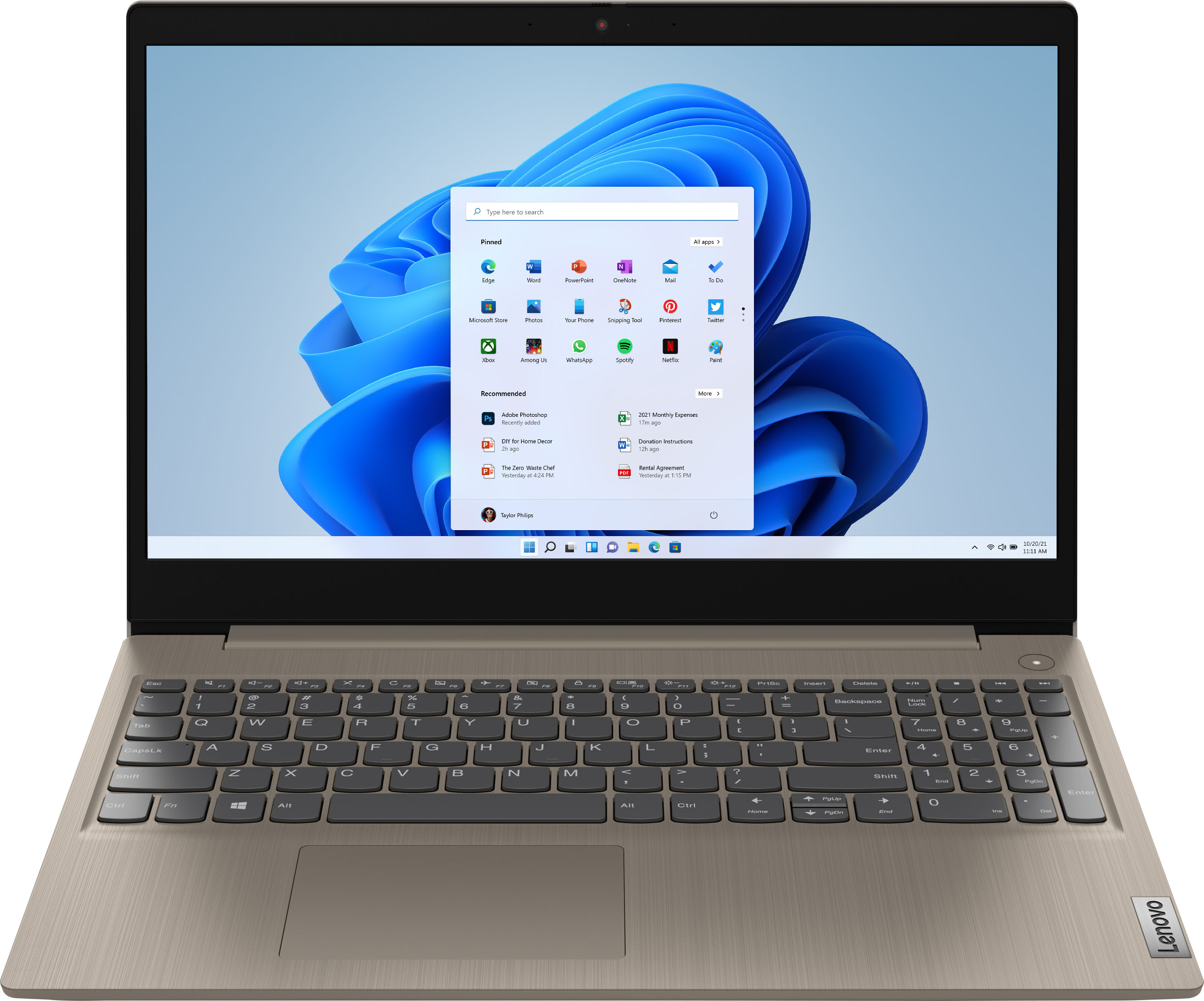
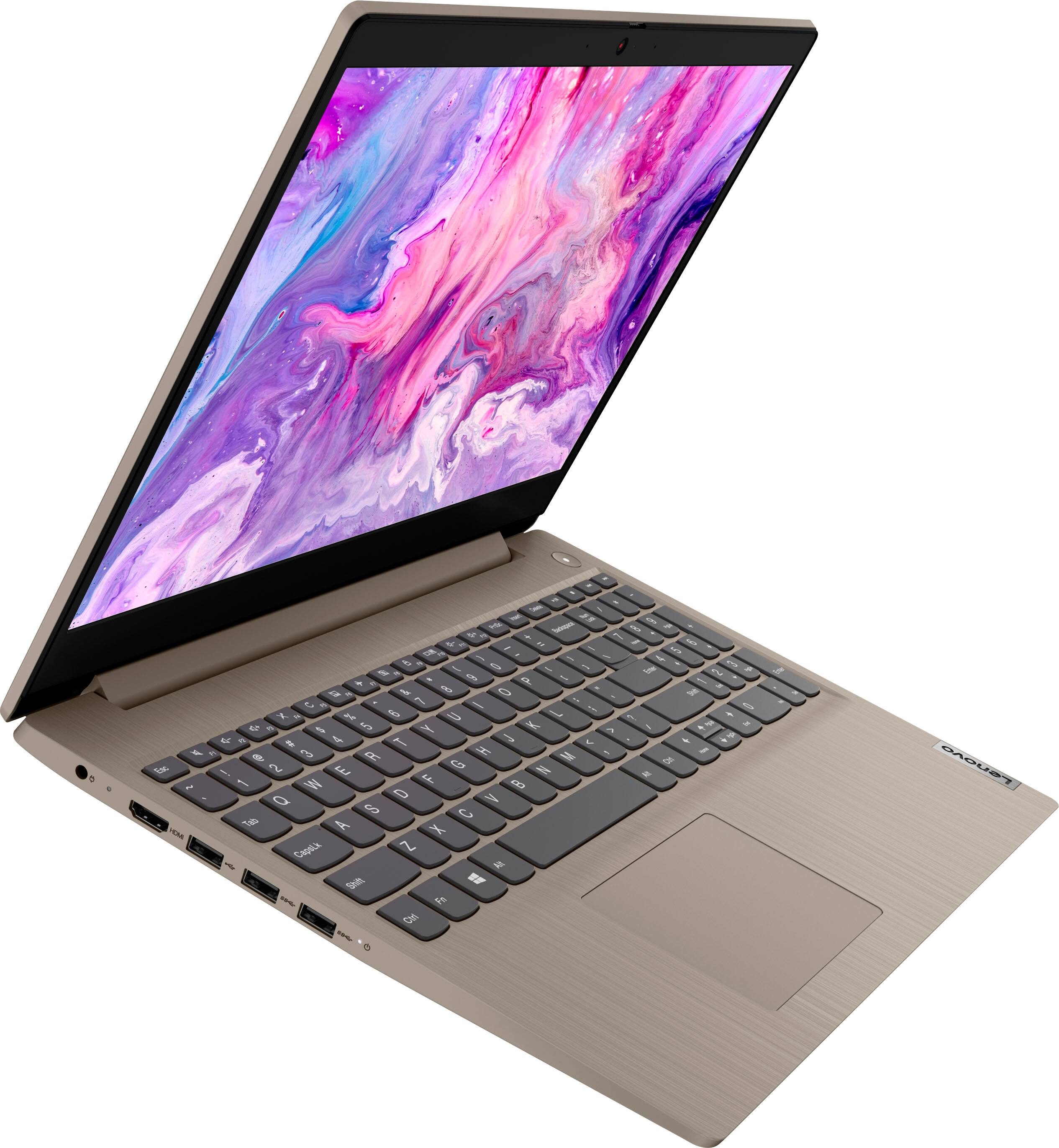
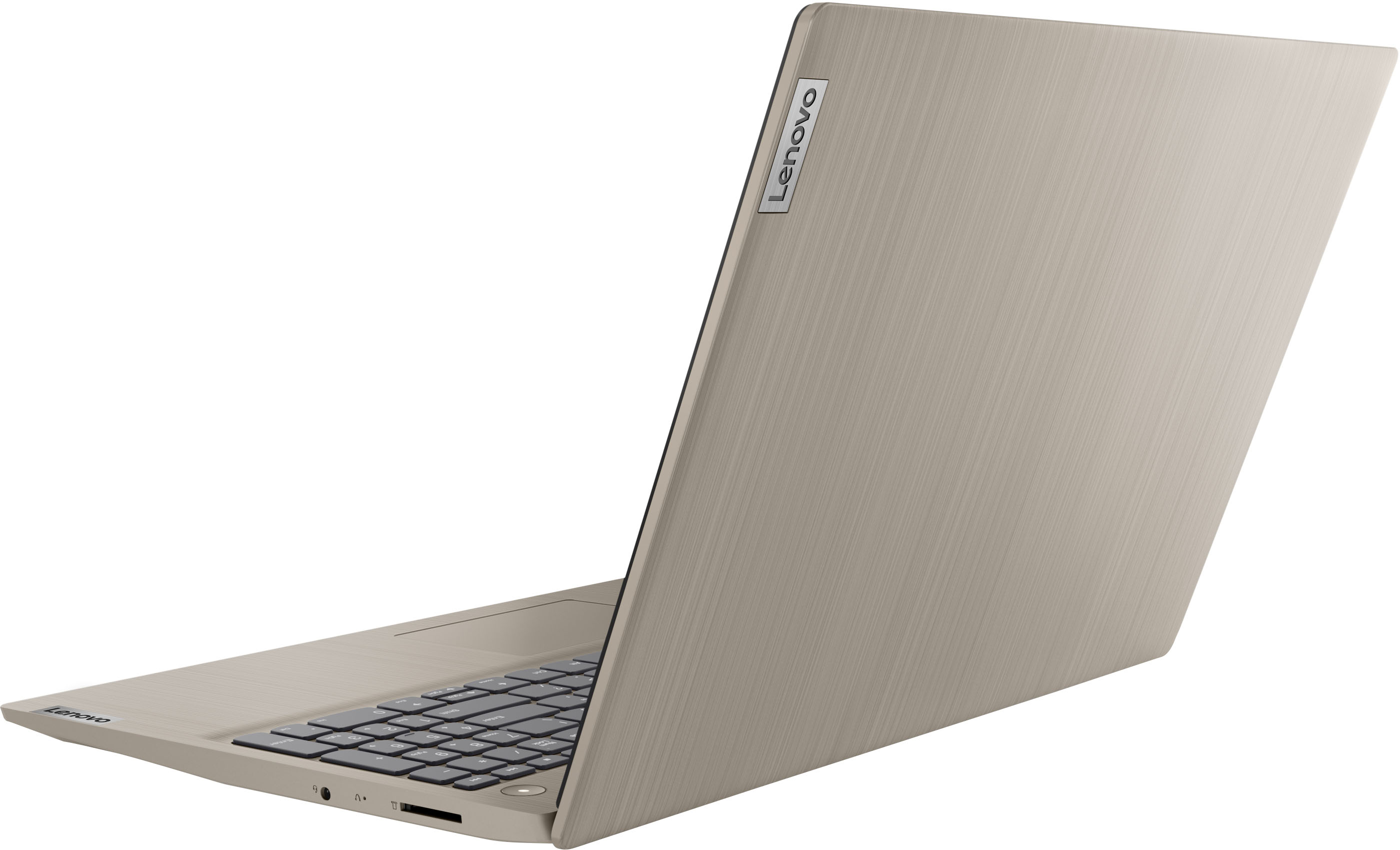
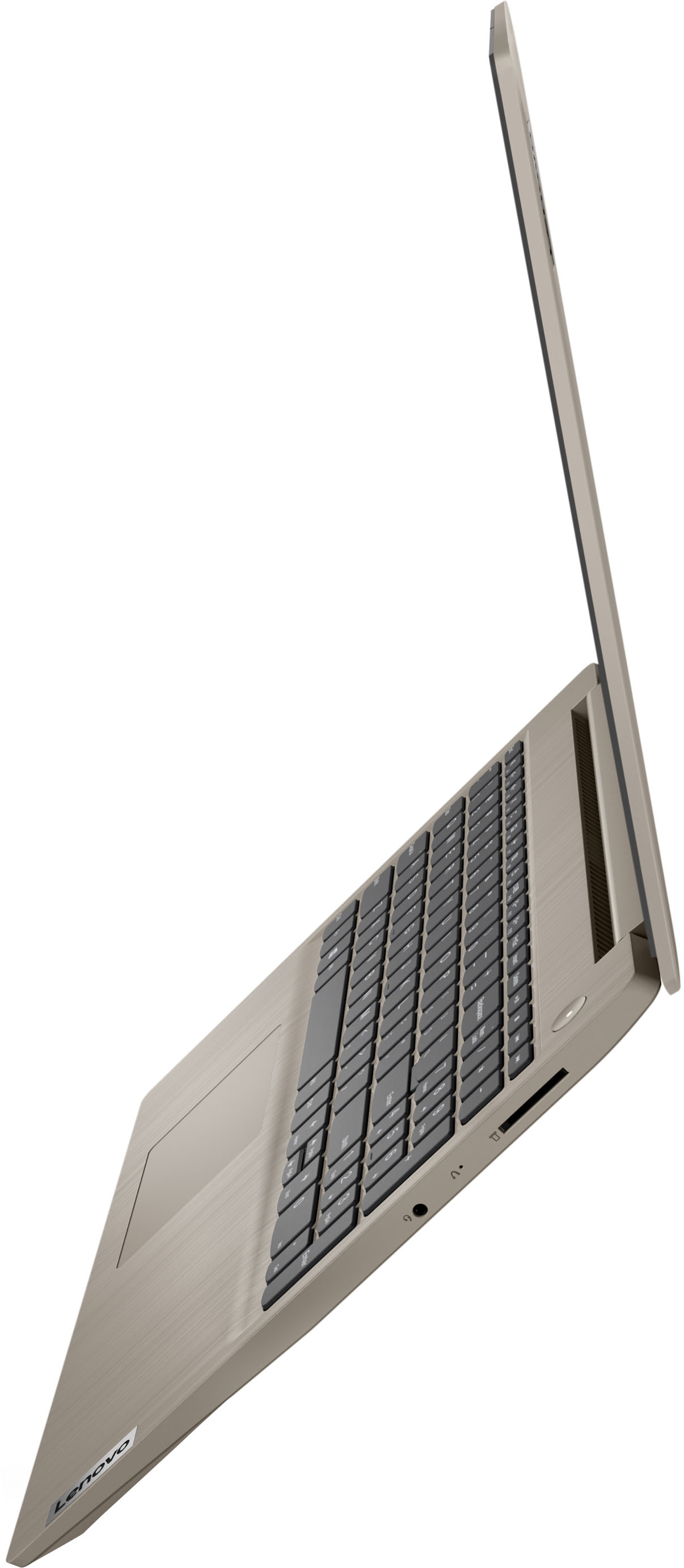
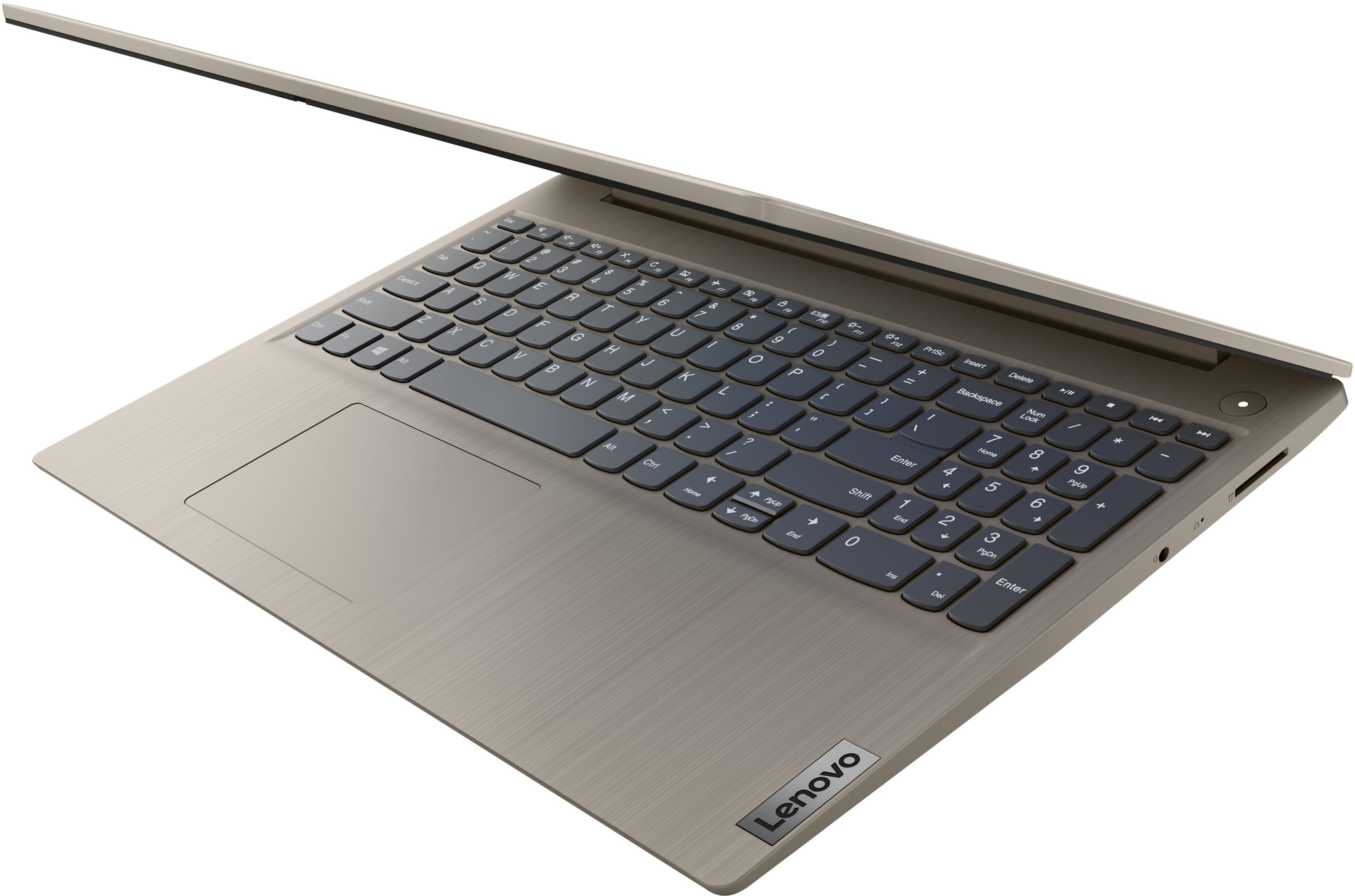
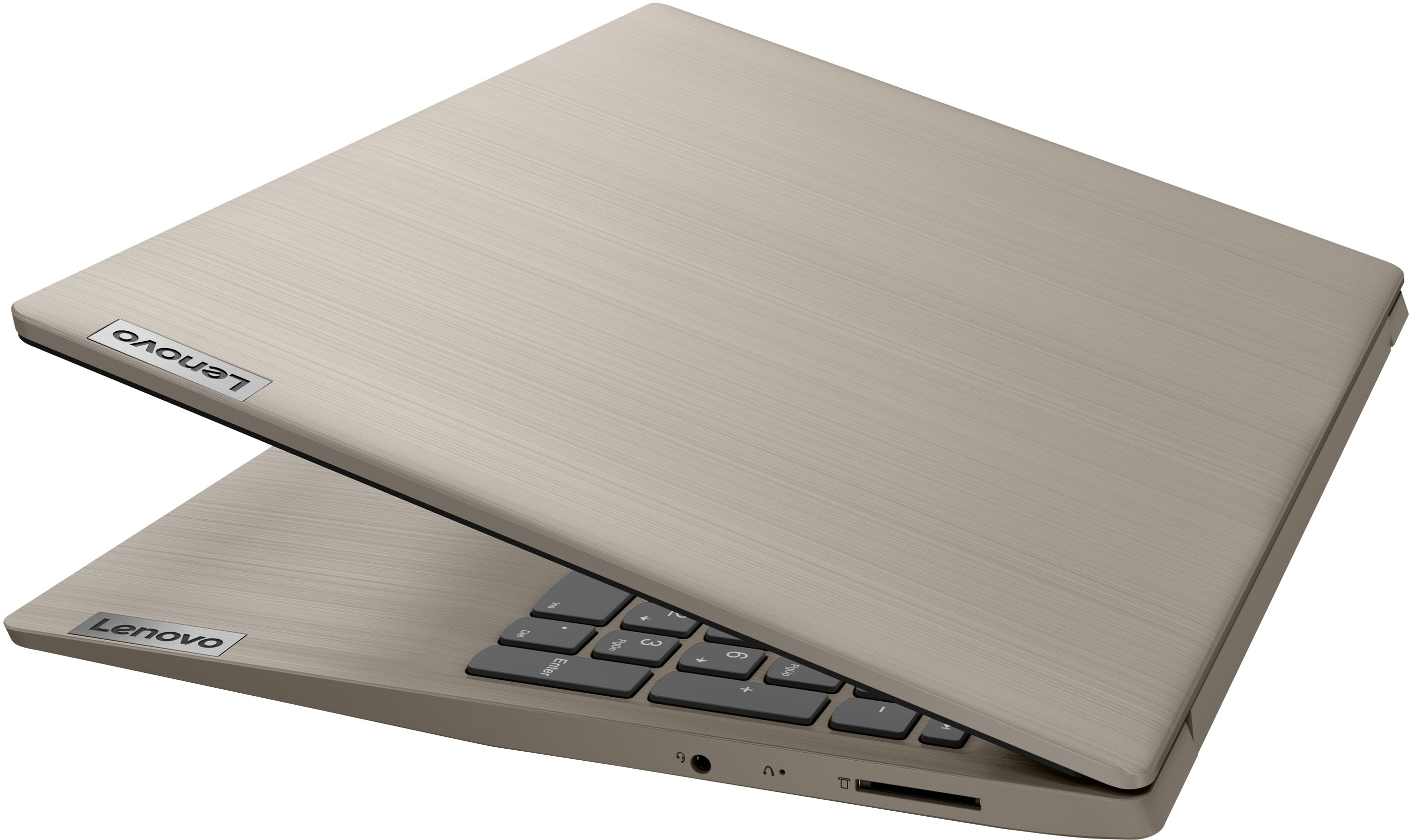
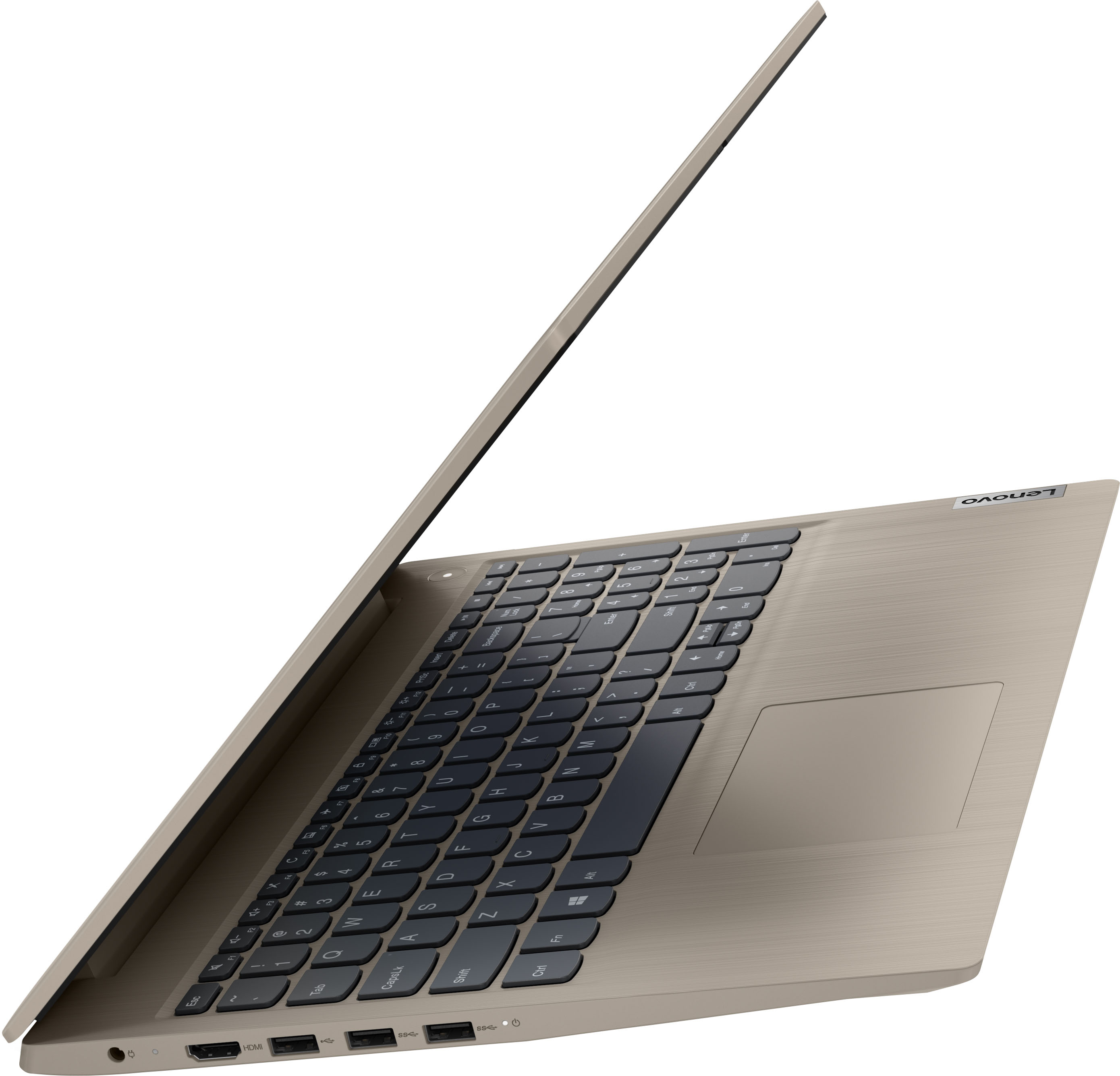
A:AnswerThe laptop doesn’t have a lan port only through Wifi you get connected.Nowadays almost everything comes like this.However you can buy a Lan -USB adapter and problem solved.
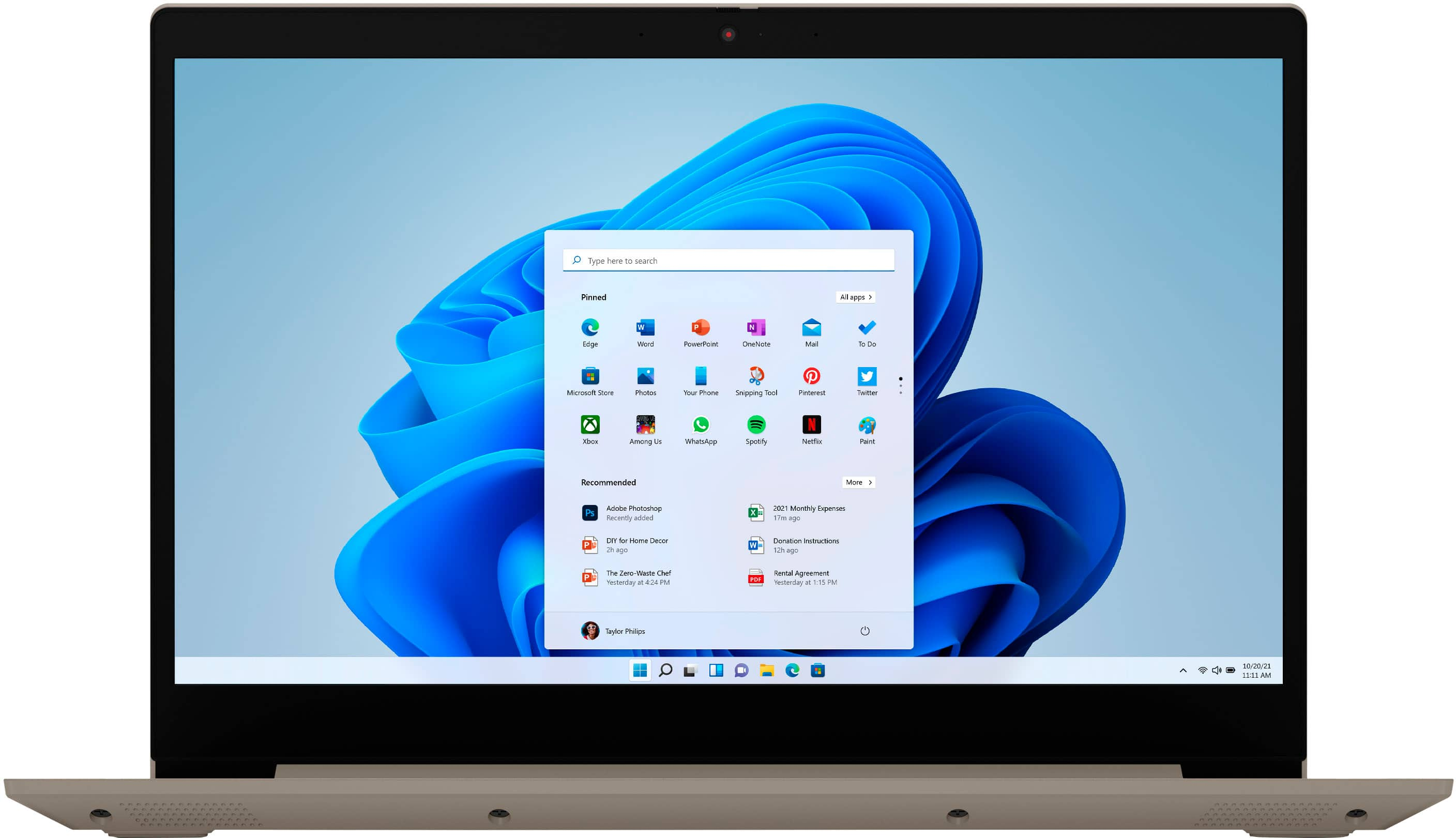
A:AnswerWhether this Lenovo IdeaPad 3 15 laptop, model number 81X800ENUS, will meet your son's computing needs will depend on the requirements and compatibility of the software your son will need to use. This IdeaPad 3 15 ships with Windows 11 S-Mode 64-bit Operating System installed. Windows 11 S-Mode provides added security by only allowing APPs available ( and therefore certified by Microsoft) at the Microsoft Store. If you don't need the added security or you need to install APPs not available at the Microsoft Store, you can switch to standard Windows 11 Home 64-bit Operating System, at no additional cost. We recommend you check with the specific software publisher's web sites, of the specific software your son will be using, for their compatibility with Windows 11 S-Mode 64-bit operating system and the minimum/recommended hardware requirements (Is a Graphics card required, the processor speed and the minimum required system RAM and the minimum available hard drive space) to run their program, then compare those requirements to this system's configuration. If you choose to switch out of S-Mode for Windows 11 Home: Here is a link to instructions for switching from Windows 11 S-Mode to Windows 11 Home: https://support.microsoft.com/en-us/help/4456067/windows-10-switch-out-of-s-mode
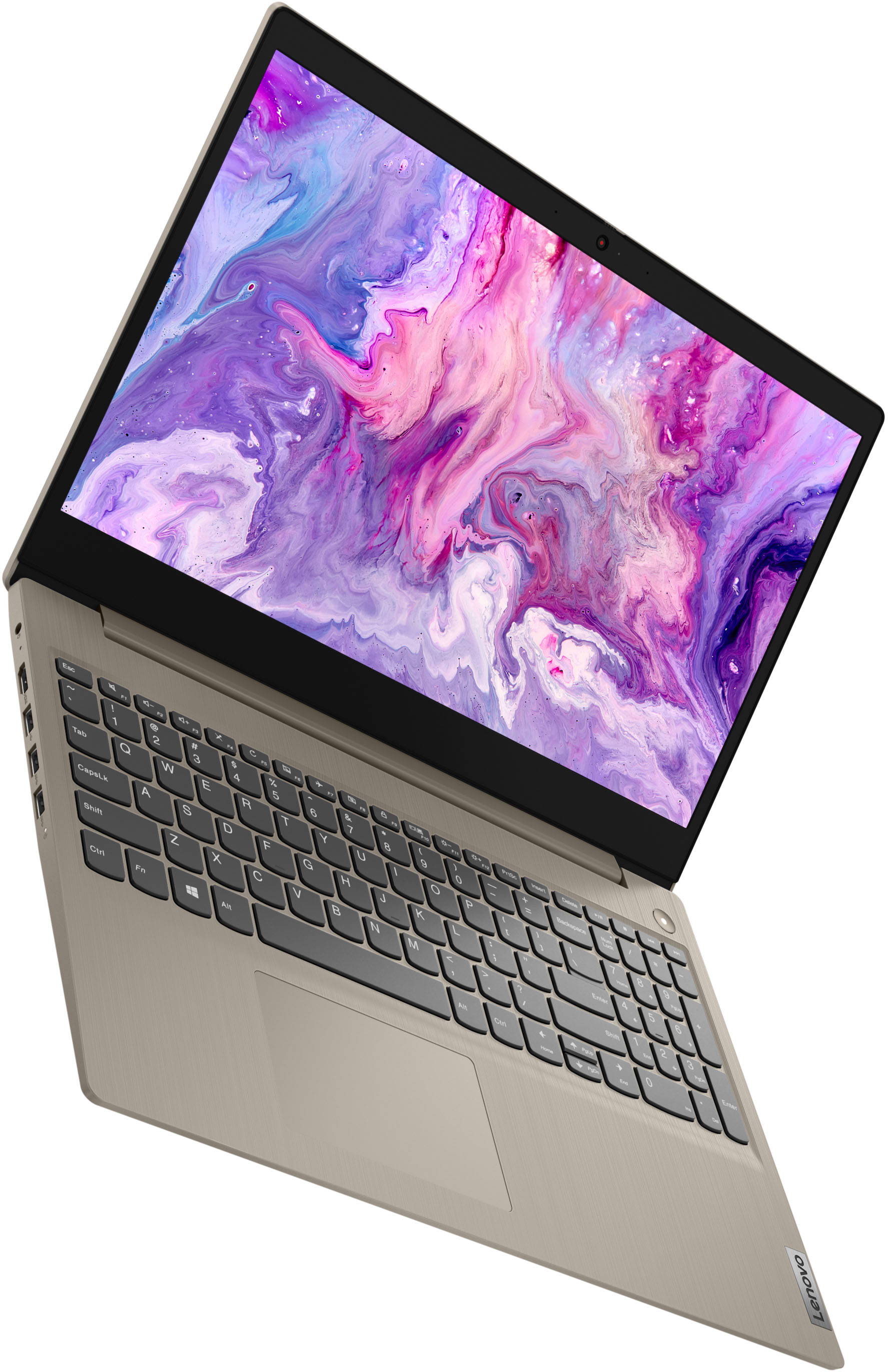
A:AnswerIv’e had success with the microphone, clear from the people listening to me. Also has shutter feature for the camera if you don’t want to be seen or wish to close it.
A:AnswerHere is a link to the complete parts list for this Lenovo IdeaPad 3 15 Laptop, model number 81X800ENUS: https://pcsupport.lenovo.com/us/en/products/laptops-and-netbooks/3-series/ideapad-3-15itl05/81x8/81x800enus/parts/display/model. If you have questions about your Lenovo IdeaPad 3 15 laptop, we recommend you contact Lenovo Tech Support for additional help at: 877-453-6686.
A:AnswerThat will depend on the requirements and compatibility of the specific game you want to play. This Lenovo IdeaPad 3 15 Laptop, model number 81X800ENUS, ships with Windows 11 S-Mode 64-bit Operating System installed. Windows 11 S-Mode provides added security by only allowing APPs available ( and therefore certified by Microsoft) at the Microsoft Store. If you don't need the added security or you need to install APPs not available at the Microsoft Store, you can switch to standard Windows 11 Home 64-bit Operating System, at no additional cost. We recommend you check with the game's software publisher's web site for their compatibility with Windows 11 S-Mode 64-bit operating system and the minimum/recommended hardware requirements (Is a Graphics card required, the processor speed and the minimum required system RAM and the minimum available hard drive space) to run their program, then compare those requirements to this system's configuration. If you choose to switch out of S-Mode for Windows 11 Home: Here is a link to instructions for switching from Windows 11 S-Mode to Windows 11 Home: https://support.microsoft.com/en-us/help/4456067/windows-10-switch-out-of-s-mode
A:AnswerI wouldn't imagine so. My son has a gaming PC and it lags, needing a Graphics card to pull everything and give extra space to play the game properly. The specs are much better than on this laptop.