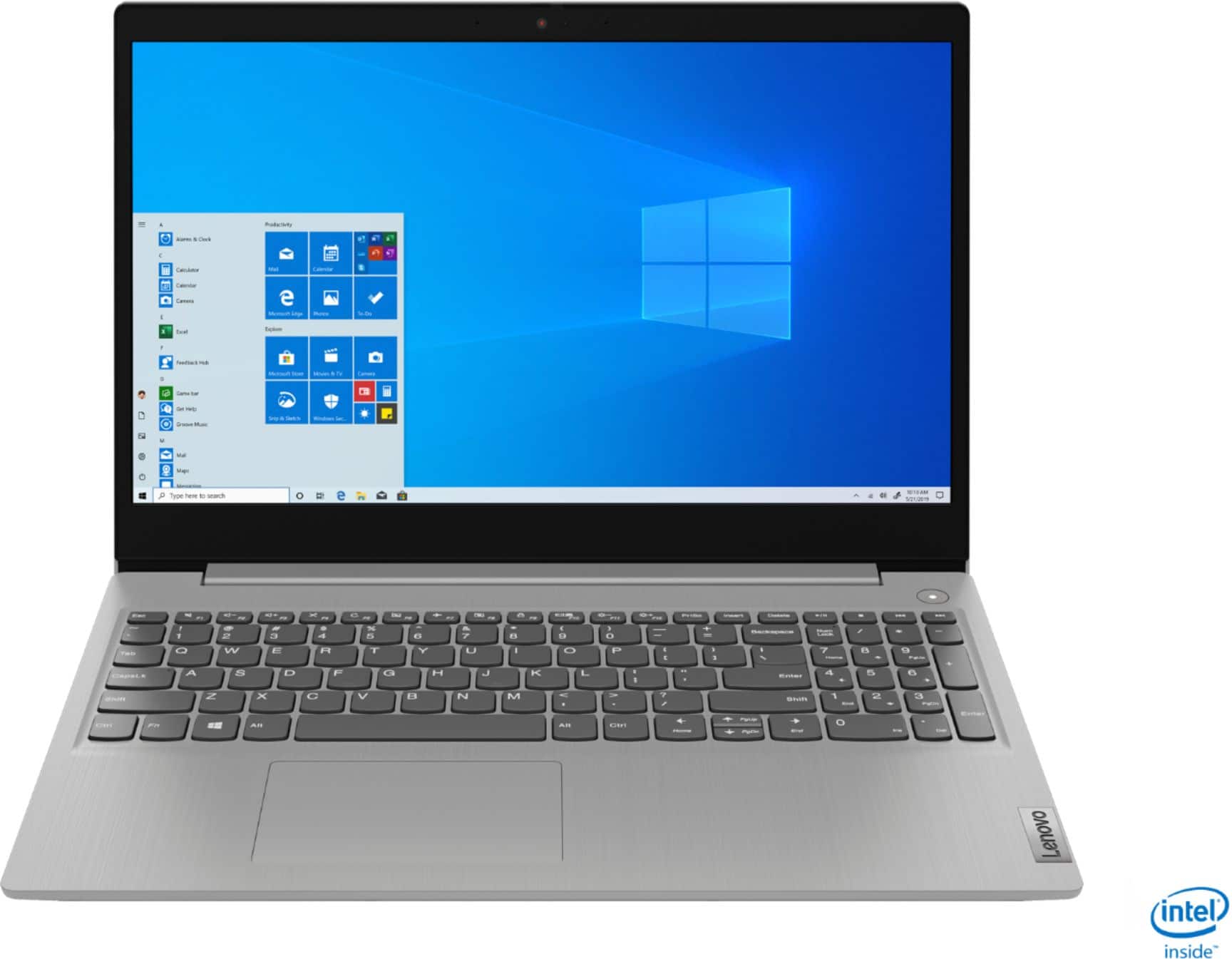
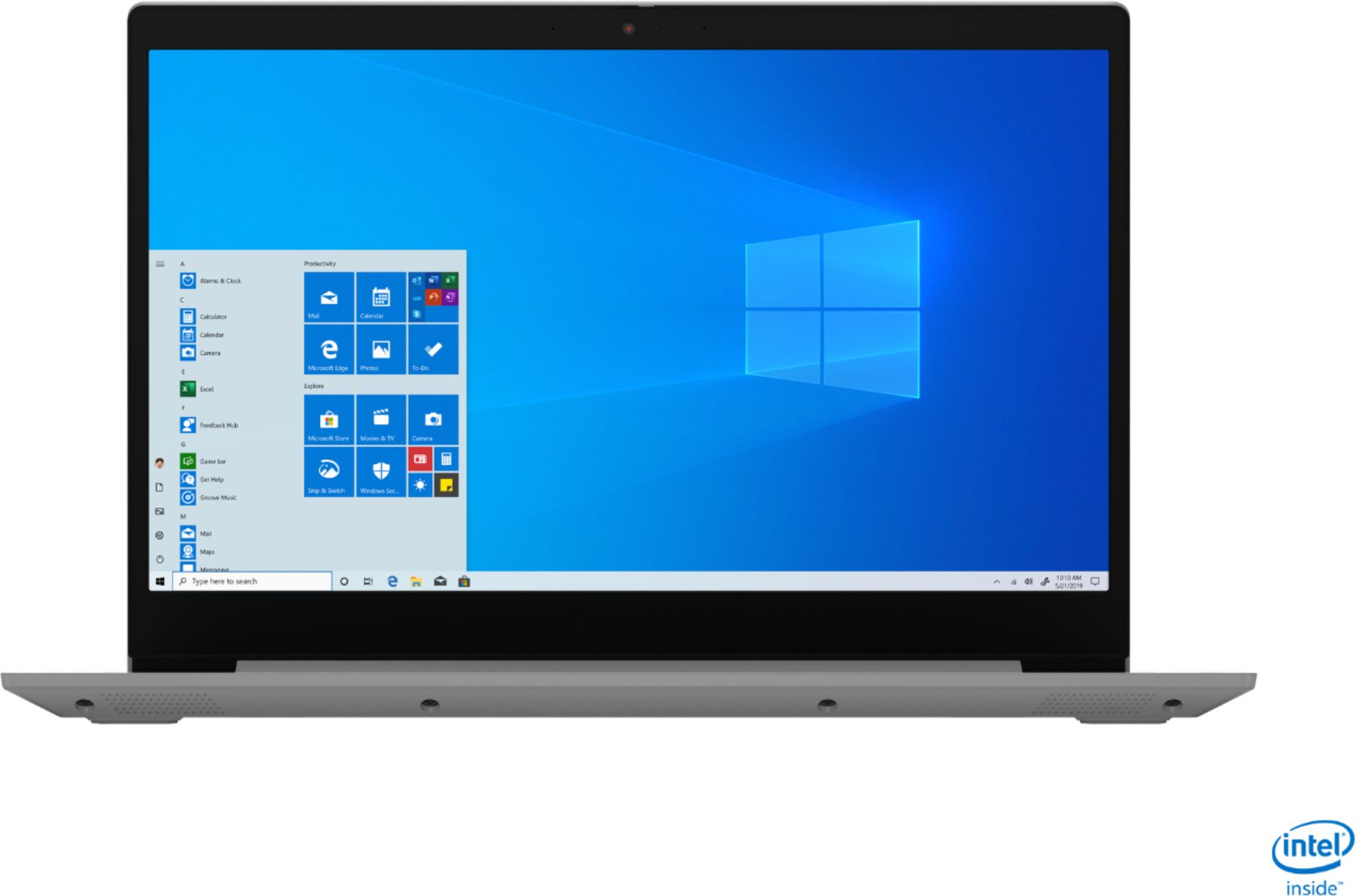
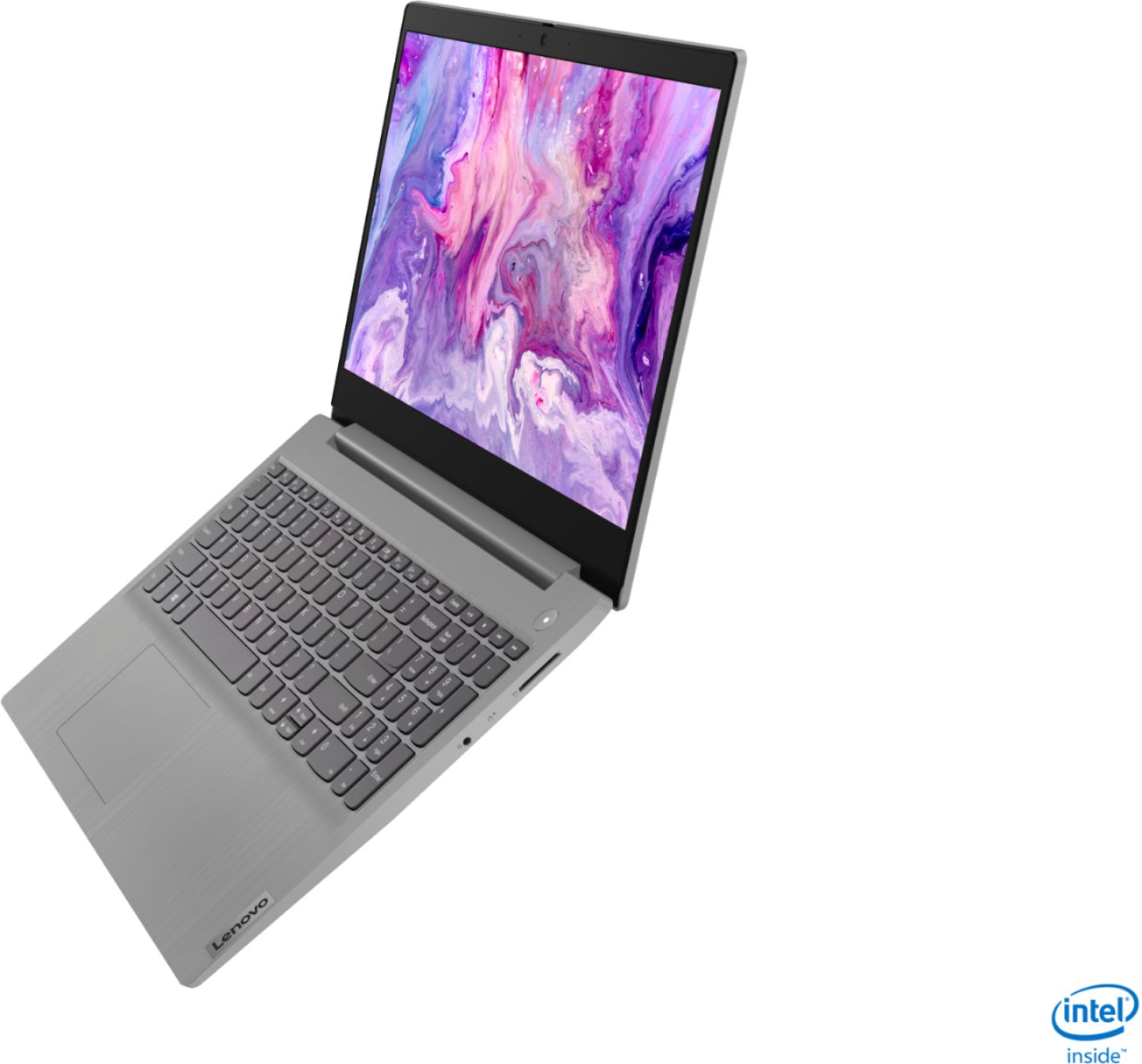
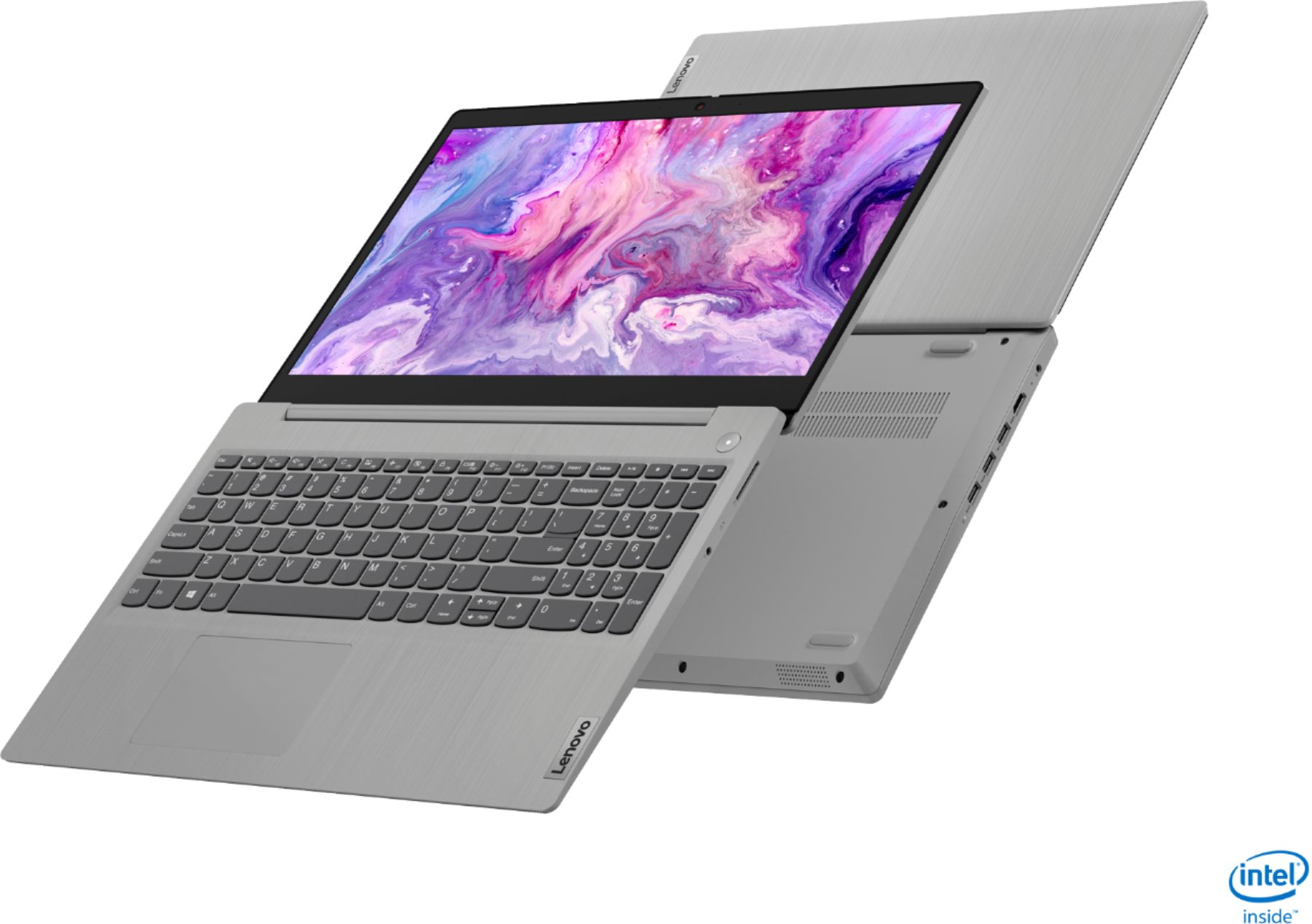
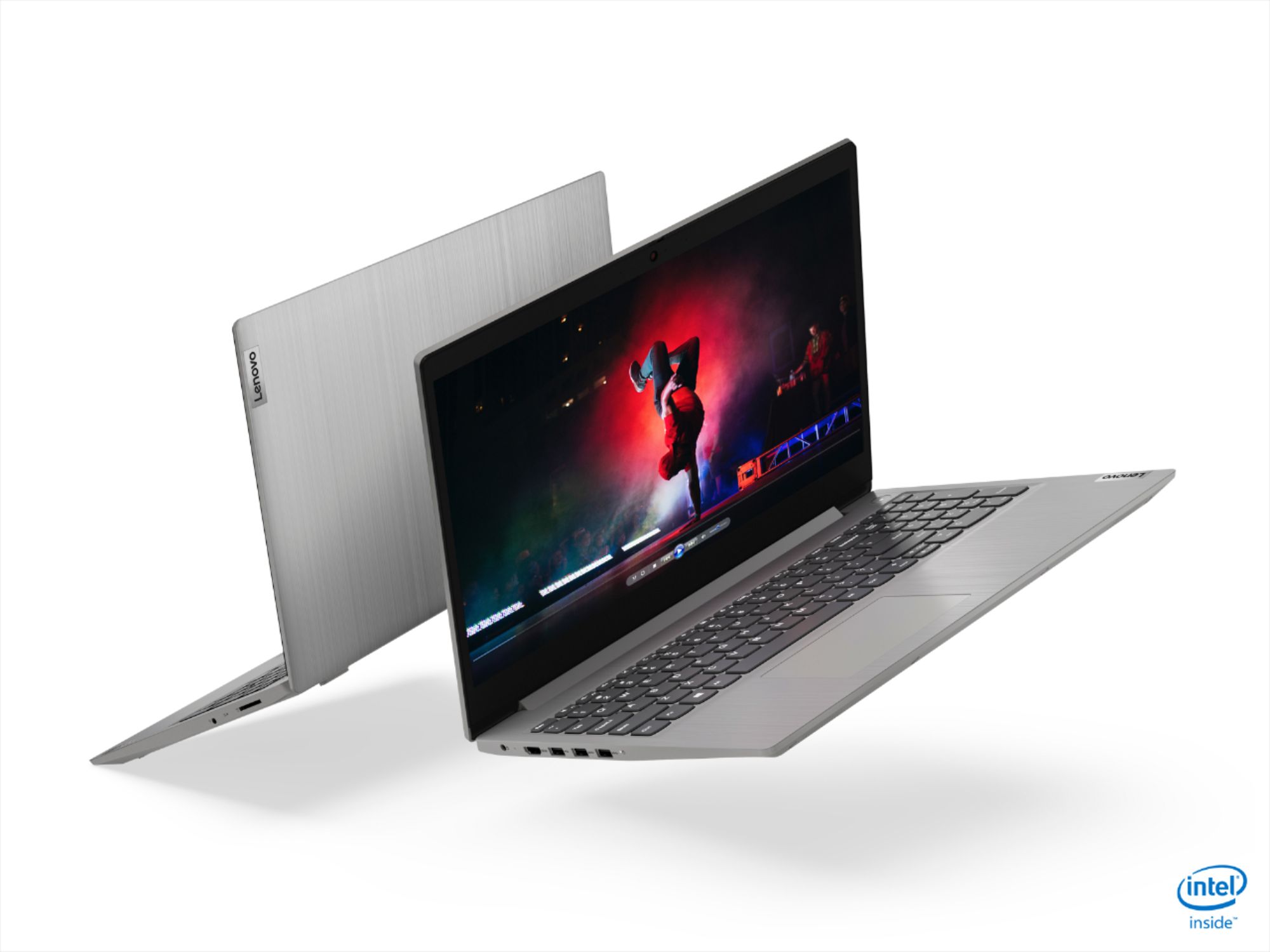
A:AnswerThat will depend on the requirements and compatibility of the specific games. The Lenovo IdeaPad 3 15 Laptop, model number 81WE011UUS ships with Windows 10 S-Mode Operating System. Windows 10 S-Mode provides added security by only allowing APPs available ( and therefore certified by Microsoft) at the Microsoft Store. If you don't need the added security or you need to install APPs not available at the Microsoft Store, you can switch to standard Windows 10 Home 64-bit Operating System, at no additional cost. We recommend you check with the game's software publisher's web site for their compatibility with Windows 10 S-Mode 64-bit operating system and the minimum/recommended hardware requirements (Is a Graphics card required, the processor speed and the minimum required system RAM and the minimum available hard drive space) to run their program, then compare those requirements to this system's configuration.
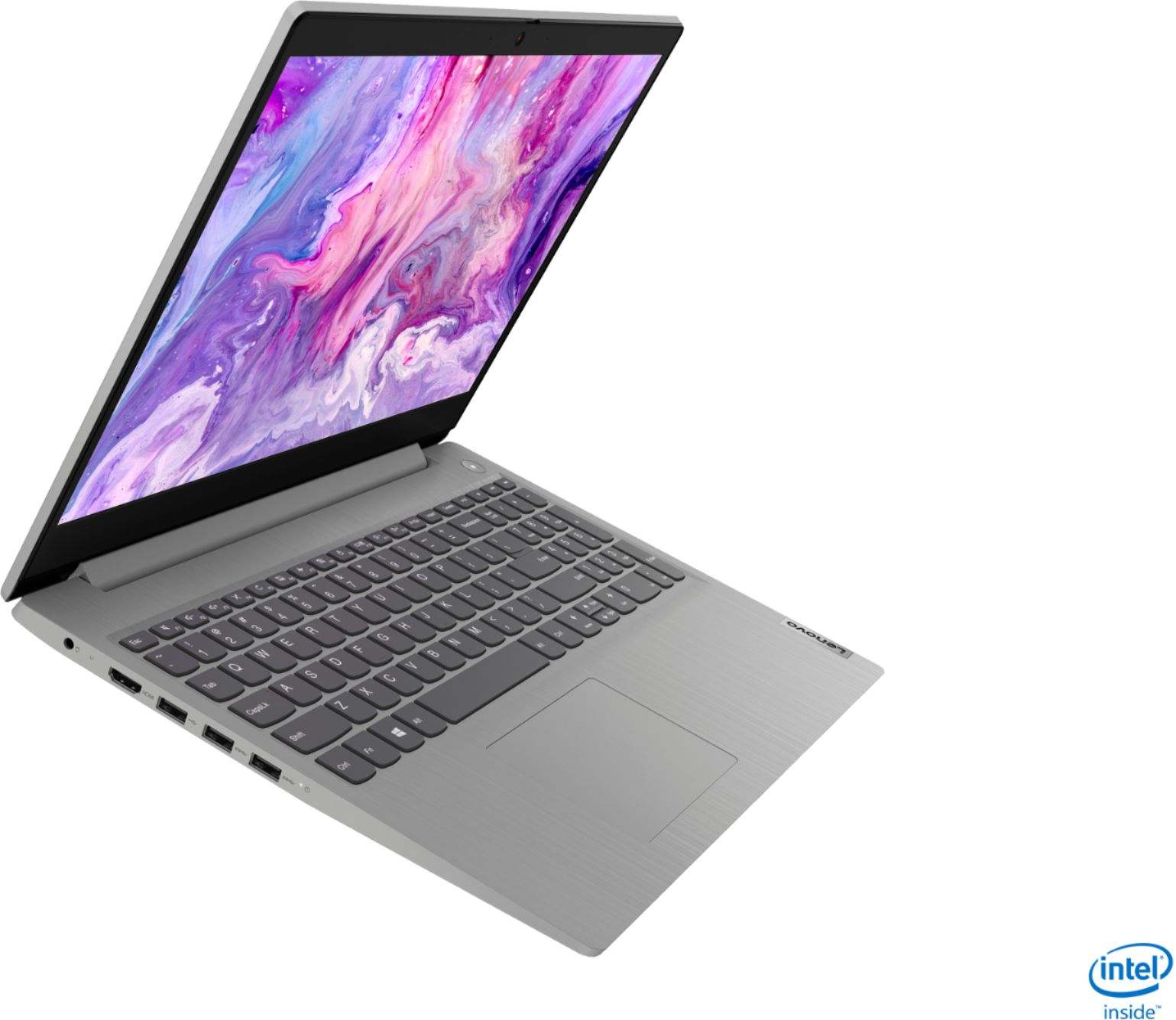
A:AnswerThe Lenovo IdeaPad 3 15 Laptop, model number 81WE00KVUS, does not have a built in CD/DVD drive, but you can use an external, USB-based Windows 10 compatible CD/DVD drive with this laptop.
A:AnswerHere is a link to more information about your One-Drive Account: https://support.microsoft.com/en-us/office/manage-your-onedrive-storage-989fce19-ade6-4e2f-81fb-941eabefee28#:~:text=You%20get%205%20GB%20of,or%20contact%20support%20for%20Office.
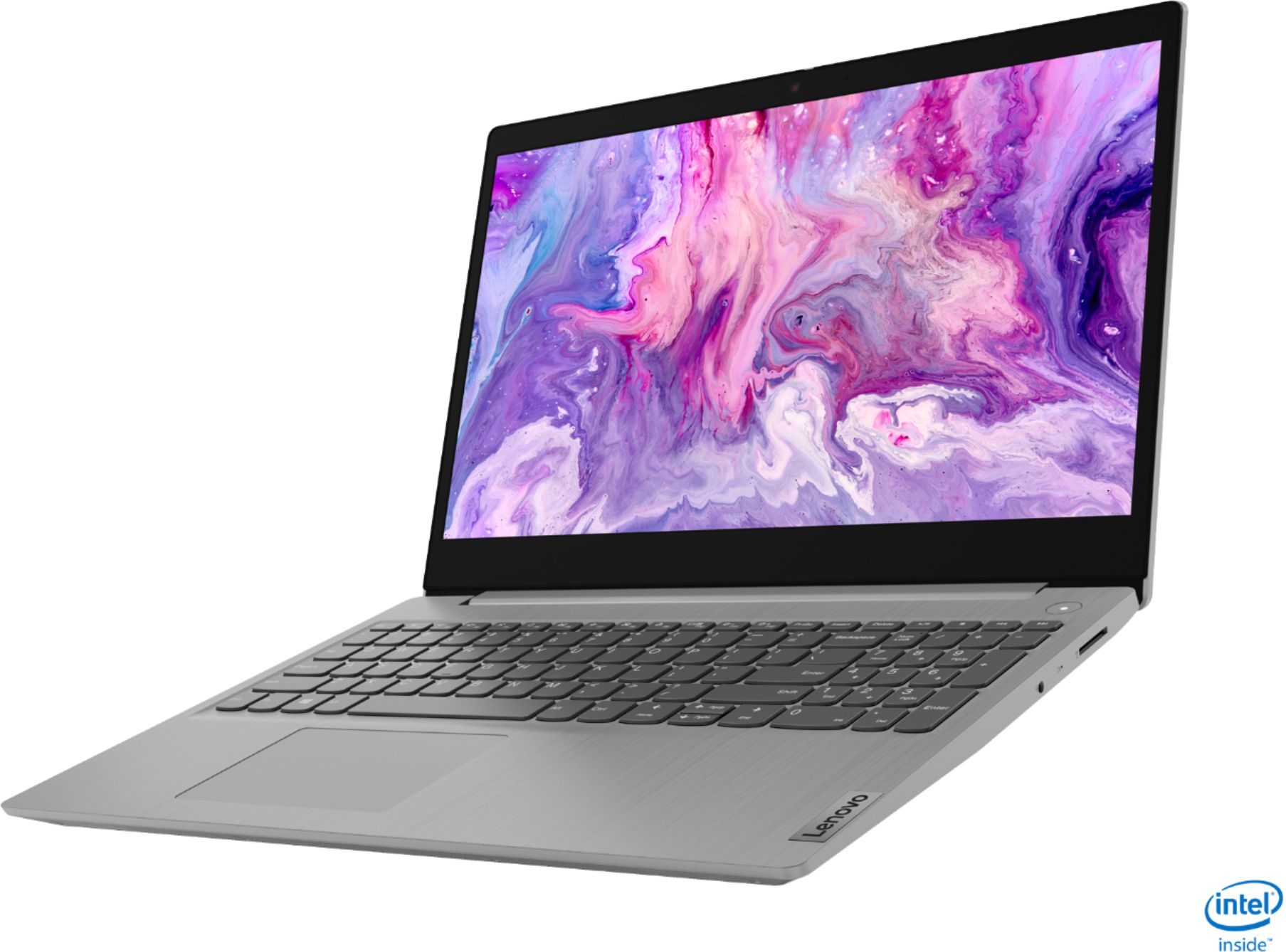
A:AnswerThe Lenovo IdeaPad 3 15 Laptop, model number 81WE011UUS, ships with a IPS LCD w/LED Backlight (Anti-glare) screen, with a refresh rate of 60Hz, a resolution of 1920 x 1080 (FHD) and a brightness level of 250 nits. If at maximum brightness you still feel the screen is not at maximum potential brightness, be sure Adaptive Brightness is turned off. Here is a link to more information about Adaptive Brightness. You may need to update your version of Windows 10 before you can make adjustments: https://answers.microsoft.com/en-us/windows/forum/all/how-to-disable-adaptive-brightness-in-windows-10/bf5b0042-5a4d-4da0-80f1-7335fb791572#:~:text=Control%20Panel%20%2D%3E%20Power%20Options%20%2D,Display%20%2D%3E%20Enable%20adaptive%20brightness. If the issue continues, we recommend you call Lenovo Tech Support at: 877-453-6686.
A:AnswerThe Lenovo IdeaPad 3 15 Laptop, model number 81WE011UUS, ships with Windows 10 S-Mode 64-bit Operating System installed. The user will need to activate and set up Windows 10 S-Mode upon initial start up of the computer.
A:AnswerYou can look for Lenovo parts hear, if you continue having issues finding the part you are looking for you can contact Lenovo Support at: 866-426-0911: https://support.lenovo.com/us/en/partslookup
A:AnswerNo. There will be a charge to change from Windows 10 S-Mode to Windows 10 Pro. It is free to switch from Windows 10 S-Mode 64-bit Operating system to Windows 10 Home 64-bit operating system: Here is a link to instructions for switching from Windows 10 S-Mode to Windows 10 Home: https://support.microsoft.com/en-us/help/4456067/windows-10-switch-out-of-s-mode. The Lenovo IdeaPad 3 15 Laptop, model number 81WE011UUS, is not user upgradable. A certified technician must do all of the work, so as to not void the warranty. This configuration ships with 4GB RAM soldered to the motherboard and another 4GB RAM in the one available RAM memory slot. Your certified technician can replace this 4GB RAM stick with an 8GB DDR4-2666MHz RAM stick for a maximum system total RAM of 12GB DDR4-2666MHz RAM. Regarding switching to a larger capacitiy solid state hard drive, we recommend you consult your certified technician about your upgrade options.
A:AnswerThat really will depend on the requirements and compatibility of the specific games. The Lenovo IdeaPad 3 15 Laptop, model number 81WE011UUS, ships with Windows 10 S-Mode Operating System. Windows 10 S-Mode provides added security by only allowing APPs available ( and therefore certified by Microsoft) at the Microsoft Store. If you don't need the added security or you need to install APPs not available at the Microsoft Store, you can switch to standard Windows 10 Home 64-bit Operating System, at no additional cost. We recommend you check with the specific game's software publisher's web site for their compatibility with Windows 10 S-Mode 64-bit operating system and the minimum/recommended hardware requirements (Is a Graphics card required, the processor speed and the minimum required system RAM and the minimum available hard drive space) to run their program, then compare those requirements to this system's configuration.
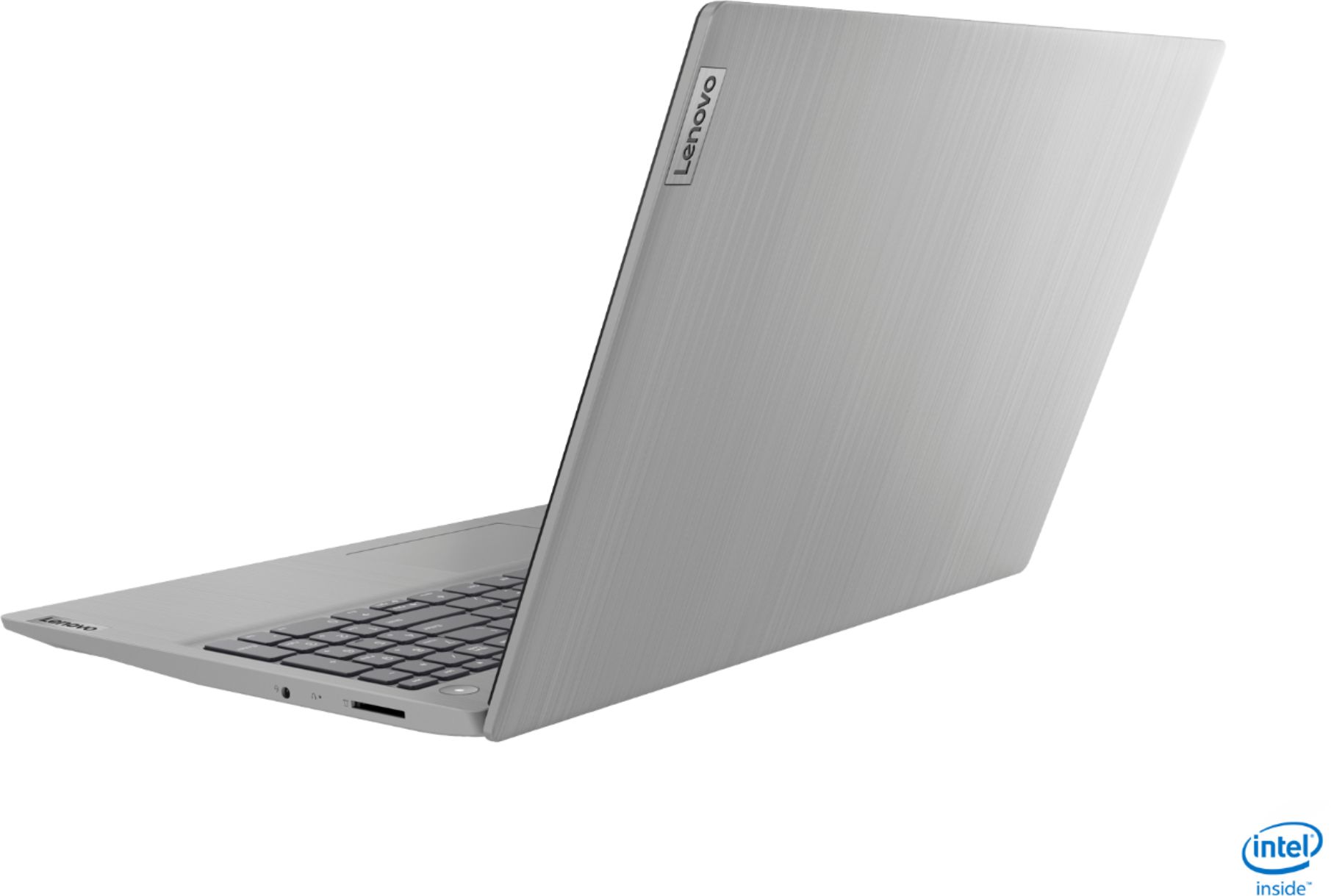
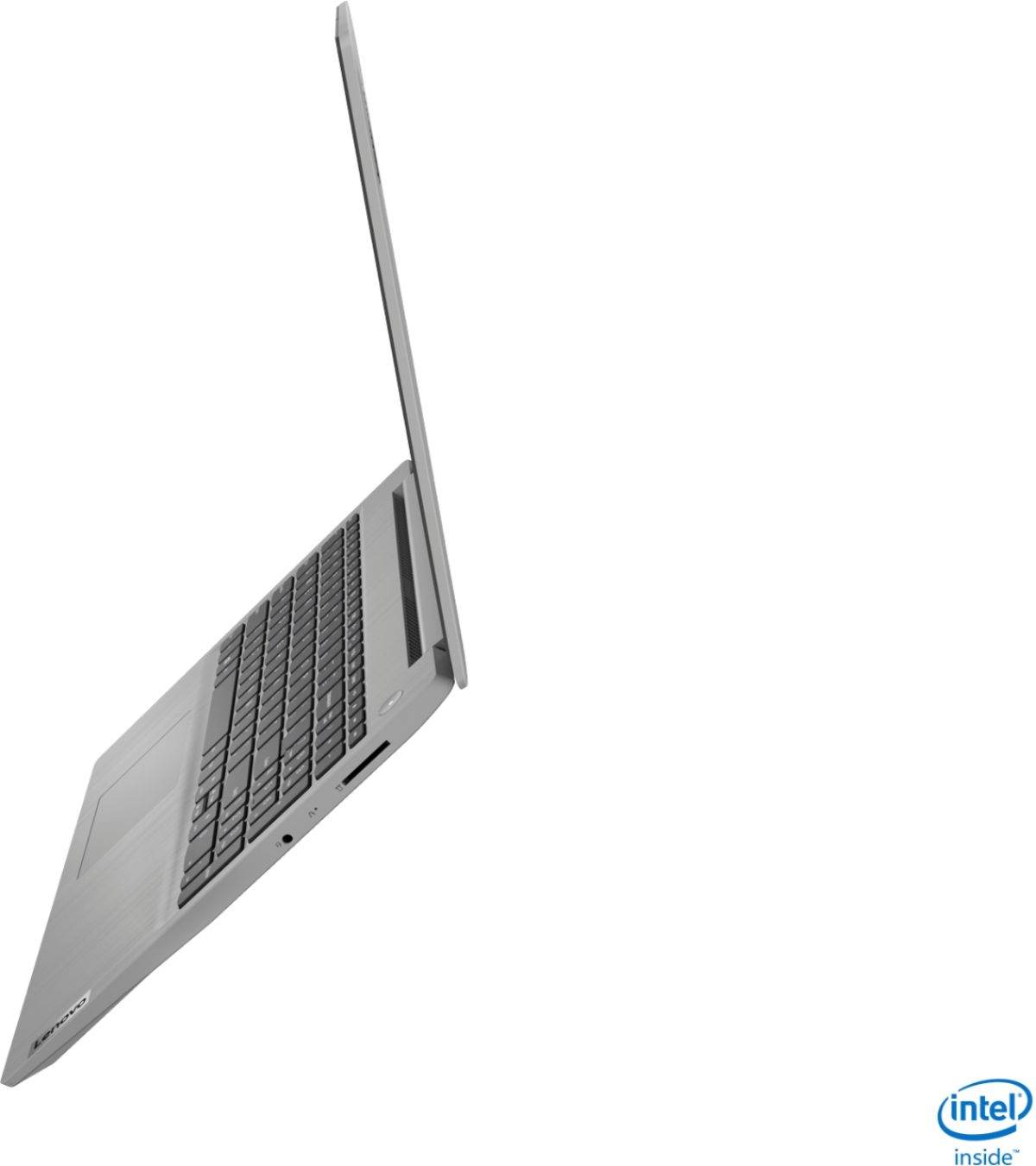
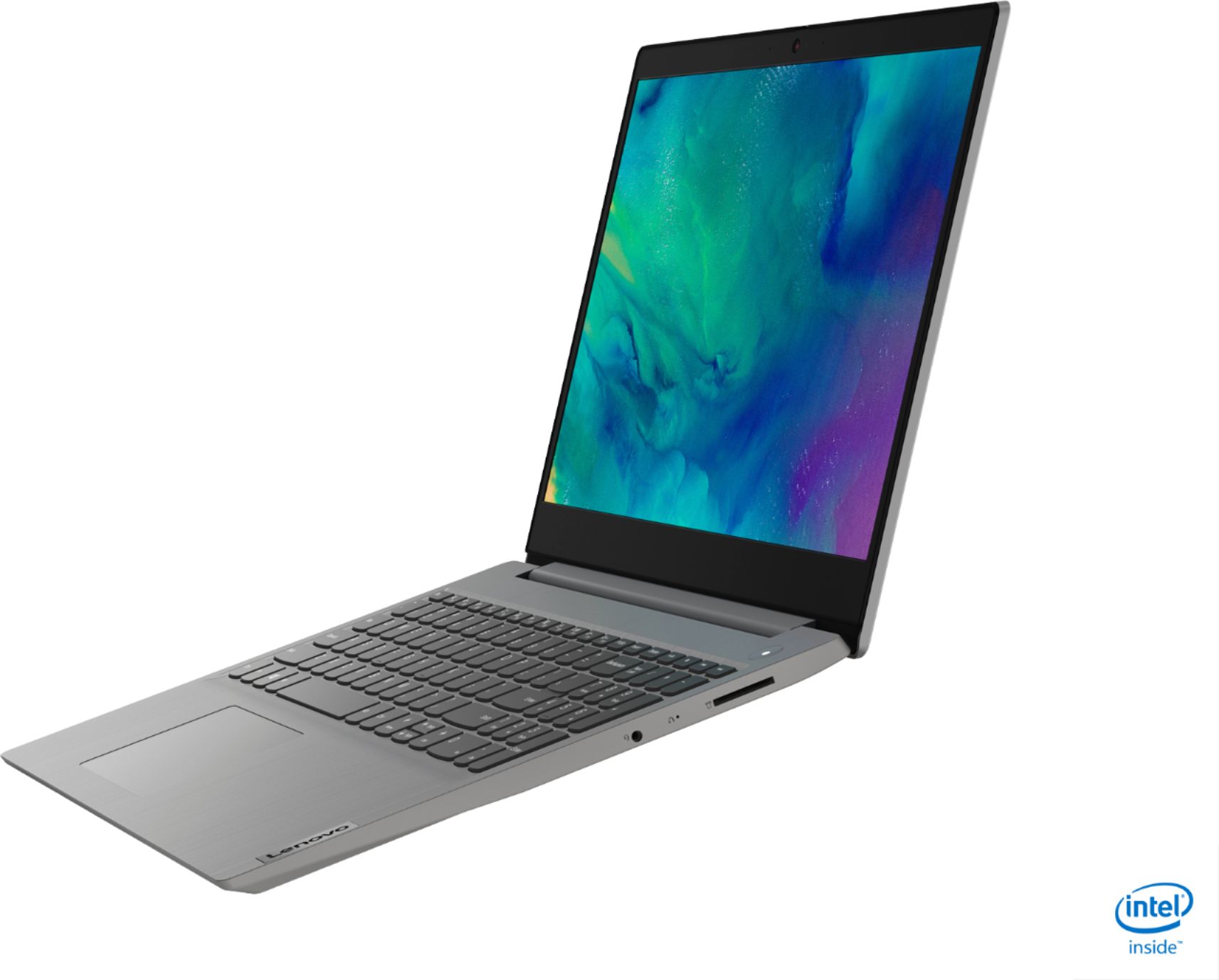
A:AnswerYes, it has a full-sized SD card slot, but be aware that the card does not sit flush within the frame of the computer; it protrudes about two-thirds of the card's length.