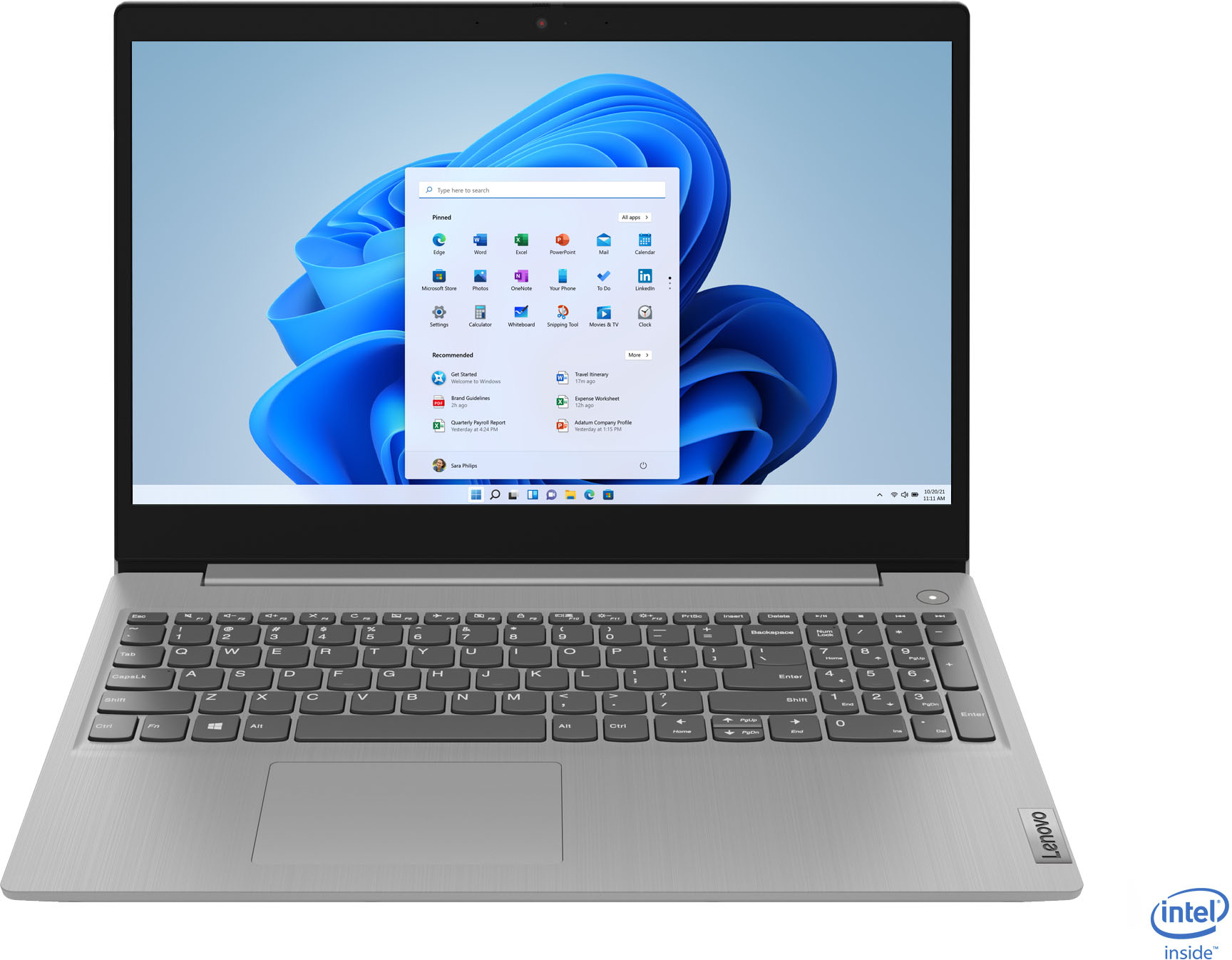
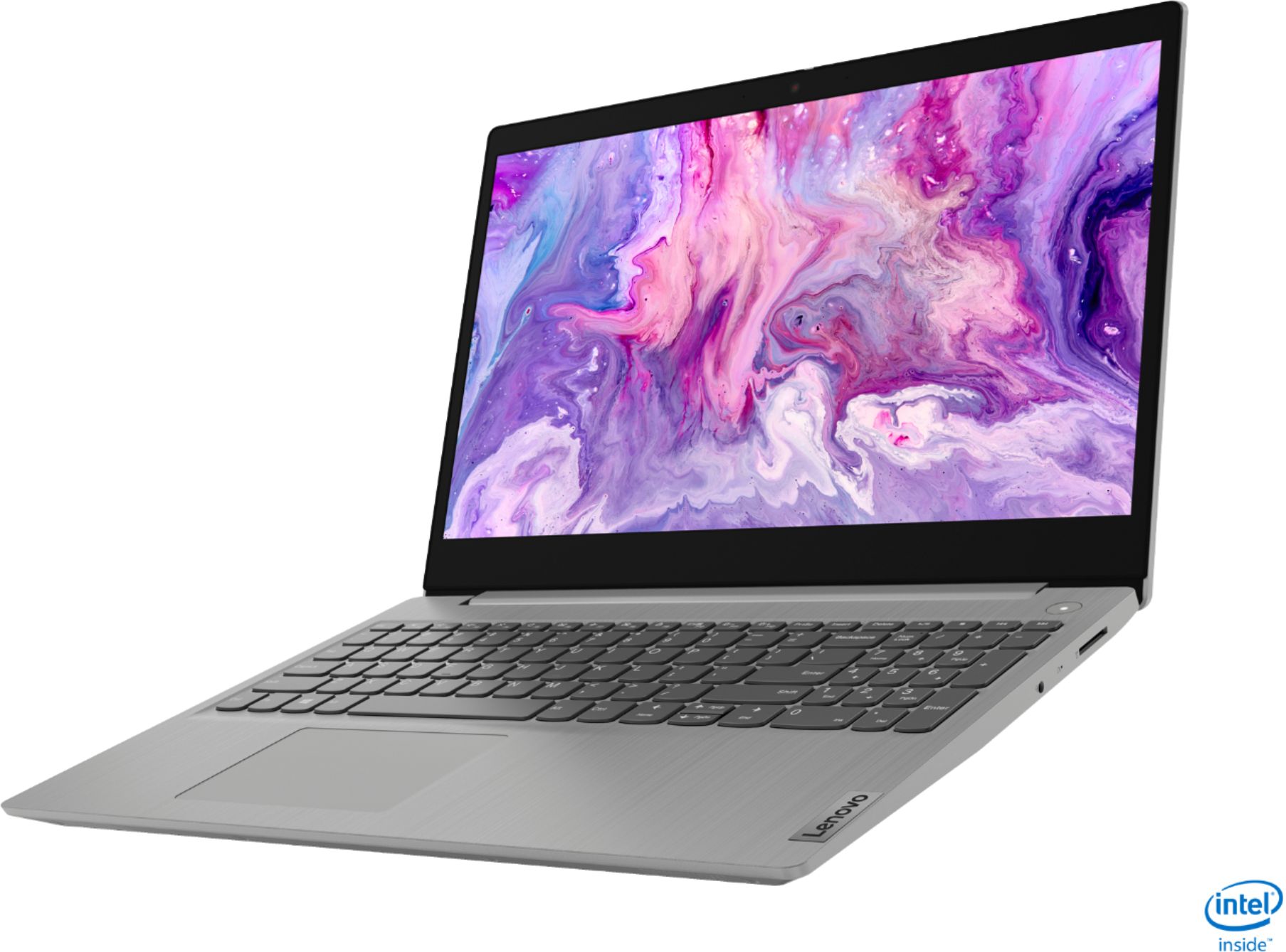
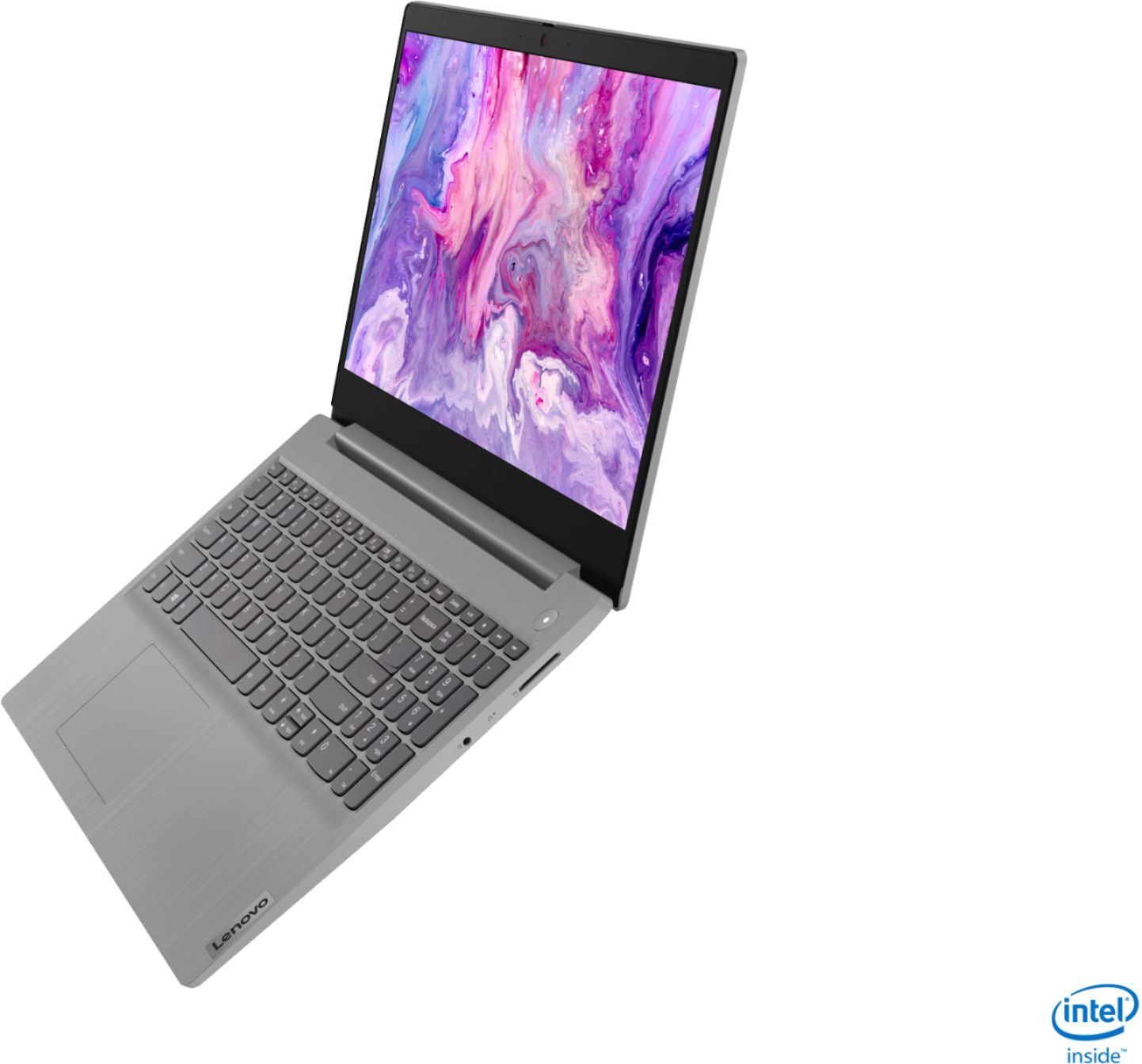
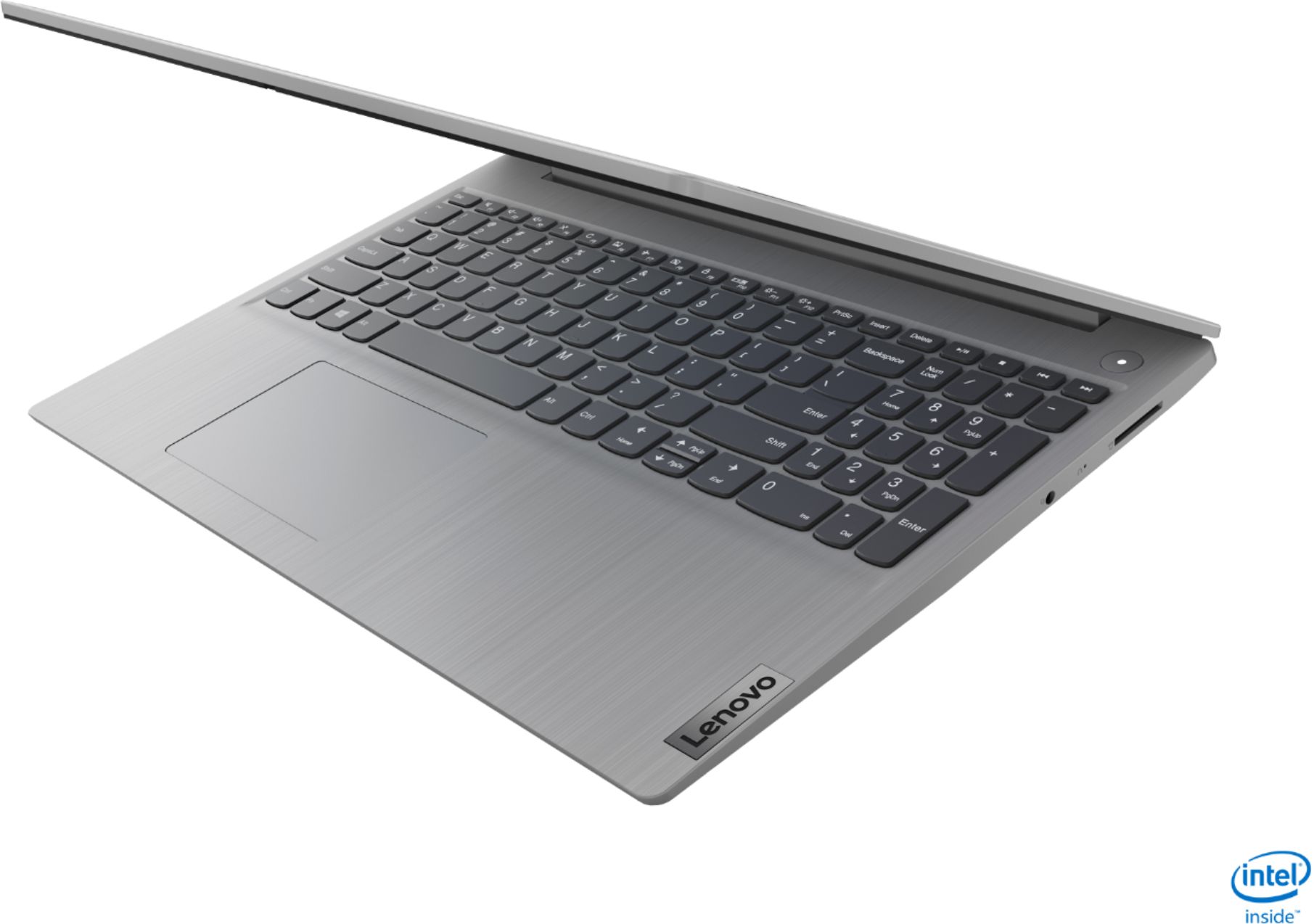
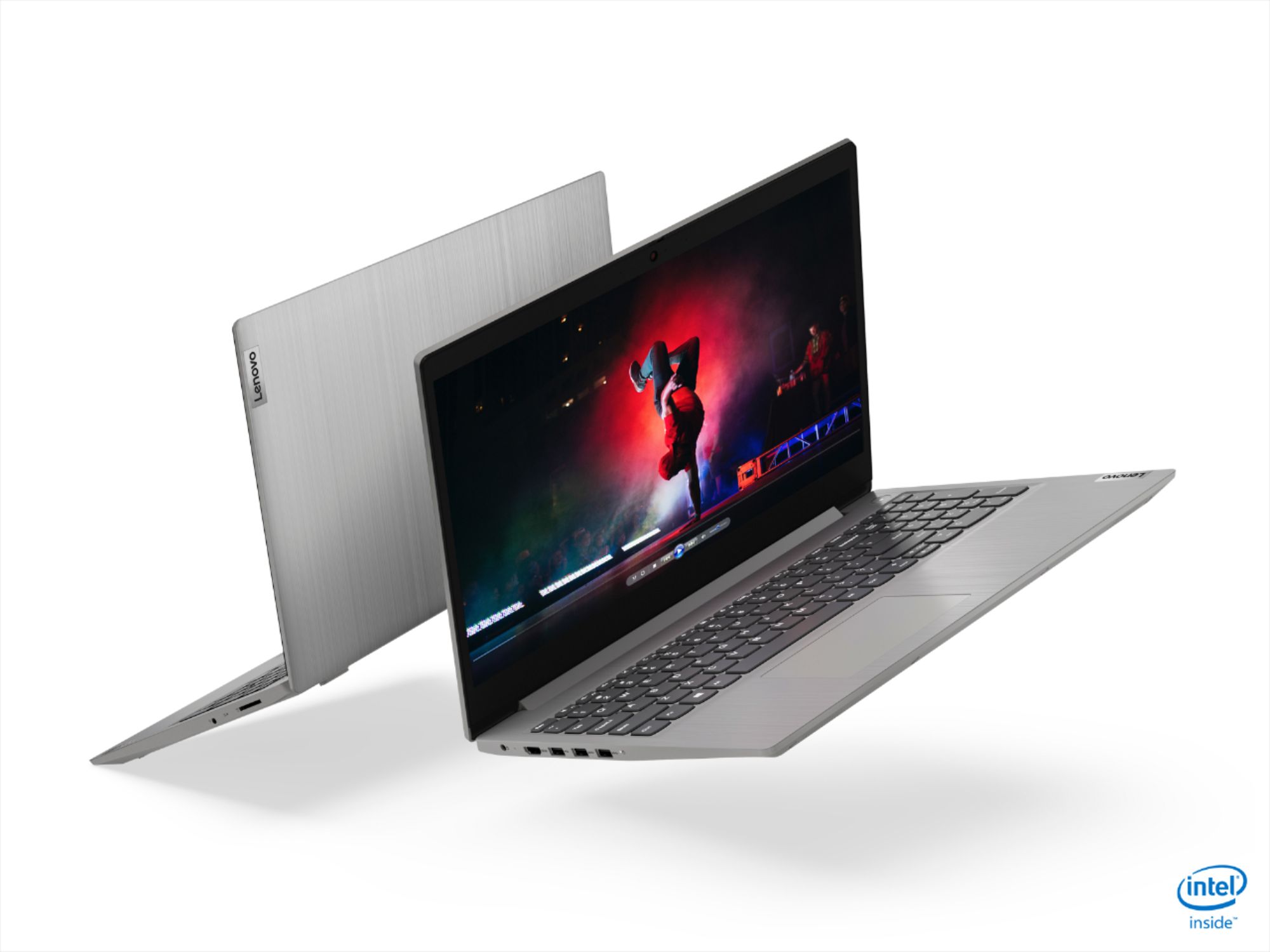
A:AnswerThe Lenovo IdeaPad 3 15 laptop, model number 81WE00NKUS, ships with Windows 10 S-Mode 64-bit Operating System. Windows 10 S-Mode provides added security by only allowing APPs available ( and therefore certified by Microsoft) at the Microsoft Store. If you don't need the added security or you need to install APPs not available at the Microsoft Store, you can switch to standard Windows 10 Home 64-bit Operating System, at no additional cost. This configuration has the Intel Core i5-1035G1 processor, with a base speed of 1.0GHz and a Turbo Boost Speed of up to 3.6GHz. This configuration uses integrated graphics processing within the Intel Core i5-1035G1processor. It is the integrated, Intel UHD Graphics version.
A:AnswerThere is a 30-day trial of Microsoft Office 365 included as part of the Windows 10 operating system. In order to keep the program active after the trial period, you will need to purchase a product key. You will not need to download any additional software. Additionally, there is a 30-day trial of McAfee Virus Protection Software that will automatically activate with the initial activation of Windows 10 an run for the 30-day trial. At he end of the trial you can purchase a McAfee subscription, uninstall McAfee and use the free Windows Defender that comes with Windows 10 or uninstall McAfee an then install your choice of any compatible 3rd party virus protection. Just uninstall McAfee if you do not plan on using it as there can only be one active virus protection software on the computer at a time. Here is a link to information on uninstalling McAfee from Windows 10: https://service.mcafee.com/webcenter/portal/oracle/webcenter/page/scopedMD/s55728c97_466d_4ddb_952d_05484ea932c6/Page29.jspx?wc.contextURL=%2Fspaces%2Fcp&articleId=TS101331&_afrLoop=1355161020222084&leftWidth=0%25&showFooter=false&showHeader=false&rightWidth=0%25¢erWidth=100%25#!%40%40%3FshowFooter%3Dfalse%26_afrLoop%3D1355161020222084%26articleId%3DTS101331%26leftWidth%3D0%2525%26showHeader%3Dfalse%26wc.contextURL%3D%252Fspaces%252Fcp%26rightWidth%3D0%2525%26centerWidth%3D100%2525%26_adf.ctrl-state%3Dx25crirbo_9
A:AnswerThe Lenovo IdeaPad 3 15 Laptop, model number 81WE00NKUS, is not compatible with any active/digital pen. You can use a capacitive touch stylus as a finger replacement on the touchscreen, like this one: https://www.bestbuy.com/site/insignia-stylus-silver/3695185.p?skuId=3695185
A:AnswerNo. The Lenovo IdeaPad 3 15 Laptop, model number 81WE00NKUS, ships with 5G, Wide-Range/High Speed 2x2 802.11AC Frequency WiFi. It is also backward compatible with older, b/g/n (2.4GHz and 5.0GHz) frequency WiFi as well.
A:AnswerMicrosoft. It is in Windows S mode when you get it. If you turn it off you can download google chrome, etc. But microsoft edge works pretty good.
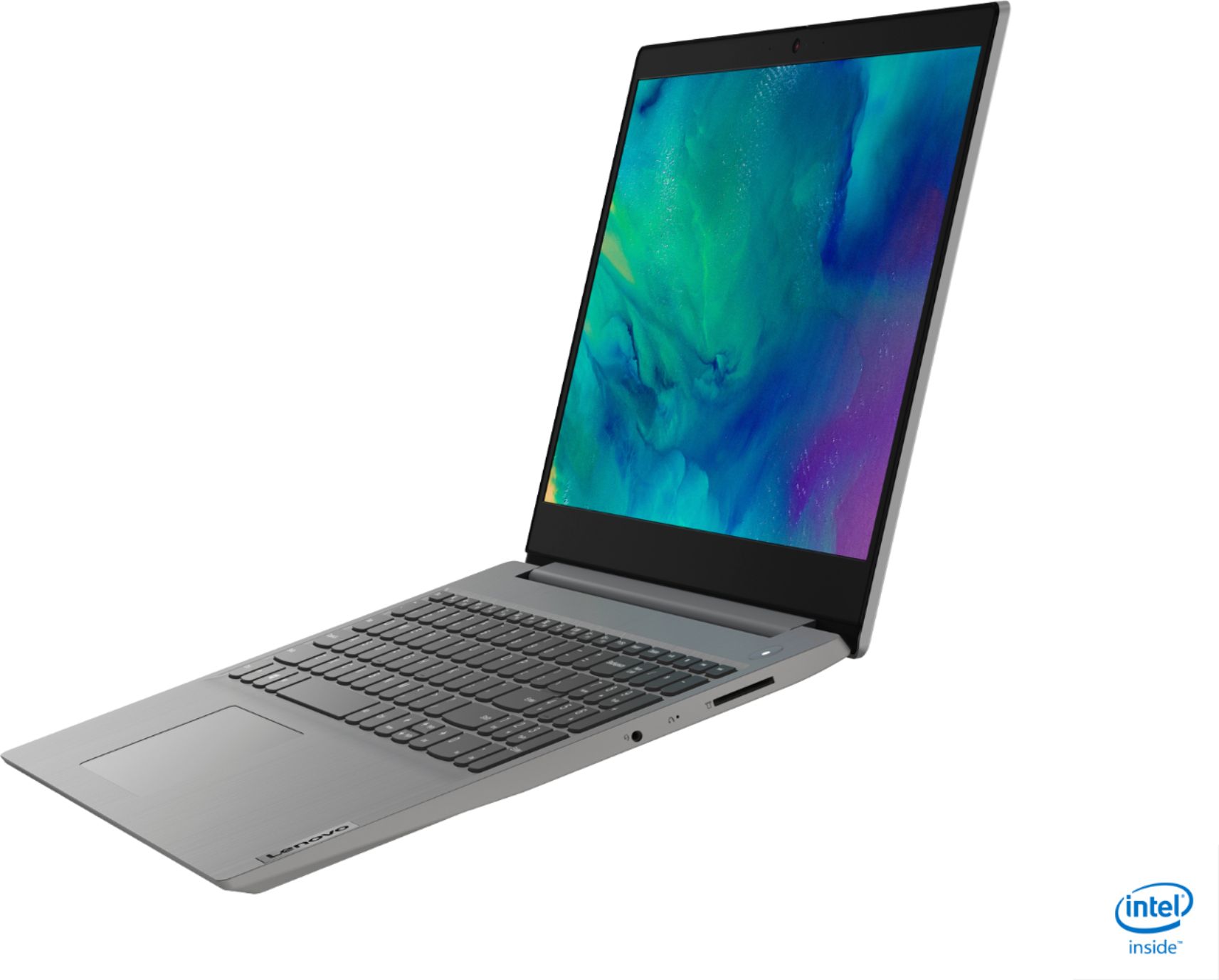
A:AnswerThe Lenovo IdeaPad 3 15 Laptop, model number 81WE00NKUS, ships with a 15.6-Inch (screen size measured diagonally) TN, LCD w/LED Backlight (Anti-glare) glass touchscreen, with a resolution of 1366 X 768 (HD) and a brightness level of 220 nits.
A:AnswerThe Lenovo IdeaPad 3 15 Laptop is not user upgradable. A certified technician must do all of the work, so as to not void the warranty. This includes replacing the internal battery.
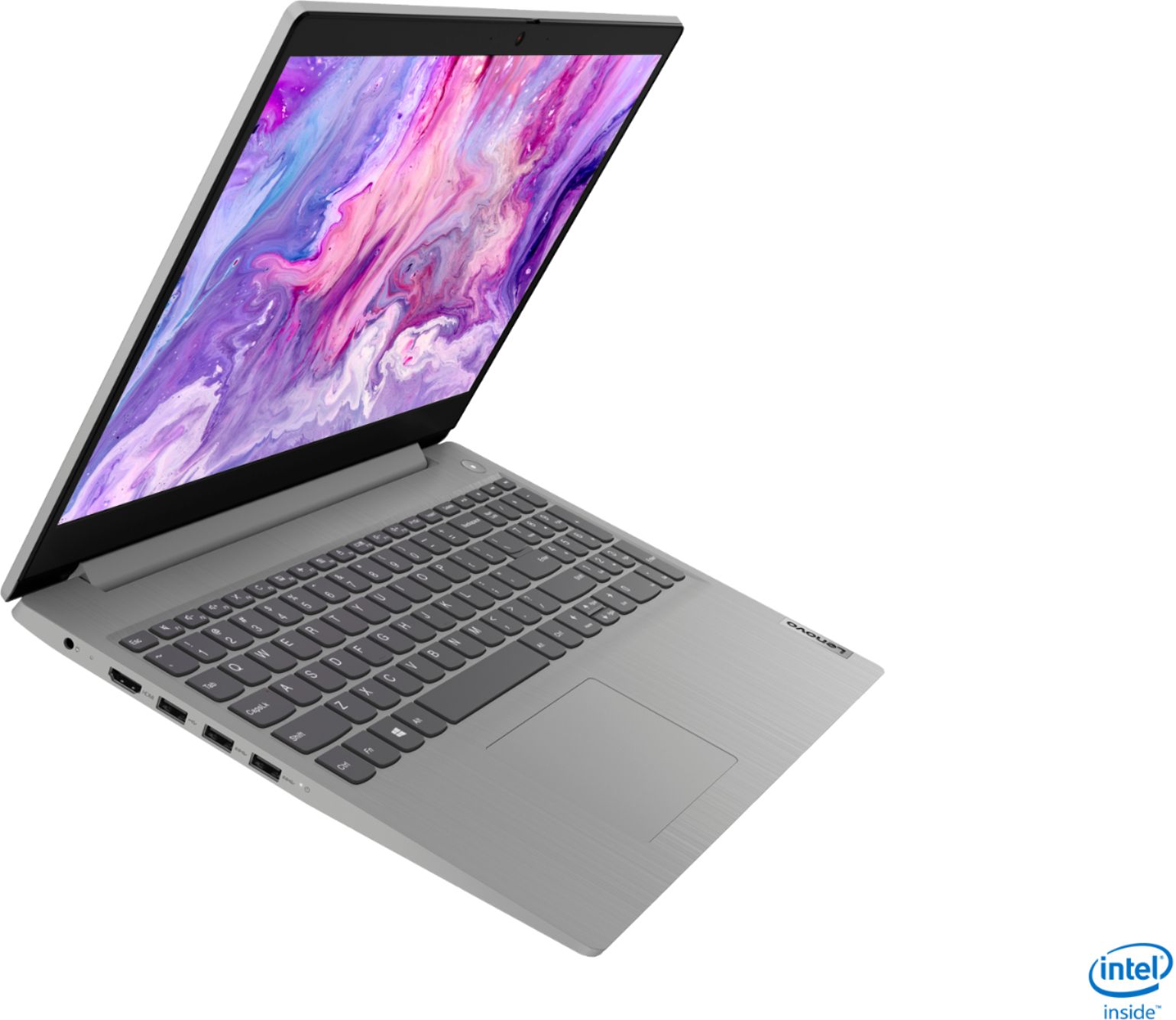
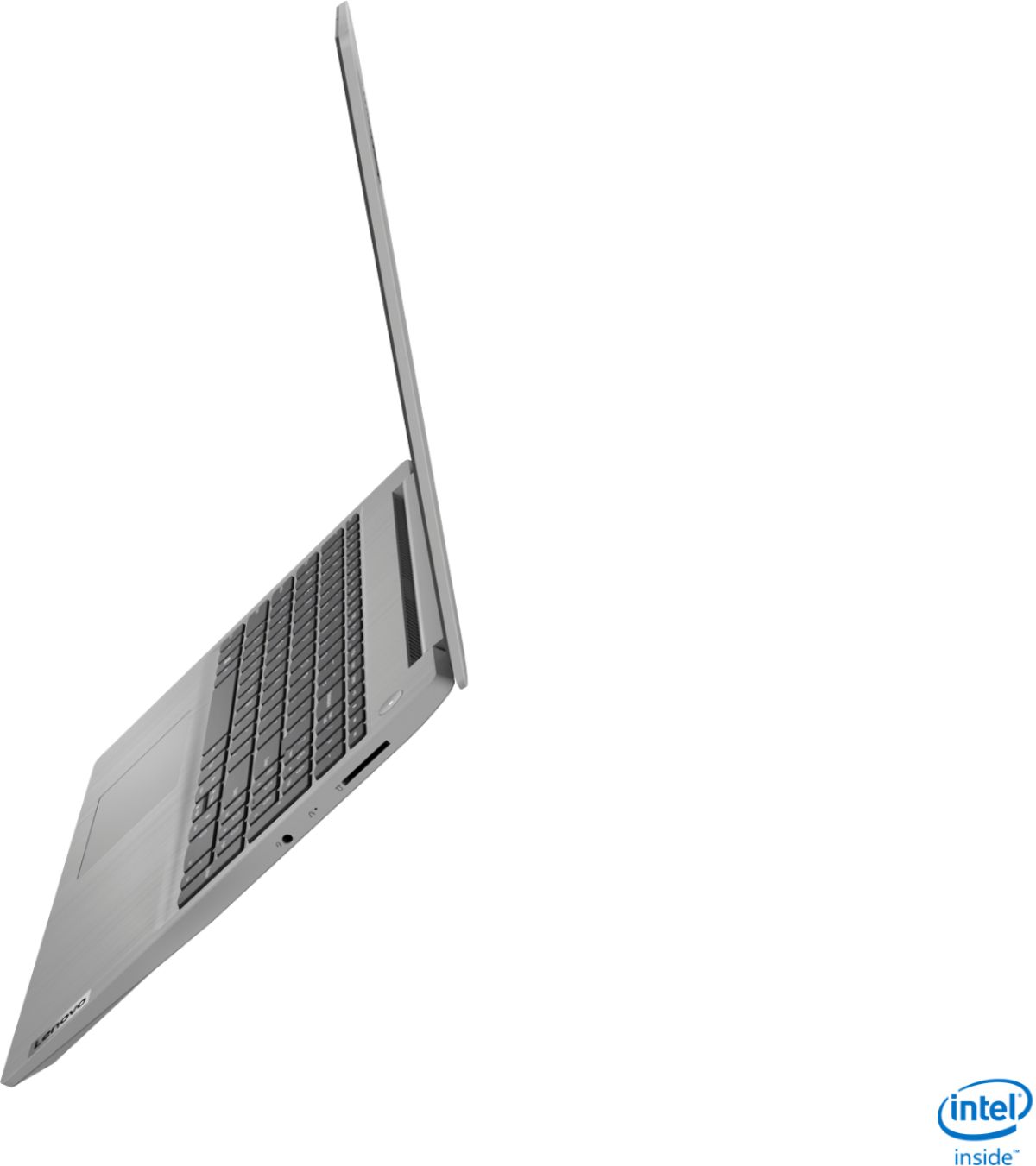
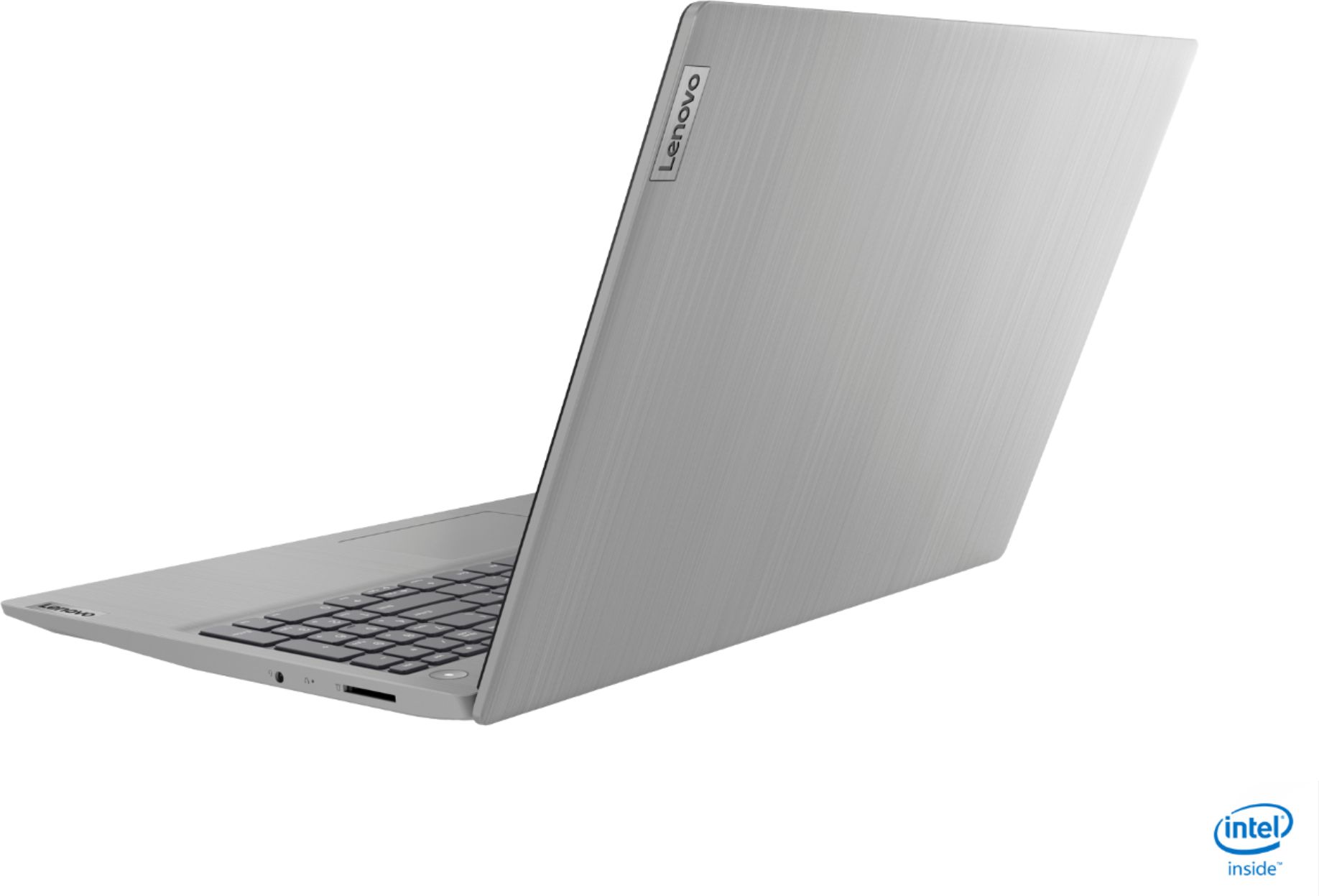
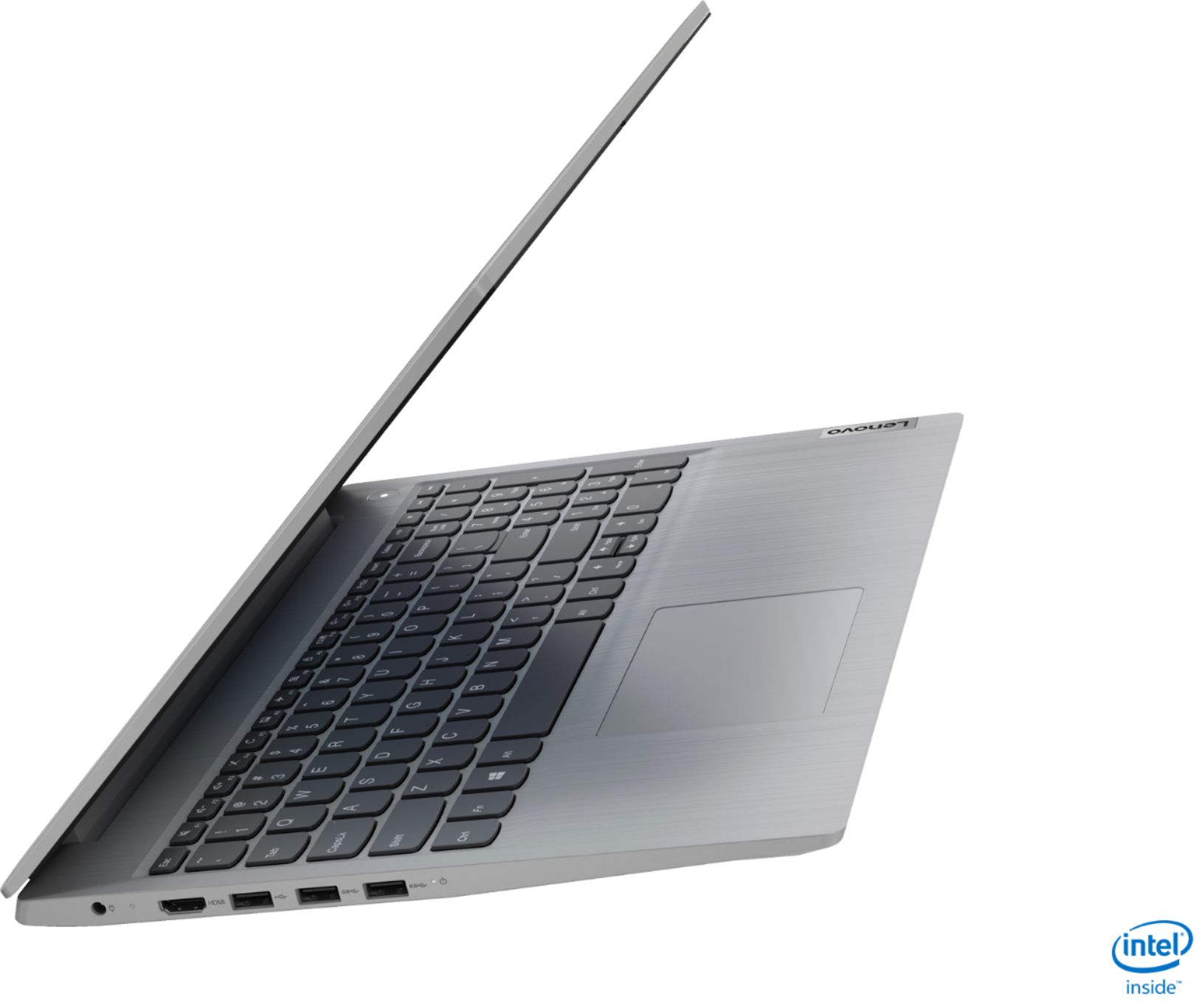
A:AnswerWhile there is no built in ethernet port on the Lenovo IdeaPad 3 15 Laptop, model number 81WE00NKUS, you can connect this laptop to an ethernet cable by using a USB to ethernet adapter.
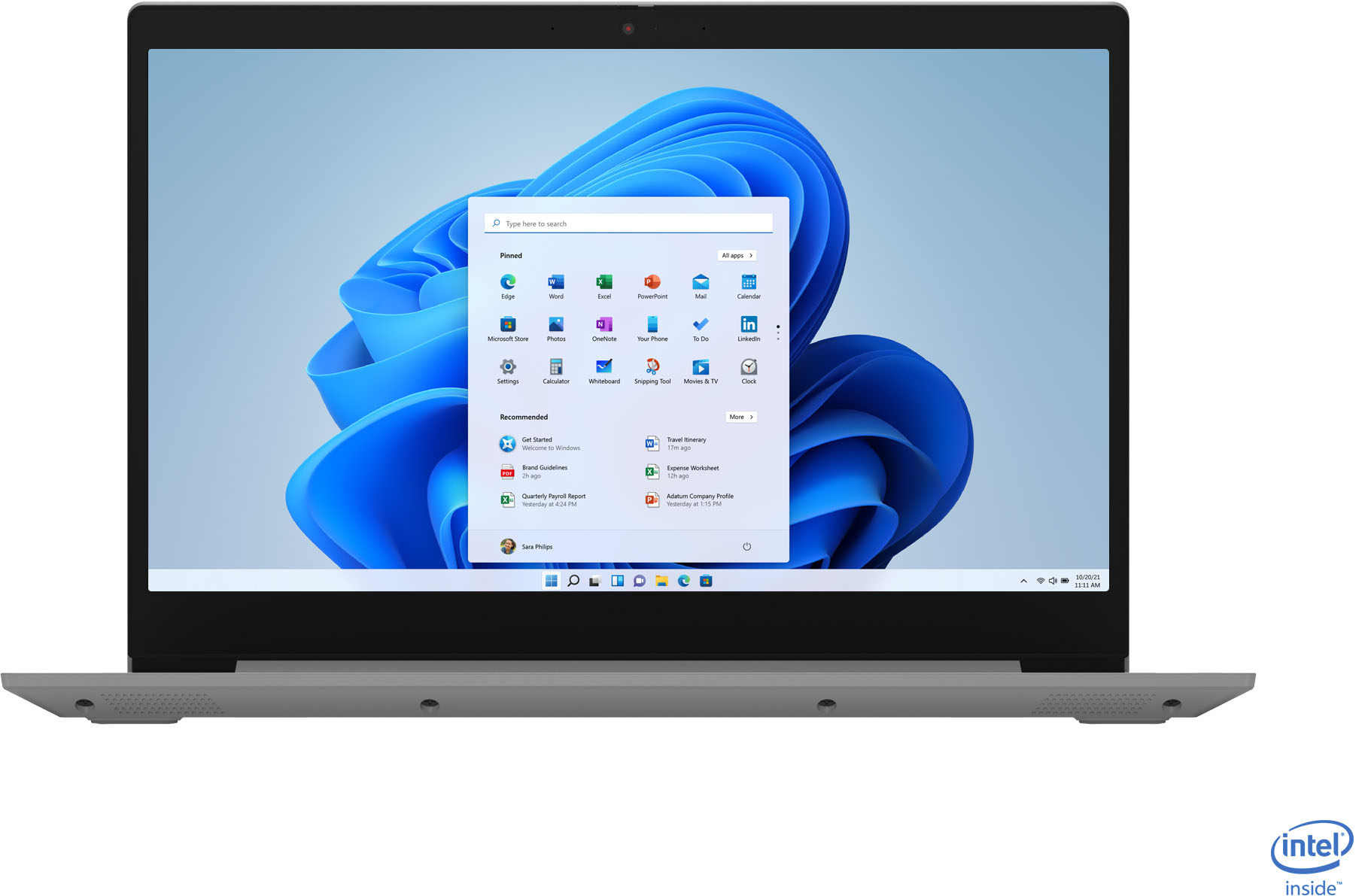
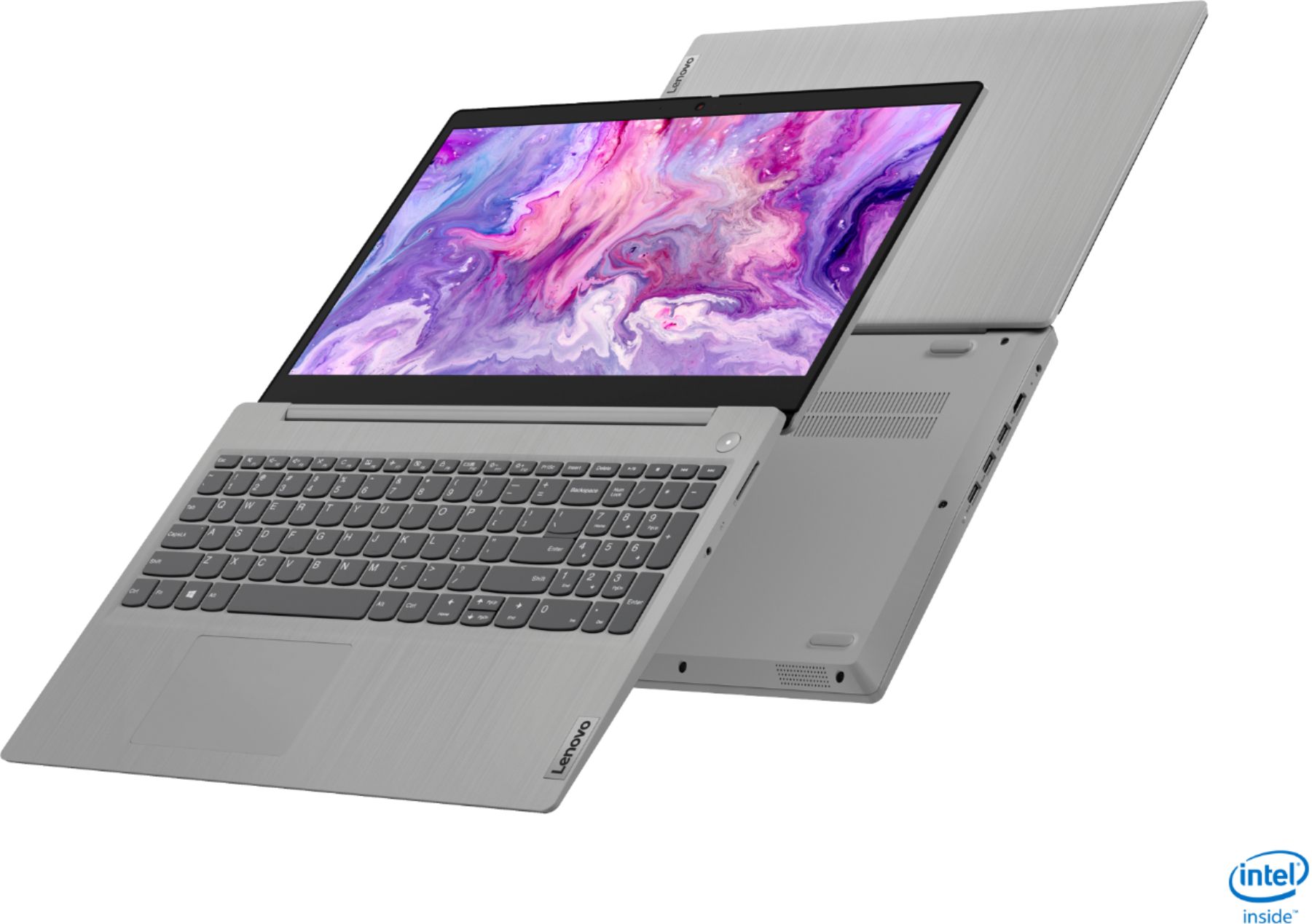
A:AnswerYes, the Lenovo IdeaPad 3 15 Laptop, model number 81WE00NKUS, ships with a 720p (HD) webcam with manual Privacy Shutter and Dual Array Microphones.
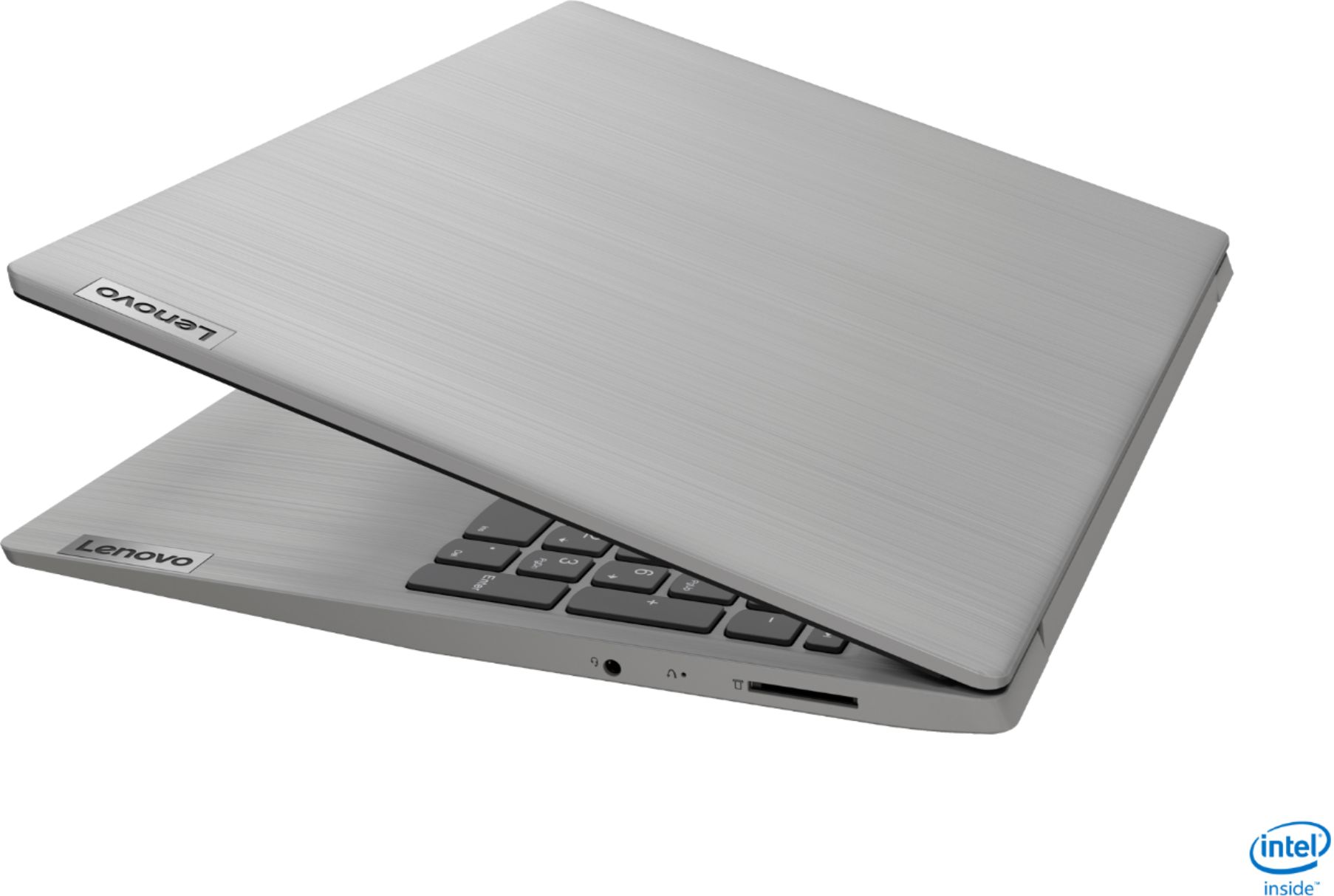
A:AnswerHello, thanks for your question. That will depend on the capabilities of the monitor. The Lenovo IdeaPad 3 15" laptop model # 81WE00NKUS features an HDMI output that can be used to connect to an external monitor.
A:AnswerYes. The Lenovo IdeaPad 3 15 Laptop, model number 81WE00NKUS, ships with a 720p (HD) webcam with manual Privacy Shutter and Dual Array microphones built in.
A:AnswerHello, thanks for your question. Lenovo laptops come with a standard 1 yr manufactures warranty that covers against defects. More information can be found on our support page. https://support.lenovo.com/us/en/solutions/ht505088-product-warranty-and-other-agreements