A:AnswerYou will first need to uninstall the 30-day trial of McAfee virus protection installed on the computer, then follow the instructions provided with the Trend Software you received. Here is a link to information on uninstalling McAfee from Windows 10: https://service.mcafee.com/webcenter/portal/oracle/webcenter/page/scopedMD/s55728c97_466d_4ddb_952d_05484ea932c6/Page29.jspx?wc.contextURL=%2Fspaces%2Fcp&articleId=TS101331&_afrLoop=1355161020222084&leftWidth=0%25&showFooter=false&showHeader=false&rightWidth=0%25¢erWidth=100%25#!%40%40%3FshowFooter%3Dfalse%26_afrLoop%3D1355161020222084%26articleId%3DTS101331%26leftWidth%3D0%2525%26showHeader%3Dfalse%26wc.contextURL%3D%252Fspaces%252Fcp%26rightWidth%3D0%2525%26centerWidth%3D100%2525%26_adf.ctrl-state%3Dx25crirbo_9
A:AnswerYes you can, I purchased an 8gb card for $34 on amazon, and installed it in about 15 minutes. This is the card I purchased and it works great.
Crucial 8GB Single DDR4 2400 MT/S (PC4-19200) SR x8 SODIMM 260-Pin Memory - CT8G4SFS824A
To make sure that I got the right card, I used the Amazon computer fit test.
A:AnswerThat really will depend on the requirements and compatibility of the editing software you will be using. We recommend you check with the specific software publisher's web sites for their compatibility with Windows 10 S-Mode 64-bit operating system (Windows 10 S-Mode provides added security by only allowing APPs available ( and therefore certified by Microsoft) at the Microsoft Store. If you don't need the added security or you need to install APPs not available at the Microsoft Store, you can switch to standard Windows 10 Home 64-bit Operating System, at no additional cost.) and the minimum/recommended hardware requirements (Is a Graphics card required, the processor speed and the minimum required system RAM and the minimum available hard drive space) to run their program, then compare those requirements to this system's configuration.
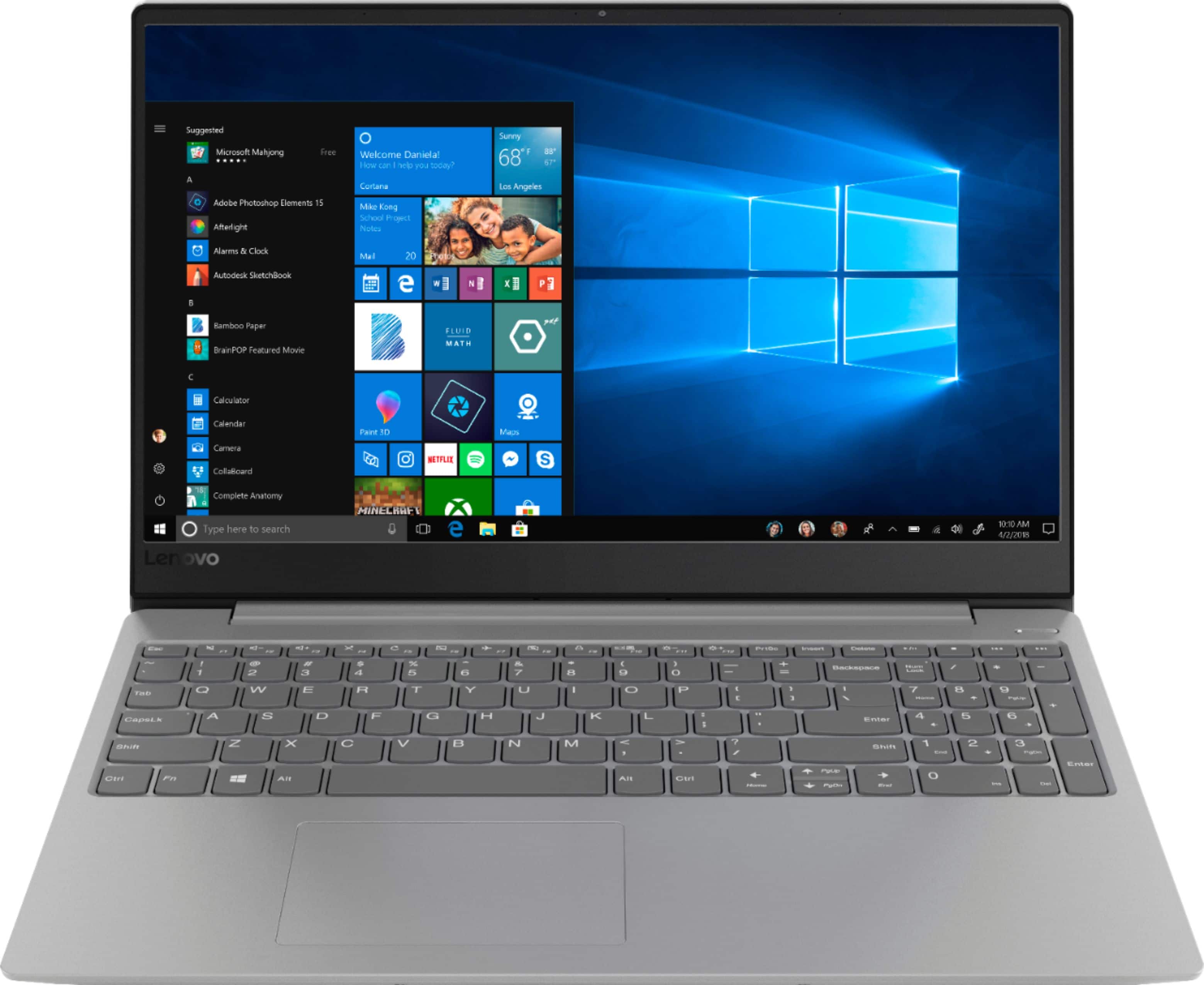
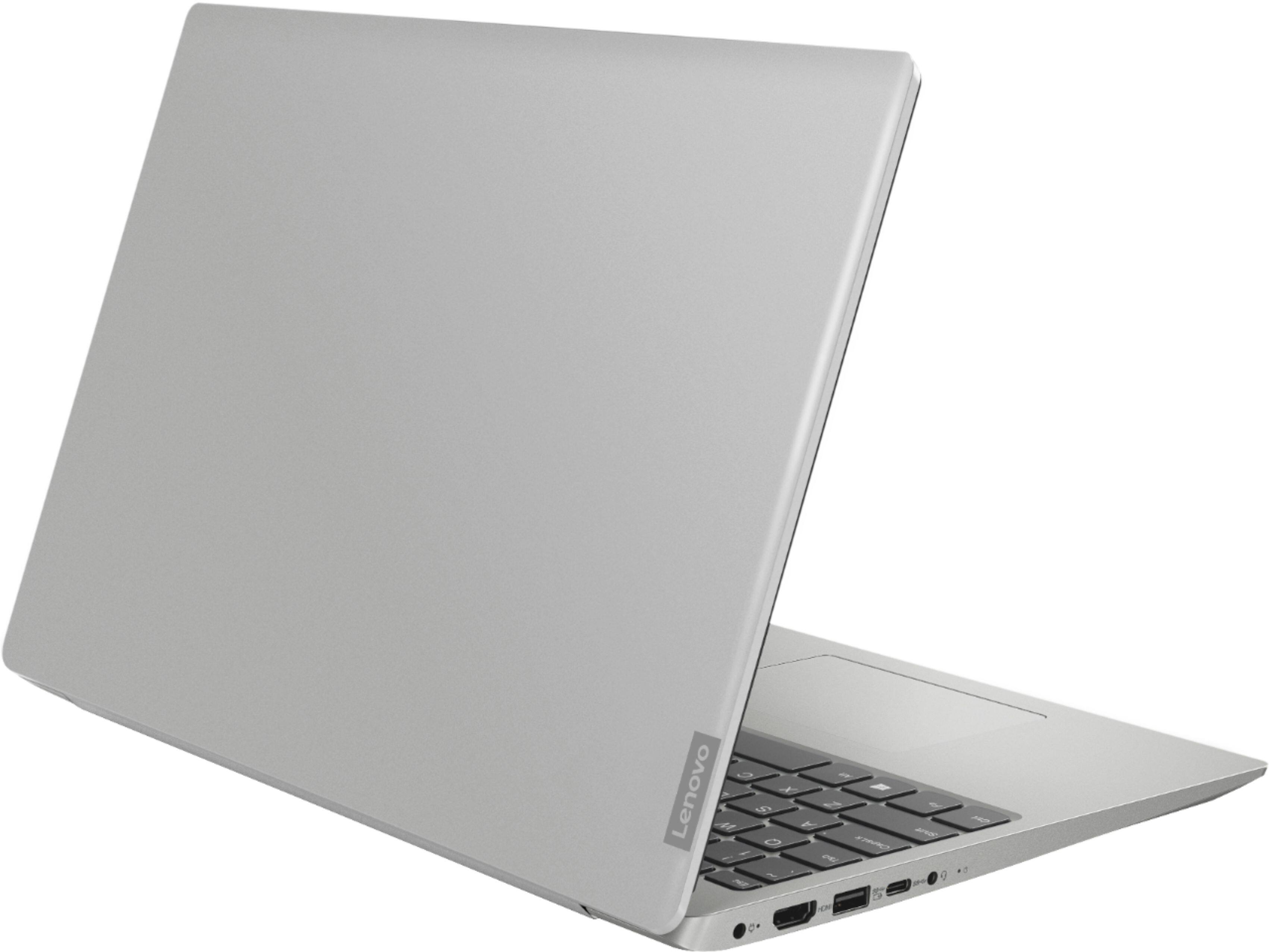
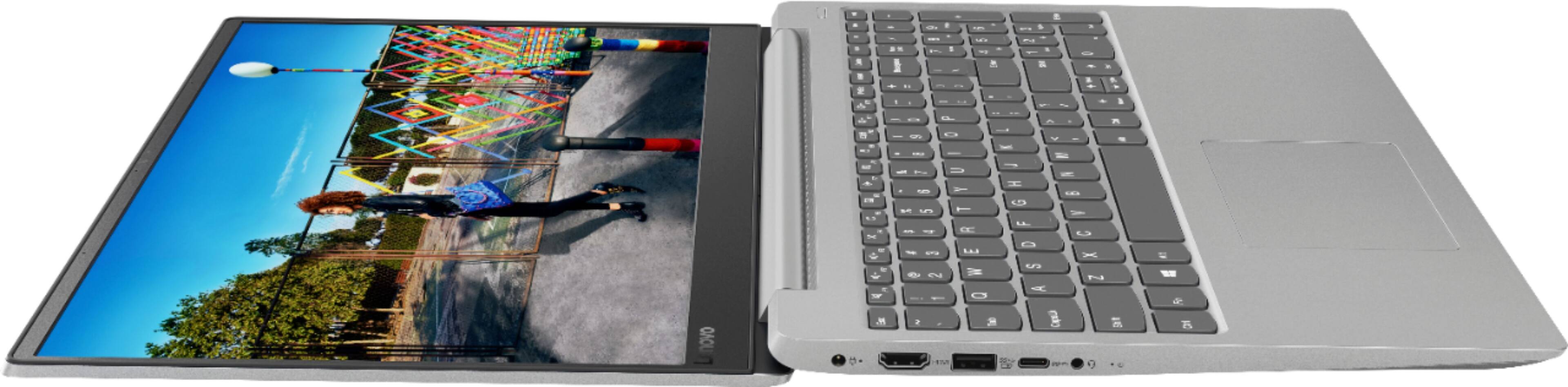
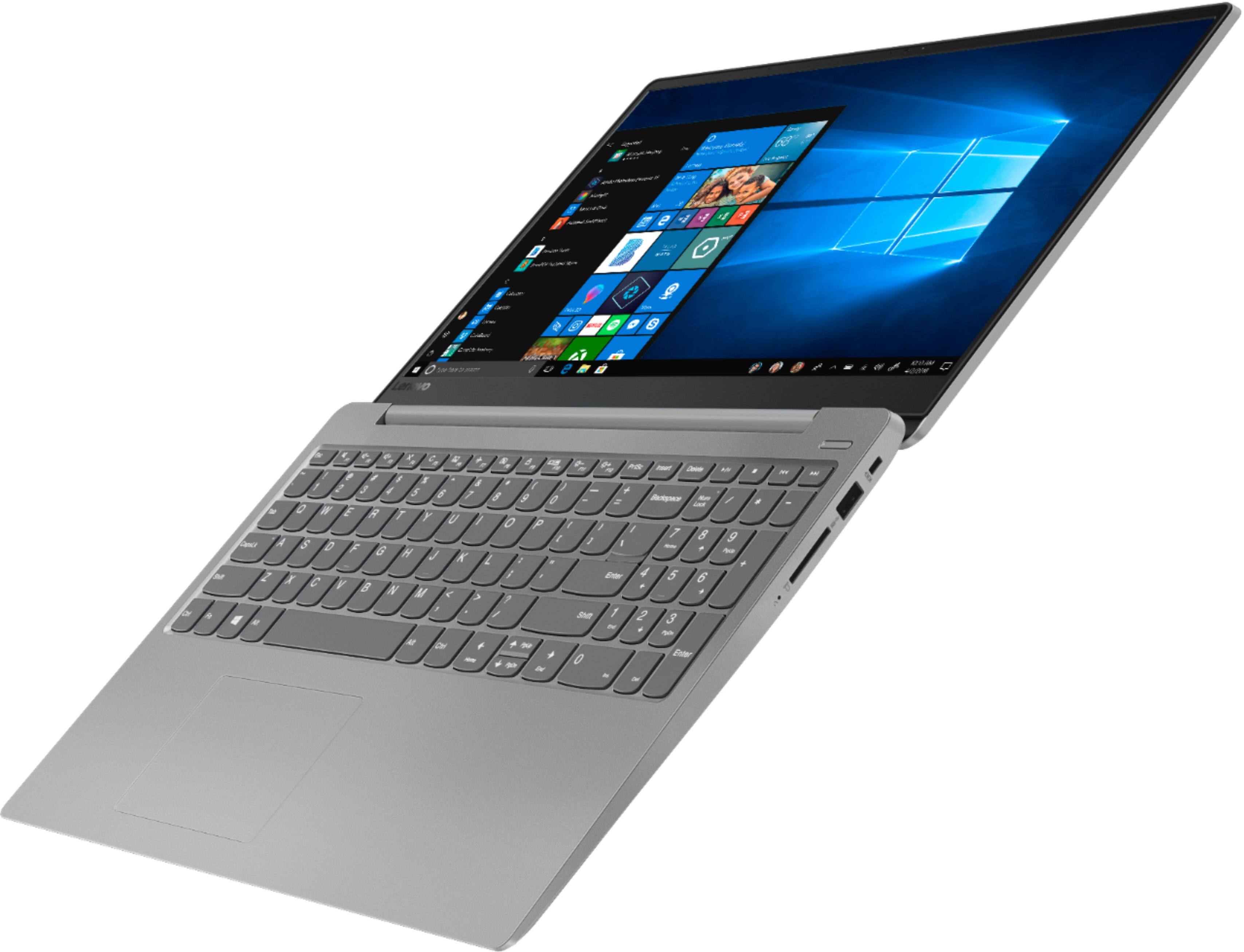
A:AnswerYes, the Lenovo IdeaPad 330s-15 laptop model number 81F5018EUS, can be connected to an external monitor through the HDMI-Out port on this computer. If you are connecting to a VGA monitor, you will need a HDMI to VGA adapter like this one: https://www.bestbuy.com/site/belkin-male-hdmi-to-female-vga-adapter-black/6263738.p?skuId=6263738
A:AnswerYou can. But your options are tricky. Since this has both an M.2 NVME slot, and a regular (9.5mm max thickness) sata slot, you are best served with putting the M.2 drive in by itself, install windows to that drive, then powering down and installing as large of a drive as you can afford (SSD would still be 9.5mm or thinner) and have more than 1TB of storage available. There are drives as large as 4TB SSD but I doubt most folks are willing to pay the $2200 price tag.
The thing to remember here is this, if you put in 2 drives that are bootable, the system usually defaults to the SATA salt and not the M.2. Best to start with one, have the regular sata drive formatted when it’s installed, and you will never have a problem. Also, look for the NVMe type M.2 cause it will be faster than the regular sata SSD drives.
A:AnswerThat will depend on the requirements and compatibility of the specific software you will be using. We recommend you check with the specific software publisher's web site for their compatibility with Windows 10 S-Mode 64-bit operating system (Windows 10 S-Mode provides added security by only allowing APPs available ( and therefore certified by Microsoft) at the Microsoft Store. If you don't need the added security or you need to install APPs not available at the Microsoft Store, you can switch to standard Windows 10 Home 64-bit Operating System, at no additional cost.) and the minimum/recommended hardware requirements (Is a Graphics card required, the processor speed and the minimum required system RAM and the minimum available hard drive space) to run their program, then compare those requirements to this system's configuration
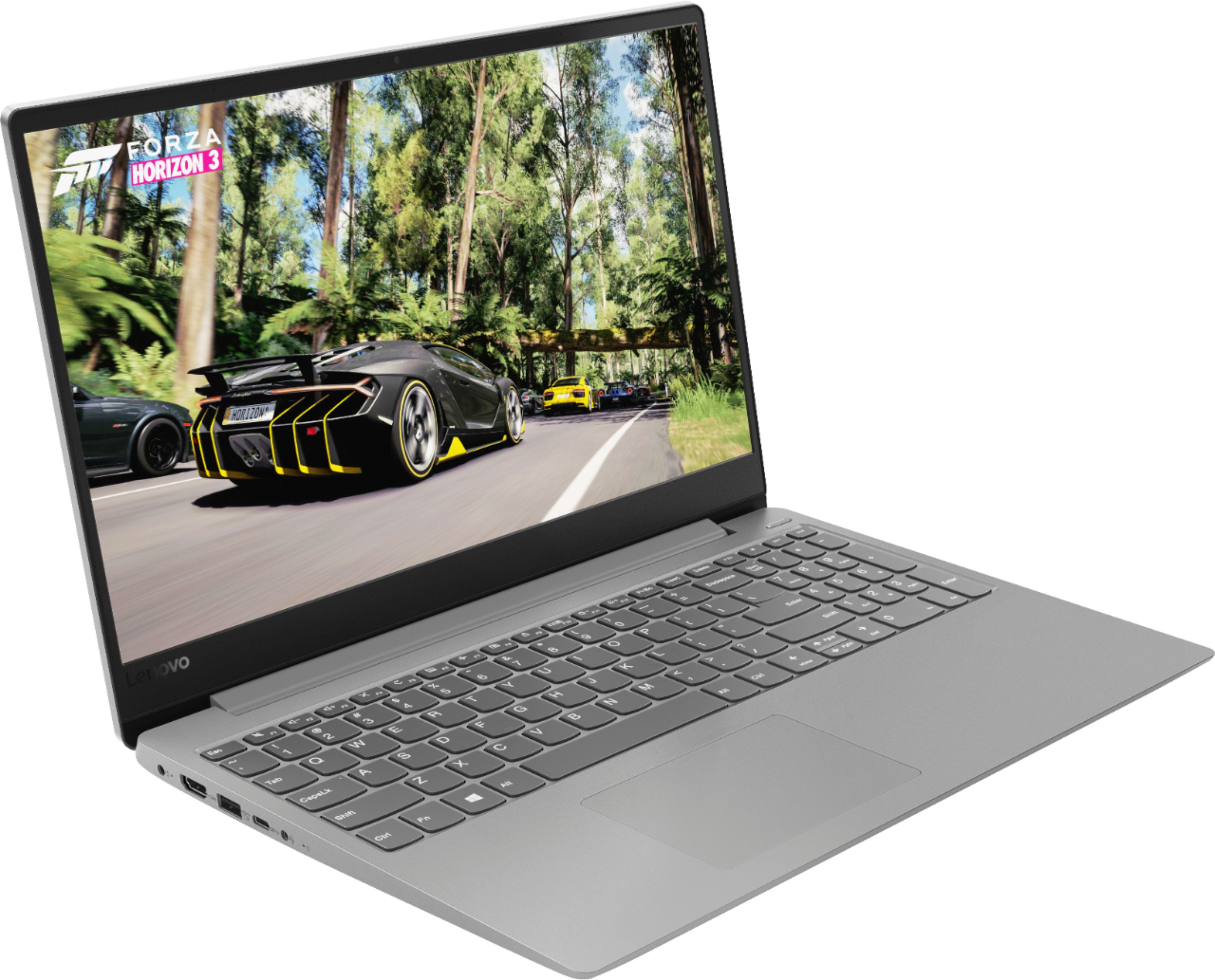
A:AnswerThat will depend on the requirements and compatibility of the specific game. We recommend you check with the game's software publisher's web site for their compatibility with Windows 10 S-Mode 64-bit operating system (Windows 10 S-Mode provides added security by only allowing APPs available ( and therefore certified by Microsoft) at the Microsoft Store. If you don't need the added security or you need to install APPs not available at the Microsoft Store, you can switch to standard Windows 10 Home 64-bit Operating System, at no additional cost.) and the minimum/recommended hardware requirements (Is a Graphics card required, the processor speed and the minimum required system RAM and the minimum available hard drive space) to run their program, then compare those requirements to this system's configuration.
A:AnswerYes. You can either upgrade the SATA drive or switch to an M.2 drive. But bear in mind that Windows doesn't boot to anything larger than a 2TB (either a partition or the whole drive). but it can see drives larger than 2TB for storage.
A:AnswerYes, there is an NVMe slot next to the SATA 2.5" hard drive. If you want to make it your main drive, then remove the SATA drive until AFTER you have loaded Windows 10S, or it will default to the SATA drive. I added a Western Digital Black-label NVMe 256GB drive to mine and it runs very fast and efficiently. Hope this helps!