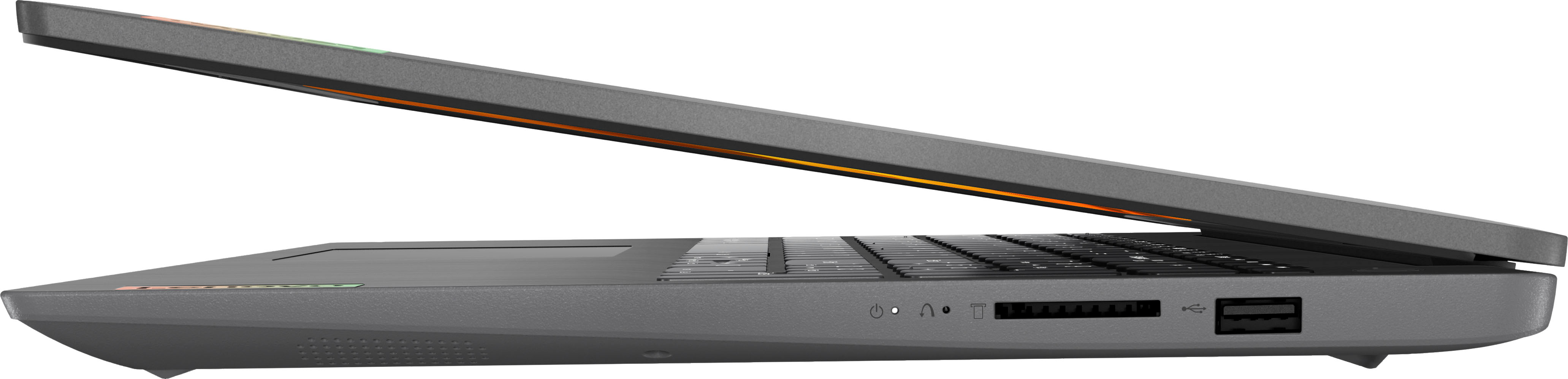
A:AnswerHello, Mari. Not to turn your question back to you, but that would depend on what the requirements for that software are. For your ease, here is a link to EA Games Sims 4 recommended requirements webpage for your review (https://help.ea.com/en/help/the-sims/the-sims-4/the-sims-4-system-requirements/). We recommend reviewing the recommended requirements that that software publisher details and comparing it with the specifications of any potential computing solution to help ensure you find the right fit for your needs.
A:AnswerYes. I upgraded mine to 1 TB and added 8 more GB of memory to 16 GB. I believe that's the max. Also, you can add a SATA 2.5 inch SSD drive. There is a spot for that inside. You'll have to pick up the SATA cable for about 12 bucks at Amazon.
A:AnswerHi, driki. Not to turn your question back to you, but that would depend on what the requirements for software are. We recommend searching for and reviewing the system requirements for each program you plan to use, then compare it with the specifications of any potential computing solution to help ensure you find the right fit for your needs. Should you need help, you could speak with a Best Buy Expert in store or online via this link: https://www.bestbuy.com/services/triage/shopping?cat=cnt