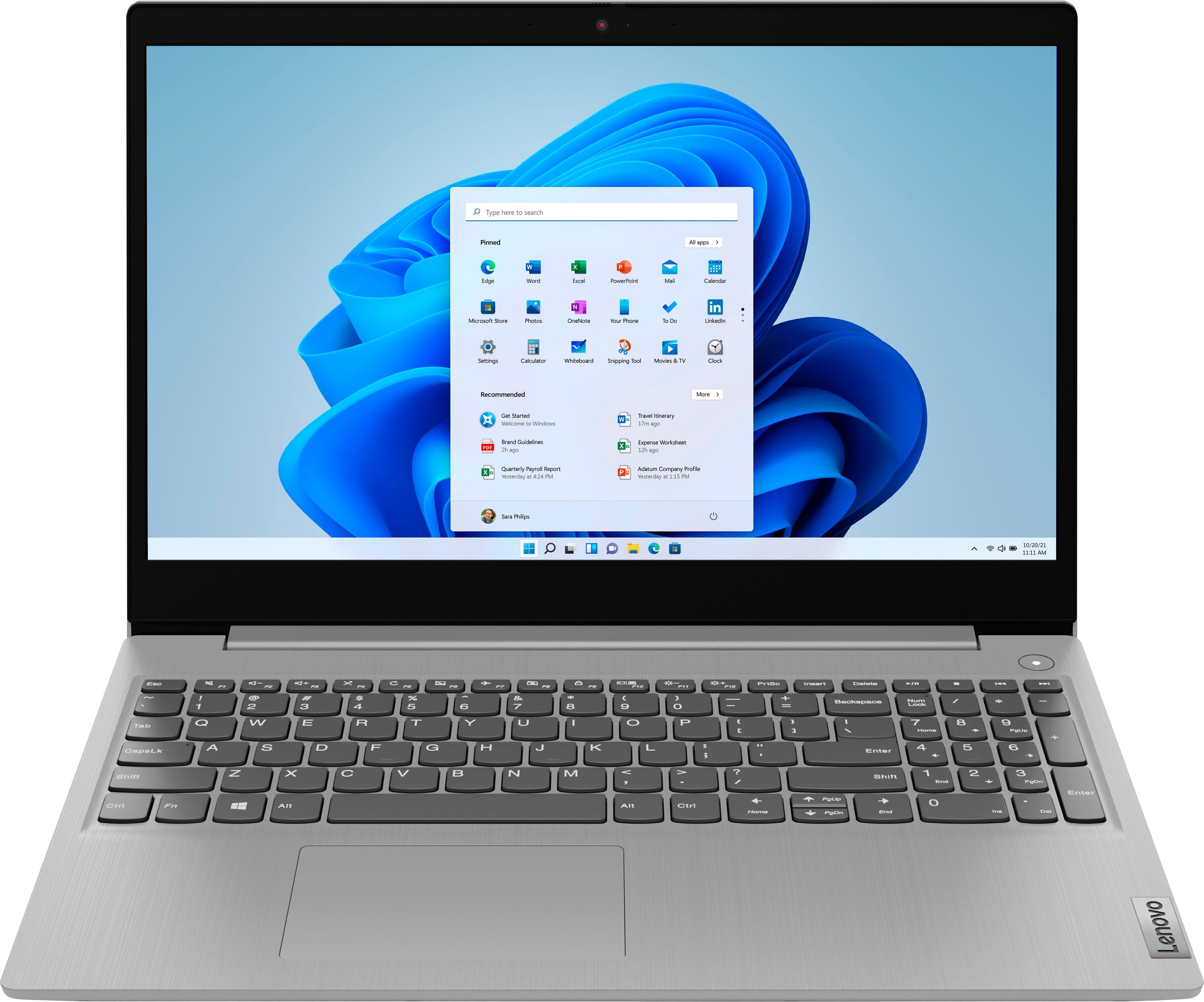
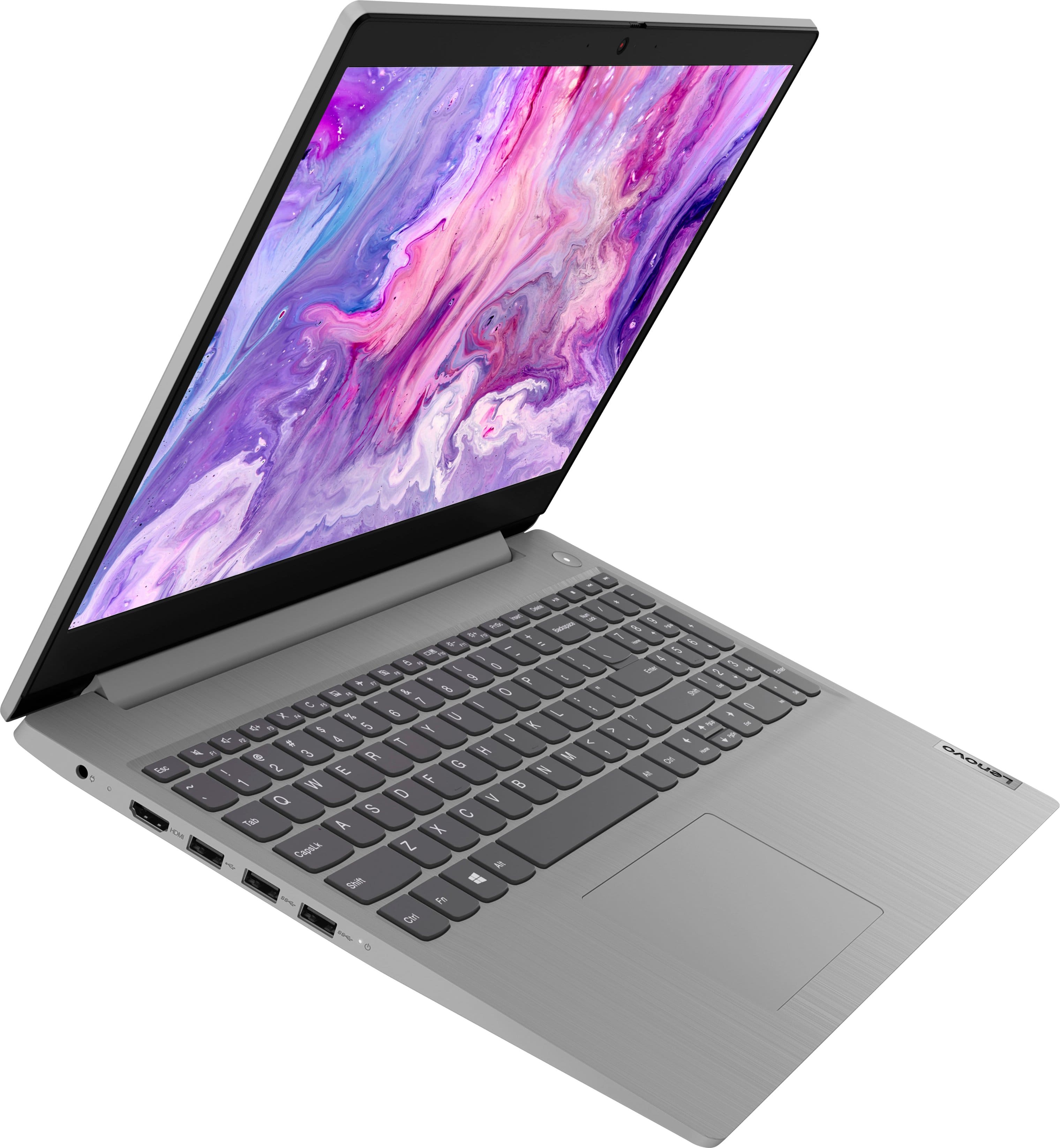
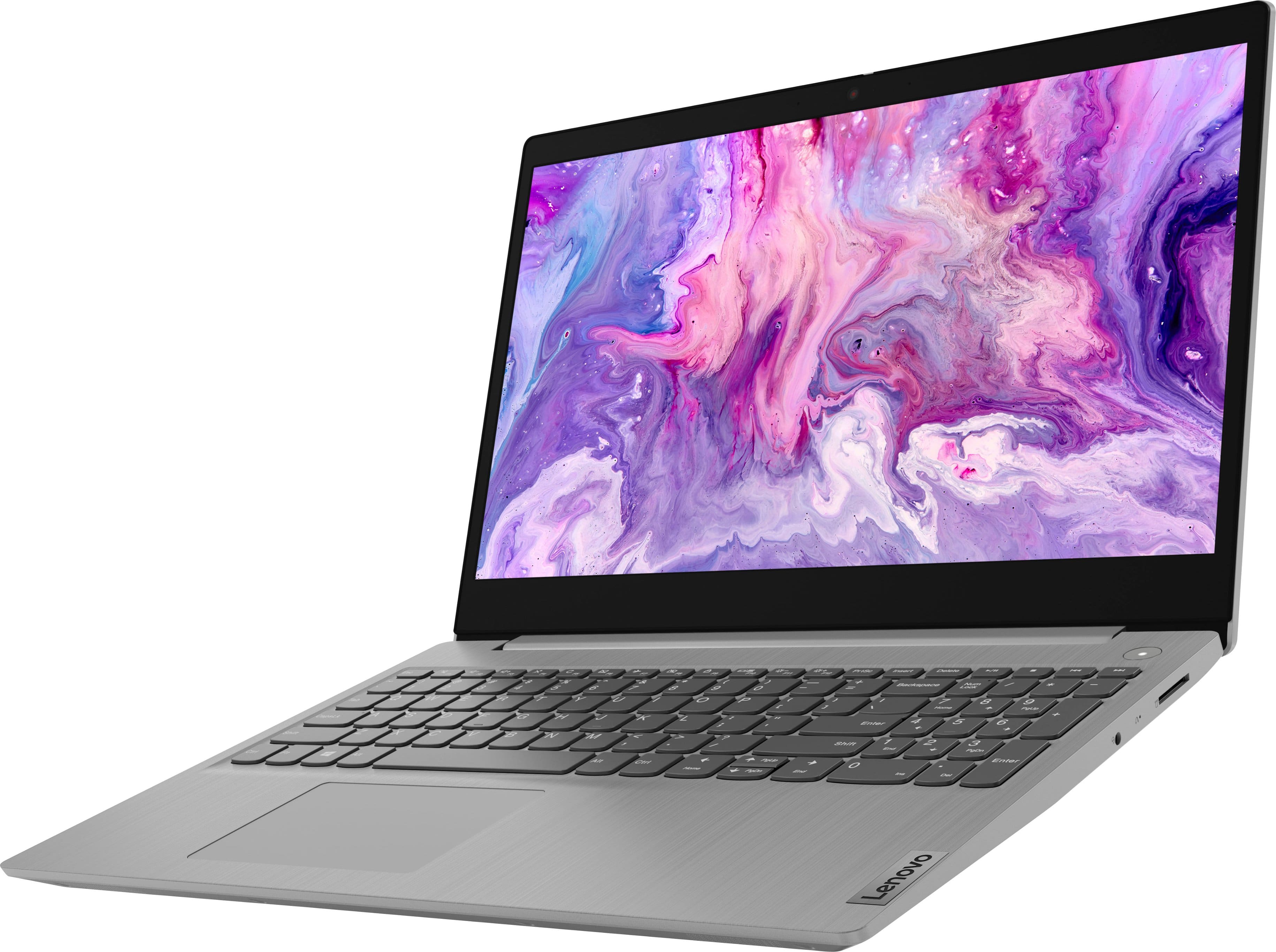
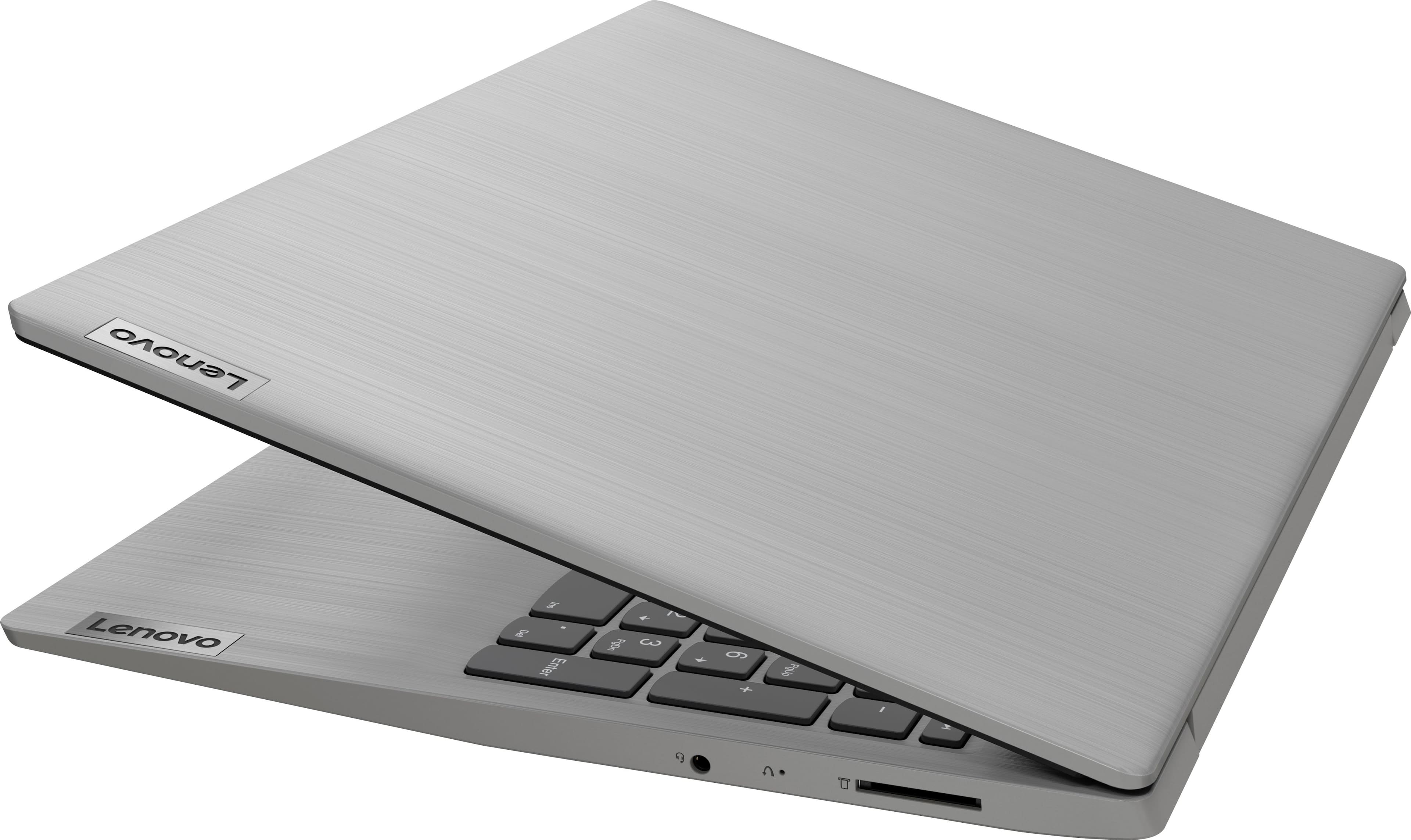
A:AnswerThat will depend on the requirements and compatibility of the specific wireless mouse you want to use. This Lenovo IdeaPad 3i 15 Laptop, model number 81X800MCUS, ships with Windows 11 S-Mode, 64-bit Operating System installed. Windows 11 S-Mode provides added security by only allowing APPs available ( and therefore certified by Microsoft) at the Microsoft Store. If you don't need the added security or you need to install APPs not available at the Microsoft Store, you can switch to standard Windows 11 Home 64-bit Operating System, at no additional cost. This IdeaPad 3i 15 Laptop also ships with Bluetooth 5.0 Version capability, built in. We recommend you check with the wireless mouse manufacturer's web site for the requirements and compatibility of the specific model wireless mouse you want to use.
A:AnswerThis Lenovo IdeaPad 3i 15 Laptop, model number 81X800MCUS, ships with 8GB DDR4-2666MHz RAM installed (4GB Soldered DDR4-2666 + 4GB SO-DIMM DDR4-2666MHz RAM). One memory soldered to systemboard, one DDR4 SO-DIMM slot, dual-channel capable. The maximum RAM that this model configuration can support is: Up to 12GB (4GB soldered + 8GB SO-DIMM) DDR4-2666MHz RAM. We recommend you consult with your certified technician about your RAM upgrade options.
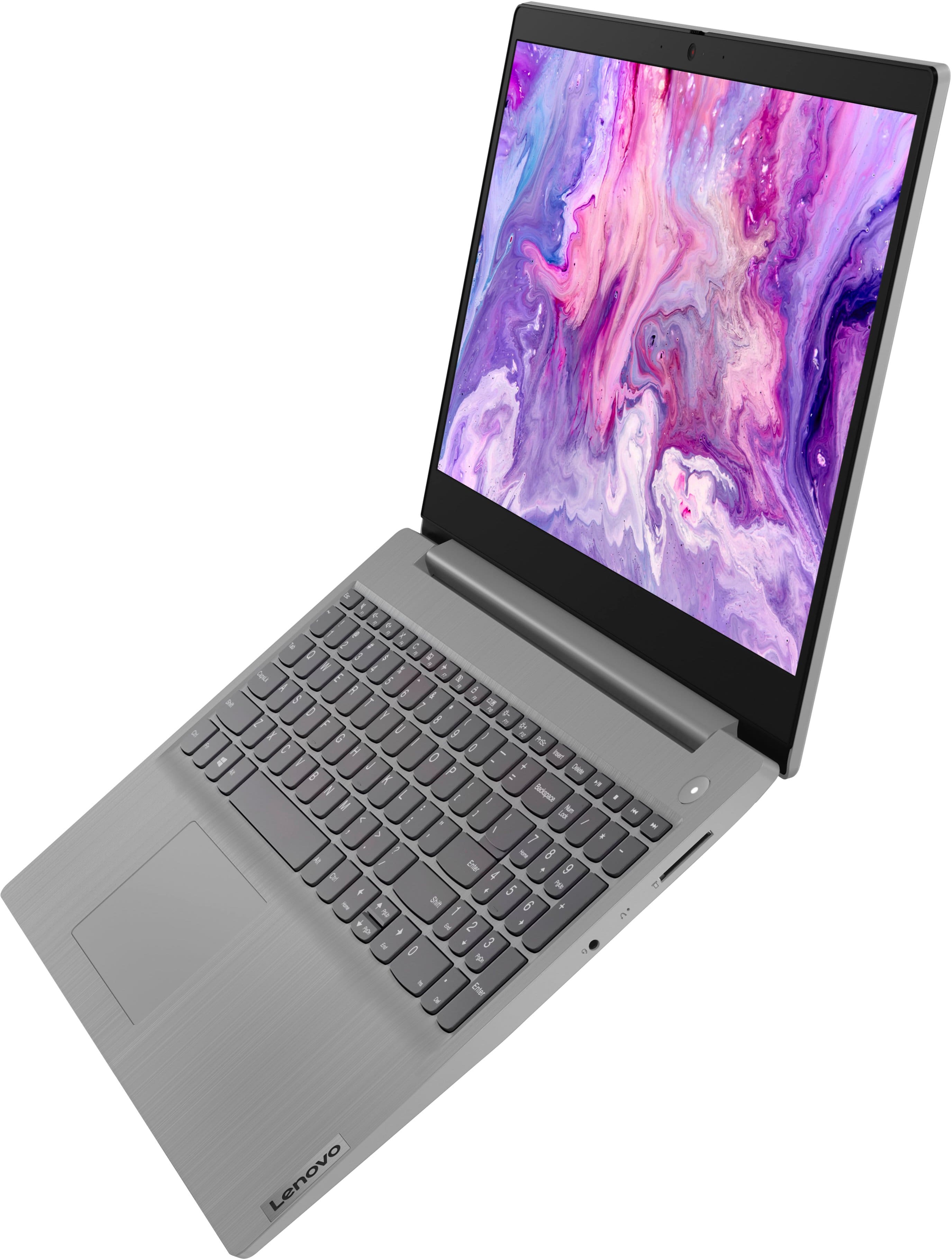
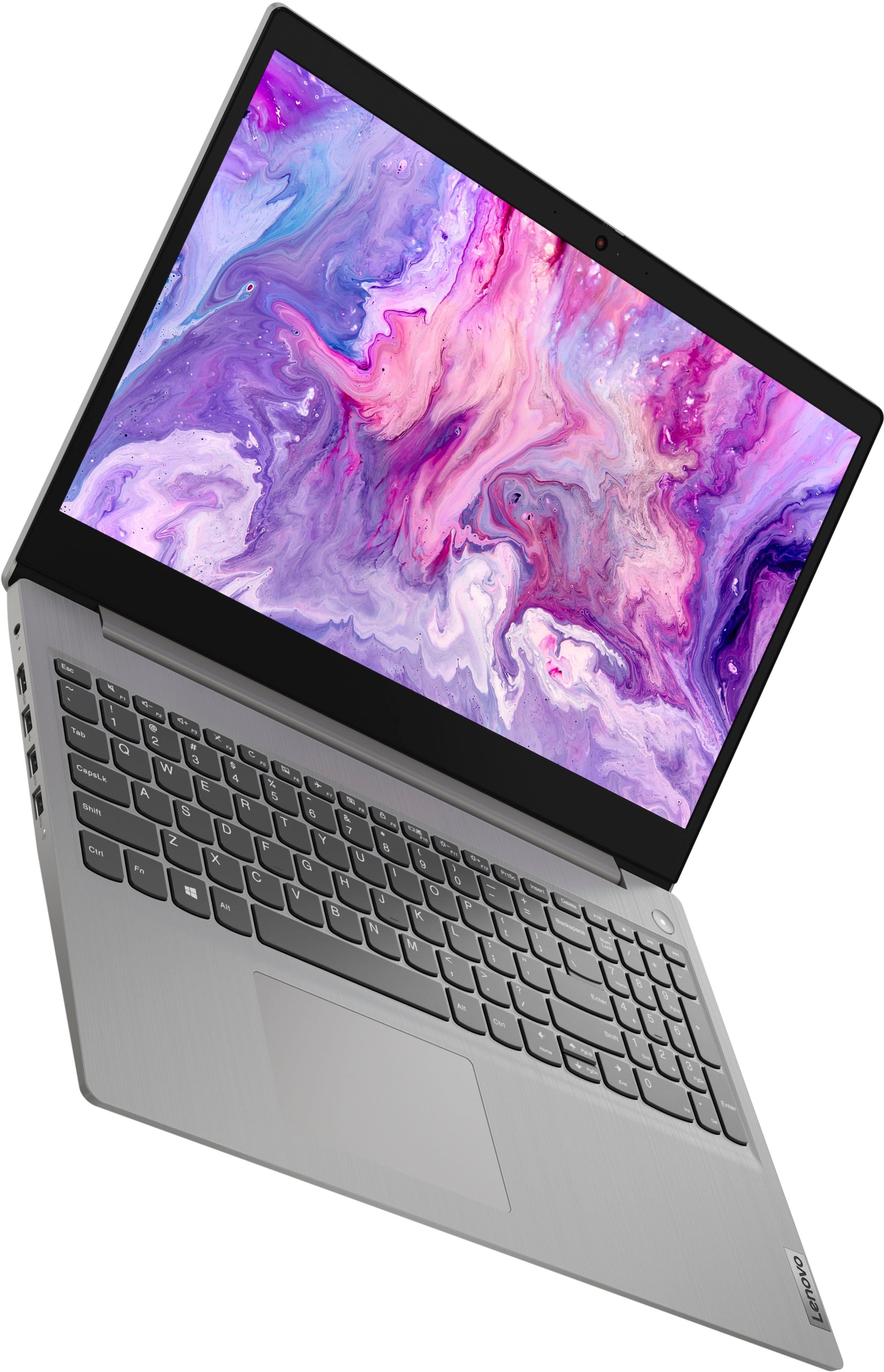
A:AnswerThis Lenovo IdeaPad 3i 15 Laptop, model number 81X800MCUS, ships with a 15.6 inch (screen size measured diagonally) TN - HD (1366x768) 10-point Multi-touch screen, with a brightness level of 220 nits, and has an Anti-glare Coating. This screen provides 67 Percent of the sRGB (45 Percent NTSC) color gamut.
A:AnswerShort answer is yes/maybe. I'm unfamiliar with Vagaro software. But pretty sure you will need to remove S mode from Windows 11 to install it. Removing S mode allows one to install outside software, such as Vagaro, Google Chrome browser, Brave browser, etc.
A:AnswerThat will depend on the requirements and compatibility of the specific APP you want to download. This lenovo IdeaPad 3i 15 Laptop, model number 81X800MCUS, ships with Windows 11 S-Mode, 64-bit Operating System installed. Windows 11 S-Mode provides added security by only allowing APPs available ( and therefore certified by Microsoft) at the Microsoft Store. If you don't need the added security or you need to install APPs not available at the Microsoft Store, you can switch to standard Windows 11 Home 64-bit Operating System, at no additional cost. We recommend you check with the specific APPs software publisher's web site for their compatibility with Windows 11 S-Mode 64-bit operating system and the minimum/recommended hardware requirements (Is a Graphics card required, the processor speed and the minimum required system RAM and the minimum available hard drive space) to run their program, then compare those requirements to this system's configuration. If you choose to switch out of S-Mode for Windows 11 Home: Here is a link to instructions for switching from Windows 11 S-Mode to Windows 11 Home: https://support.microsoft.com/en-us/windows/switching-out-of-s-mode-in-windows-4f56d9be-99ec-6983-119f-031bfb28a307#WindowsVersion=Windows_11
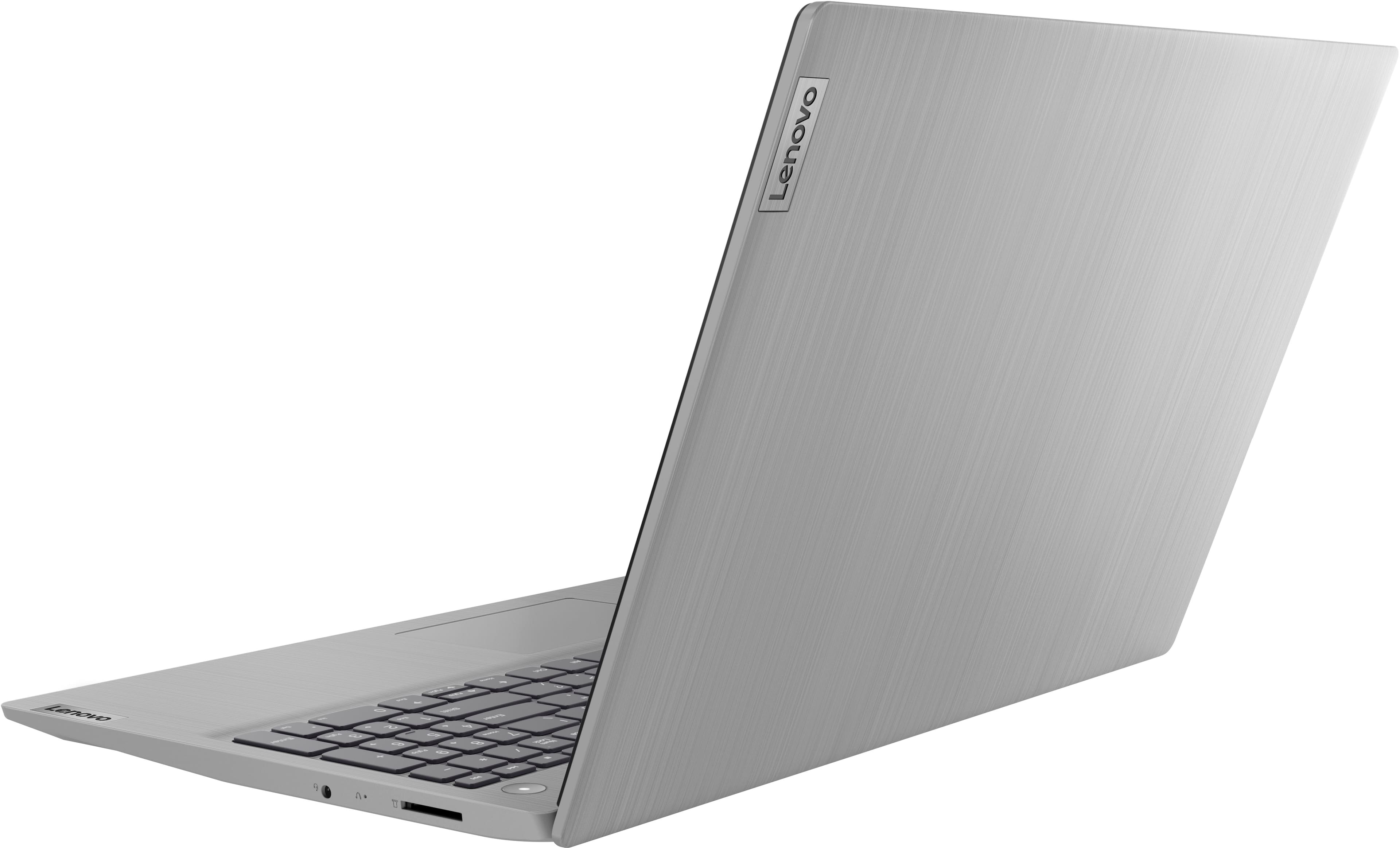
A:AnswerYes. This Lenovo IdeaPad 3i 15 Laptop, model number 81X800MCUS, ships with WiFi-6, 2x2 802.11ax frequency WiFi built in, which is also backward compatible to older, a/b/g/n/ac frequency WiFi.
A:AnswerWindows 11 in S mode blocks installation of outside apps including Google Chrome. If you remove S mode, you can install outside apps. You can remove S mode via the Microsoft Store. You can search 'how to remove S mode' online and find instructions on how to do so. Windows 11 allows installing Google Chrome, once S mode is disabled/removed.
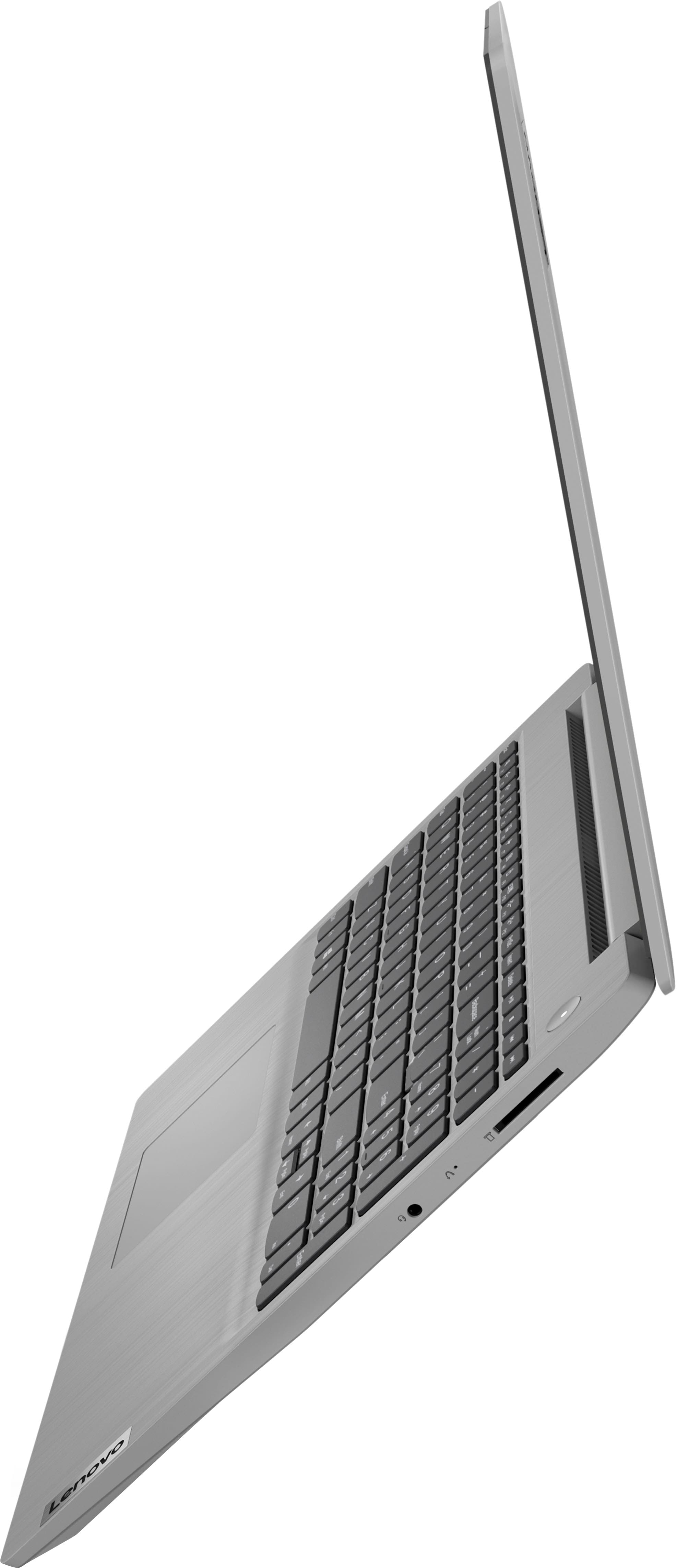
A:AnswerThis Lenovo IdeaPad 3i 15 Laptop, model number 81X800MCUS, ships with 8GB DDR4-2666MHz RAM installed (4GB Soldered DDR4-2666 + 4GB SO-DIMM DDR4-2666MHz RAM). One memory soldered to systemboard, one DDR4 SO-DIMM slot, dual-channel capable. The maximum RAM that this model configuration can support is: Up to 12GB (4GB soldered + 8GB SO-DIMM) DDR4-2666MHz RAM. There is also a 256GB M.2 2242 PCIe 3.0x4 NVMe solid state hard drive installed. The maximum storage capacity that this model configuration can support is: up to two drives, 1x 2.5 inch HDD + 1x M.2 SSD: 2.5 inch HDD up to 1TB plus M.2 2242 SSD up to 512GB or M.2 2280 SSD up to 1TB. The Storage Slot configuration is: one 2.5 inch drive slot + one M.2 slot: One 2.5 inch SATA HDD slot plus One M.2 2280 PCIe 3.0 x4 slot. We recommend you consult with your certified technician about your upgrade options.
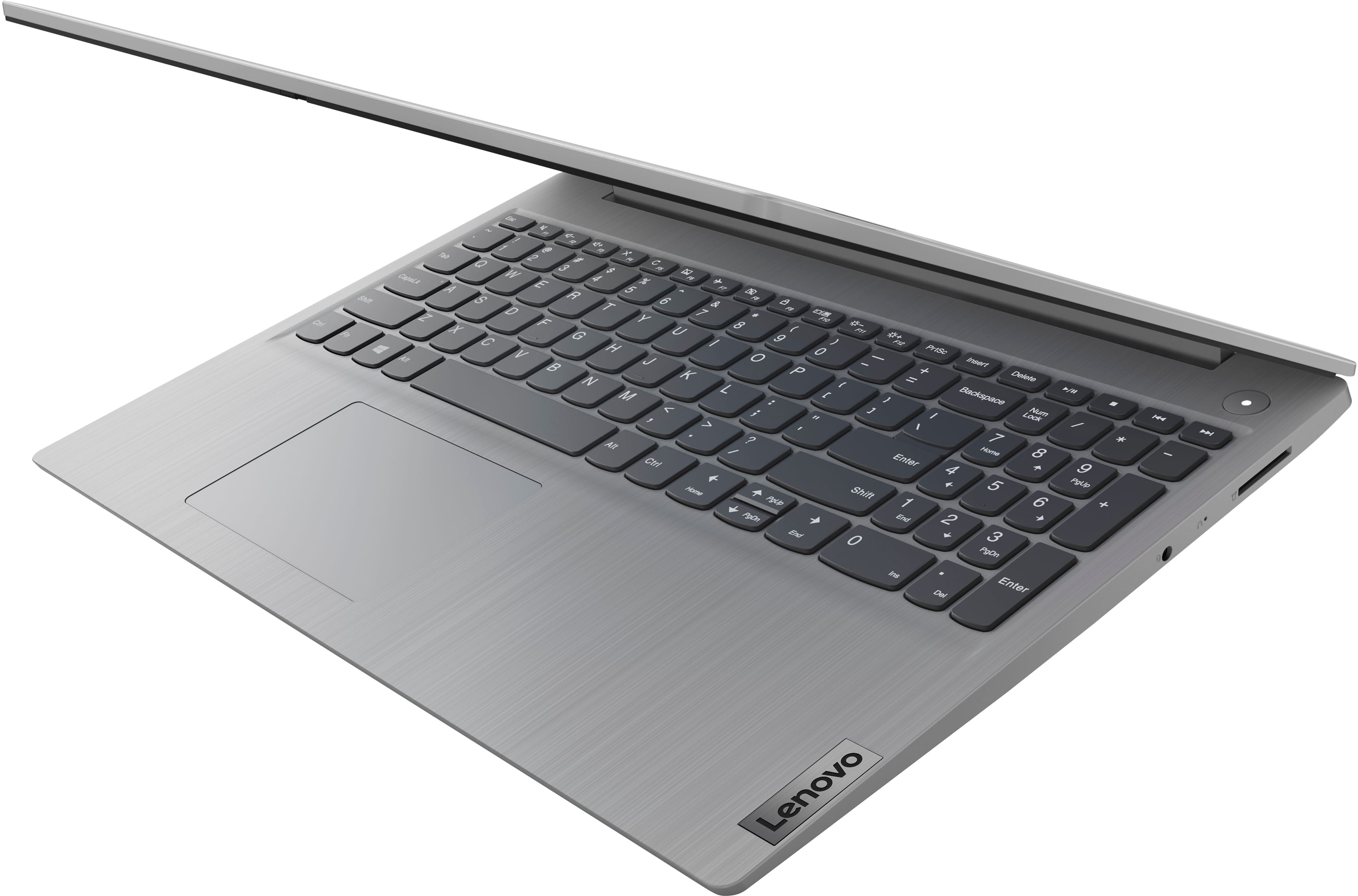
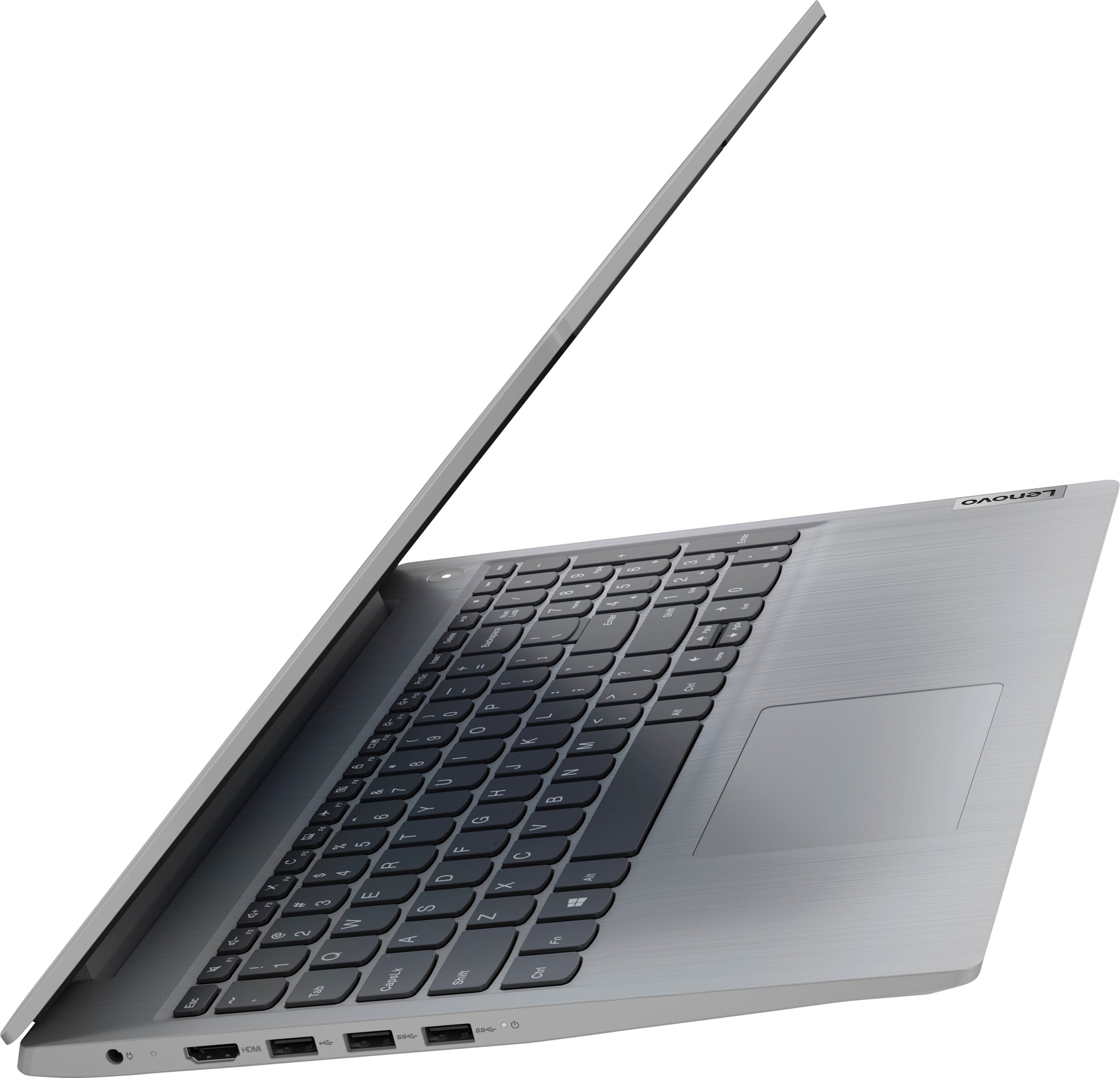
A:AnswerNo. This Lenovo IdeaPad 3i 15 Laptop, model number 81X800MCUS, has no fingerprint reader. It has a Non-backlit, English Version, standard QWERTY keyboard, with 10 Key Numeric Pad included.