A:AnswerThe Quick Start Guide is the only manual currently available for the Duet Chromebook: https://download.lenovo.com/consumer/mobiles_pub/ideaPad-duet-chromebook_swsg_en_v1.0_202004.pdf
A:AnswerThe Lenovo Duet Chromebook ships with the Chrome Operating System and has Bluetooth 4.2 capability built in. Whether the Duet Chromebook is compatible with specific hardware will depend on the requirements and compatibility of the specific hardware. We recommend you check with the hardware manufacturer's web site for their compatibility with the Chrome operating system, Bluetooth 4.2 and the minimum/recommended hardware requirements (Is a Graphics card required, the processor speed and the minimum required system RAM and the minimum available hard drive space) to run their program, then compare those requirements to this system's configuration.
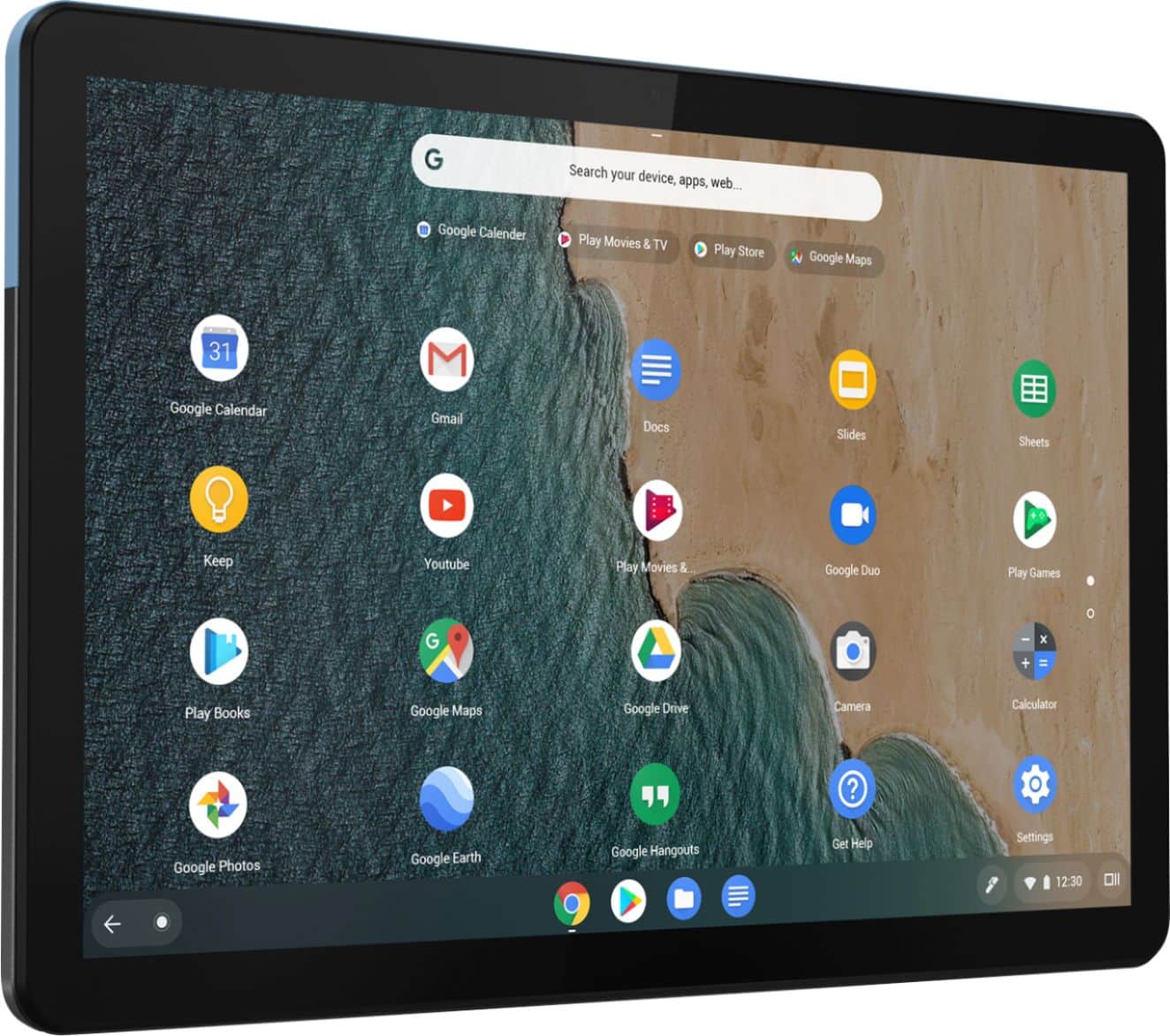
A:AnswerYou can run multiple Google APPs at the same time with the Lenovo Duet Chromebook and have multiple internet tabs open at the same time, as well.
A:AnswerThat will depend on the compatibility of the adapter itself. If it is strictly built for iOS, it will not be compatible with Chrome Operating System devices like the Lenovo Duet Chromebook.
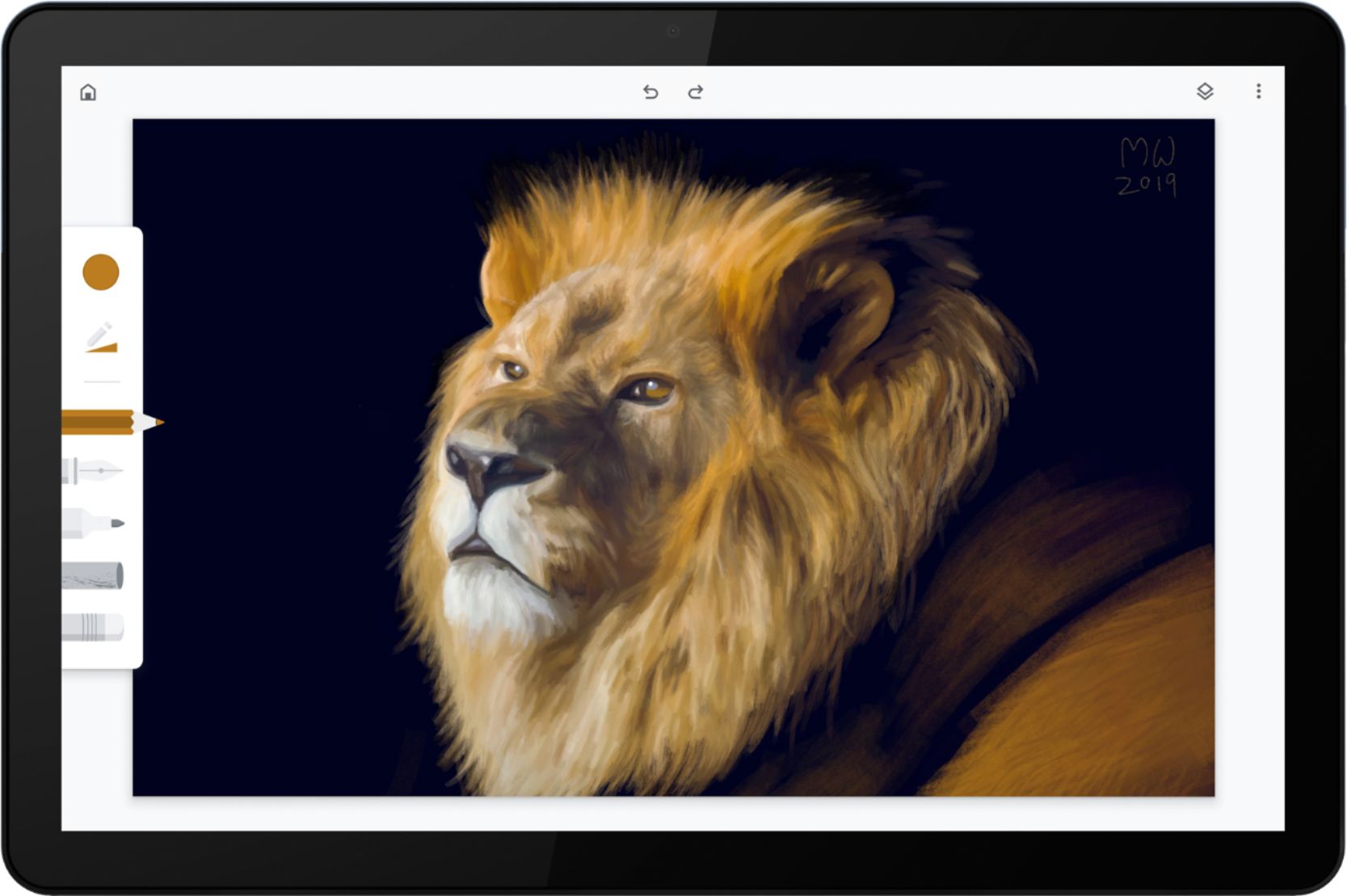
A:AnswerThis supports USI, or Universal Stylus Initiative, digital pens from any manufacturer. Lenovo is expected to offer one but you can use any USI pen.
Kevin C. Tofel
www.aboutchromebooks.com
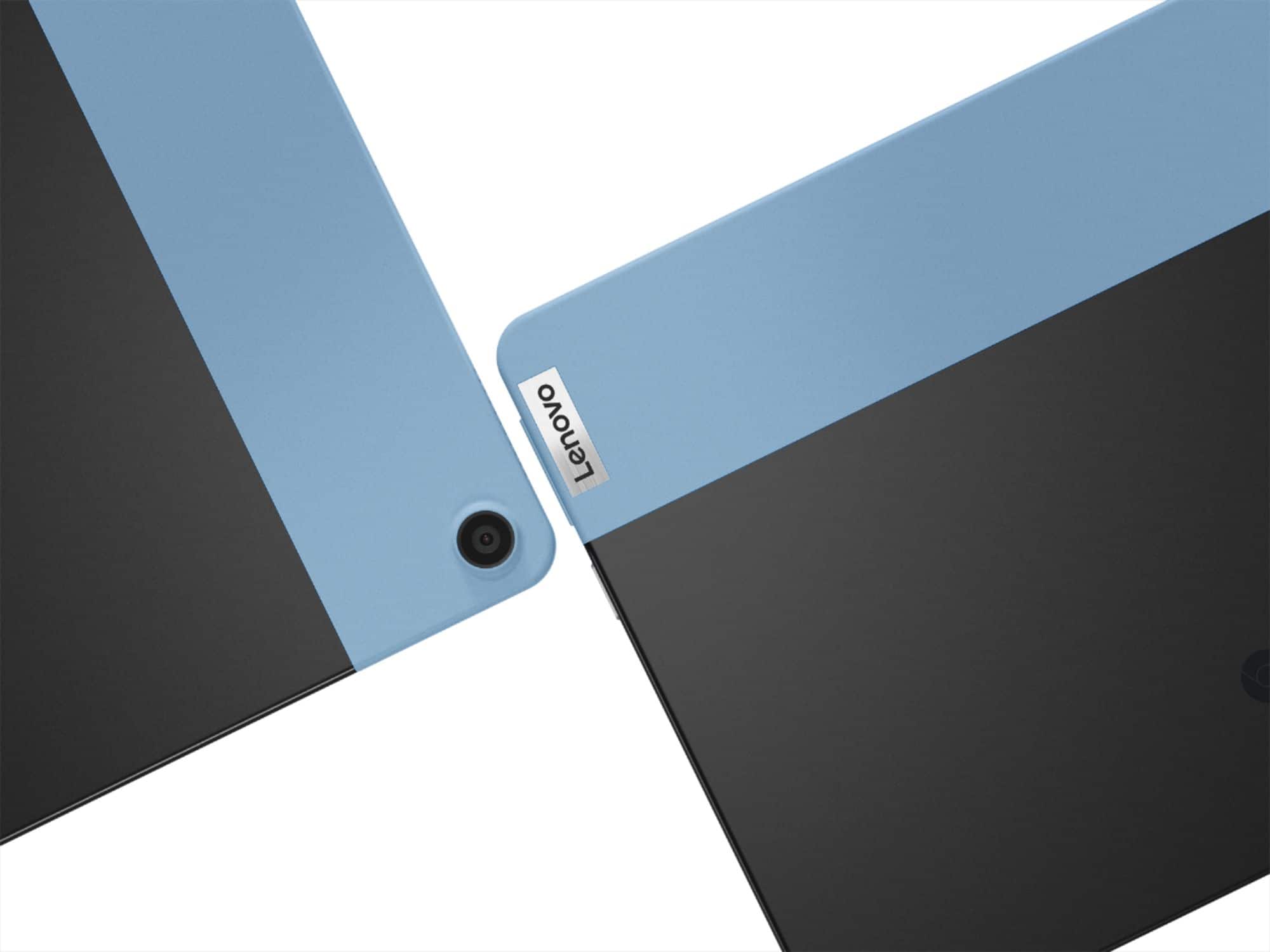
A:AnswerThat will depend on the requirements and compatibility of the specific APP you want to use. The Lenovo Chromebook Duet ships with two cameras: Rear 8 MP Auto-Focus and a Front 2 MP Fixed-Focus with LED Indicator. The Chromebook Duet also ships with the Chrome Operating System and is compatible with Google Play Store APPs. We recommend you check with the specific APP software publisher's web site of the APP you want to use, for their compatibility with the Chrome Operating System operating system and the minimum/recommended hardware requirements (Is a Graphics card required, the processor speed and the minimum required system RAM and the minimum available hard drive space) to run their program, then compare those requirements to this system's configuration.
A:AnswerThe Lenovo Duet Chromebook is compatible with a USI protocol active pen, certified by Google. Any USI active pen, certified by Google will work with this Chromebook.
A:AnswerThat will depend on the requirements and compatibility of the specific games. The Lenovo Duet Chromebook ships with the Chrome Operating System and is compatible with Google Play Store APPs. We recommend you check with the specific game's software publisher's web sites for their compatibility with the Chrome operating system and the minimum/recommended hardware requirements (Is a Graphics card required, the processor speed and the minimum required system RAM and the minimum available hard drive space) to run their program, then compare those requirements to this system's configuration.
A:AnswerLenovo specs say 1080p @30hz. So I just picked one up and found my monitor does not support 1080p 30hz. So, you need to bump it down to 720p @60hz. It seems many monitors will be the same and you will be mostly in 720p because Lenovo picked a really weird refresh rate for 1080p. It is a nice device anyway and performs well. I just can't figure out why they did not just go with the standard 60hz.
A:AnswerHere is a link to information about using Tabs within the Chrome Operating System: https://support.google.com/chrome/answer/2391819?co=GENIE.Platform%3DDesktop&hl=en
A:AnswerBe sure the APP you are trying to install is compatible with the Chrome Operating System installed on this Lenovo Duet Chromebook. The Duet Chromebook is compatible with Google Play Store APPs. We recommend you check with the specific APPs software publisher's web site for their compatibility with the Chrome operating system and the minimum/recommended hardware requirements (Is a Graphics card required, the processor speed and the minimum required system RAM and the minimum available hard drive space) to run their program, then compare those requirements to this system's configuration.
A:AnswerThat will depend on the requirements and compatibility of the specific APP. The Lenovo Duet is a Chromebook and ships with the Chrome Operating System and is compatible with Google Play Store APPs. We recommend you check with the specific software publisher's web site for their compatibility with the Chrome operating system and the minimum/recommended hardware requirements (Is a Graphics card required, the processor speed and the minimum required system RAM and the minimum available hard drive space) to run their program, then compare those requirements to this system's configuration.
A:AnswerThat will depend on the requirements and compatibility of the specific APP. The Lenovo Duet Chromebook ships with the Chrome Operating System and is compatible with Google Play Store APPs. We recommend you check with the specific APPs software publisher's web site for their compatibility with the Chrome operating system and the minimum/recommended hardware requirements (Is a Graphics card required, the processor speed and the minimum required system RAM and the minimum available hard drive space) to run their program, then compare those requirements to this system's configuration.

![esc ! 1 @ 2 # 3 $ 4 % 5 ^ 6 & 7 * 8 ( 9 ) 0 Ce - + = q W e r t y u i o p { [ } ] | / a S d f g h j k I : : " Z x V b n m < I > . ? / ctrl alt alt ctrl < Lenovo](https://pisces.bbystatic.com/image2/BestBuy_US/images/products/6401/6401727cv16d.jpg)
![n j k m < , alt ctrl > O I ; ? / ) 0 - - p { : [ } " ] , + = I I ; L Lenovo](https://pisces.bbystatic.com/image2/BestBuy_US/images/products/6401/6401727cv18d.jpg)