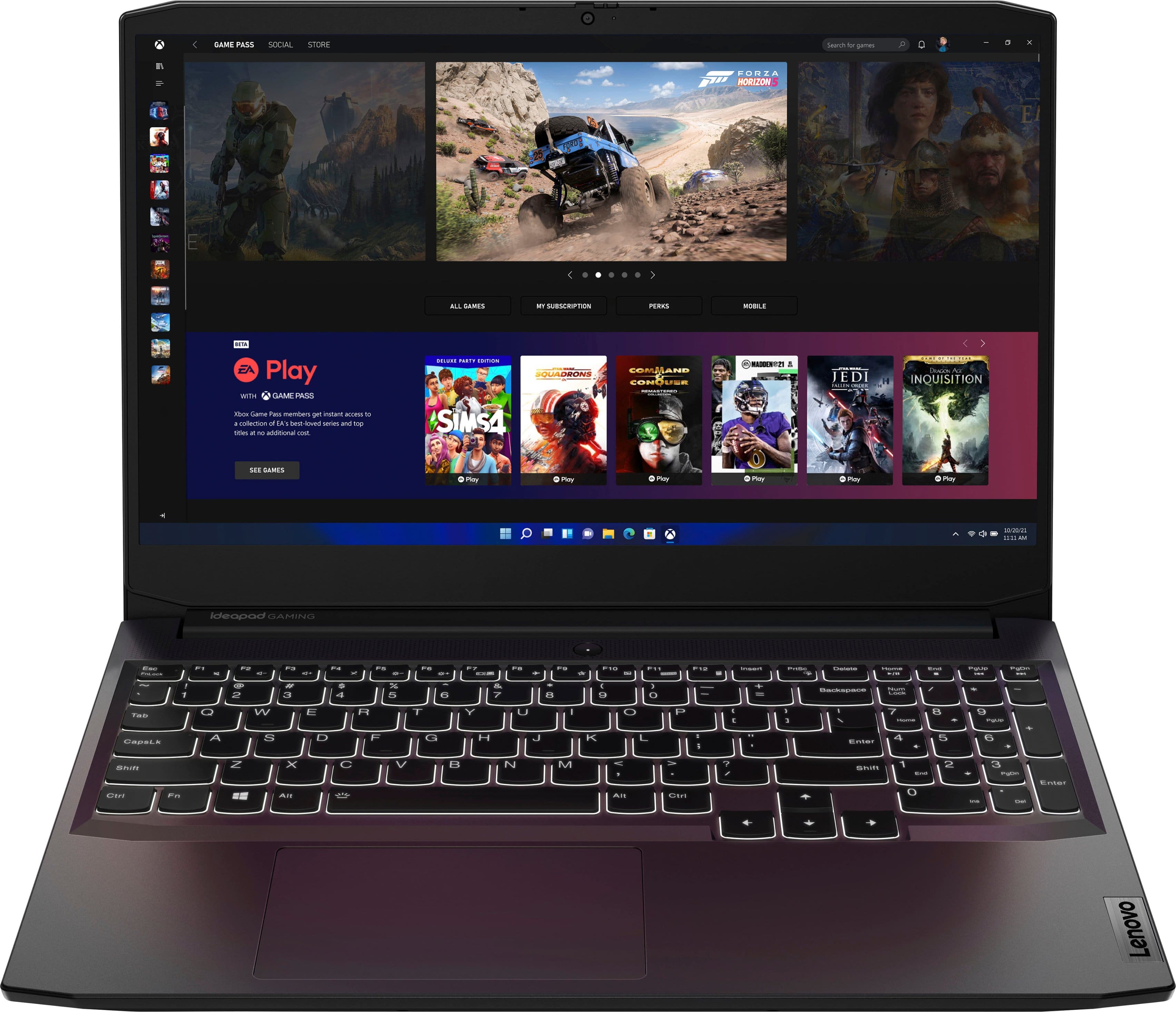
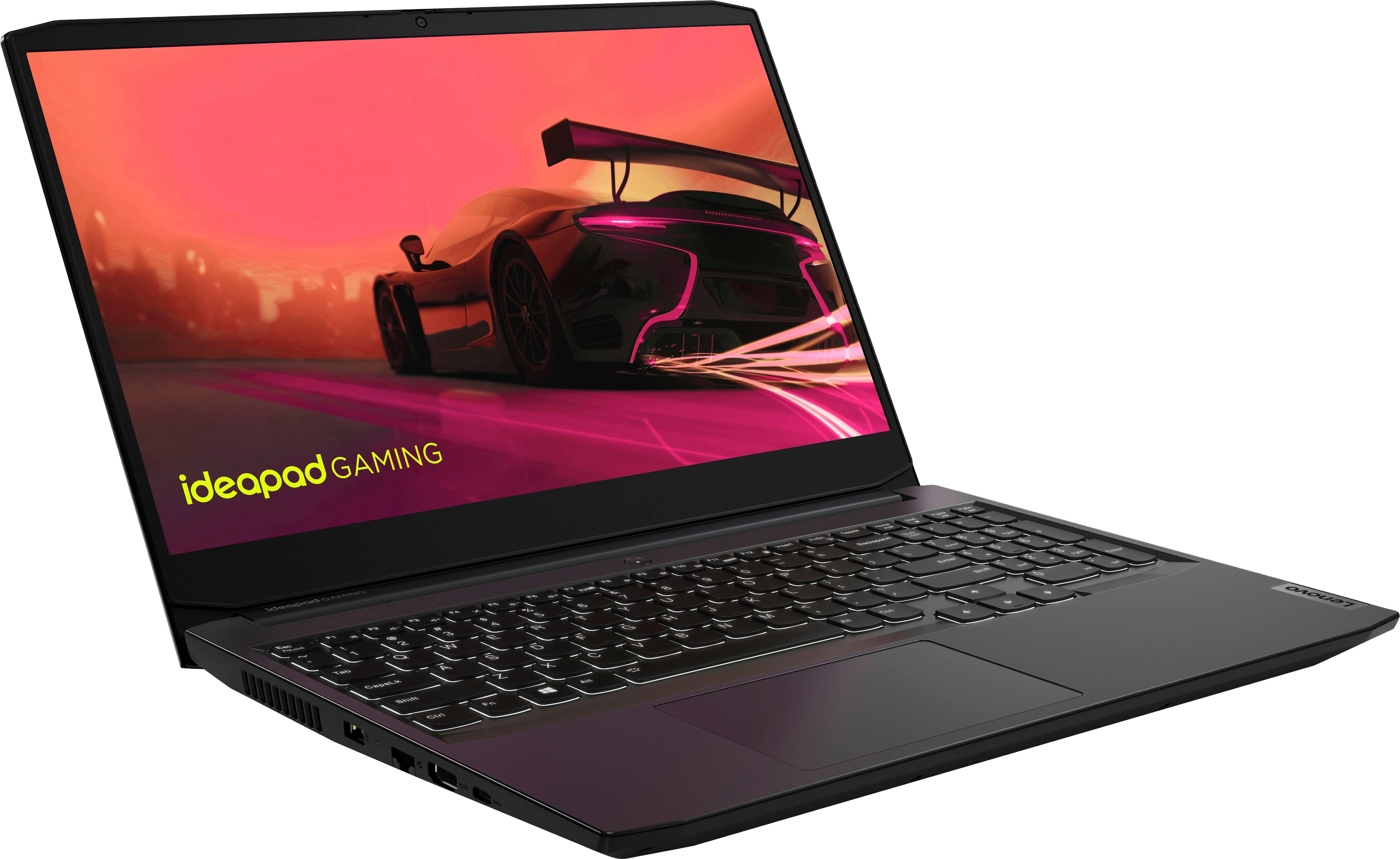
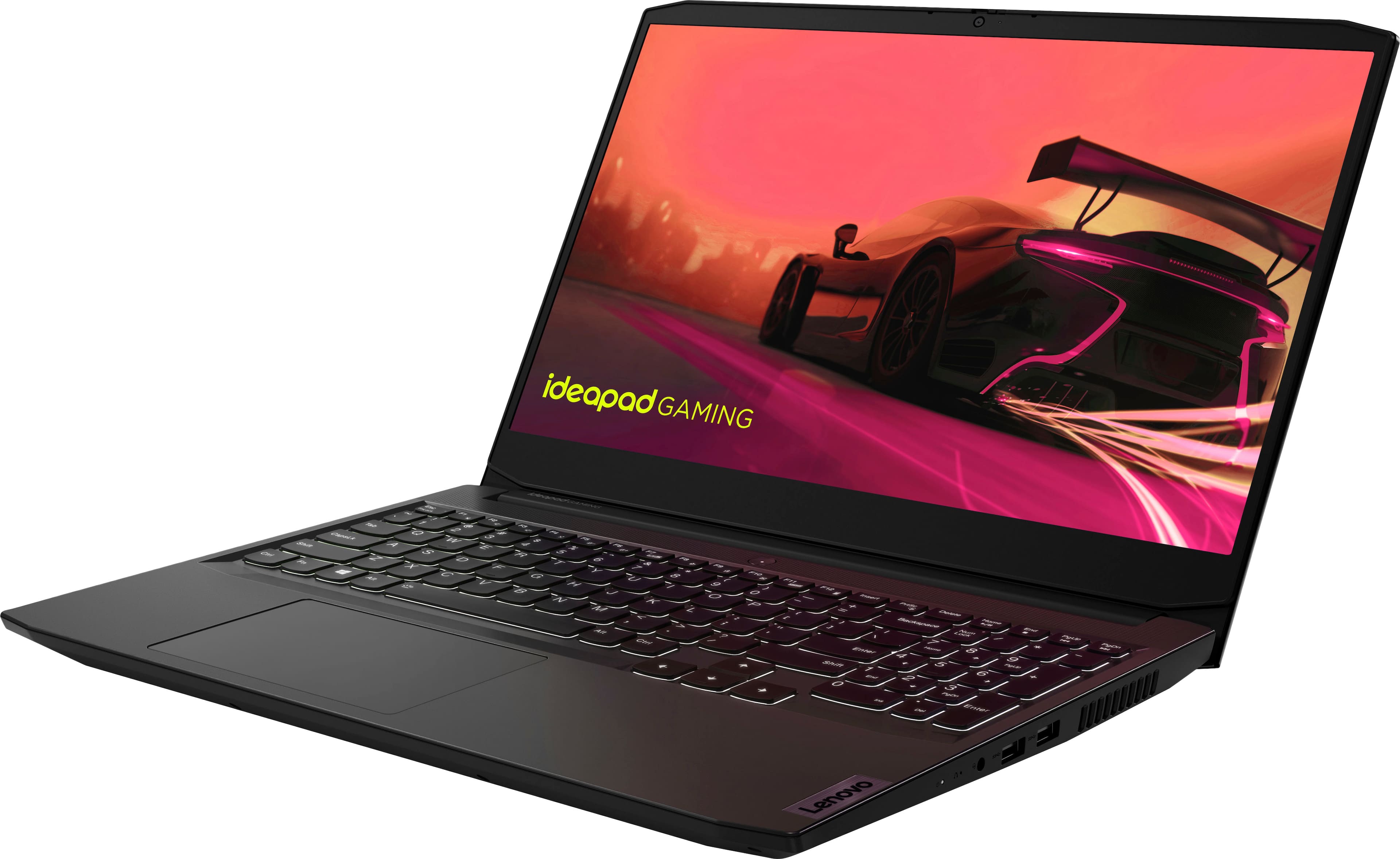
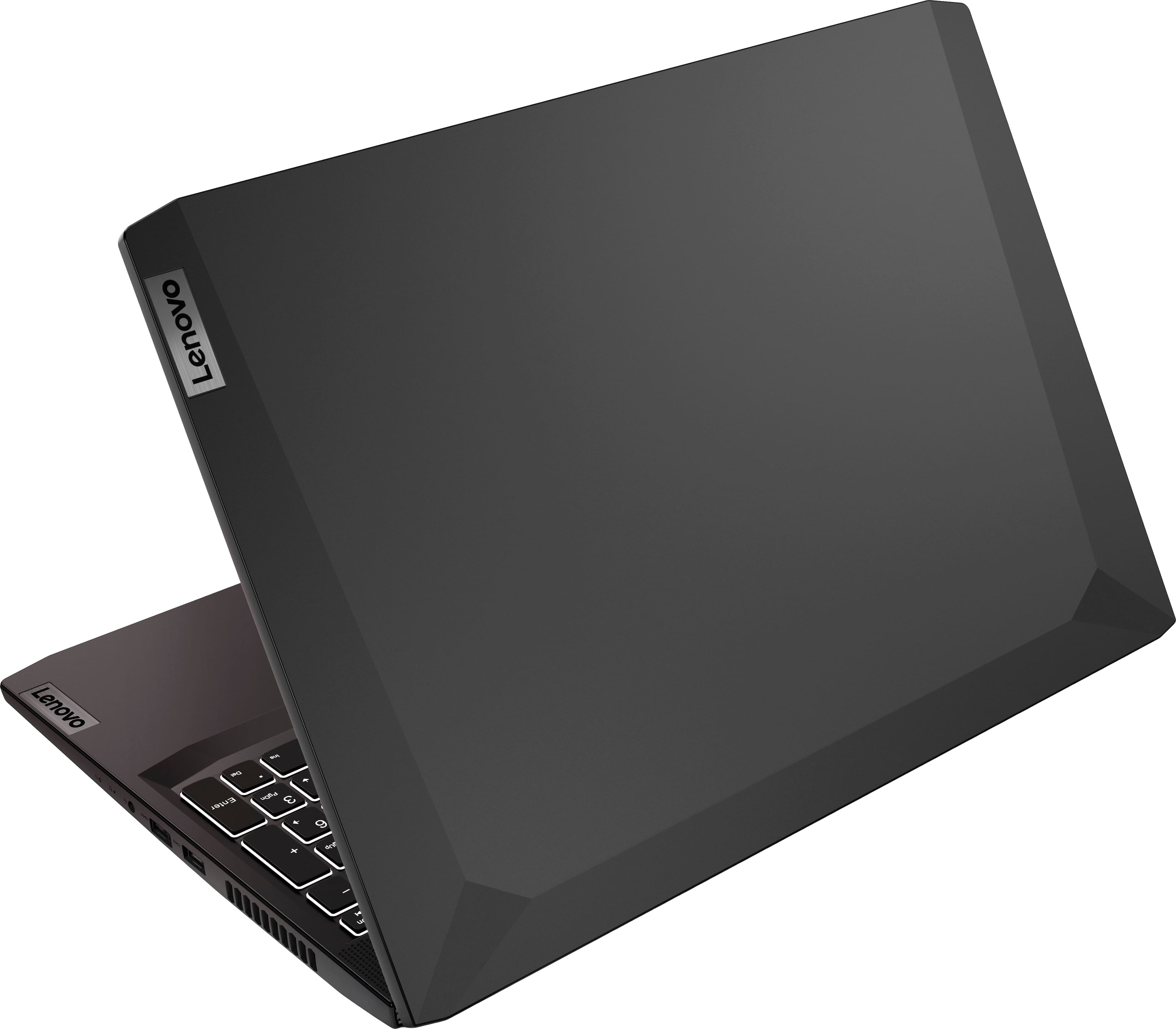
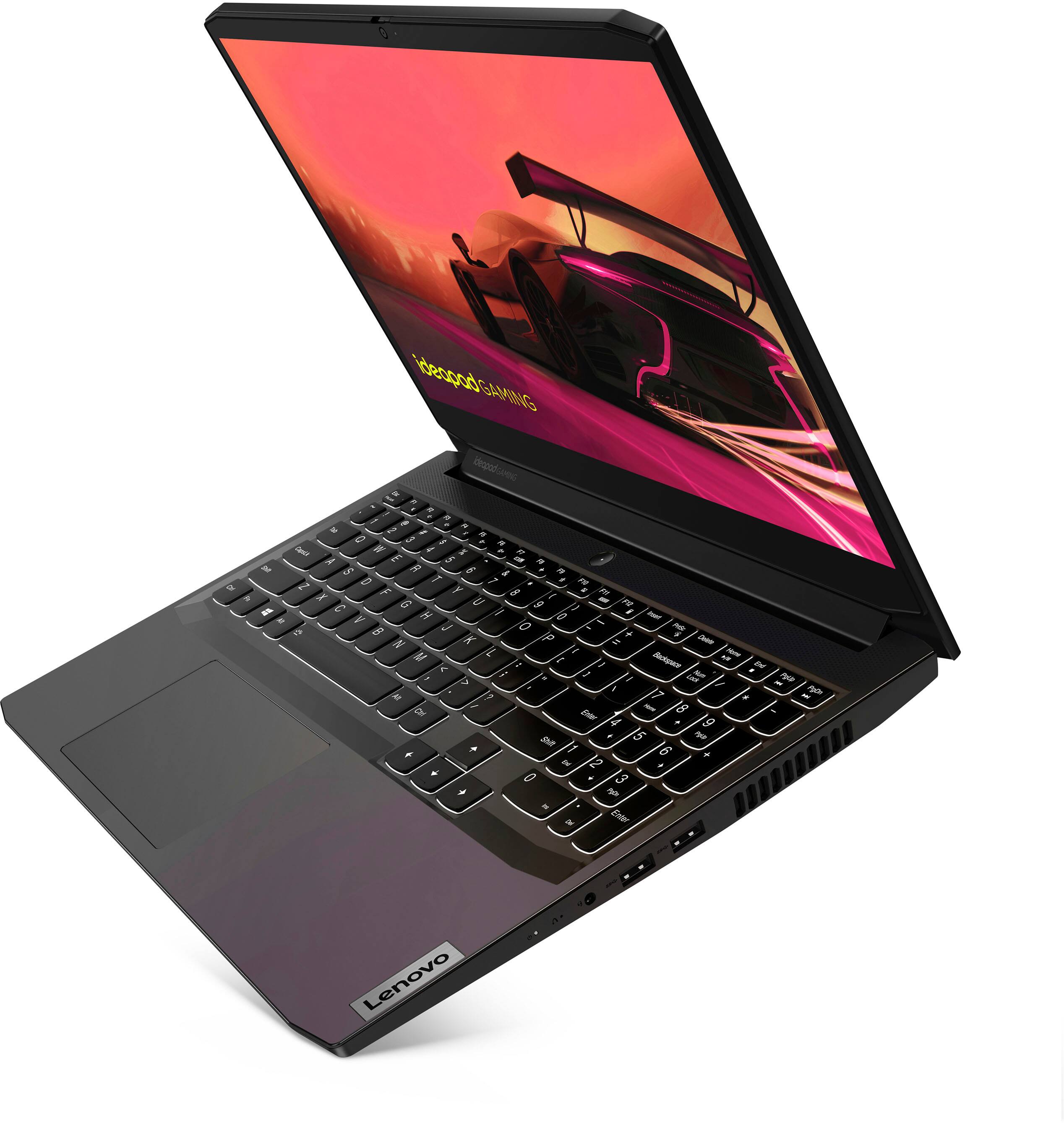
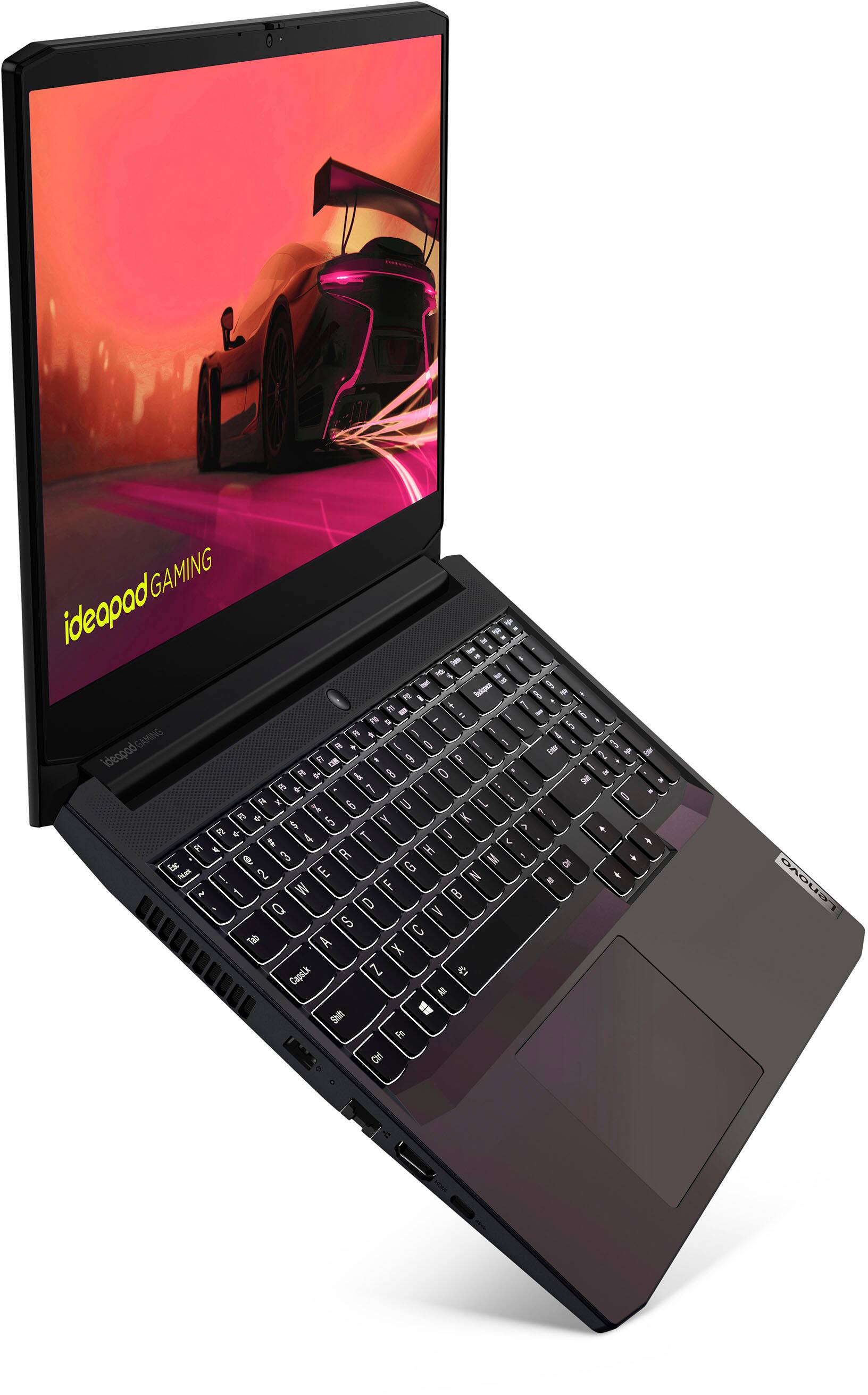
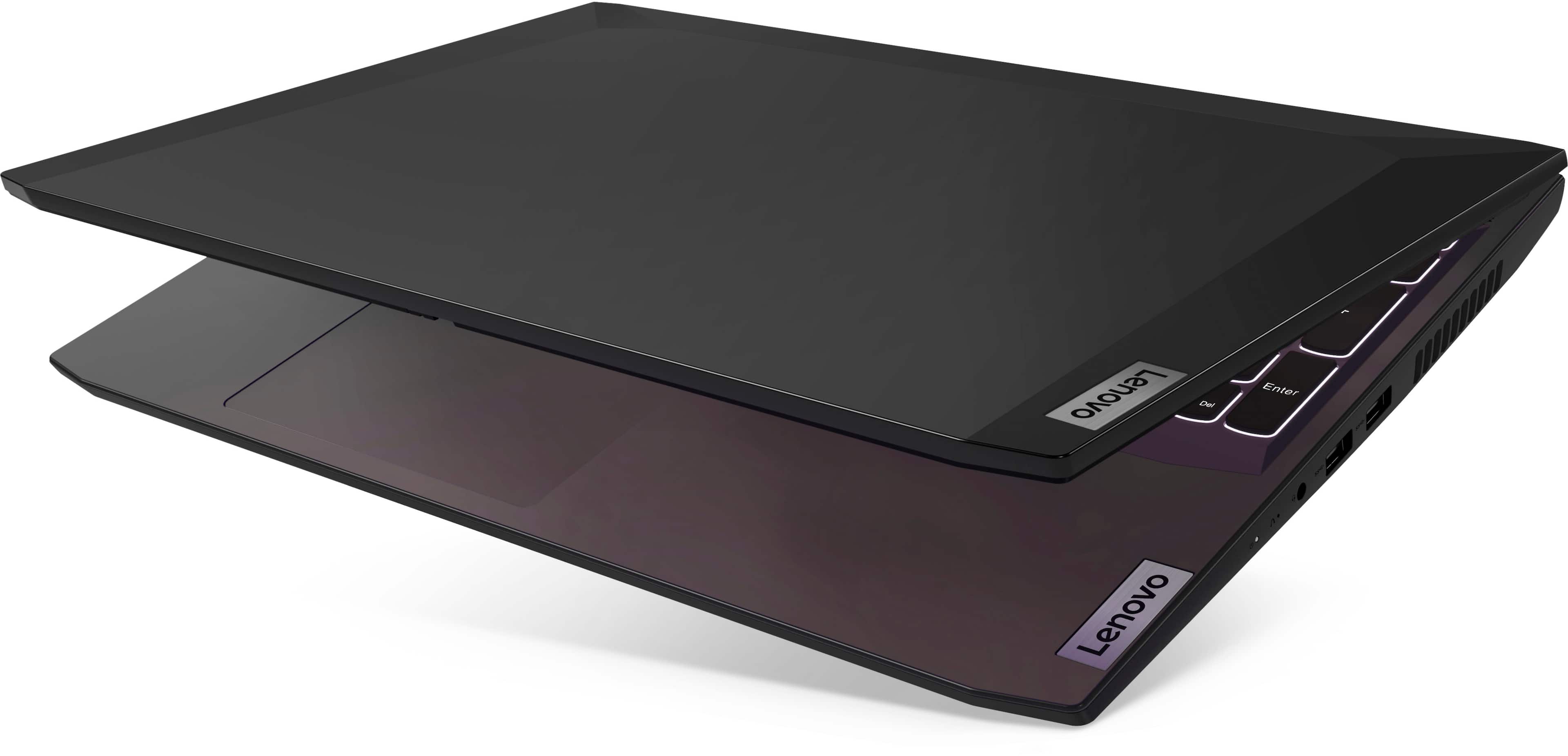
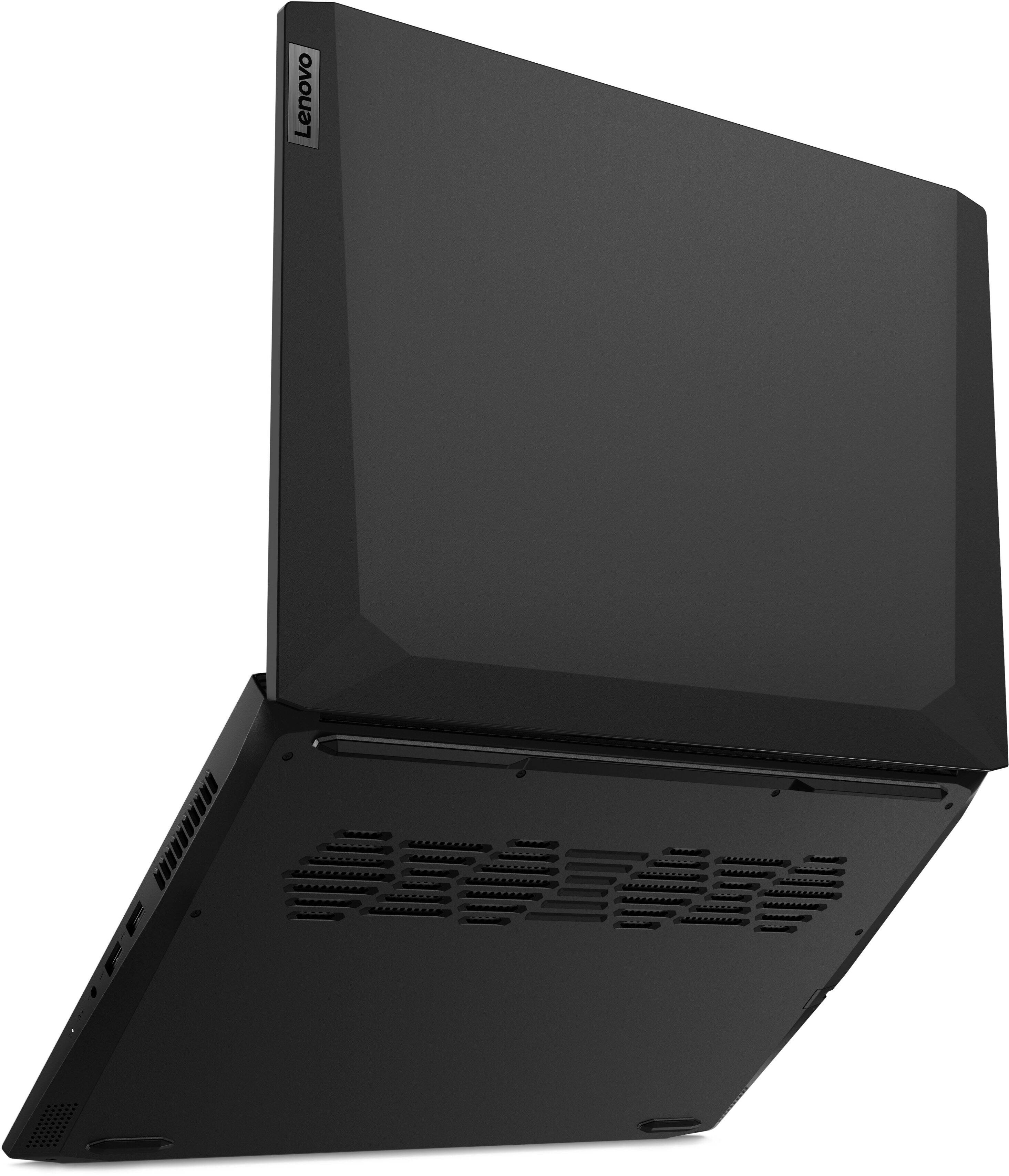
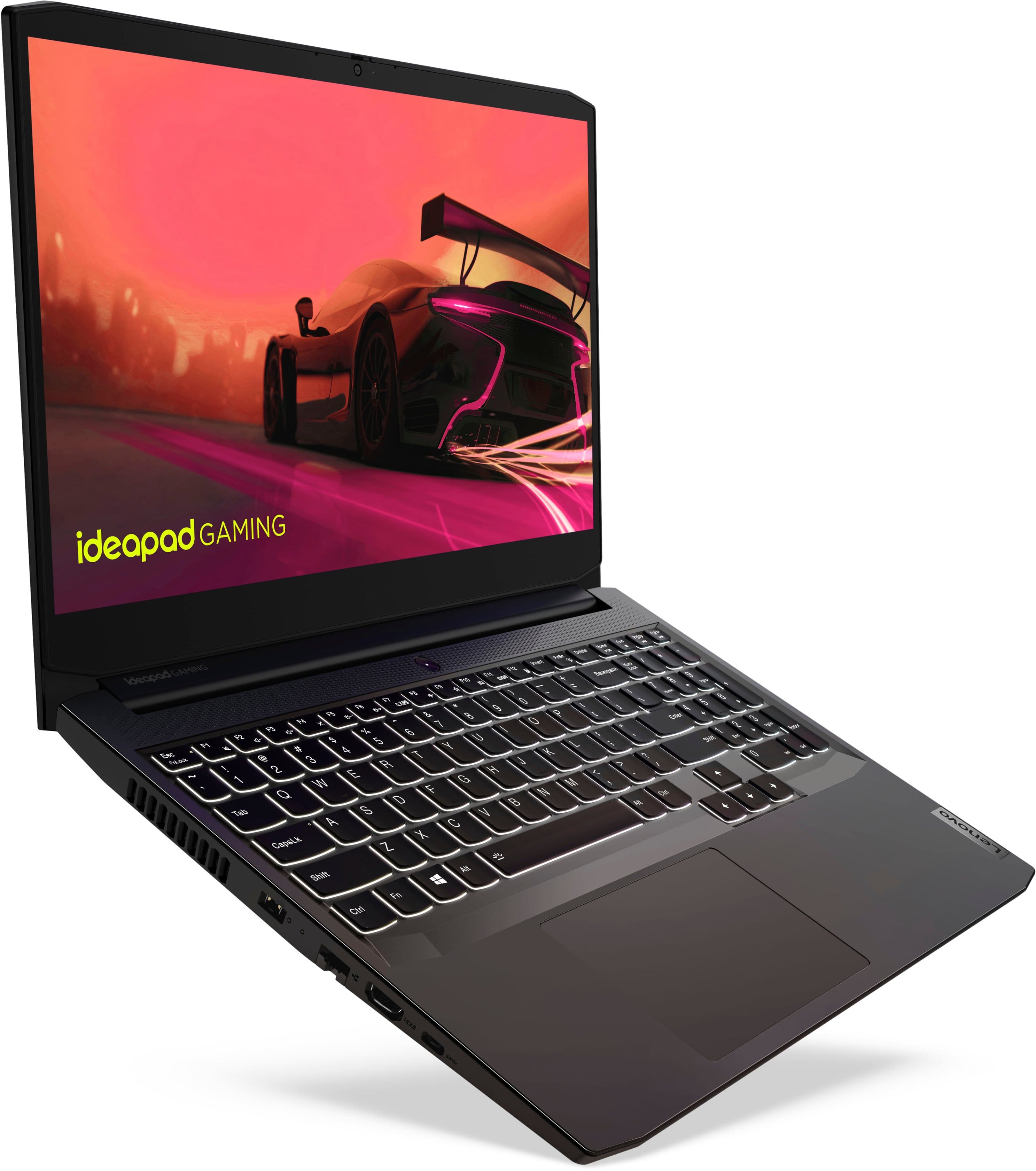
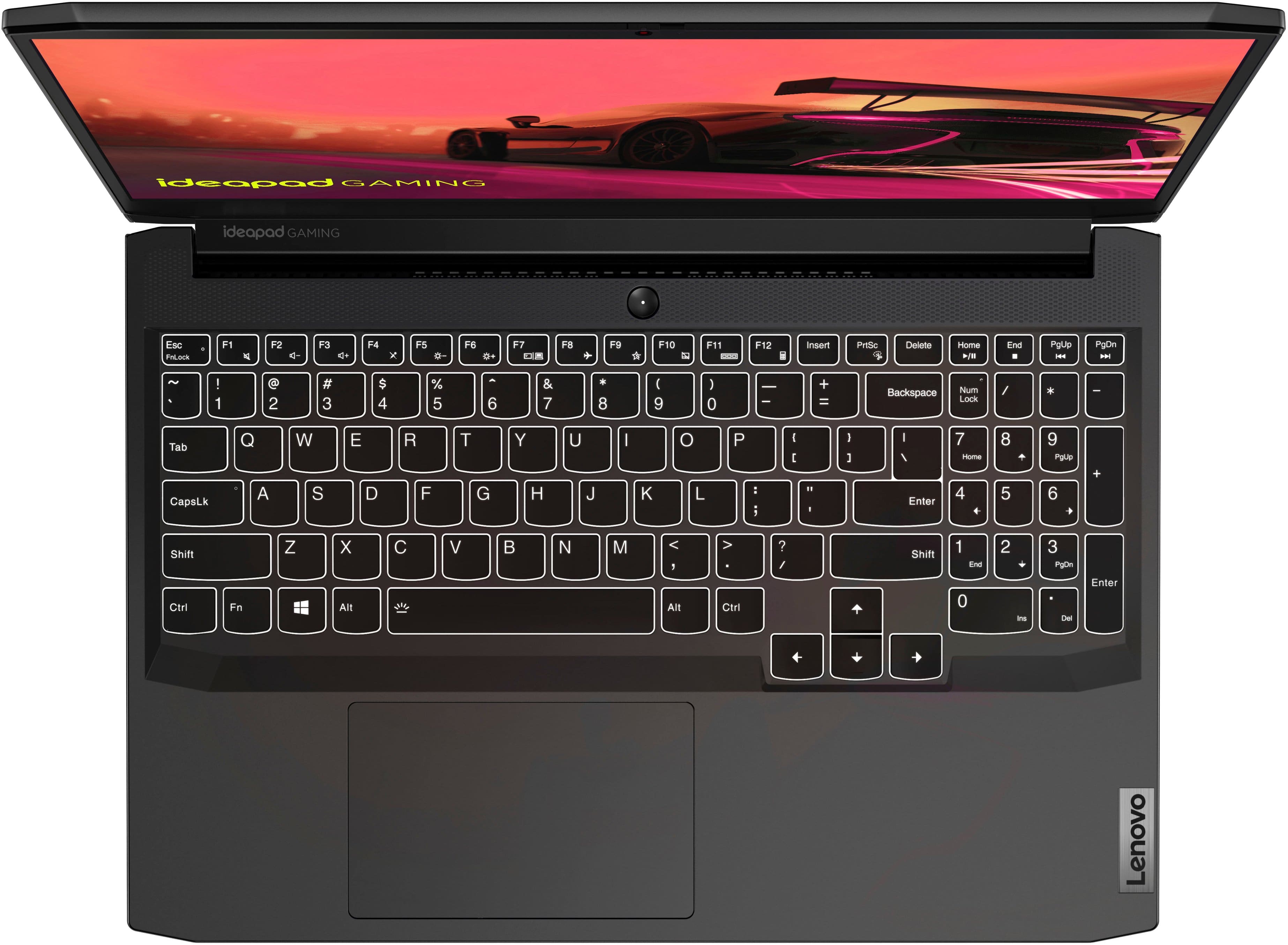
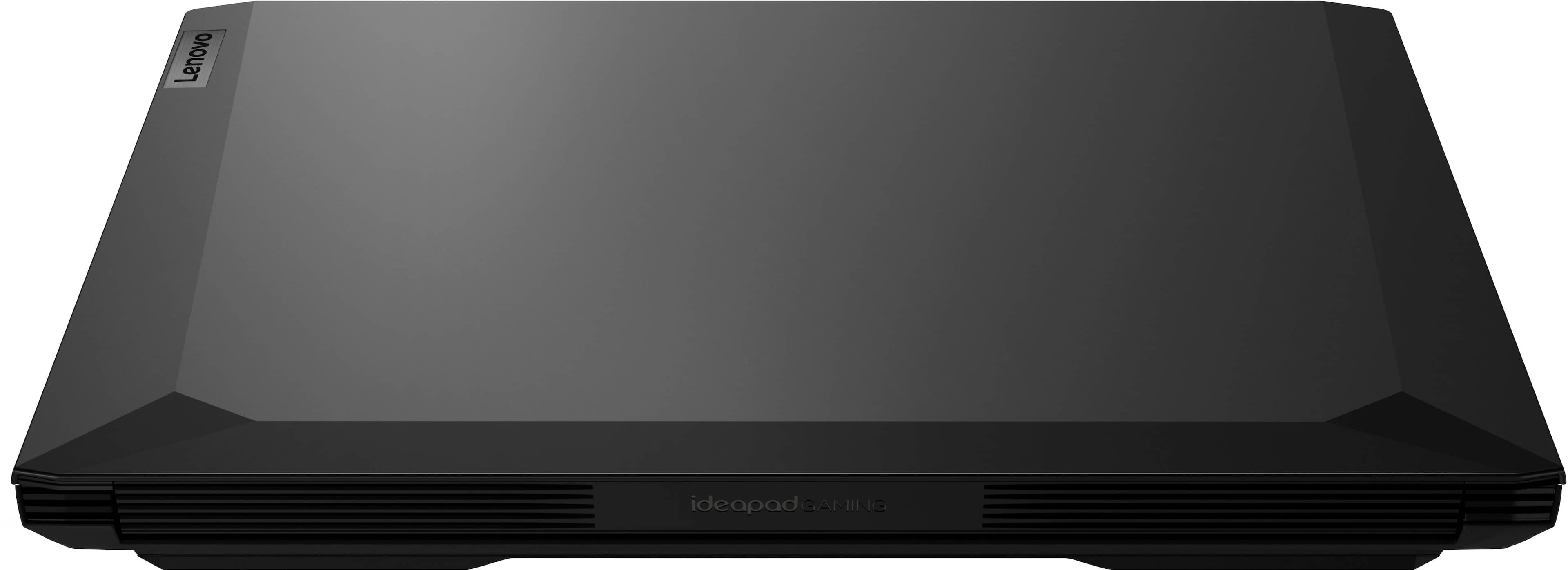
A:AnswerYour system automatically uses a small bit of any amount of ram you put in it. My fix was to get another 8 GB ram stick and put it along side the included 8 GB. It's actually really easy to do on this computer just make sure you get a m.2 ddr4 3200 stick and google the install steps. After that you will have no problem whatsoever running anything you want to play. Enjoy I have!
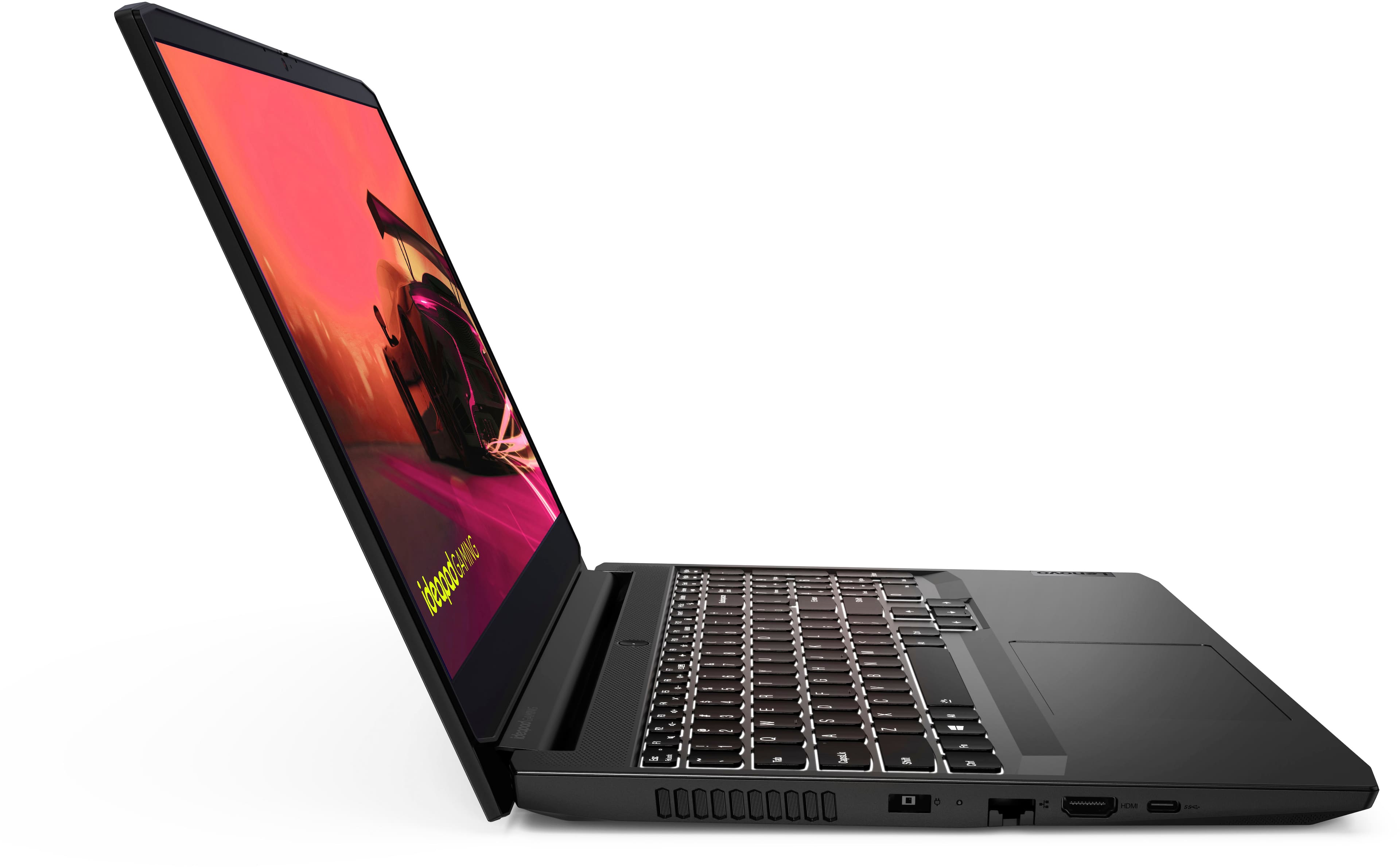
A:AnswerOne USB-C, and one HDMI. You can connect 2 external monitors.
The question you should be asking is if the HDMI connects directly to GPU, bypassing Optimus. That answer is no, and is a huge issue if you are trying to max your FPS. You have no MUX switch, and cannot hotwire to the 3050ti via HDMI. All video will pass through the IGP. :(
That said, if you dont know what I'm talking about, don't worry, since this machine does very well as is.
A:AnswerThis Lenovo IdeaPad 3 15 Gaming Laptop, model number 82K201XCUS, ships with 8GB DDR4-3200MHz RAM installed (1x 8GB SO-DIMM DDR4-3200MHz RAM). There are two DDR4 SO-DIMM slots, dual-channel capable. The maximum supported RAM that this model configuration can support is: Up to 16GB DDR4-3200MHz RAM. We recommend you consult with your certified technician about your RAM upgrade options.
A:AnswerI've answered this in detail in another RAM post.
Short version, most people have no clue and just parrot what others say. Even Lenovo will only state what the spec sheet superficially says, without reading or understanding their own maintenance document.
The limit is 64GB, in 2x32GB DDR4 3200 22-22-22-54 JEDEC #12/13, in dual channel.
Its near pointless to do 64GB in this machine, as its not a Legion internally, and you give up some performance. But if you are doing video editing, computations fluid dynamics, etc. on a budget then maybe.
You can use 32GB stick(s). If you use a 8+32, you get 16GB dual channel, and 24GB single channel, for 40GB. This is how I do Legion 16's (which have 8GB soldered on mobo).
This cheaper IP3 has 2 RAM slots because of its much lower cooling requirement, compared to the Legion Slim 7, for example. So that is a benefit of this cheaper machine over the much more expensive Legions.
A:AnswerI connected my laptop just got it. The max for games like spider man and cyber punk. Is 1980p-1080p. I checked the navidia panel, it shows a diagram that illustrates that the HDMI isn’t able to connect directly to the 3050ti.
A:AnswerYes. Use the Lenovo Vantage Dashboard Software installed on this Lenovo IdeaPad 3 15 Gaming Laptop, model number 82K201XCUS, to switch Power Management Settings from Hybrid to Power/Performance Modes.
A:AnswerThat will depend on the requirements and compatibility of the specific games you want to play. This Lenovo IdeaPad 3 15 Gaming Laptop ships with Windows 11 Home, 64-bit Operating System installed. We recommend you check with the specific game's software publisher's web sites, of the specific versions of the games you want to play, for their compatibility with Windows 11 Home 64-bit operating system and the minimum/recommended hardware requirements (Is a Graphics card required, the processor speed and the minimum required system RAM and the minimum available hard drive space) to run their program, then compare those requirements to this system's configuration.
A:AnswerThat will depend on the requirements and compatibility of the specific games you plan to use. This Lenovo IdeaPad Gaming 3 15 Laptop, model number 82K201XCUS, ships with Windows 11 Home 64-bit Operating System installed. We recommend you check the game publisher’s websites for their compatibility with the minimum/recommended hardware requirements to run their program, then compare those requirements to this system's configuration.
A:AnswerThis Lenovo IdeaPad 3 15 Gaming Laptop, model number 82K201XCUS, ships with a 15.6 inch (screen size measured diagonally) IPS - FHD (1920x1080) screen, with a brightness level of 250 nits, has an Anti-glare Coating, a refresh rate of 120Hz. This scree provides 67 Percent of the sRGB (45 Percent NTSC) color gamut. This screen is AMD FreeSync Certified. This screen uses DC dimmer for added eye care.
A:AnswerYes the HDMI out can be used with the 3050ti. You must make sure you have the 3050ti selected as the video option for the app you are using (you can set this in the nvdia control panel ) . Other wise something's could default to the on board CPU graphics .