A:AnswerHey ConsciousDesigns3,
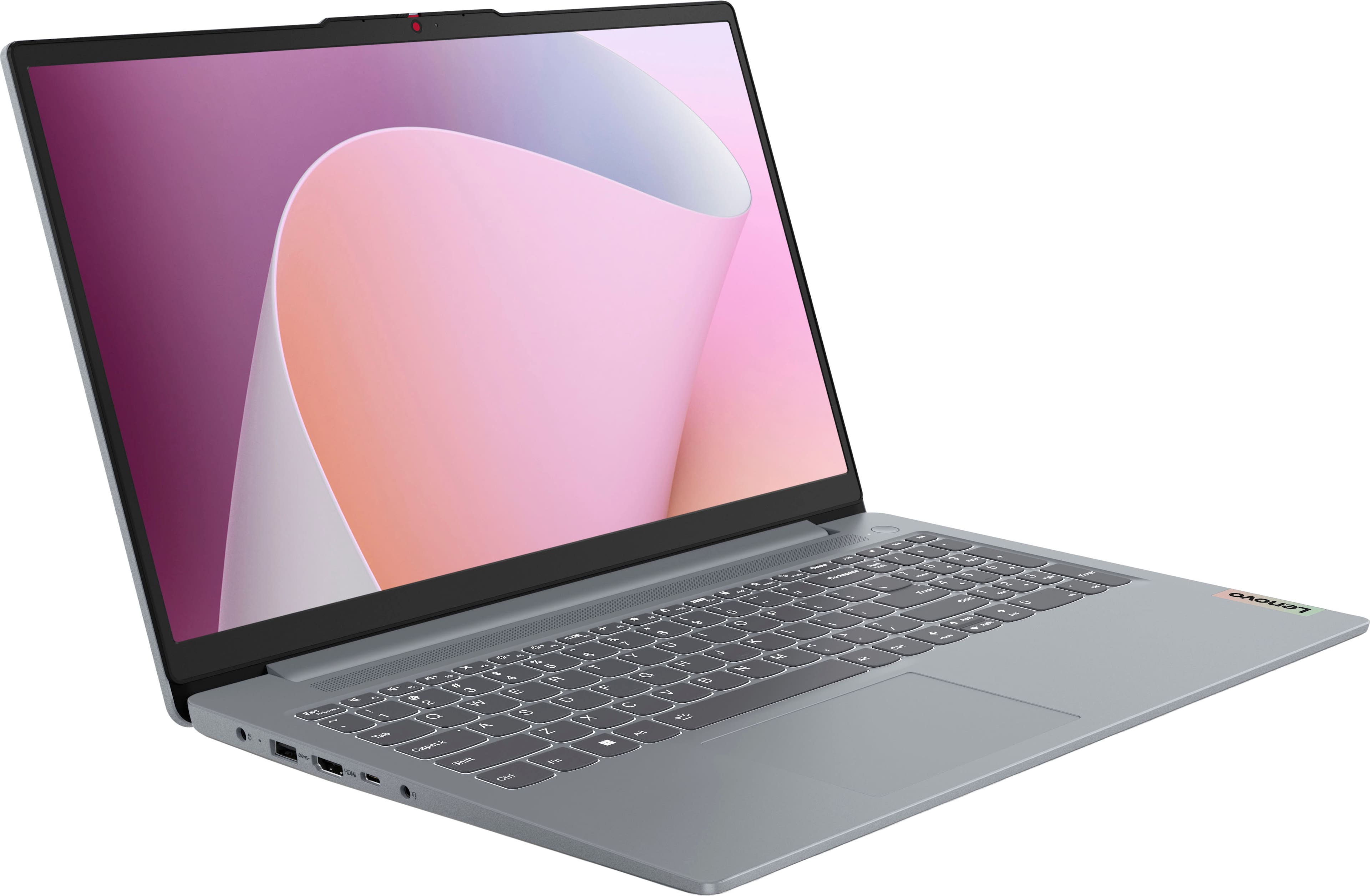
Memory cannot be upgraded with this IdeaPad Slim 3, as it is soldered to the systemboard.
Please feel free to reach out to us with any other questions!
A:AnswerYes actually, i've tried games like fortnite, rocket league, and even forza horizon 4 and they all run pretty well
Fortnite runs best on performance mode [which isn't as bad as it sounds]
FH4 runs best with medium or high settings
Rocket League runs best even with maximum settings
Hope this helps :)
A:AnswerHey Jc,
You can do this with the IdeaPad Slim 3 by opening search and selecting the microphone for input to put into the search box. Also, you can use your voice when talking to Microsoft Copilot on the computer for searches or inquiries.
Please feel free to reach out to us with any other questions!
A:AnswerHey hope,
Based on the system requirements for Flashforge, this IdeaPad Slim 3 should run the software.
Please feel free to reach out to us with any other questions!
A:AnswerNo, it comes without S mode.
Even if it did come with it, you can easily switch out of it from the microsoft store [below is a picture from a tutorial]
A:AnswerHey Dave,
The most common Office apps like Word and Excel are preinstalled; however, without purchasing a long-term Office solution, such as Microsoft 365, only a 30-day trial can be activated out of the box.
Here is a link to the Microsoft Office landing page on bestbuy.com to learn more about your Office options: https://www.bestbuy.com/site/microsoft/microsoft-office/pcmcat748300511466.c?id=pcmcat748300511466
Please feel free to reach out to us with any other questions!
A:AnswerYes. Your Lenovo IdeaPad Slim 3 has a powerful AMD Ryzen 7 processor and 16GB of RAM, which is more than enough to run the SuperPlay software and stream high-definition security footage without any lag.
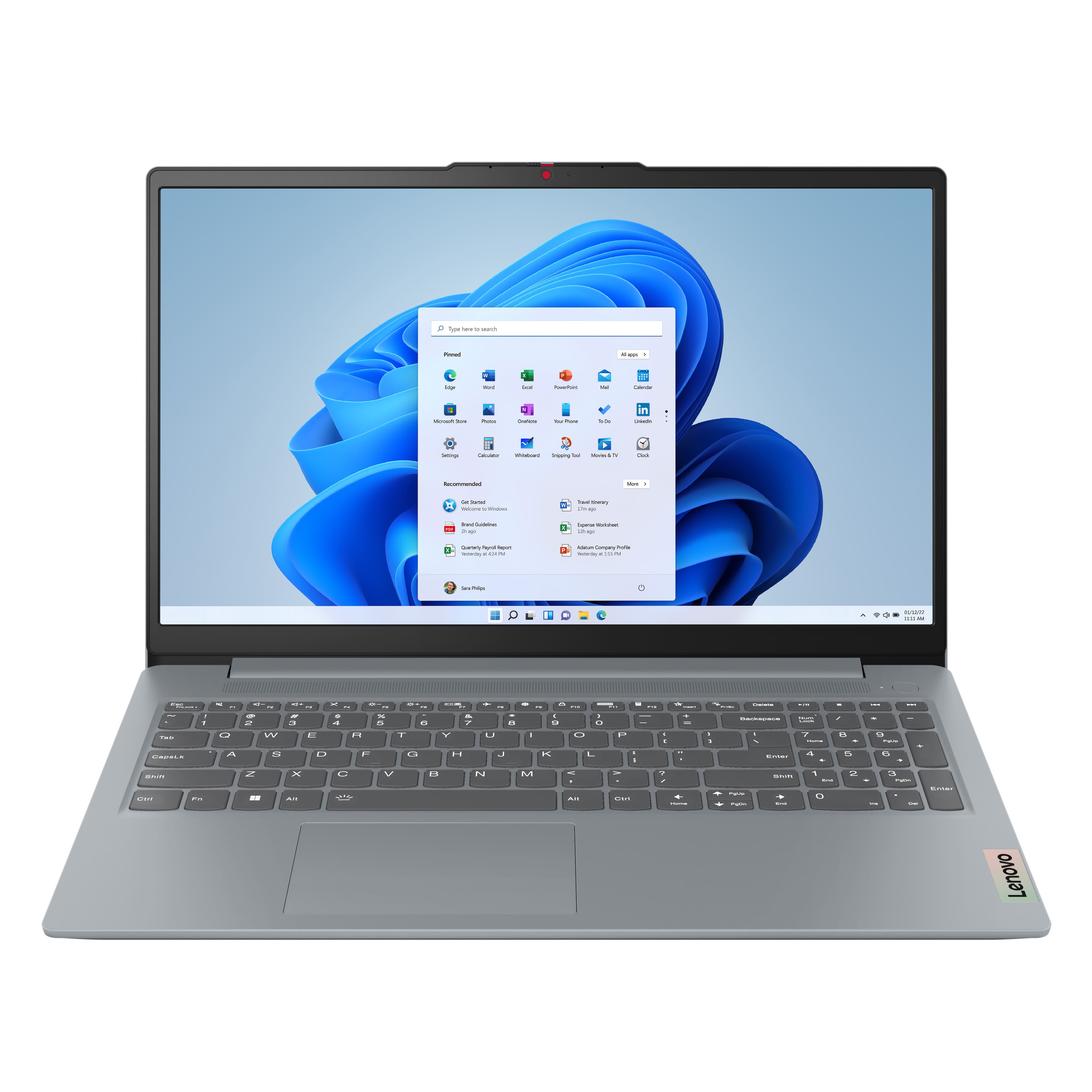
![Sure, here is the corrected and grouped text from the image:
---
**Top Row:**
- Esc
- Fn
- F1
- F2
- F3
- F4
- F5
- F6
- F7
- F8
- F9
- F10
- F11
- F12
**Number Row:**
- 1
- 2
- 3
- 4
- 5
- 6
- 7
- 8
- 9
- 0
- -
- =
- Backspace
**Letter Row:**
- Tab
- Q
- W
- E
- R
- T
- Y
- U
- I
- O
- P
- [
- ]
- \
- Delete
**Letter Row:**
- Caps Lock
- A
- S
- D
- F
- G
- H
- J
- K
- L
- ;
- '
- Enter
**Letter Row:**
- Shift
- Z
- X
- C
- V
- B
- N
- M
- ,
- .
- /
- Shift](https://pisces.bbystatic.com/image2/BestBuy_US/images/products/f79b3ed3-e46f-4e66-923f-76d4538361a2.jpg)