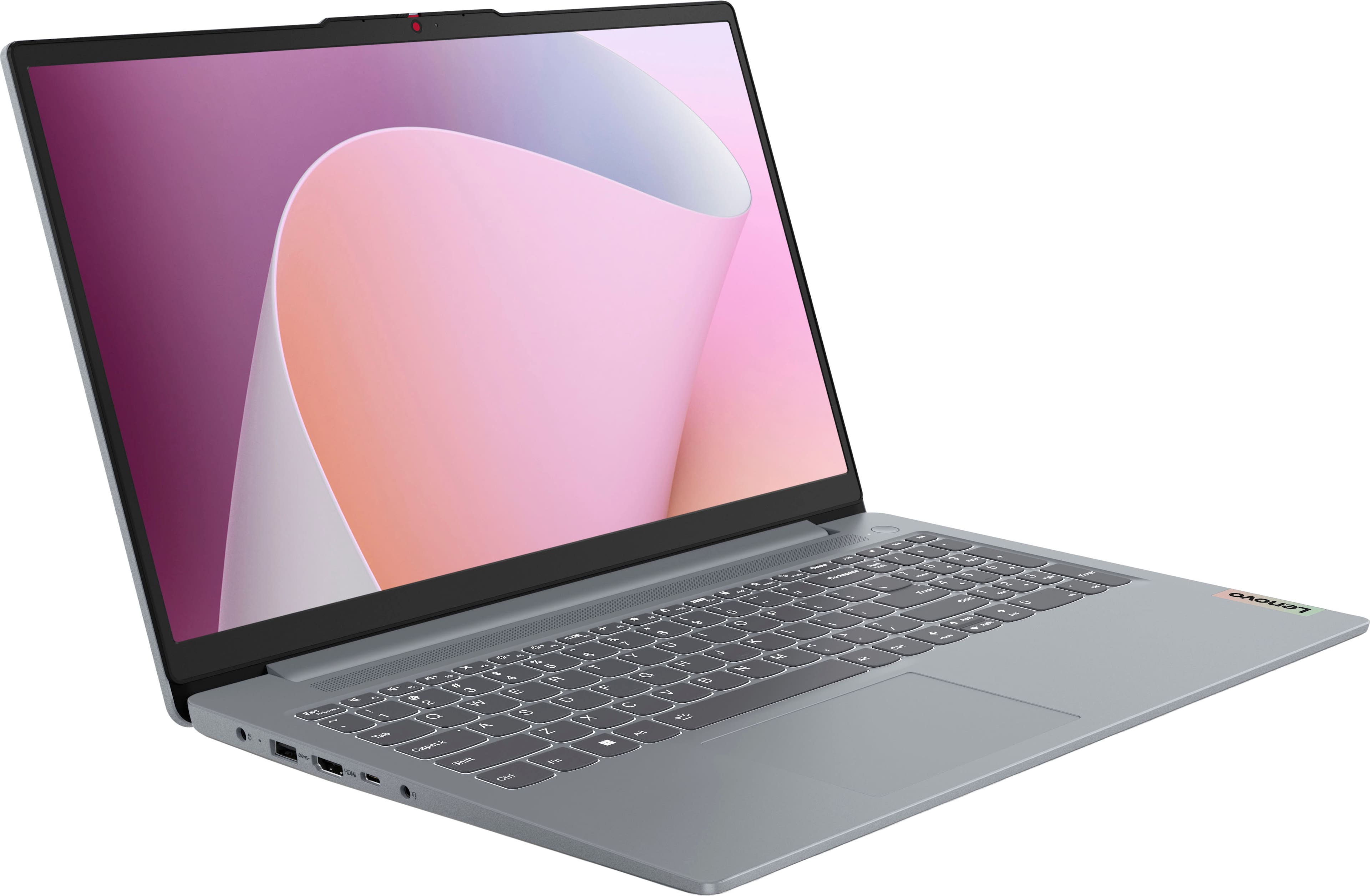
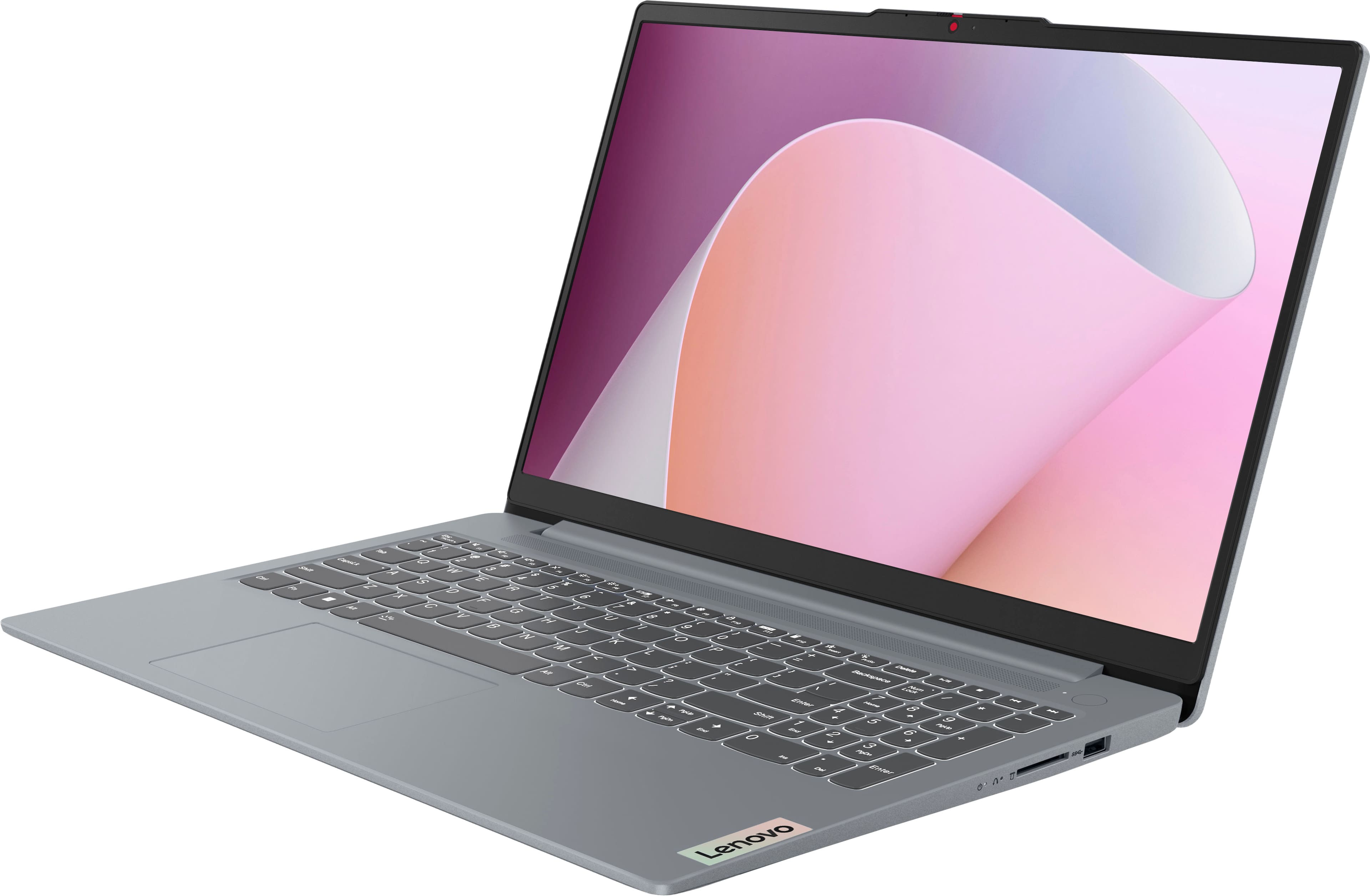
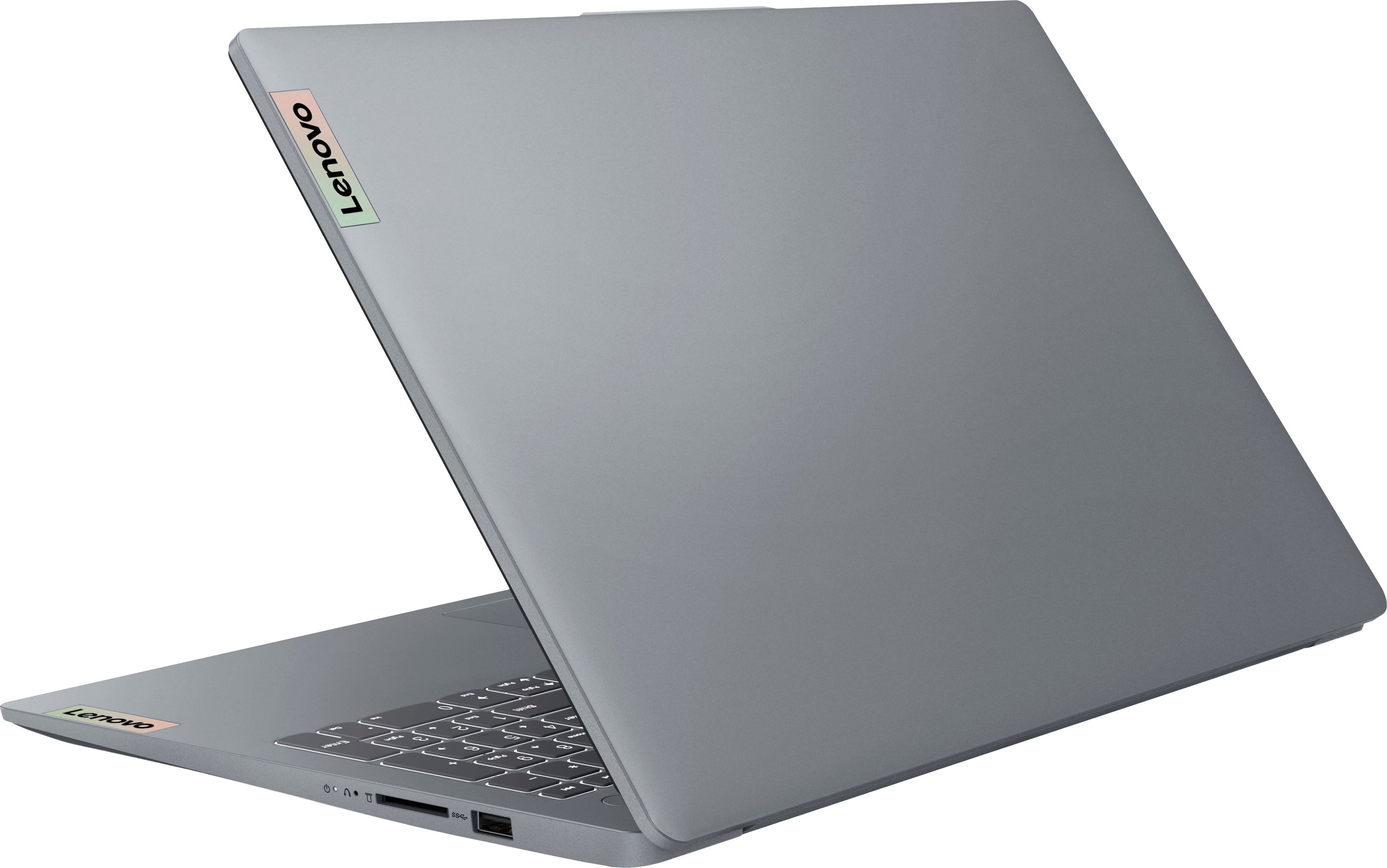
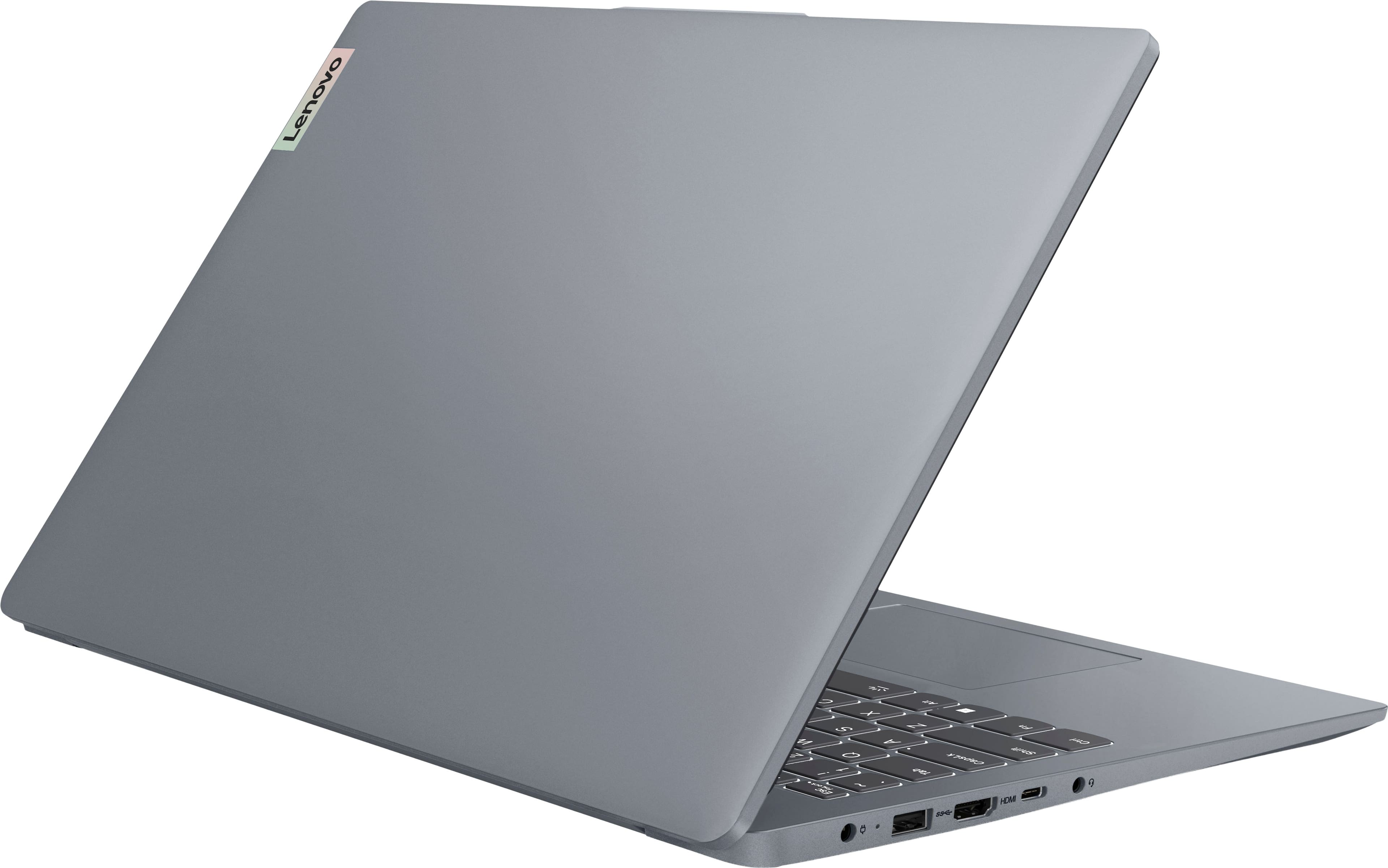
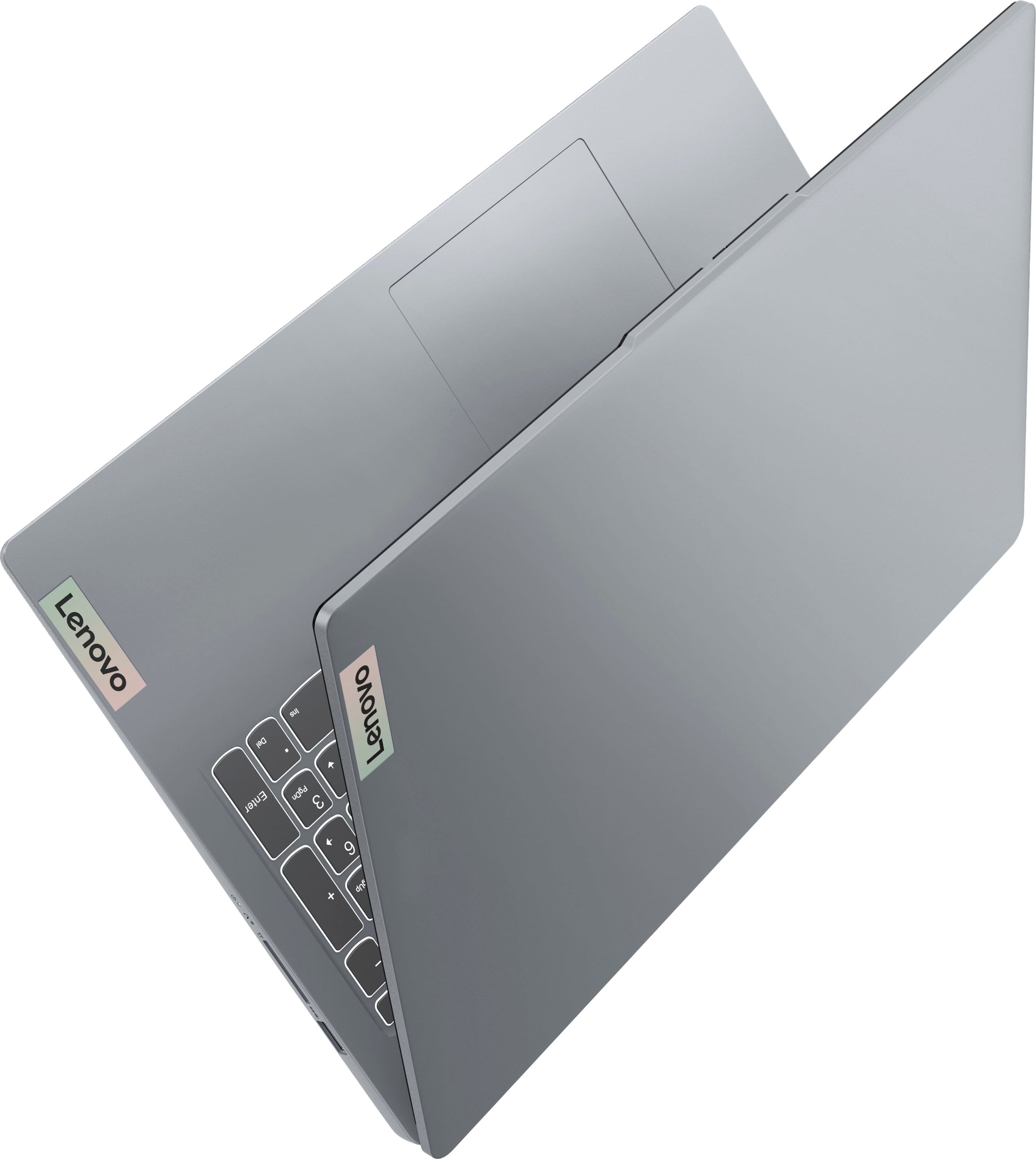
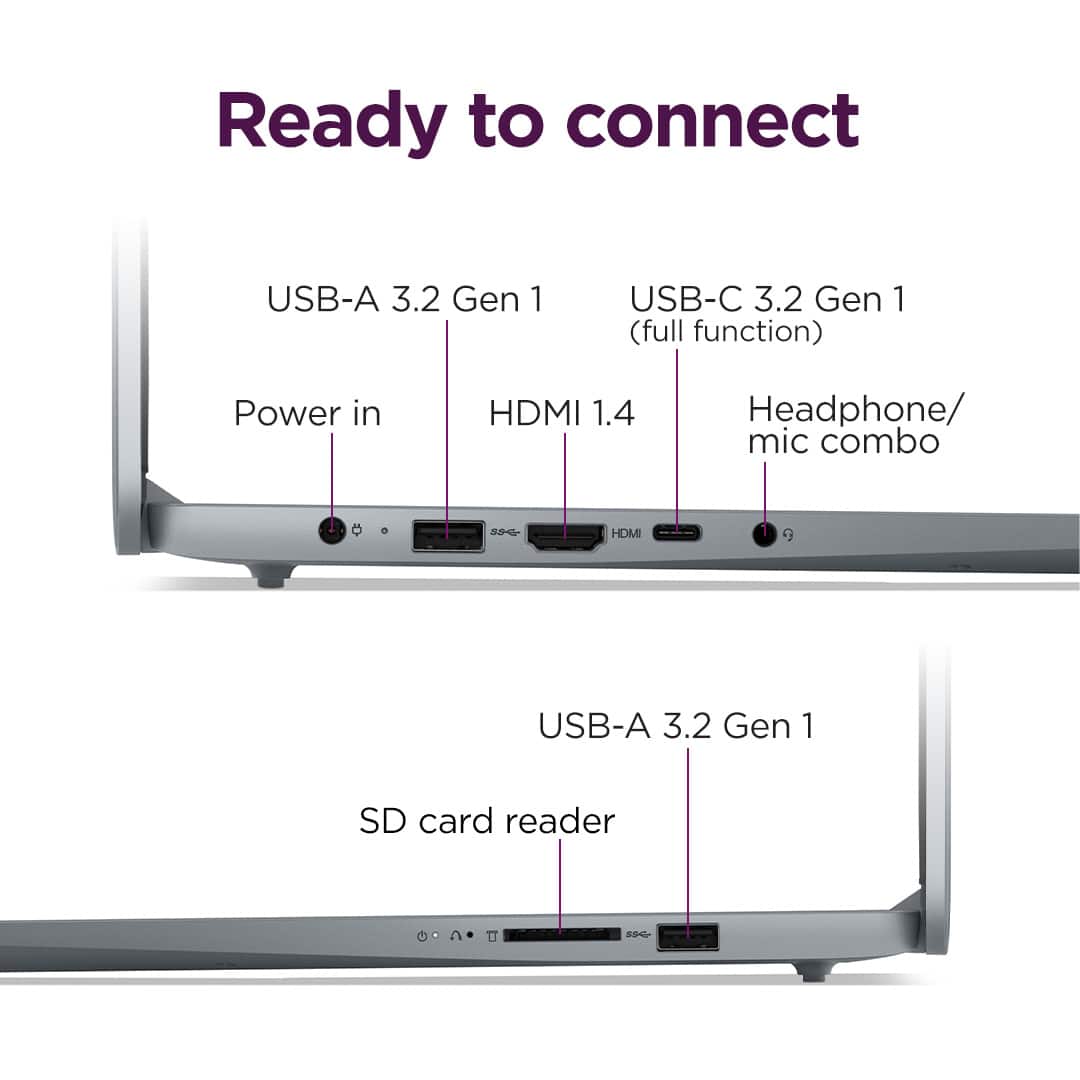
A:AnswerIt has two (2) USB ports. If you need more, you could add a USB hub. One port is on the left side of the machine. The other is on the right side.
A:AnswerYou can get the measurements from the User's manual. Then go online to search for hard cases that will fit the machine. If you can't find anything suitable why not hire someone to make one for you?
A:AnswerThere is no mention of an optical drive built-into the computer. However, you can always buy an external one to plug into one of the three USB 3 ports. That could be a normal DVD burner or even a quad layer 4k capable Blu-ray DVD burner powered by USB 3.
A:AnswerIt means the screen can be rotated 180 degrees, allowing it to function as either a laptop or a tablet. It also means that in tablet mode your keyboard is fully exposed to whatever you place it on because it is now the "bottom" of the computer in tablet mode.
A:AnswerI’ve only had mine about 2 months, but I’ve never had that happen to me. I usually use mine off the charger, only charge it when I’m not using it.
A:AnswerHi legomaster,
By default, the system may have around 2GB of VRAM, but this can be configured/adjusted in the system BIOS.
Let us know if you have any other questions!
A:AnswerSomething like this maybe? You'd have to check the specs really carefully:
https://www.amazon.com/Adapter-1-7mm-Female-Lenovo-Laptop/dp/B0CH65WPZB/ref=asc_df_B0CH65WPZB?mcid=dac1336f69d531d89b153998e84dd420&hvocijid=13516413525076091245-B0CH65WPZB-&hvexpln=73&tag=hyprod-20&linkCode=df0&hvadid=721245378154&hvpos=&hvnetw=g&hvrand=13516413525076091245&hvpone=&hvptwo=&hvqmt=&hvdev=c&hvdvcmdl=&hvlocint=&hvlocphy=9198809&hvtargid=pla-2281435176698&th=1
A:AnswerHey Austin,
It could be a good fit for that use, but it depends on the games you wish to play and if you're purchasing a laptop just for gaming.
To expand, gaming laptops are designed from the ground up to deliver the best performance possible for the system continuously, while systems like this IdeaPad Slim 3 can deliver great performance, but it doesn't have a cooling system, display, or software that is meant to optimized your gaming experience.
To help determine if the system can run the games you wish to play, we recommend reviewing the system requirements detailed on the webpages of the game developer/publisher for the title you have in mind, then comparing it with the specifications this any computer you’re interested in to help ensure you find the right fit for you.
Feel free to ask any other questions!
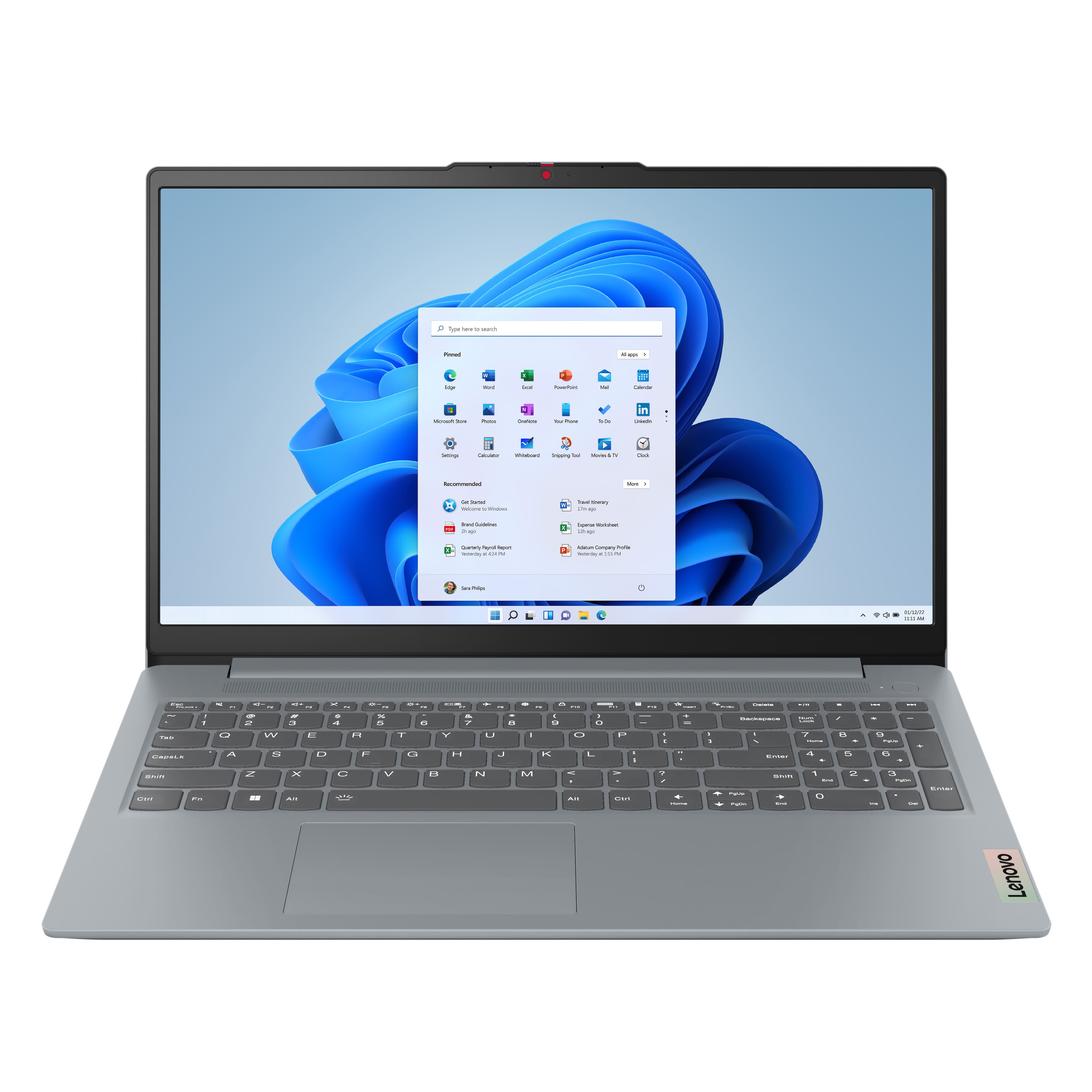




![Sure, here is the corrected and grouped text from the image:
---
**Top Row:**
- Esc
- Fn
- F1
- F2
- F3
- F4
- F5
- F6
- F7
- F8
- F9
- F10
- F11
- F12
**Number Row:**
- 1
- 2
- 3
- 4
- 5
- 6
- 7
- 8
- 9
- 0
- -
- =
- Backspace
**Letter Row:**
- Tab
- Q
- W
- E
- R
- T
- Y
- U
- I
- O
- P
- [
- ]
- \
- Delete
**Letter Row:**
- Caps Lock
- A
- S
- D
- F
- G
- H
- J
- K
- L
- ;
- '
- Enter
**Letter Row:**
- Shift
- Z
- X
- C
- V
- B
- N
- M
- ,
- .
- /
- Shift](https://pisces.bbystatic.com/image2/BestBuy_US/images/products/f79b3ed3-e46f-4e66-923f-76d4538361a2.jpg)