A:AnswerHey Cindy,
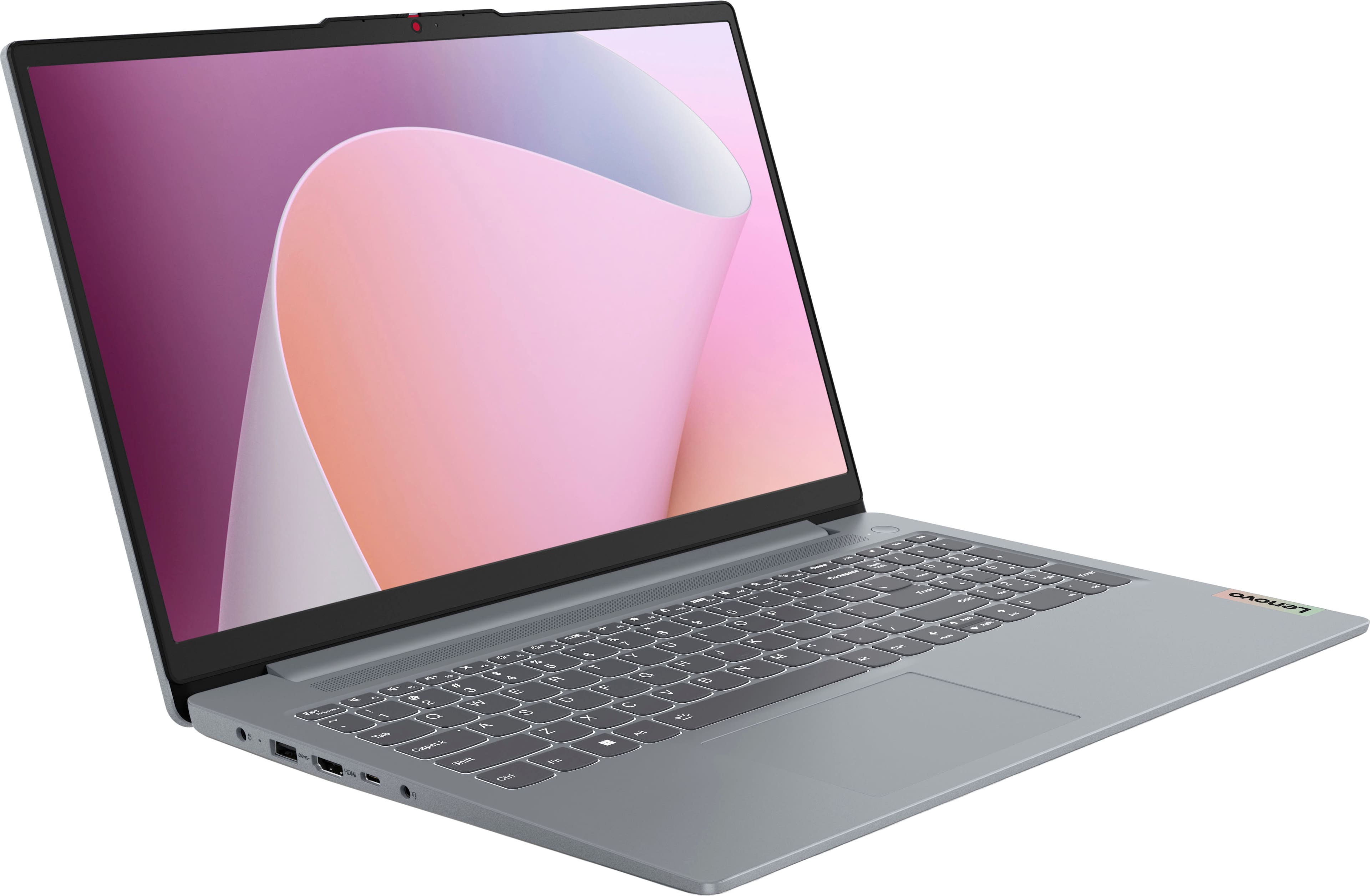
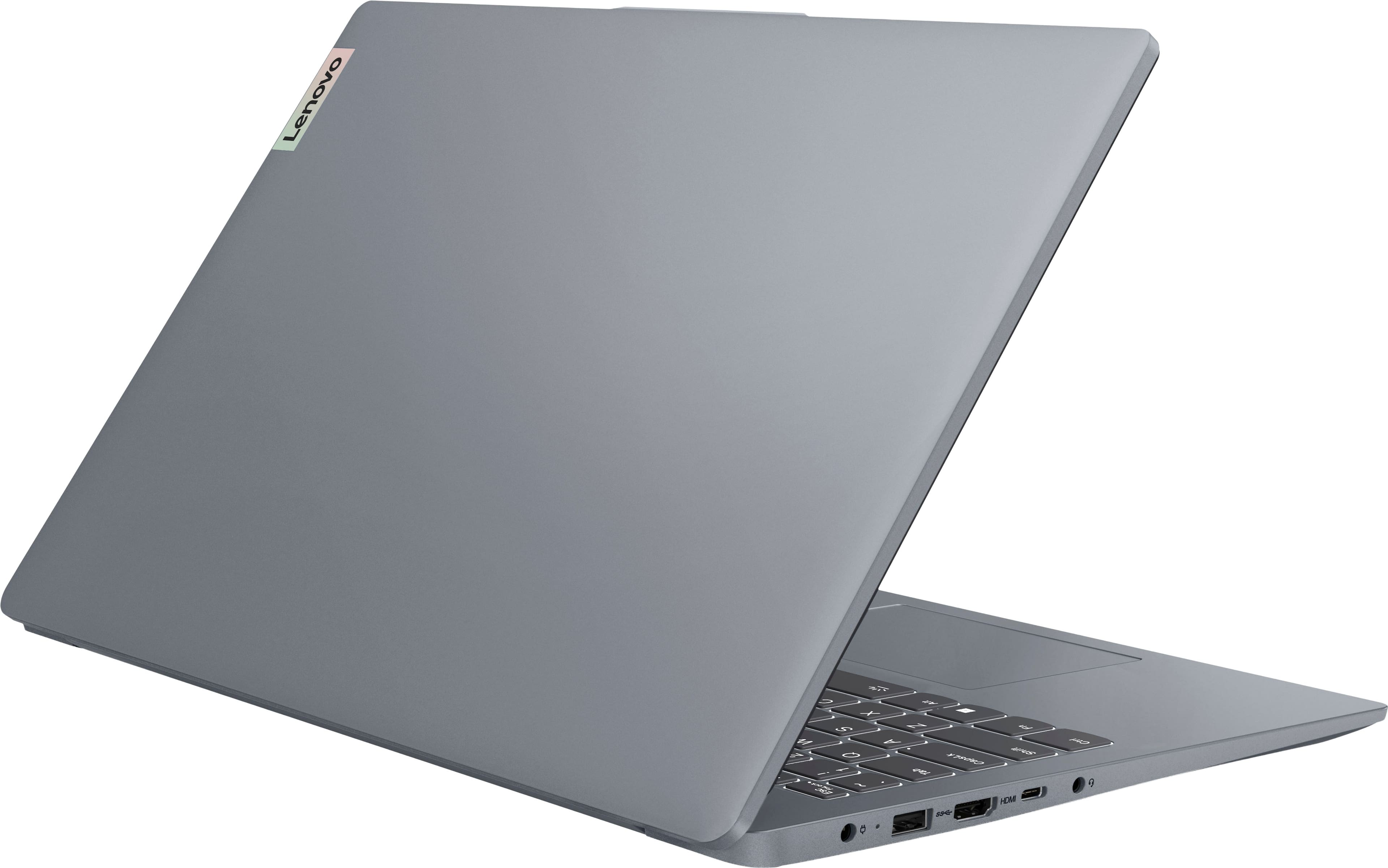
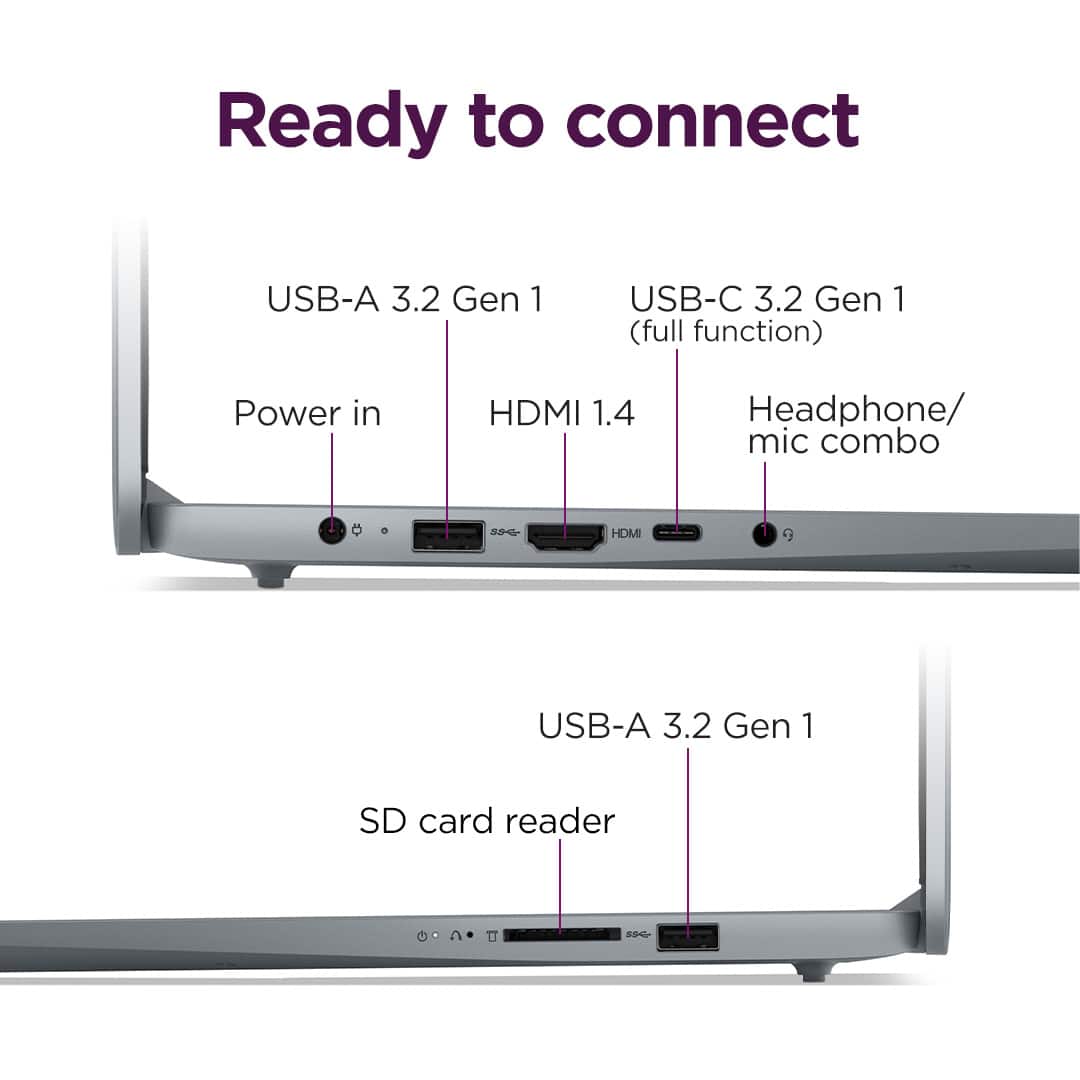
Yes, you can use this IdeaPad Slim 3's HDMI output to connect an external monitor. Since this is the laptop's only video output, you would need a USB adapter to connect more displays.
Please feel free to reach out to us with any other questions!
A:AnswerHey perrx5,
Based on Adobe's system requirements, this can vary from app to app, but overall, memory shouldn't be the bottleneck, but rather the processor's performance capabilities and the system's graphics performance. If you could share details like what apps you may wish to use and to what capacity (light editing, if it's intensive or work-related), we can assist you more precisely.
Please feel free to reach out to us with any other questions!
A:AnswerHey vince7,
There shouldn't be any issues with voltage, connectivity, or impedance of function for any other important system components. Although, you may need a different power cable to use with the included power adapter or a regional plug adapter, as this is intended for US use. Also, this system's warranty is based in the US for coverage and is not covered by International Warranty Services. This could prove to be troublesome should you need to service your system and need certain replacement components.
Please feel free to reach out to us with any other questions!
A:AnswerHey Dee,
Yes, you shouldn't have any issues with installing and running Old School RuneScape.
Please feel free to reach out to us with any other questions!
A:AnswerHey Jim,
The most common Office apps are preinstalled; however, without purchasing a long-term Office solution, such as Microsoft 365, only a 30-day trial can be activated out of the box.
Here is a link to the Microsoft Office landing page on bestbuy.com to learn more about your Office options: https://www.bestbuy.com/site/microsoft/microsoft-office/pcmcat748300511466.c?id=pcmcat748300511466 | As for Zoom, you can access the platform online via the web browser or progressive web app (PWA) and via the Zoom app that can be installed from the Microsoft Store.
Please feel free to reach out to us with any other questions!
A:AnswerHey Kay55,
Based on the latest system requirements for Adobe Creative Cloud Photoshop, this IdeaPad Slim 3 should run the programs well.
Please feel free to reach out to us with any other questions!
A:AnswerHey Queried,
While the system was not designed for gaming, you could game on it depending on the titles you wish to play. To help determine if this is the case, we recommend searching for and reviewing the system requirements of the game you wish to play. These requirements are usually posted by the game publisher on their website and help pages, or it can be posted to the game's store page on platforms like Steam. We then recommend reviewing the system requirements listed and comparing them with the specifications of any computer you’re interested in to help ensure you find the right fit for you. Also, feel free to post another question on a product's webpage and include details like the games you wish to play, and we'd be happy to assist you.
Please feel free to reach out to us with any other questions!
A:AnswerHey there,
Since this IdeaPad Slim 3 features a 60Hz refresh rate display, for optimal performance, we recommend synchronizing video FPS output to the display's refresh rate.
Please feel free to reach out to us with any other questions!
A:AnswerHey Adir,
Yes, the included 65W round tip power adapter can support 100-240V input.
Please feel free to reach out to us with any other questions!
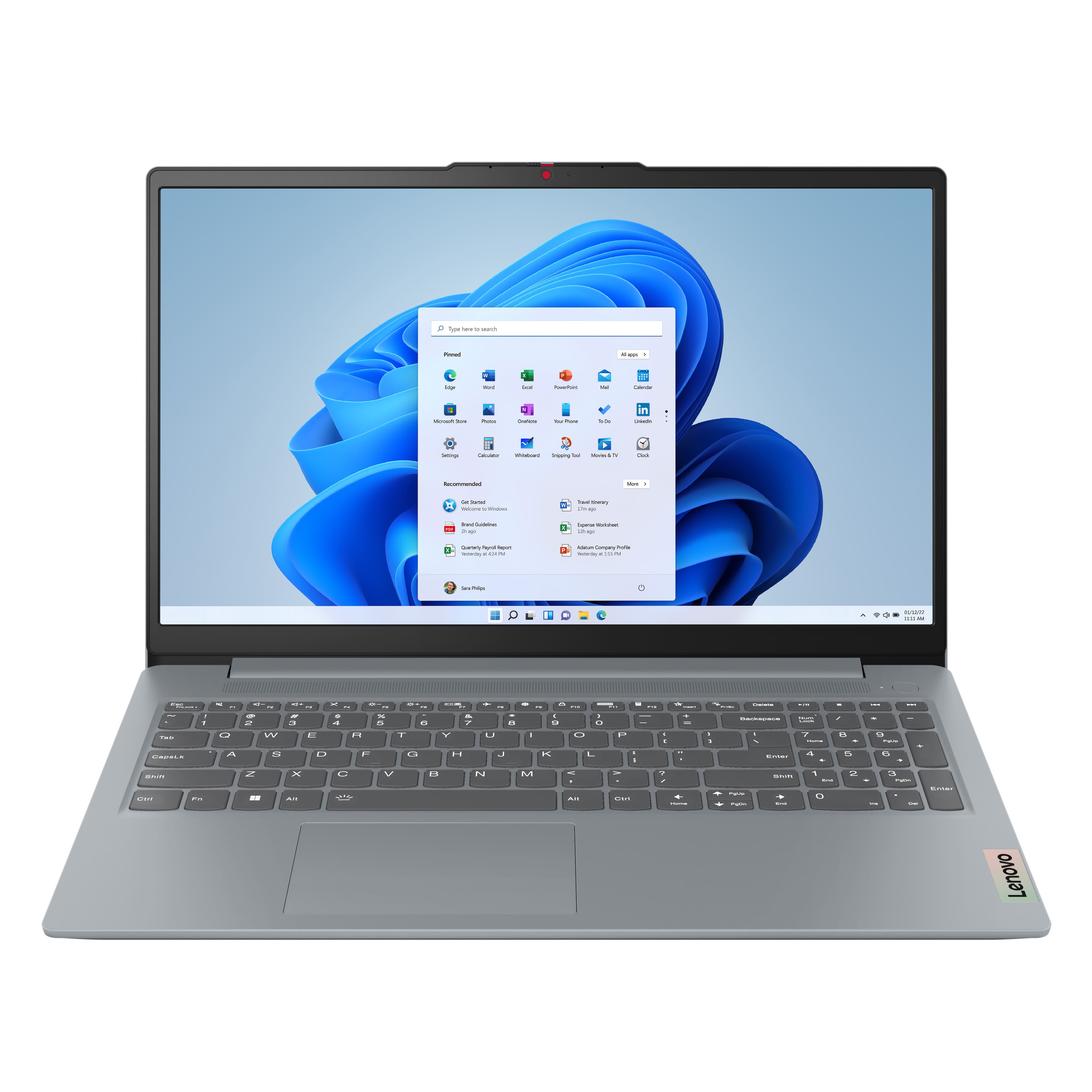


![Sure, here is the corrected and grouped text from the image:
---
**Top Row:**
- Esc
- Fn
- F1
- F2
- F3
- F4
- F5
- F6
- F7
- F8
- F9
- F10
- F11
- F12
**Number Row:**
- 1
- 2
- 3
- 4
- 5
- 6
- 7
- 8
- 9
- 0
- -
- =
- Backspace
**Letter Row:**
- Tab
- Q
- W
- E
- R
- T
- Y
- U
- I
- O
- P
- [
- ]
- \
- Delete
**Letter Row:**
- Caps Lock
- A
- S
- D
- F
- G
- H
- J
- K
- L
- ;
- '
- Enter
**Letter Row:**
- Shift
- Z
- X
- C
- V
- B
- N
- M
- ,
- .
- /
- Shift](https://pisces.bbystatic.com/image2/BestBuy_US/images/products/f79b3ed3-e46f-4e66-923f-76d4538361a2.jpg)