A:AnswerHey Morty,
Open-box items are still eligible for 1-year manufacturer warranty coverage, along with Geek Squad and Best Buy protection and support options.
Please feel free to reach out to us with any other questions!
A:AnswerHi madd,
While you cannot download Sims 4 natively on the system, don't fret-- you can still play Sims on Chromebooks. You can choose to play Sims FreePlay by downloading the app from the Google Play Store or stream Sims 4 via a cloud gaming service like Xbox Cloud Gaming to play the game without encountering any local performance or compatibility issues.
Please feel free to reach out to us with any other questions!
A:AnswerHey Ray,
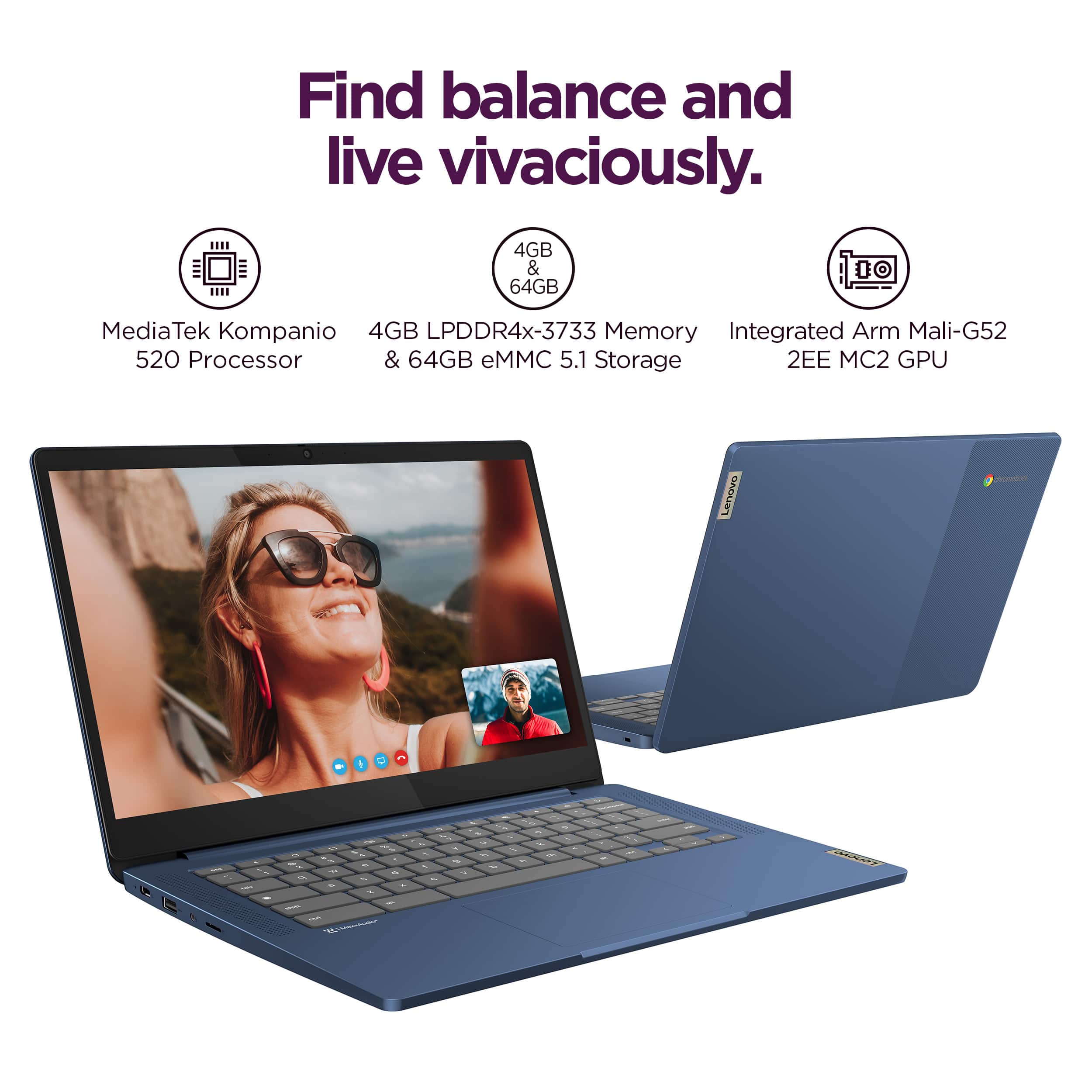
Memory and storage cannot be upgraded, as they are integrated with the systemboard.
Please feel free to reach out to us with any other questions!
A:AnswerHey there,
Based on information shared within this Google Support webpage: https://support.google.com/chromebook/answer/7225252?hl=en, this IdeaPad Slim 3 Chromebook should work fine with your printer.
Please feel free to reach out to us with any other questions!
A:AnswerHey Rope,
You should be able to download the various PokerStars games to the system from the Google Play Store app on the Chromebook.
Please feel free to reach out to us with any other questions!
A:AnswerHi Jaelyn,
This IdeaPad Slim 3 Chromebook can run games optimized for Chromebooks like Roblox and Minecraft, but other, more intensive games like Fortnite may not be compatible with this Slim 3 Chromebook due to it falling short of the game publisher's recommended system requirements shared for the game title.
Please feel free to reach out to us with any other questions!
A:AnswerHi Shan,
The desktop version of Office applications cannot be added to Chromebook devices, but you can use either the web-based versions/web apps or the respective Office app that's offered in the Google Play Store.
Please feel free to reach out to us with any other questions!
A:AnswerHi there,
This Chromebook uses G-Suite for office type programs like Docs, Slides, Sheets, and more. Most G-Suite apps are preinstalled on Chromebooks and are compatible with Microsoft Office programs. If you currently have a Microsoft Office 365 subscription, you can access that existing account and use the available apps via the Microsoft 365 app on your Chromebook. You can learn more here: (https://support.microsoft.com/en-gb/office/how-to-access-microsoft-office-on-a-chromebook-32f14a23-2c1a-4579-b973-d4b1d78561ad#:~:text=Open%20the%20browser%20on%20your,with%20your%20Microsoft%20365%20subscription.), at this Microsoft Support webpage.
Please feel free to reach out to us with any other questions!
A:AnswerHey Scott,
Yes, the Google Docs app should be preinstalled on the system to use for word processing.
Please feel free to reach out to us with any other questions!
A:AnswerHi there,
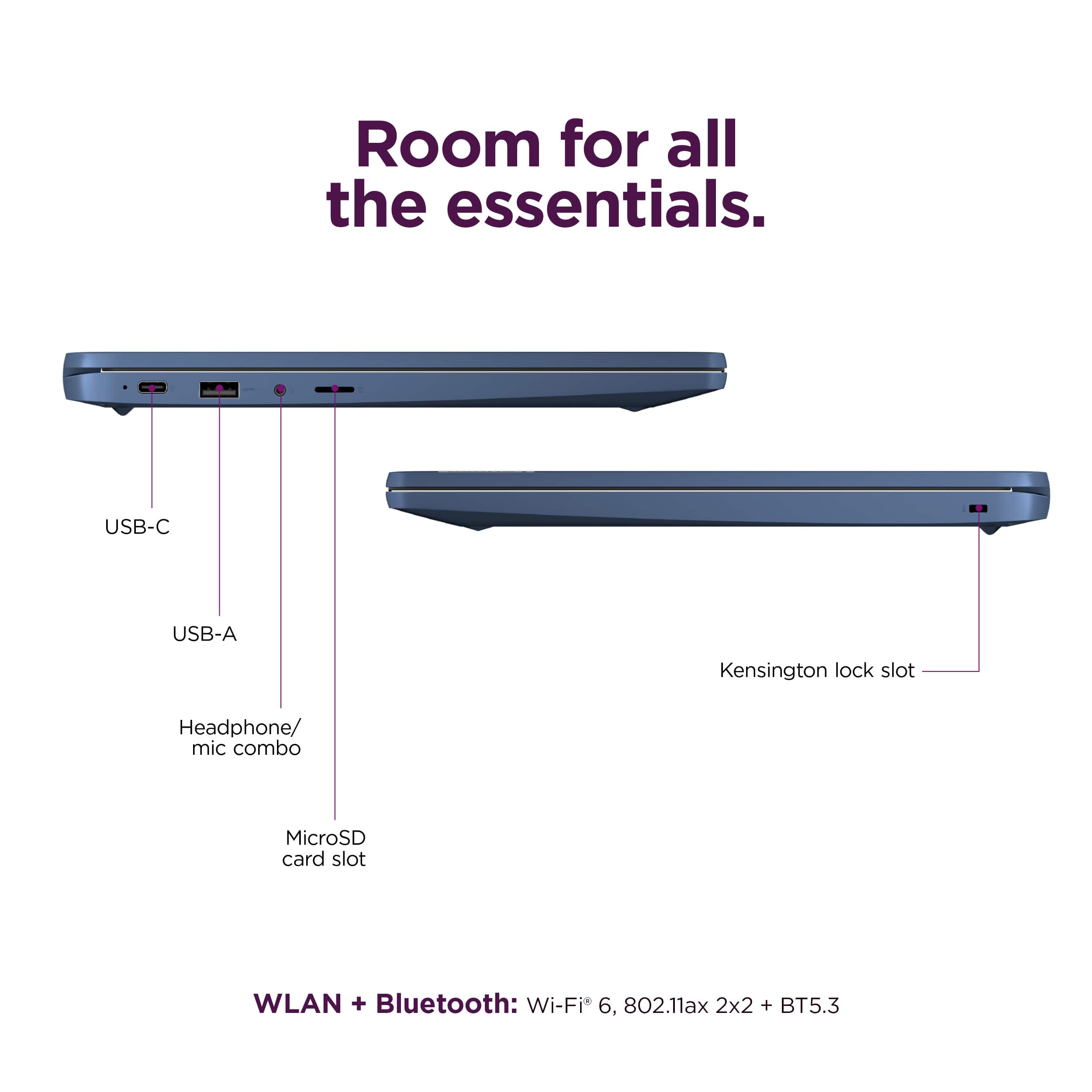
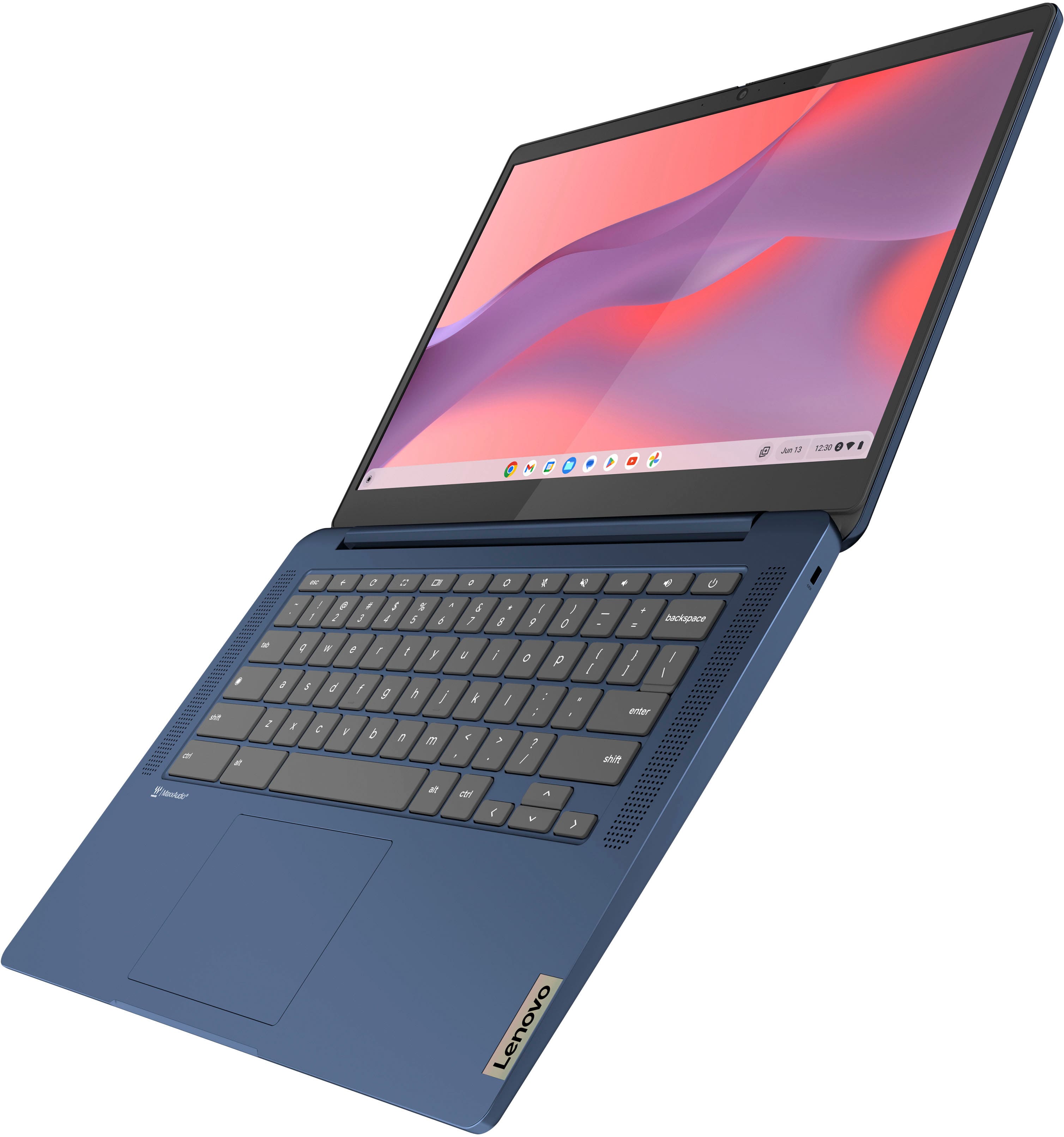
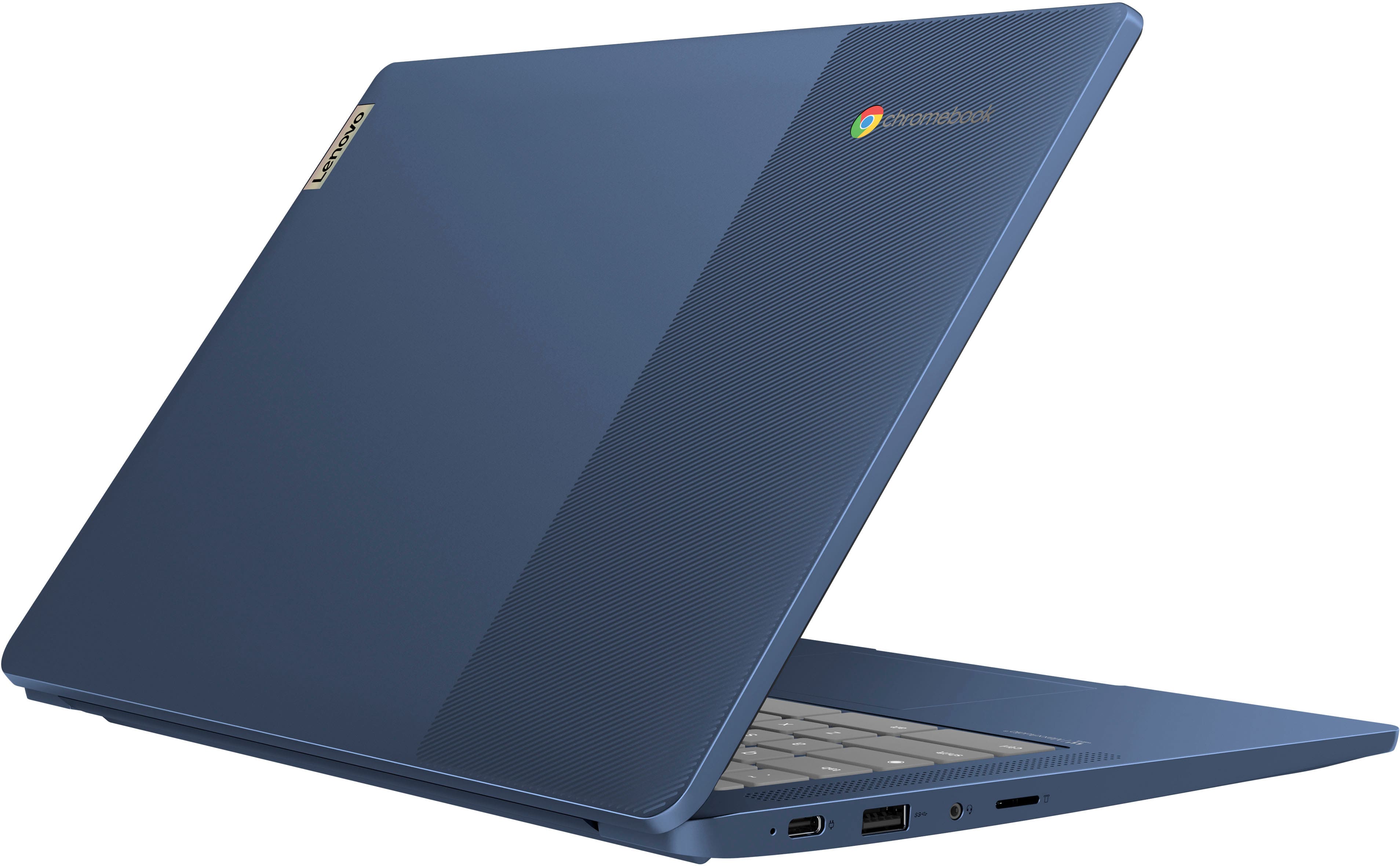
This IdeaPad Slim 3 Chromebook features one USB 3.2 Gen 1 port, one USB-C 3.2 Gen 1 port (supporting data transfer, Power Delivery 3.0 and DisplayPort 1.1a), but no HDMI port.
Please let us know if you may have any other questions!
A:AnswerHey Kody,
That will depend on the system requirements and compatibility of the printer in question. We recommend reviewing these requirements and comparing them to the specifications of this IdeaPad Slim 3 Chromebook to help determine compatibility.
Also, there is a webpage called "Works With Chromebook" where Google shares information on finding accessories compatible with ChromeOS devices.
Feel free to post another question with the model of the printer embedded and we can assist you further in this regard.