A:AnswerHi Shan,
The desktop version of Office applications cannot be added to Chromebook devices, but you can use either the web-based versions/web apps or the respective Office app that's offered in the Google Play Store.
Please feel free to reach out to us with any other questions!
A:AnswerHi there,
This Chromebook uses G-Suite for office type programs like Docs, Slides, Sheets, and more. Most G-Suite apps are preinstalled on Chromebooks and are compatible with Microsoft Office programs. If you currently have a Microsoft Office 365 subscription, you can access that existing account and use the available apps via the Microsoft 365 app on your Chromebook. You can learn more here: (https://support.microsoft.com/en-gb/office/how-to-access-microsoft-office-on-a-chromebook-32f14a23-2c1a-4579-b973-d4b1d78561ad#:~:text=Open%20the%20browser%20on%20your,with%20your%20Microsoft%20365%20subscription.), at this Microsoft Support webpage.
Please feel free to reach out to us with any other questions!
A:AnswerHey Scott,
Yes, the Google Docs app should be preinstalled on the system to use for word processing.
Please feel free to reach out to us with any other questions!
A:AnswerHi there,
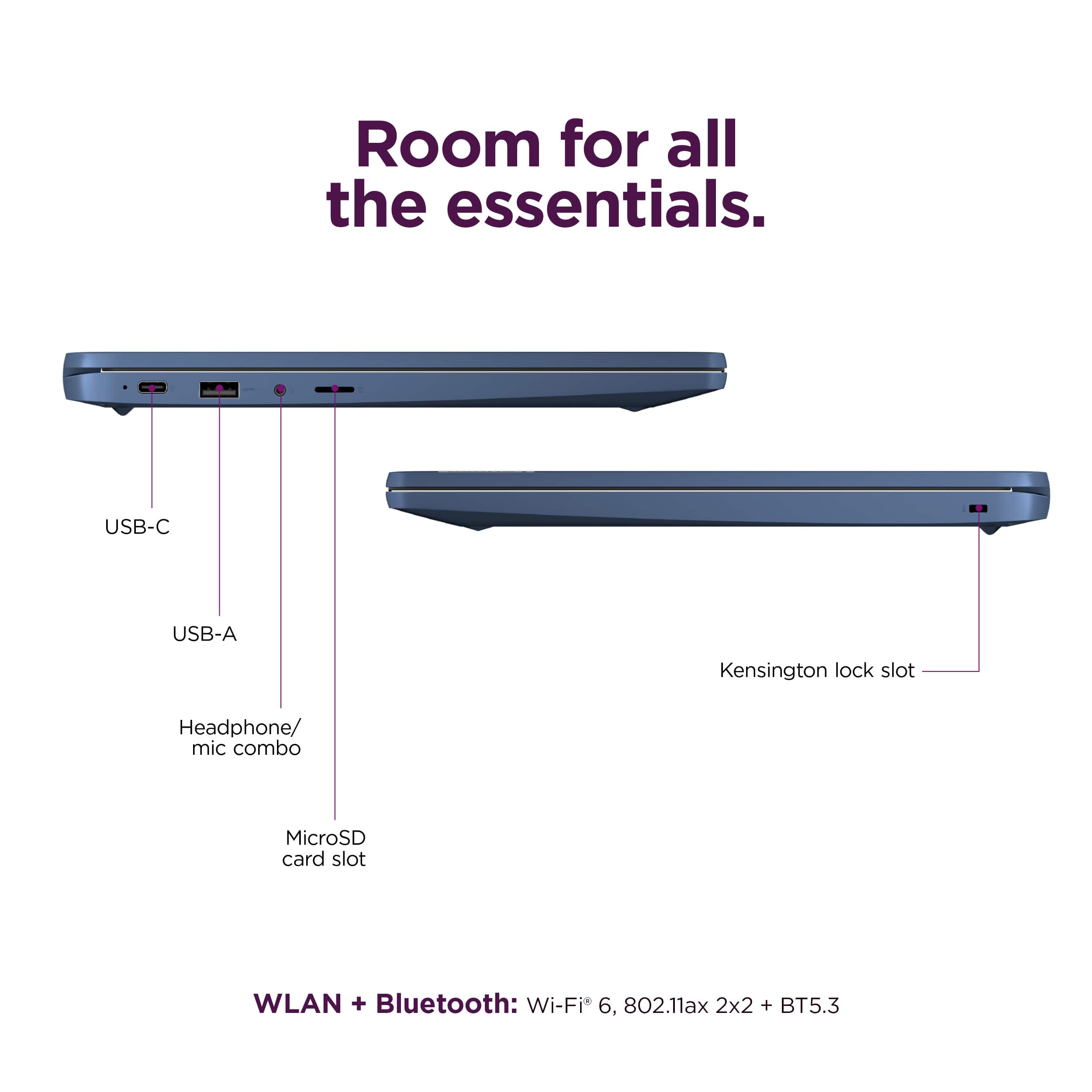
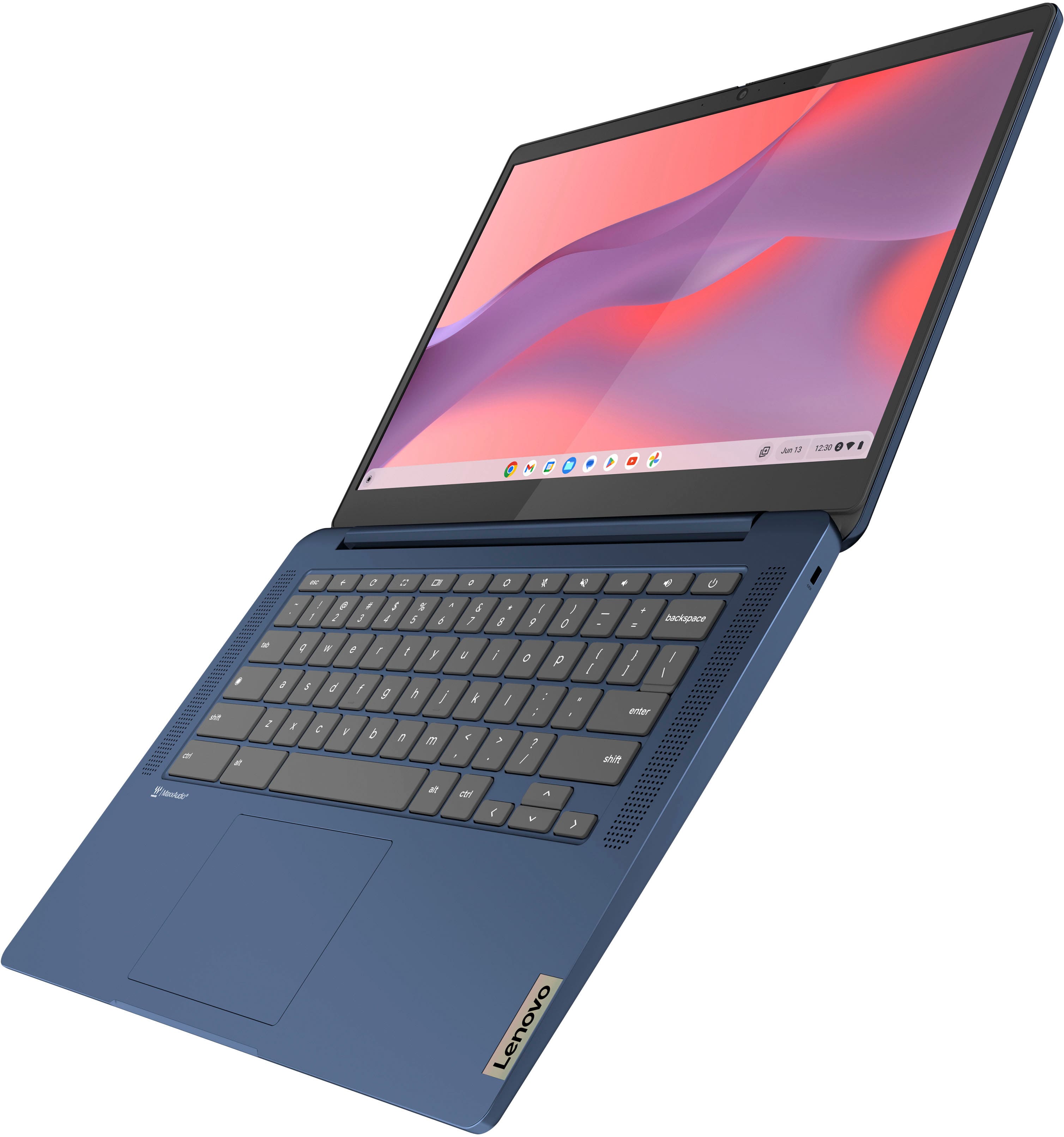
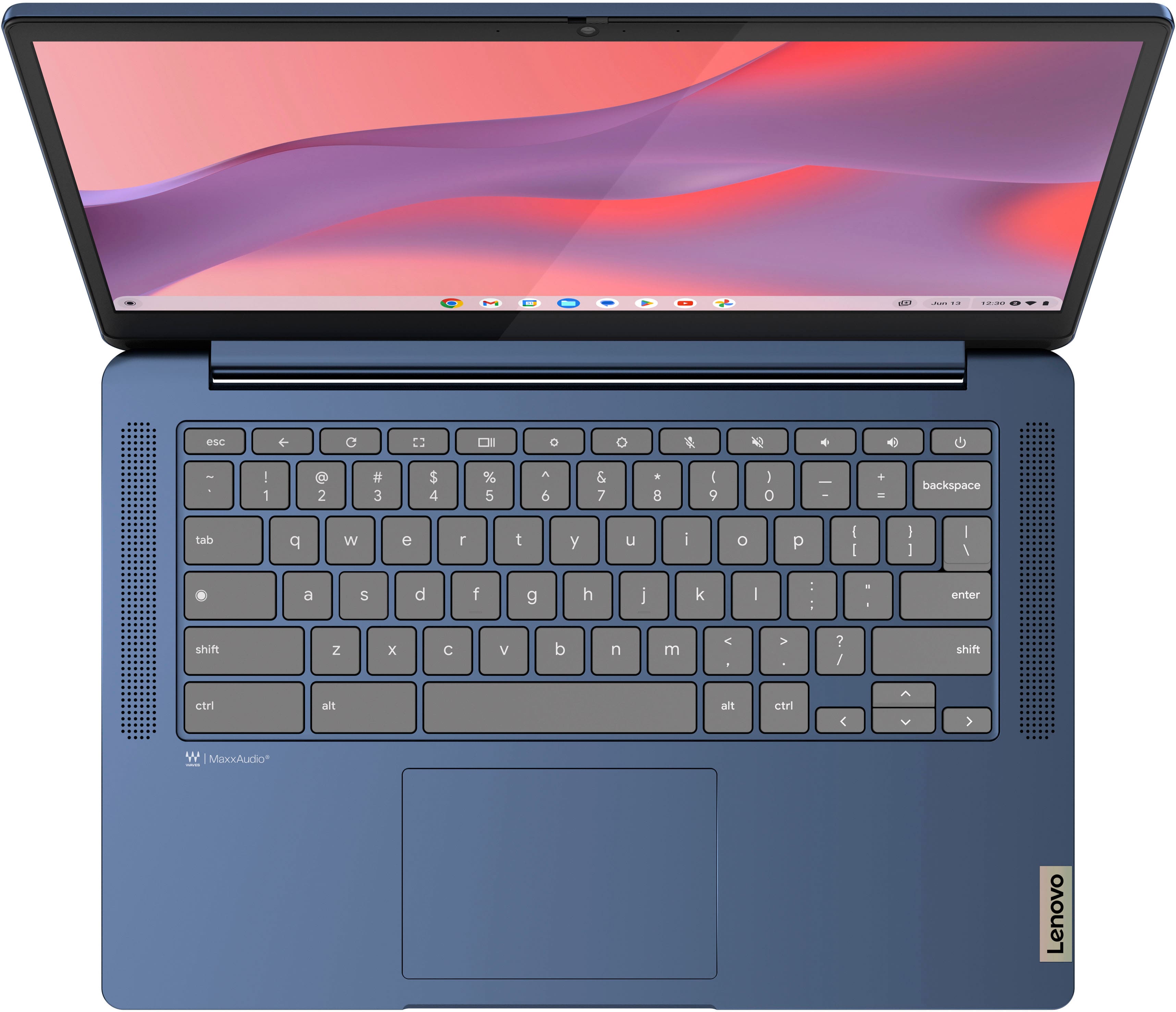
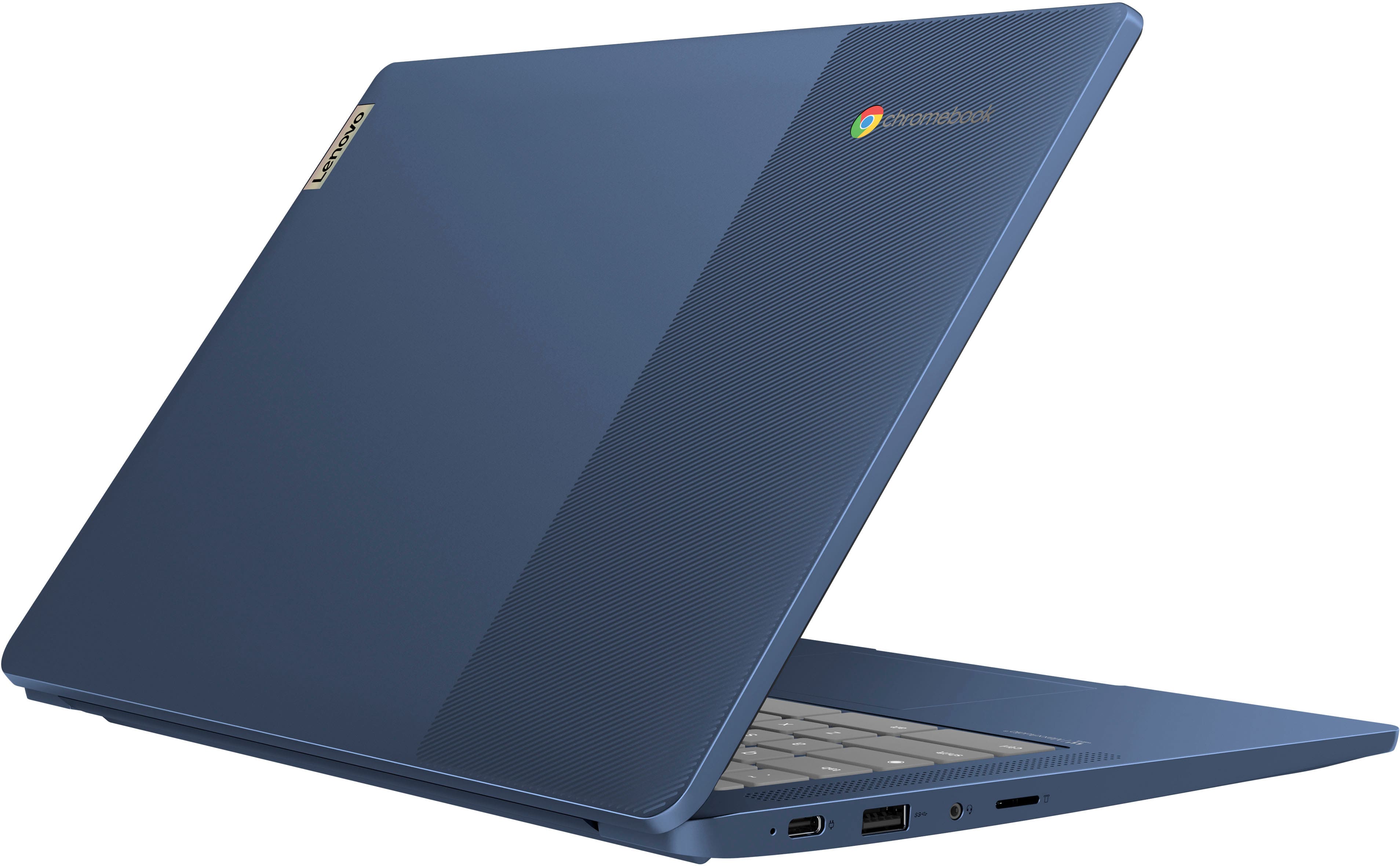
This IdeaPad Slim 3 Chromebook features one USB 3.2 Gen 1 port, one USB-C 3.2 Gen 1 port (supporting data transfer, Power Delivery 3.0 and DisplayPort 1.1a), but no HDMI port.
Please let us know if you may have any other questions!
A:AnswerHey Kody,
That will depend on the system requirements and compatibility of the printer in question. We recommend reviewing these requirements and comparing them to the specifications of this IdeaPad Slim 3 Chromebook to help determine compatibility.
Also, there is a webpage called "Works With Chromebook" where Google shares information on finding accessories compatible with ChromeOS devices.
Feel free to post another question with the model of the printer embedded and we can assist you further in this regard.
A:AnswerHi Boulderbay891,
Thank you for your inquiry.
Yes, you can use an external drive with Chromebooks like the IdeaPad Slim 3.
Please free to share any other questions you may have.
A:AnswerChrome has programs running in the background most of the time, so anything hosted on this laptop wouldn't run very well. it has a decent display, so if your game was being casted to the screen, and hosted from elsewhere, it would be okay. but, no, this computer is not at all one I'd reccomend to run games
A:AnswerHi there,
Thank you for your inquiry.
This IdeaPad Slim 3 Chromebook runs on ChromeOS, and it does not use Windows 11 Home in S mode.
Let us know if you have any other questions!
A:AnswerHi there,
Thank you for your inquiry.
This Chromebook uses G-Suite for office type programs like Docs, Slides, Sheets, and more. Most G-Suite apps are preinstalled on Chromebooks and are compatible with Microsoft Office programs. If you currently have a Microsoft Office 365 subscription, you can access that existing account and use the available apps via the Microsoft 365 app on your Chromebook.
You can learn more about this on the following Microsoft Support webpage https://support.microsoft.com/en-gb/office/how-to-access-microsoft-office-on-a-chromebook-32f14a23-2c1a-4579-b973-d4b1d78561ad#:~:text=Open%20the%20browser%20on%20your,with%20your%20Microsoft%20365%20subscription.
A:AnswerHi Tron,
It would depend on the model of the printer. Here's a link to a Google Support site with details on how to find a compatible printer with your Chromebook: https://support.google.com/chromebook/answer/12403345?sjid=17218534308843602044-NA
A:AnswerHey Dylan,
The system should be able to run Roblox after downloading the app from the Google Play Store as many other users have.
Also, to note, while this Slim 3 Chromebook may run games like Roblox, it does have its limitations, like all systems. To determine which games you may be able to run, we recommend comparing the game's system requirements versus the specifications of the computer you're interested in to help ensure you find the right fit for you.