A:AnswerHey JH,
Preinstalled, you'll find a number of software comes with this IdeaPad Slim 3i, including Office 365 (30-day trial), McAfee (30-day trial), utility and tool software, Lenovo Vantage to adjust device settings and held maintain device health, and many Windows applications.
Please feel free to reach out to us with any other questions!
A:AnswerHey,
If the games are playing on low settings without in-game mods, each title should run decently well on this system.
Please feel free to reach out to us with any other questions!
A:AnswerHey Tom,
Out of the box, your browser options are limited to Microsoft Edge and the browser options offered in the Microsoft Store. This is because this configuration of the IdeaPad Slim 3 ships with Windows 11 Home in S mode. S mode is a more secure, lighter version of the Windows 11 Operating System that only allows the downloading of applications from the Microsoft Store. If you try to launch or install an executable or .exe file, the system prevents it. Should you desire to switch to Windows 11 Home to use your browser of choice, here is a link to a Microsoft webpage that shares how to do so: https://support.microsoft.com/en-us/windows/windows-10-and-windows-11-in-s-mode-faq-851057d6-1ee9-b9e5-c30b-93baebeebc85 |
Please feel free to reach out to us with any other questions!
A:AnswerHey GB,
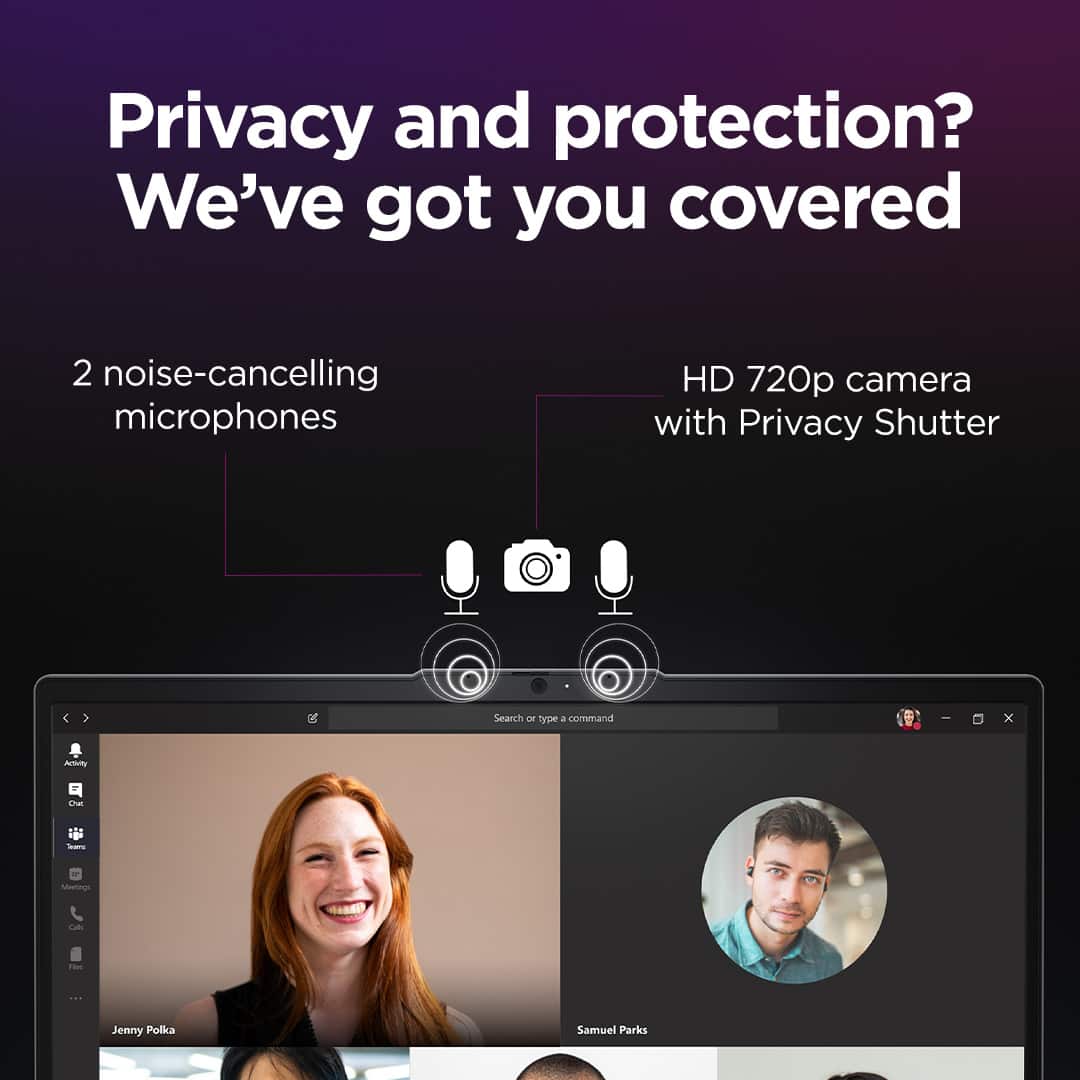
Based on user reviews, many have reported that this IdeaPad Slim 3i has proven to be serviceable for their video conferencing needs. If you are after a more premium video conferencing experience, we recommend considering Lenovo's more premium systems.
Please feel free to reach out to us with any other questions!
A:AnswerHey mloz,
The most common Office apps like Word and Excel are preinstalled; however, without purchasing a long-term Office solution, such as Microsoft 365, only a 30-day trial can be activated out of the box.
Here is a link to the Microsoft Office landing page on bestbuy.com to learn more about your Office options: https://www.bestbuy.com/site/microsoft/microsoft-office/pcmcat748300511466.c?id=pcmcat748300511466 |
Please feel free to reach out to us with any other questions!
A:AnswerHey,
The IdeaPad Slim 3i is not cellular enabled, but you can connect to Wi-Fi hotspot for mobile internet access.
Please feel free to reach out to us with any other questions!
A:AnswerHey Labeasty,
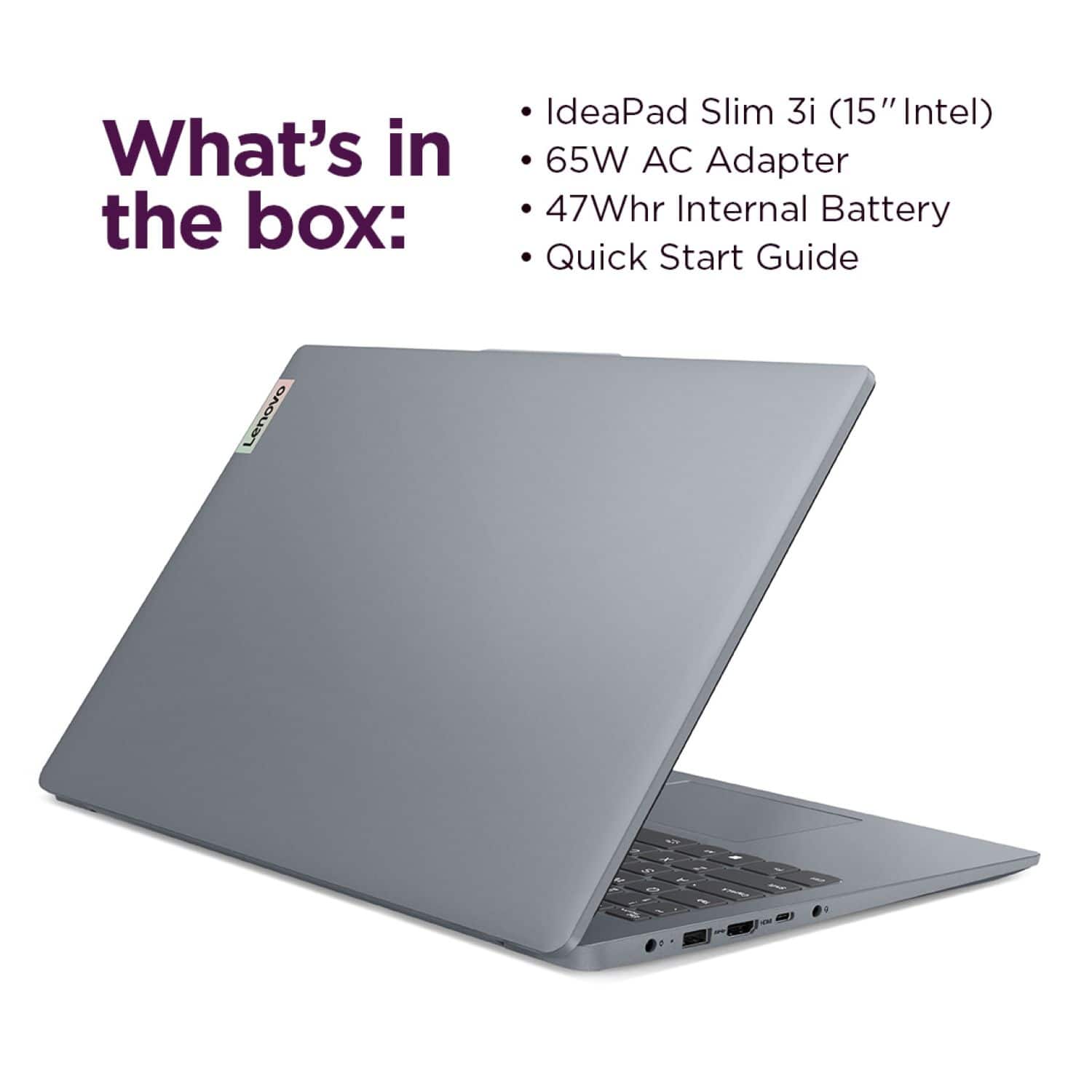
This IdeaPad Slim 3i ships with a 65W Slim Tip power adapter in the box.
Please feel free to reach out to us with any other questions!
A:AnswerHey Jim,
The IdeaPad Slim 3i doesn't ship with a dedicated PDF reader, but rather platforms like the Microsoft Edge web browser and Word (if you opt-in for the software) can view PDFs.
Please feel free to reach out to us with any other questions!
A:AnswerHey,
By default, this IdeaPad Slim 3i is offered as new in box. If you'd like to view open-box options, select the "More Buying Options" button below the "Add to Cart" button on the product page.
Please feel free to reach out to us with any other questions!
A:AnswerHey,
There isn't a record of the individual Linux based platforms that's completely compatible with the system, partly due to the number of Linux based operating systems out there. There have been some user reviews of the system that shared that they used "newer" version of Mint, but this hasn't been tested by Lenovo and variables like driver compatibility can be a factor with these platform versions.
Please feel free to reach out to us with any other questions!
A:AnswerHey Rubie,
For online work, this IdeaPad Slim 3i could work well for this use, although accounting students are often expected to use workbook, balance and bookkeeping software that often runs best when used on a system with 16GB of memory to help ensure more can run at one time, smoothly.
Please feel free to reach out to us with any other questions!
A:AnswerHey,
You can opt-out of AI, like Microsoft Copilot, by uninstalling the software from the system. To learn how to do so, please visit the following Microsoft Support webpage for details: https://support.microsoft.com/en-us/windows/uninstall-or-remove-apps-and-programs-in-windows-4b55f974-2cc6-2d2b-d092-5905080eaf98 |
Please feel free to reach out to us with any other questions!
A:AnswerHey Matt73,
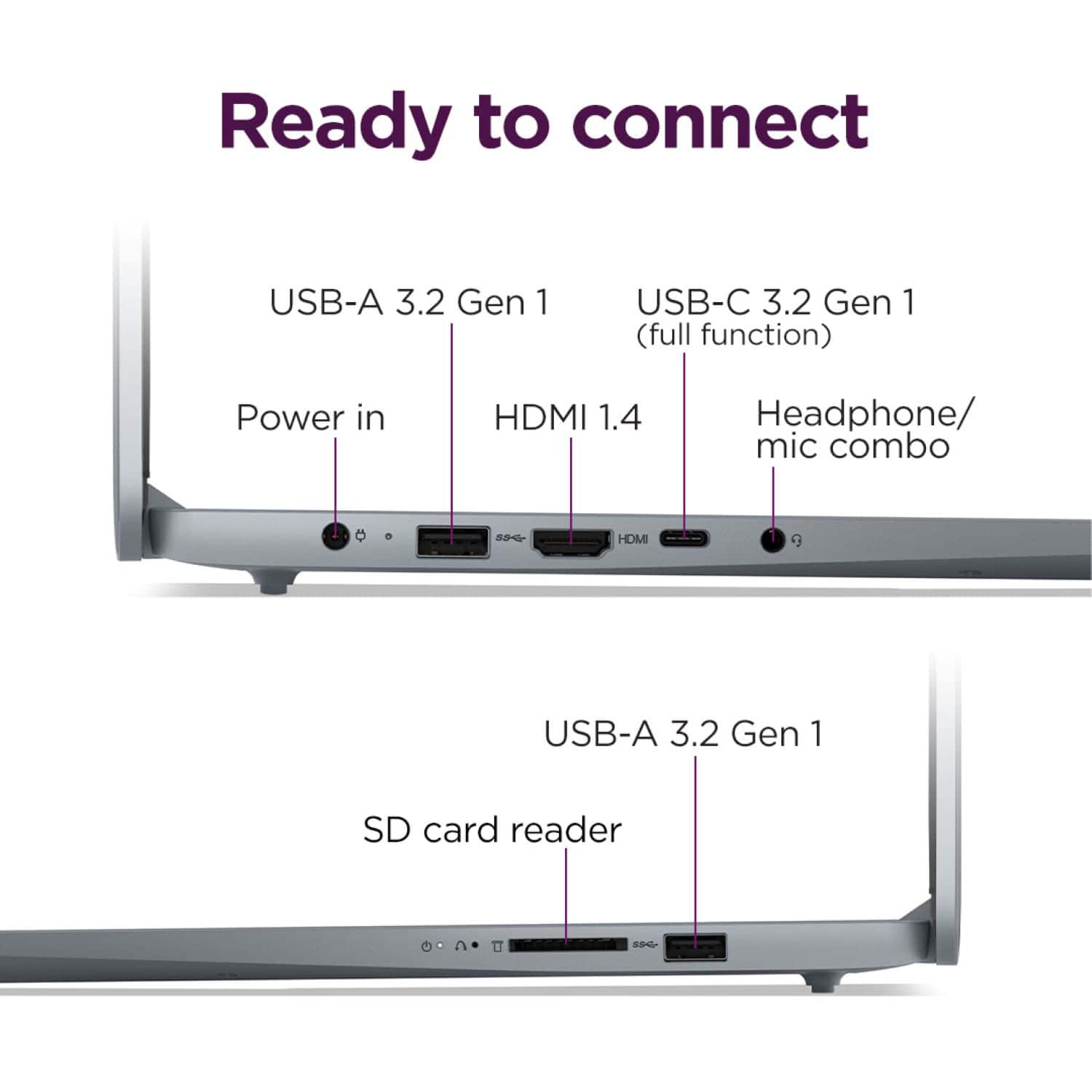
This IdeaPad Slim 3i can support three displays simultaneously, outputting video via the USB-C port, HDMI port, along with using the laptop's screen.
Please feel free to reach out to us with any other questions!
A:AnswerHey Sandy,
This IdeaPad Slim 3i does not feature an optical drive to read / write discs, but you can use an external optical drive with this system to enable this function if you'd like.
Please feel free to reach out to us with any other questions!