A:AnswerHey,
To better understand your ask, we'd like to know the context of what you're referring to precisely. Every system has its limitations, so understanding what you are inquiring about exactly, whether it be performance, peripherals connected a once, expansion or upgradability, can help us to answer your question more precisely. Please post another question with more details, and we'd be happy to assist!
A:AnswerHey Chunone,
Yes, by purchasing this IdeaPad from Best Buy, it comes with Norton 360 (3 Device) with LifeLock Identity Advisor (1 Adult), Internet Security, Scam Protection + VPN, a 6-month subscription.
Please feel free to reach out to us with any other questions!
A:AnswerHey Zach,
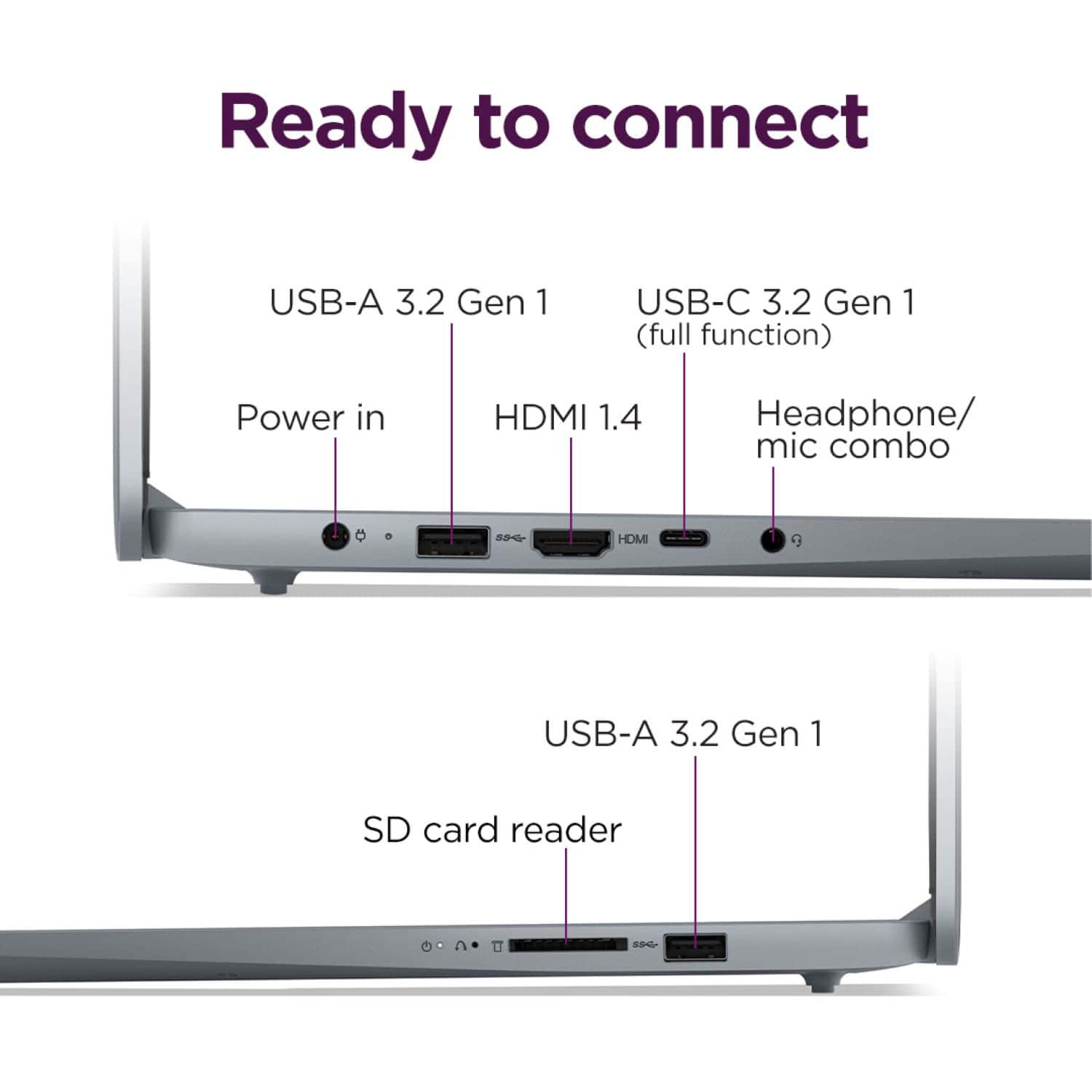
You can charge the laptop via its USB-C port using a USB-C power adapter / charger.
Please feel free to reach out to us with any other questions!
A:AnswerHey ML,
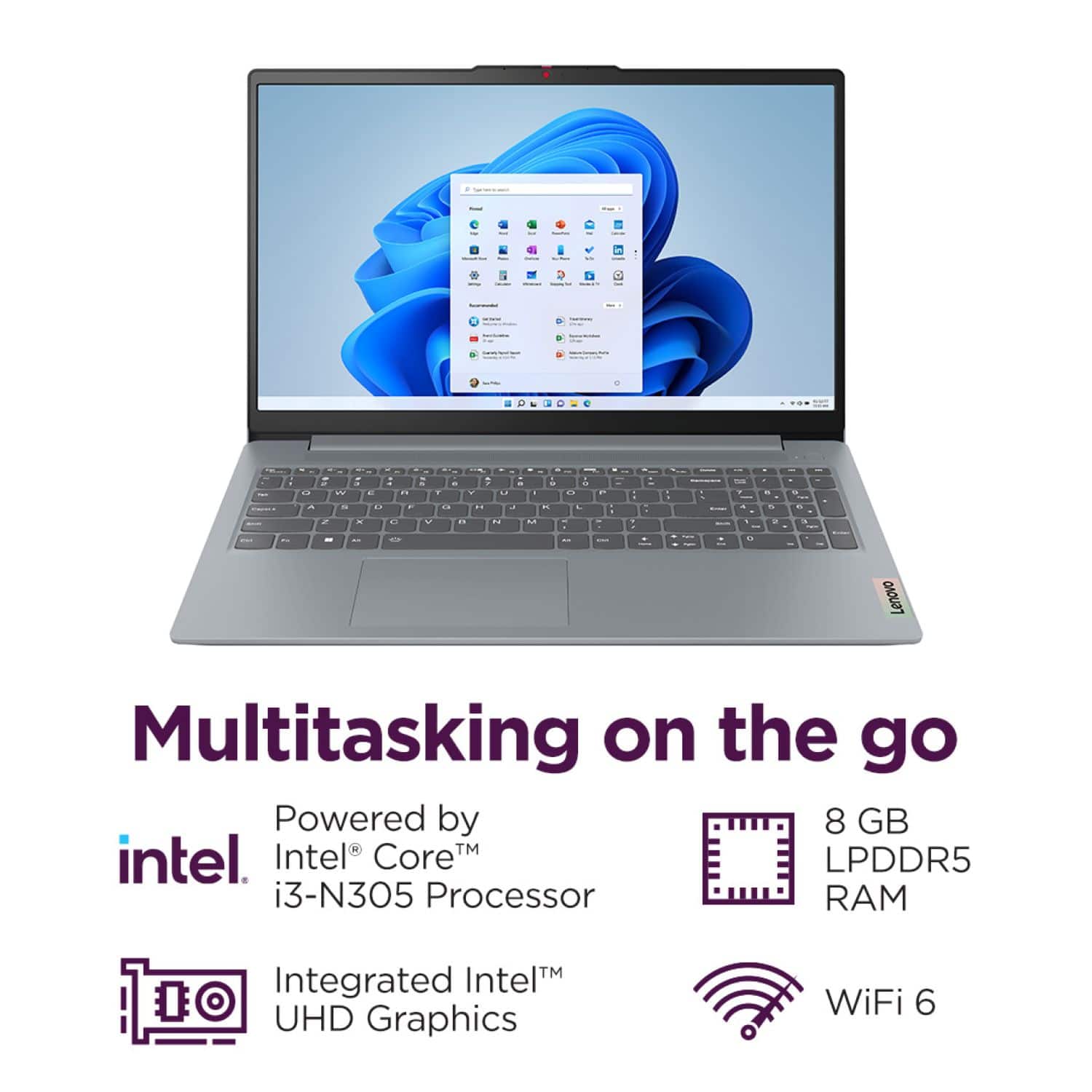
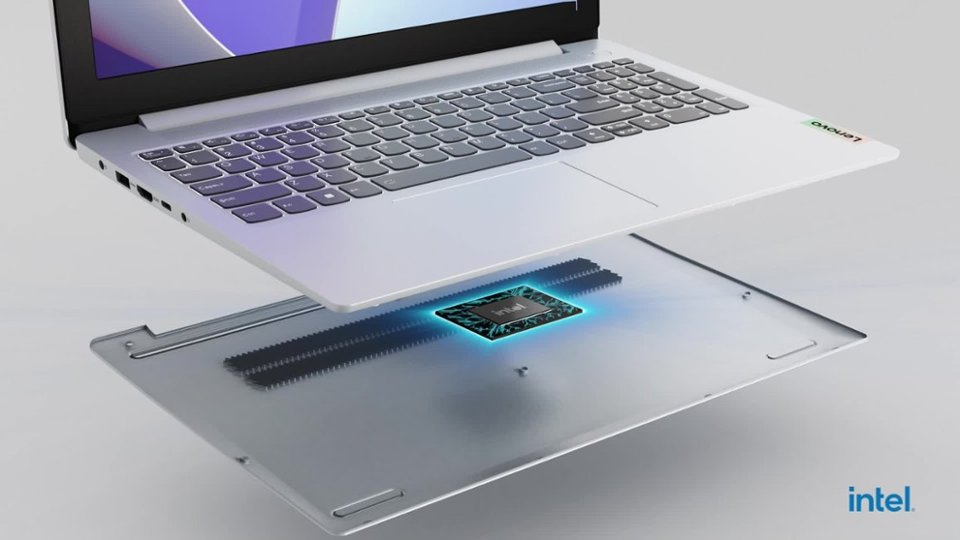
This Intel CPU is a specialty processor that was the first of its kind during Intel's CPU rebranding and restructuring (formerly Alder Lake-N).
Please feel free to reach out to us with any other questions!
A:AnswerHey 4jake8,
Your printer should work fine with this IdeaPad after you download the respective printer drivers onto your PC.
Please feel free to reach out to us with any other questions!
A:AnswerHey Joel,
Any system that features Windows 11 Home in S Mode can switch to standard Windows 11 Home to enable installation of apps outside of the Microsoft Store. Should you desire to switch, here is a link to a Microsoft webpage that shares how to do so: https://support.microsoft.com/en-us/windows/windows-10-and-windows-11-in-s-mode-faq-851057d6-1ee9-b9e5-c30b-93baebeebc85 |
Please feel free to reach out to us with any other questions!
A:AnswerHey Lee,
This system does not include a 1-year subscription to Microsoft 365. The most common Office apps like Word and Excel are preinstalled; however, without purchasing a long-term Office solution, such as Microsoft 365, only a 30-day trial can be activated out of the box.
Here is a link to the Microsoft Office landing page on bestbuy.com to learn more about your Office options: https://www.bestbuy.com/site/microsoft/microsoft-office/pcmcat748300511466.c?id=pcmcat748300511466 |
Please feel free to reach out to us with any other questions!
A:AnswerHey SD,
Yes, you can use an external drive to store documents, and as if it's good for photo editing, this will primarily depend on the editing software being used. For example, if you're trying to run Adobe Lightroom desktop app on this system with professional editing tools, this IdeaPad Slim 3i may have difficulties keeping up due to the software's demanding system requirements. If you're using Photoshop online via the web app, a lot of the computing is taken off the system locally, meaning that an entry level system like this IdeaPad Slim 3i should work fine when photo editing in this capacity.
Please feel free to reach out to us with any other questions!
A:AnswerHey there,
That will depend on the system requirements of the DJing software and equipment you need to use. If this IdeaPad meets those requirements, meaning its specifications align with what the software and equipment need to run, it should work fine.
Please feel free to reach out to us with any other questions!