A:AnswerHey PRPatch,
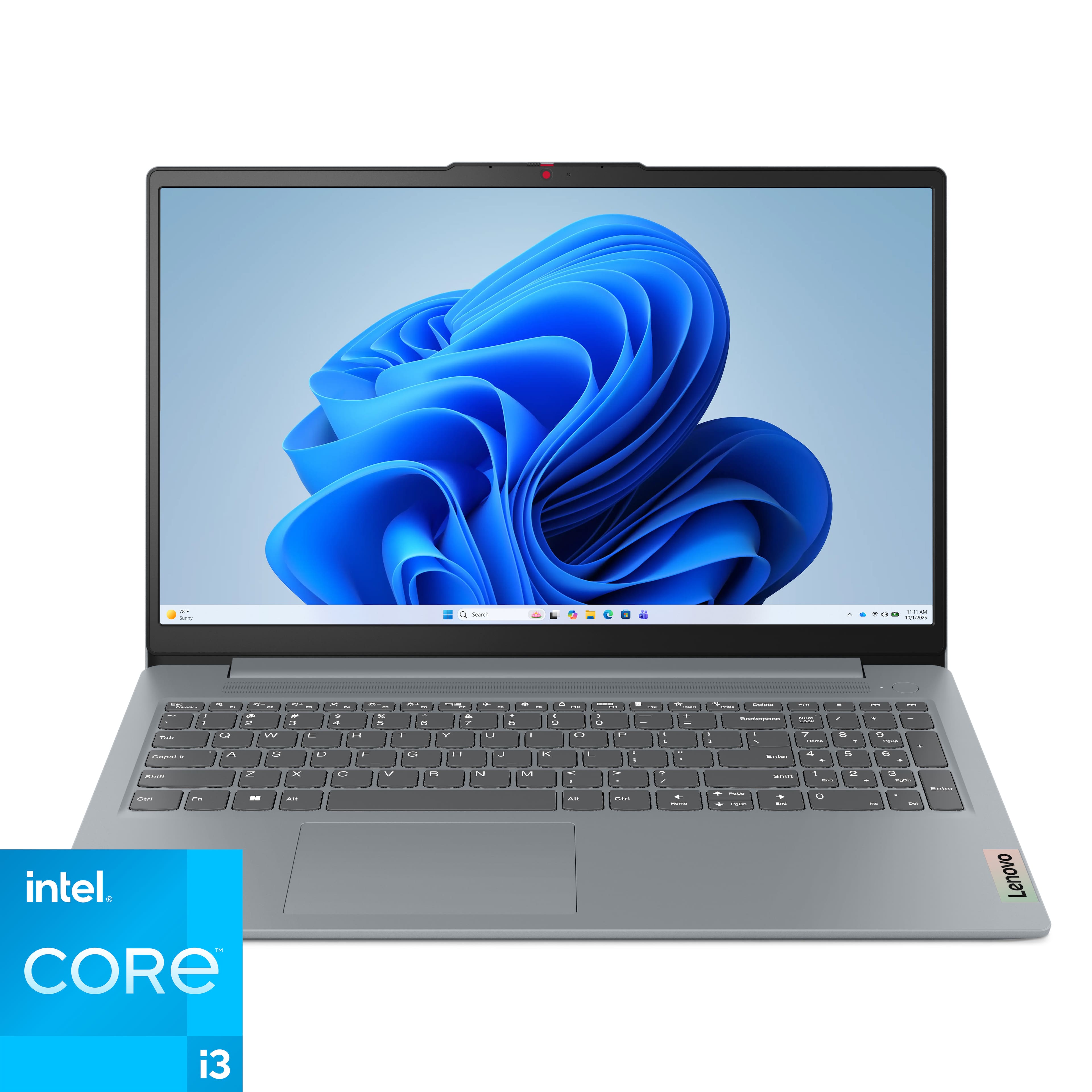
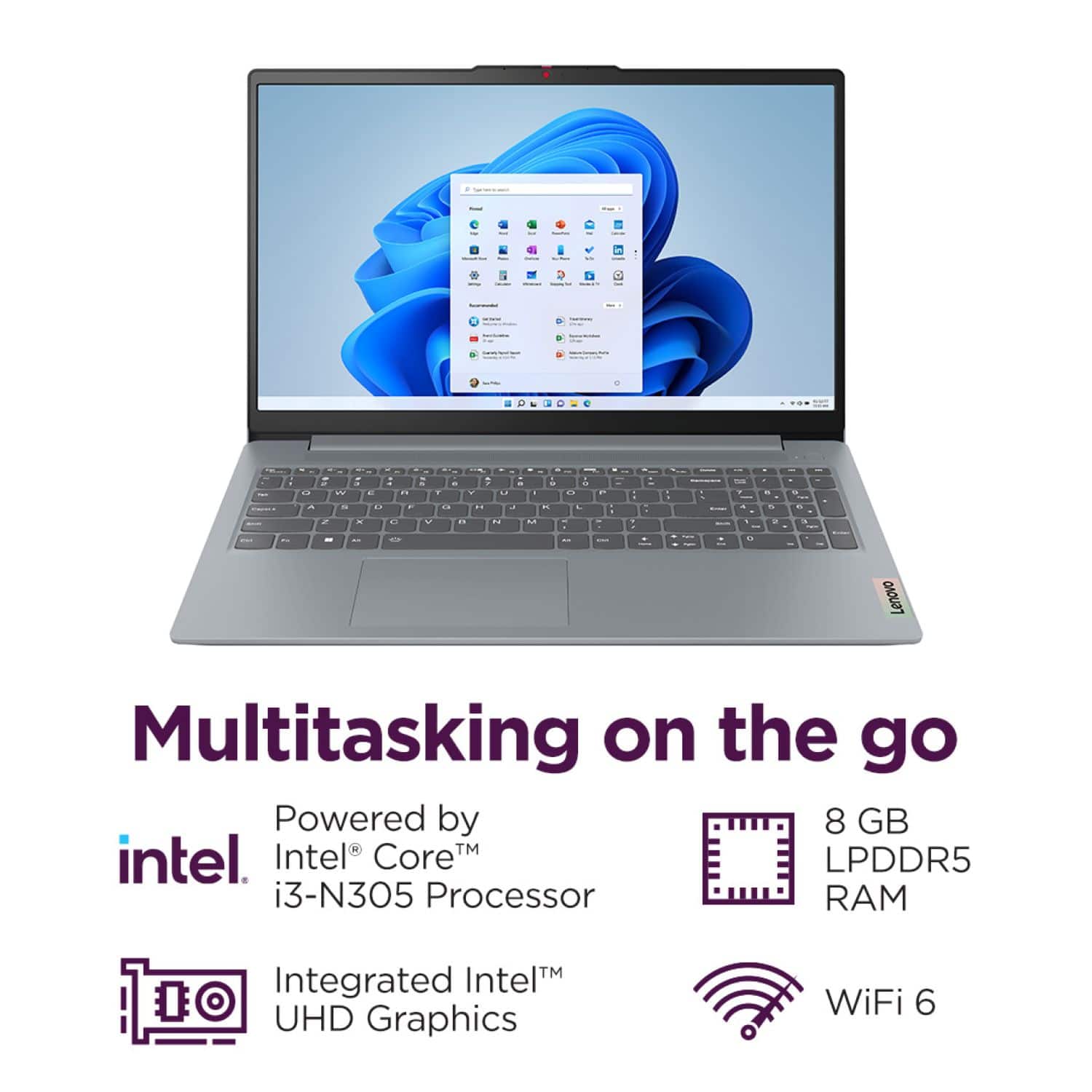
To clarify, this IdeaPad Slim 3i features 8GB of memory and 128GB of storage. Should you wish to have a system with double the memory and storage, we recommend considering this IdeaPad that's currently offered on Best Buy's site here with those specifications: https://www.bestbuy.com/product/lenovo-ideapad-1i-15-6-full-hd-touchscreen-laptop-intel-core-i5-1334u-16gb-memory-512gb-ssd-abyss-blue/JJGSHX7VVK |
Please feel free to reach out to us with any other questions!
A:AnswerHey Carrot,
This IdeaPad Slim 3i features UFS storage, a flash-based storage option that offers reliable, quick performance but translates lower cost that SSD storage.
Please feel free to reach out to us with any other questions!
A:AnswerHey Bob,
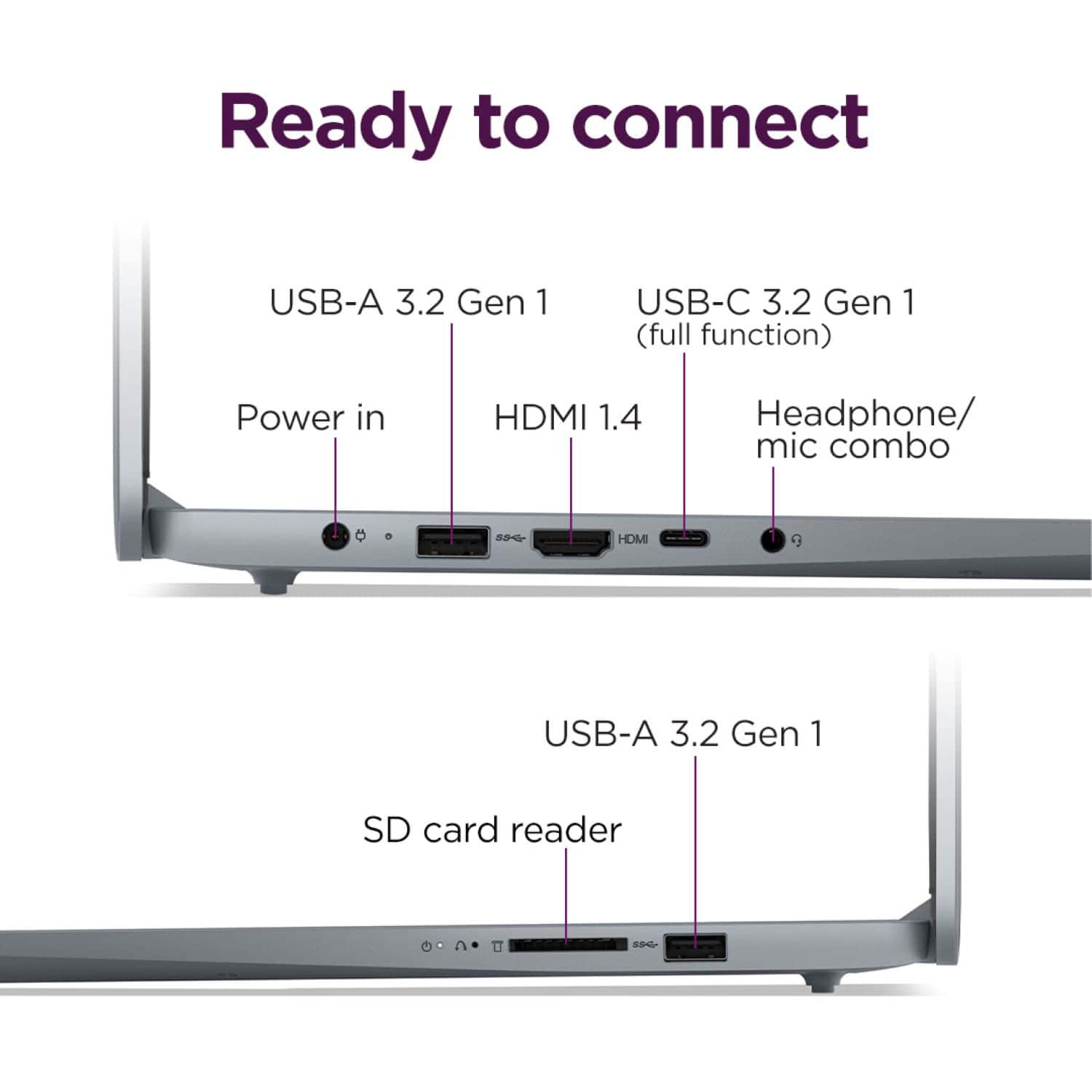
Yes, this IdeaPad Slim 3i features a USB-C 3.2 Gen 1 port that supports data transfer, Power Delivery and DisplayPort 1.2).
Please feel free to reach out to us with any other questions!
A:AnswerYou will have to be more specific, as there are around 30 HP ProBooks, from 14 to 16 inches (at least) and with different variables of CPU, RAM, storage, and features.
A:AnswerComputers that run the Chrome OS are "considered" Chromebooks. Computers that run the MS Windows OS are NOT so "considered." This PC (PC also means a computer with the MS Windows Operating System, BTW) fits in the latter category.
A:AnswerHey Jmm511,
Yes, you can use an external drive for storage or take advantage of the laptop's SD card reader as options for more storage, but you cannot expand internal storage.
Please feel free to reach out to us with any other questions!
A:AnswerHey Nathaniel,
This IdeaPad Slim 3i features 8GB soldered LPDDR5-4800 memory with no memory slots to enable dual-channel.
Please feel free to reach out to us with any other questions!
A:AnswerHey JLQ,
Memory cannot be expanded with this IdeaPad Slim 3i as it is soldered to the systemboard.
Please feel free to reach out to us with any other questions!
A:AnswerHey Keni,
Due to the laptop's entry level processing capabilities, it wouldn't be necessarily ideal for film editing. This is because editing software typically demands more in the way of processing speed and memory to run its tasks quickly and simultaneously. We recommend considering a system with a higher tier processor, a Core 5 or i5, along with more memory or RAM (12 or 16GB would be great) for more optimal performance and quicker video project compilation and exporting. This can also vary if the software you wish to use for editing is AI or cloud based, as this can dictate the system requirements that would be best for your use now and in the future.
Please feel free to reach out to us with any other questions!
A:AnswerHey Melvin,
Yes, you shouldn't have any issues connecting to your printer via this IdeaPad Slim 3i's USB port, using a printer cable.
Please feel free to reach out to us with any other questions!
A:AnswerHey Rg713,
Adding internal storage isn't possible for this system, as the 128GB storage included with the system is UFS storage that's soldered to the systemboard, and it does not feature any other storage slots. The system does have an SD card slot, so you can use an SD card for external storage, along with an external drive.
Please feel free to reach out to us with any other questions!
A:AnswerHey,
S mode is a more secure, lighter version of the Windows 11 Operating System that only allows the downloading of applications from the Microsoft Store. If you try to launch or install an executable or .exe file, the system prevents it. Should you desire to switch to Windows 11 Home, here is a link to a Microsoft webpage that shares how to do so: https://support.microsoft.com/en-us/windows/windows-10-and-windows-11-in-s-mode-faq-851057d6-1ee9-b9e5-c30b-93baebeebc85 |
Please feel free to reach out to us with any other questions!