A:AnswerHey Beavis,
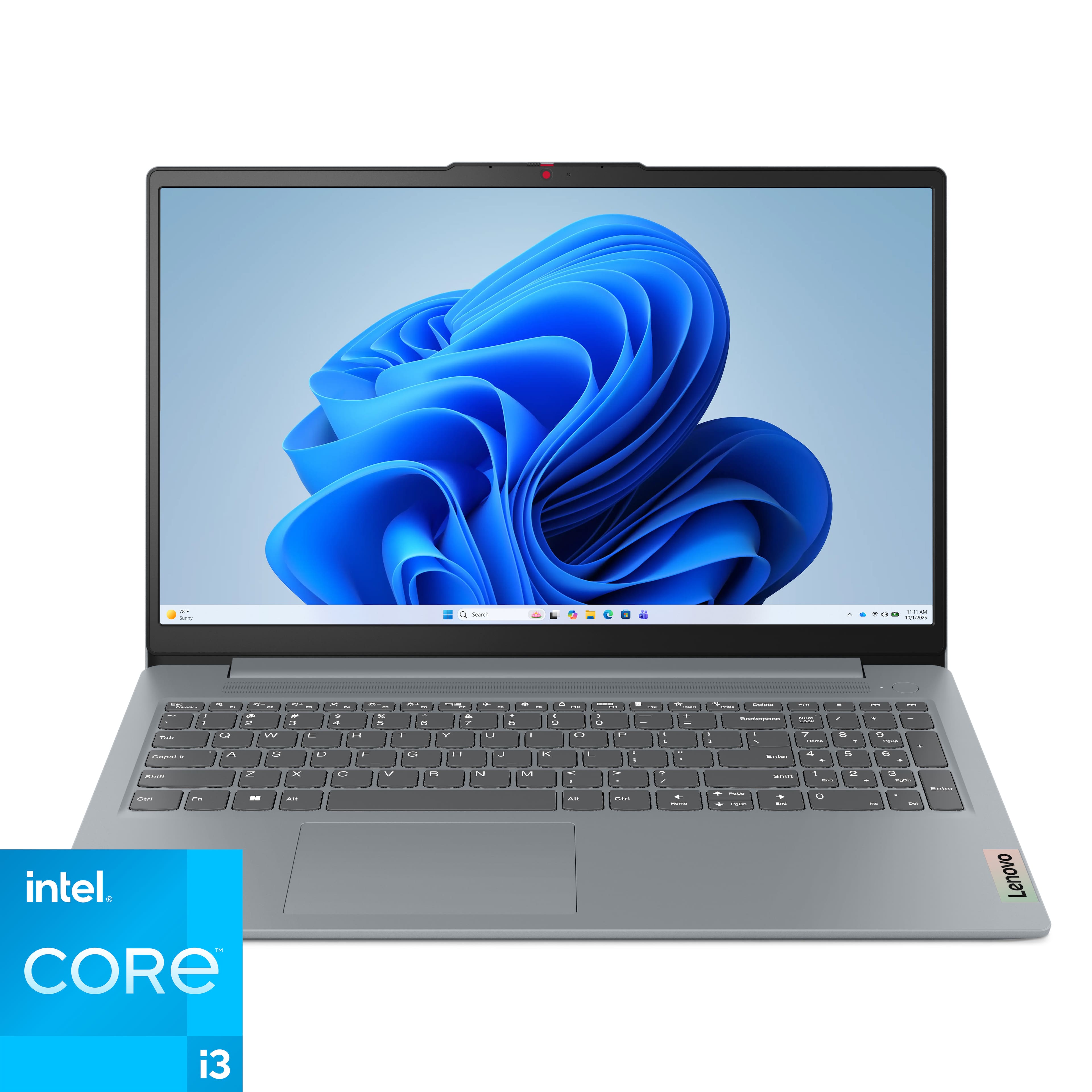
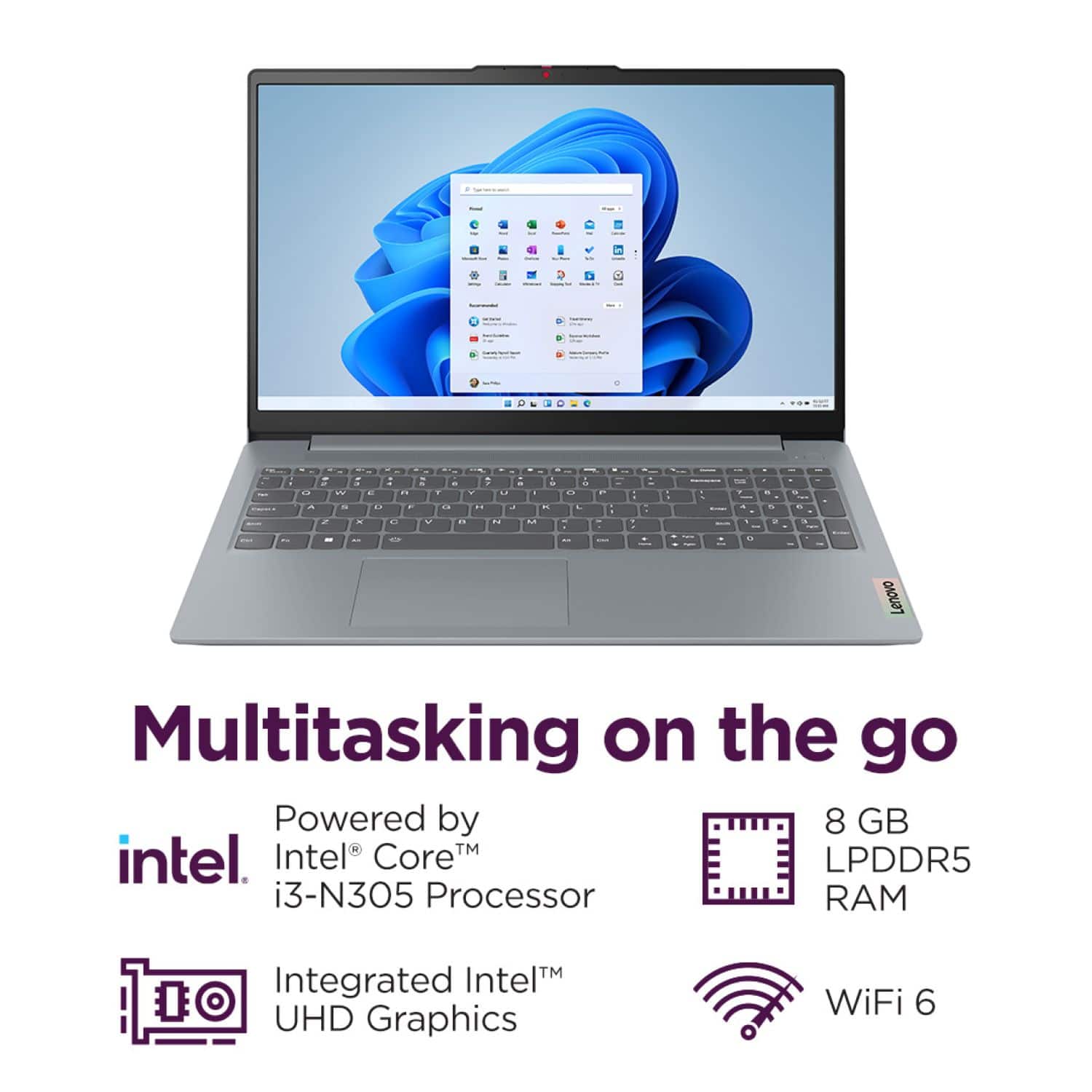
We apologize for any confusion. To clarify, this IdeaPad Slim 3i does support Power Delivery. We appreciate your interest, attention to this, and your understanding.
Please feel free to reach out to us with any other questions!
A:AnswerHey GiraffeLover (me too),
This IdeaPad Slim 3i does not feature a fingerprint reader.
Please feel free to reach out to us with any other questions!
A:AnswerHey marty,
Yes, the most common Office apps like Word and Excel are preinstalled; however, without purchasing a long-term Office solution, such as Microsoft 365, only a 30-day trial can be activated out of the box.
Here is a link to the Microsoft Office landing page on bestbuy.com to learn more about your Office options: https://www.bestbuy.com/site/microsoft/microsoft-office/pcmcat748300511466.c?id=pcmcat748300511466 |
Please feel free to reach out to us with any other questions!
A:AnswerHey EverDOG,
The most common Office apps like Word and Excel are preinstalled; however, without purchasing a long-term Office solution, such as Microsoft 365, only a 30-day trial can be activated out of the box.
Here is a link to the Microsoft Office landing page on bestbuy.com to learn more about your Office options: https://www.bestbuy.com/site/microsoft/microsoft-office/pcmcat748300511466.c?id=pcmcat748300511466 |
Please feel free to reach out to us with any other questions!
A:AnswerYou might as well ask how good is vanilla ice cream.
Personally, I have yet to find a laptop at at cost with a decent sound system. There is just no getting around the fact that you basically have a pair of headphones cranked up to 11 and mounted on rattling plastic. I don't even try, just go straight to the buds.
A:AnswerHey,
The most common Office apps are preinstalled; however, without purchasing a long-term Office solution, such as Microsoft 365, only a 30-day trial can be activated out of the box.
Here is a link to the Microsoft Office landing page on bestbuy.com to learn more about your Office options: https://www.bestbuy.com/site/microsoft/microsoft-office/pcmcat748300511466.c?id=pcmcat748300511466
Please feel free to reach out to us with any other questions!
A:AnswerYou're going about it backwards. If you need a computer for 3D printing, check the specs on your software, THEN find a machine that meets (or surpasses) those. Then you'll be happy.
A:AnswerHey Ryan,
You should be able to install Netflix and Roblox and run them (with conservative graphic and in-game settings on Roblox) on this IdeaPad Slim 3i.
Please feel free to reach out to us with any other questions!
A:AnswerHey there,
This will likely depend on the system requirements of the printing/design software and 3D printer that you wish to use, as each of these devices and software can have unique requirements that are needed by the systems that they will be connected to. If you could share details like what printer you may use and what software platform, we may be able to answer your question more precisely.
Please feel free to reach out to us with any other questions!
A:AnswerHey there,
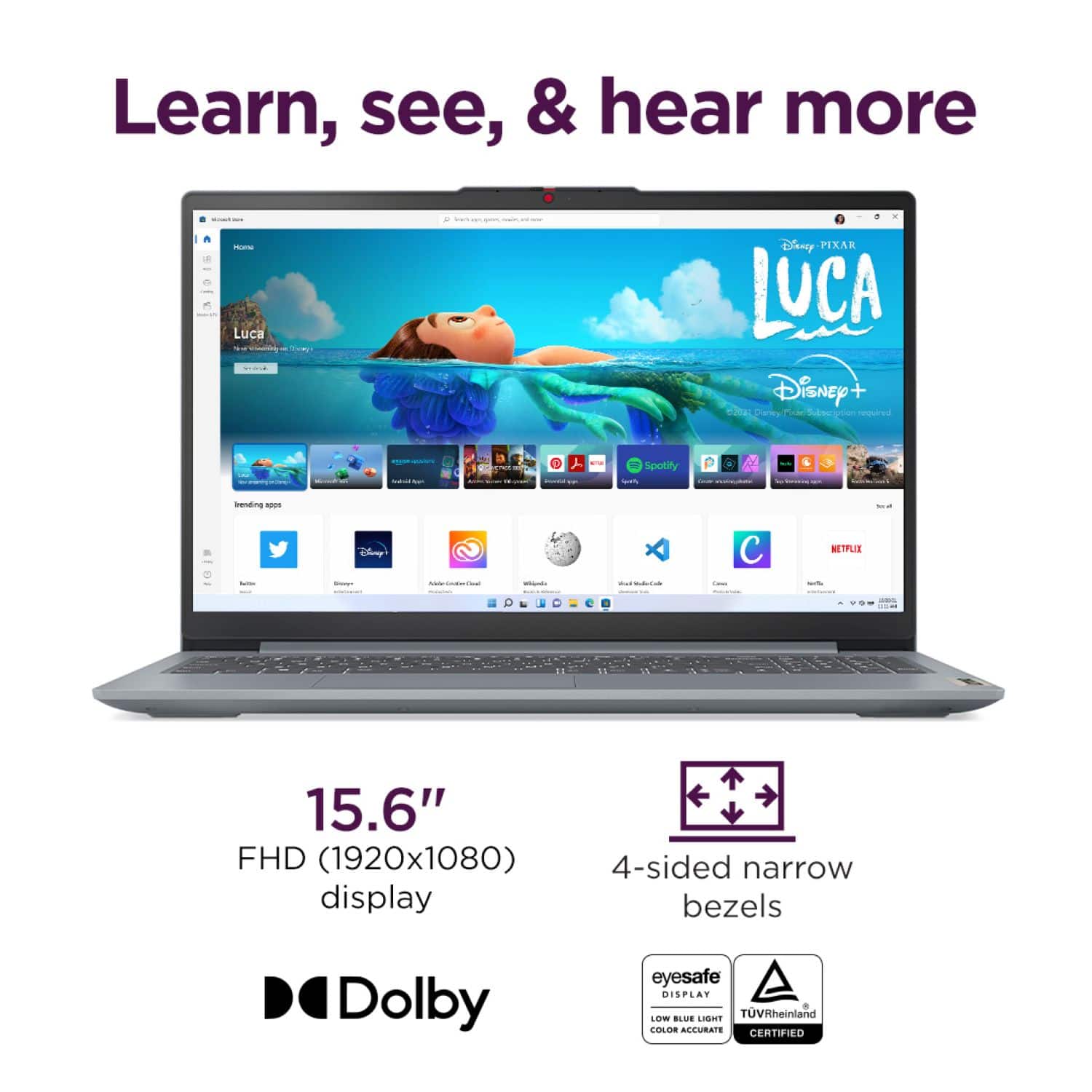
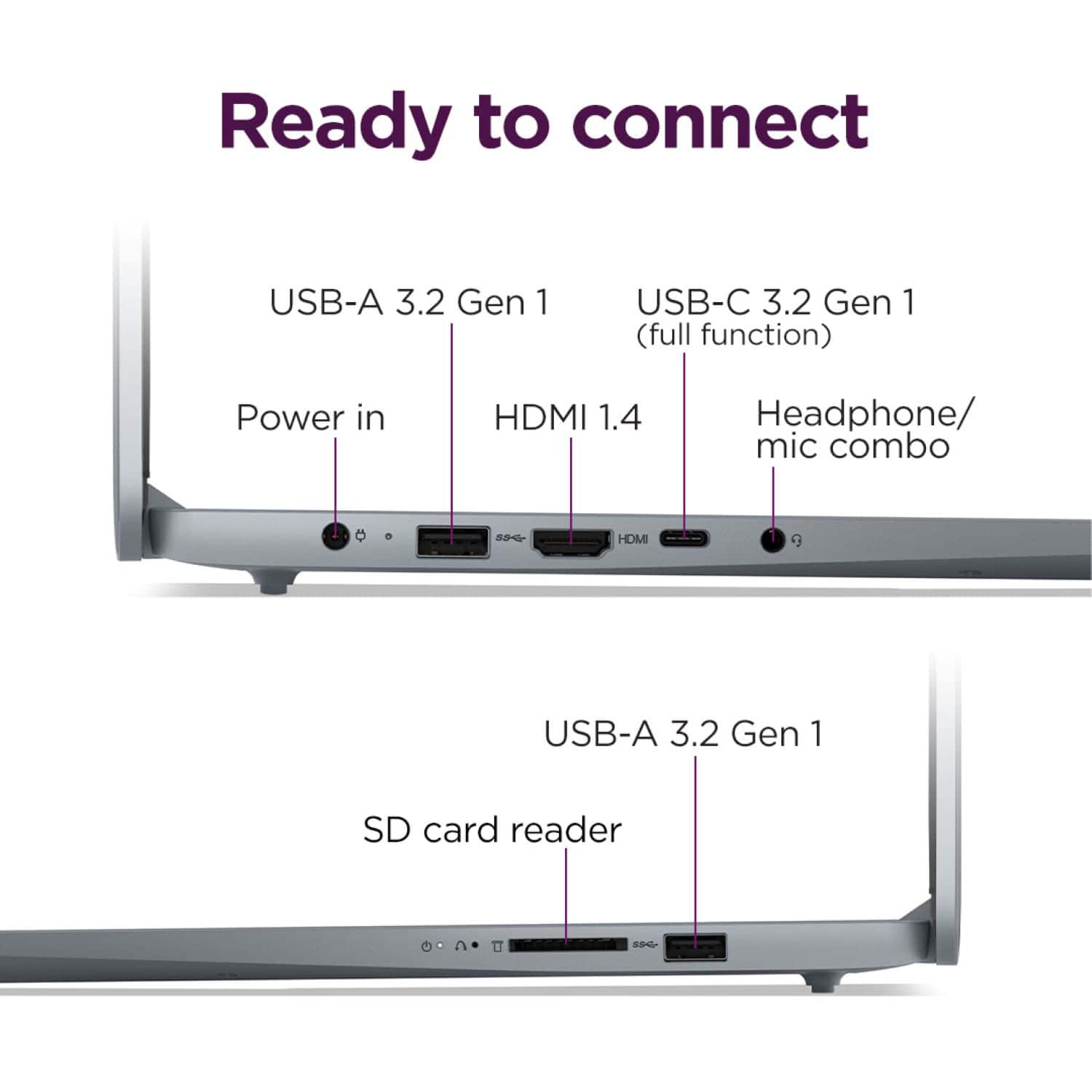
Yes, if you connect the monitor to the laptop's HDMI port, it should drive a 4K display at 60Hz.
Please feel free to reach out to us with any other questions!
A:AnswerHey Spade0306,
Based on the system requirements for Sims 4, this IdeaPad Slim 3i may run the game, but in-game graphic settings and mods would need to be kept at a minimum since this IdeaPad just meets the game's minimum system requirements, falling short of what's recommended in a couple categories (graphics performance and memory).
Please feel free to reach out to us with any other questions!
A:AnswerHey there,
This could be a good fit for light use with school. If you're using web-based software and don't plan on doing anything more than light multitasking, as others have shared in their reviews of this IdeaPad Slim 3i, it could work well for you.
Please feel free to reach out to us with any other questions!
A:AnswerHey there,
That depends on what the workload looks like for you. For some, this entails handling multiple web browser windows at once, which this system can handle to an extent. If there's any particular software, peripherals, and other details that you can share, it could help us to deliver a definitive answer, as well as recommend solutions that may be a better fit for your needs.
Please feel free to reach out to us with any other questions!
A:AnswerHey DIRK,
We'd like to supply more information, but we need more details on what you may be looking for specifically--card formats supported? Card form factor or capacity? Any of these points can help us answer your inquiry more precisely.
Please feel free to reach out to us with any other questions!
A:AnswerHey Terry,
Best Buy does offer in-store support options, including device setup, to help you get started thanks to the Geek Squad. We recommend contacting your local Best Buy and Geek Squad precinct to discuss their local support options.
Please feel free to reach out to us with any other questions!
A:AnswerHey there,
This IdeaPad Slim 3i does not feature a security lock. This can be found on business-oriented notebook systems like the Lenovo ThinkPad and ThinkBook laptops.
Please feel free to reach out to us with any other questions!