A:AnswerHey,
The most common Office apps like Word and Excel are preinstalled; however, without purchasing a long-term Office solution, such as Microsoft 365, only a 30-day trial can be activated out of the box.
Here is a link to the Microsoft Office landing page on bestbuy.com to learn more about your Office options: https://www.bestbuy.com/site/microsoft/microsoft-office/pcmcat748300511466.c?id=pcmcat748300511466 |
Please feel free to reach out to us with any other questions!
A:AnswerHey butch,
Yes, this IdeaPad Slim 3i features Bluetooth 5.2 connectivity, enabling use of wireless keyboards and mouses, printers, headphones, controllers, and more.
Please feel free to reach out to us with any other questions!
A:AnswerHey Bind,
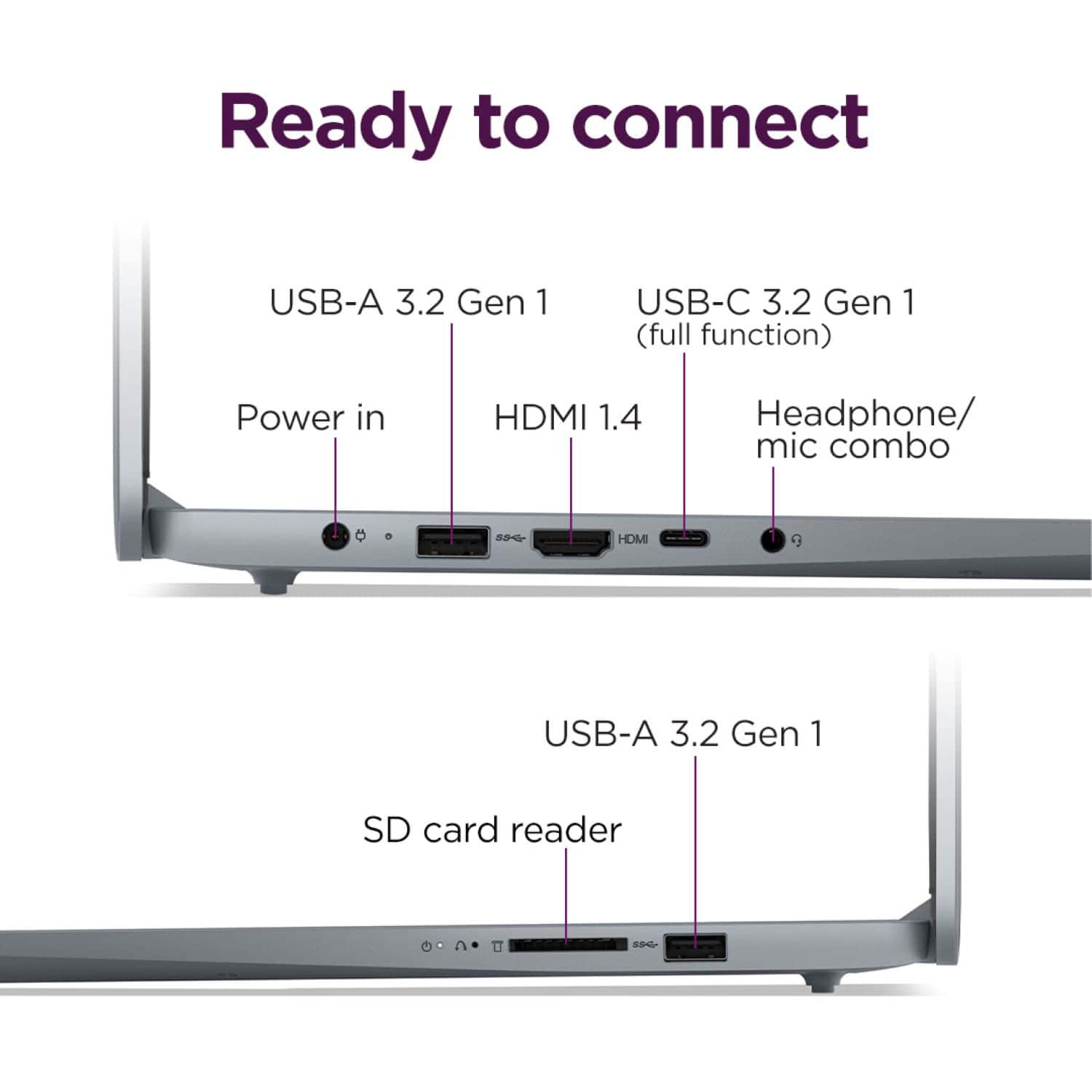
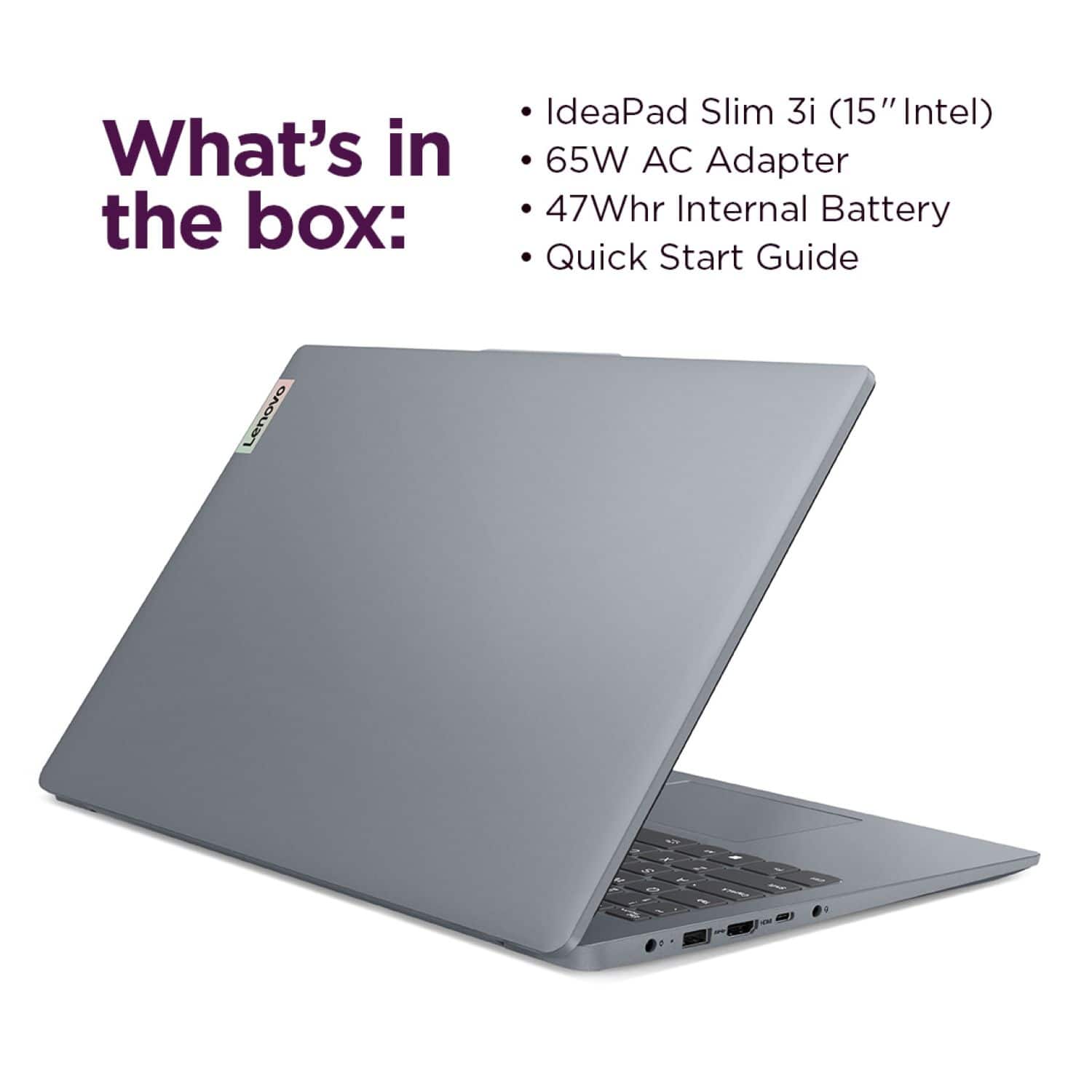
Since this IdeaPad Slim 3i does not feature an ethernet port, you would need a USB-C or USB-A to ethernet adapter to connect an ethernet cable from your modem / router to this laptop.
Please feel free to reach out to us with any other questions!
A:AnswerHey Tayl,
Yes, this IdeaPad Slim 3i features a USB-C port that supports data transfer, USB PD 45-65W and DisplayPort™ 1.2.
Please feel free to reach out to us with any other questions!
A:AnswerHey,
This IdeaPad Slim 3i ships with an assortment of software and applications, including what's provided with Windows 11 systems, Microsoft Office applications (with a 30-day trial for Microsoft 365), and programs intended for support, maintaining device help and settings like Lenovo Vantage.
Please feel free to reach out to us with any other questions!
A:AnswerHey,
Yes, you Microsoft Edge is preinstalled, and you can download Chrome web browser, but it takes a couple steps. This is because this model IdeaPad Slim 3i ships with Windows 11 Home in S mode preinstalled. For context, S mode is a more secure, lighter version of the Windows 11 Operating System that only allows the downloading of applications from the Microsoft Store. If you try to launch or install an executable or .exe file, the system prevents it. Should you desire to switch to Windows 11 Home to be able to download Chrome and other applications of your choosing outside of the Microsoft Store, here is a link to a Microsoft Support webpage that shares how to do so: https://support.microsoft.com/en-us/windows/windows-10-and-windows-11-in-s-mode-faq-851057d6-1ee9-b9e5-c30b-93baebeebc85 |
Please feel free to reach out to us with any other questions!
A:AnswerHey Tabatha,
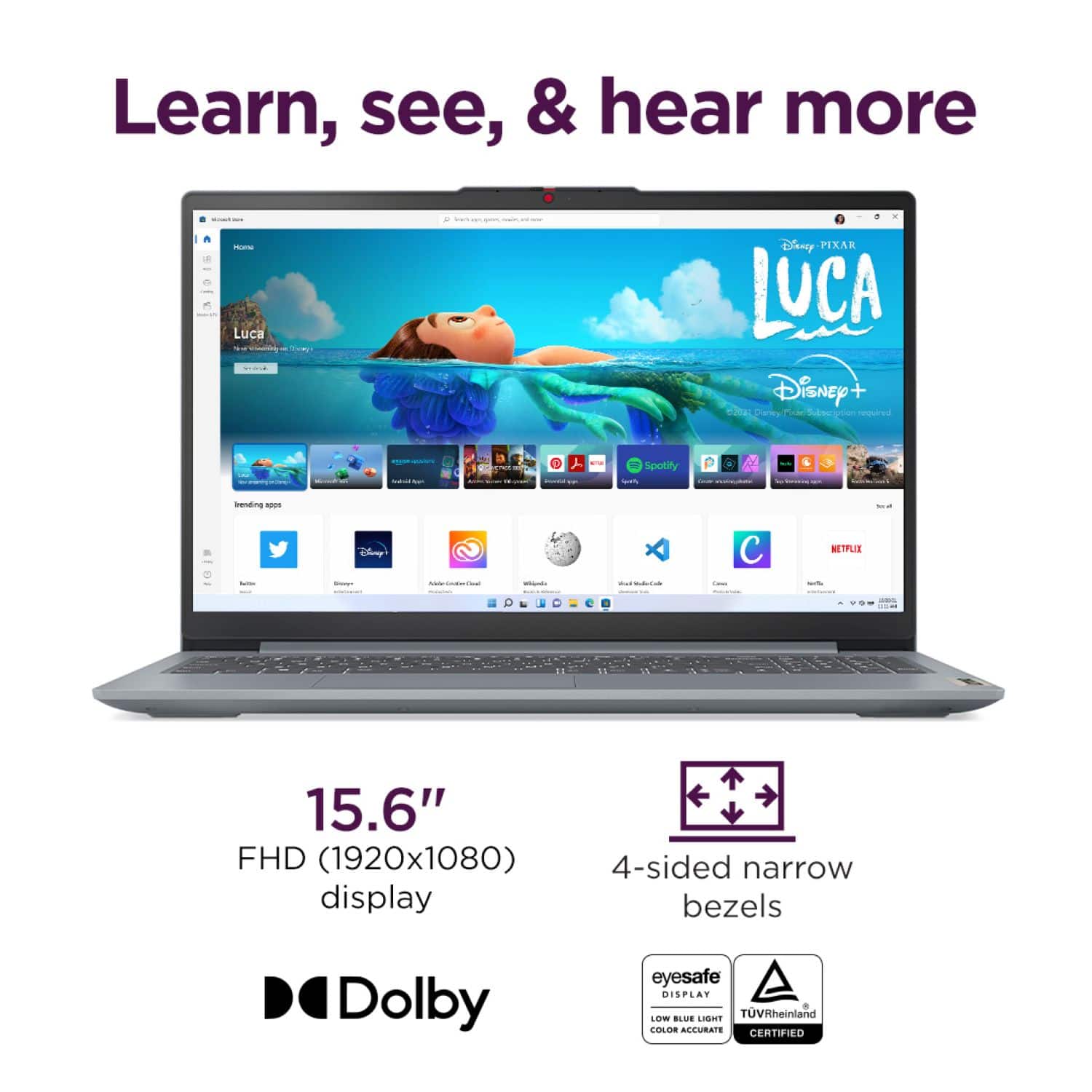
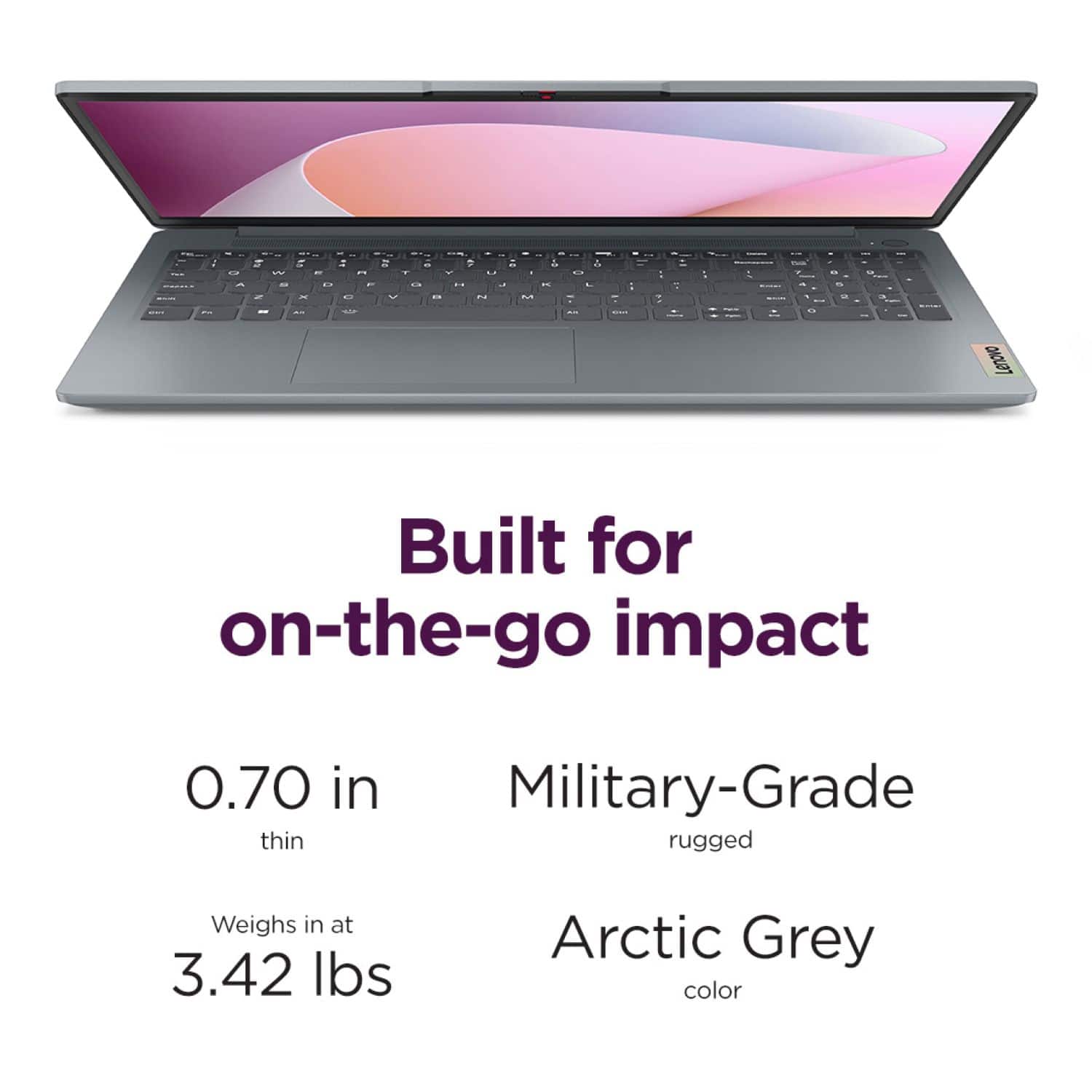
This IdeaPad Slim 3i does not feature a backlit keyboard or a touchscreen display. Please let us know if you'd like help finding a system that does have these features.
Feel free to reach out to us with any other questions!
A:AnswerHey Yjonn,
We don't recommend the IdeaPad 1, 3, 5 or IdeaPad Slim 3 or Slim 5 laptops for 3D animation work, due to the demanding performance requirements to run most animation software. These IdeaPad laptops generally will not meet the system requirements to run the software effectively. If you'd like, you can share the title of the animation platform you'd like to use with our laptops, and we'd be happy to help you find the right system to run what you need.
Please feel free to reach out to us with any other questions!
A:AnswerHey Dawn,
It's likely that this IdeaPad Slim 3i could upgrade to the next Windows platform, but this unfortunately can't be confirmed since Microsoft has yet to publicize any information regarding the next iteration of Windows, with Windows 11 being the focus for the foreseeable future.
Please feel free to reach out to us with any other questions!
A:AnswerHey,
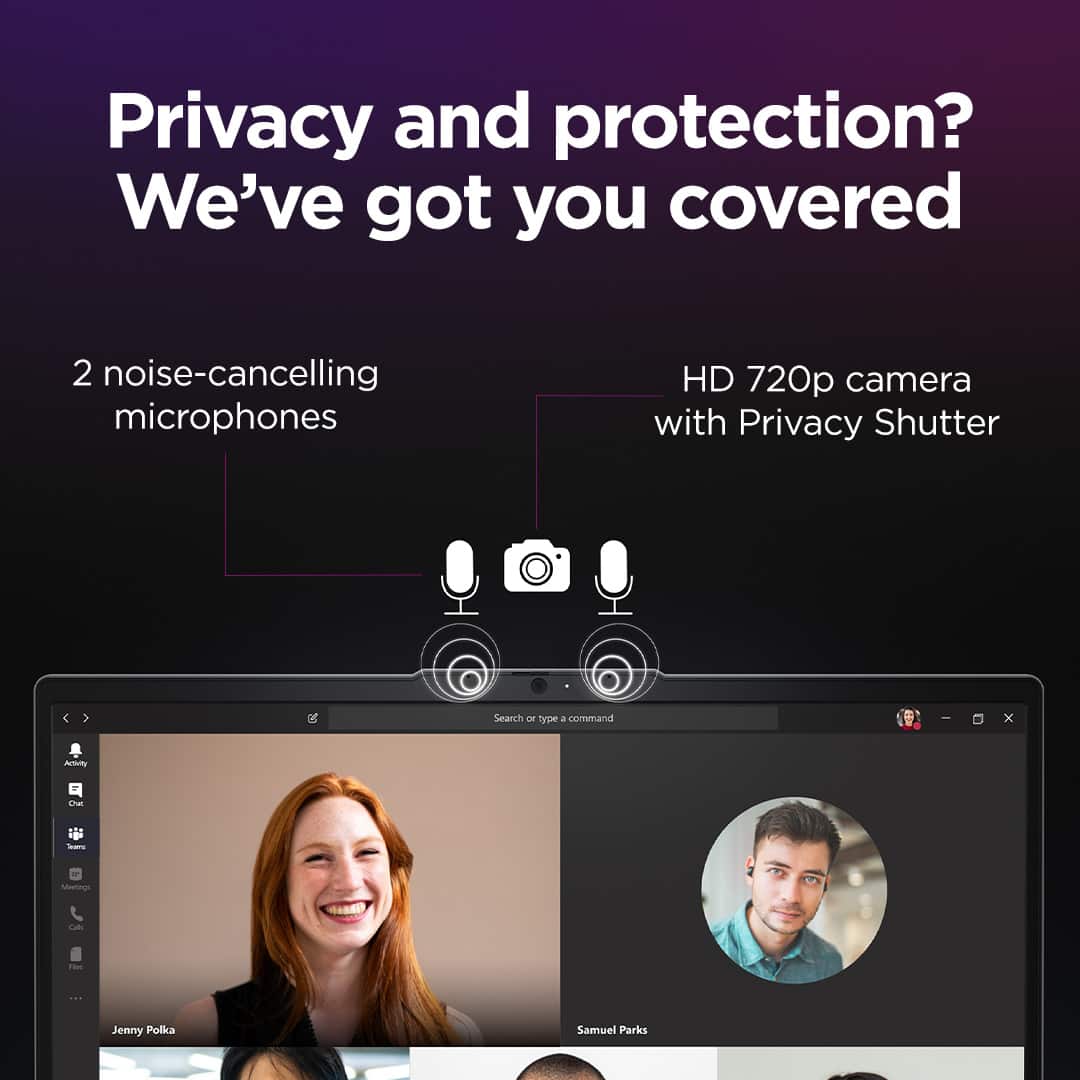
You shouldn't have any issues with major, web-based video conferencing platforms like Google Meet, Microsoft Teams, and Zoom.
Please feel free to reach out to us with any other questions!
A:AnswerHey,
Out of the box, this won't be the case, as this system features Windows 11 Home in S mode as its operating system. S mode is a more secure, lighter version of the Windows 11 Operating System that only allows the downloading of applications from the Microsoft Store. If you try to launch or install an executable or .exe file, the system prevents it. Should you desire to switch to Windows 11 Home to run TurboTax with this laptop, here is a link to a Microsoft webpage that shares how to do so: https://support.microsoft.com/en-us/windows/windows-10-and-windows-11-in-s-mode-faq-851057d6-1ee9-b9e5-c30b-93baebeebc85 |
Please feel free to reach out to us with any other questions!