A:AnswerYou only need to be connected to a "network' ( WiFi or other) when you are setting up the system for the first time. You will need to download the "app" and it will guide you though the whole set up process. Using the "app" insures that the whole system is synced correctly.
A:AnswerThe Galaxy J3 is not on the current list of compatible phones. We are in the process of testing and approving other phones. Please find the updated list of phones at jedichallenges.com/compatibility.
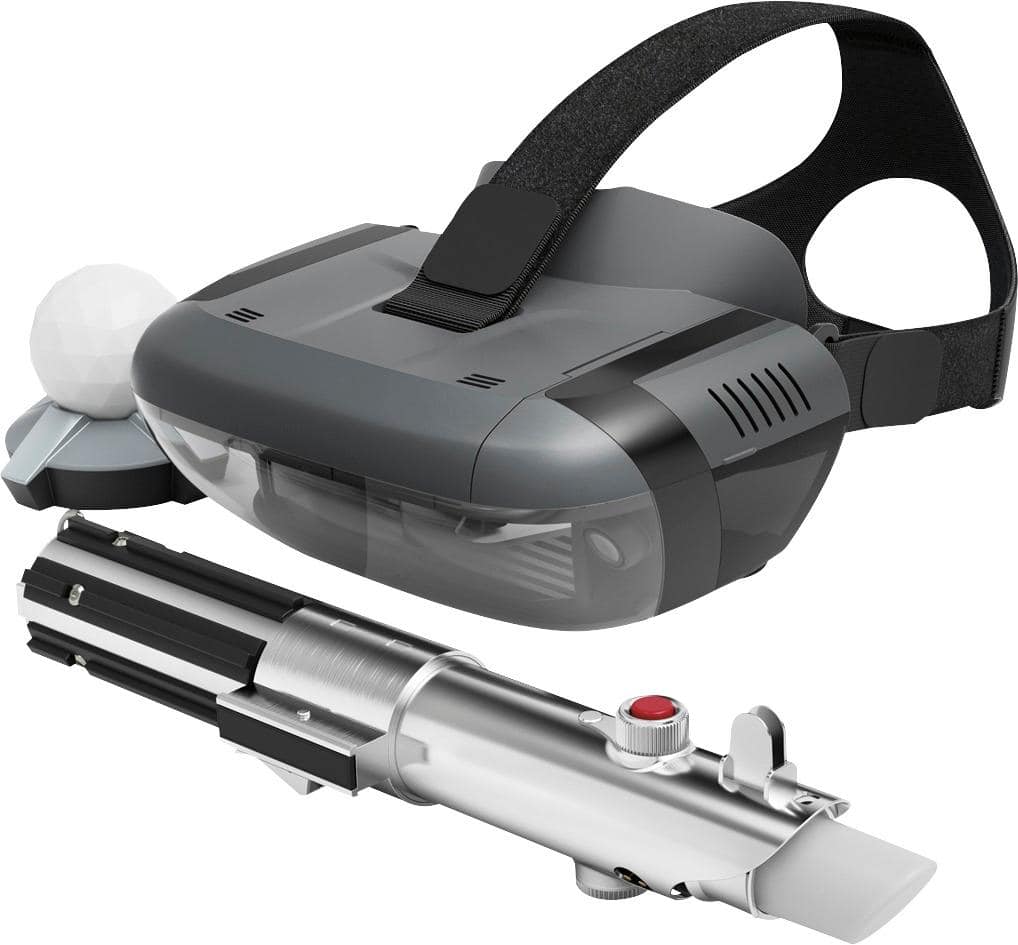
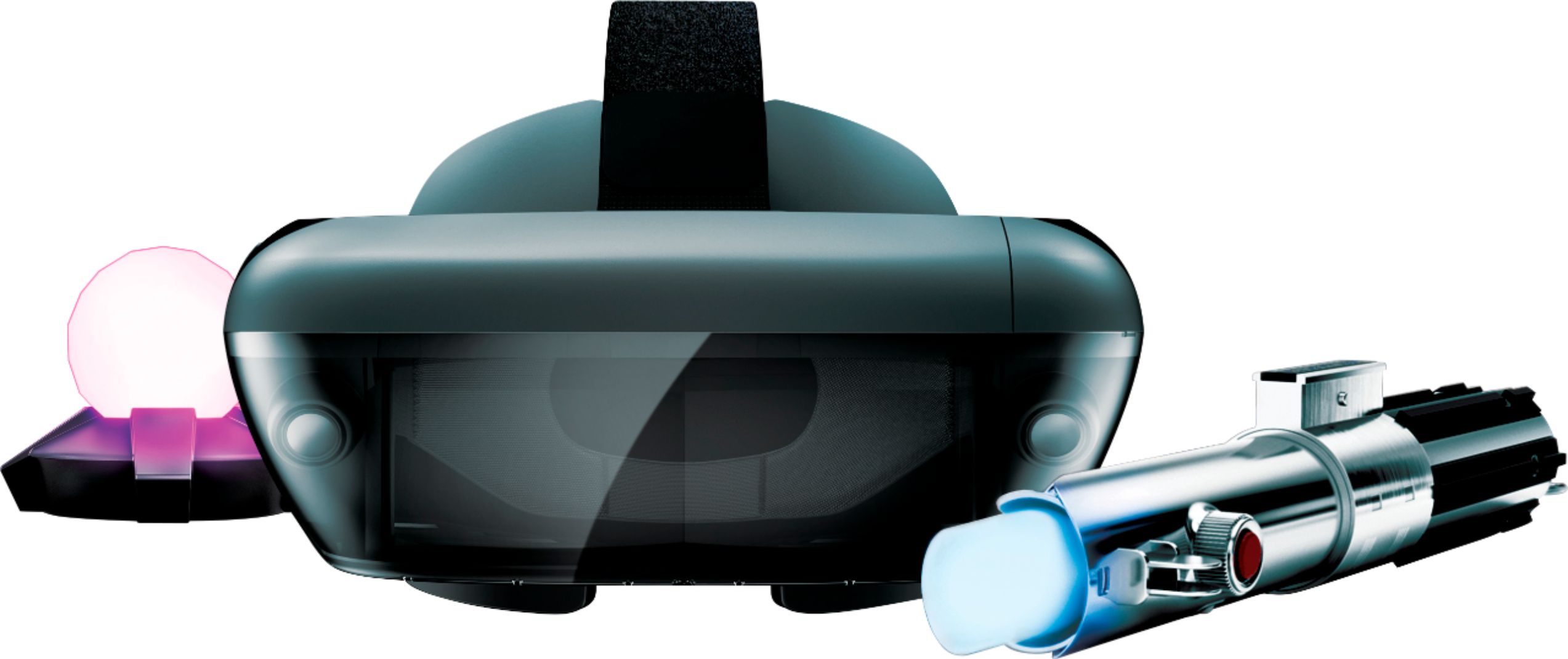
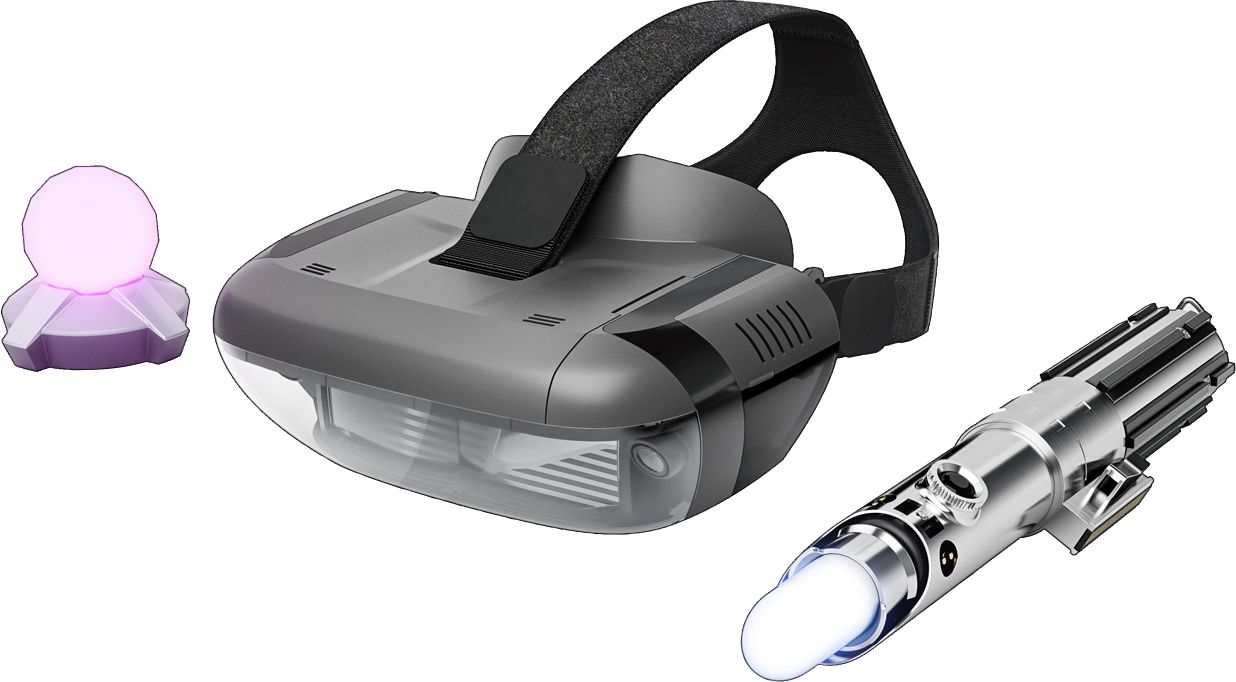
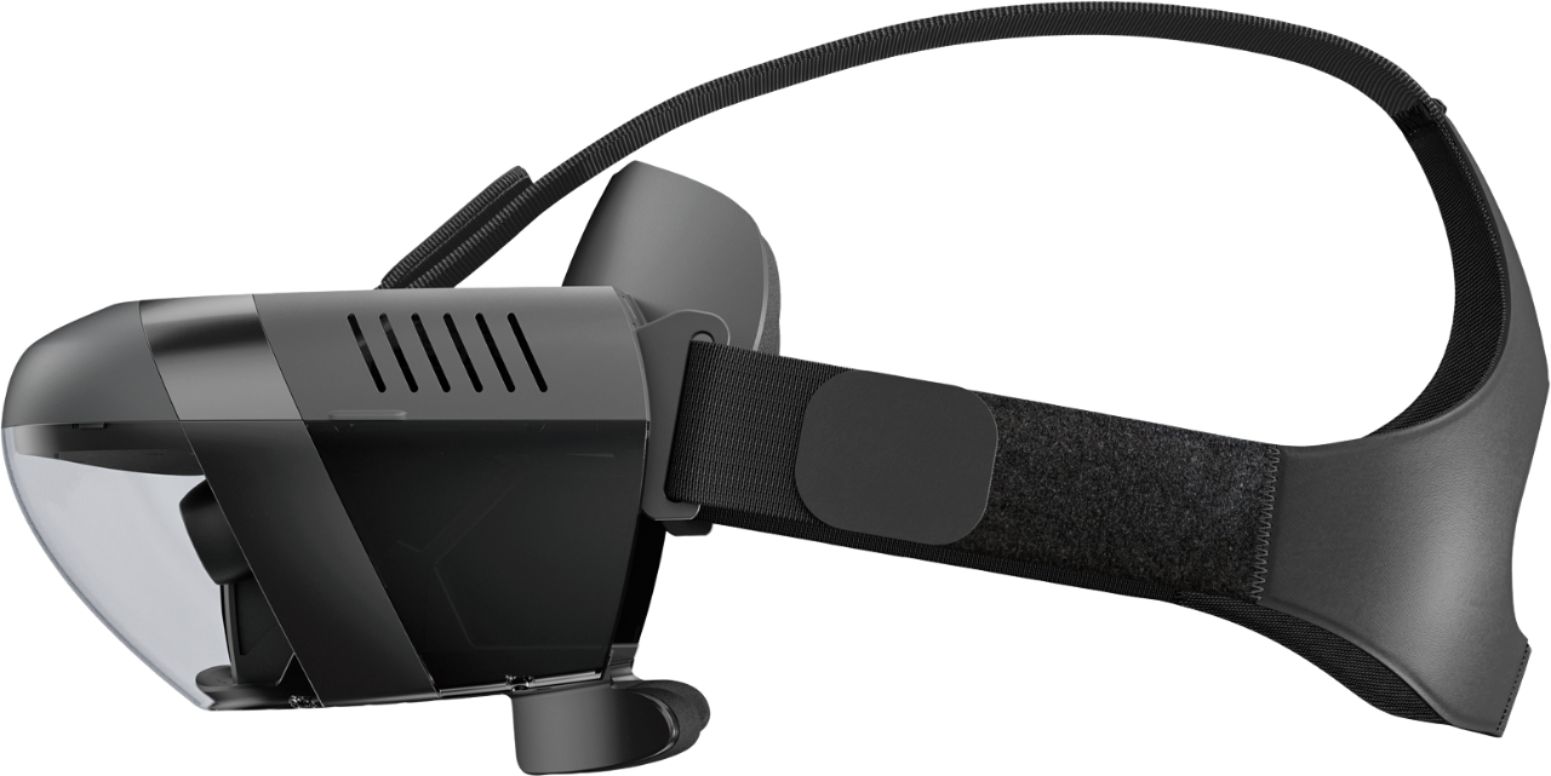
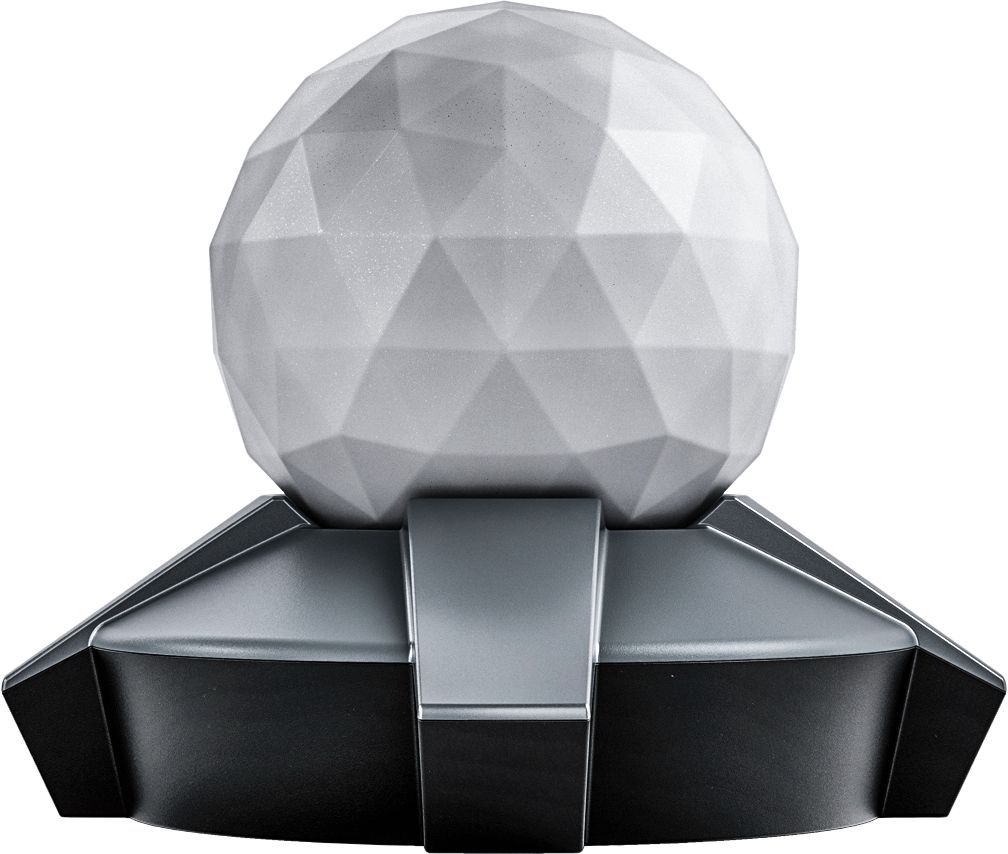
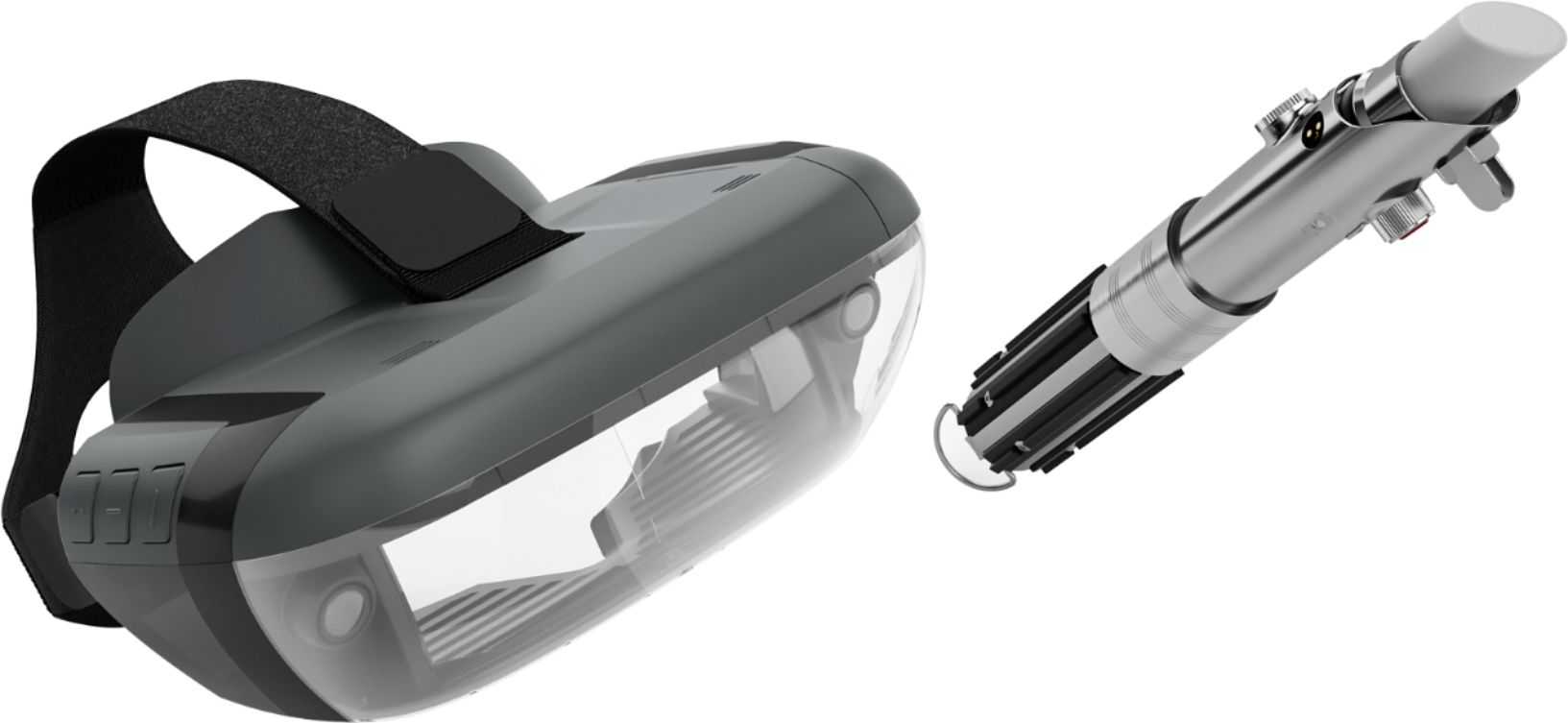
A:AnswerStar Wars: Jedi Challenges tracks player's progression through various challenges of different levels of difficulty. The progression is tracked thought the application user data, and as a result using two phones for two users is the best way to track two individual progression path. The Star Wars: Jedi Challenges Headset, Lightsaber controller and Tracking beacon can be used with an approved phone. Please find the updated list of phones at jedichallenges.com/compatibility
It is currently not possible to track multiple user progressions on a single phone. However, please note it is possible to replay each unlocked stage an infinite amount of time.
A:AnswerOnly approved phones work correctly with the Star Wars Jedi Challenges. Please find the updated list of phones at jedichallenges.com/compatibility. All you need is an approved smart phone. Everything else you will need to make it work comes with the Star Wars Jedi Challenges. Have fun!
A:AnswerStar Wars: Jedi Challenges tracks player's progression through various challenges of different levels of difficulty. The progression is tracked thought the application user data, and as a result using two phones for two users is the best way to track two individual progression path. The Star Wars: Jedi Challenges Headset, Lightsaber controller and Tracking beacon can be used with an approved phone. Please find the updated list of phones at jedichallenges.com/compatibility
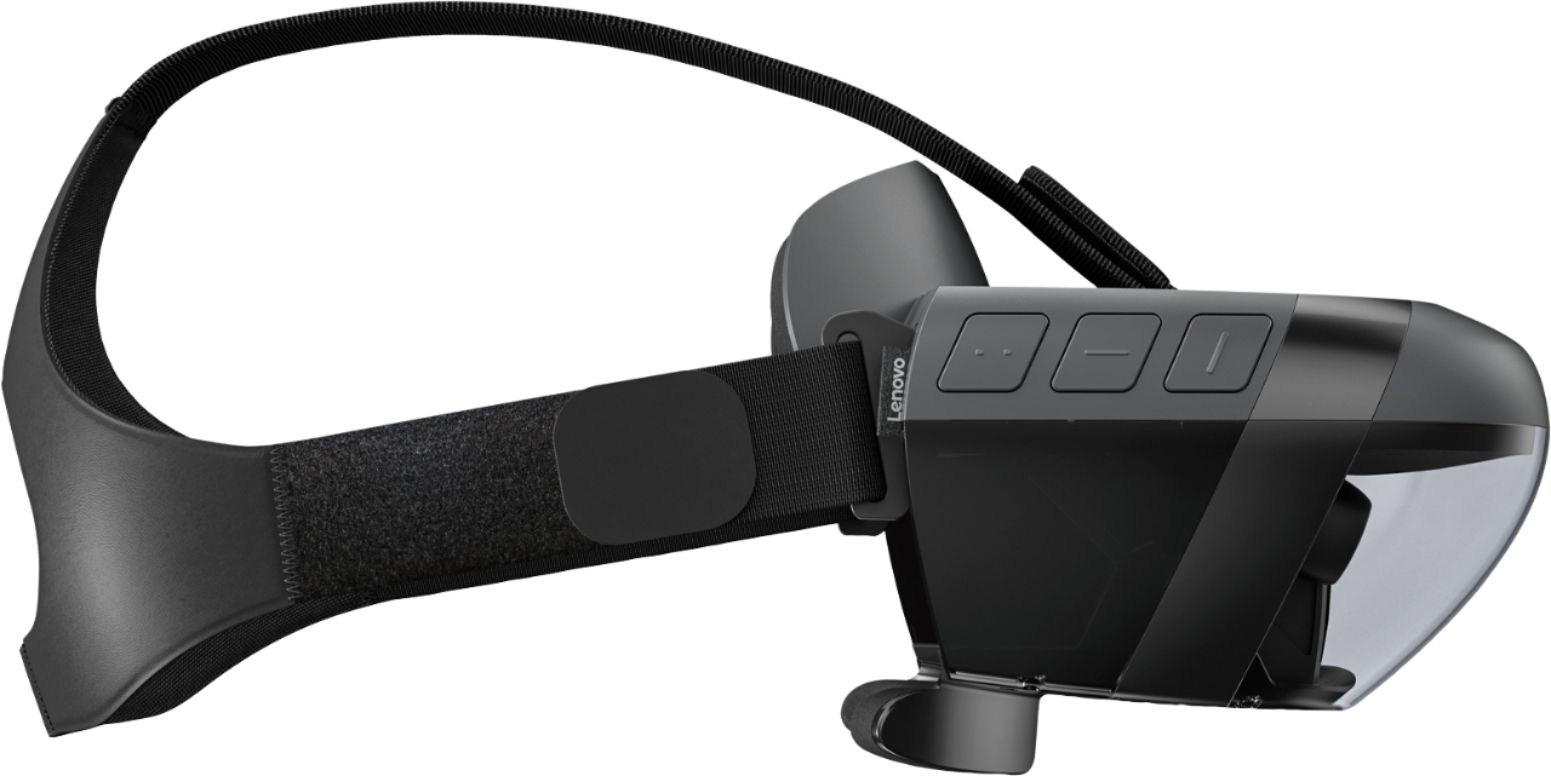
It is currently not possible to track multiple user progressions on a single phone. However, please note it is possible to replay each unlocked stage an infinite amount of time. To change games press the "menu button" on the right side of the headset. Then use the Lightsaber Controller to select what you want to play by pressing the black Control button. For more help or information, please visit support.lenovo.com/jedichallenges.
A:AnswerAn IPod and a Android ZTR are not on the current list of compatible devices/phones. We are in the process of testing and approving other phones. Please find the updated list of phones at jedichallenges.com/compatibility.
A:AnswerThe iPhone 5 and 5S are not on the current list of compatible phones. We are in the process of testing and approving other phones. Please find the updated list of phones at jedichallenges.com/compatibility.
A:AnswerThe Moto Droid is not on the current list of compatible phones. We are in the process of testing and approving other phones. Please find the updated list of phones at jedichallenges.com/compatibility.
A:AnswerThe LG X Power is not on the current list of compatible phones. We are in the process of testing and approving other phones. Please find the updated list of phones at jedichallenges.com/compatibility.
A:AnswerThe Google Pixel XL is not on the current list of compatible phones. We are in the process of testing and approving other phones. Please find the updated list of phones at jedichallenges.com/compatibility.
A:AnswerLG V 20 is not on the current list of compatible phones. We are in the process of testing and approving other phones. Please find the updated list of phones at jedichallenges.com/compatibility.
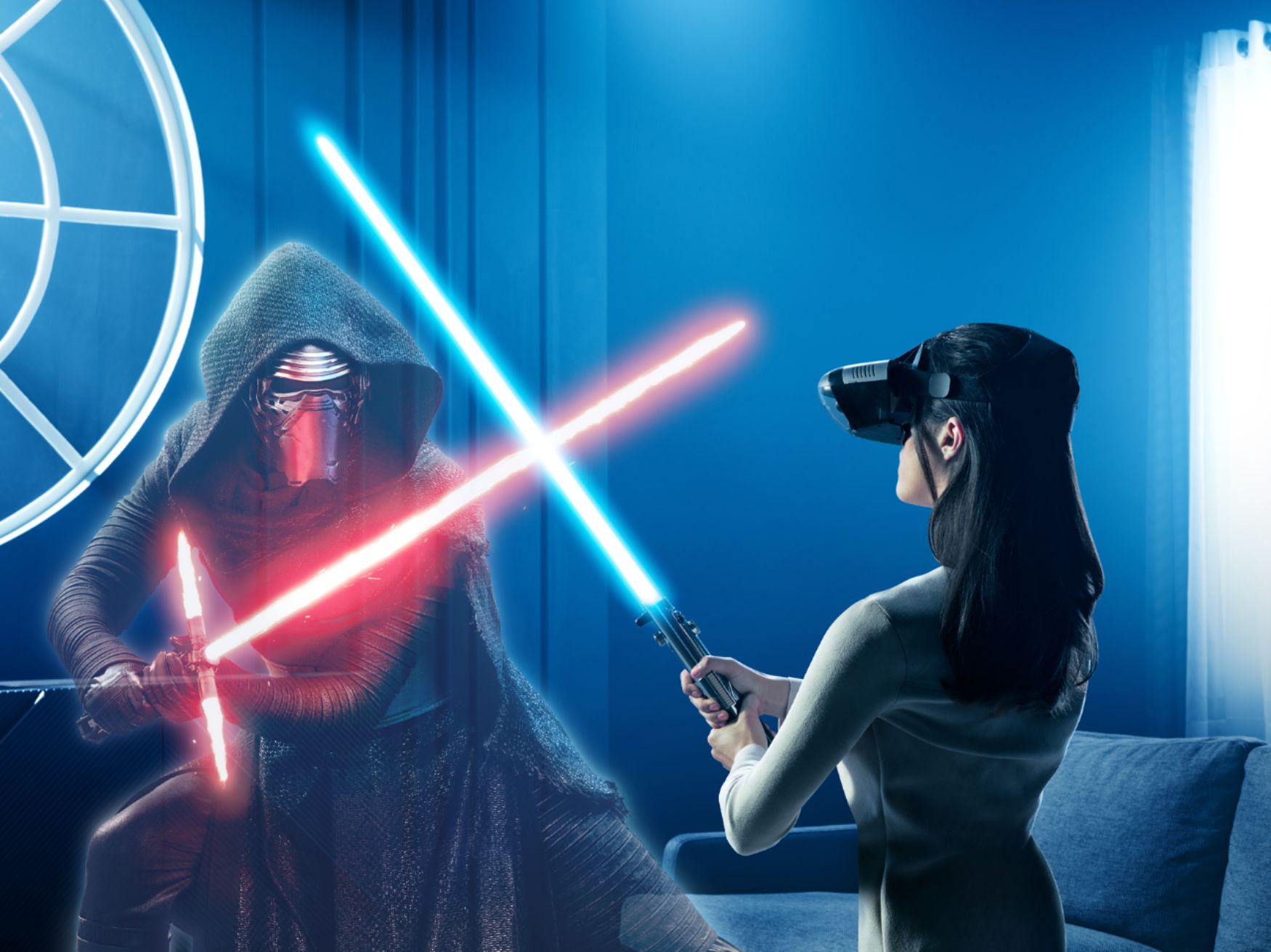
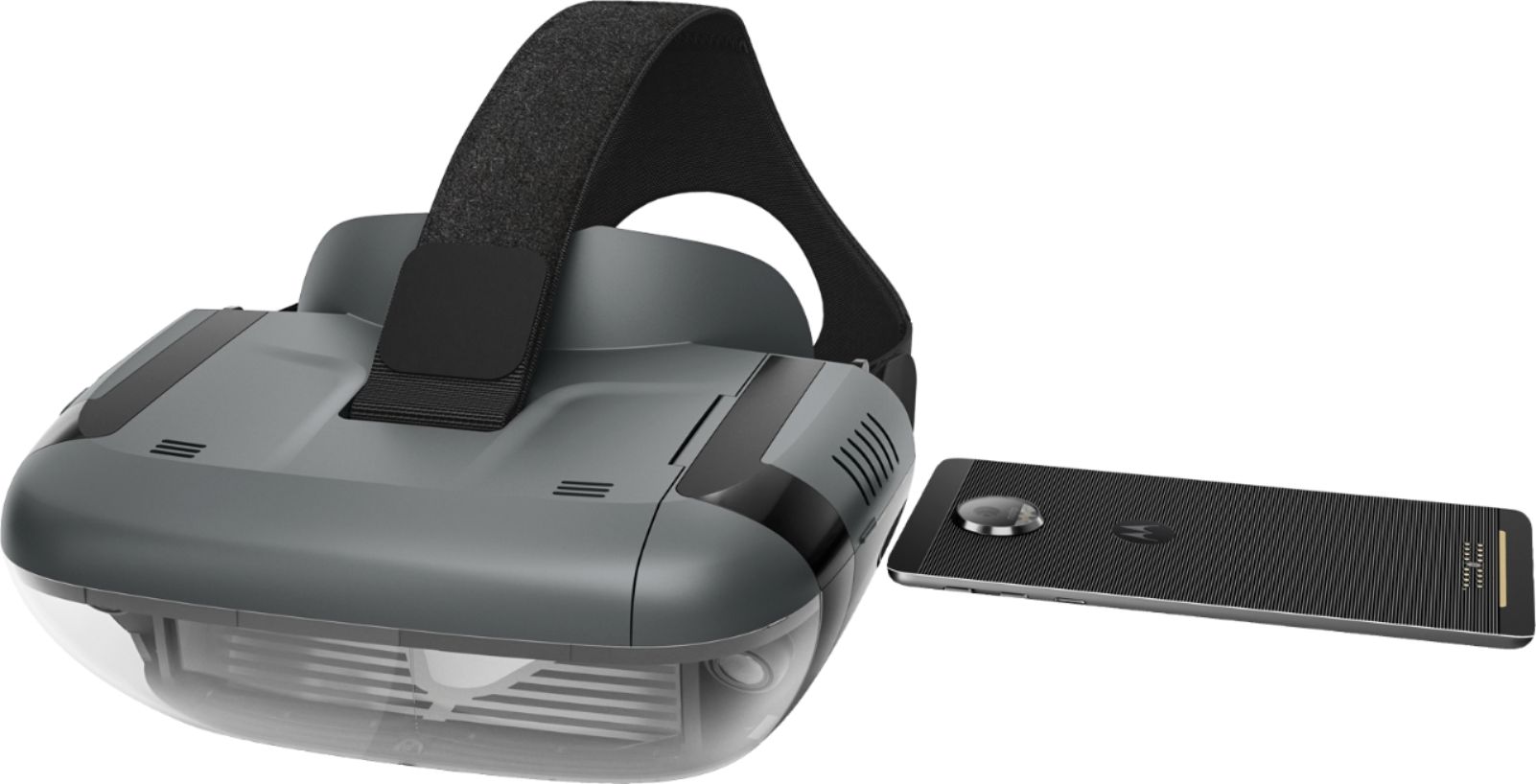
A:AnswerStar Wars: Jedi Challenges is a smartphone-powered augmented reality experience that requires a compatible smartphone to run. The smart phone is where the audio and video is generated. Please find the updated list of phones at jedichallenges.com/compatibility.
A:AnswerThe LG G3 Vigor is not on the current list of compatible phones. We are in the process of testing and approving other phones. Please find the updated list of phones at jedichallenges.com/compatibility.
A:AnswerThe Samsung Galaxy Tab 4 is not on the current list of compatible devices/phones. We are in the process of testing and approving other devices/phones. Please find the updated list of phones at jedichallenges.com/compatibility.