A:AnswerBecause of the update, we recommend that you re- set the game. Start by using the game "app" to connect your phone with the system and follow the steps that you are prompted to.
A:AnswerShort Answer: Runs just fine, so far.
Long Answer: The LG G5 isn't on the list of compatible devices, but the G6 is. And I just downloaded and installed the app on my G5, and tried it out on the lightsaber duel game for about 5 minutes. A newer, faster phone would be better, but the G5 will let you play with a virtual lightsaber.
A:AnswerYou can use an IPhone 8 with this. I think maybe the specs for the product were written before the 8 was released so maybe that’s why it doesn’t appear.
A:AnswerThe Galaxy s8 Plus is not currently on the list of compatible phones. We are in the process of testing and approving other phones. Please keep checking @ jedichallenges.com/compatibility for updates
A:AnswerThe Samsung Galaxy Note 9 is not on the current list of compatible phones. We are in the process of testing and approving other phones. Please find the updated list of phones at jedichallenges.com/compatibility.
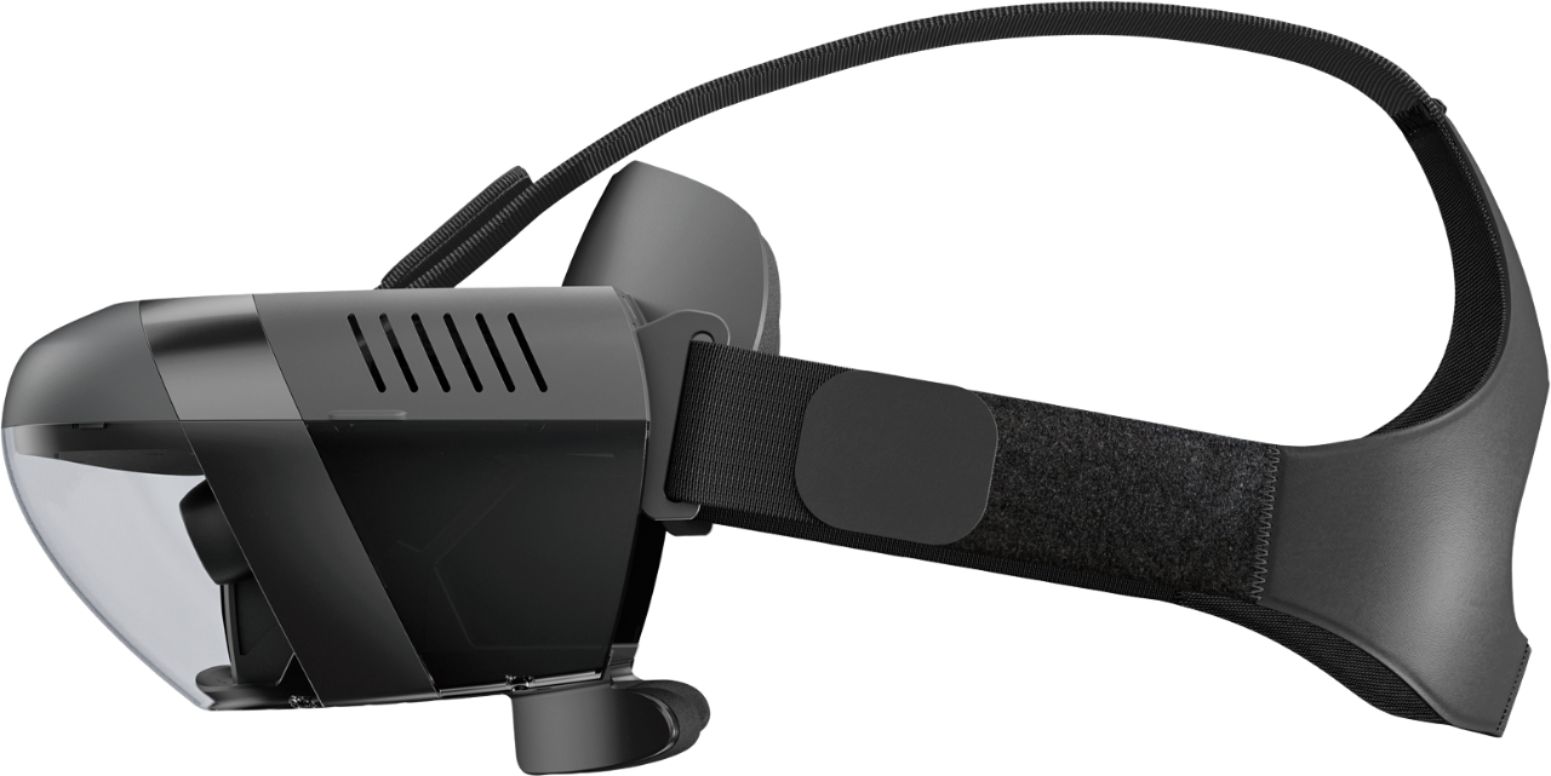
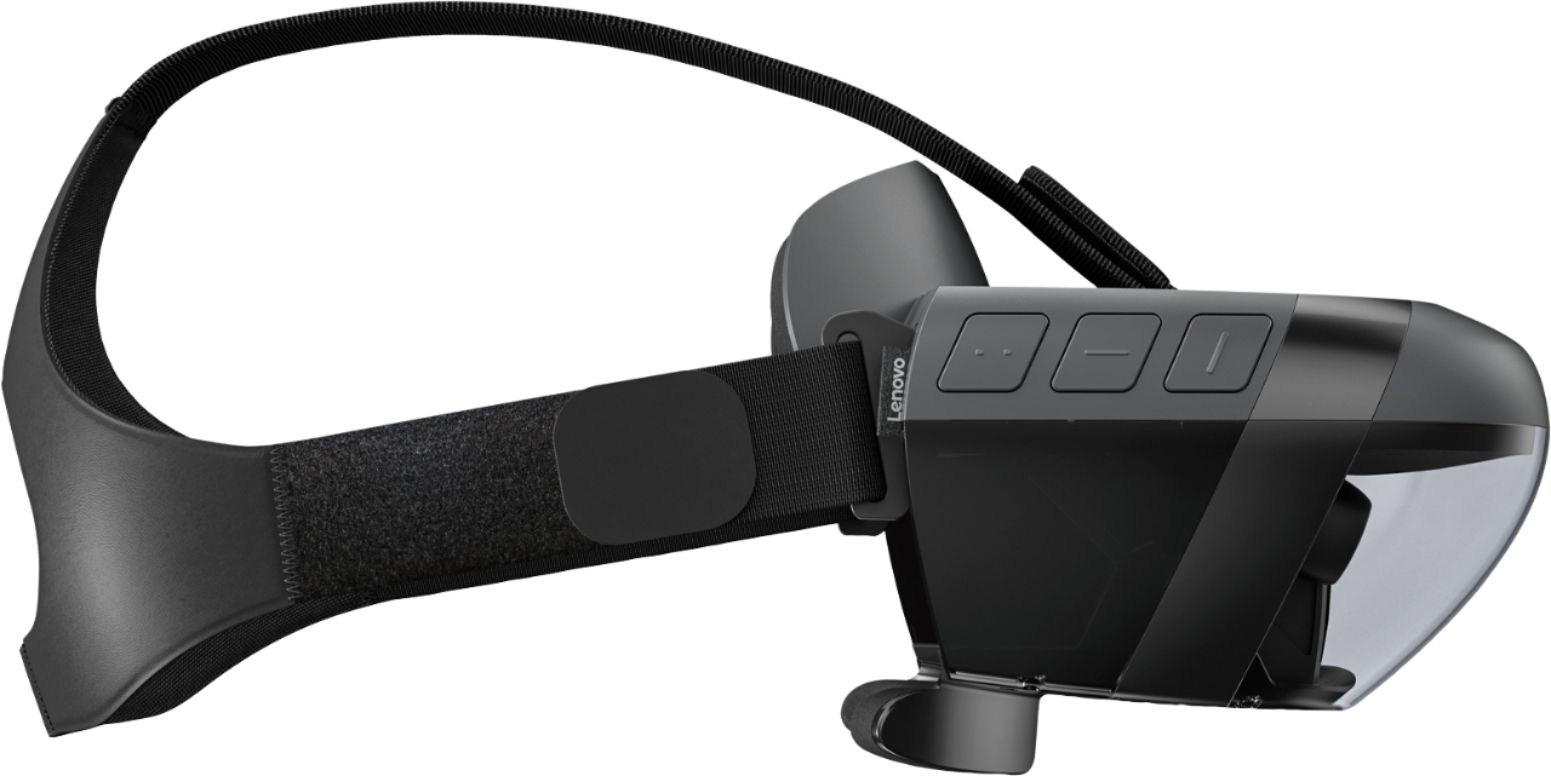
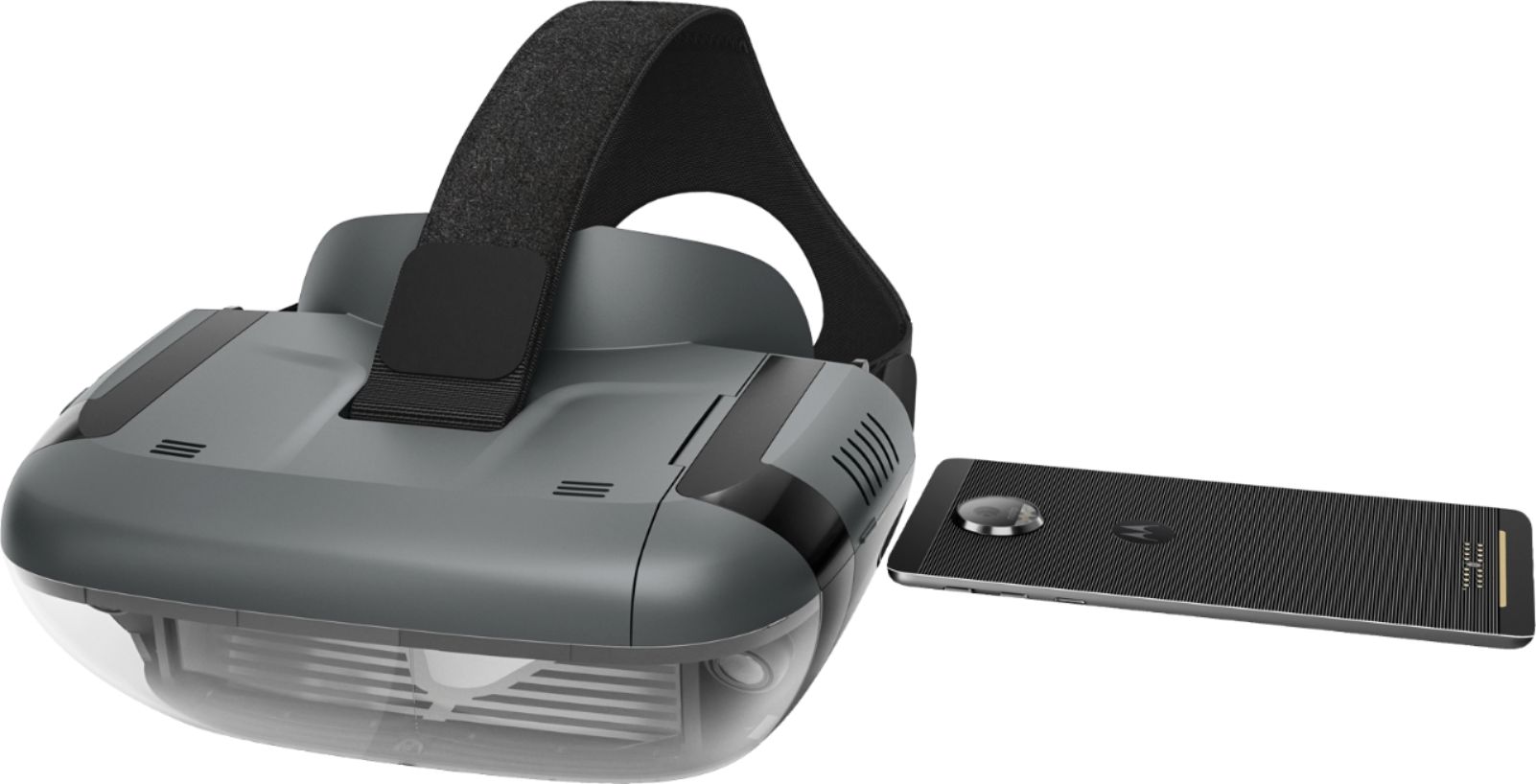
A:AnswerWe are sorry to hear that the tray with the phone got inserted backwards.There is an icon with arrow on the tray that lets you know which way it goes in. If you would like to take responsibility for this action, you can try very carefully to grasp the tray with your thumb and finger, and very carefully wiggle it back and forth ( sideways) while sliding it out slowly. Good luck!
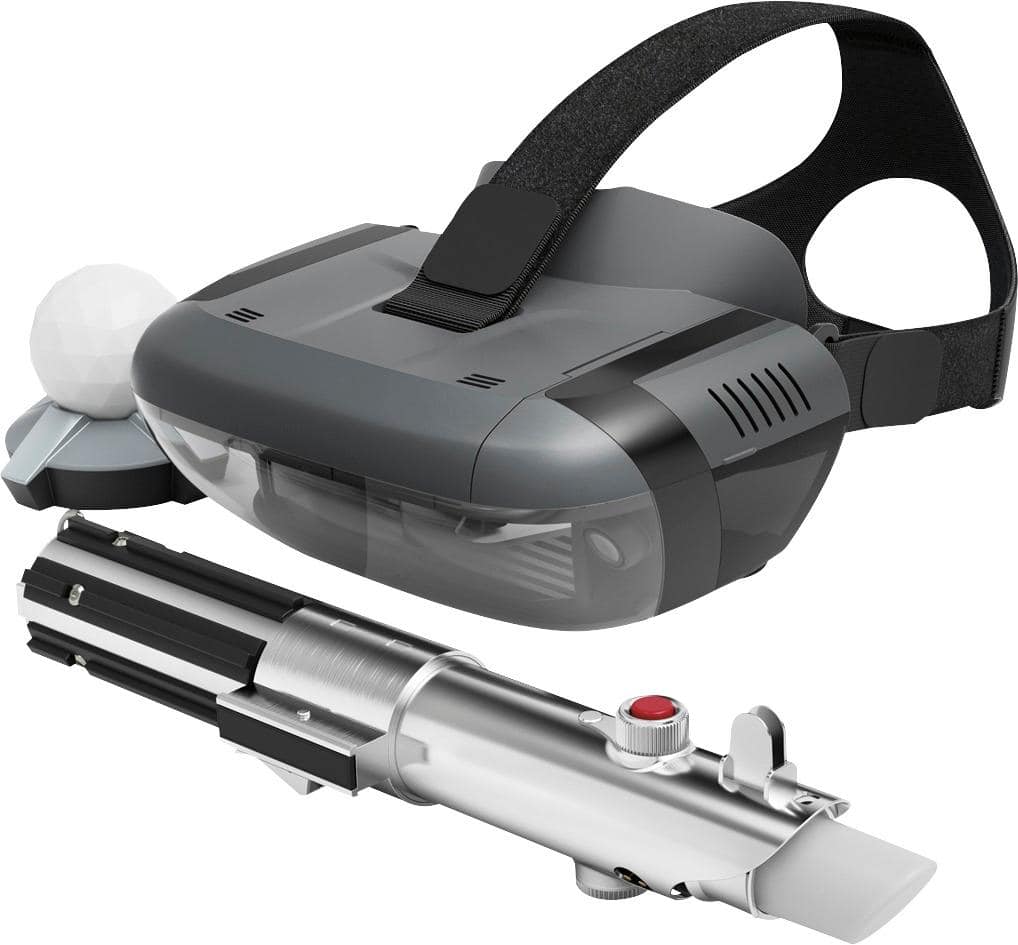
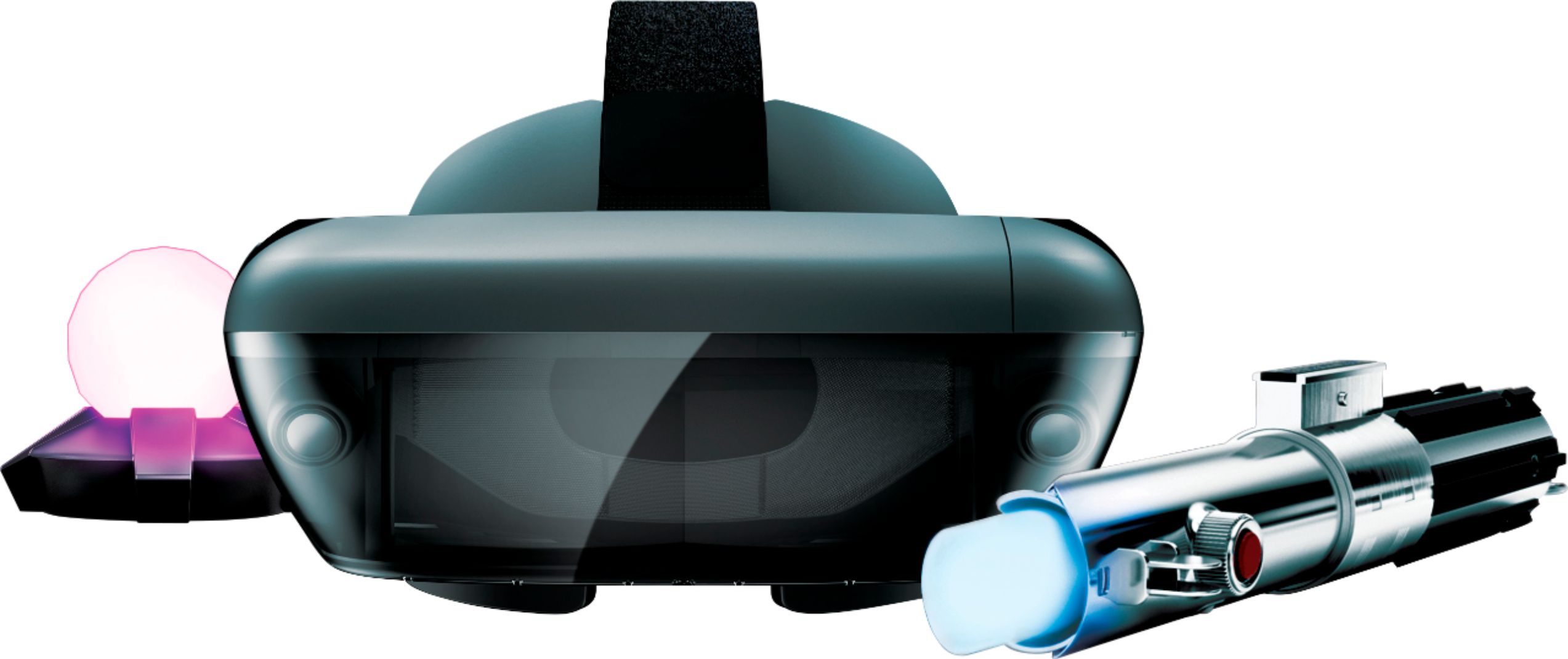
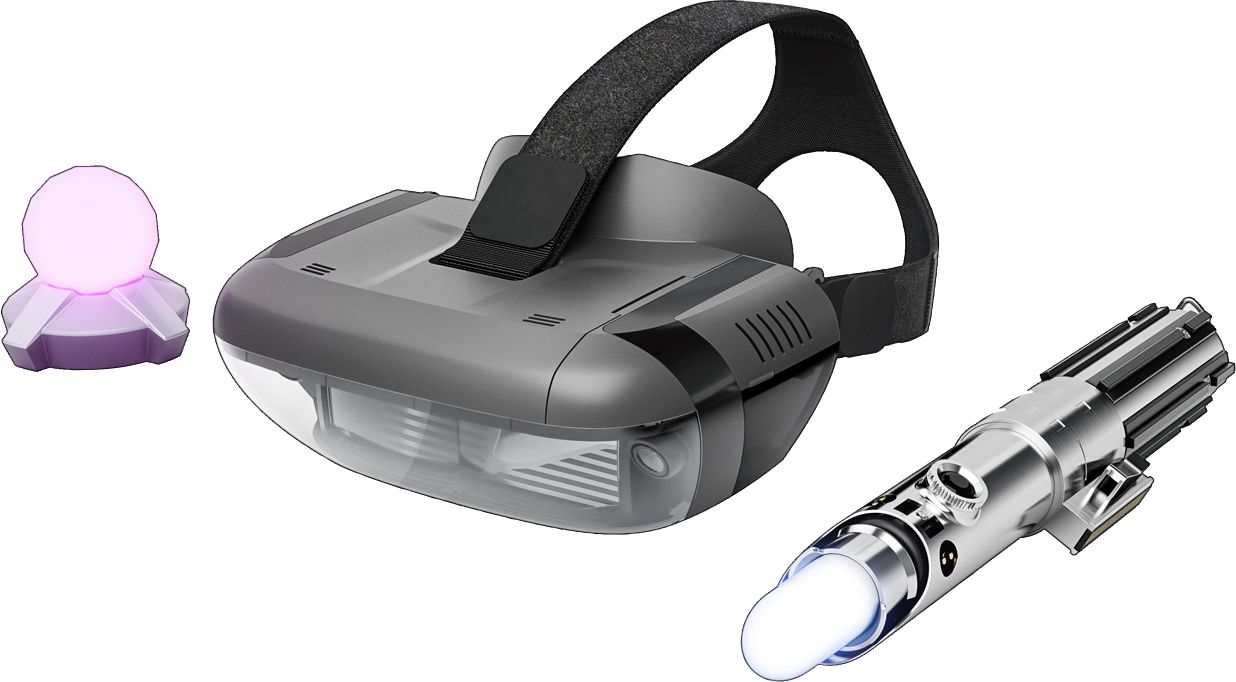
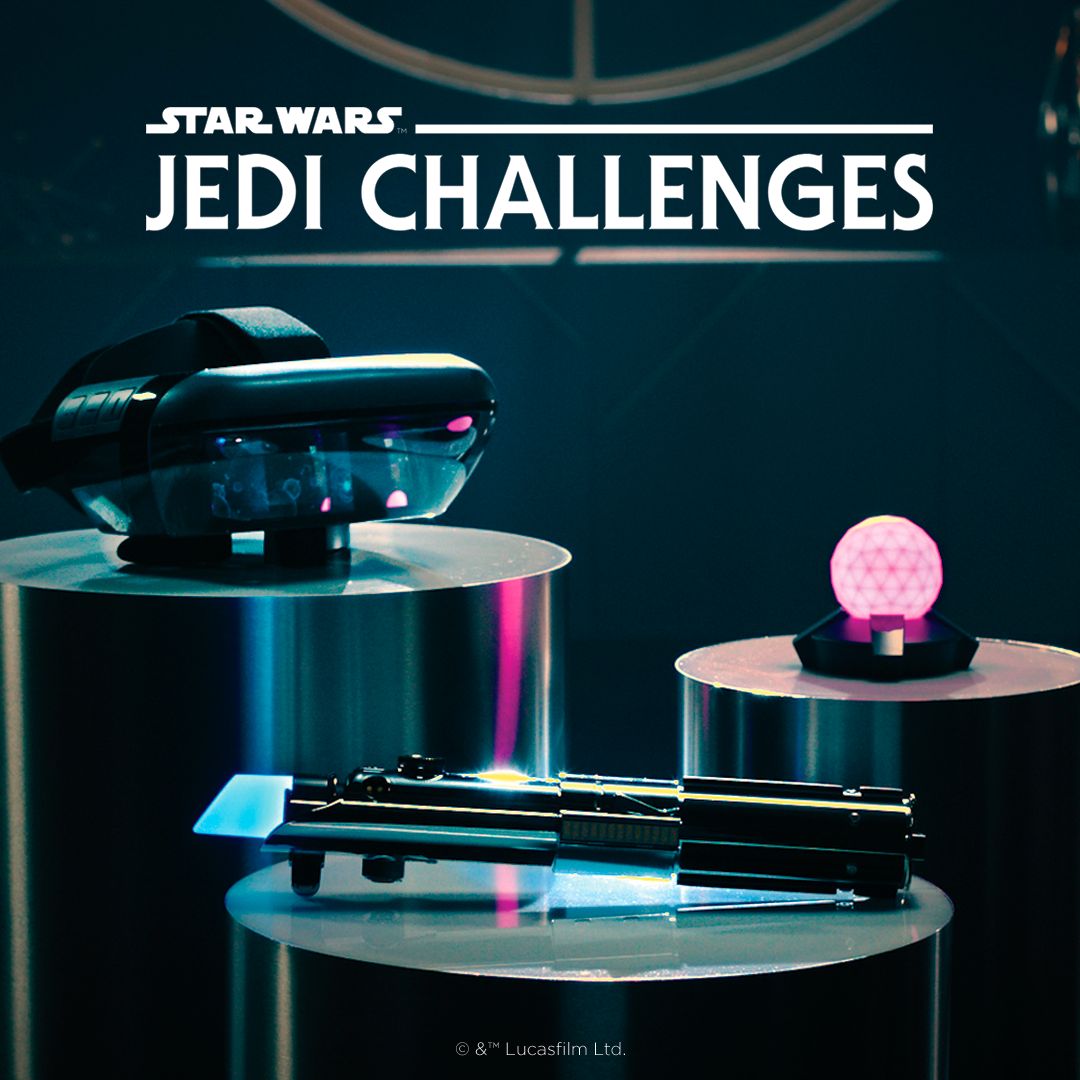
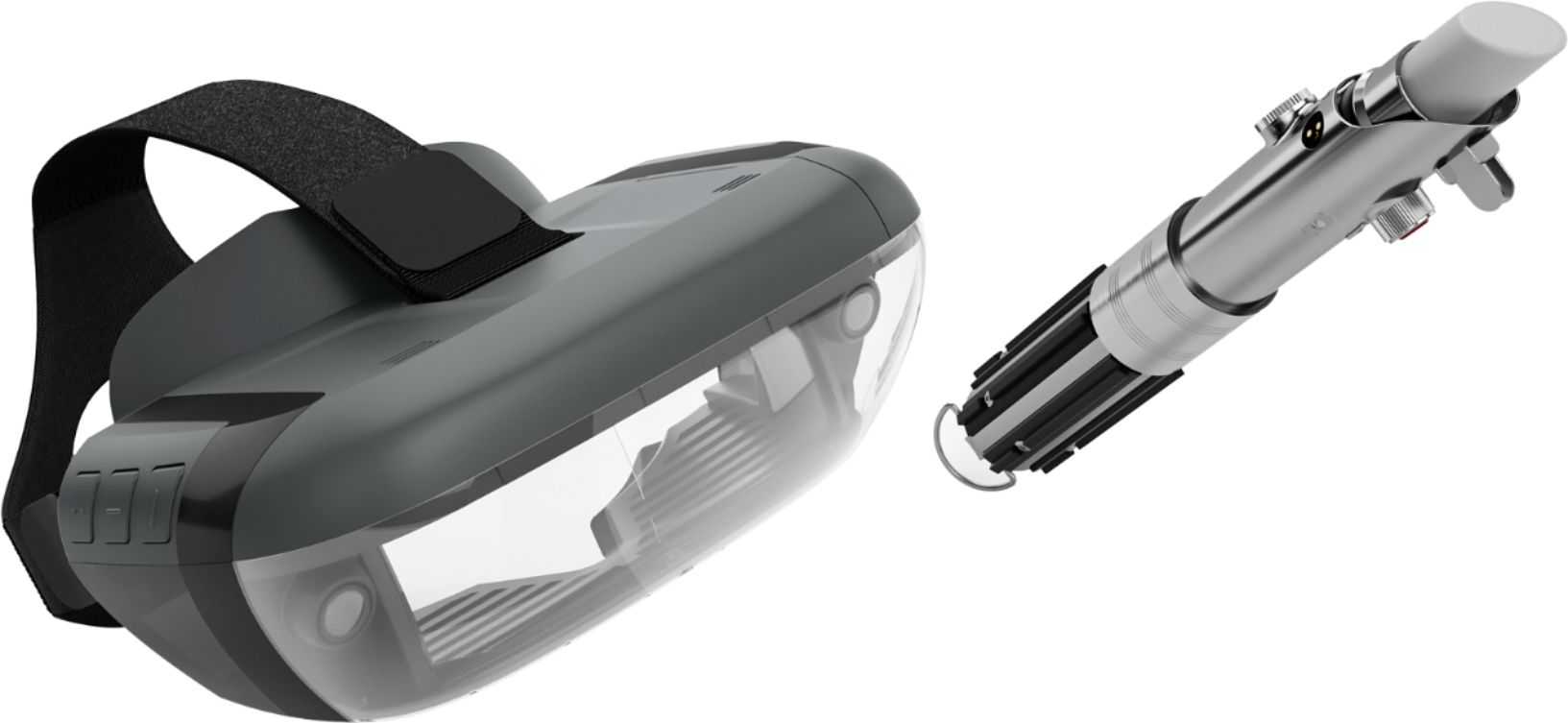
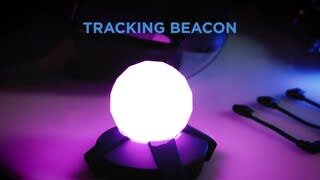
A:AnswerThank you for your feedback. We are sorry to hear that you are having problems setting up the Star Wars: Jedi Challenges. Please make sure that the compatible phone is out of the headset and the cable connected when setting the system up for the first time. Then, when prompted insert the phone into the tray and then into the headset. It is very important when setting up the system for the first time to use the "app" that is provided to guide you through the entire set up process. This insures that the whole system: headset, phone, tracking beacon and Lightsaber controller, will be synced correctly. If this does not work please contact our support team for a detailed troubleshooting guidance @ support.lenovo.com/jedichallenges
A:AnswerNot all phones are compatible with the Star Wars Jedi Challenges. We are in the process of testing and approving other phones. Please find the updated list of phones at jedichallenges.com/compatibility.
A:AnswerWe are sorry to hear that you are having problems with the sound on the Star Wars: Jedi Challenges. Please make sure that the volume on your phone is turned up all of the way. Also, when setting up the system for the first time it is important that you let the "app" that is provided guide you through the entire set up process. This insures that the whole system will be synced correctly. If this does not work please contact our support team for a detailed troubleshooting guidance @ support.lenovo.com/jedichallengessupport.lenovo.com/jedichallenges
A:AnswerAt this time the Note 8 is not on the current list of compatible phones. Only certain phones have been tested and are compatible with the device.We are in the process of testing and approving other phones. Please keep checking @ jedichallenges.com/compatibility for updates
A:AnswerOne needs a compatible smart phone to play the Star Wars: Jedi Challenges.
An iPod is not on the current list of compatible phones/devices. We are in the process of testing and approving other phones/devices. Please find the updated list of phones at jedichallenges.com/compatibility.