A:AnswerThe Note 9 and ZTE Axon 7 are not on the current list of compatible phones. We are in the process of testing and approving other phones. Please find the updated list of phones at jedichallenges.com/compatibility.
A:AnswerIt is very important that the phone you will be using for the Star Wars: Jedi Challenges is on the compatible list, otherwise the hologram images may not be as the developer intended. It is not just the size of the phone that is important. Please find the updated list of phones at jedichallenges.com/compatibility. It is also very important that you let the "app" that is included guide you through the entire set up process. This insures that the system will be synced correctly.
A:AnsweriPods are not on the current list of compatible devices. We are in the process of testing and approving other phones. Please find the updated list of phones at jedichallenges.com/compatibility.
A:AnswerThe ZTE Blade phone is not on the current list of compatible phones. We are in the process of testing and approving other phones. Please find the updated list of phones at jedichallenges.com/compatibility.
A:AnswerThe iPhone SE is not on the current list of compatible phones. We are in the process of testing and approving other phones. Please find the updated list of phones at jedichallenges.com/compatibility.
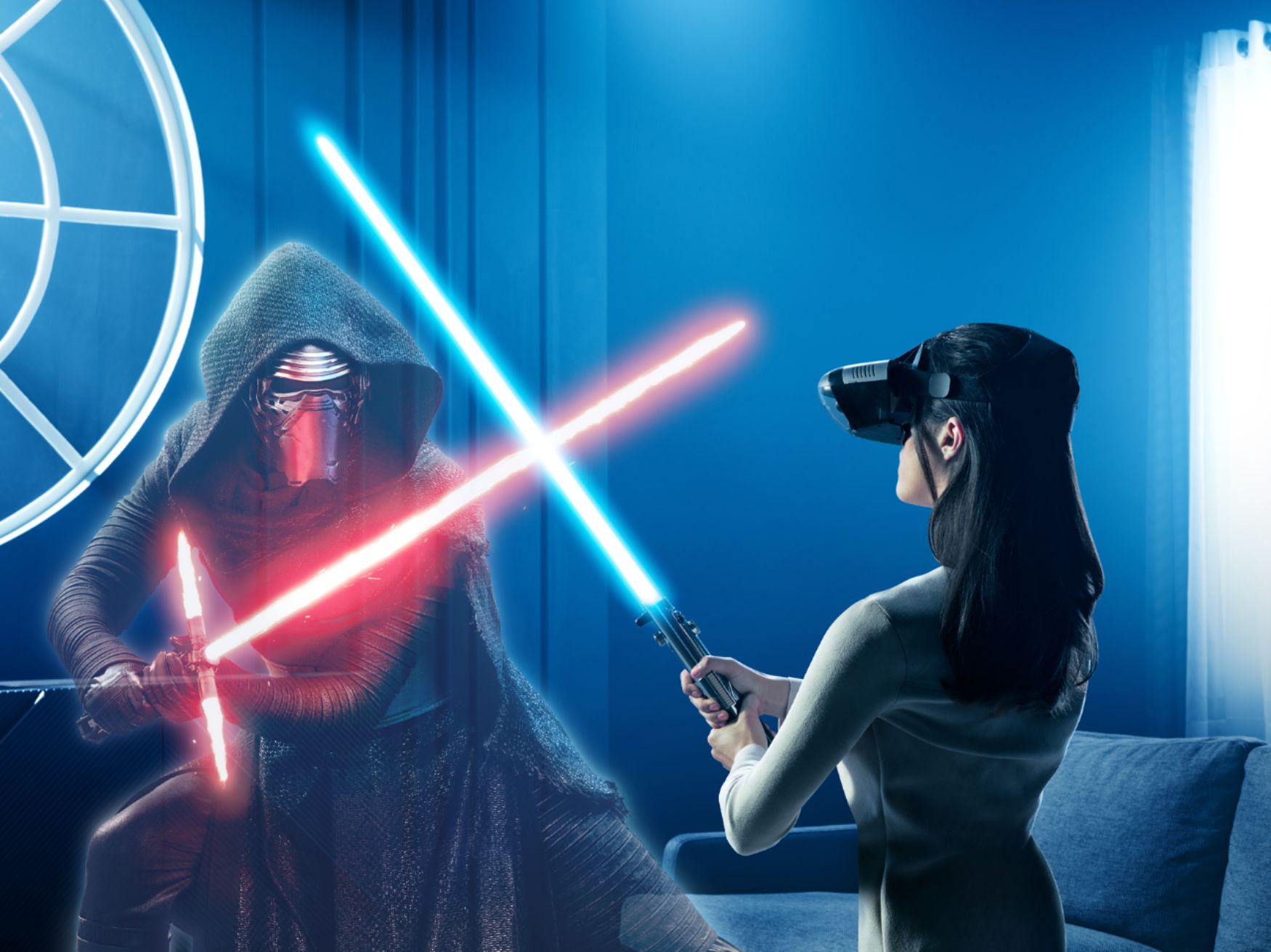
A:AnswerWe just added a "Dual Player Mode" for The Star Wars: Jedi challenges and there is some additional content available. It is a free download through the game app: New Lightsaber Duel – Players can duel two elite Praetorian Guards featured in The Last Jedi. This is the first time Jedi Challenges players will duel two characters at the same time. • New Planet for Strategic Combat – Three thrilling new levels of Strategic Combat set on Crait, a brand new planet that debuts in the film, will come with the update. Battle new enemies and vehicles including the formidable First Order AT-M6 walker. • New Content in Assault mode – All-new enemies and levels will be introduced, including the First Order Stormtrooper Executioner and Riot Control Stormtrooper. • Introduction of Porgs – Players will be rewarded with fan-favorite porgs in augmented reality. We will see about other games/content for this headset in the future.
A:AnswerThe Blackberry Priv is not on the current list of compatible phones. We are in the process of testing and approving other phones. Please find the updated list of phones at jedichallenges.com/compatibility.
A:AnswerYes it is. My friend has that model. It works. They are slowly adding morr phones...they may not have this phone listed, but it does work. I had that phone and used it on a friend's VR. Only difference is my experience wasn't as enhanced. But it definitely worked and was a lot of fun. Once your phone is definitely on the list, is when you get the optimum viewing. Hope that helps. What I recommend people to so is download the app onto your phone...go to your nearest best buy and sample the ecperience if they have a display model using your own phone.
A:AnswerYour phone is actually what the whole "VR" so to say. I think once you remove your phone it shuts off. Generally nothing happens until the phone is plugged in.
A:AnswerYou cannot. Even running a secondary application to cast your phone to the TV will result in a dual "AR" display on screen, and the video load the app requires will strain even the best of phones, resulting in very choppy game play if you try.