A:AnswerHi, J. Generally, no. The Android OS usually won't play nice with .exe files and traditionally, .apk files are used in place of for a majority of apps on the system.
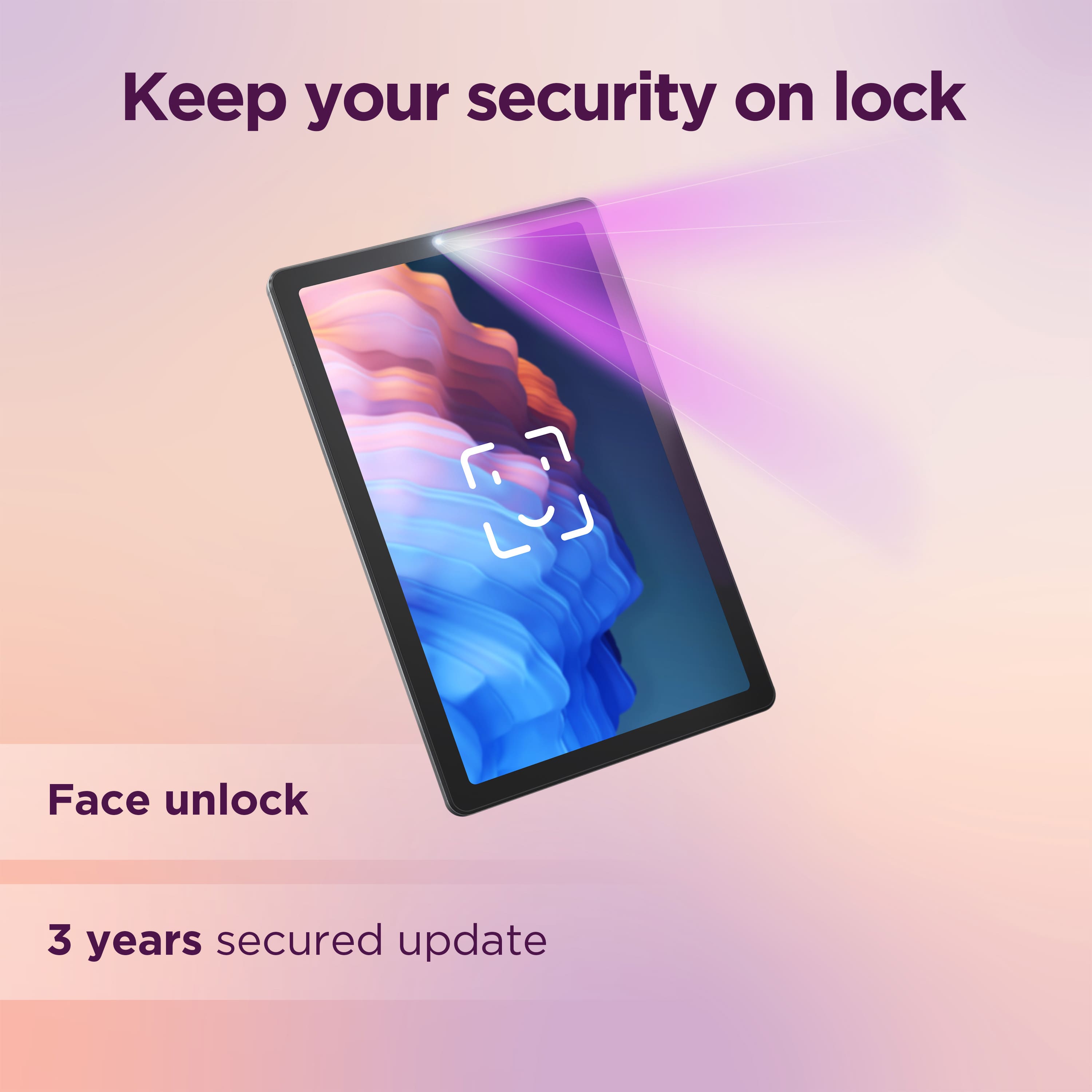
A:AnswerUpdates on Android tablets are up to the specific manufacturer, and as a rule they rarely go past one year, even for security issues. This is probably due to the lower price compared to Apple and Microsoft tablets, which DO update for around six years, but are more expensive.
A:AnswerIt doesn't connect DIRECTLY to cellular service, the way a phone will; you will need to connect to WiFi, at which point any app that connects to cellular service will work. Also, since it is not directly cellular-capable, it is not "locked" to any service.
A:AnswerHi, berryland. Both of those services should be accessible via the online browser, and if they offer app versions of each in the Google Play Store, you can install and use those as well.
A:AnswerThe app developers decide if the app can be run off a memory card. Most app developers do not allow their app to be installed on an SD card for performance reasons
A:AnswerYes, because it runs on Google's Android system. All devices that have Android processors and OS are compatible and run together, and you can use the mirror screen which also runs on most Smart TV's.