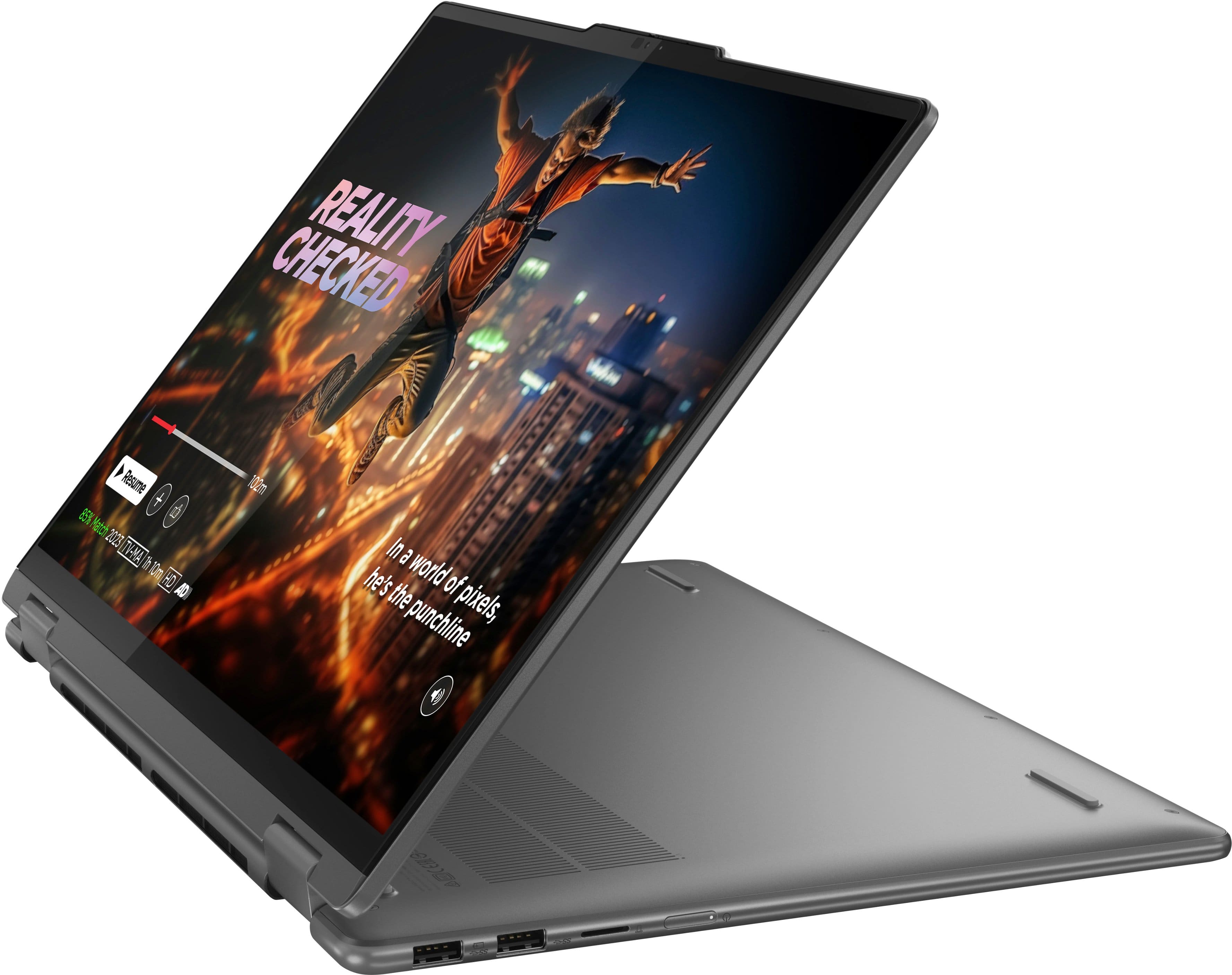
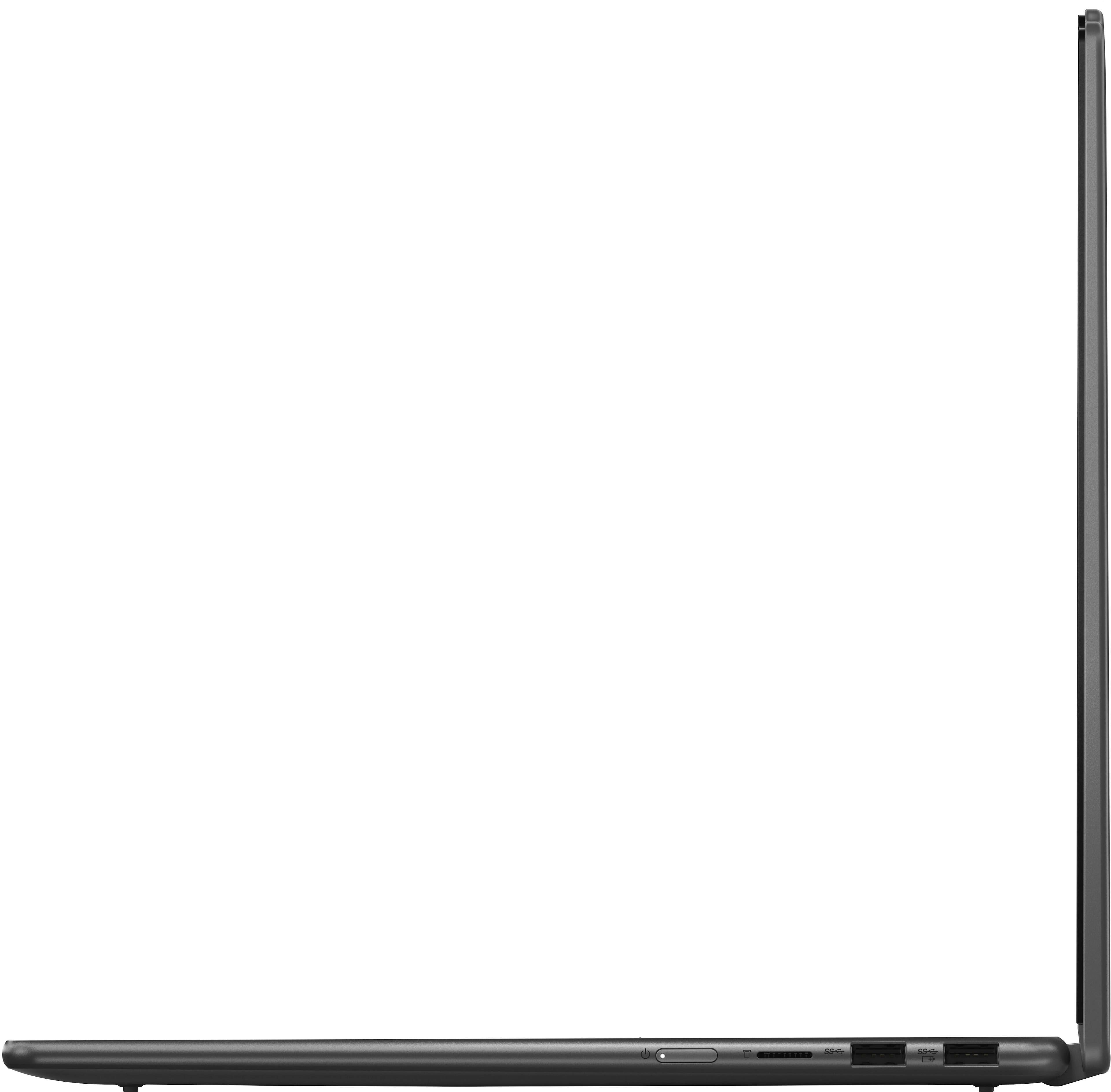
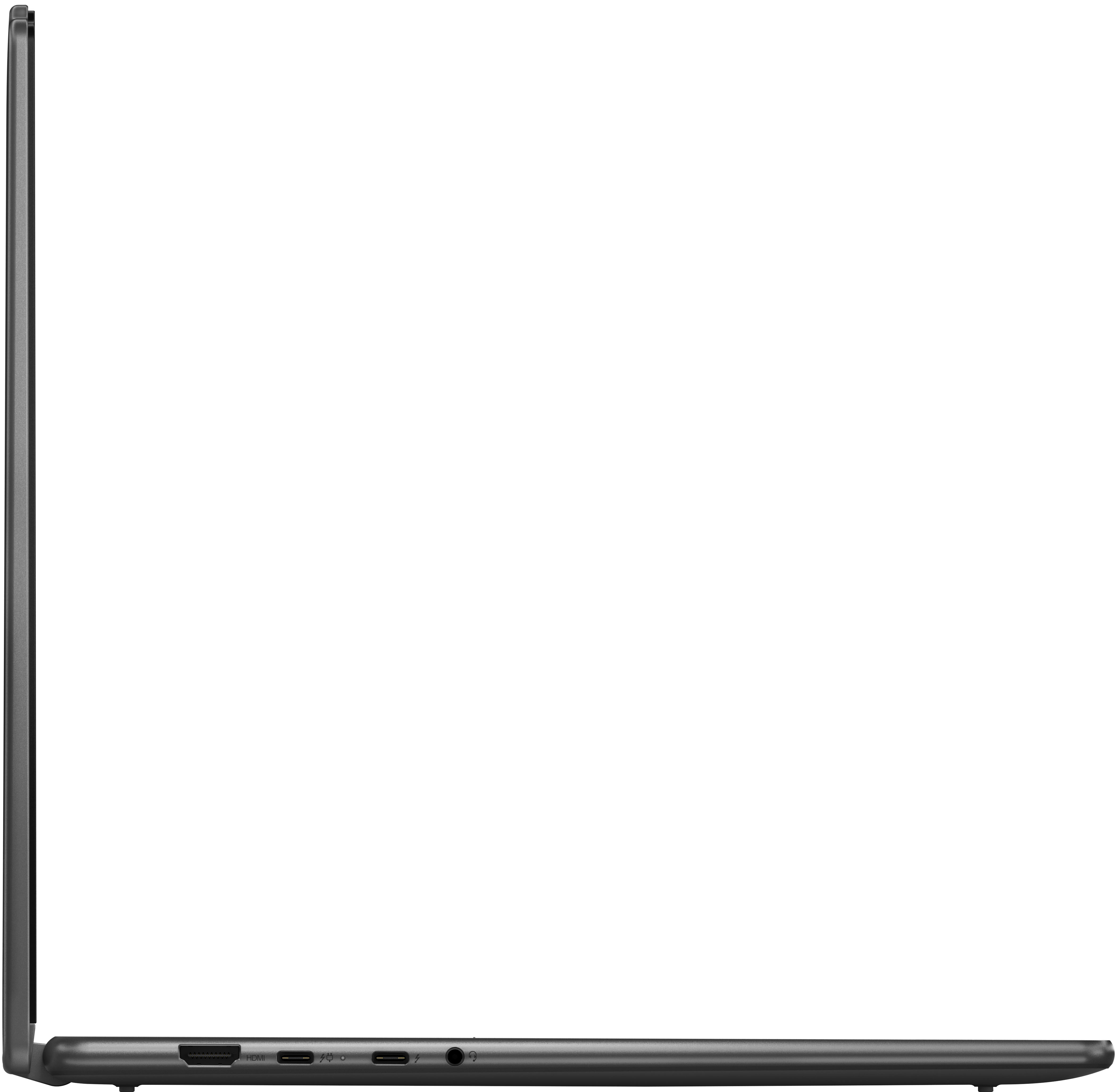
A:AnswerHey there, thank you for your question. With the Yoga 7i's integrated graphics, you can make device thermal configuration changes to boost overall system performance and make adjustments in the system BIOS to increase reserved memory for VRAM.
A:AnswerGreetings from the Intel team. Thank you for your question.
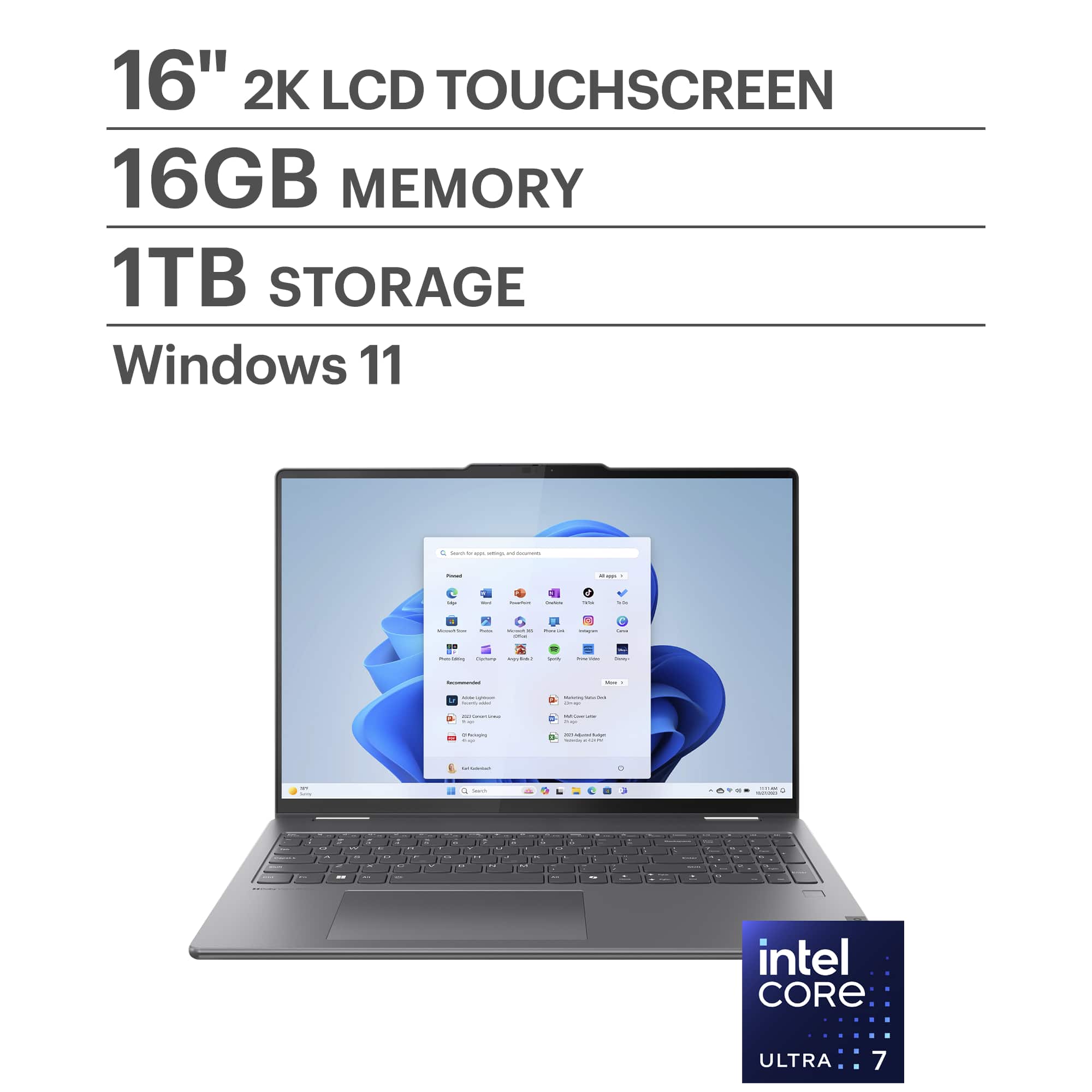
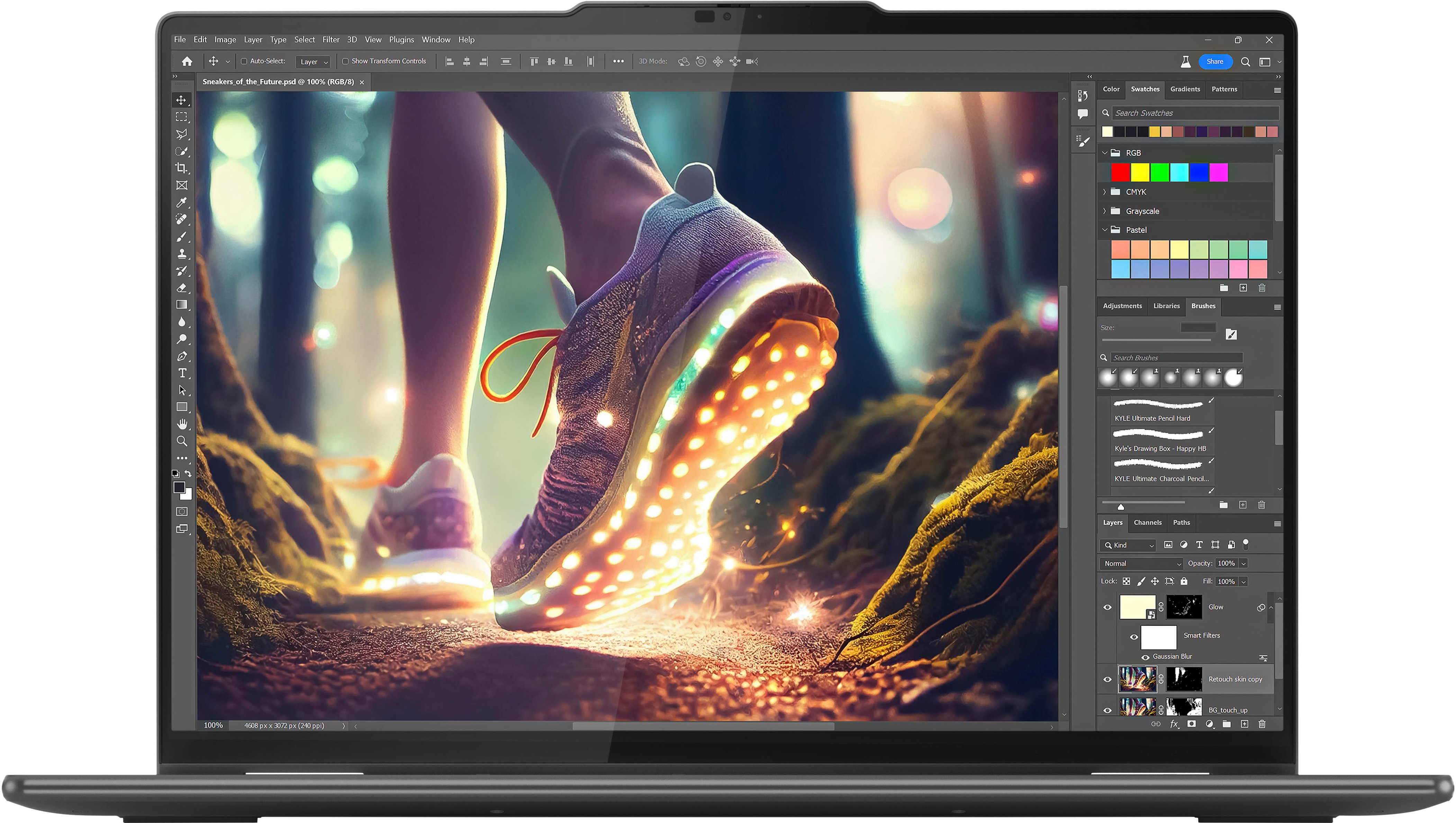
Based on the product specifications reference (PSREF), the Lenovo - Yoga 7i has the following display resolution: 1920x1200; for further information, check the PSREF:
https://psref.lenovo.com/Detail/Yoga_7_2_in_1_16IML9?M=83DL0002US
For detailed information about the Intel® Core™ Ultra 7 processor 155U, visit:
https://ark.intel.com/content/www/us/en/ark/products/237327/intel-core-ultra-7-processor-155u-12m-cache-up-to-4-80-ghz.html
Thank you for choosing Intel! Emilio_Intel
A:AnswerI have to ask: if "you don't know anything about computers," how can you possibly know enough to "like the specs...[you] have looked at so far?"
That being said, it is very easy to upgrade to Windows Pro. You can do it through the Microsoft Store, which is the easiest way. Cost is $99. Once installed, you might have to perform a few updates.
If you want to save some money, some sellers will occasionally put it on sale. One website i like woot.com, but there are others.
A:AnswerGreetings from the Intel team. Thank you for your question.
Based on the product specifications reference (PSREF), the input device (Pen) supported by the Yoga 7 2-in-1 16IML9 is the Lenovo® Digital Pen.
For further information, check the Laptop's specifications for the input device in the PSREF:
https://psref.lenovo.com/Product/Yoga/Yoga_7_2_in_1_16IML9
For detailed information about the Intel® Core™ Ultra 7 processor 155U, visit:
https://ark.intel.com/content/www/us/en/ark/products/237327/intel-core-ultra-7-processor-155u-12m-cache-up-to-4-80-ghz.html
Thank you for choosing Intel! Emilio_Intel