A:AnswerHi dwight,
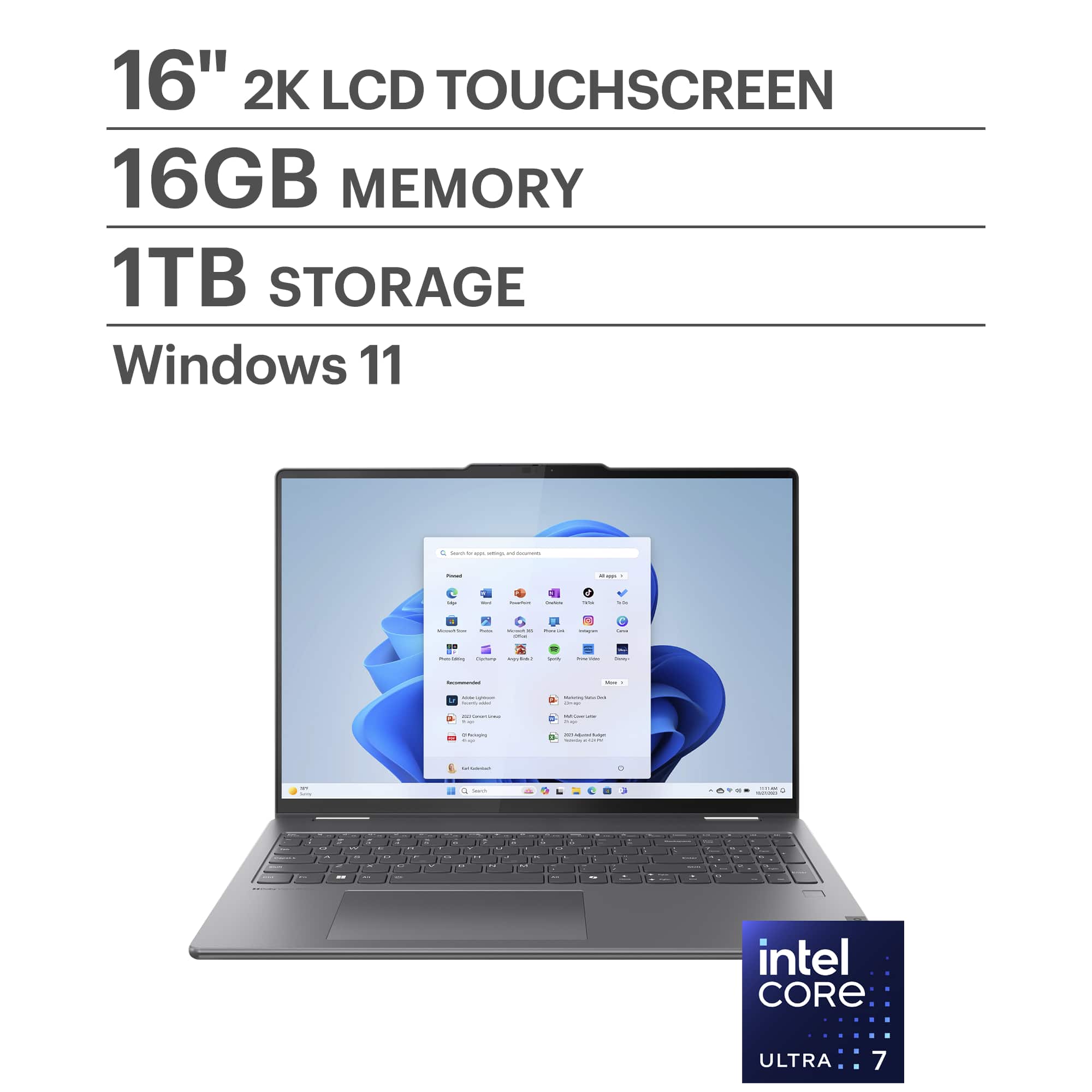
This Yoga 7i 2-in-1 (16, 9th Gen) is not a Copilot+ PC, but you can follow this link to a product page for the new Yoga 7i 2-in-1 (10th gen) on Best Buy's site, which is a Copilot+ PC: https://www.bestbuy.com/site/lenovo-yoga-7i-2-in-1-copilot-pc-16-2k-touchscreen-laptop-intel-core-ultra-7-processor-16gb-memory-1tb-ssd-luna-grey/6615776.p?skuId=6615776
Please feel free to reach out to us with any other questions!
A:AnswerWhatever you want for it. It comes with Windows and Edge, and mine had a free trial of McAfee and Norton. I didn't accept the Norton. I suppose you could get whatever apps you want.
A:AnswerHi there,
The Yoga 7i 2-in-1's memory is not expandable, as it is soldered to the systemboard.
Please feel free to reach out to us with any other questions!
A:AnswerHi Jose,
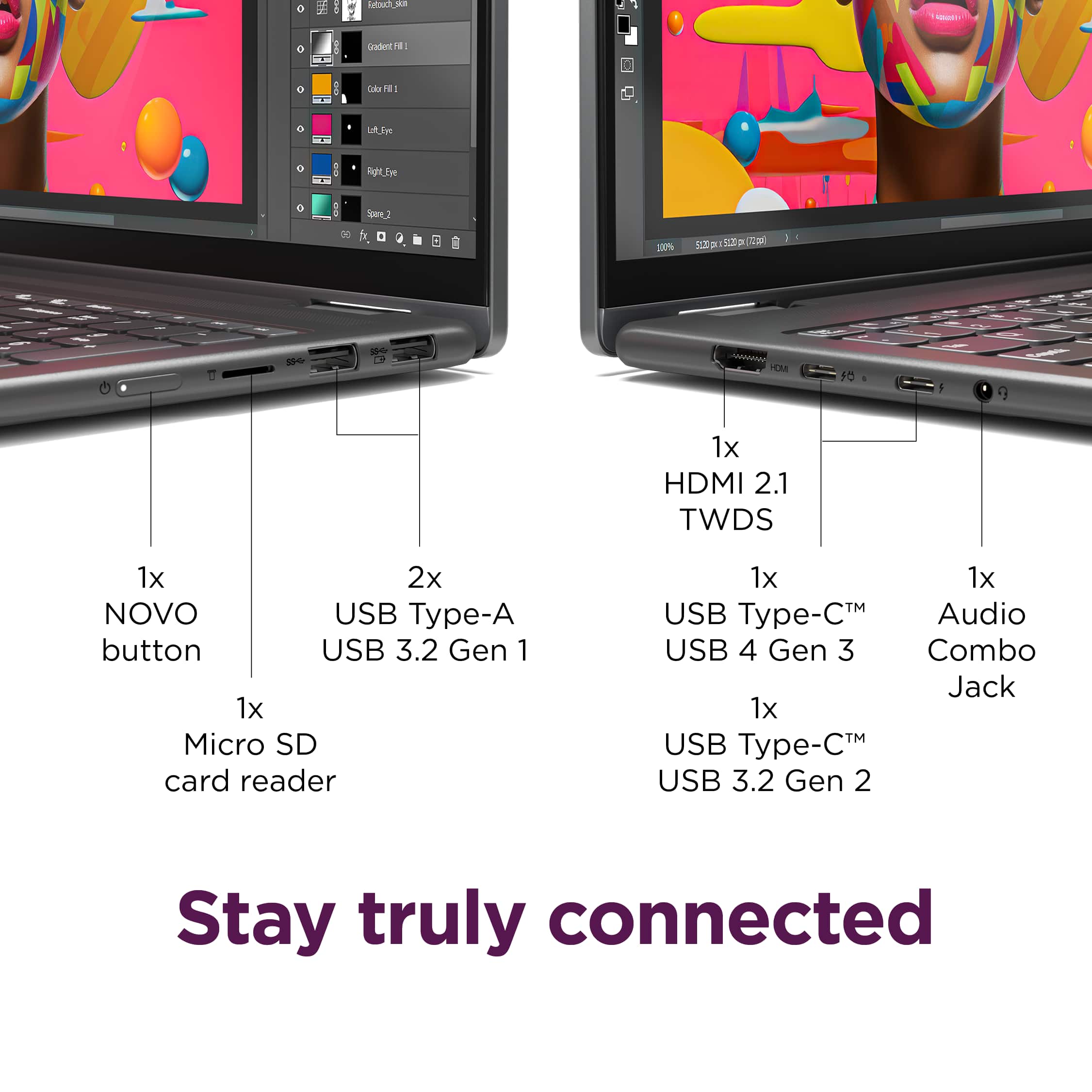
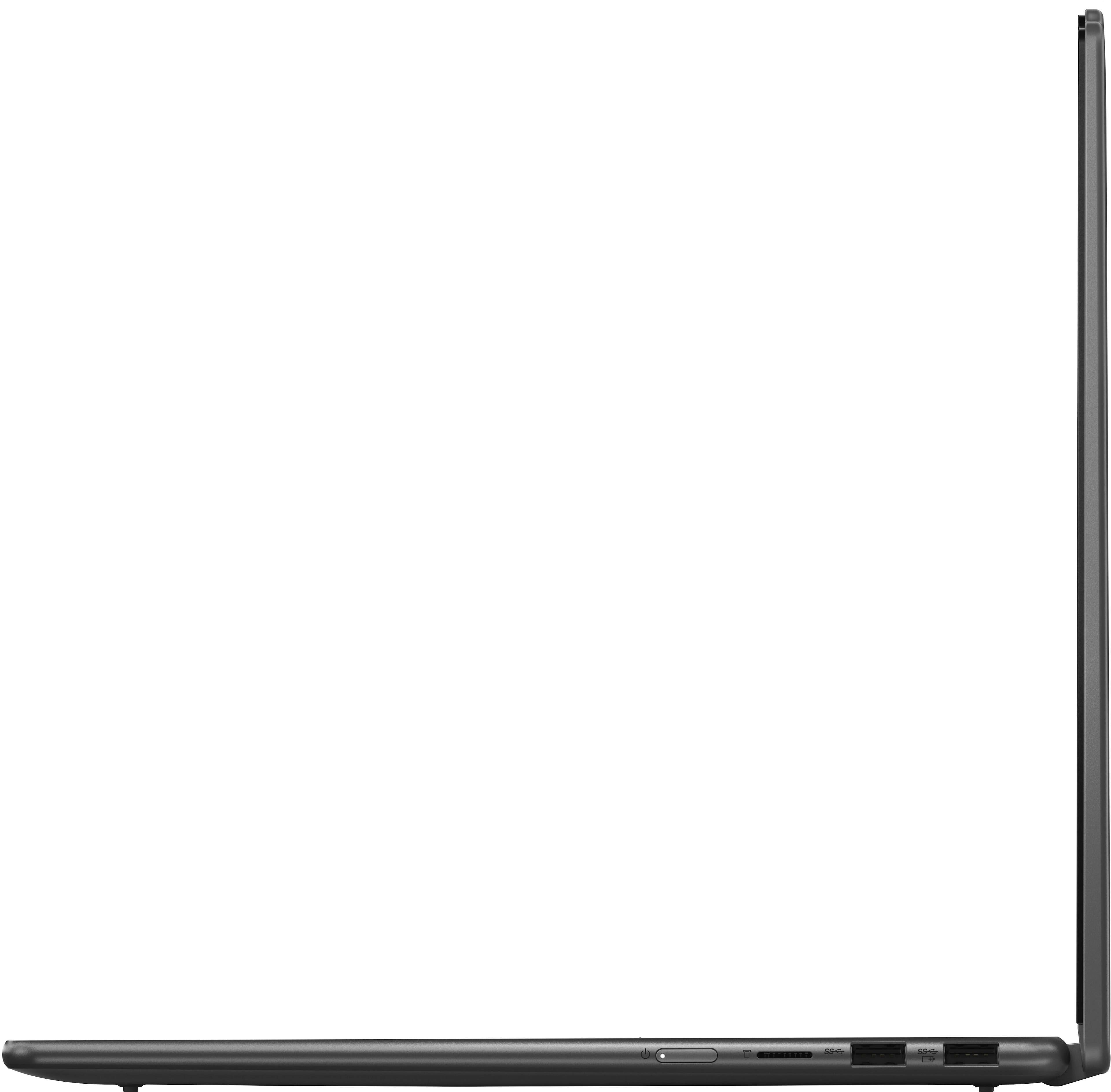
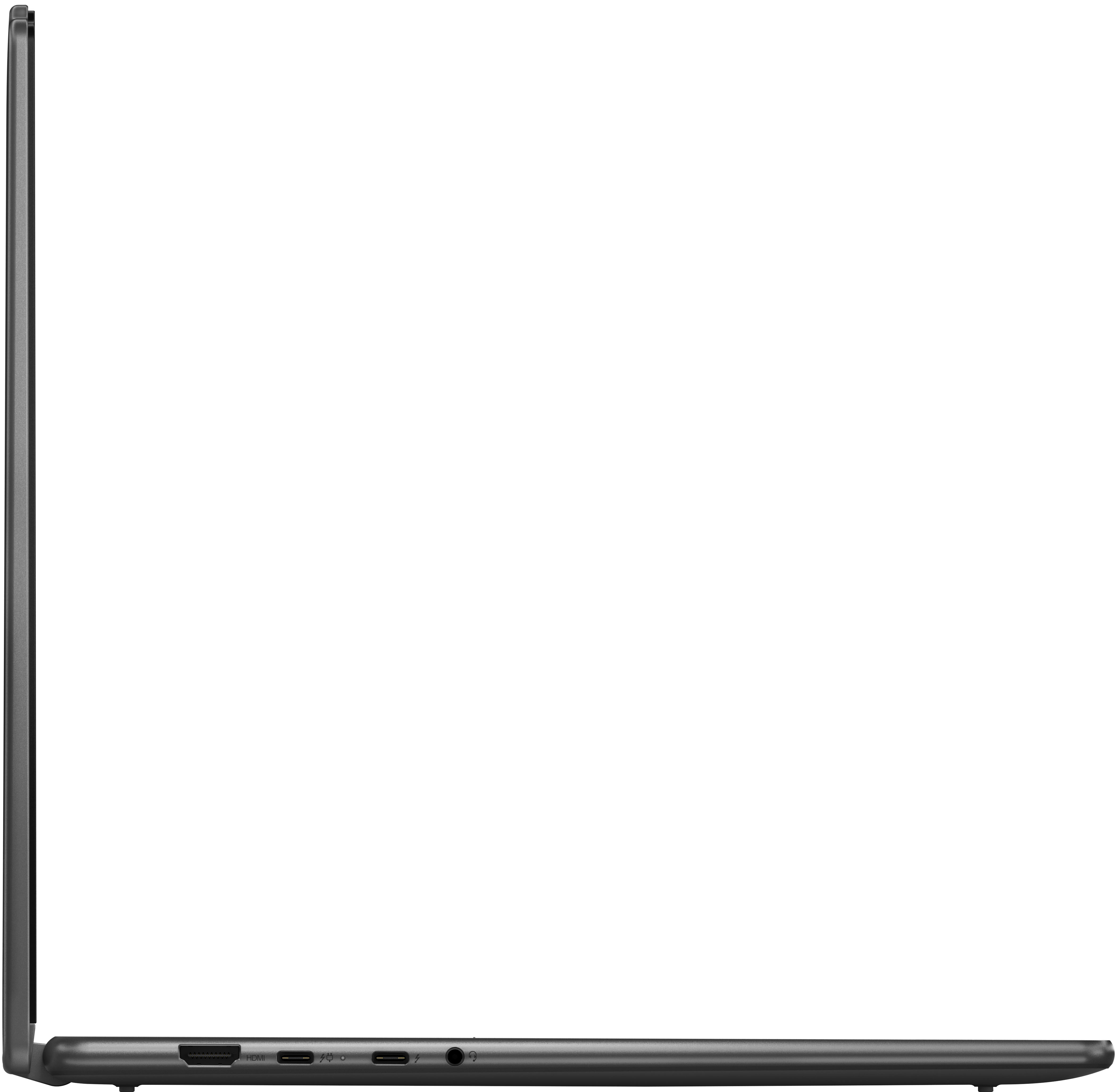
The Yoga 7i's HDMI port supports video output and not video input, so the Yoga's display cannot be used in place of or to extend another computer's display in this way. Also, there is not a solution that we can recommend that will extend the display of both the Yoga 7i and Mac device simultaneously. The external display would have to switch from computer A (Yoga) to computer B (Mac) to extend the laptops' displays.
Please feel free to reach out to us with any other questions!
A:AnswerHi JoYC,
We're sorry to hear you're having trouble with your system. To start, if you haven't enabled biometric login with the fingerprint reader, on the lock screen, you should see an option to view other login options. Also, here's a link to a Microsoft Support webpage that shares steps to follow to try to resolve this issue: https://support.microsoft.com/en-us/windows/troubleshoot-problems-signing-in-to-windows-298cfd5f-df1f-c66b-36ad-f2a61a73baad
If are still unsuccessful accessing the system, unfortunately, due to the Windows security protocols to keep user data safe, this cannot be bypassed. You may need to reset your Yoga 7i to factory settings and set the laptop up again.
We hope that this helps, and please feel free to share any updates or other questions that you may have.
Best regards,
Lenovo
A:AnswerI am inclined to say no. Perhaps a device with greater power, speed, and improved functionality would be more suitable. While I have a preference for Lenovo products and am not particularly drawn to Apple, if the tablet functionality is a priority, the iPad Pro might be a worthwhile consideration.
A:AnswerYes, the store has setup techs you can have face to face
personal tips and basic instructional guidance. You just schedule a time that works for you.
A:AnswerNo, but one can be acquired through Amazon. It is designed to be compatible with magnetic attachments, eliminating the need to permanently adhere anything to your screen.
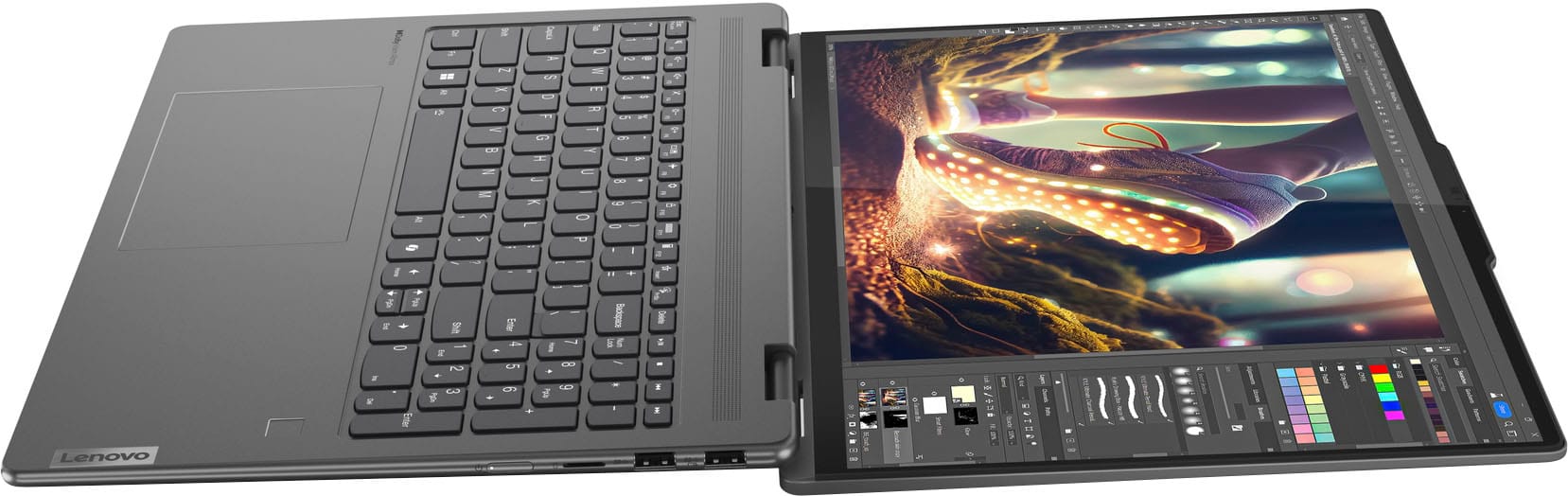
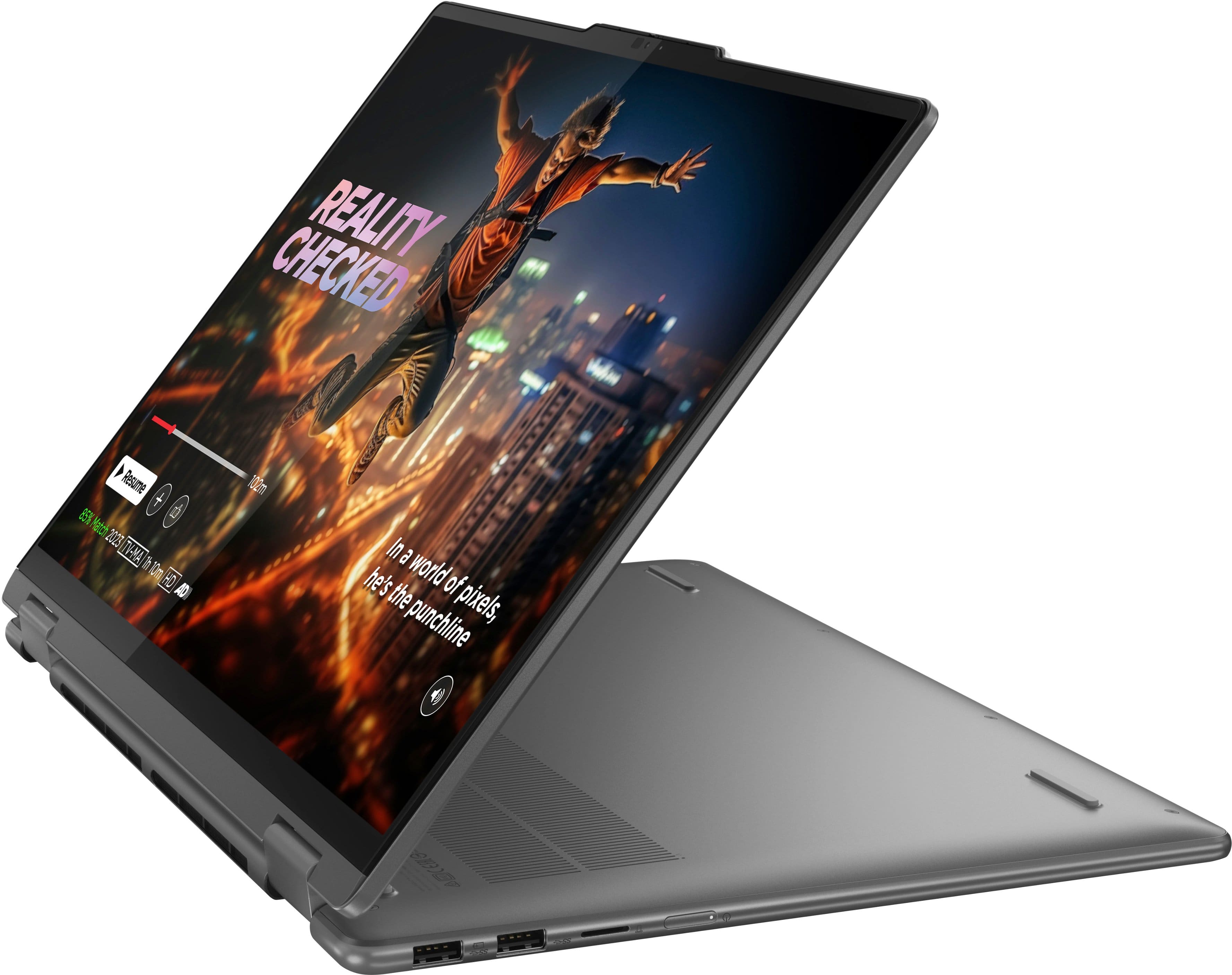
A:AnswerThe keyboard's design features a flat, smooth profile, a critical consideration for its integration with a tablet form factor. Protruding keys would present a significant risk of damage during tablet use and could potentially compromise the screen integrity when the device is closed.
A:AnswerHey iam,
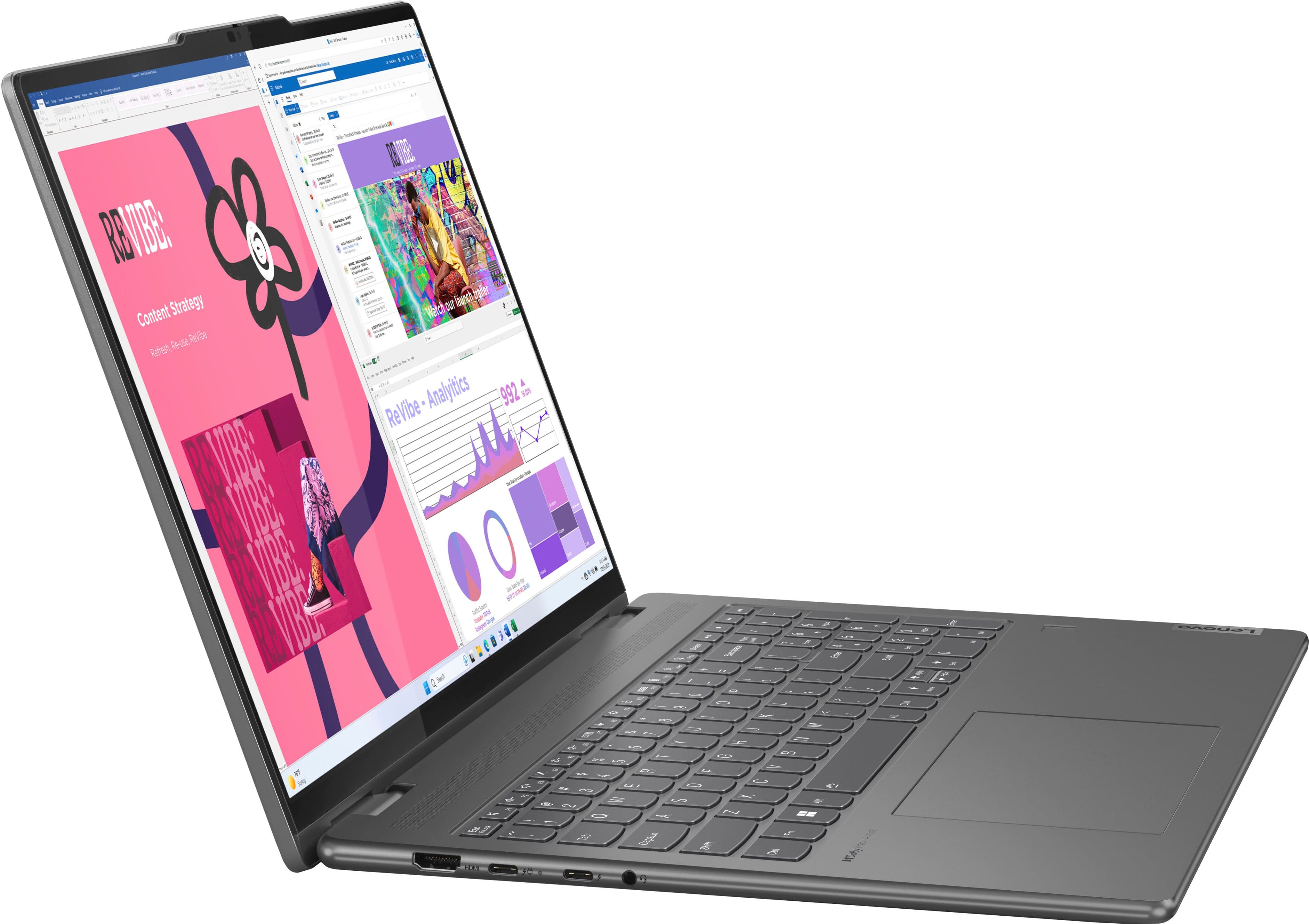
The display is 16 inches with a 16:10 aspect ratio; a taller screen for more lines of text and data on the display.
Please let us know if you may have any other questions!
A:AnswerHi Guille,
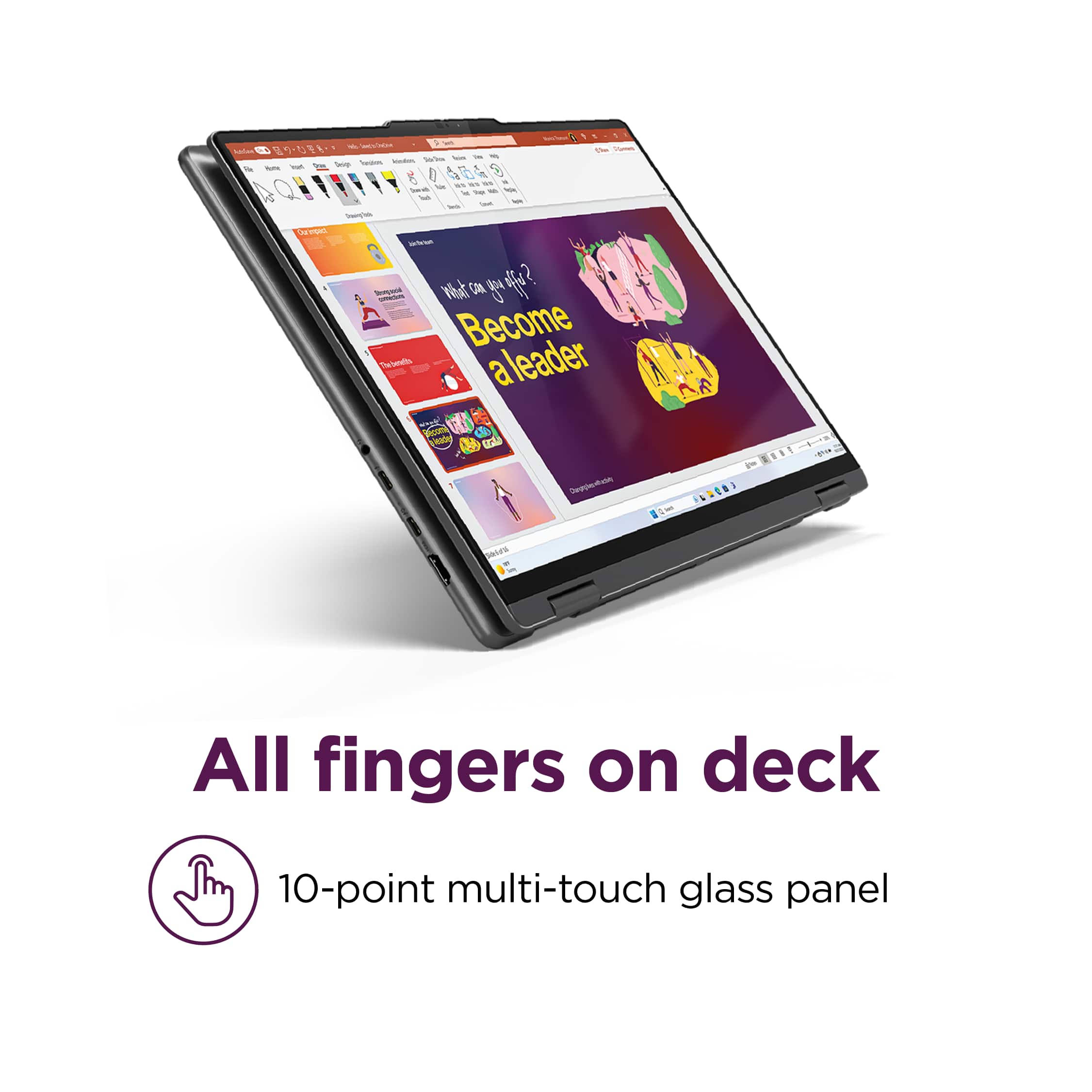
Unfortunately, toggling between the touchscreen being enabled or disabled isn't a quick switch. For now, to disable the touchscreen on Windows devices, you have to disable the touchscreen interface controller in device manager on your Yoga.
If you would like a visual on the process, here's a link to a Lenovo Support webpage with a video and step-by-step instructions embedded in the webpage: https://pcsupport.lenovo.com/us/en/products/laptops-and-netbooks/yoga-series/yoga-500-15ibd/videos/nvid500009-how-to-enable-and-disable-the-touch-screen-in-windows-10
Please let us know if you may have any other questions!