A:AnswerHi Lette,
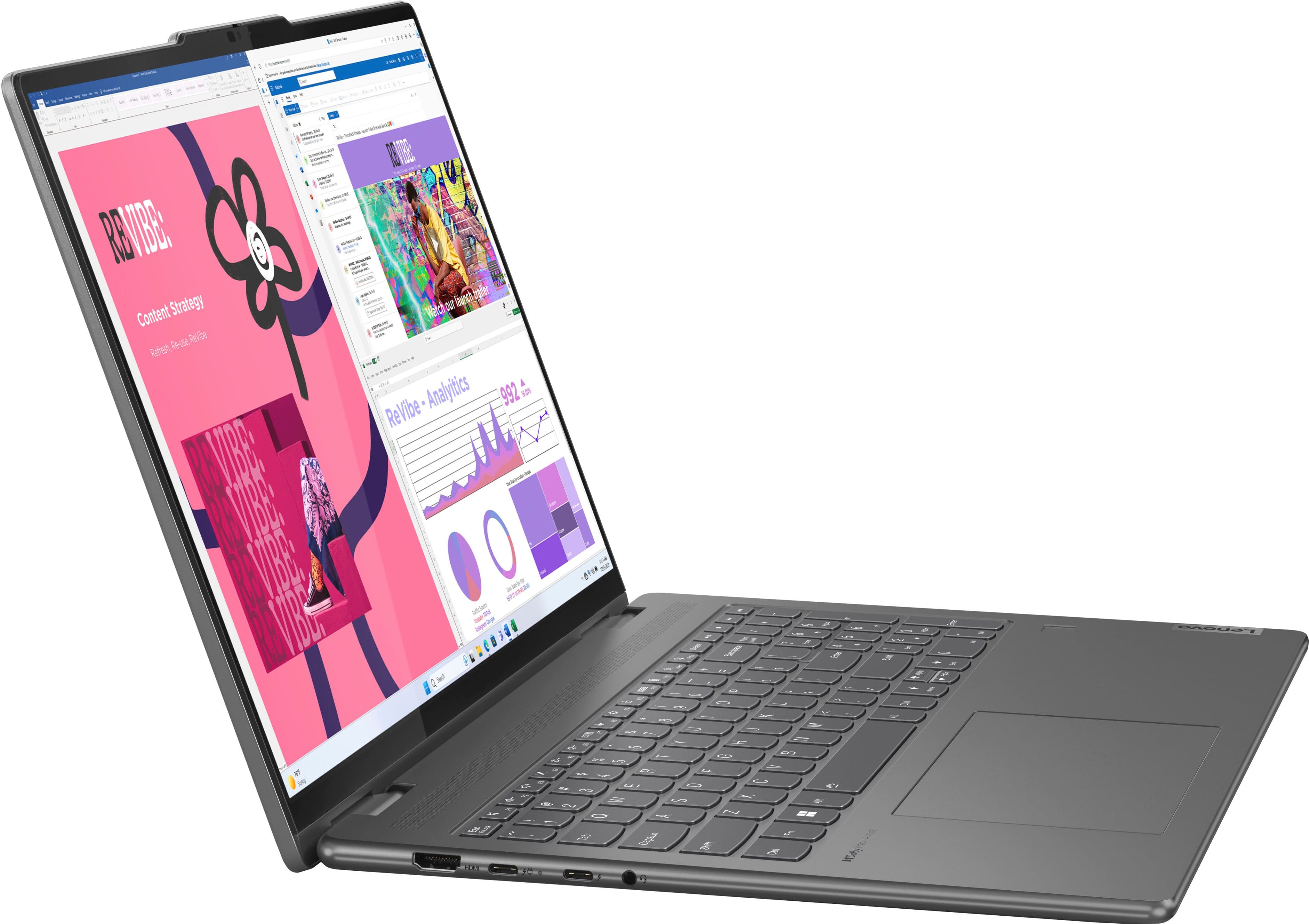
First, you can use virtually any wireless (USB receiver and Bluetooth) or wired mouse that is compatible with Windows system. Second, in theory, a screen protector should not impact functionality; however, to note, Lenovo currently does not offer an official screen protector for the Yoga 7 2-in-1, so we cannot verify the limitations and functions of a third-party screen protector. Third, the keyboard key design is unique, inspired by the award-winning ThinkPad keyboard design, with a mostly square key shape that is rounded at the bottom to improve the typing experience.
Please feel free to reach out to us with any other questions!
A:AnswerHey Gram,
If you'd like greater detail, please let us know, but for now we will keep things short and sweet to help provide general knowledge.
Microsoft Copilot is a powerful AI tool that is a software based, cloud-dependent and broadly used (most updated Windows 11 system can use this) to help with a number of tasks, while Copilot+ refers to not just add on features, but a comprehensive ecosystem designed to revolutionize how you interact with your devices. Copilot+ PCs are a series of specialized AI PCs capable of on-device neural processing thanks to their specialized NPU or neural processing unit that is designed for and optimized for sustained, efficient AI processing. These PCs also provide exceptional performance and battery live.
Please feel free to reach out to us with any other questions!
A:AnswerHey there,
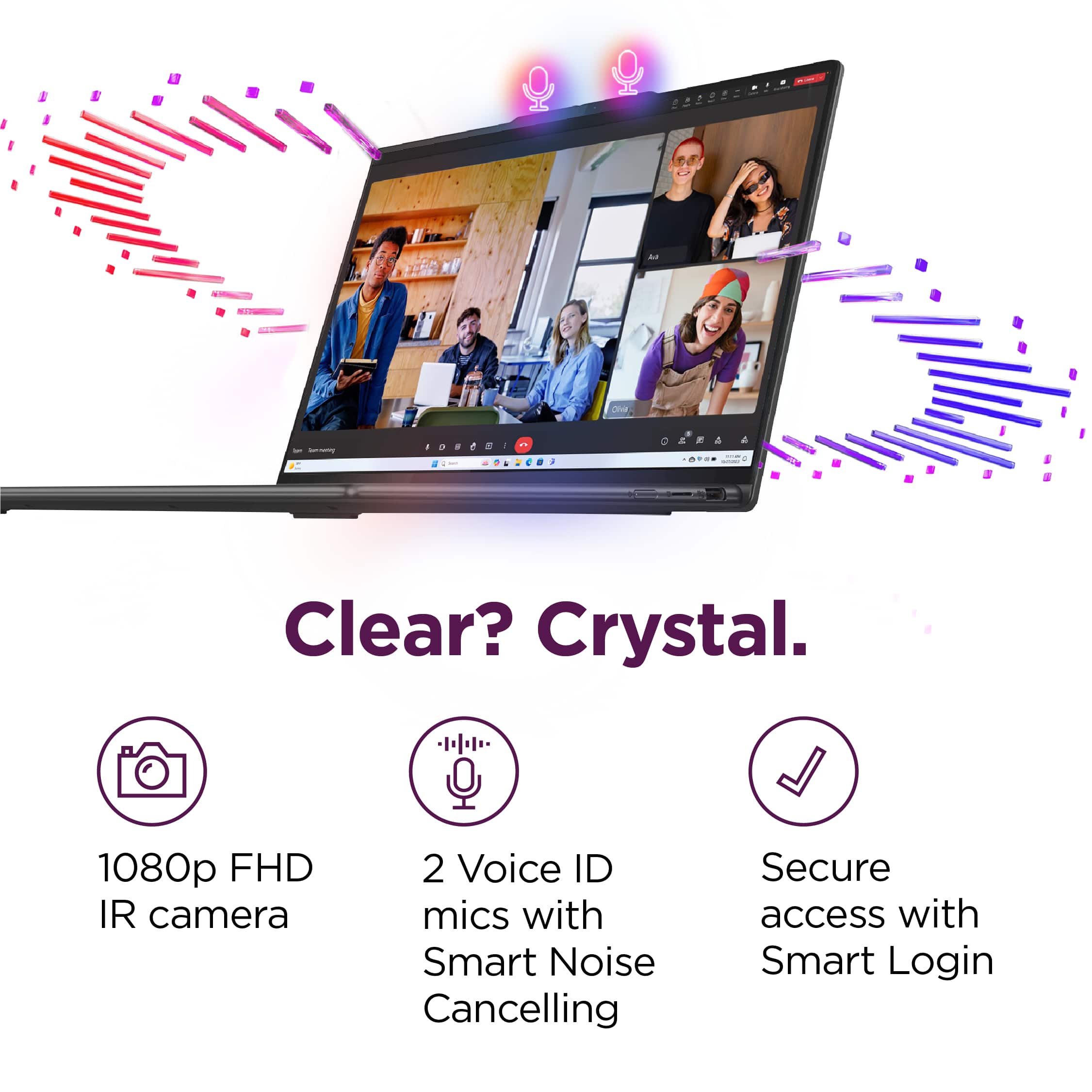
If you're referring to recording using the laptop's camera, yes, this is possible. If you're referring to some type of stream recording or other type of recording, please let us know in another question so that we can better assist you.
Please feel free to reach out to us with any other questions!
A:AnswerNot too sure about photoshop considering the overhead that Adobe brings with it, but both gimp and inkscape work perfectly fine for moderate sized projects.
A:AnswerIt would probably be a good one, but that will depend on the software you choose. It's fast and I imagine the touchscreen would be useful for accounting software. It has a numberpad integrated into the keyboard.
A:AnswerNot this version. But I just got a name brand one (Lenovo brand) during Prime Days for pretty cheap. I haven't tested it, but I anticipate it will be good.
A:AnswerHey Petey,
This Yoga 7i 2-in-1 was originally launched around late Spring '24, and the month and year of manufacture will vary from each unit, with these details being labeled on the laptop itself and the box it ships in.
Please feel free to reach out to us with any other questions!
A:AnswerHi dwight,
This Yoga 7i 2-in-1 (16, 9th Gen) is not a Copilot+ PC, but you can follow this link to a product page for the new Yoga 7i 2-in-1 (10th gen) on Best Buy's site, which is a Copilot+ PC: https://www.bestbuy.com/site/lenovo-yoga-7i-2-in-1-copilot-pc-16-2k-touchscreen-laptop-intel-core-ultra-7-processor-16gb-memory-1tb-ssd-luna-grey/6615776.p?skuId=6615776
Please feel free to reach out to us with any other questions!
A:AnswerWhatever you want for it. It comes with Windows and Edge, and mine had a free trial of McAfee and Norton. I didn't accept the Norton. I suppose you could get whatever apps you want.
A:AnswerHi there,
The Yoga 7i 2-in-1's memory is not expandable, as it is soldered to the systemboard.
Please feel free to reach out to us with any other questions!