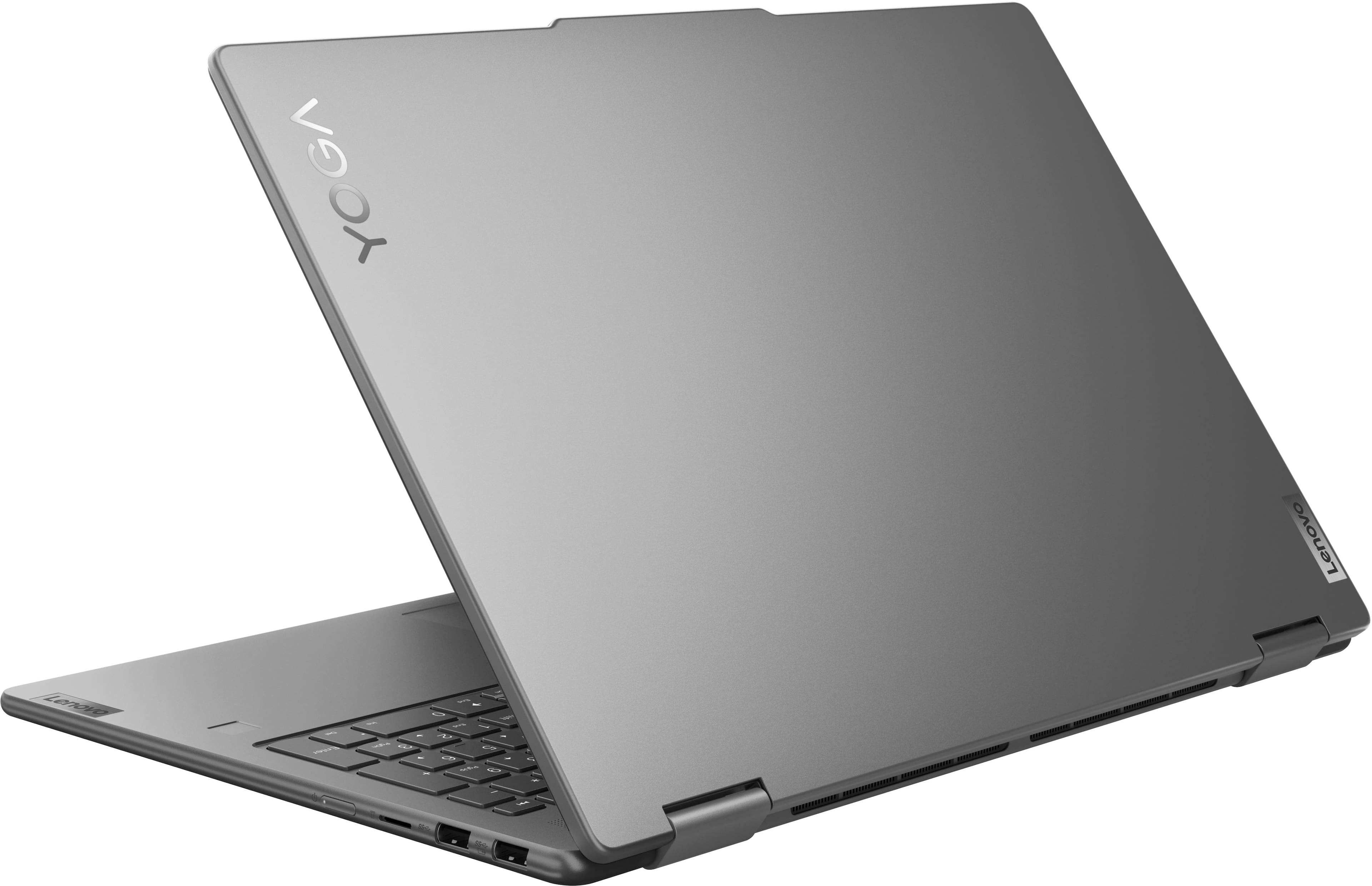
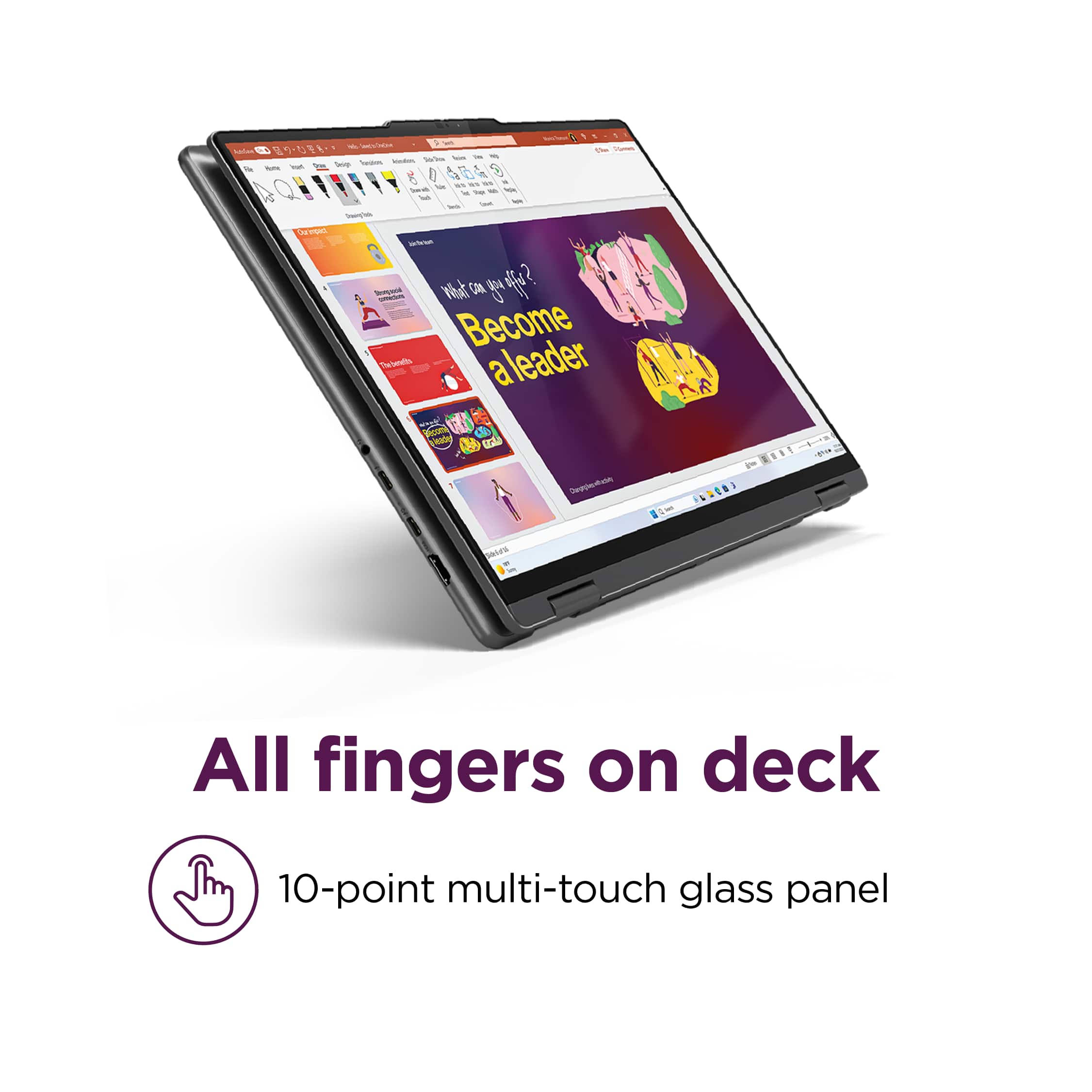
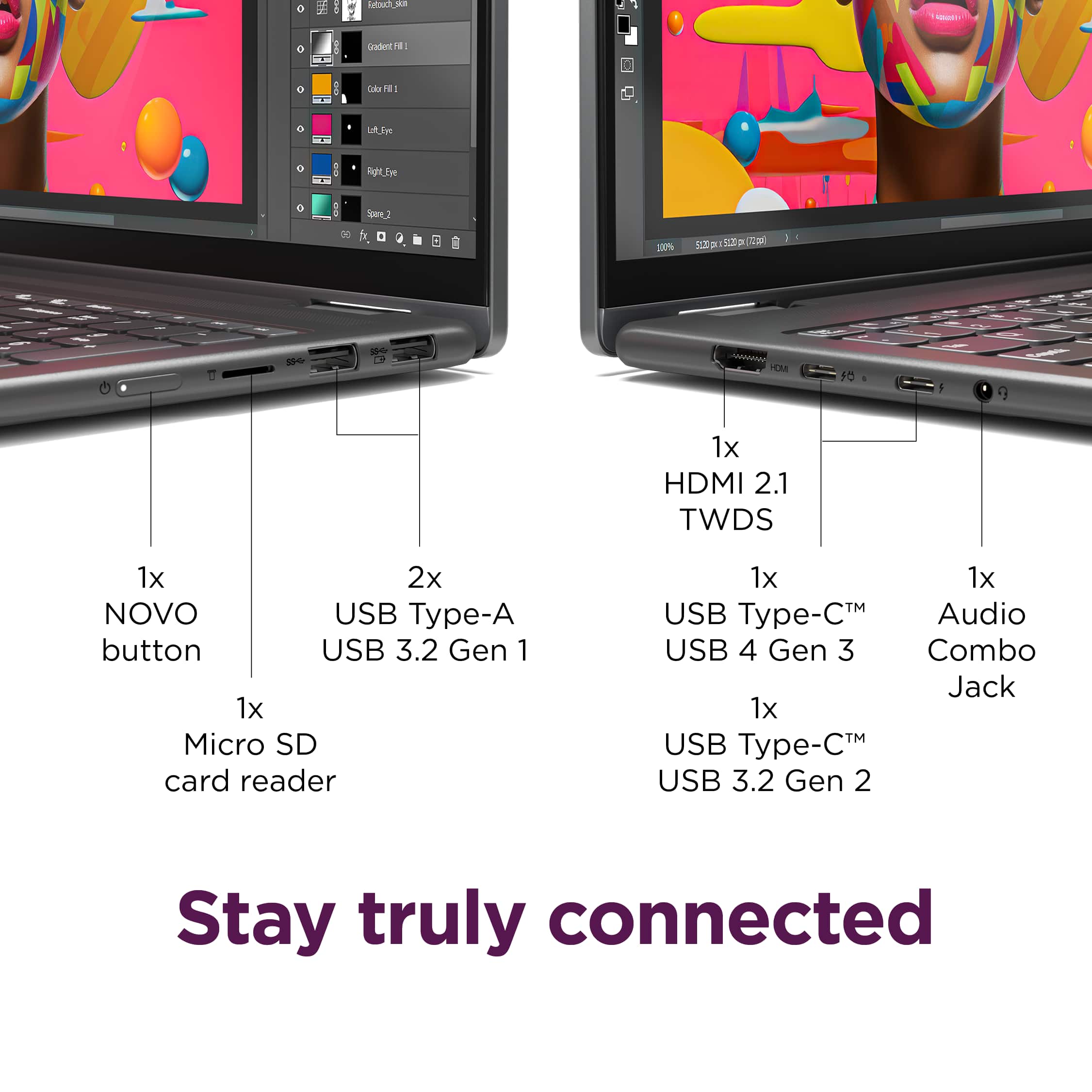
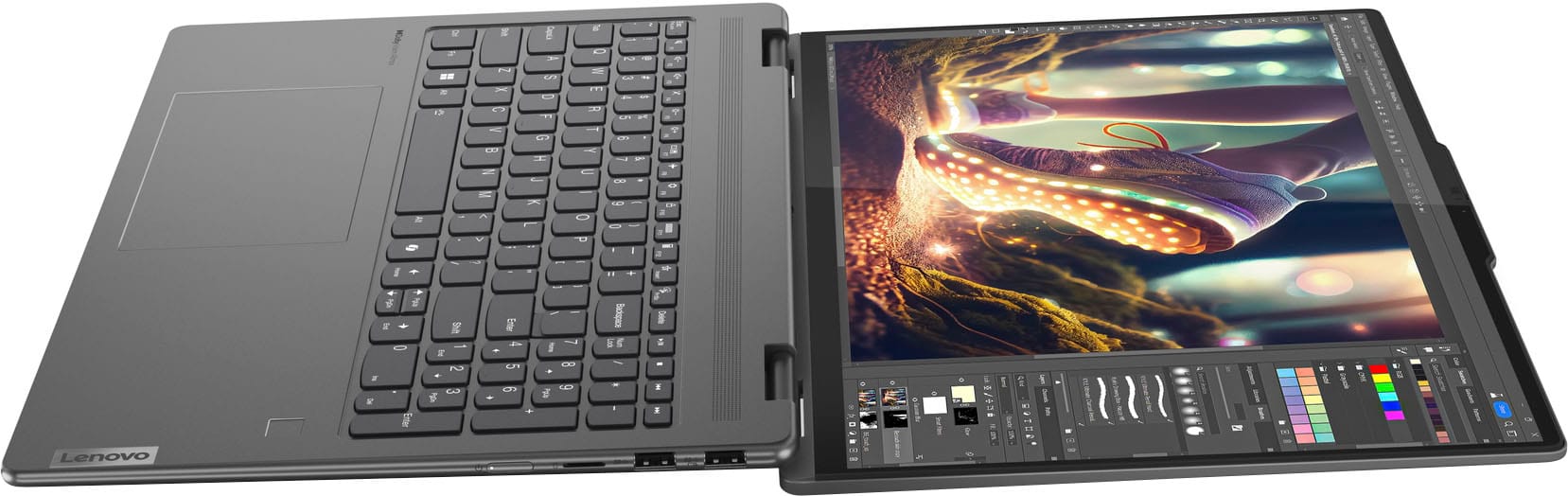
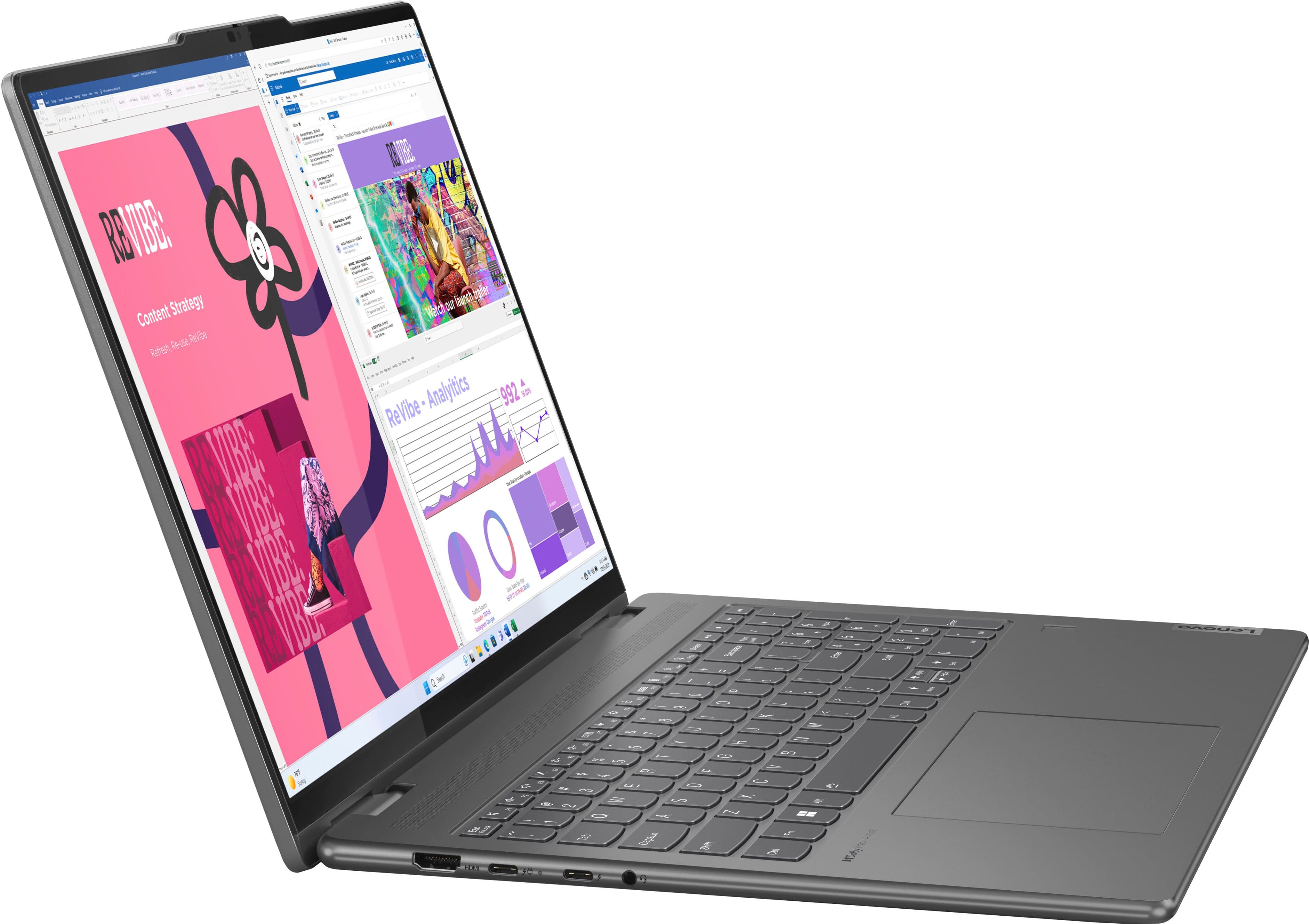
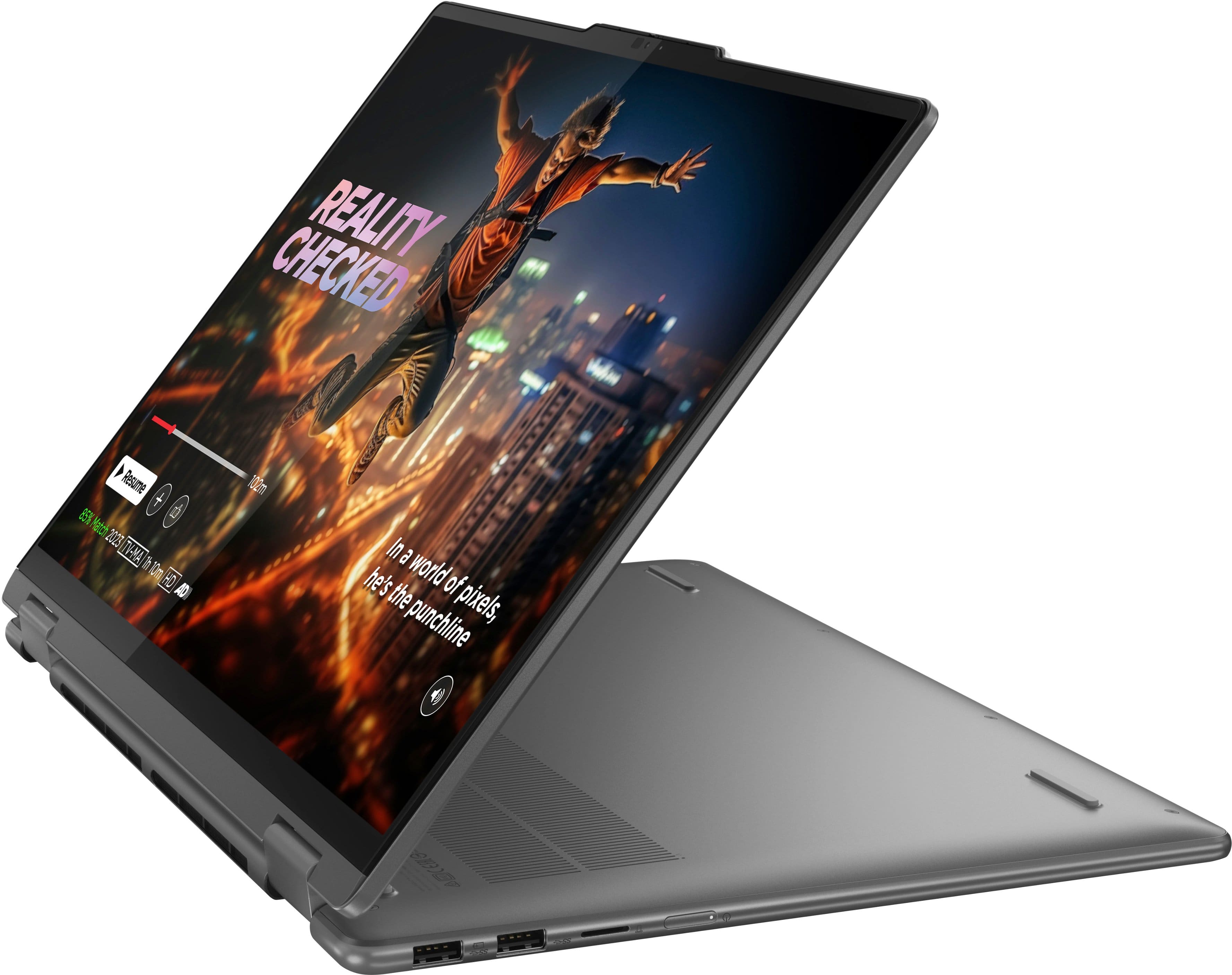
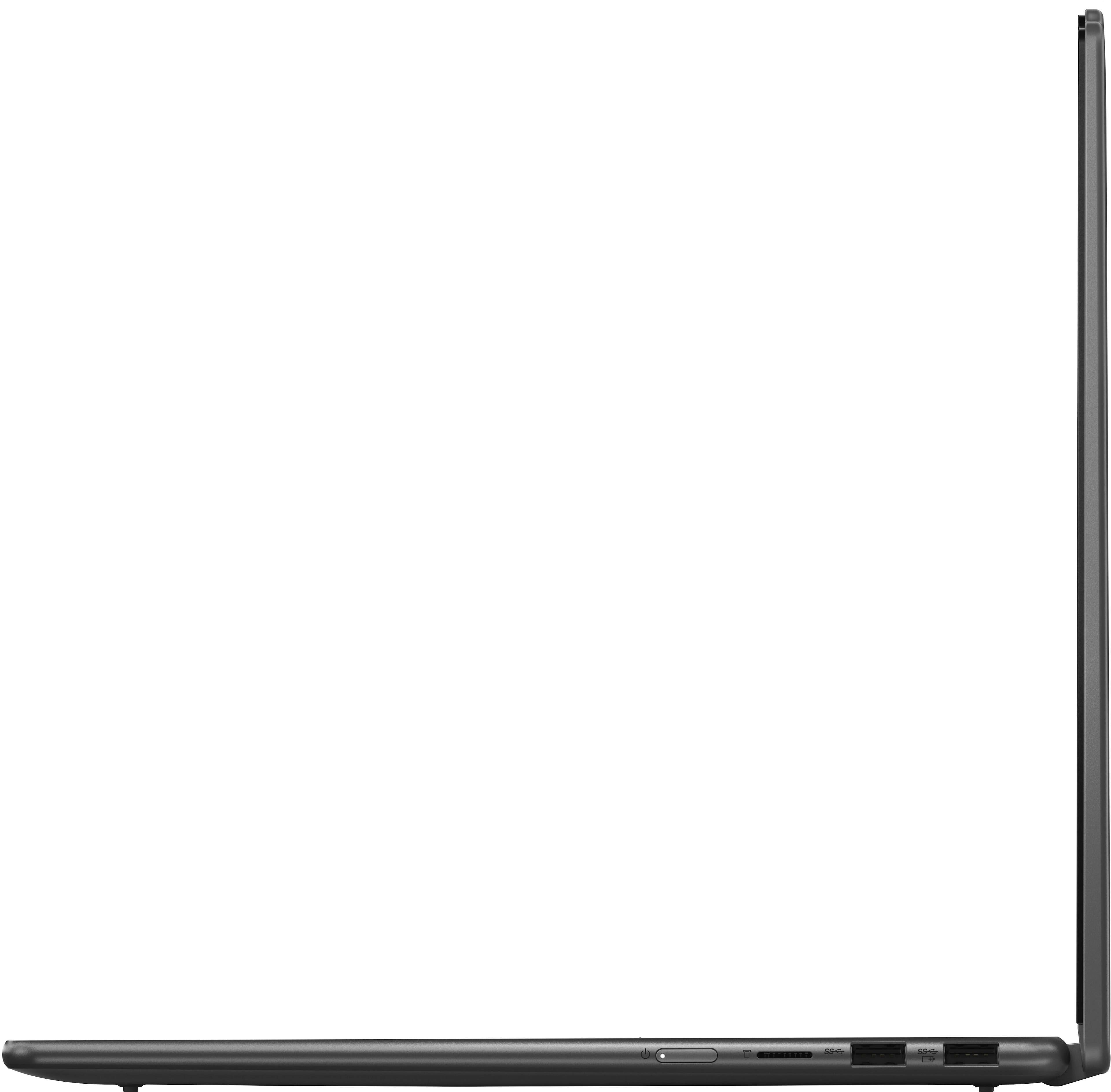
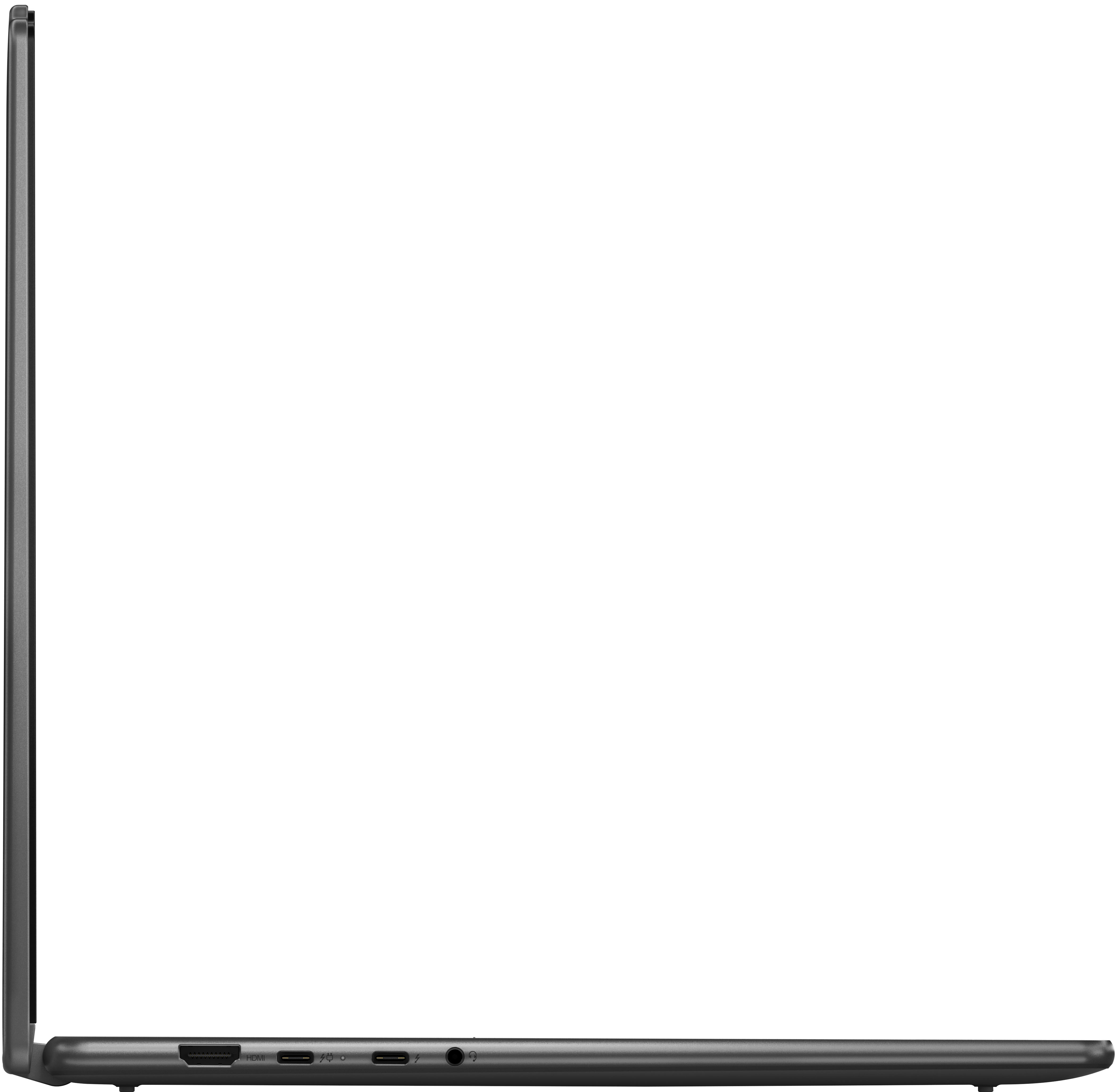
A:AnswerYes, you can use a 1TB microSD card in the Lenovo Yoga 7i 2-in-1 (16").The laptop features a dedicated microSD card reader (located on the right side of the device) that supports microSDXC cards. By technical standard, microSDXC supports capacities up to 2TB, making a 1TB card fully compatible for extra storage or file transfers.Port & Compatibility DetailsSlot Location: Right side, near the power button.Supported Formats: microSD, microSDHC, and microSDXC (which covers the 1TB size).Best Use: Great for storing photos, videos, or documents, though it will be slower than the laptop's internal PCIe Gen 4 SSD.Recommended 1TB microSD CardsIf you are looking for a reliable 1TB card, here are the top-rated options that balance speed and durability:SanDisk Extreme 1TB: This is a top-tier choice for performance. It features UHS-I speeds (up to 190MB/s) and is rated A2, meaning it handles app loading and large file transfers very efficiently.Samsung EVO Select 1TB: A highly reliable "bang for your buck" option. It offers solid speeds for general storage and is known for being resistant to water, X-rays, and extreme temperatures.Lexar PLAY 1TB: Specifically designed for media and gaming. It provides a massive amount of space at a often lower price point, though it might be slightly slower than the SanDisk Extreme for professional video editing.A quick tip: When you insert the card, it will sit flush with the edge of the laptop, so you can leave it in permanently as an "extra drive" if you need the space.
A:AnswerIs Microsoft 365 Usually Included?
When you buy a Lenovo Yoga 7i 16", here is the standard deal:
Pre-installed Trial: Almost every new Lenovo consumer laptop comes with a 30-day trial of Microsoft 365 pre-installed.
Activation: After the trial ends, you would need to sign in with a Microsoft account that has an active subscription (Personal or Family) or enter a product key to keep using apps like Word, Excel, and PowerPoint.
Web Versions: You can always use the free "web" versions of these apps at Office.com regardless of what is installed on the hard drive.