A:AnswerNot too sure about photoshop considering the overhead that Adobe brings with it, but both gimp and inkscape work perfectly fine for moderate sized projects.
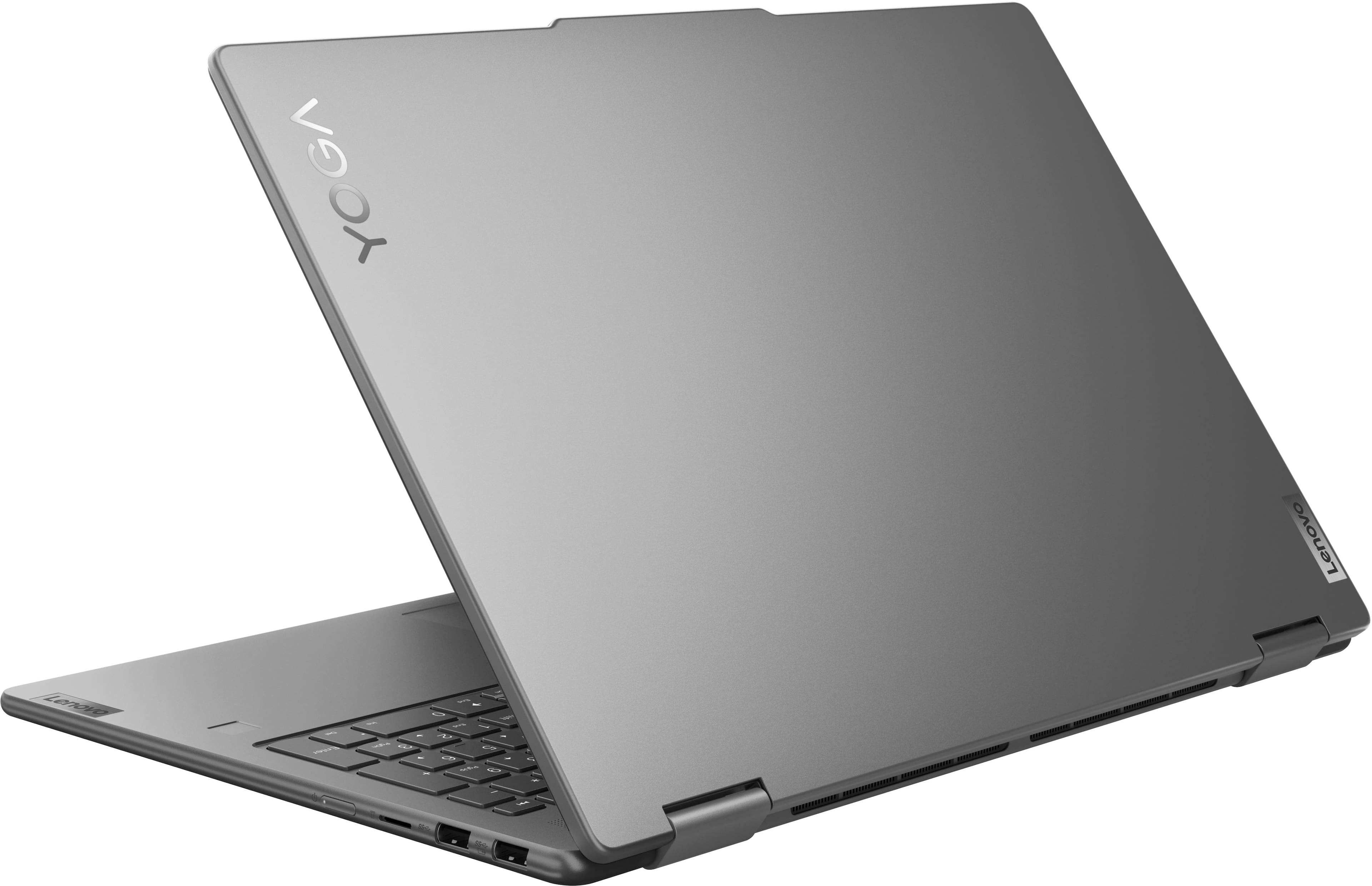
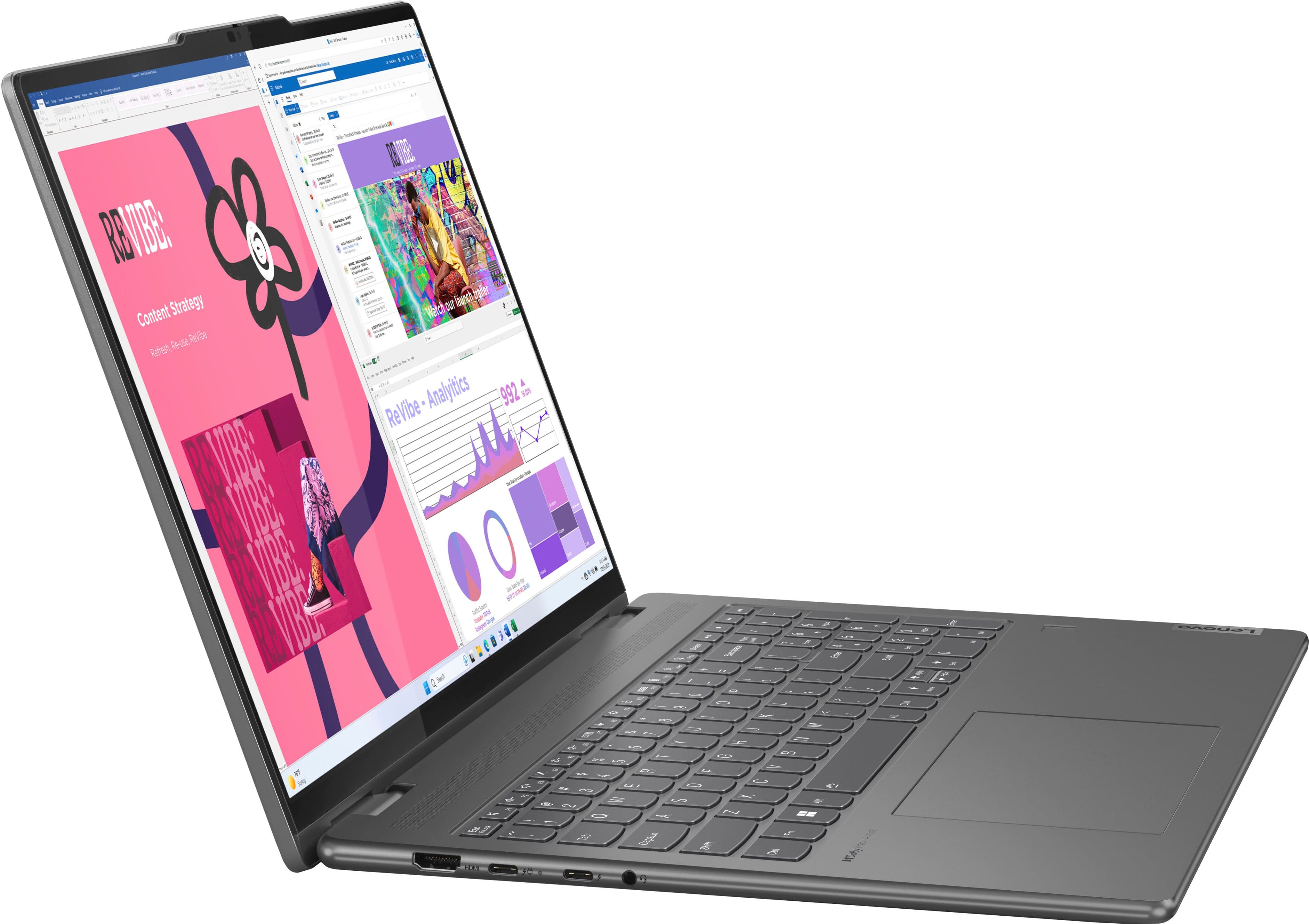
A:AnswerIt would probably be a good one, but that will depend on the software you choose. It's fast and I imagine the touchscreen would be useful for accounting software. It has a numberpad integrated into the keyboard.
A:AnswerNot this version. But I just got a name brand one (Lenovo brand) during Prime Days for pretty cheap. I haven't tested it, but I anticipate it will be good.
A:AnswerHey Petey,
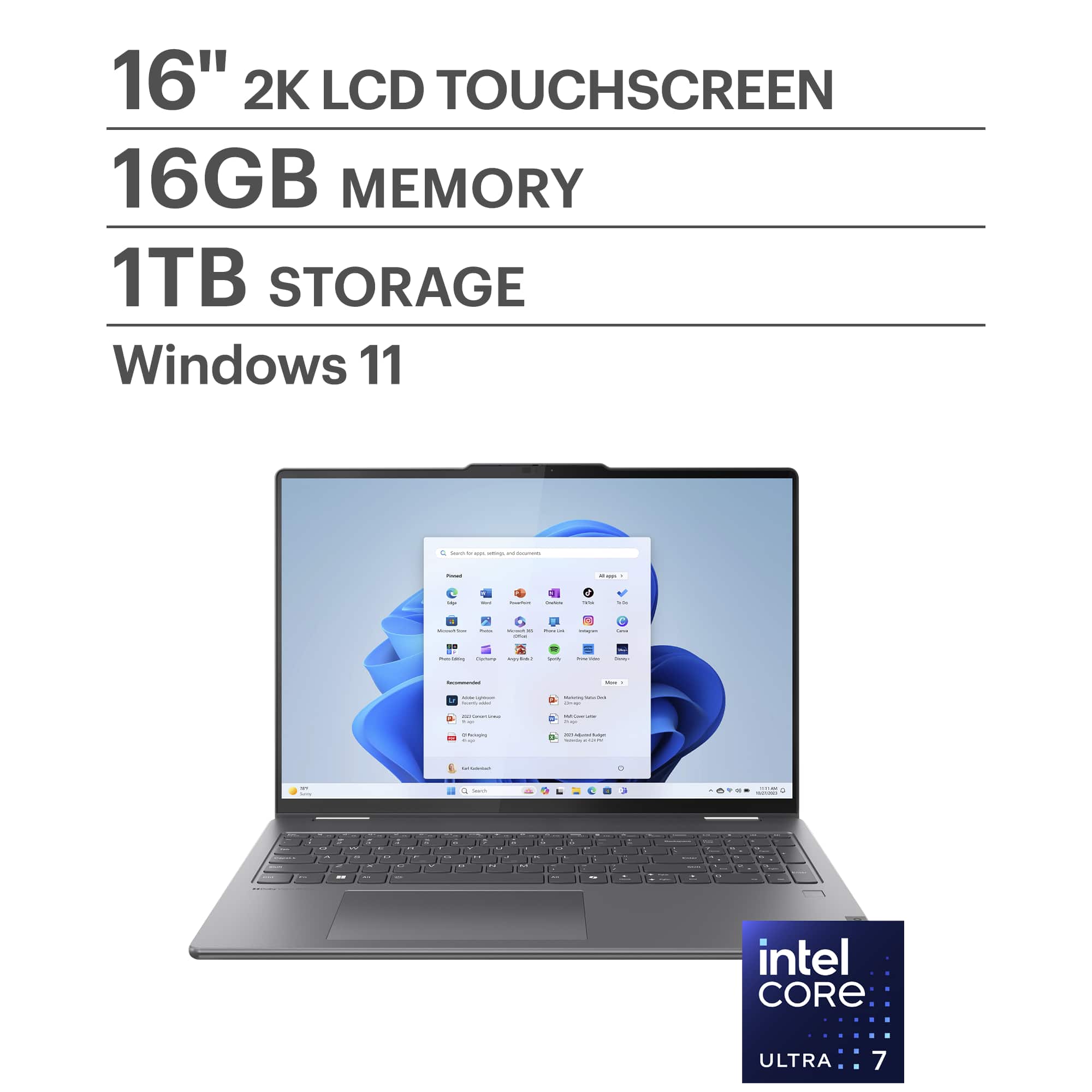
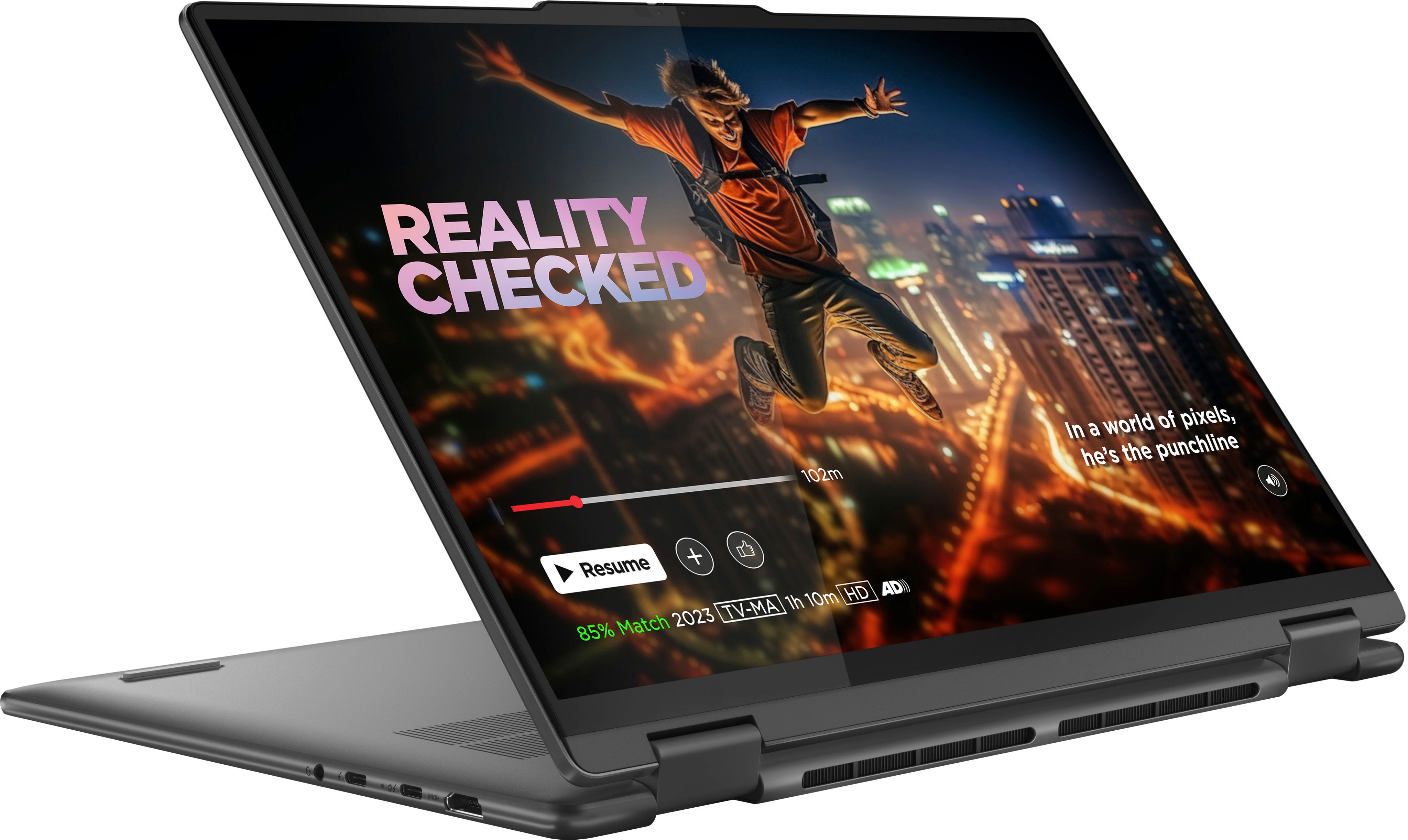
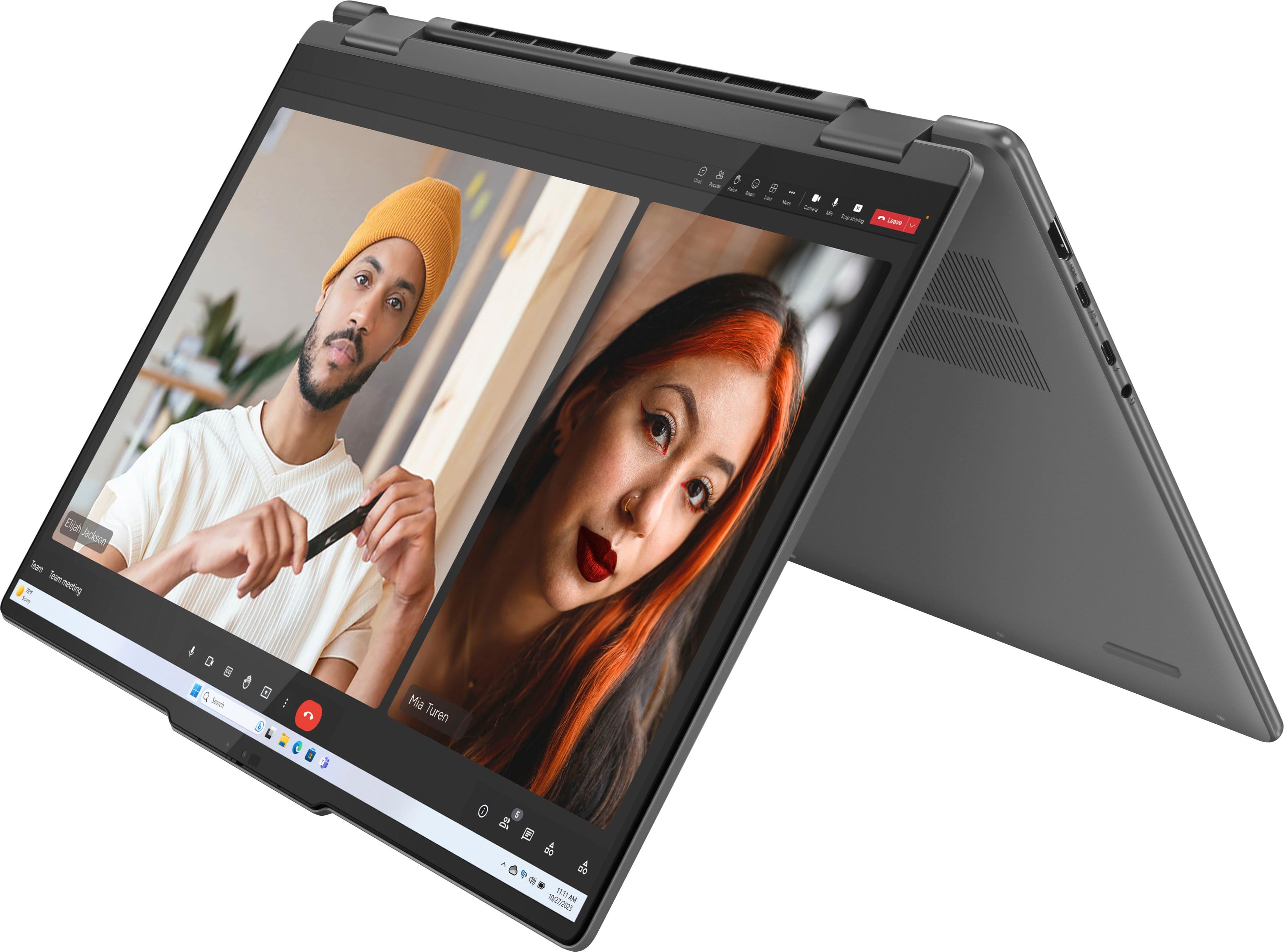
This Yoga 7i 2-in-1 was originally launched around late Spring '24, and the month and year of manufacture will vary from each unit, with these details being labeled on the laptop itself and the box it ships in.
Please feel free to reach out to us with any other questions!
A:AnswerHi dwight,
This Yoga 7i 2-in-1 (16, 9th Gen) is not a Copilot+ PC, but you can follow this link to a product page for the new Yoga 7i 2-in-1 (10th gen) on Best Buy's site, which is a Copilot+ PC: https://www.bestbuy.com/site/lenovo-yoga-7i-2-in-1-copilot-pc-16-2k-touchscreen-laptop-intel-core-ultra-7-processor-16gb-memory-1tb-ssd-luna-grey/6615776.p?skuId=6615776
Please feel free to reach out to us with any other questions!
A:AnswerWhatever you want for it. It comes with Windows and Edge, and mine had a free trial of McAfee and Norton. I didn't accept the Norton. I suppose you could get whatever apps you want.
A:AnswerHi there,
The Yoga 7i 2-in-1's memory is not expandable, as it is soldered to the systemboard.
Please feel free to reach out to us with any other questions!
A:AnswerHi Jose,
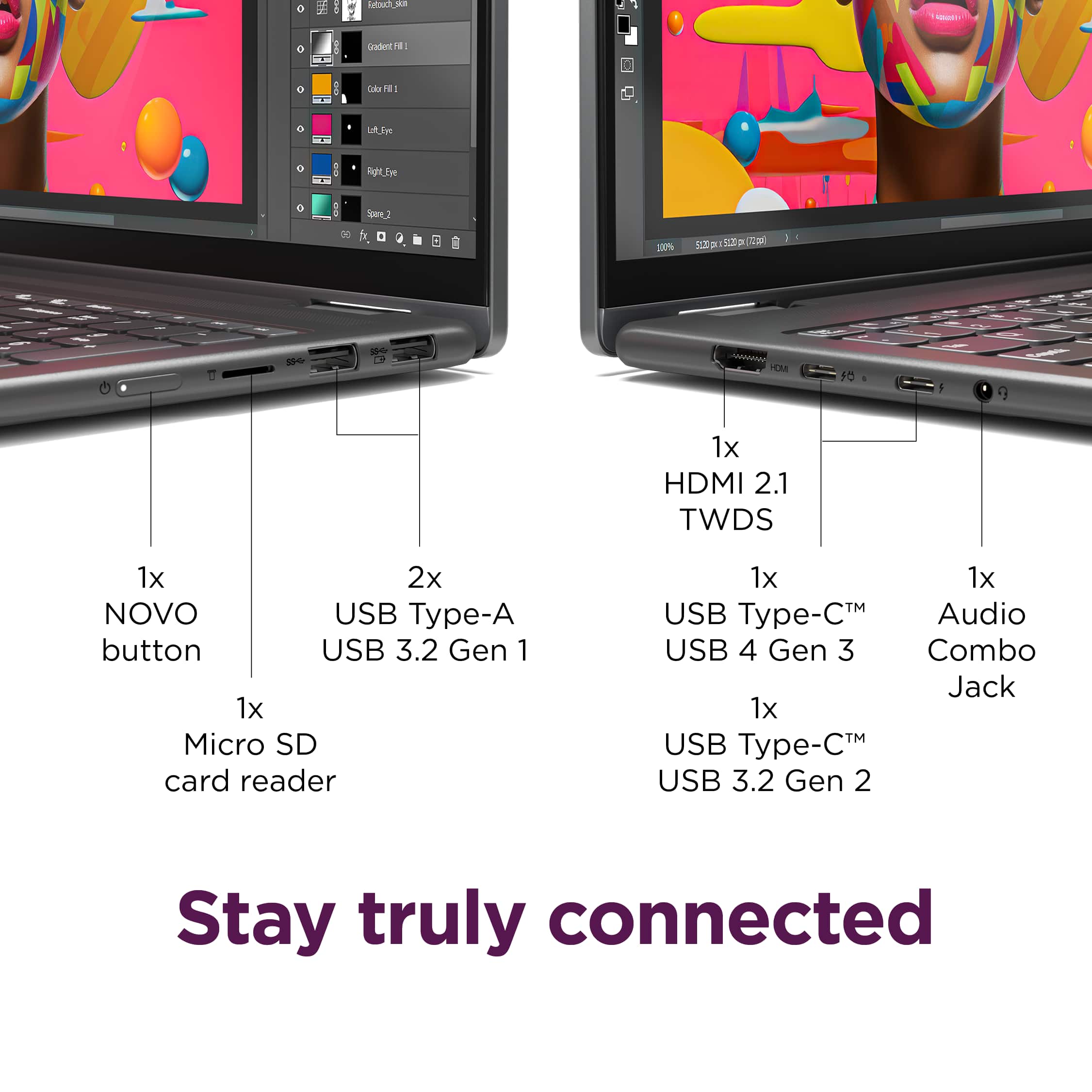
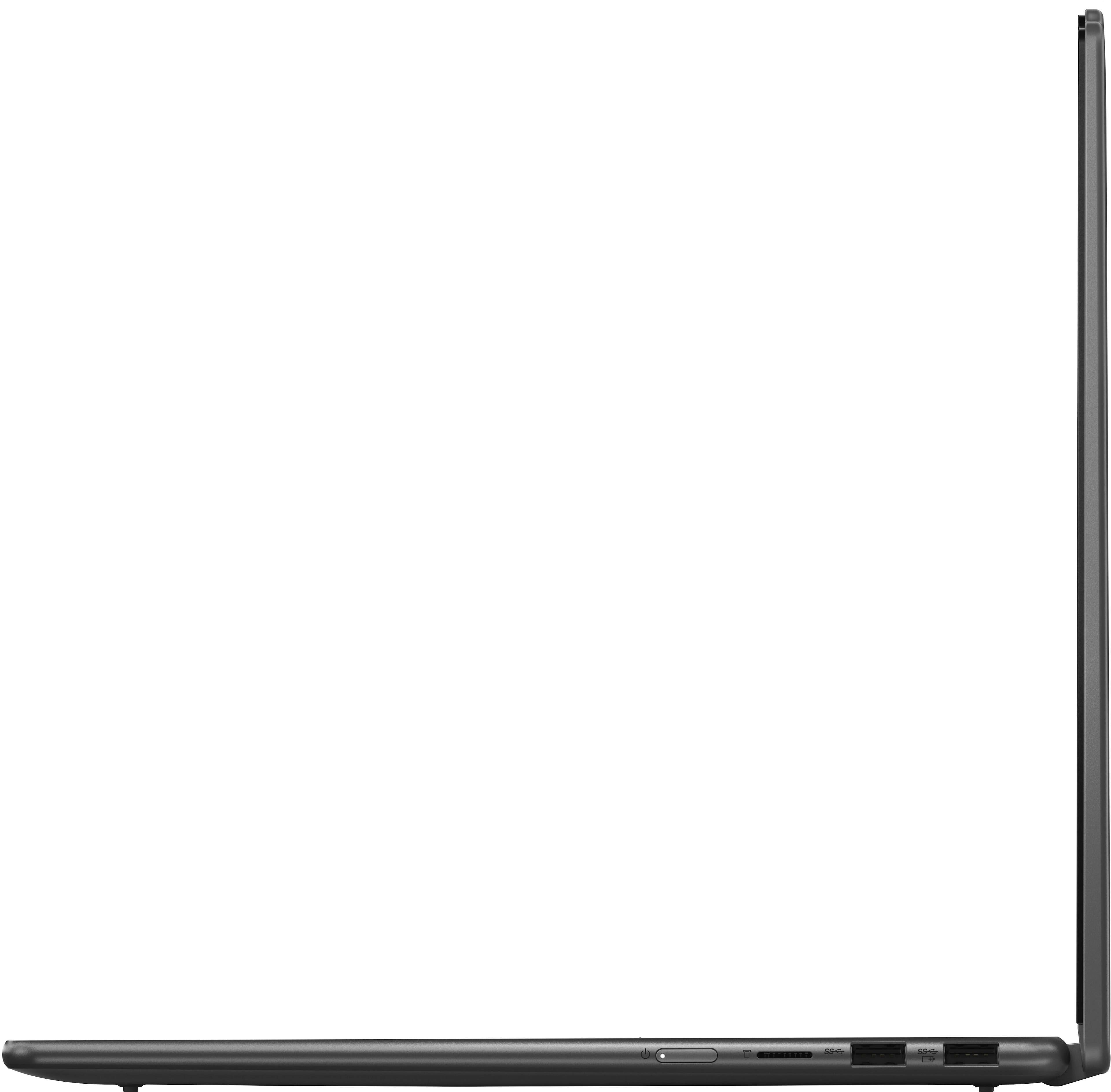
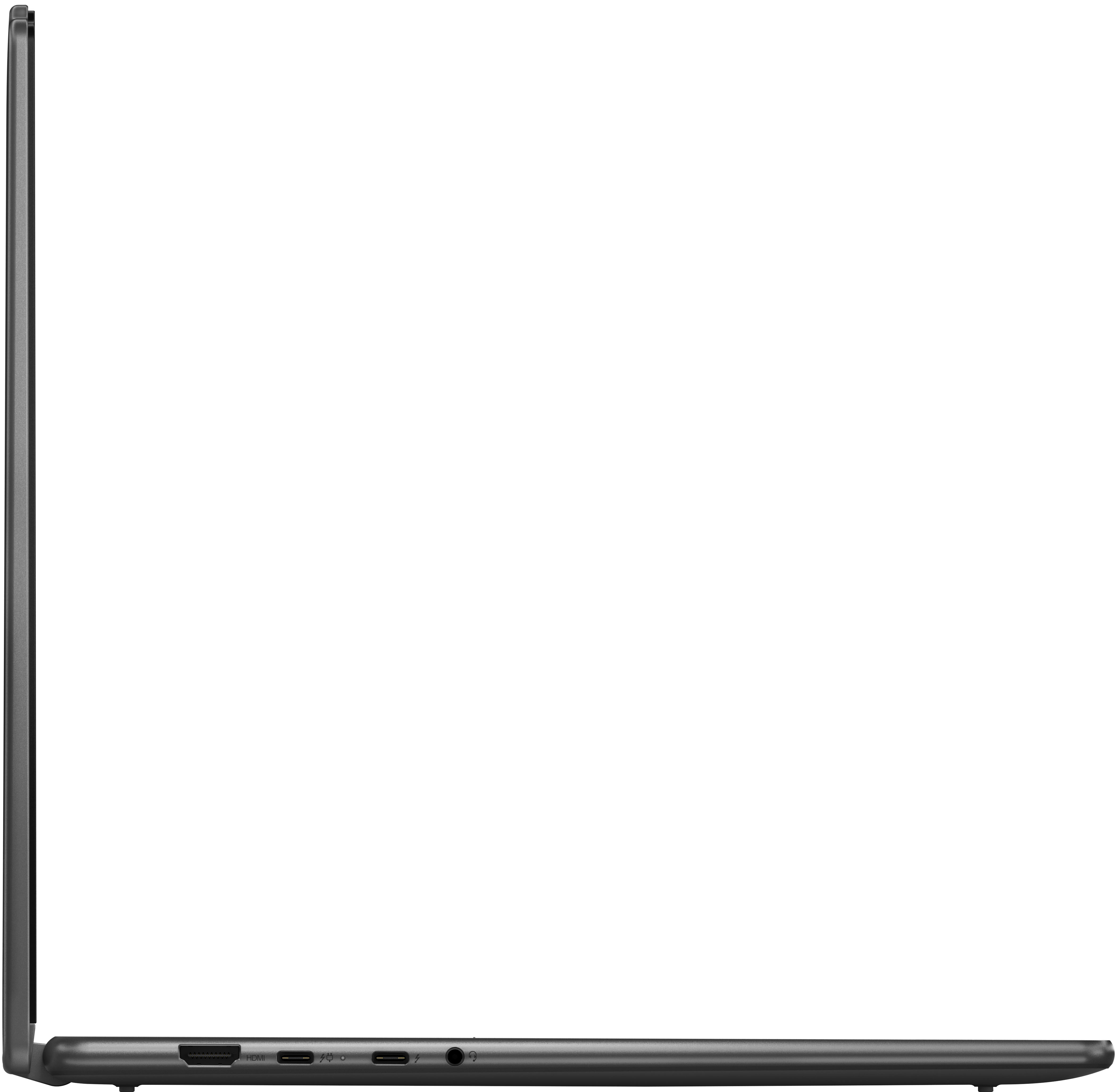
The Yoga 7i's HDMI port supports video output and not video input, so the Yoga's display cannot be used in place of or to extend another computer's display in this way. Also, there is not a solution that we can recommend that will extend the display of both the Yoga 7i and Mac device simultaneously. The external display would have to switch from computer A (Yoga) to computer B (Mac) to extend the laptops' displays.
Please feel free to reach out to us with any other questions!
A:AnswerHi JoYC,
We're sorry to hear you're having trouble with your system. To start, if you haven't enabled biometric login with the fingerprint reader, on the lock screen, you should see an option to view other login options. Also, here's a link to a Microsoft Support webpage that shares steps to follow to try to resolve this issue: https://support.microsoft.com/en-us/windows/troubleshoot-problems-signing-in-to-windows-298cfd5f-df1f-c66b-36ad-f2a61a73baad
If are still unsuccessful accessing the system, unfortunately, due to the Windows security protocols to keep user data safe, this cannot be bypassed. You may need to reset your Yoga 7i to factory settings and set the laptop up again.
We hope that this helps, and please feel free to share any updates or other questions that you may have.
Best regards,
Lenovo
A:AnswerYes, the store has setup techs you can have face to face
personal tips and basic instructional guidance. You just schedule a time that works for you.
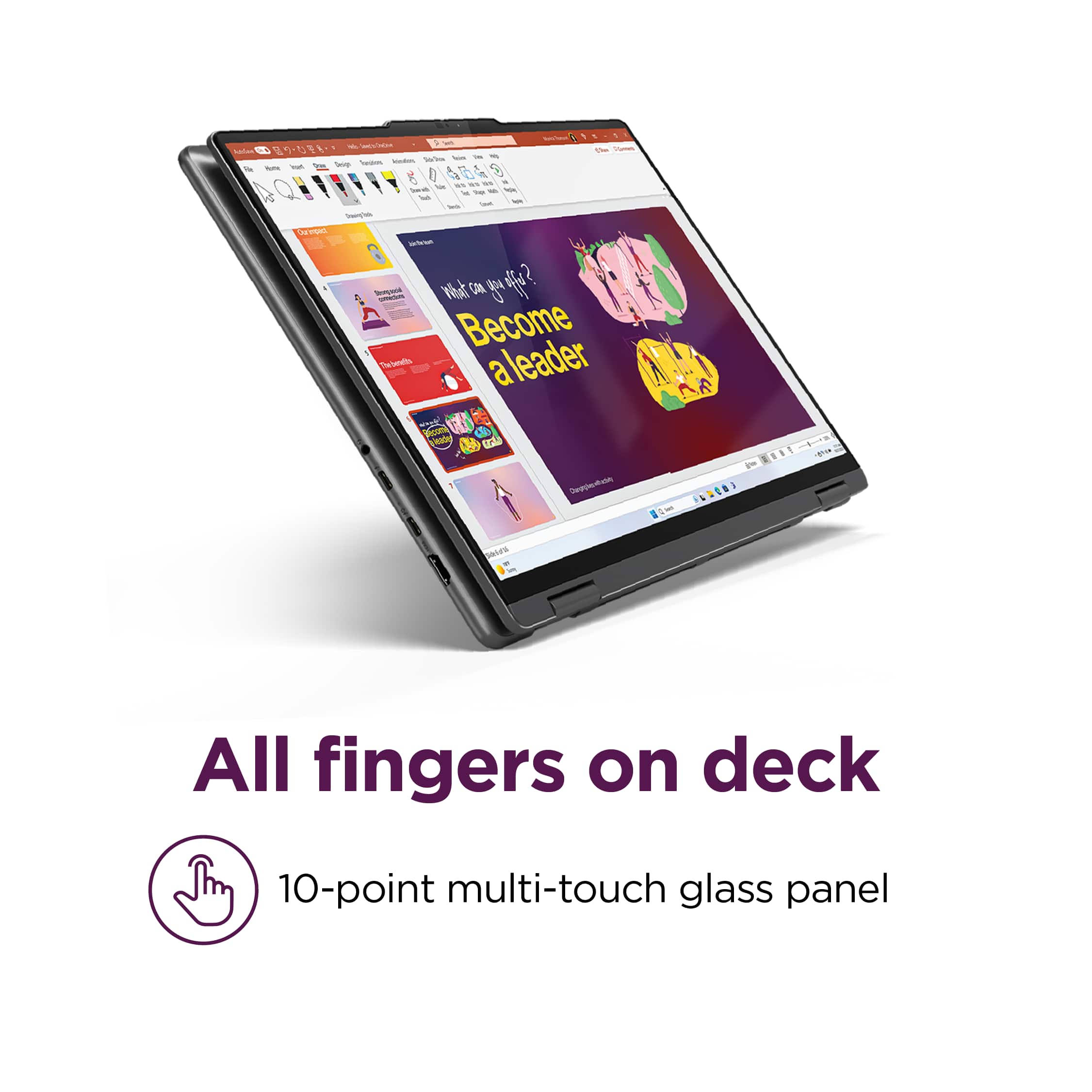
A:AnswerNo, but one can be acquired through Amazon. It is designed to be compatible with magnetic attachments, eliminating the need to permanently adhere anything to your screen.
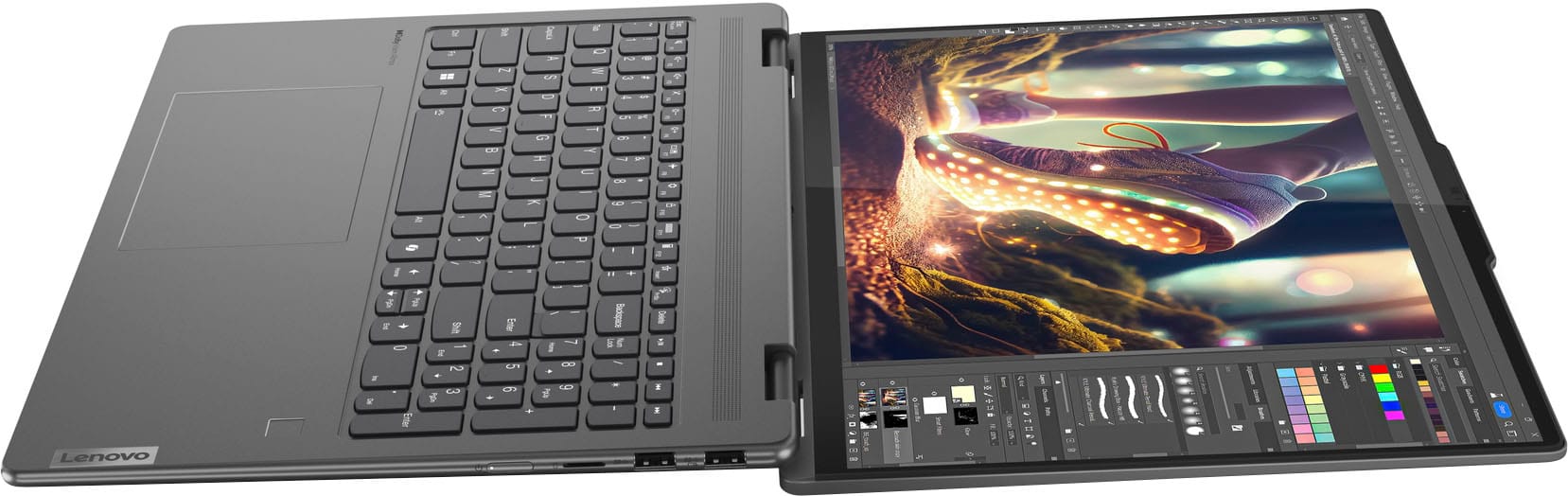
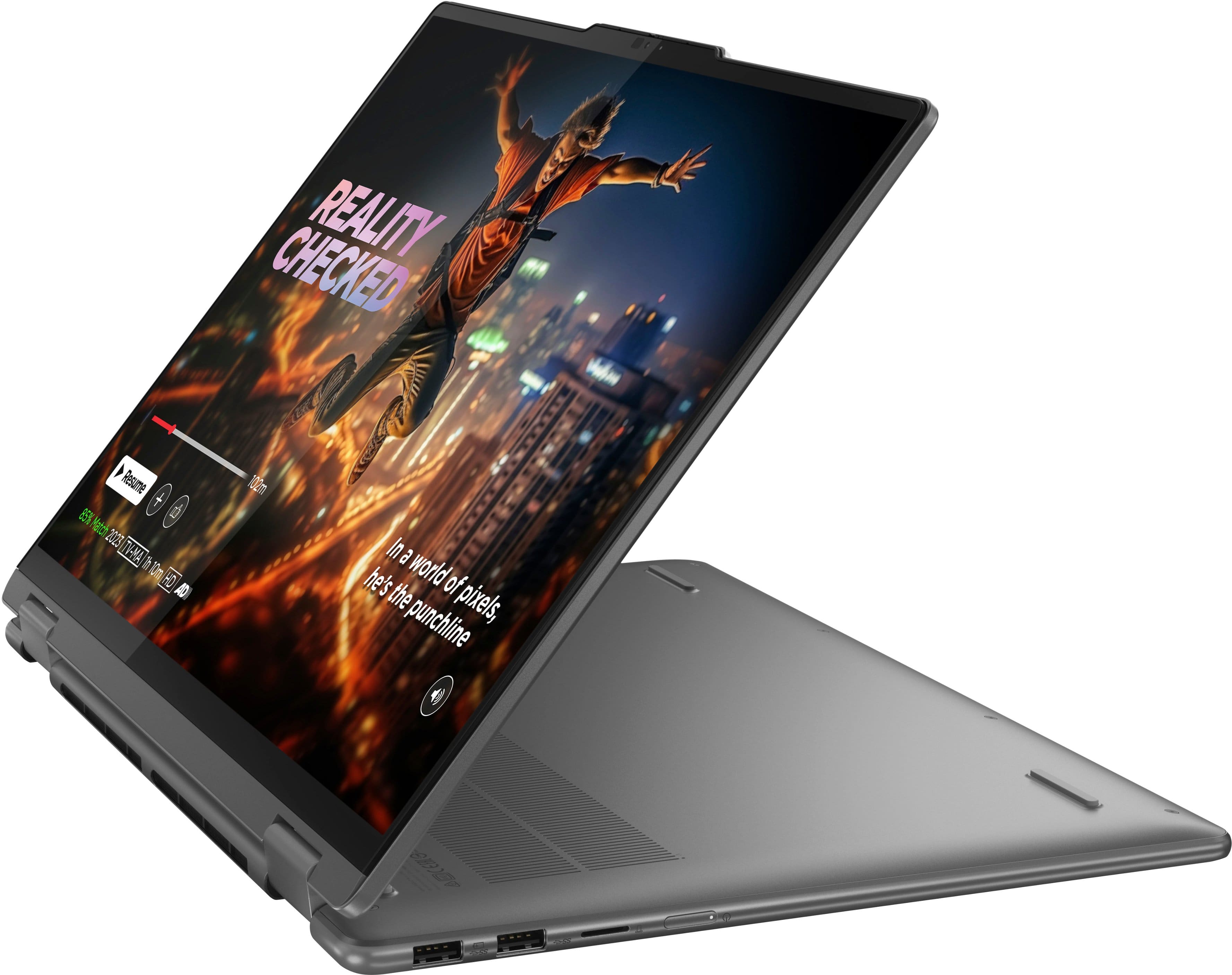
A:AnswerThe keyboard's design features a flat, smooth profile, a critical consideration for its integration with a tablet form factor. Protruding keys would present a significant risk of damage during tablet use and could potentially compromise the screen integrity when the device is closed.