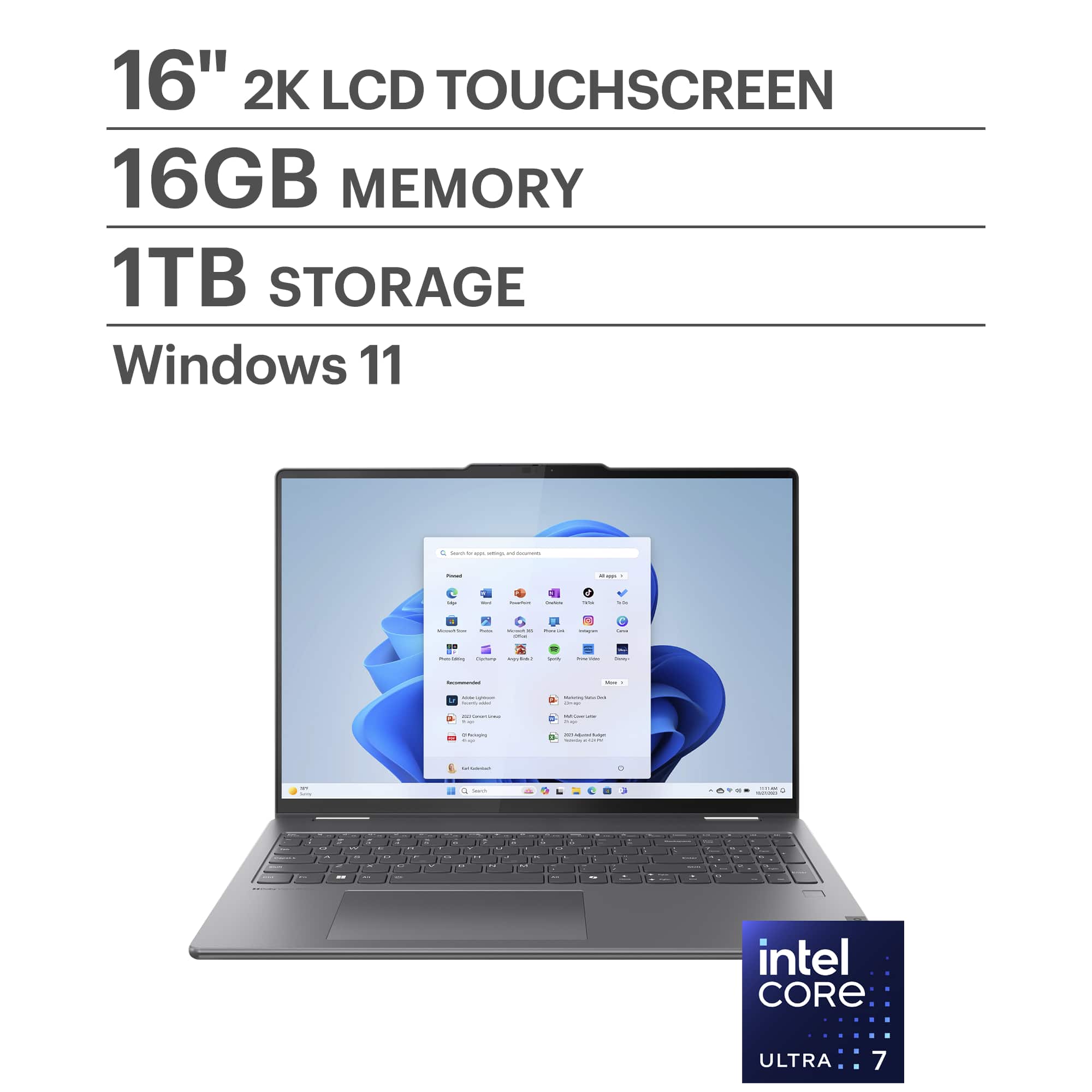
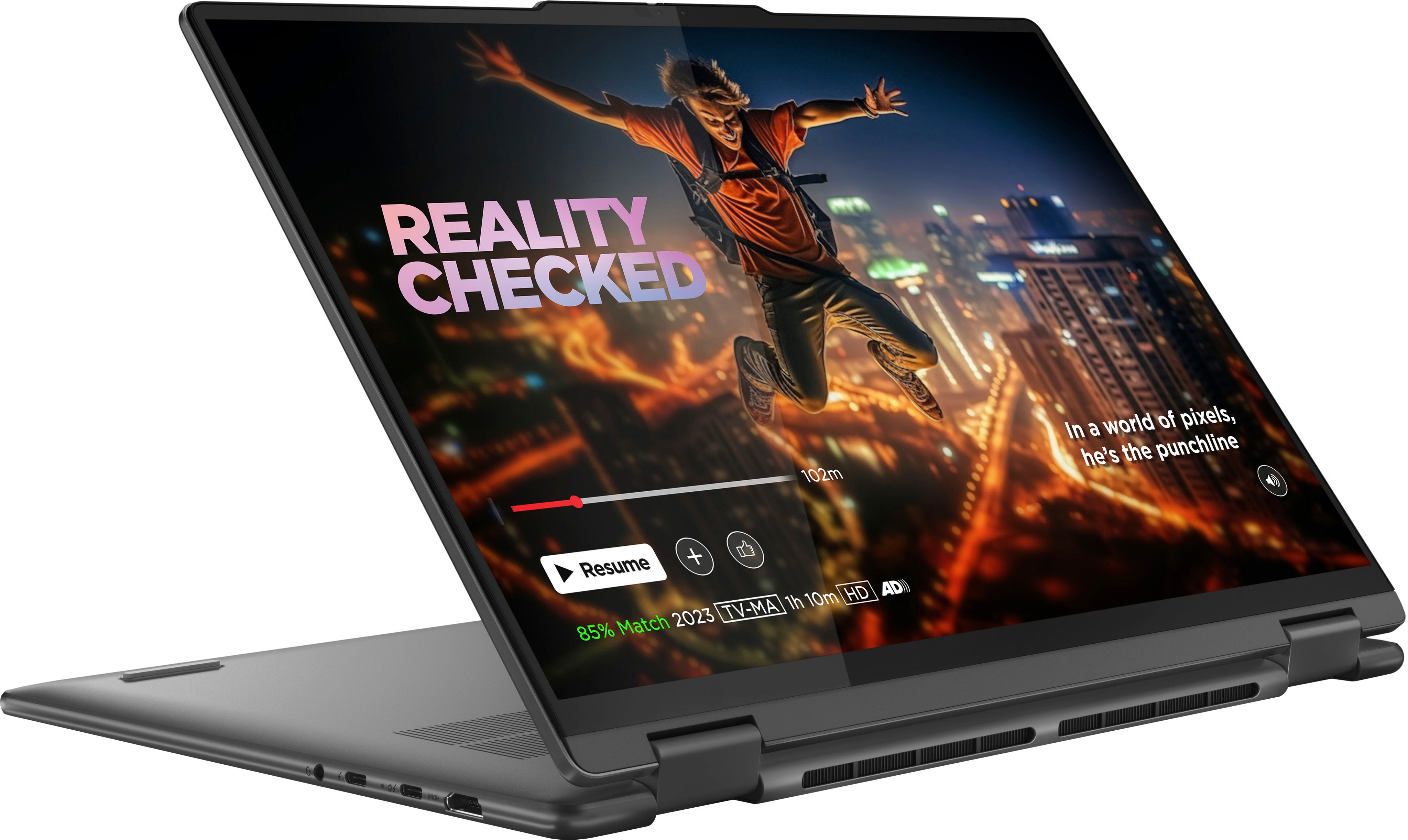
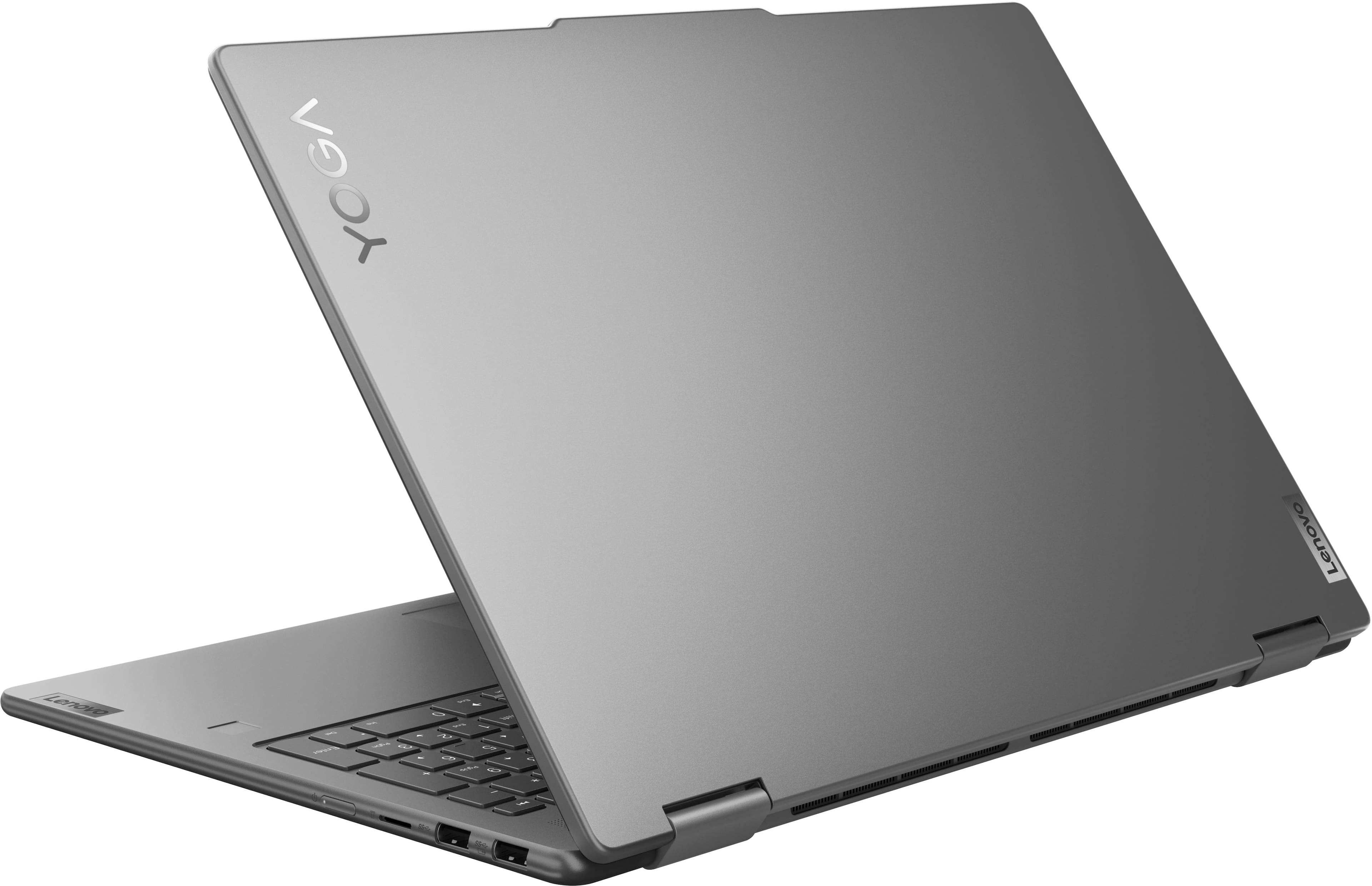
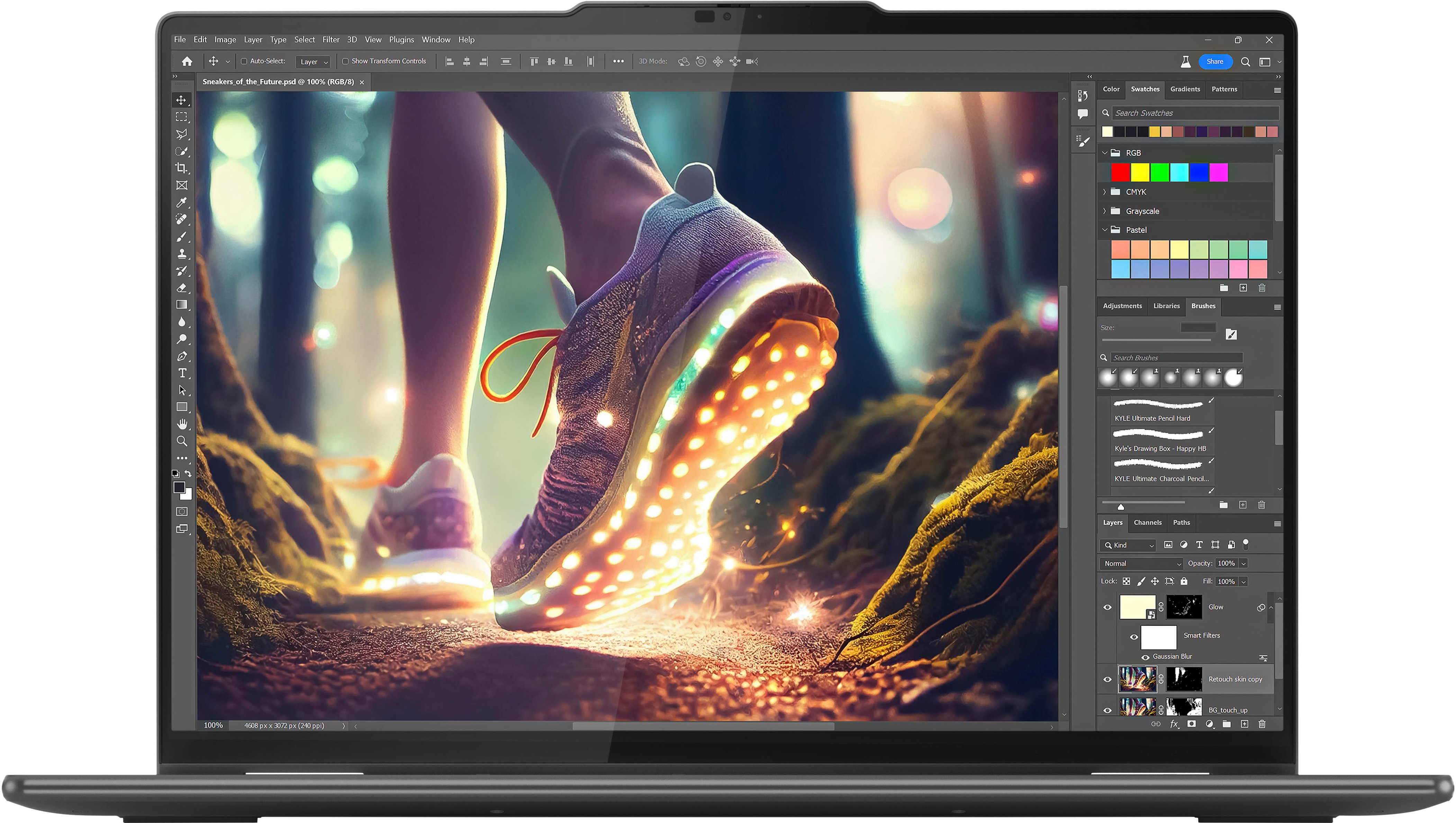
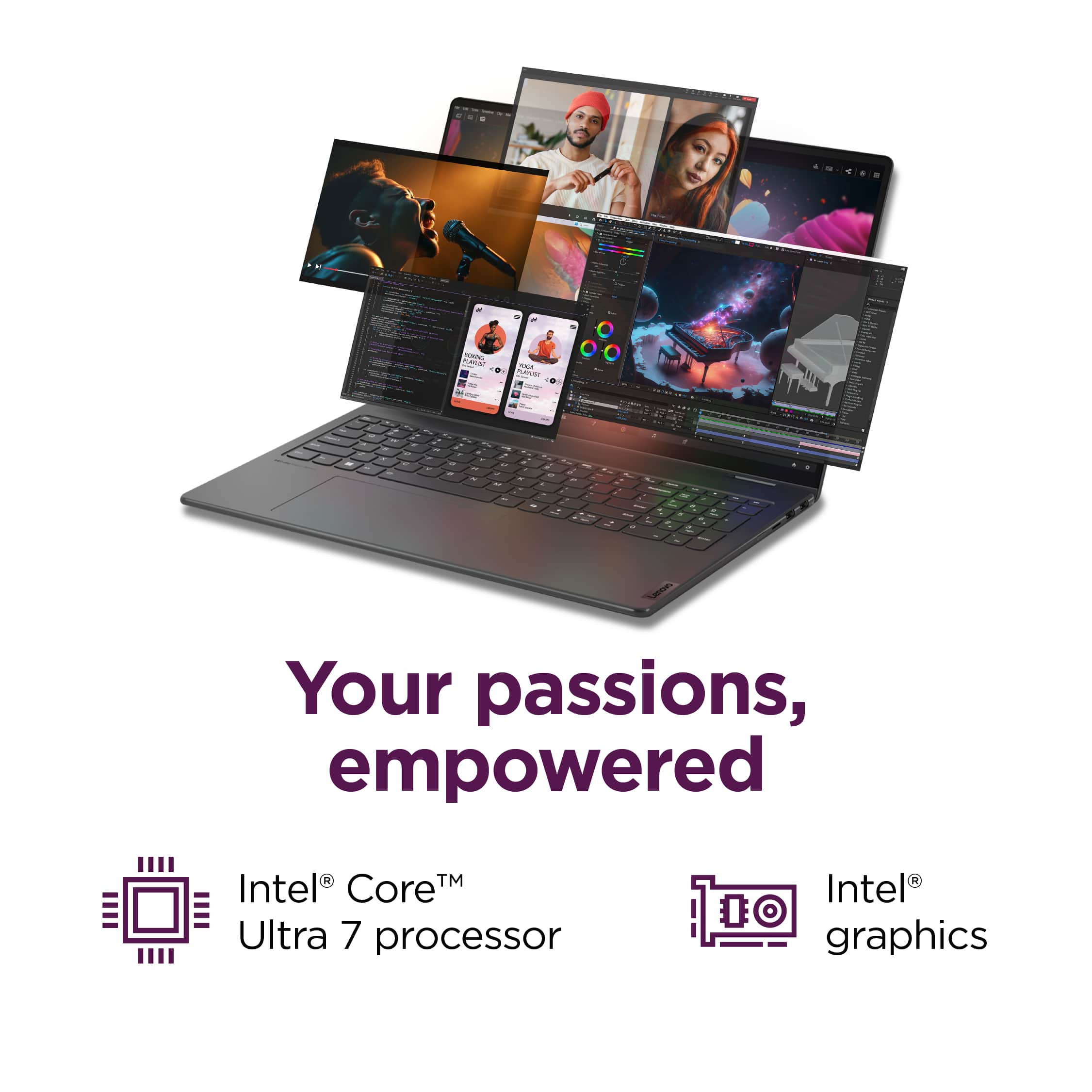
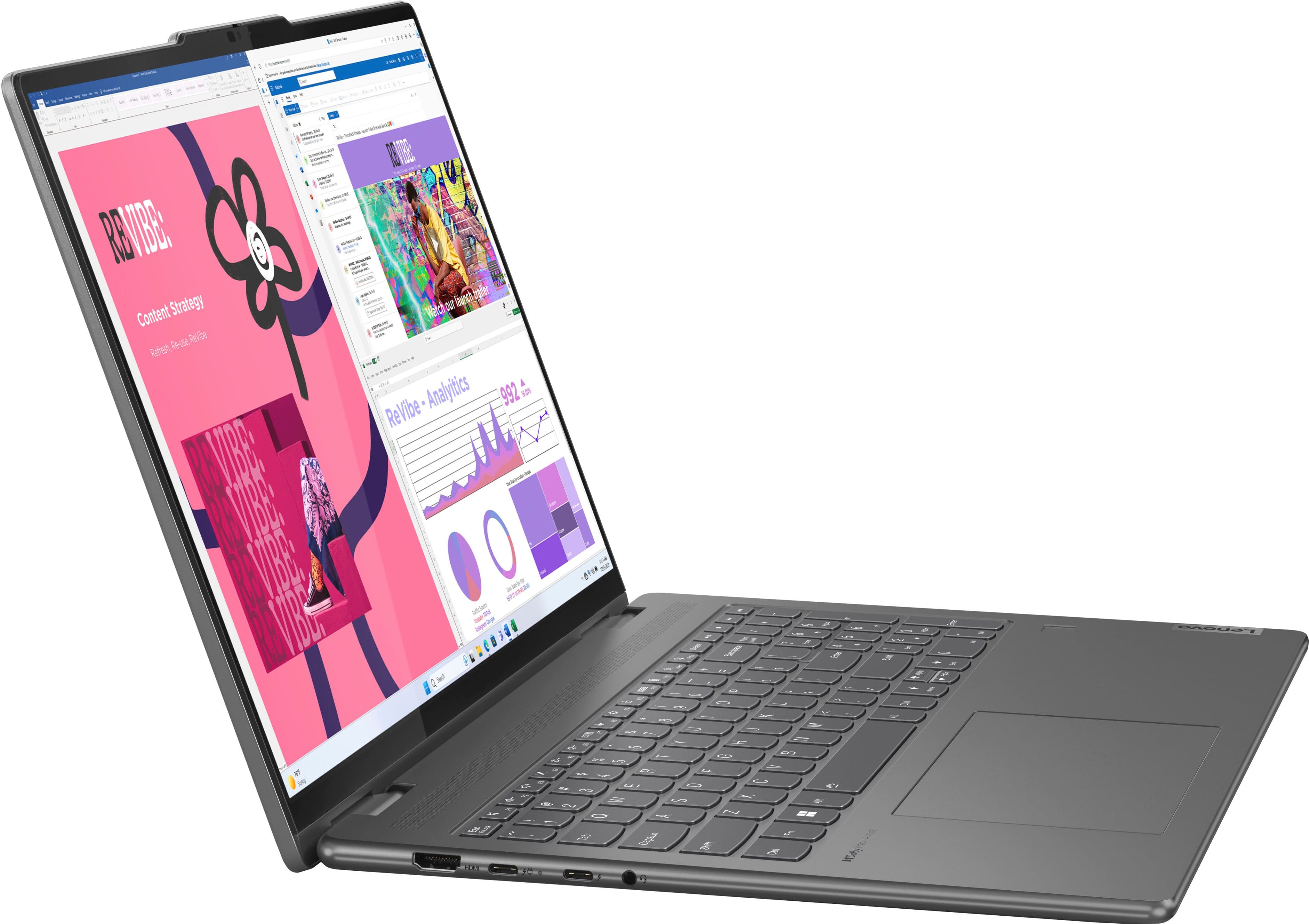
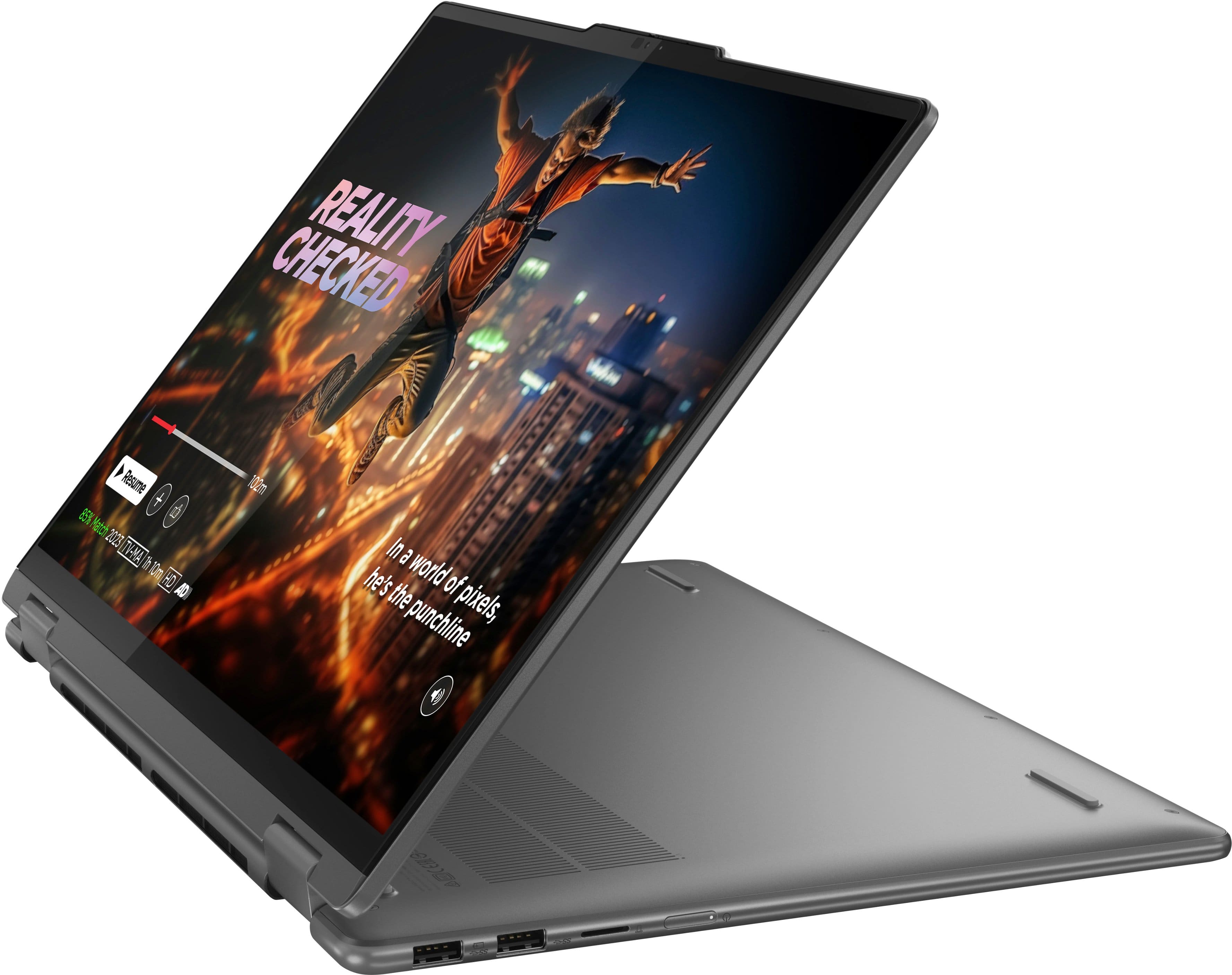
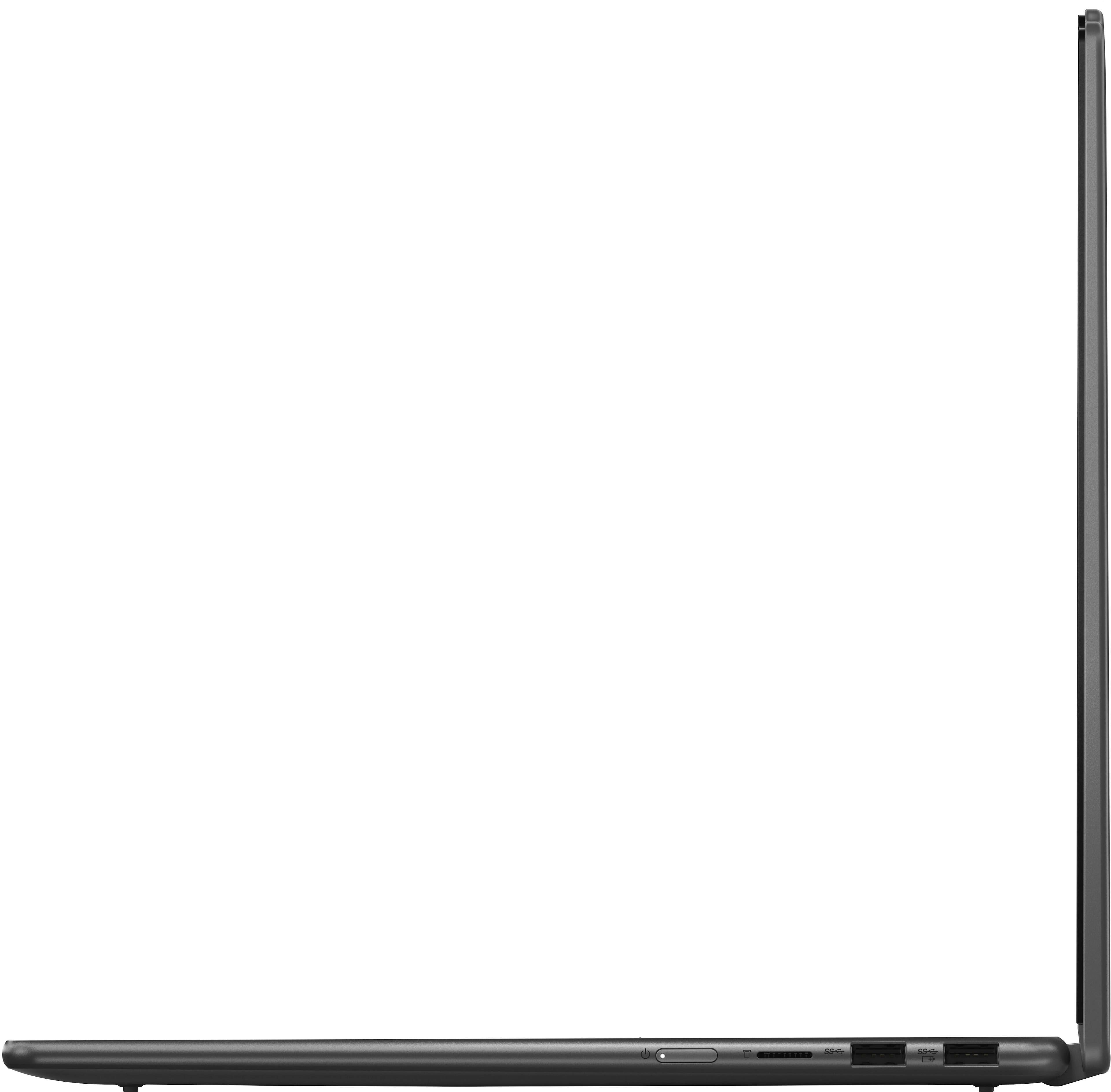
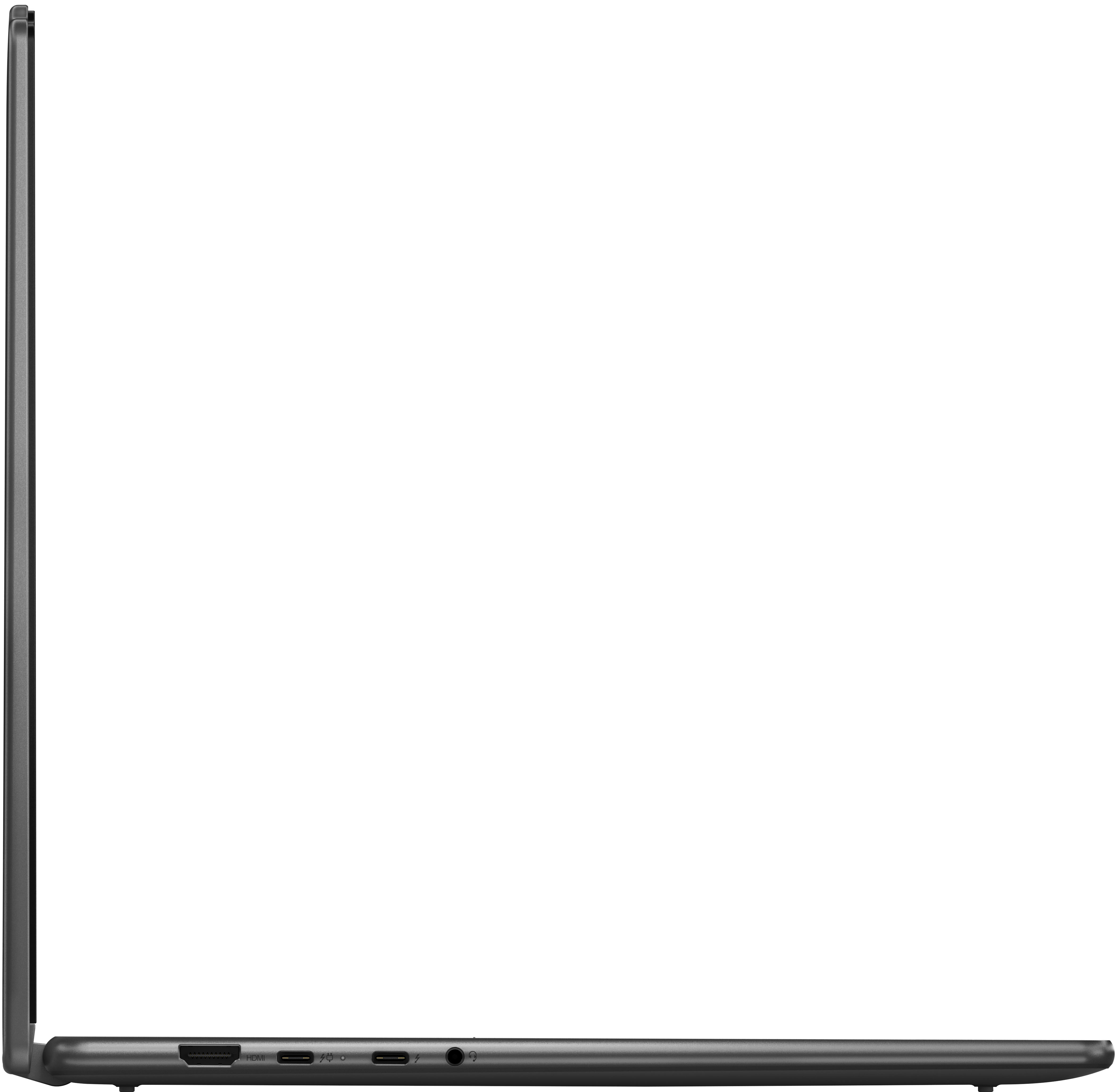
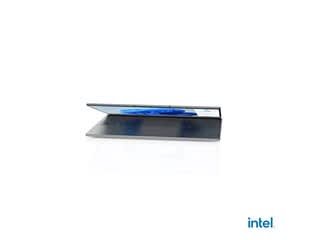
A:AnswerHi, TOM. No, the Yoga 7i is not EVO certified; however, it still bolsters many standards of EVO certified devices, such as: a slim, metal chassis, all-day battery life, sharp display and webcam, and the power of Intel Core Ultra processing.
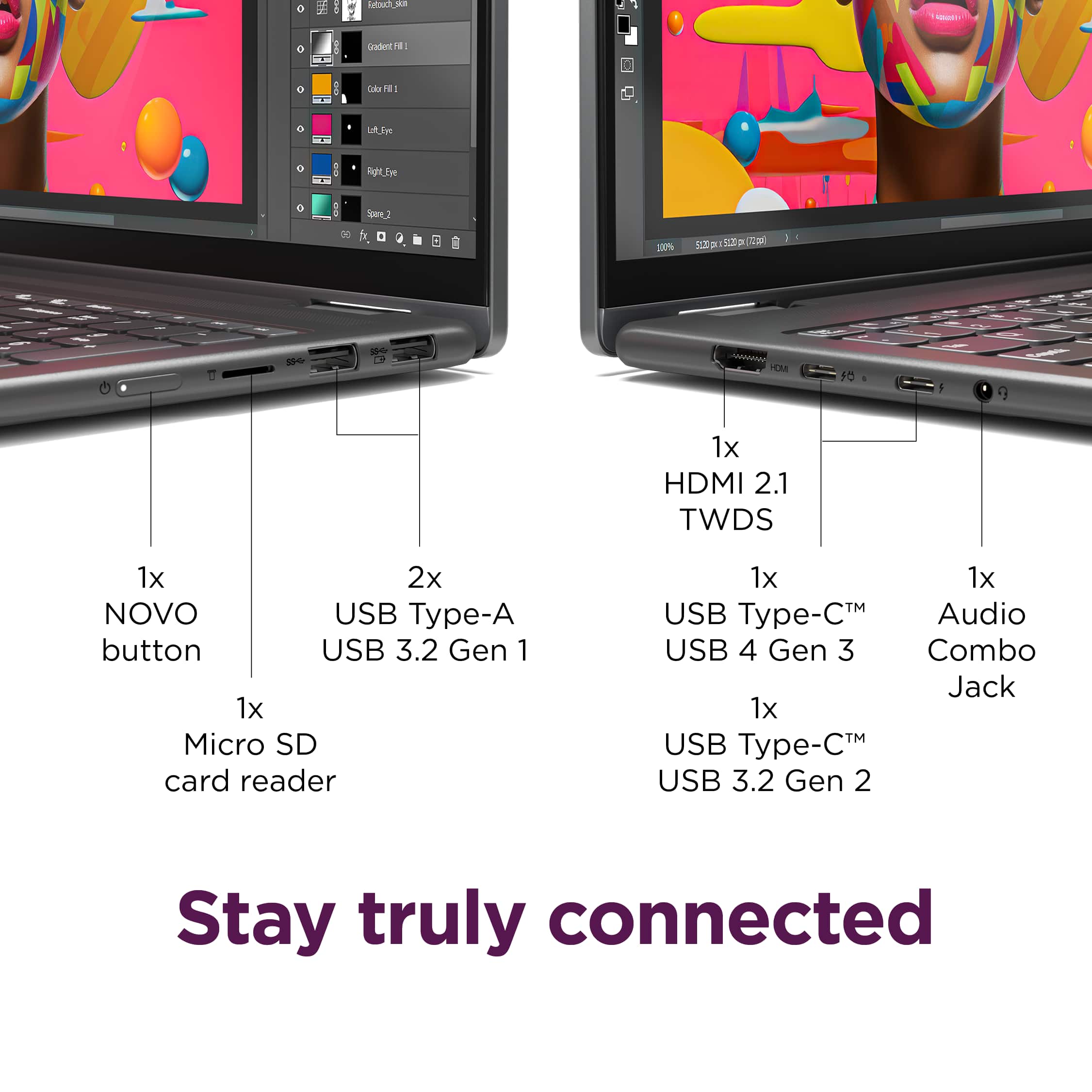
A:AnswerHi, thank you for your question. This Yoga 7i features two Thunderbolt 4 ports and it is backwards compatible with previous Thunderbolt devices; however, Thunderbolt 2 products traditionally have a different connector than Thunderbolt 3 and 4 devices (USB-C) and may need to be adapted to utilize your Thunderbolt 2 device.
A:AnswerHi, thank you for your question. This Yoga 7i has a MobileMark max battery life rating of 13 hours; however, depending on device settings, workload, and other conditions, battery life will vary.
A:AnswerHi, thank you for your question. While this Yoga is versatile in its uses, it was not designed for gaming. However, depending on what the system requirements of that game are, this Yoga may run it well. We recommend reviewing the recommended requirements that a game developer may detail on their site and comparing it with the specifications of any potential computing solution to help ensure you find the right fit for your needs.
A:AnswerHey there,
Memory is not upgradable, as it is soldered to the systemboard, but you can expand storage by swapping out the preinstalled M.2 2242 SSD for one of higher capacity.
Please feel free to reach out to us with any other questions!
A:AnswerYou can roll back Win 11 to 10, although it's not recommended, but if you NEVER connect to the internet, I see no potential problems. However, my first point of investigation would be the Roxio website: they might offer an upgrade to a Win 11 compatible OS, a patch, or possibly a different driver. There might or might not be a cost associated with this--I am not Roxio.
A:AnswerThis is a powerful little machine, and should do the job quite well. However, it may be a bit *overpowered* for your needs. If you are doing primarily administrative tasks, I would recommend that you look at computers in the $500-700 price range without a touch screen and save your organization some $$. You really don't use the touch screen for much if you're doing admin work.
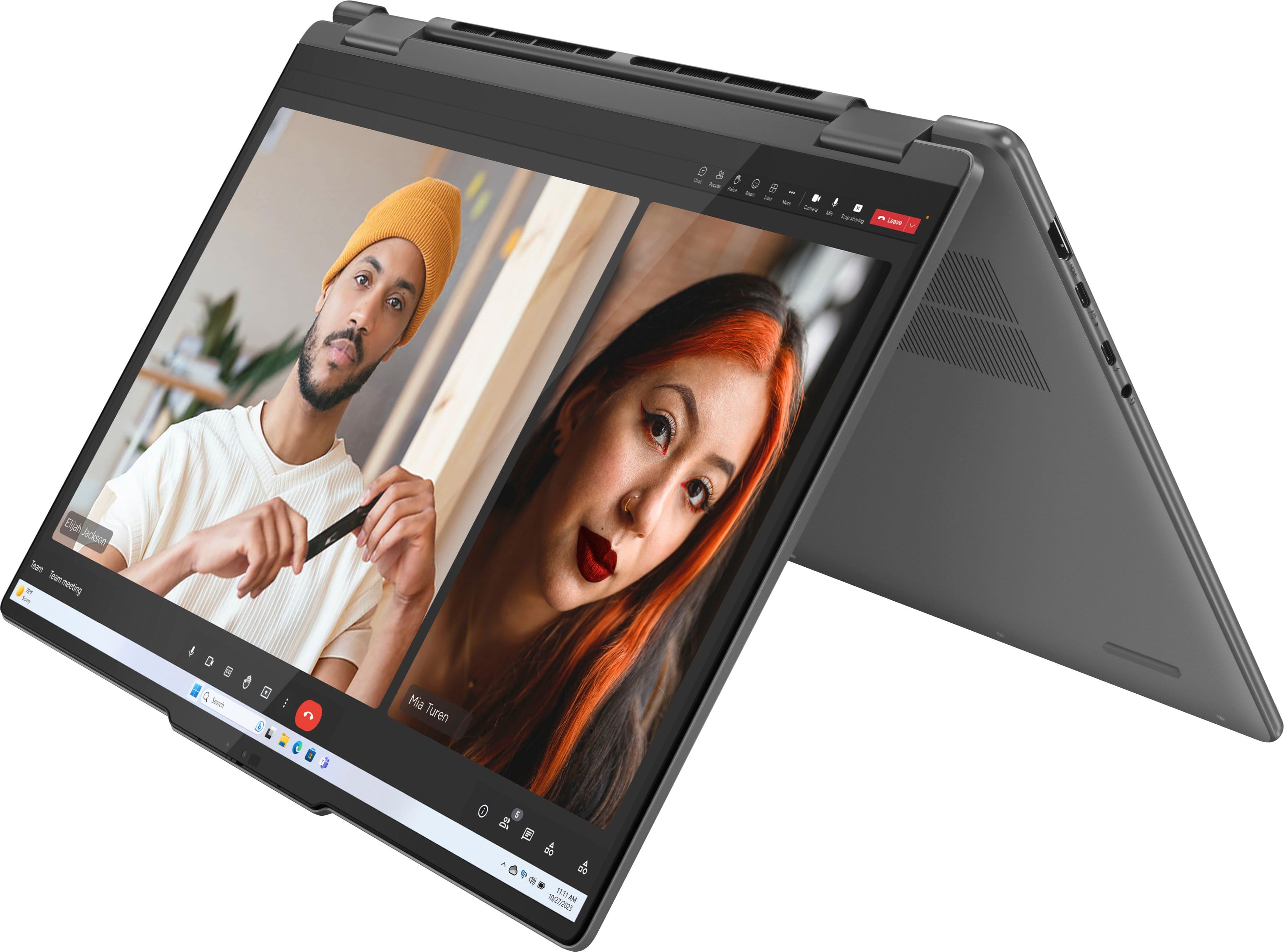
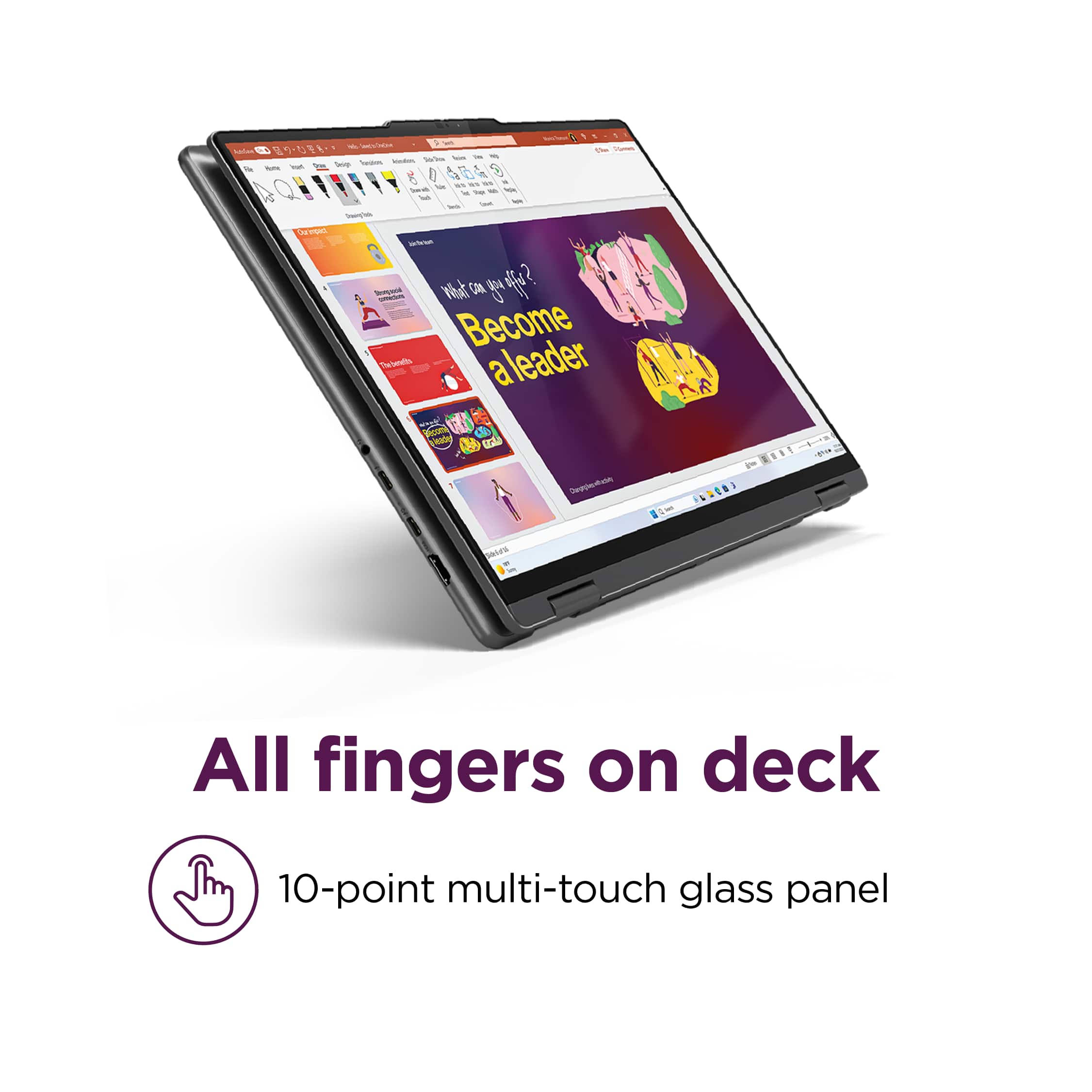
A:AnswerHey, thanks for the question. You can use a stylus or pen with the Yoga 7i. There is one type of stylus that is not powered by an internal battery, generally having a rubber-like tip that can be used on all touchscreen devices. The other option that would provide more functionality is the active stylus, one that can be charged or uses a AAAA battery. These styli, like this one here (https://www.bestbuy.com/site/lenovo-digital-pen-2-gray/6580719.p?skuId=6580719), enable notetaking in support apps, signatures in pdf documents, and more.
A:AnswerHey there, thank you for your question. With the Yoga 7i's integrated graphics, you can make device thermal configuration changes to boost overall system performance and make adjustments in the system BIOS to increase reserved memory for VRAM.
A:AnswerGreetings from the Intel team. Thank you for your question.
Based on the product specifications reference (PSREF), the Lenovo - Yoga 7i has the following display resolution: 1920x1200; for further information, check the PSREF:
https://psref.lenovo.com/Detail/Yoga_7_2_in_1_16IML9?M=83DL0002US
For detailed information about the Intel® Core™ Ultra 7 processor 155U, visit:
https://ark.intel.com/content/www/us/en/ark/products/237327/intel-core-ultra-7-processor-155u-12m-cache-up-to-4-80-ghz.html
Thank you for choosing Intel! Emilio_Intel
A:AnswerI have to ask: if "you don't know anything about computers," how can you possibly know enough to "like the specs...[you] have looked at so far?"
That being said, it is very easy to upgrade to Windows Pro. You can do it through the Microsoft Store, which is the easiest way. Cost is $99. Once installed, you might have to perform a few updates.
If you want to save some money, some sellers will occasionally put it on sale. One website i like woot.com, but there are others.