A:AnswerHey Srini,
From the manufacturer, this model features a 1-year manufacturer's warranty, but it is not covered by International Warranty Services (IWS). By visiting the webpage tied to the following link: (https://pcsupport.lenovo.com/us/en/iwslookup#/ideapad), you can view local Lenovo support options for the supported countries even if the system isn't covered by IWS. To do so, enter the product serial number in the search box at the previously listed link, selecting “International Warranty Services” within “Warranty & Repair”. For disclosure, there can be some limitations with repairs abroad as US components and onsite repair may not be available in another country.
Please feel free to reach out to us with any other questions!
A:AnswerHey Bf2015,
This can vary depending on the time of manufacture. Most likely you'll find a Samsung SSD.
Please feel free to reach out to us with any other questions!
A:AnswerHey,
This can vary depending on the time of manufacture. Most likely you'll find a Samsung SSD.
Please feel free to reach out to us with any other questions!
A:AnswerHey there,
Memory cannot be upgraded with the Yoga 7i 2-in-1 laptops, as it is soldered to the systemboard.
Please feel free to reach out to us with any other questions!
A:AnswerHey,
There are various common Windows app installed including Calculator, Camera, Clock, File Explorer, Mail, Media Player, Microsoft Store, News, OneDrive, and much more. There is also some Lenovo utility software installed to help with device health, support, and setting management. Additionally, the most common Office apps like Word and Excel are preinstalled; however, without purchasing a long-term Office solution, such as Microsoft 365, only a 30-day trial can be activated out of the box.
Please feel free to reach out to us with any other questions!
A:AnswerHey uuuuu,
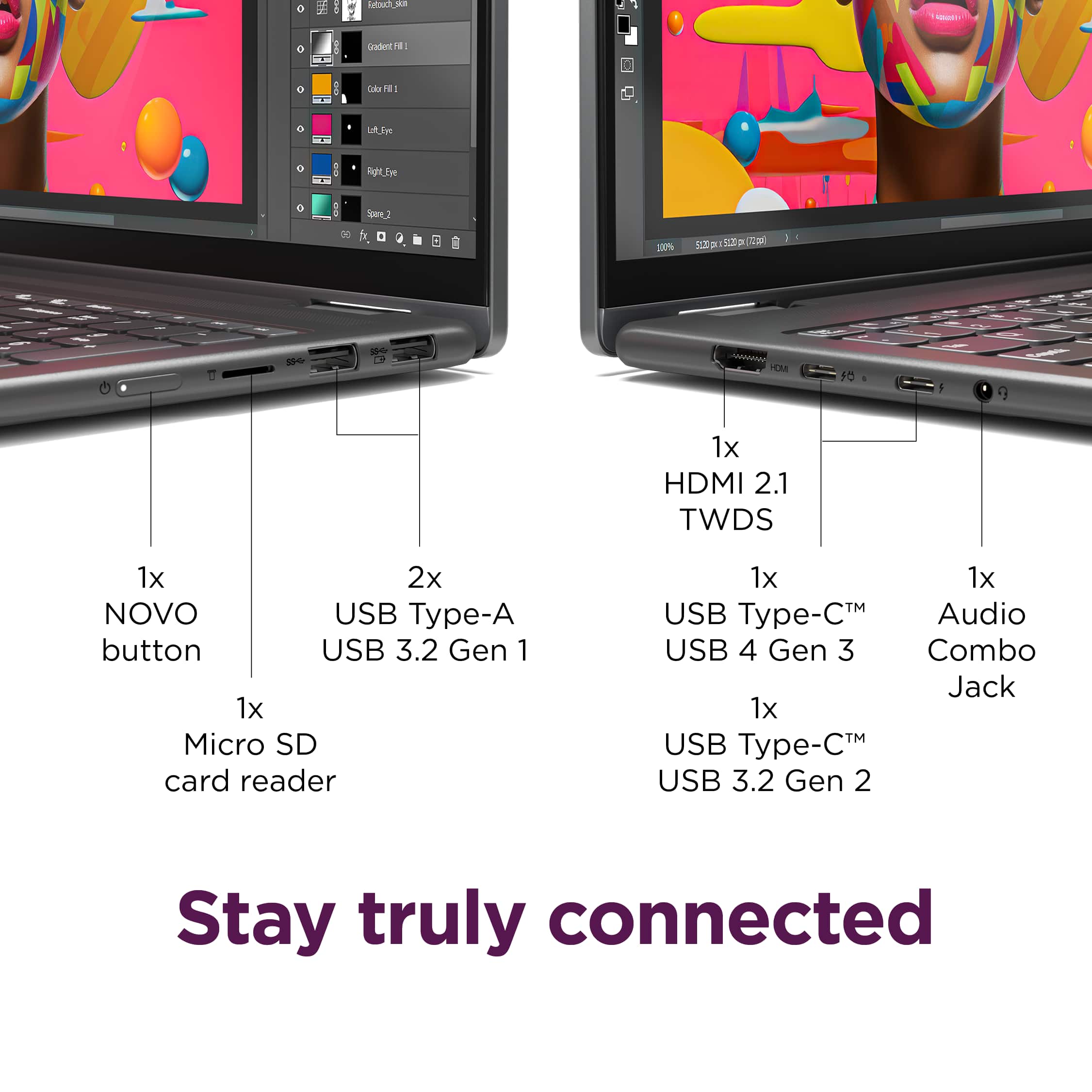
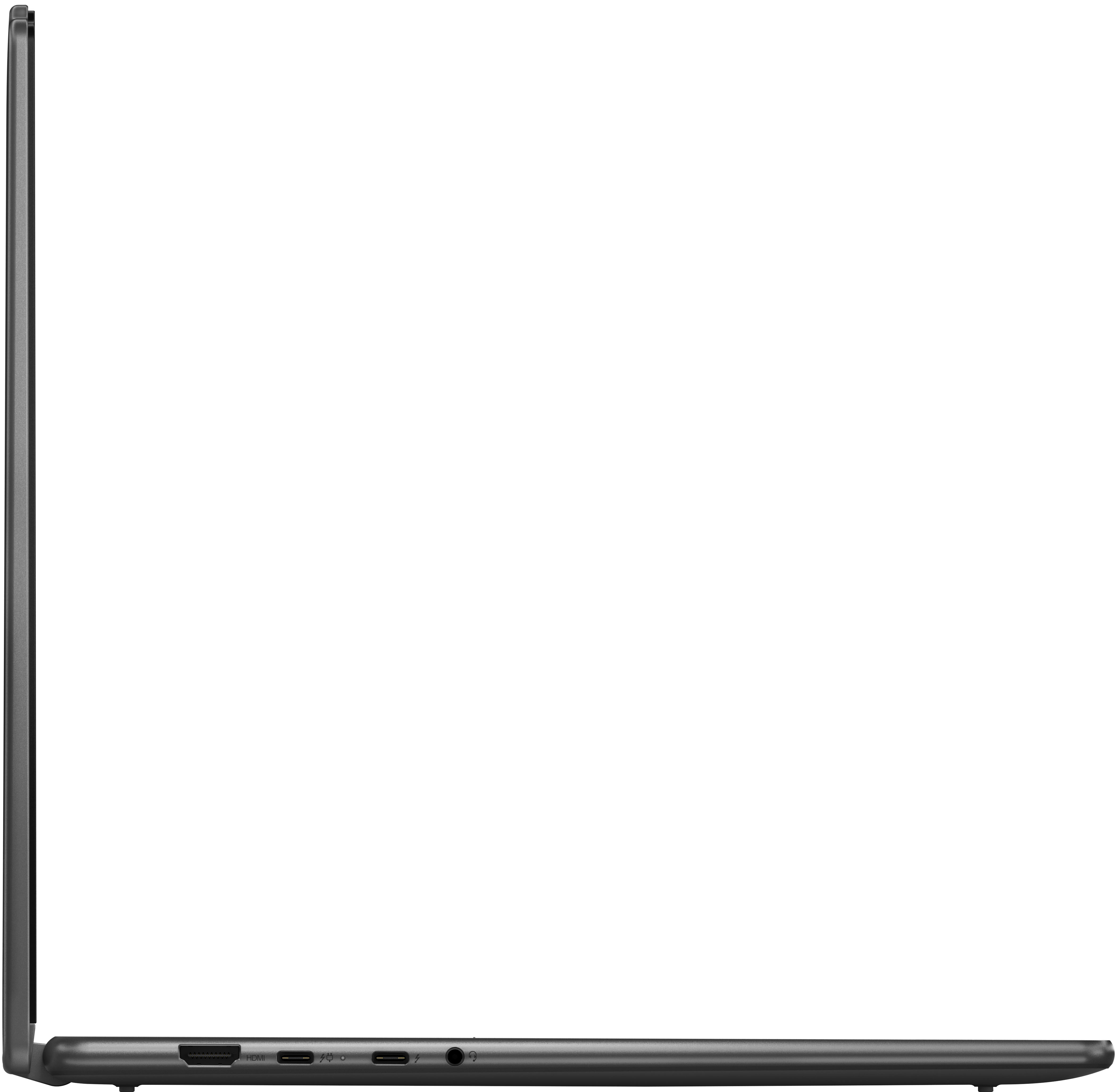
You shouldn't have an issue connecting your monitor to this Yoga 7i so long as you have the video connectors and cables necessary to do so.
Please feel free to reach out to us with any other questions!
A:AnswerHey sj,
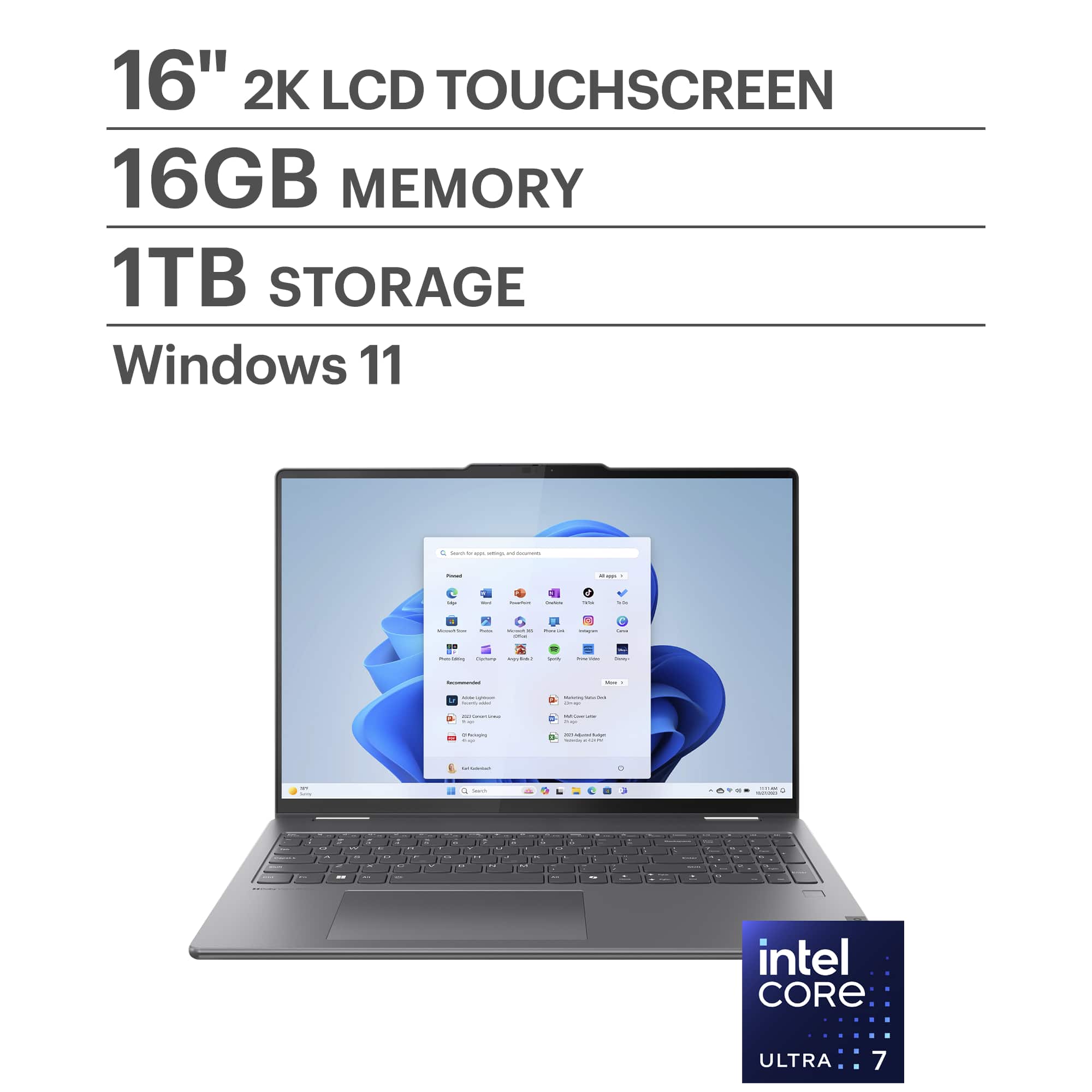
This Yoga 7i 2-in-1 cannot support such upgrades, as it features one storage slot and soldered memory. If you want to expand storage, you can swap out the preinstalled 1TB M.2 2242 SSD for one of a higher capacity.
Please feel free to reach out to us with any other questions!
A:AnswerHey ERIC,
If you'd like to see the full Lenovo Limited Warranty details, please visit the following Lenovo Support web address: https://download.lenovo.com/pccbbs/thinkcentre_pdf/l505-0010-03_en_update.pdf
Please feel free to reach out to us with any other questions!
A:AnswerHey Archy,
This Yoga 7i 2-in-1 does not feature a dedicated graphics card. It is equipped with Intel Graphics, an integrated graphics processor that's built into the processor.
Please feel free to reach out to us with any other questions!
A:AnswerHey there,
If you'd like to view the details of the Lenovo manufacturer warranty, please visit the following webpage: https://download.lenovo.com/pccbbs/thinkcentre_pdf/l505-0010-03_en_update.pdf |
A:AnswerHey Buster10046,
This Yoga 7i 2-in-1 features Windows 11 Home (24H2, can update to 25H2). Also, Microsoft currently has not shared any plans to end support of Windows 11 any time soon.
Please feel free to reach out to us with any other questions!
A:AnswerHey Liz,
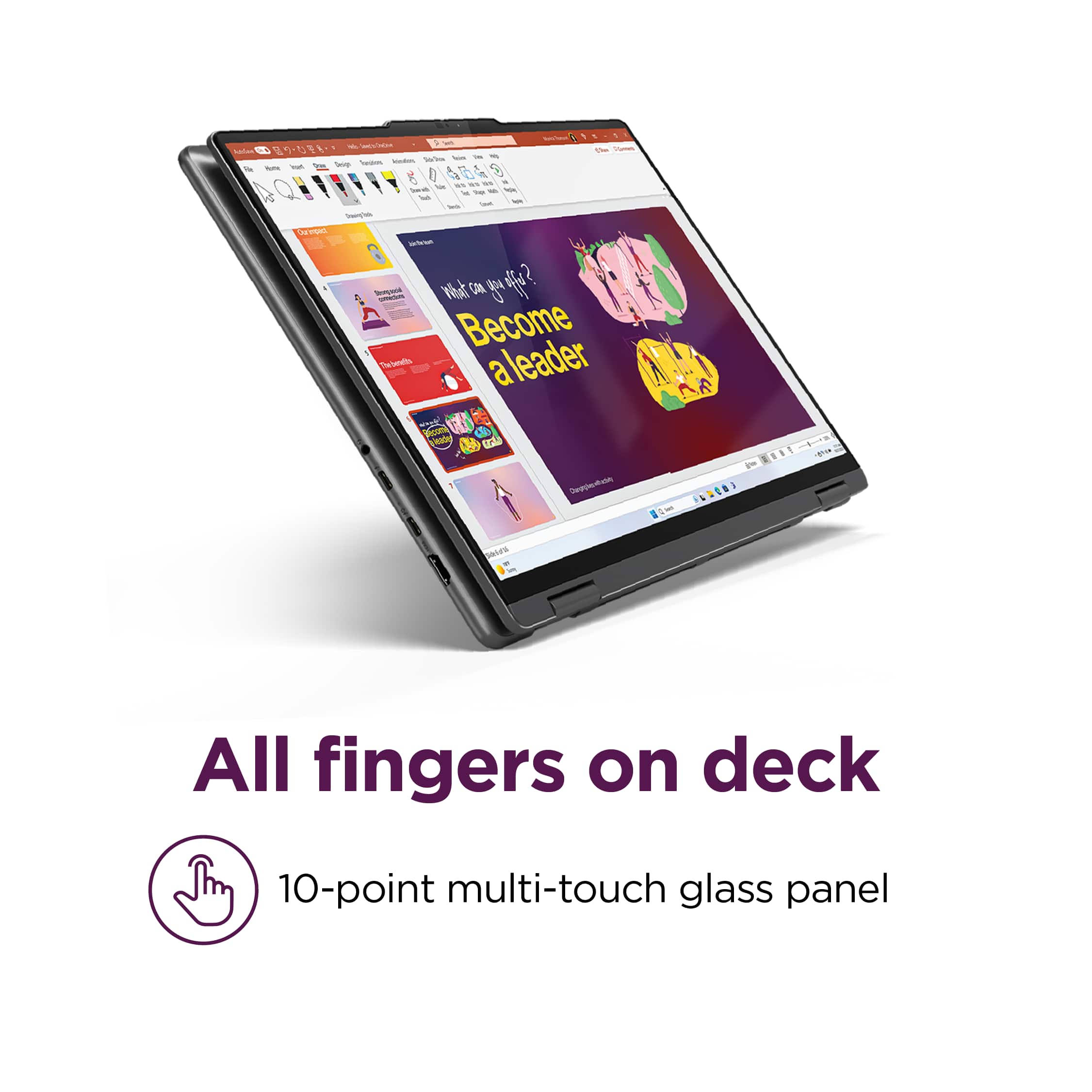
A pen is not bundled with this Yoga 7i, but there are currently compatible pen options offered on Best Buy's site, like this Lenovo Digital Pen 2: https://www.bestbuy.com/product/lenovo-digital-pen-2-gray/JJGCYLHP39 |
Please feel free to reach out to us with any other questions!
A:AnswerHey JRO417,
Based on user reviews and the system requirements for the software, this Yoga 7i should work well for your use.
Please feel free to reach out to us with any other questions!
A:AnswerHey mick,
Based on user reviews, fan noise is not a common complaint with this Yoga 7i. Should you be putting the system under an intensive workload, it's likely that the fan noise will become more audible as the cooling system works to keep the device cool. Should you wish to prevent this in times of a quiet environment like a meeting or in a library, press the Fn + Q key shortcut to toggle system thermal profiles, including max performance and battery saving (quiet) mode. When you to switch to battery saving mode, it throttles performance, which will prevent the fans from ramping up in speed, thus reducing fan noise.
Please feel free to reach out to us with any other questions!
A:AnswerHey jayaprakash,
This item is offered as new in box, although if you'd like to view alternate options, please select the "More Buying Options" button under the Add to Cart area of the product page.
Please feel free to reach out to us with any other questions!
A:AnswerHey,
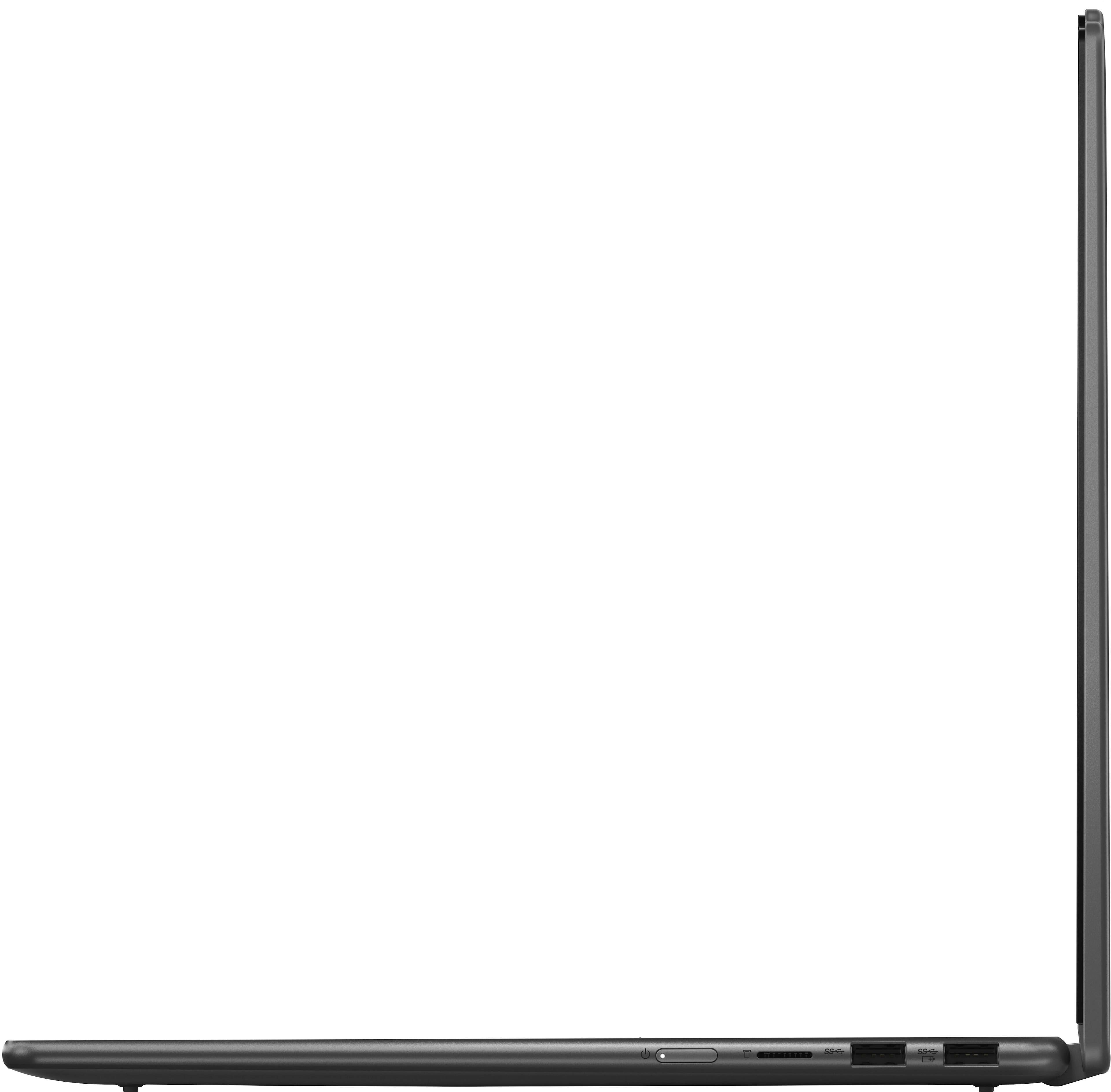
Yes, you can connect a printer physically to this Yoga 7i via its USB ports.
Please feel free to reach out to us with any other questions!
A:AnswerHey stephen,
If you adjust language input settings via Windows Settings, this should be possible.
Please feel free to reach out to us with any other questions!
A:AnswerHey LEM86,
While this Yoga 7i 2-in-1 can work with GPS services, an internet connection is still necessary to leverage GPS mapping and directions.
Please feel free to reach out to us with any other questions!