A:AnswerHey,
With the "basic" limited manufacturer's warranty, you can bring it to your local store to discuss your service options that you may have available in store, and they'll inform you if you need to ship your unit out for service.
Please feel free to reach out to us with any other questions!
A:AnswerYes, the keyboard backlight on the Lenovo Yoga 7i is fully adjustable and can be turned off completely.
How to Adjust the Backlight
Since you'll be using the laptop's physical keys, you can cycle through the brightness levels using a simple shortcut:
The Shortcut: Press Fn + Spacebar.
The Cycle: This shortcut typically toggles through three stages:
Low Brightness
High Brightness
Off
Auto-Mode: Some models also feature an "Auto" setting that uses the ambient light sensor to adjust the brightness based on how dark your room is.
Adjusting via Software
If you prefer using your mouse or touchscreen:
Open the Lenovo Vantage app (which comes pre-installed).
Navigate to Device > Input & Accessories.
You will find a toggle for the Keyboard Backlight where you can select the intensity or turn it off.
Identifying the Backlight Key
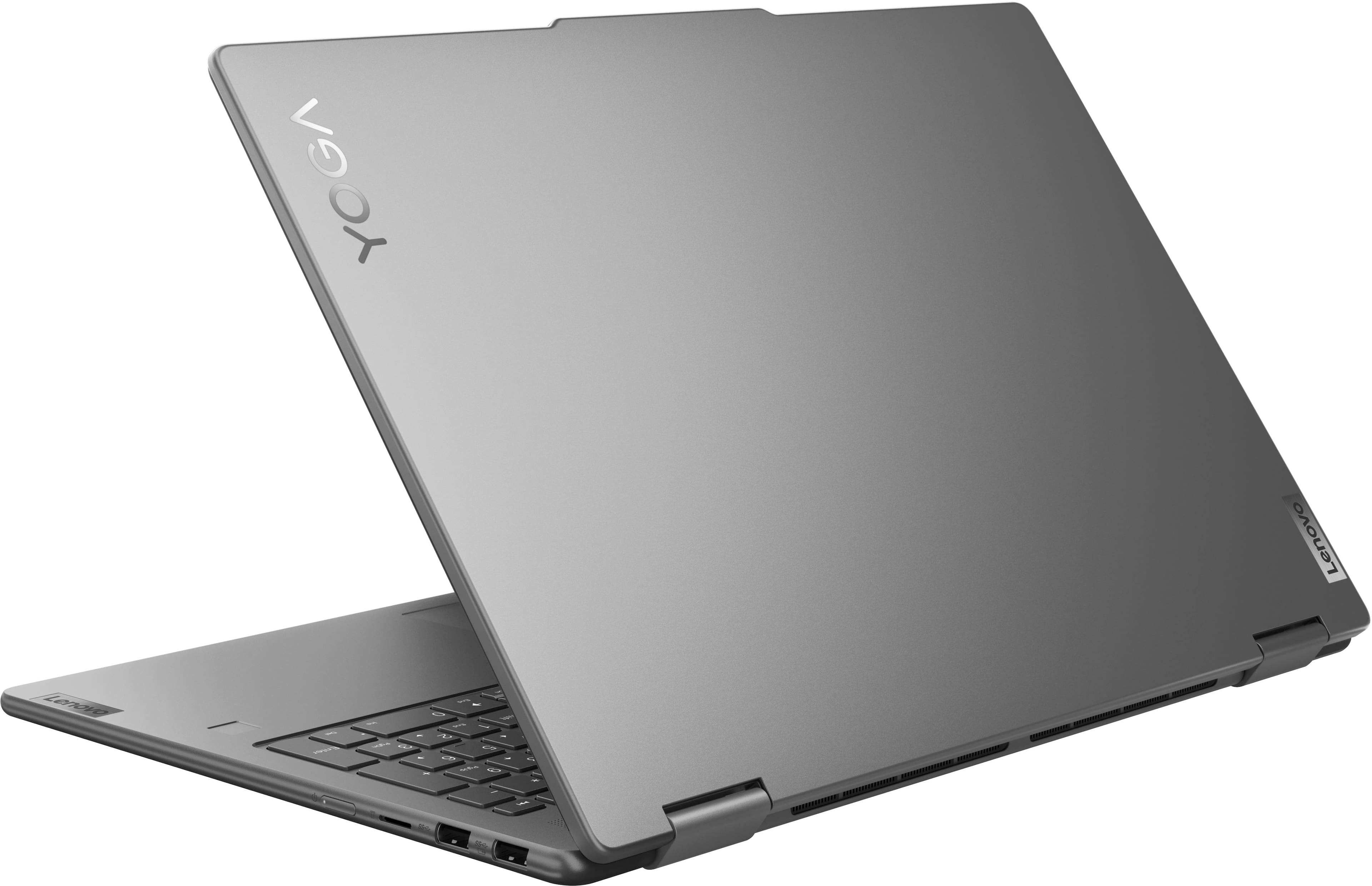
If you look at your Spacebar, you should see a small light icon (it looks like a sun or a glowing key) on the left side of the bar. This confirms that the backlight feature is present and that the Spacebar is your toggle key.
A:AnswerHey Srini,
From the manufacturer, this model features a 1-year manufacturer's warranty, but it is not covered by International Warranty Services (IWS). By visiting the webpage tied to the following link: (https://pcsupport.lenovo.com/us/en/iwslookup#/ideapad), you can view local Lenovo support options for the supported countries even if the system isn't covered by IWS. To do so, enter the product serial number in the search box at the previously listed link, selecting “International Warranty Services” within “Warranty & Repair”. For disclosure, there can be some limitations with repairs abroad as US components and onsite repair may not be available in another country.
Please feel free to reach out to us with any other questions!
A:AnswerHey Bf2015,
This can vary depending on the time of manufacture. Most likely you'll find a Samsung SSD.
Please feel free to reach out to us with any other questions!
A:AnswerHey,
This can vary depending on the time of manufacture. Most likely you'll find a Samsung SSD.
Please feel free to reach out to us with any other questions!
A:AnswerHey there,
Memory cannot be upgraded with the Yoga 7i 2-in-1 laptops, as it is soldered to the systemboard.
Please feel free to reach out to us with any other questions!
A:AnswerHey,
There are various common Windows app installed including Calculator, Camera, Clock, File Explorer, Mail, Media Player, Microsoft Store, News, OneDrive, and much more. There is also some Lenovo utility software installed to help with device health, support, and setting management. Additionally, the most common Office apps like Word and Excel are preinstalled; however, without purchasing a long-term Office solution, such as Microsoft 365, only a 30-day trial can be activated out of the box.
Please feel free to reach out to us with any other questions!
A:AnswerHey uuuuu,
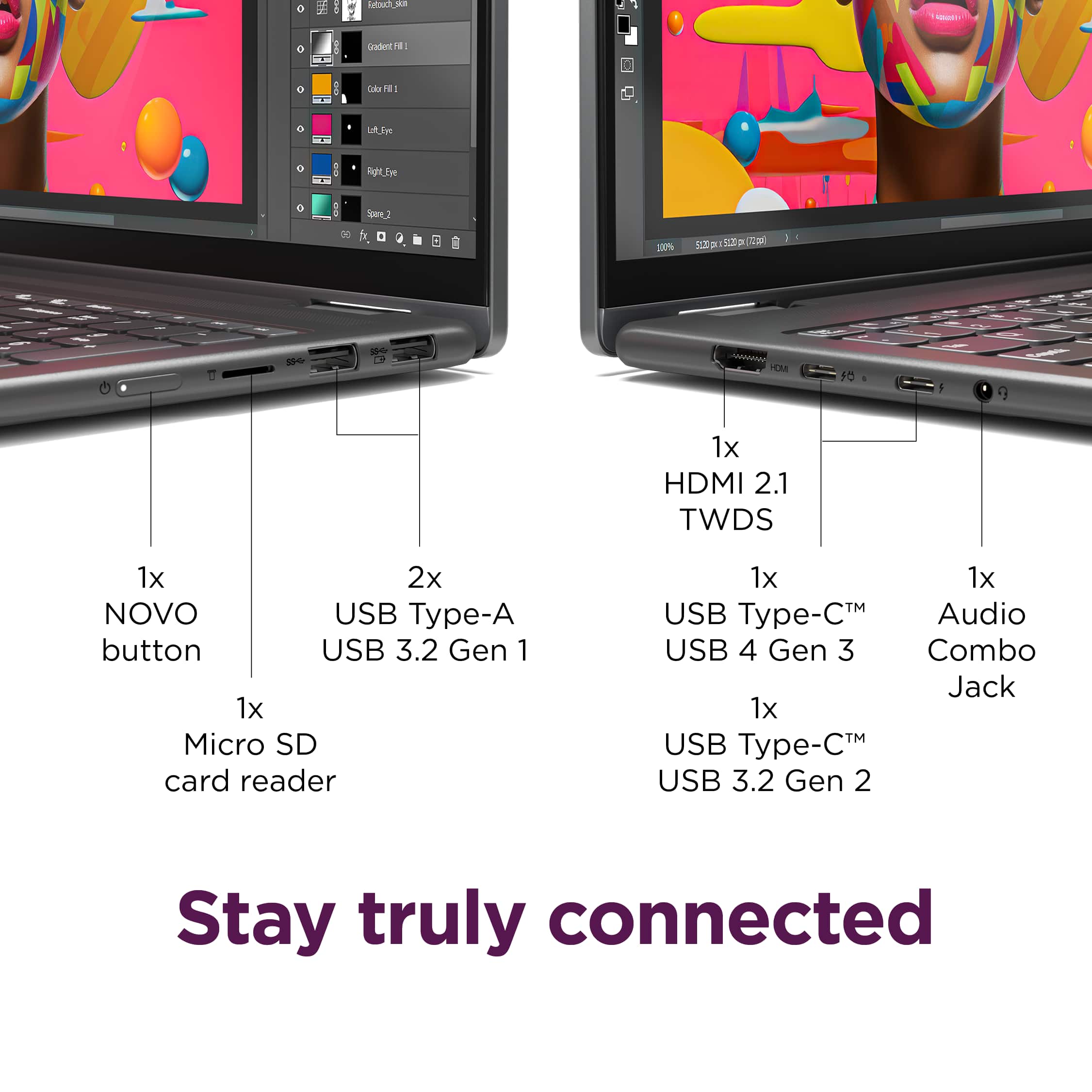
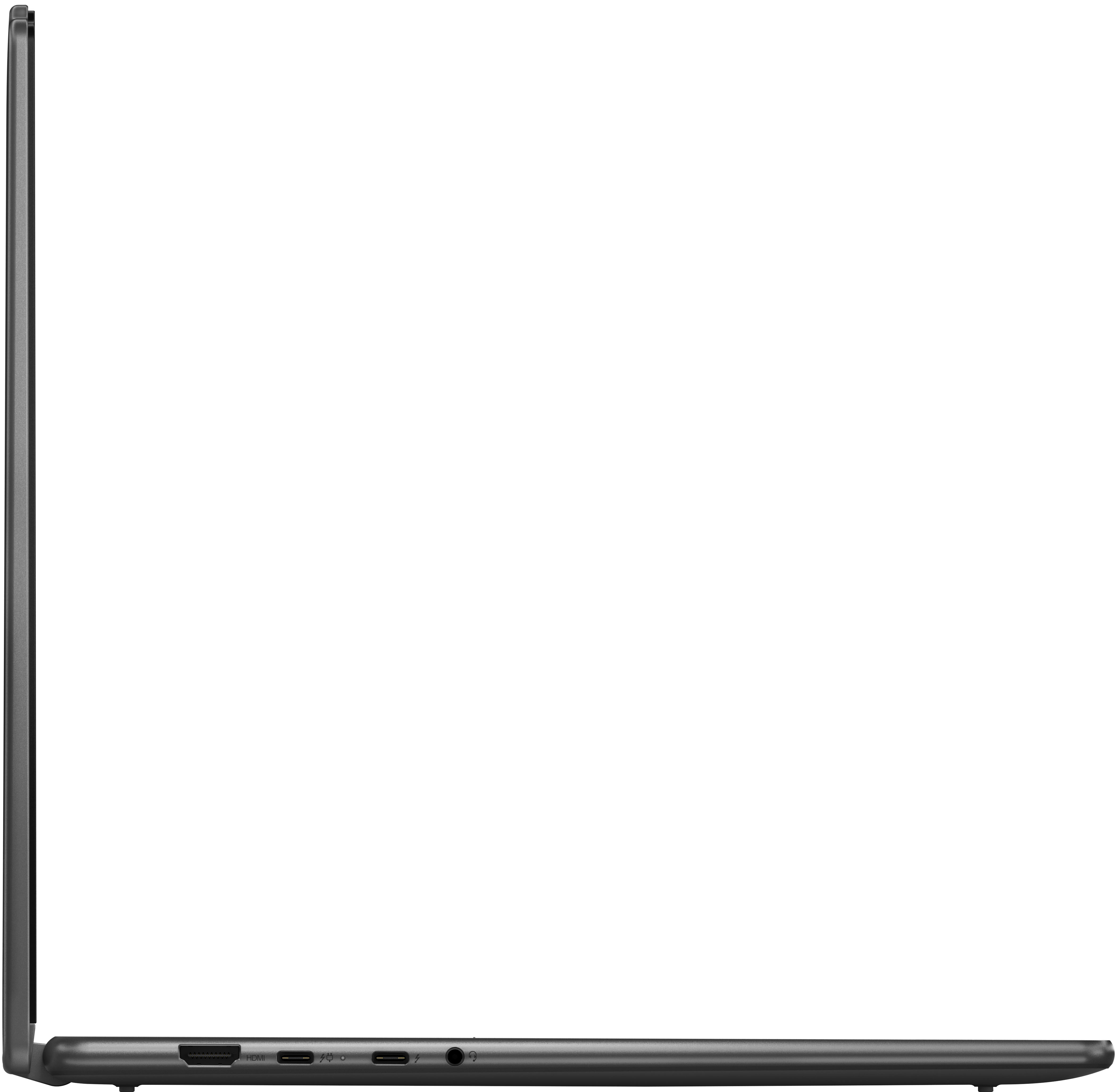
You shouldn't have an issue connecting your monitor to this Yoga 7i so long as you have the video connectors and cables necessary to do so.
Please feel free to reach out to us with any other questions!
A:AnswerHey sj,
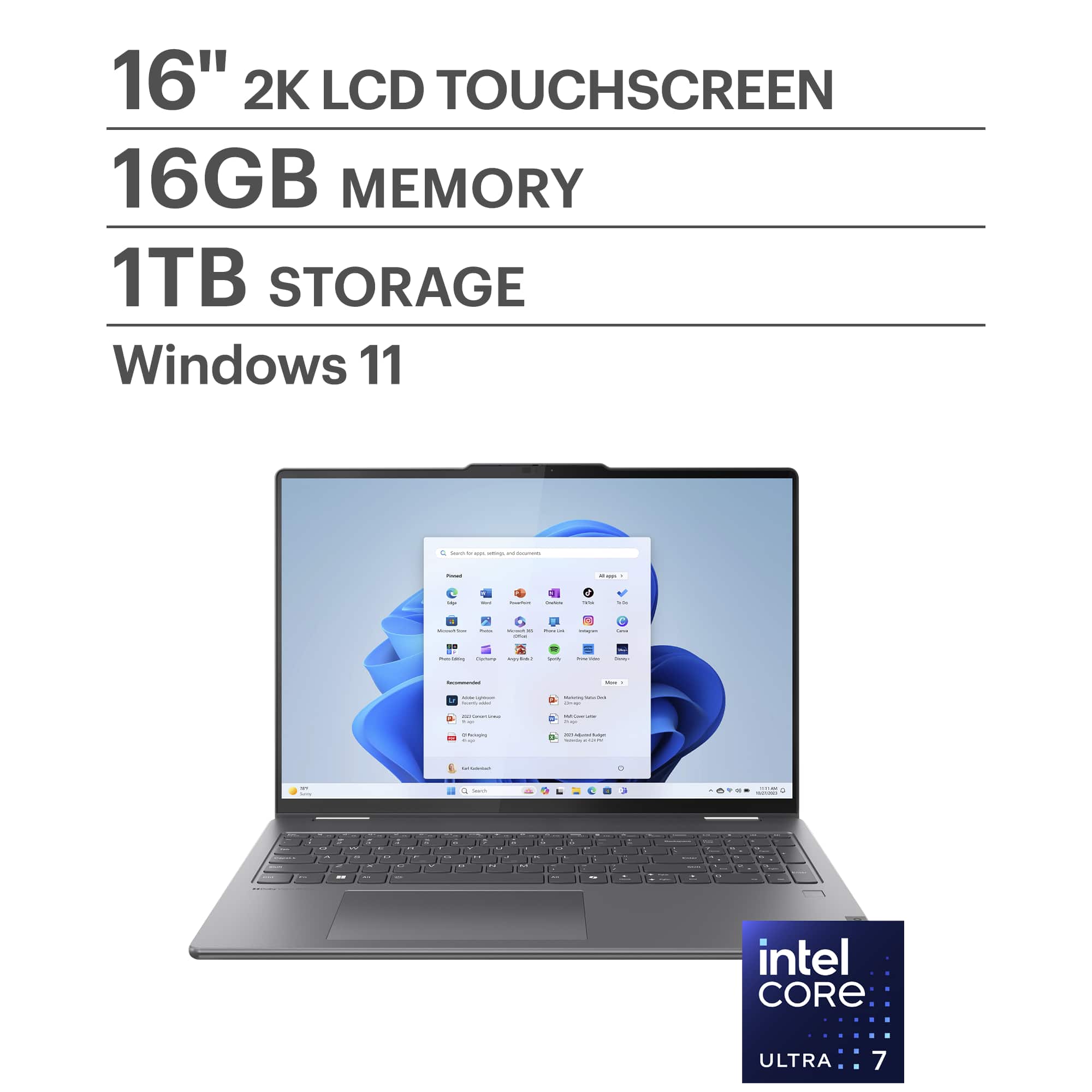
This Yoga 7i 2-in-1 cannot support such upgrades, as it features one storage slot and soldered memory. If you want to expand storage, you can swap out the preinstalled 1TB M.2 2242 SSD for one of a higher capacity.
Please feel free to reach out to us with any other questions!
A:AnswerHey ERIC,
If you'd like to see the full Lenovo Limited Warranty details, please visit the following Lenovo Support web address: https://download.lenovo.com/pccbbs/thinkcentre_pdf/l505-0010-03_en_update.pdf
Please feel free to reach out to us with any other questions!
A:AnswerHey Archy,
This Yoga 7i 2-in-1 does not feature a dedicated graphics card. It is equipped with Intel Graphics, an integrated graphics processor that's built into the processor.
Please feel free to reach out to us with any other questions!
A:AnswerHey there,
If you'd like to view the details of the Lenovo manufacturer warranty, please visit the following webpage: https://download.lenovo.com/pccbbs/thinkcentre_pdf/l505-0010-03_en_update.pdf |
A:AnswerHey Buster10046,
This Yoga 7i 2-in-1 features Windows 11 Home (24H2, can update to 25H2). Also, Microsoft currently has not shared any plans to end support of Windows 11 any time soon.
Please feel free to reach out to us with any other questions!