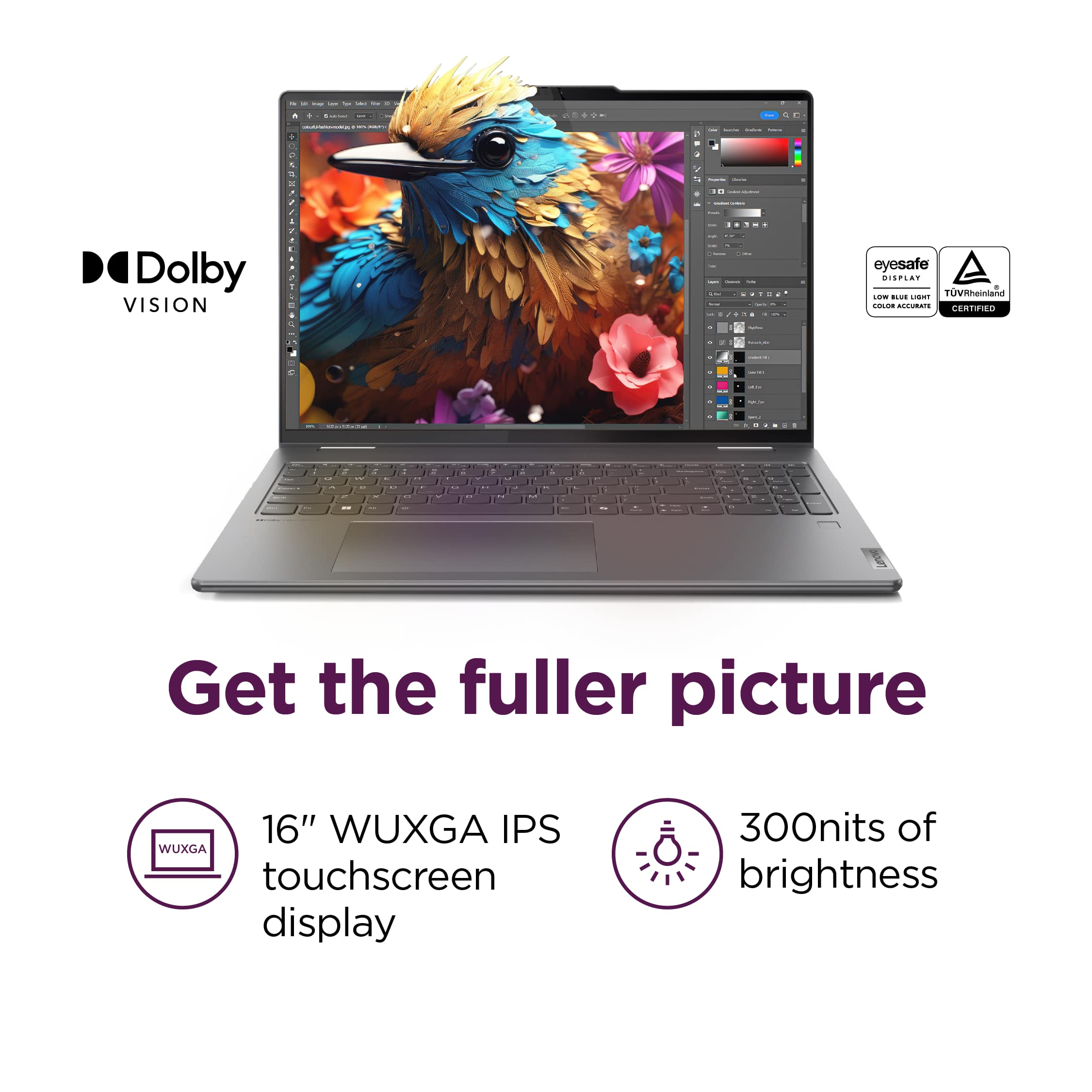
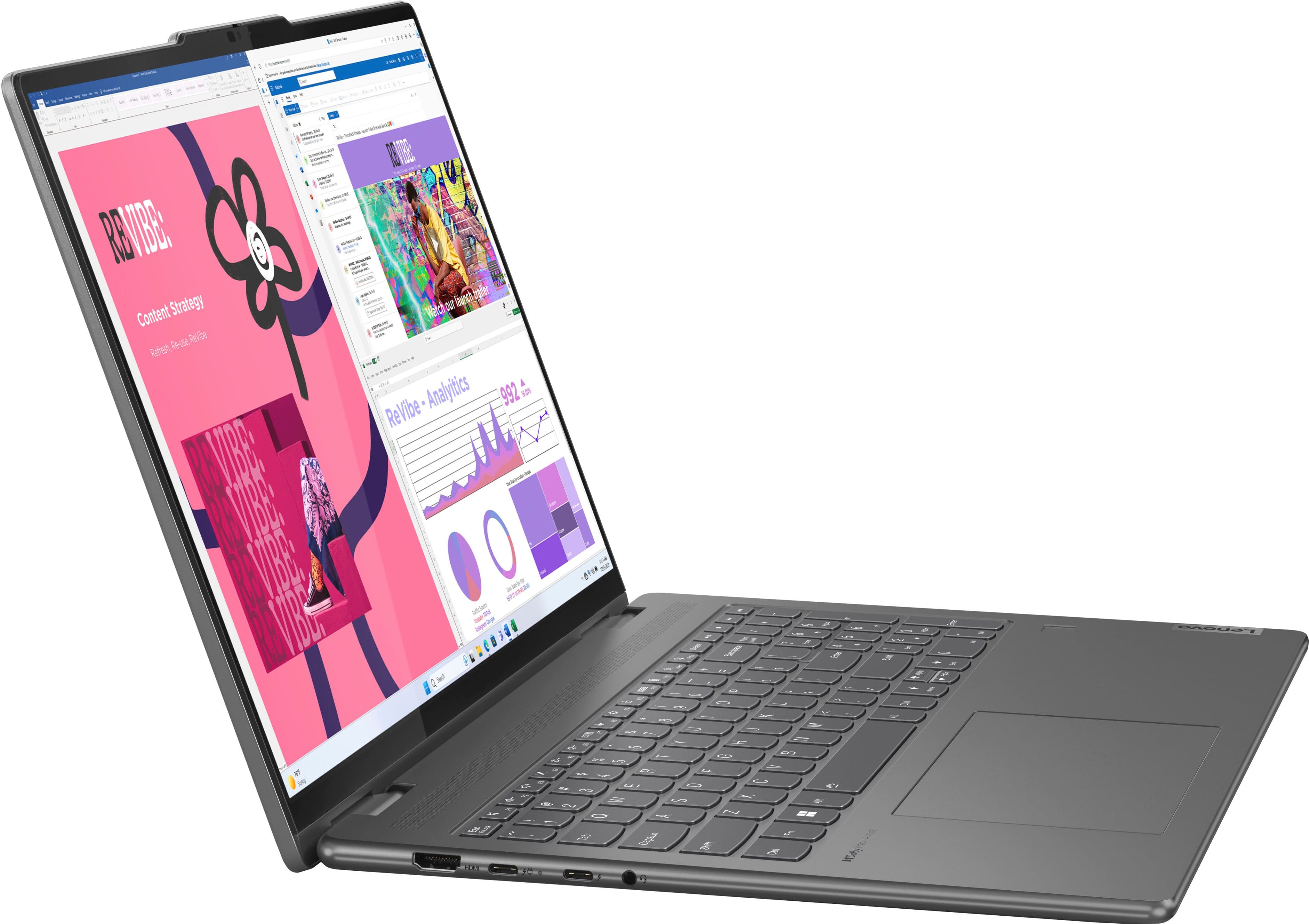
A:AnswerYes this is a common feature since like 2014 on windows. On the laptop you hold down FN (function key) key and then one of the F1-12 keys one of the raises brightness and one of them lowers it. You can also do this through settings Display and then brightness.
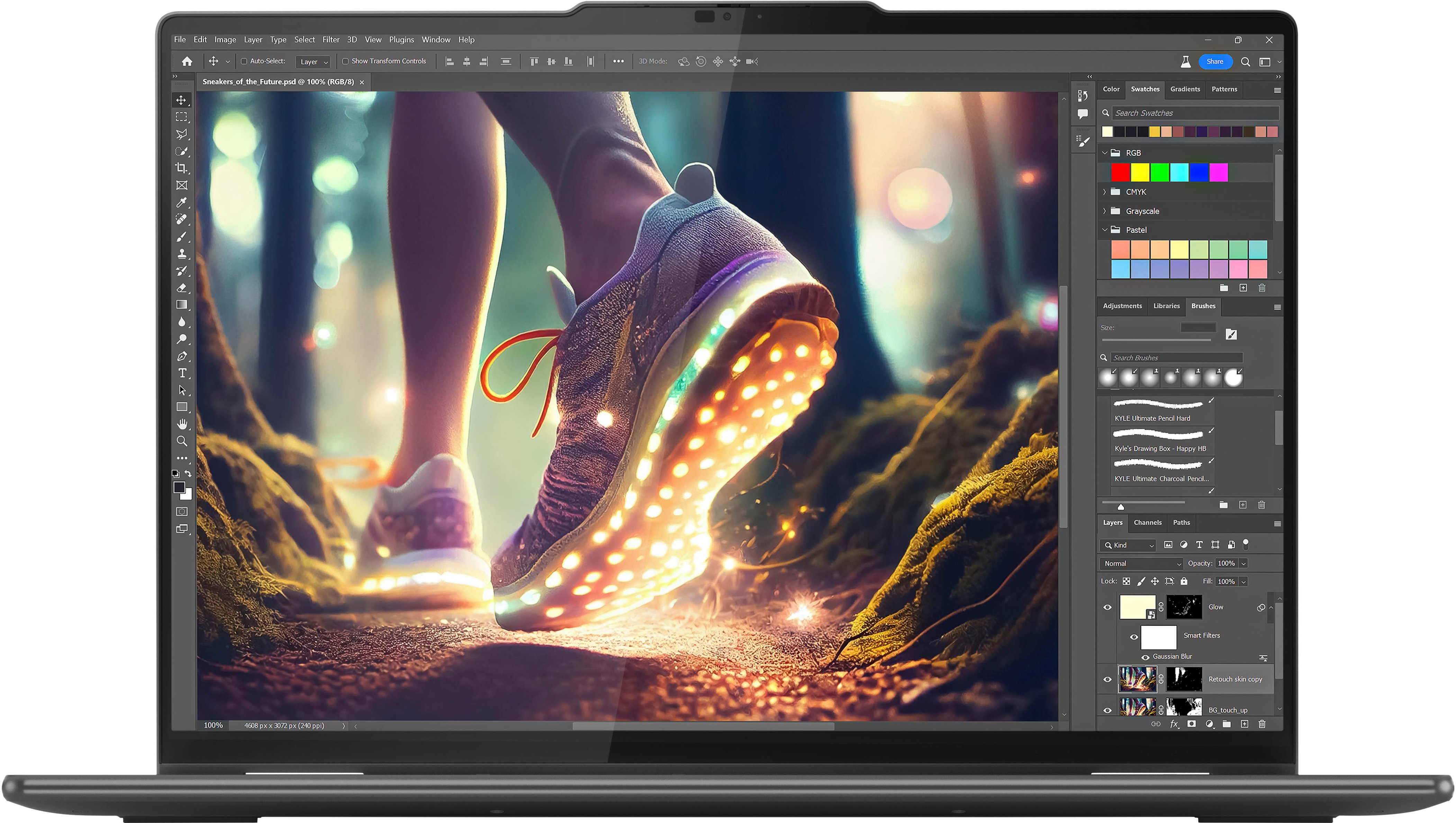
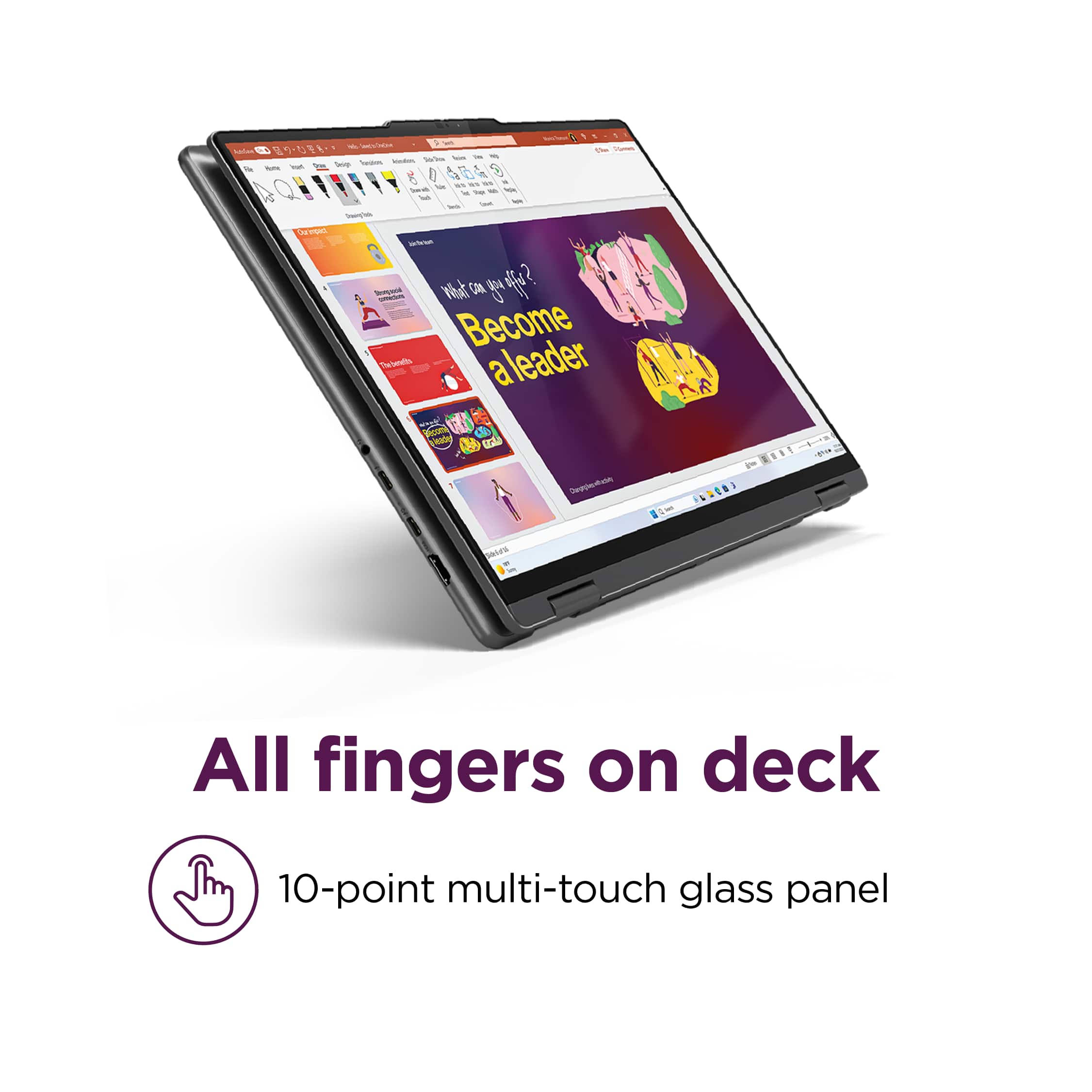
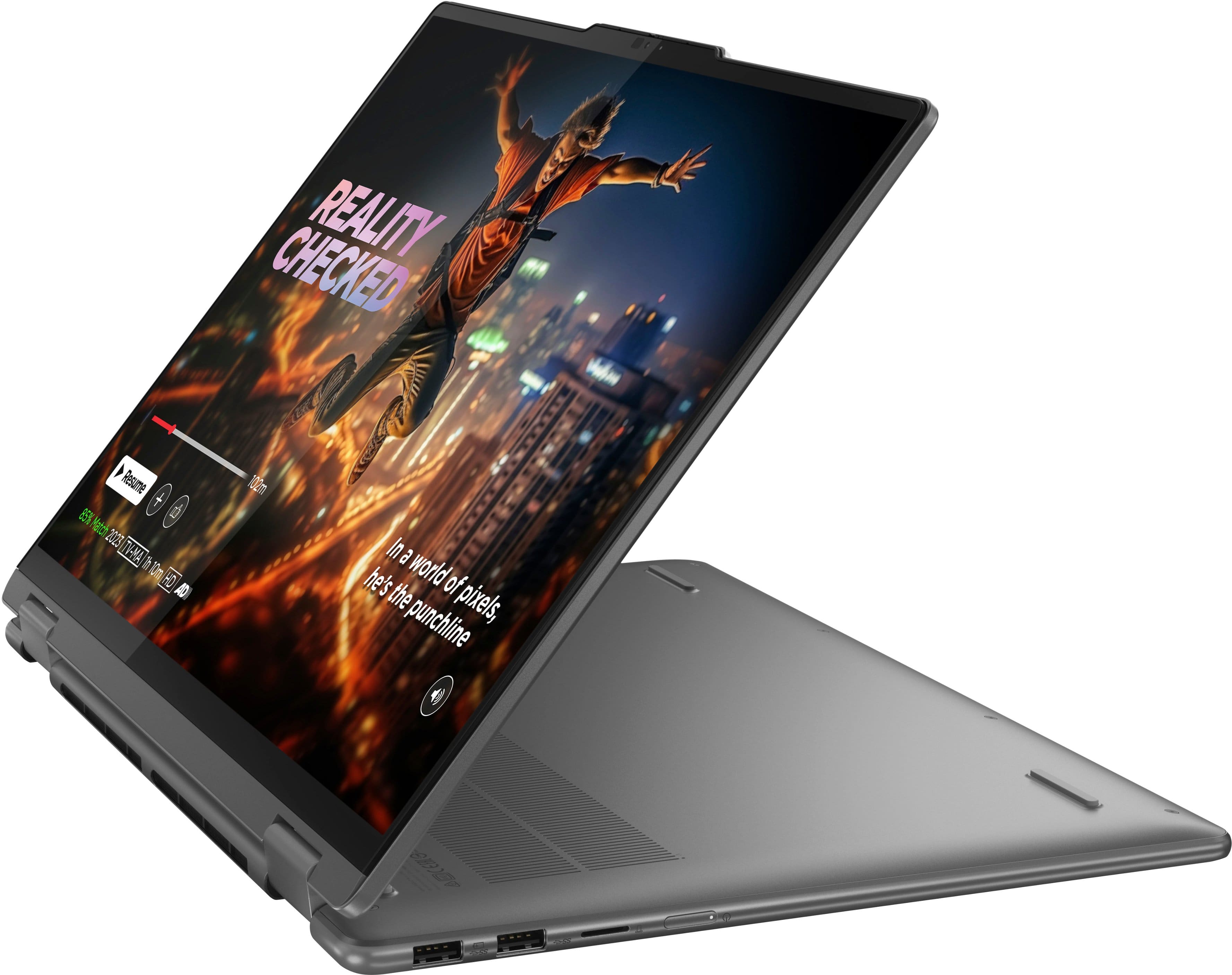
A:AnswerYes, be sure you get the right stylus though. Best Buy and Lenovo support can give you the req'd specs for the stylus for doing your research. I'd ask them specifically about drawing/editing purposes. My search so far returned that one of the compatible Lenovo stylus' is still the best option on the market - take with a grain of salt bc I havent deep dive researched that