A:AnswerHey Sadie,
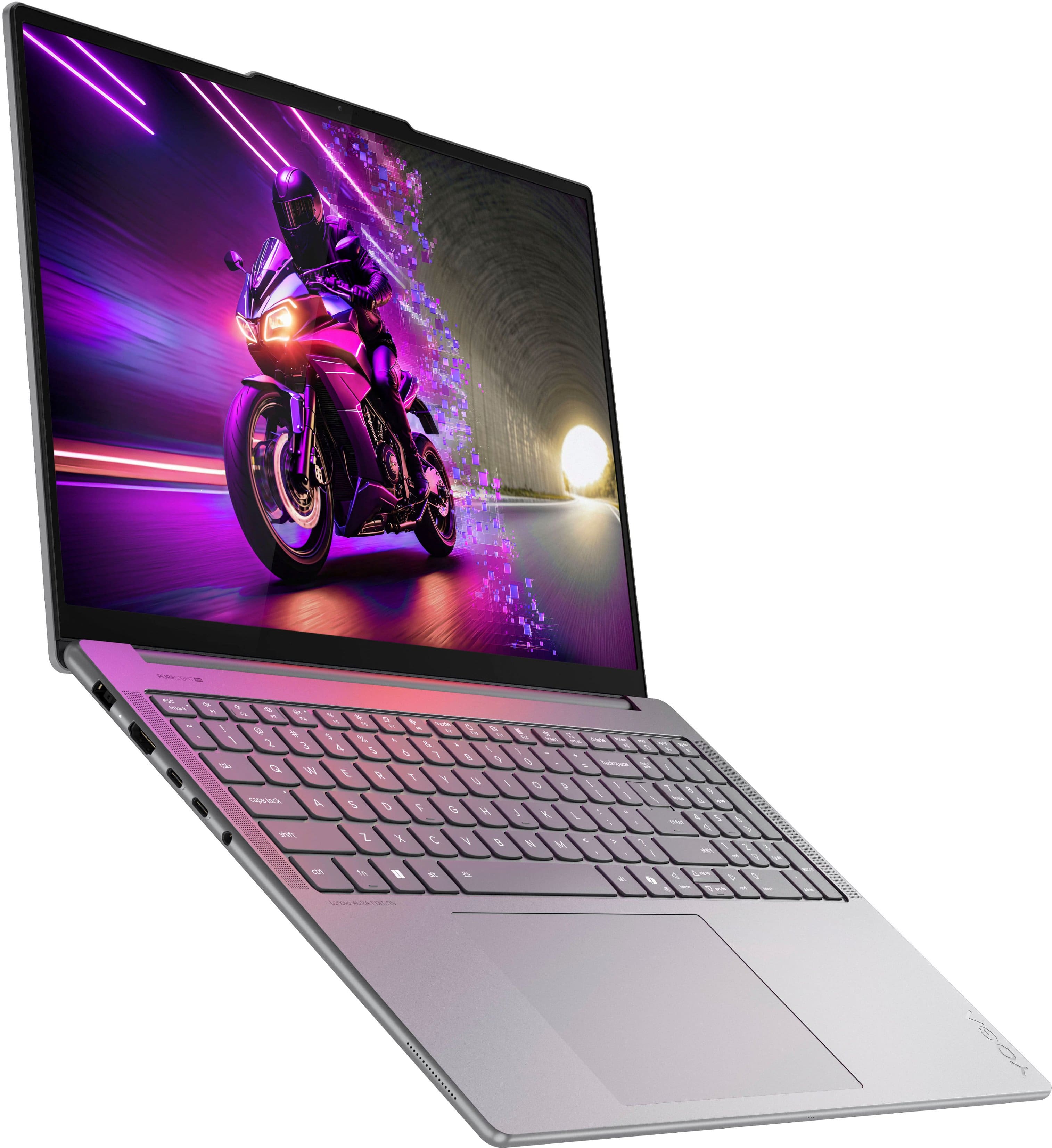
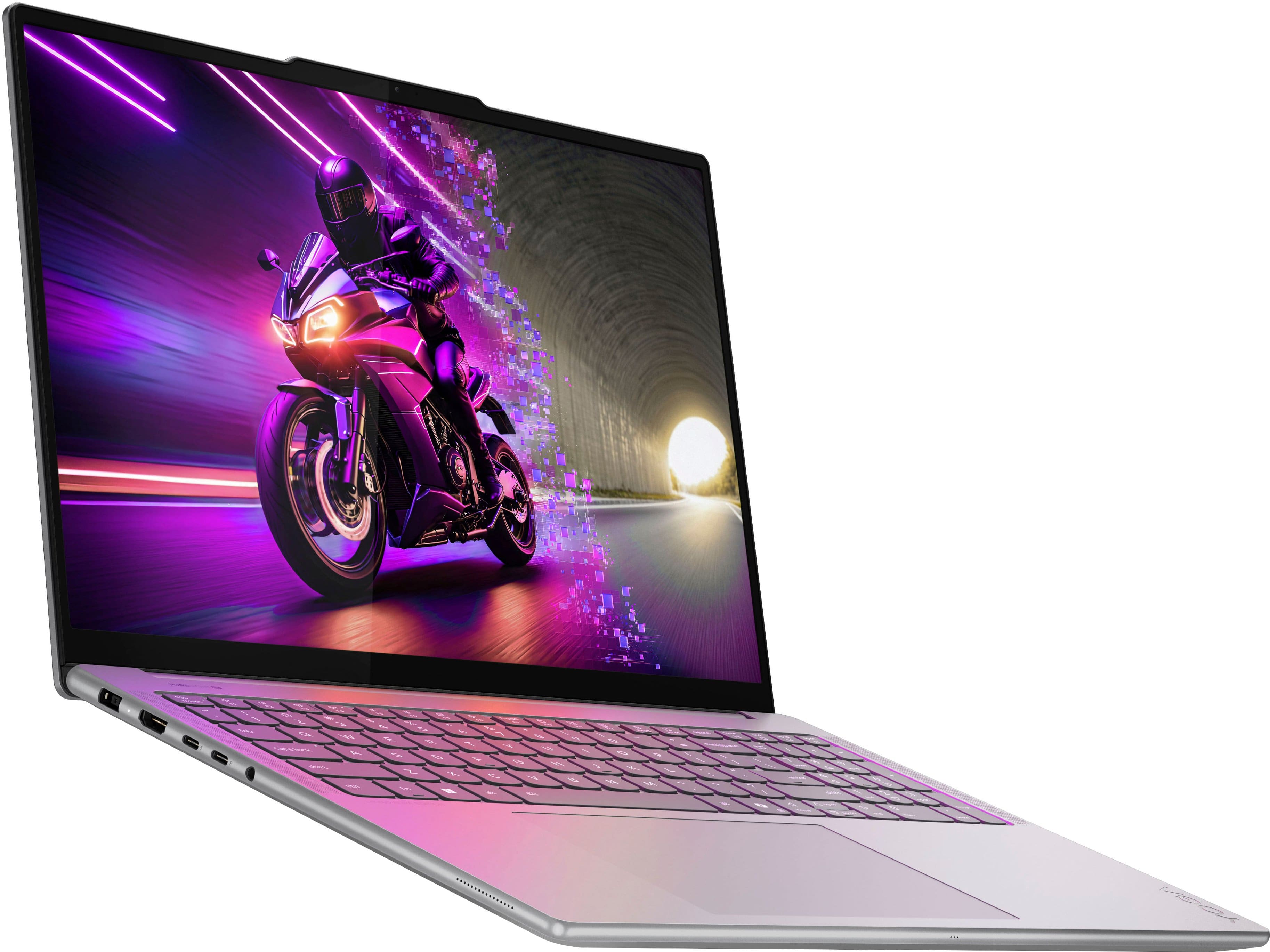
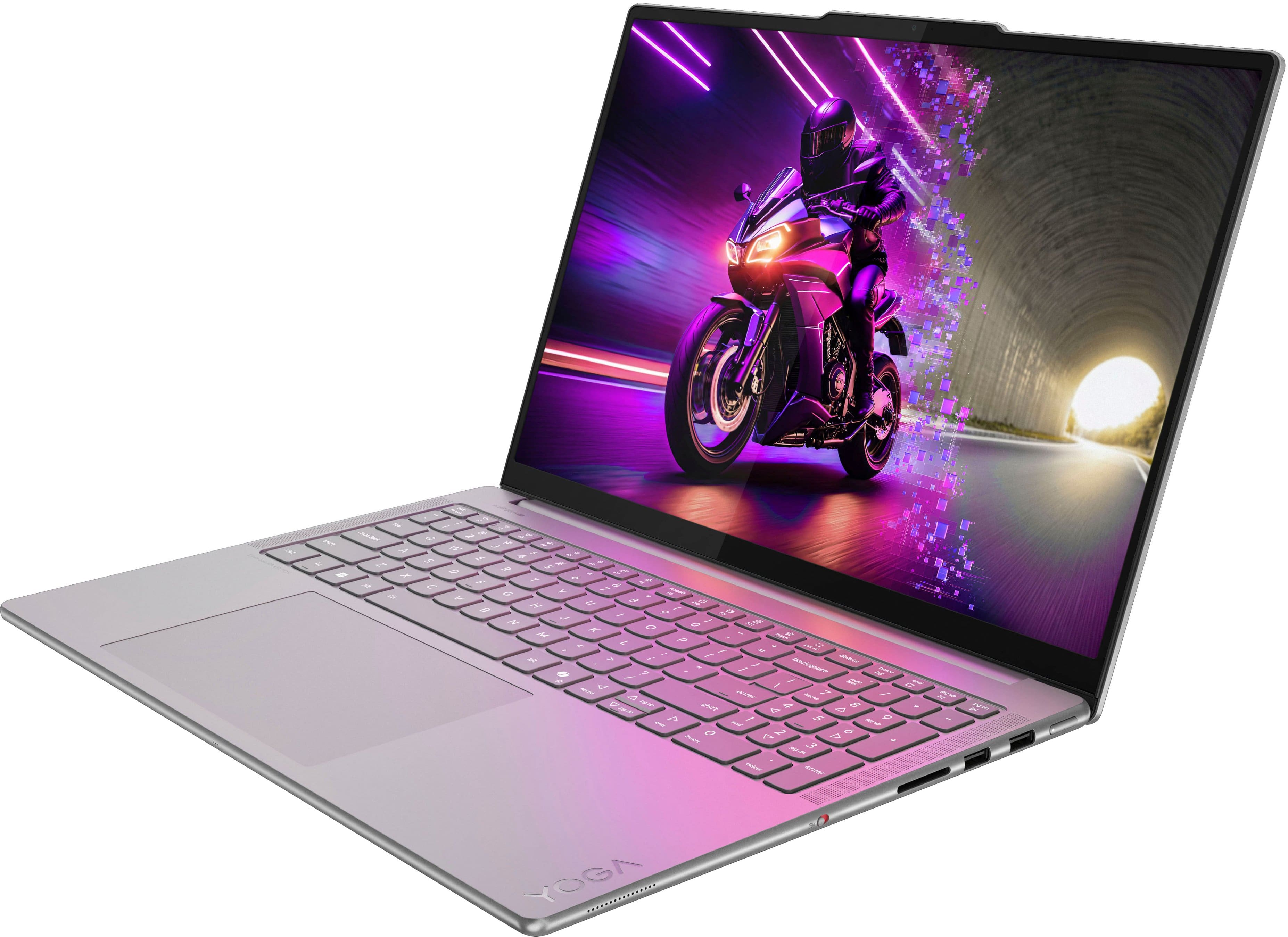
The Yoga Pro 9i Aura Edition does not ship with a pen in the box, as this generation does not support pen input, but it does feature a touchscreen display.
Please feel free to reach out to us with any other questions!
A:AnswerHey Jeff,
Memory cannot be expanded with the Yoga Pro 9i, as it is soldered to the systemboard.
Please feel free to reach out to us with any other questions!
A:AnswerHi,
MobileMark battery life rating for this Yoga Pro 9i Aura Edition is 5.5 hours; however, during test like these, the conditions you'll likely be using your Yoga can vary greatly depending on device settings, workload its under, and more. Within user reviews for this series Yoga Pro, others usually experience around 4-6 hours of use with a moderate workload, being used throughout the day. Setting the display's refresh rate lower (press Fn + R keys) and putting the system in battery saving mode (press Fn + Q keys) are a couple ways to greatly reduce system power draw when not needed.
Please feel free to reach out to us with any other questions!
A:AnswerHey Am,
The Yoga Pro 9i Aura Edition Gen 10 is not compatible with pen input, and you will not find one in the box with the laptop.
Please feel free to reach out to us with any other questions!
A:AnswerHey,
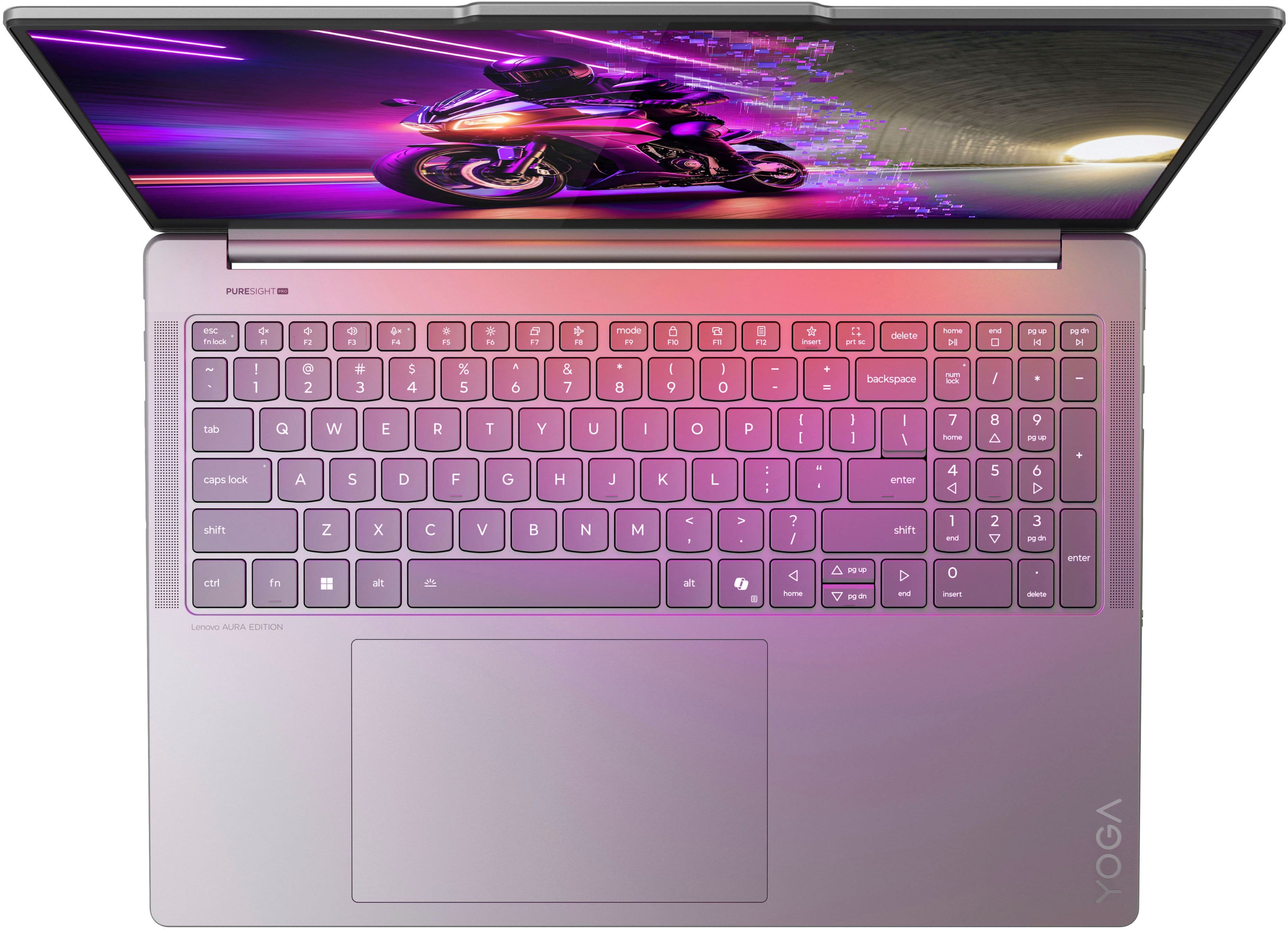
The incoming Yoga Pro 9i 16, 11th gen laptops are equipped with a haptic touchpad.
Please feel free to reach out to us with any other questions!
A:AnswerHey Mac,
Yes, Yoga Pro 9i Aura Edition's Thunderbolt 4 port can support up to three external monitors.
Please feel free to reach out to us with any other questions!
A:AnswerHey Ed,
The system most likely will have space constraints thanks to its slender design, meaning single sided M.2 SSDs will be the safest options.
Please feel free to reach out to us with any other questions!
A:Answerשלום יהודה
למחשב נייד זה יש כונן SSD שסביר להניח שיסופק על ידי סמסונג, אך הדבר תלוי בחלקים הזמינים בזמן הייצור.
אל תהססו לפנות אלינו בכל שאלה נוספת
A:AnswerHey GTGeek88,
You shouldn't have an issue with this when using the Yoga Pro 9i Aura Edition. The Yoga Pro 9i supports other resolutions, including 1920x1080. Also, depending on the source, adjusting the operating system UI zoom, you can amplify the size of items on the screen, including text, which can differ from text size accessibility settings.
Please feel free to reach out to us with any other questions!
A:AnswerHey chris,
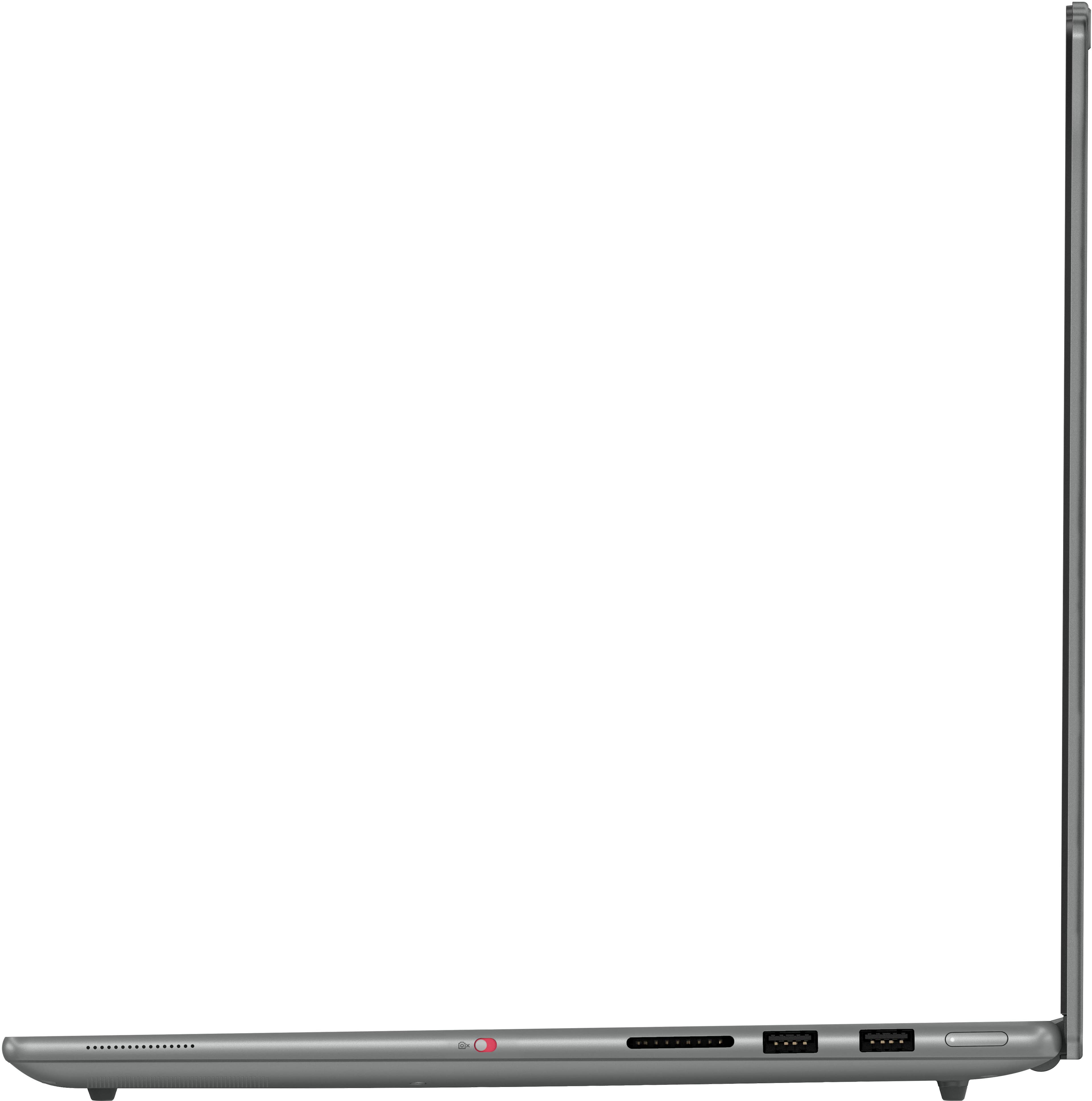
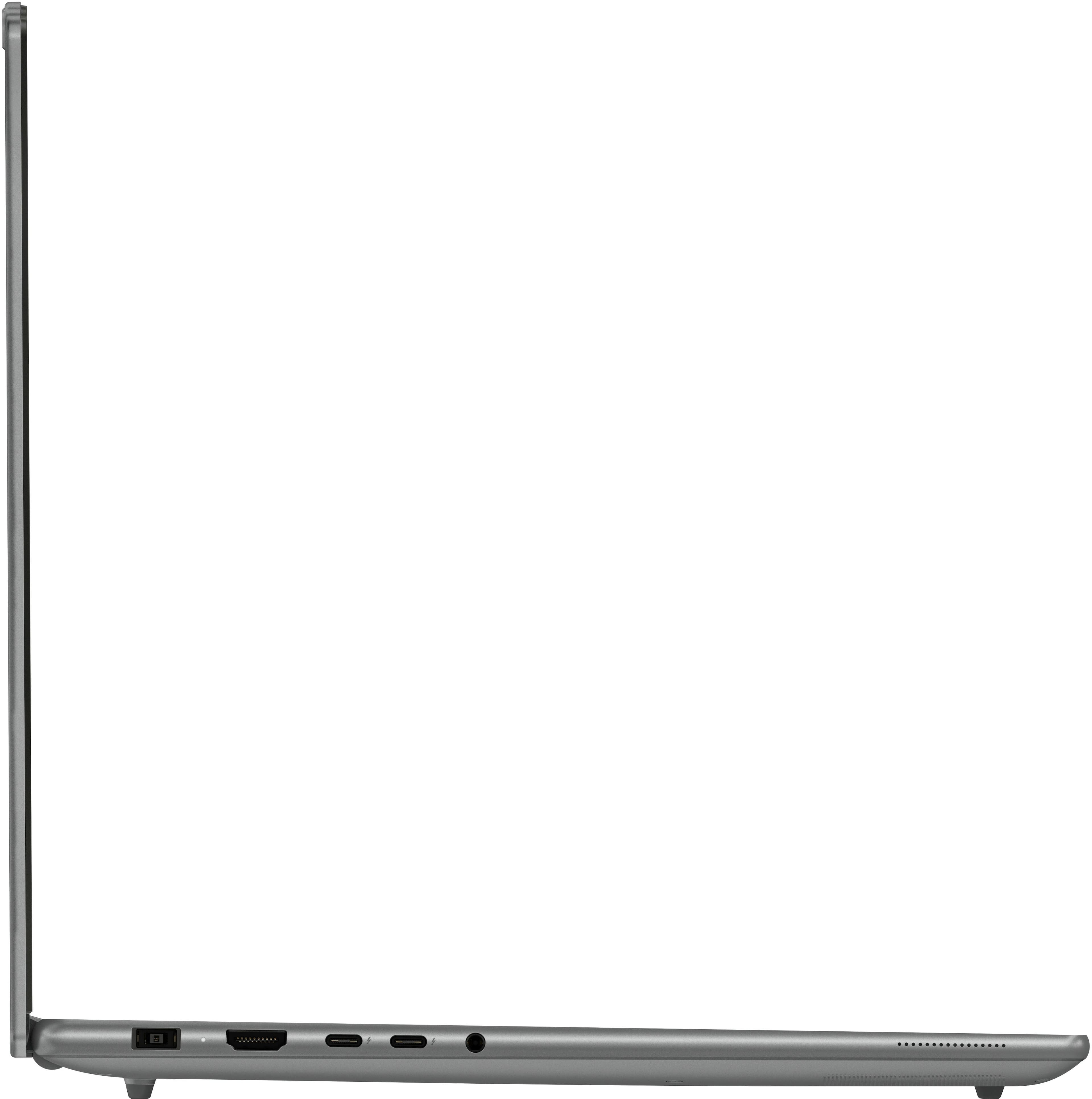
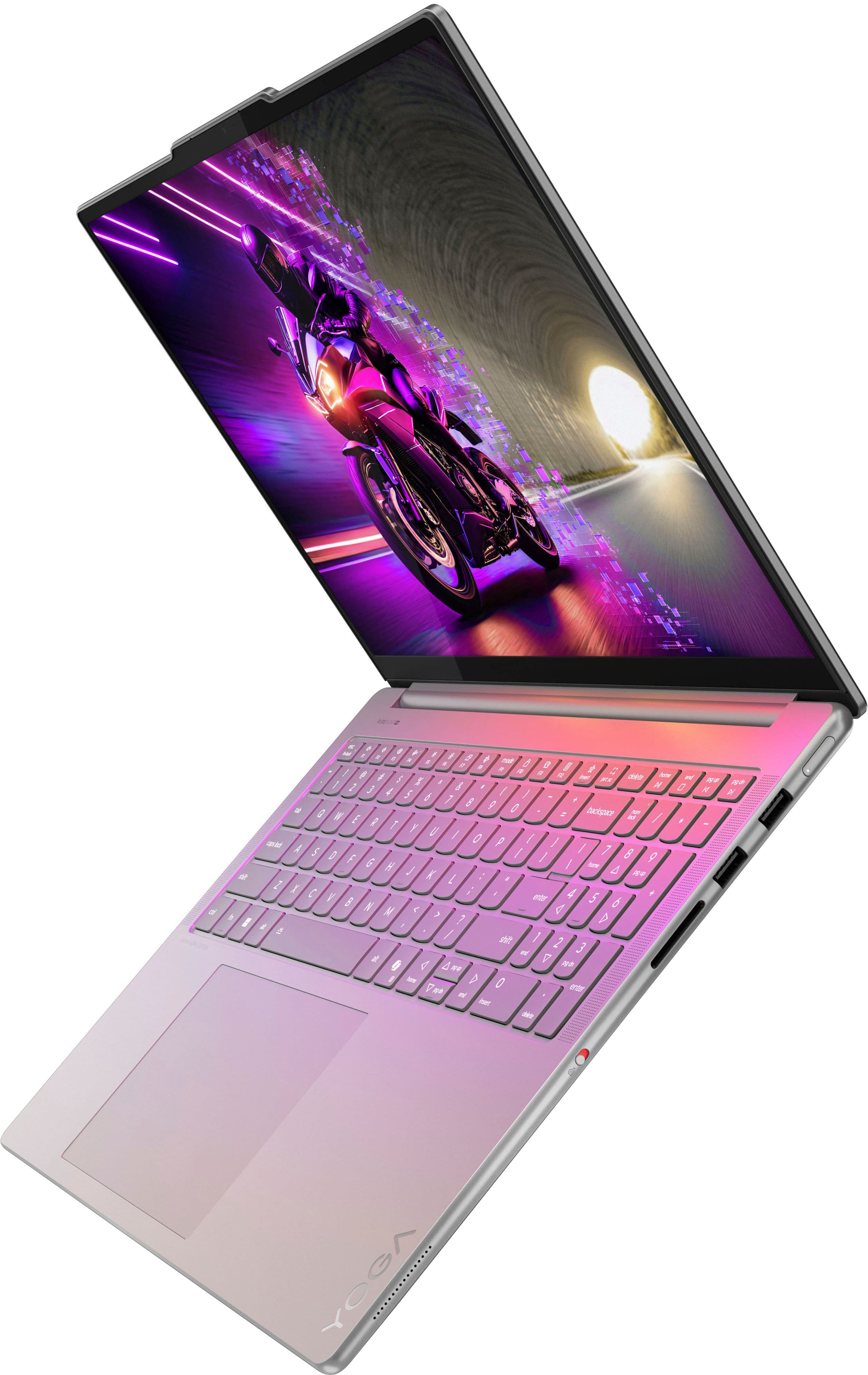
Yes, the Yoga Pro 9i Aura Edition features two USB-C ports (Thunderbolt™ 4 / USB4® 40Gbps), supporting USB PD 65-100W and DisplayPort™ 2.1.
Please feel free to reach out to us with any other questions!
A:AnswerHey MAGED,
Yes, you can upgrade storage by installing another drive--2TB or even a 4TB M.2 SSD should work fine.
Please feel free to reach out to us with any other questions!
A:AnswerHey John,
The Yoga Pro 9i Aura Edition, along with all Lenovo Aura Edition devices feature an NPU.
Please feel free to reach out to us with any other questions!
A:AnswerHey Percy,
This Yoga Pro 9i can enable a privacy screen and notify you when it detects another set of eyes looking over your shoulder thanks to the Aura Edition suite of features. This can be configured in the Lenovo Vantage app on the Yoga Pro.
Please feel free to reach out to us with any other questions!
A:AnswerHey Arran,
You can charge the Yoga Pro 9i Aura Edition via its two USB-C (Thunderbolt 4) ports that support charging up to 100W. Although, we wish to note that this unit was not designed with USB-C charging solely in mind, and by not delivering a high enough wattage to the laptop, your system may charge slower, and even during strenuous workloads the battery may drain faster than the 100W or lower USB-C charger can supply and performance may drop during that time.
Please feel free to reach out to us with any other questions!